 ChecklistGuro
 Aerospace Aircraft Maintenance Support Checklist
Ensure aircraft uptime and safety with our comprehensive Aerospace Aircraft Maintenance Support Checklist. Streamline troubleshooting, track resolution, and maintain regulatory compliance - your go-to guide for efficient aircraft maintenance support.
This Template was installed 5 times.
Initial Incident Report & Triage
Verifies initial report completeness, assigns priority, and documents immediate actions.
Incident Report Number
Brief Description of Issue
Aircraft Type
Priority Level
Date of Incident
Time of Incident
Aircraft Tail Number
Technical Data Gathering
Collects essential aircraft data, fault codes, and operational history.
Aircraft Registration Number
Aircraft Tail Number
Aircraft Model
Detailed Description of Issue (Pilot Report)
Flight Hour Accumulation (Aircraft)
Cycle Count (Aircraft)
Affected Systems (Select all that apply)
Fault Codes (if applicable)
Troubleshooting & Diagnostics
Systematic diagnostic steps and recording of findings.
Describe the initial reported fault symptoms
Fault Code(s) Retrieved
Systems Affected (Select all that apply)
Operating Temperature (Celsius)
Date of Initial Fault Occurrence
Describe Diagnostic Tests Performed
Upload Diagnostic Data Files (e.g., Logs, Telemetry)
Parts Identification & Ordering
Accurate identification and procurement of necessary replacement parts.
Part Number
Manufacturer
Quantity Required
Associated Aircraft Tail Number
Ordering Method
Order Date
Special Instructions/Notes
Repair & Replacement Procedures
Ensures adherence to approved maintenance procedures and safety protocols.
Detailed Repair Procedure Followed
Torque Values Applied (e.g., for fasteners)
Specific Maintenance Manual Reference
Photographs of Damaged/Replaced Parts
Date of Repair/Replacement
Time of Repair/Replacement Start
Technician Signature (Confirmation of Procedure Completion)
Testing & Verification
Comprehensive testing to confirm repair effectiveness and system functionality.
Engine Temperature (Celsius)
Hydraulic Pressure (PSI)
Vibration Level (Hz)
System Operational Status
Communication Test Result
Date of Test
Time of Test
Documentation & Reporting
Detailed record keeping of all maintenance activities and findings.
Detailed Description of Work Performed
Aircraft Total Flight Hours
Time Spent on Task (Hours)
Date of Maintenance
Start Time of Maintenance
End Time of Maintenance
Supporting Photos/Videos
Maintenance Technician Signature
Return to Service & Sign-Off
Confirmation of airworthiness and final authorization for return to service.
Date of Return to Service
Time of Return to Service
Airworthiness Certificate Status
Total Flight Hours Since Last Maintenance
Maintenance Technician Signature
Quality Assurance Signature
Any Deviations or Special Notes
Root Cause Analysis (RCA)
Investigation to determine the underlying cause of the issue and prevent recurrence.
Detailed Description of Failure Event
Categorization of Root Cause (e.g., Design, Manufacturing, Maintenance)
Estimated Cost of Failure (in USD)
Contributing Factors (Select all that apply)
Corrective Actions Proposed
Date Corrective Action Implemented
Frequently Asked Questions
Can I customize this template after installing it?
Absolutely. Once installed, you can add, remove, or reorder tasks, add custom fields, and adjust deadlines to fit your specific workflow.
Can I add images or photos to these checklist items?
Yes. Our platform allows you to attach photos, signatures, and notes to any checklist item for better verification and proof of completion.
Can I create a custom checklist from scratch instead of using a template?
Yes. You can use our "Create your own checklist" feature to build a unique workflow tailored exactly to your operational requirements.
Can I add dependencies between tasks?
Yes, you can set up conditional logic and dependencies to ensure your team follows the correct sequence of operations.
Can I assign specific checklist items to different team members?
Yes. You can assign individual tasks to specific employees, ensuring clear accountability across your entire team.
Can I use these checklists on mobile devices in the field?
Yes. Our platform is fully responsive, allowing your team to complete, update, and upload photos to checklists directly from any smartphone or tablet.
How do I notify my manager when a checklist is completed?
You can set up automated notifications (via email, push notification, or in-app alerts) to trigger whenever a checklist is finished or if an item fails inspection.
Can multiple people work on the same checklist simultaneously?
Yes, the platform supports real-time updates, allowing multiple users to contribute to a single live checklist.
Where is the data from completed checklists stored?
All completed checklists are stored securely in your Work OS dashboard, creating a permanent, searchable audit trail of your operations.
Can I generate reports based on my checklist results?
Yes. You can track completion rates, identify recurring issues, and monitor team performance through our integrated reporting and analytics tools.
How can I use these checklists for compliance or auditing purposes?
Because our checklists capture timestamps, photos, and digital signatures, they serve as a robust digital paper trail for regulatory compliance and internal audits.
Can I export my completed checklist data for use in other tools?
Yes. You can export your data in various formats (CSV, Excel, etc.) to integrate your operational insights with your other business software.
Comments
There are no comments yet. Be the first to add one!
Support Management Solution Demo
Struggling to keep up with support requests? ChecklistGuro provides a centralized system for managing tickets, tracking progress, & ensuring customer satisfaction. Improve efficiency & reduce resolution times.
Related Checklist Templates
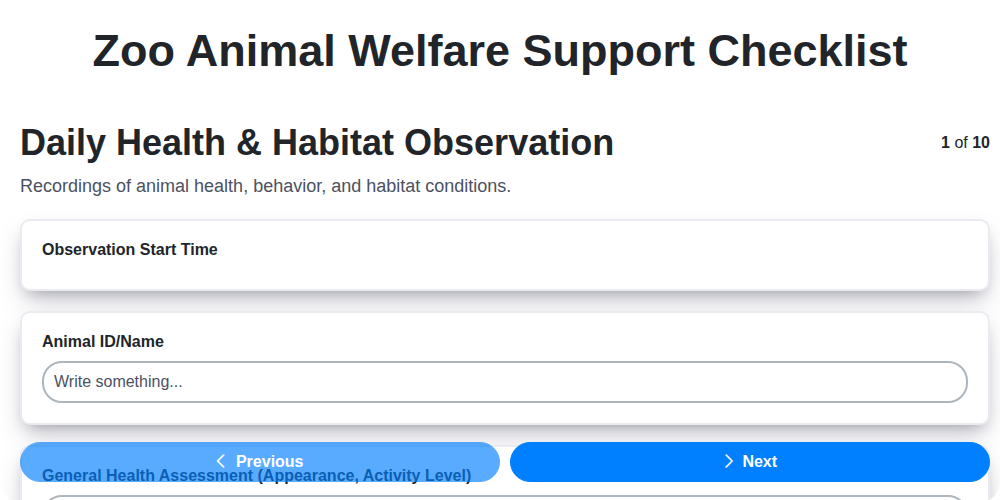
Zoo Animal Welfare Support Checklist
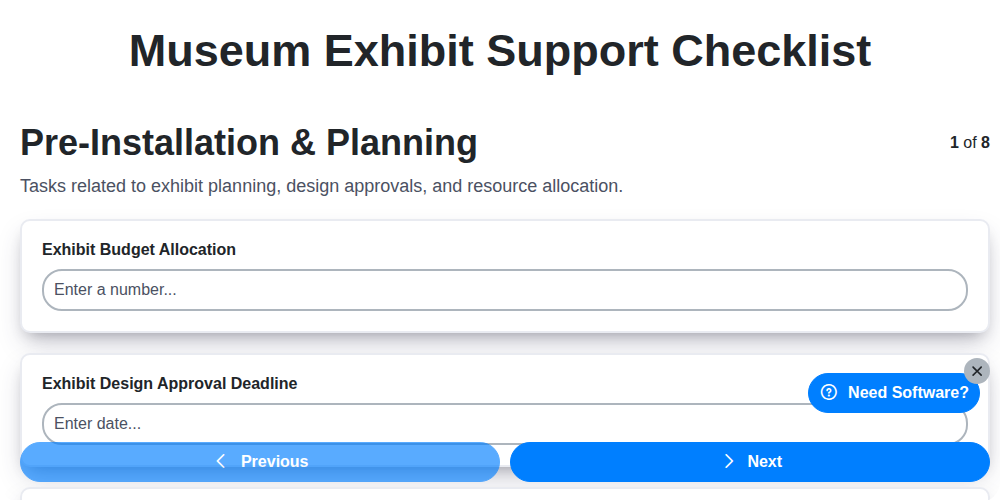
Museum Exhibit Support Checklist
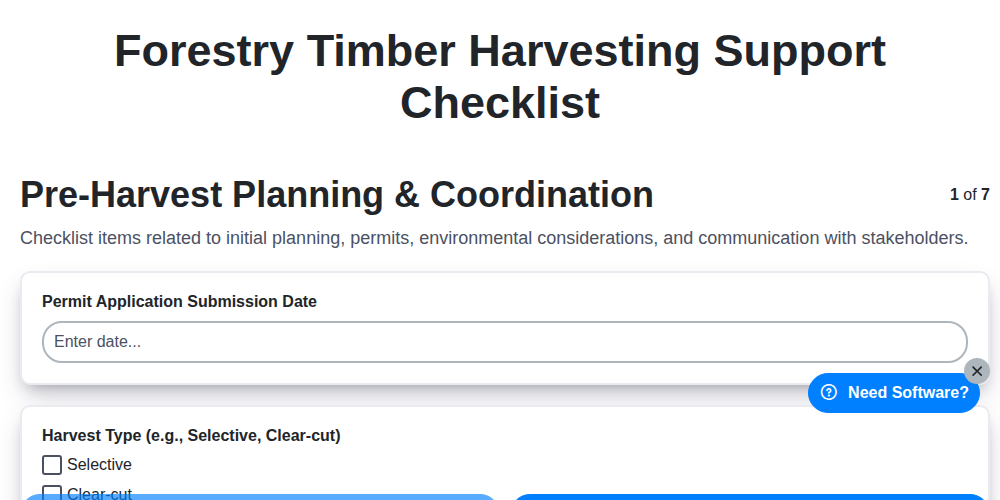
Forestry Timber Harvesting Support Checklist
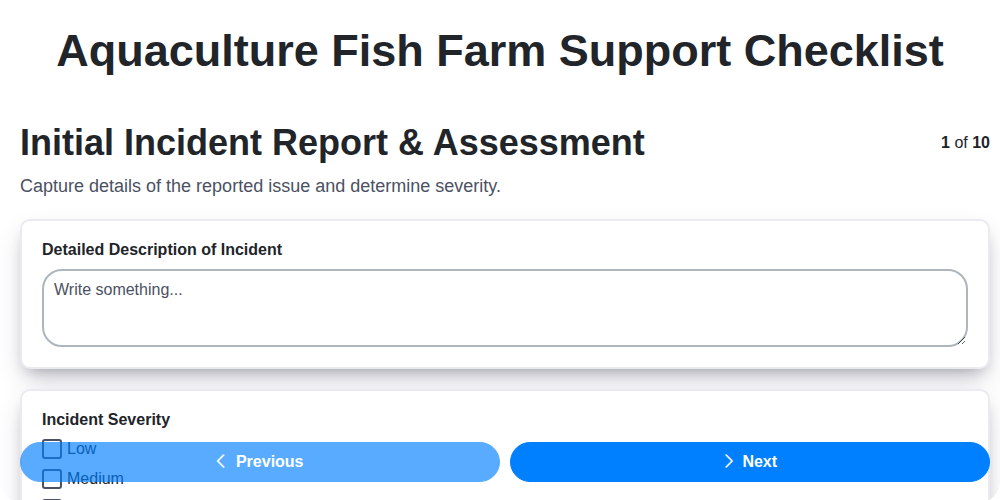
Aquaculture Fish Farm Support Checklist
Casino Guest Support Issue Checklist

Religious Organization Parishioner Support Checklist
Research & Development Project Support Checklist
Mining Equipment Maintenance Checklist
We can do it Together
Need help with
Support Management?
Have a question? We're here to help. Please submit your inquiry, and we'll respond promptly.