 ChecklistGuro
 Construction Project Support Request Checklist
Ensure smooth construction workflows! This Construction Project Support Request Checklist streamlines issue resolution, minimizes delays, and keeps your projects on track. Perfect for field teams, project managers, and support staff - conquer every challenge with this essential guide.
This Template was installed 5 times.
Request Initiation & Logging
Ensures proper documentation and tracking of the support request.
Requestor Name
Project Name
Site Location
Detailed Description of Issue
Issue Category
Asset/Equipment ID (if applicable)
Request Date
Request Time
Initial Assessment & Prioritization
Determines the severity and urgency of the request.
Request Type
Priority Level
Estimated Impacted Users
Date of Incident
Time of Incident
Brief Description of Issue
Troubleshooting & Diagnosis
Steps to identify the root cause of the issue.
Describe the Problem in Detail
Affected System/Equipment
Error Code (if applicable)
Possible Causes (Select all that apply)
Date of First Occurrence
Time of First Occurrence
Resolution Implementation
Actions taken to fix the problem.
Detailed Resolution Steps
Time Spent on Resolution (Hours)
Supporting Documentation/Screenshots
Resolution Type (e.g., Code Fix, Configuration Change, Workaround)
Resolution Implementation Date
Resolution Implementation Time
Verification & Testing
Confirms the resolution is effective and doesn't introduce new issues.
Resolution Verification Status
Detailed Verification Steps Taken
Number of Successful Test Runs
Impacted Systems Verified
Any Unexpected Behavior Observed?
User Acceptance Status
Documentation & Knowledge Base Update
Records the solution for future reference and team learning.
Detailed Solution Steps
Root Cause Category
Knowledge Base Article Title (if created)
Supporting Documentation (screenshots, logs)
Severity Impacted
Knowledge Base Article Link (if applicable)
Request Closure & User Confirmation
Formal closure of the request and verification of user satisfaction.
Resolution Status
Summary of Resolution Actions
Resolution Time (in minutes)
User Satisfaction
User Feedback/Comments
Closure Date
Closure Time
Support Agent Signature
Comments
There are no comments yet. Be the first to add one!
Support Management Solution Demo
Struggling to keep up with support requests? ChecklistGuro provides a centralized system for managing tickets, tracking progress, & ensuring customer satisfaction. Improve efficiency & reduce resolution times.
Related Checklist Templates
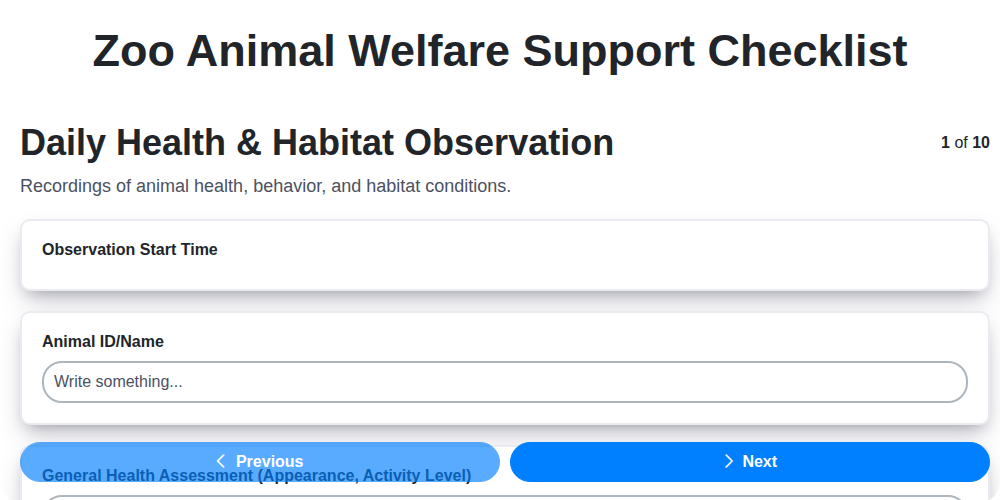
Zoo Animal Welfare Support Checklist
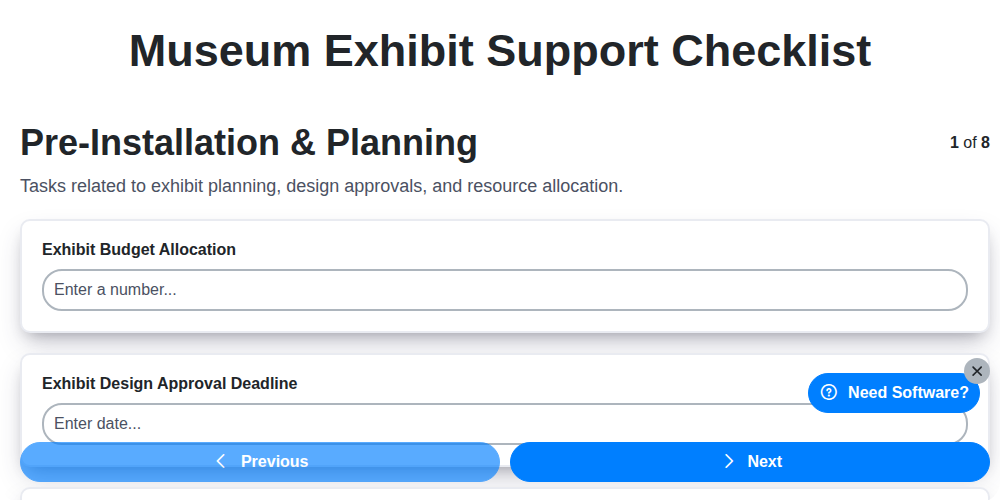
Museum Exhibit Support Checklist
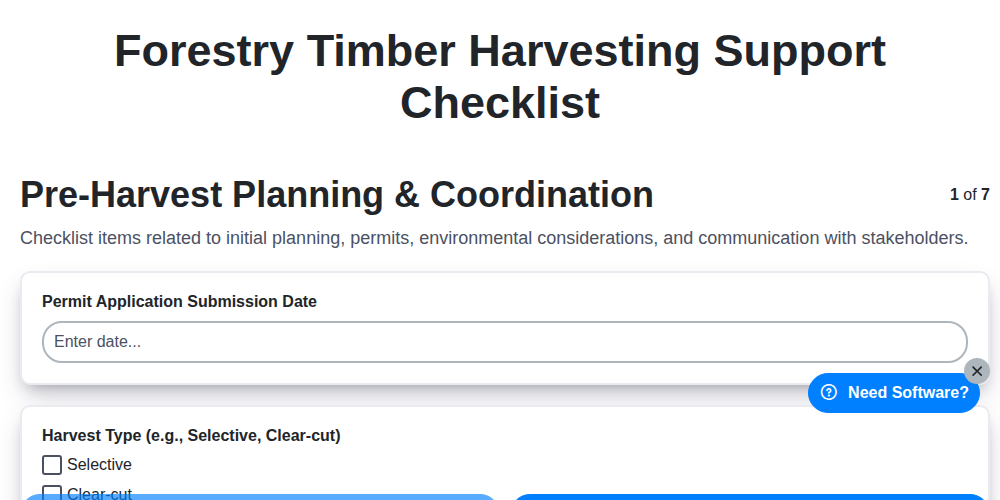
Forestry Timber Harvesting Support Checklist
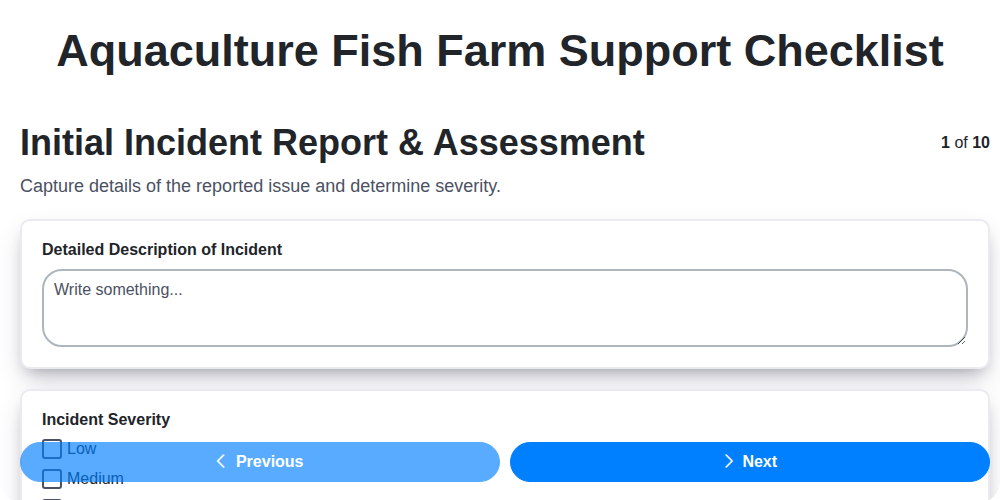
Aquaculture Fish Farm Support Checklist
Casino Guest Support Issue Checklist

Religious Organization Parishioner Support Checklist
Research & Development Project Support Checklist
Mining Equipment Maintenance Checklist
We can do it Together
Need help with
Support Management?
Have a question? We're here to help. Please submit your inquiry, and we'll respond promptly.