 ChecklistGuro
 Automotive Sales Pipeline Management
Streamline your dealership's revenue growth with our Automotive Sales Pipeline Management workflow. Transform raw leads into closed deals by automating follow-ups, tracking vehicle inventory transitions, and optimizing every stage of the buyer's journey. Eliminate manual errors, accelerate closing cycles, and master your sales funnel with data-driven precision designed specifically for high-performance automotive teams.
This Template was installed 4 times.
Start
Start of the Workflow/Process.
1. Fetch Lead Details
Retrieve the initial lead information from the 'Leads' data model to begin the pipeline process.
2. Update Lead Status to 'In Progress'
Change the status of the Lead entry from 'New' to 'Contacted' once the first interaction occurs.
3. Assign Sales Representative
Create a task for the assigned Sales Rep to perform a discovery call with the lead.
4. Retrieve Vehicle Inventory
Fetch available cars from the 'Inventory' data model that match the customer's requirements.
5. Calculate Total Monthly Payment
Execute a formula involving vehicle price, interest rate, and loan term to estimate monthly costs for the customer.
6. Schedule Test Drive
Create a task for the showroom coordinator to prepare the specific vehicle and confirm the appointment.
7. Send Test Drive Confirmation
Send an automated email to the customer with the date, time, and location details.
8. Create Sales Quotation
Generate a new entry in the 'Quotations' data model containing the negotiated price and terms.
9. Update Quotation Status to 'Sent'
Update the quotation entry to reflect that the offer is now with the customer.
10. Credit Check Verification
Create a task for the Finance Department to verify the customer's creditworthiness.
11. Get Financing Terms
Retrieve approved interest rates and loan durations from the 'Finance' data model.
12. Update Lead to 'Negotiation'
Update the Lead entry status to indicate the customer is actively negotiating the deal.
13. Create Sales Contract
Create a new entry in the 'Contracts' data model once terms are agreed upon.
14. Send Delivery Reminder
Send an SMS to the customer 24 hours before the scheduled vehicle delivery.
15. Update Lead to 'Closed Won'
Finalize the lead process by updating the status to 'Closed Won' upon contract signing.
16. Create Post-Sale Follow-up Task
Create a task in the 'Customer Success' model to check satisfaction 30 days after delivery.
17. Calculate Total Monthly Sales Volume
Aggregate the 'Total Sale Price' from all 'Closed Won' entries in the current month.
18. Generate Monthly Sales Performance Report
Create a report summarizing conversion rates and total revenue from the Sales Pipeline data.
End
End of the Workflow/Process.
Start of the Workflow/Process.
Retrieve the initial lead information from the 'Leads' data model to begin the pipeline process.
Change the status of the Lead entry from 'New' to 'Contacted' once the first interaction occurs.
Create a task for the assigned Sales Rep to perform a discovery call with the lead.
Fetch available cars from the 'Inventory' data model that match the customer's requirements.
Execute a formula involving vehicle price, interest rate, and loan term to estimate monthly costs for the customer.
Create a task for the showroom coordinator to prepare the specific vehicle and confirm the appointment.
Send an automated email to the customer with the date, time, and location details.
Generate a new entry in the 'Quotations' data model containing the negotiated price and terms.
Update the quotation entry to reflect that the offer is now with the customer.
Create a task for the Finance Department to verify the customer's creditworthiness.
Retrieve approved interest rates and loan durations from the 'Finance' data model.
Update the Lead entry status to indicate the customer is actively negotiating the deal.
Create a new entry in the 'Contracts' data model once terms are agreed upon.
Send an SMS to the customer 24 hours before the scheduled vehicle delivery.
Finalize the lead process by updating the status to 'Closed Won' upon contract signing.
Create a task in the 'Customer Success' model to check satisfaction 30 days after delivery.
Aggregate the 'Total Sale Price' from all 'Closed Won' entries in the current month.
Create a report summarizing conversion rates and total revenue from the Sales Pipeline data.
End of the Workflow/Process.
Found this Workflow Template helpful?
Comments
There are no comments yet. Be the first to add one!
Automotive Manufacturing Management Solution Demo
Optimize your automotive production! ChecklistGuro digitizes workflows, from parts inspection to final testing. Reduce errors, boost efficiency & ensure quality compliance. Drive results with our Work OS.
Related Workflow Templates
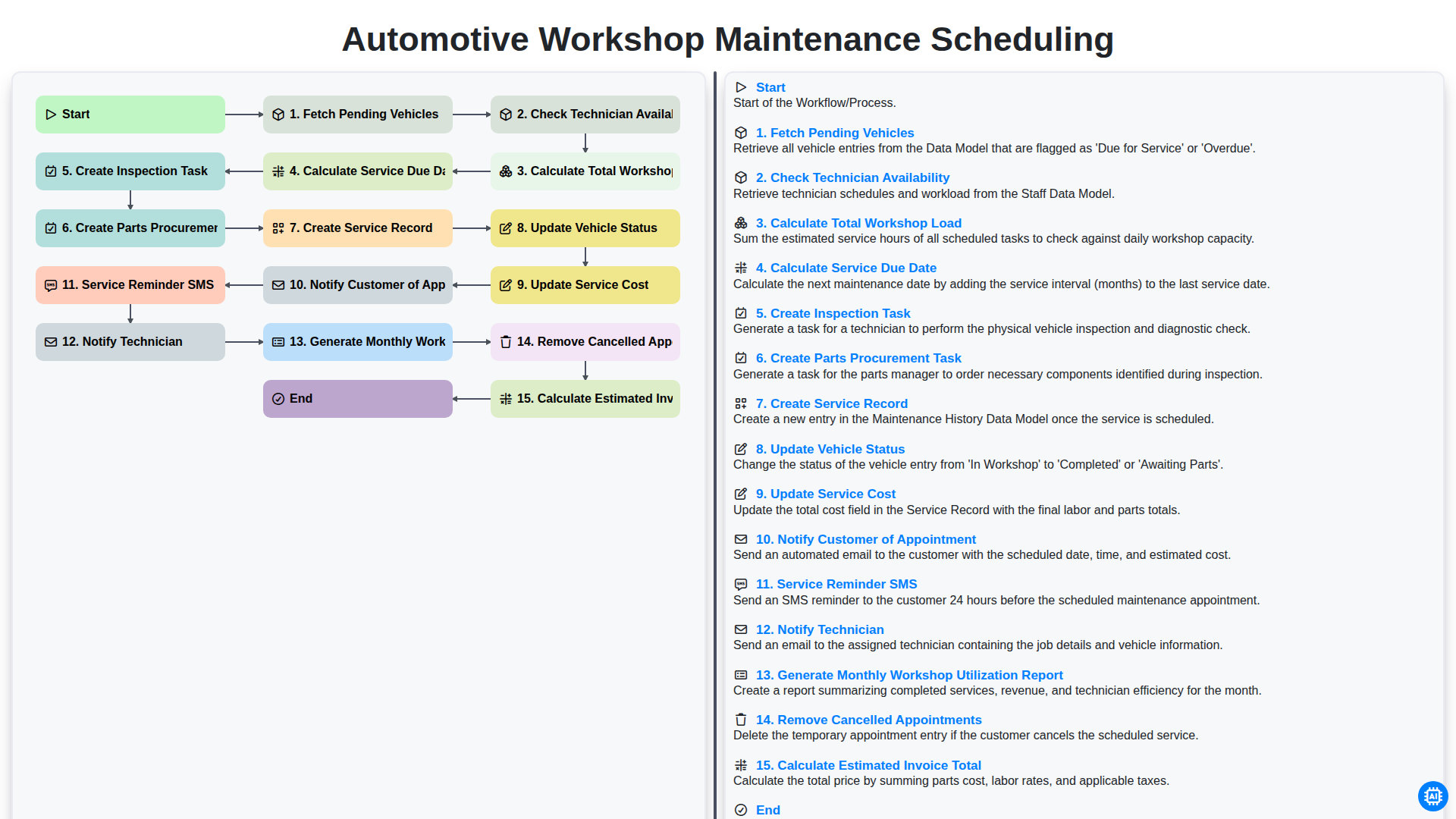
Automotive Workshop Maintenance Scheduling

Automotive Service Appointment Management

Automotive Vehicle Delivery and Handover Process

Automotive Customer Feedback and Survey Process

Automotive Vehicle Trade-In Evaluation Process

Automotive Digital Marketing Lead Workflow
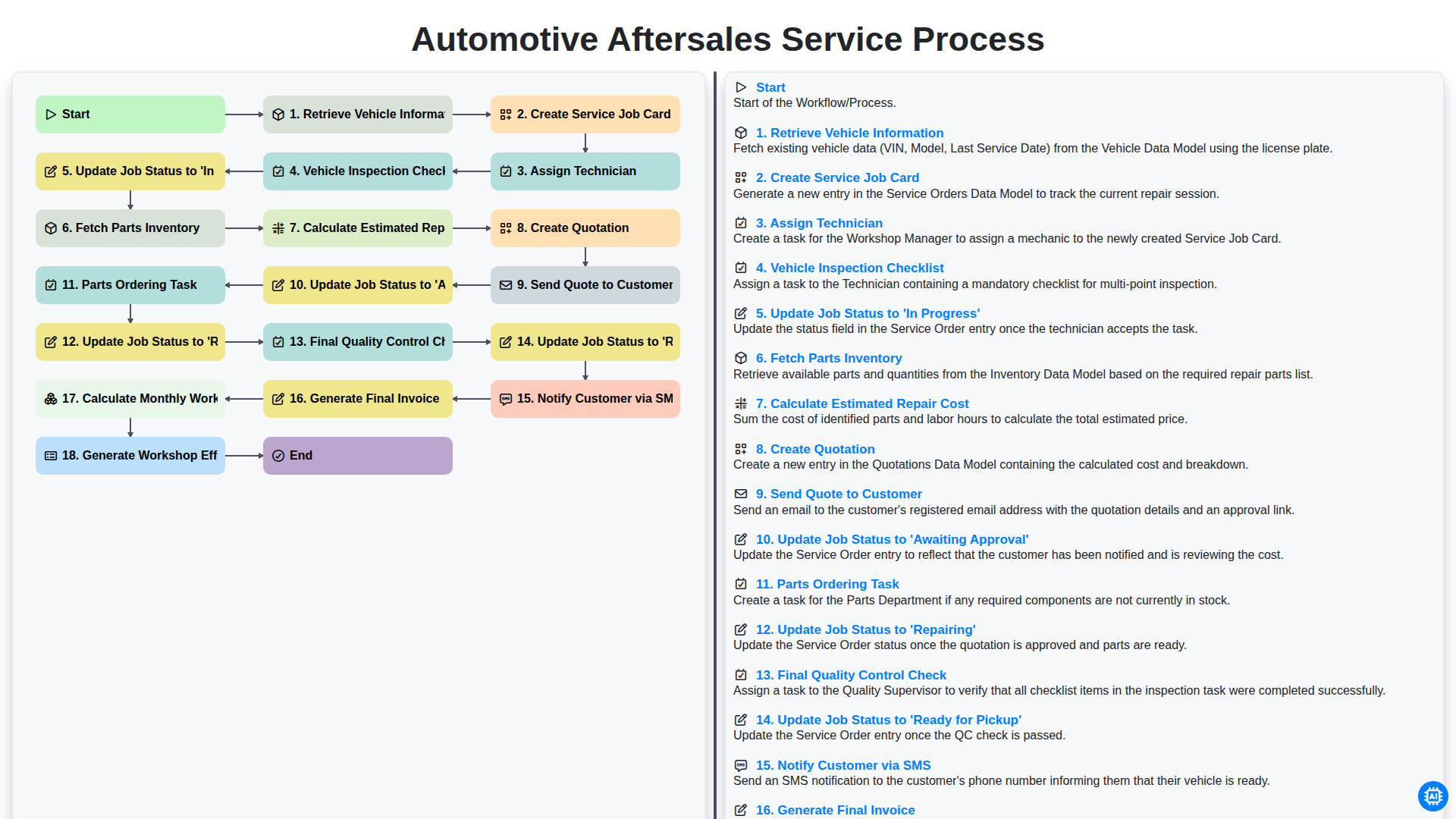
Automotive Aftersales Service Process
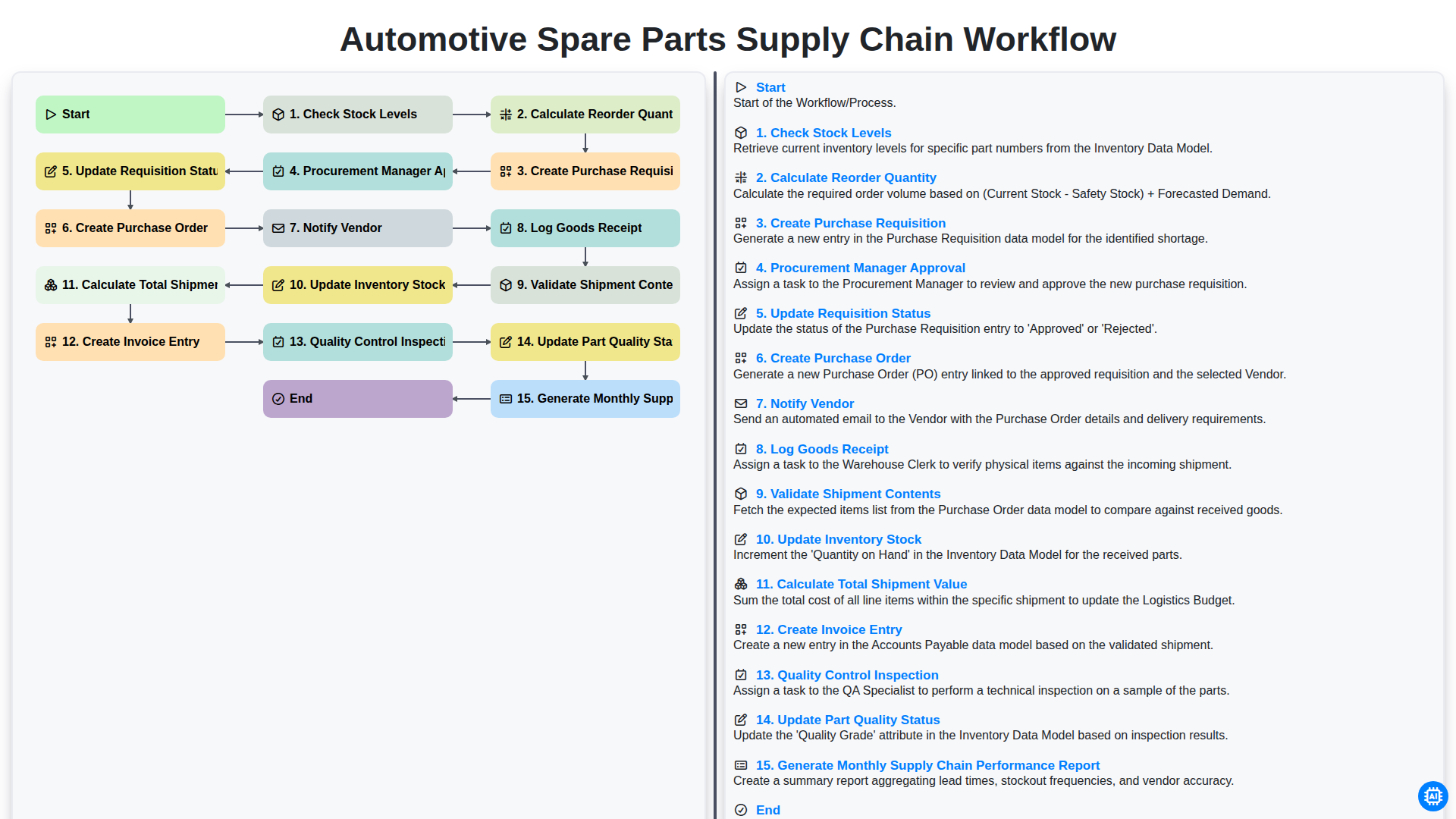
Automotive Spare Parts Supply Chain Workflow
We can do it Together
Need help with
Automotive?
Have a question? We're here to help. Please submit your inquiry, and we'll respond promptly.