 ChecklistGuro
 Hotel Front Desk Check-In and Check-Out Process
Master the art of seamless guest transitions with our comprehensive Hotel Front Desk Check-In and Check-Out Process guide. Optimize your hospitality operations, reduce wait times, and elevate the guest experience through standardized workflows for efficient arrivals, smooth departures, and superior front-office management.
This Template was installed 1 times.
Start
Start of the Workflow/Process.
1. Retrieve Guest Reservation
Fetch existing reservation details from the Reservations Data Model using the guest's name or confirmation number.
2. Update Room Status to Occupied
Update the Room Data Model to change the status from 'Dirty' or 'Available' to 'Occupied' upon check-in completion.
3. Create Stay Session
Create a new entry in the Stay Session Data Model to track the duration of the current guest's stay.
4. Assign Housekeeping Task
Create a task for the Housekeeping team to perform a room inspection after the guest checks out.
5. Calculate Total Stay Cost
Execute a formula adding the room rate multiplied by the number of nights, plus any pre-authorized taxes.
6. Summarize Incident Reports
Aggregate all incident reports linked to a specific room to check for any unresolved issues before check-in.
7. Send Check-in Welcome Email
Send a welcome email to the guest's email address containing Wi-Fi details and breakfast hours.
8. Send Arrival Notification
Send an SMS to the guest's phone number notifying them that their room is ready.
9. Update Guest Profile
Update the Guest Data Model with updated contact information or loyalty points earned during the stay.
10. Create Invoice
Create a new entry in the Billing Data Model containing all charges incurred during the stay.
11. Get Room Pricing
Retrieve the current nightly rate from the Room Type Data Model.
12. Notify Maintenance
Create a task for the Maintenance department if a room issue was reported during check-out.
13. Remove Temporary Hold
Delete the temporary credit card authorization entry once the final payment is processed.
14. Daily Occupancy Report
Create a daily report summarizing total check-ins, check-outs, and current occupancy levels.
15. Calculate Remaining Balance
Calculate the final amount due by subtracting the initial deposit from the total stay cost.
End
End of the Workflow/Process.
Start of the Workflow/Process.
Fetch existing reservation details from the Reservations Data Model using the guest's name or confirmation number.
Update the Room Data Model to change the status from 'Dirty' or 'Available' to 'Occupied' upon check-in completion.
Create a new entry in the Stay Session Data Model to track the duration of the current guest's stay.
Create a task for the Housekeeping team to perform a room inspection after the guest checks out.
Execute a formula adding the room rate multiplied by the number of nights, plus any pre-authorized taxes.
Aggregate all incident reports linked to a specific room to check for any unresolved issues before check-in.
Send a welcome email to the guest's email address containing Wi-Fi details and breakfast hours.
Send an SMS to the guest's phone number notifying them that their room is ready.
Update the Guest Data Model with updated contact information or loyalty points earned during the stay.
Create a new entry in the Billing Data Model containing all charges incurred during the stay.
Retrieve the current nightly rate from the Room Type Data Model.
Create a task for the Maintenance department if a room issue was reported during check-out.
Delete the temporary credit card authorization entry once the final payment is processed.
Create a daily report summarizing total check-ins, check-outs, and current occupancy levels.
Calculate the final amount due by subtracting the initial deposit from the total stay cost.
End of the Workflow/Process.
Frequently Asked Questions
Comments
There are no comments yet. Be the first to add one!
Hospitality Management Solution Demo
Running a hotel, restaurant, or other hospitality business is demanding. ChecklistGuro's Work OS platform simplifies management, from reservations and guest services to inventory and staff scheduling. Improve efficiency, enhance guest experience, and boost profitability! See how ChecklistGuro can transform your hospitality operations.
Related Workflow Templates
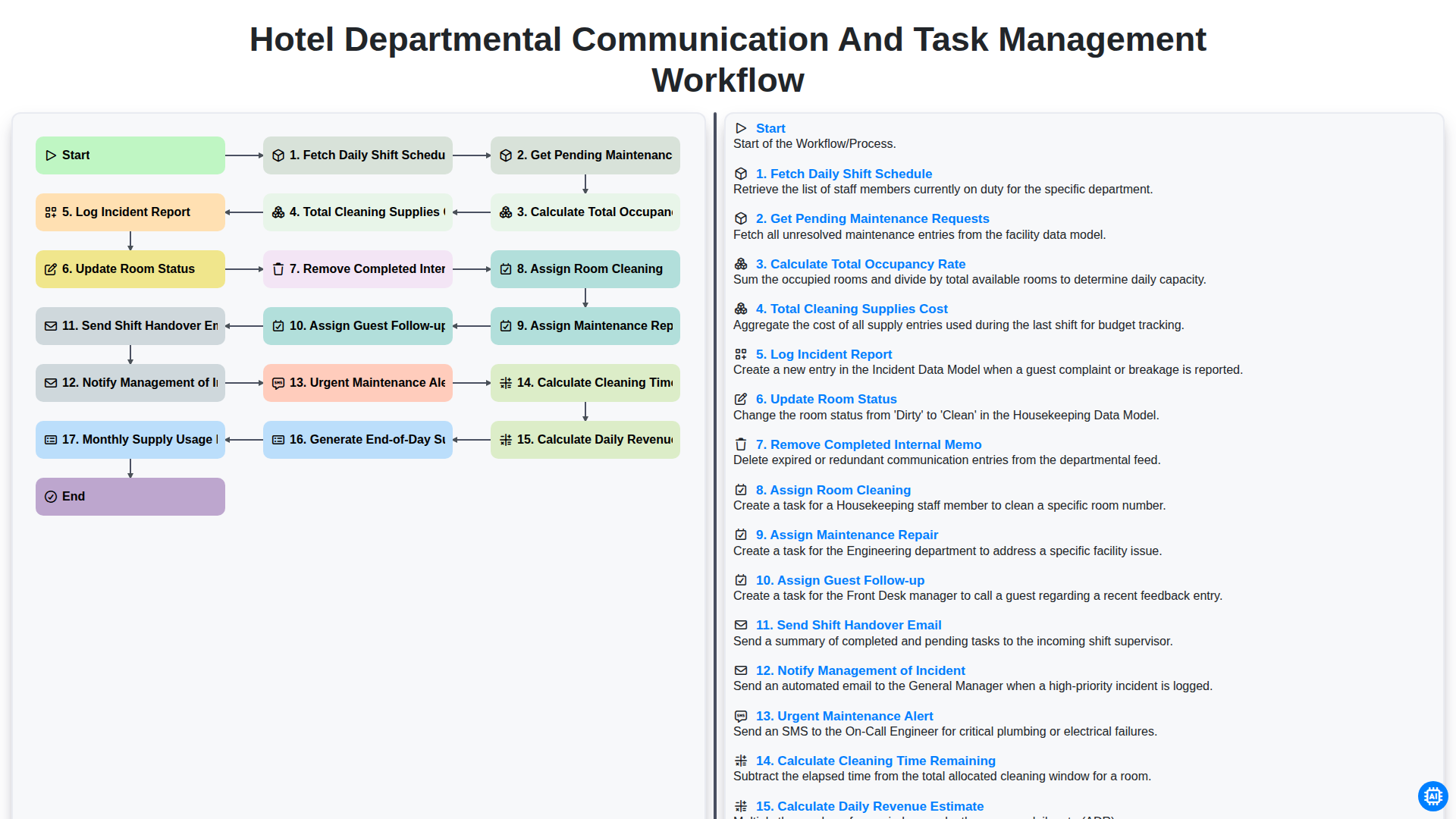
Hotel Departmental Communication and Task Management Workflow
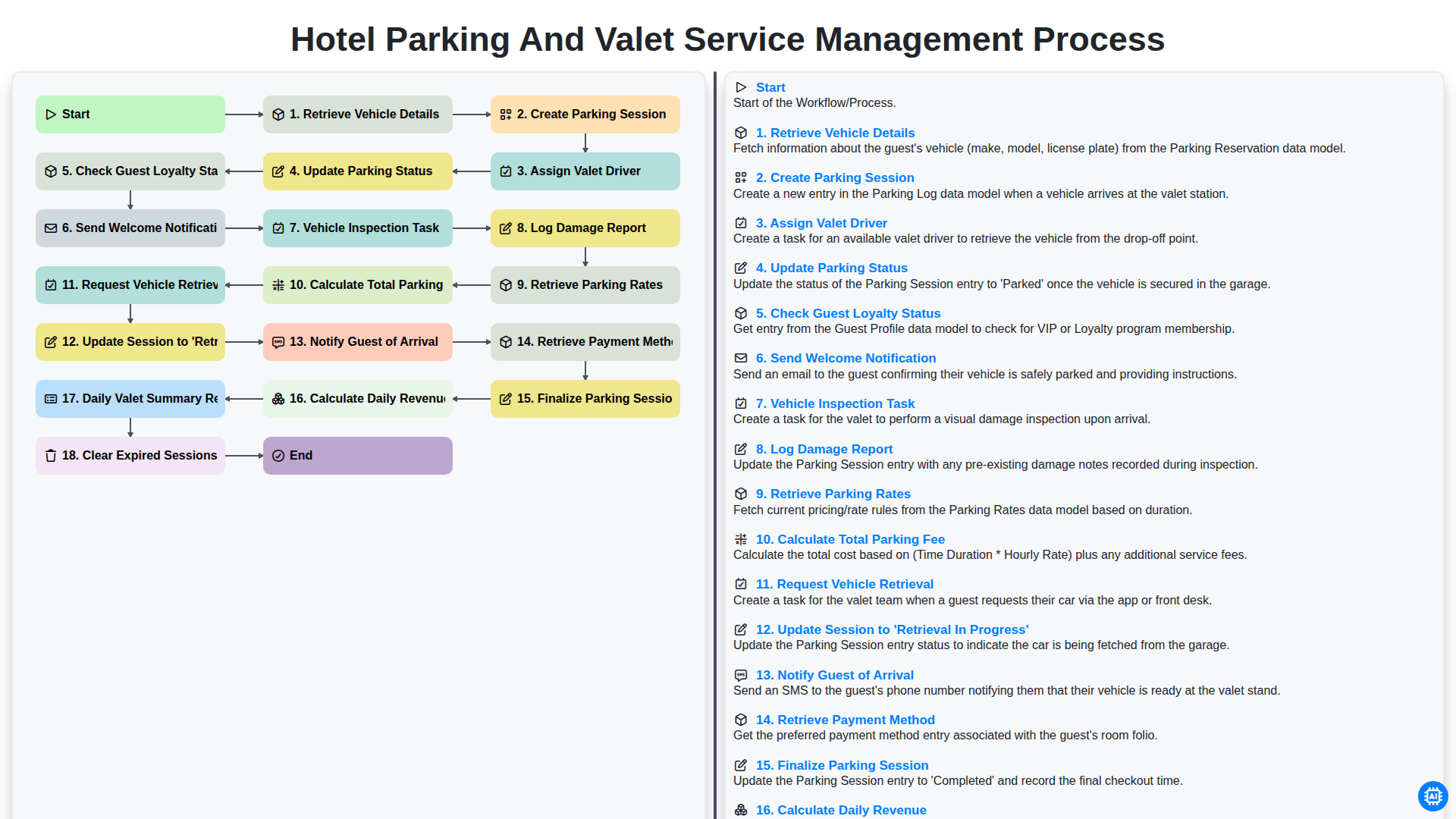
Hotel Parking and Valet Service Management Process
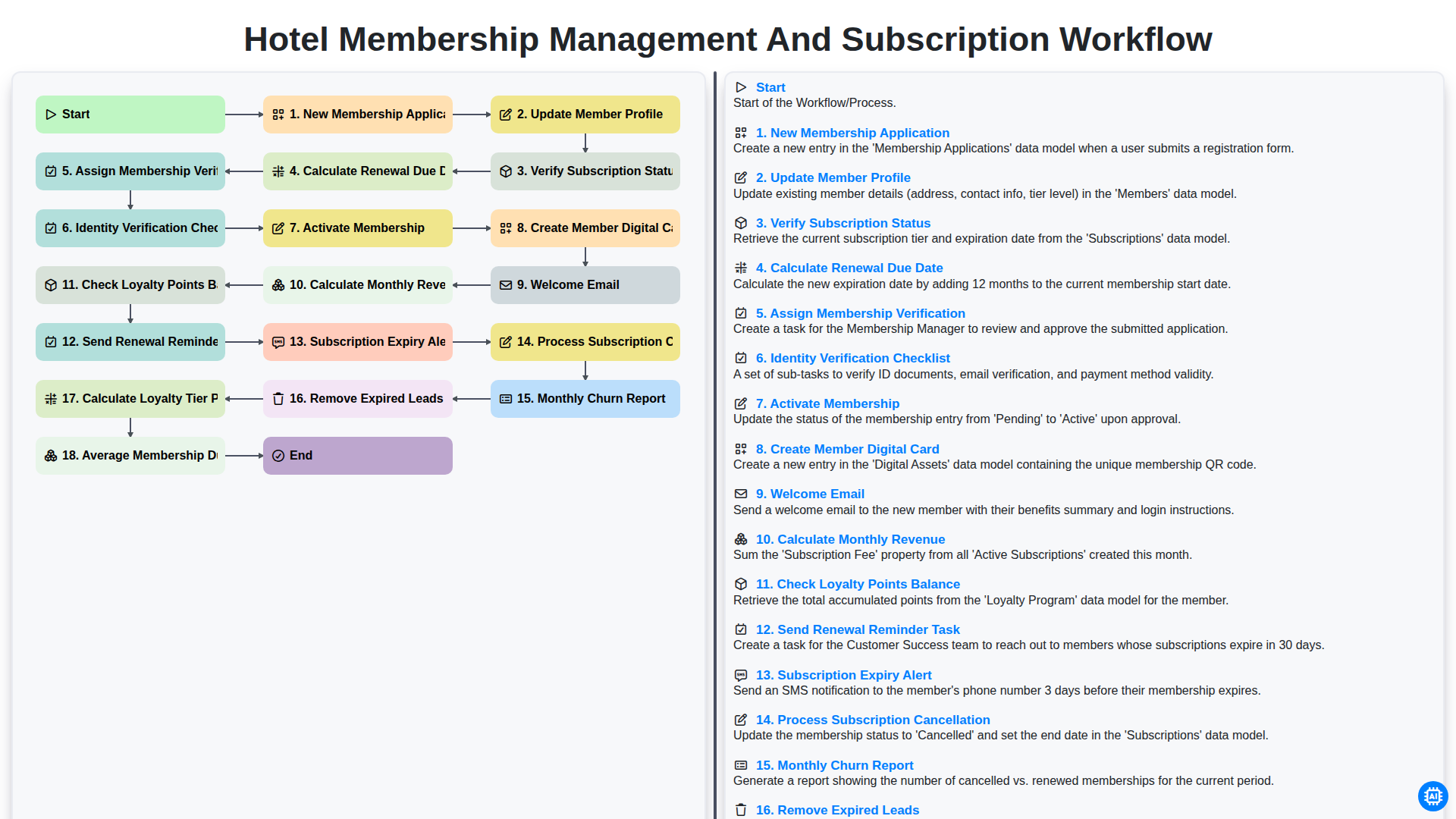
Hotel Membership Management and Subscription Workflow
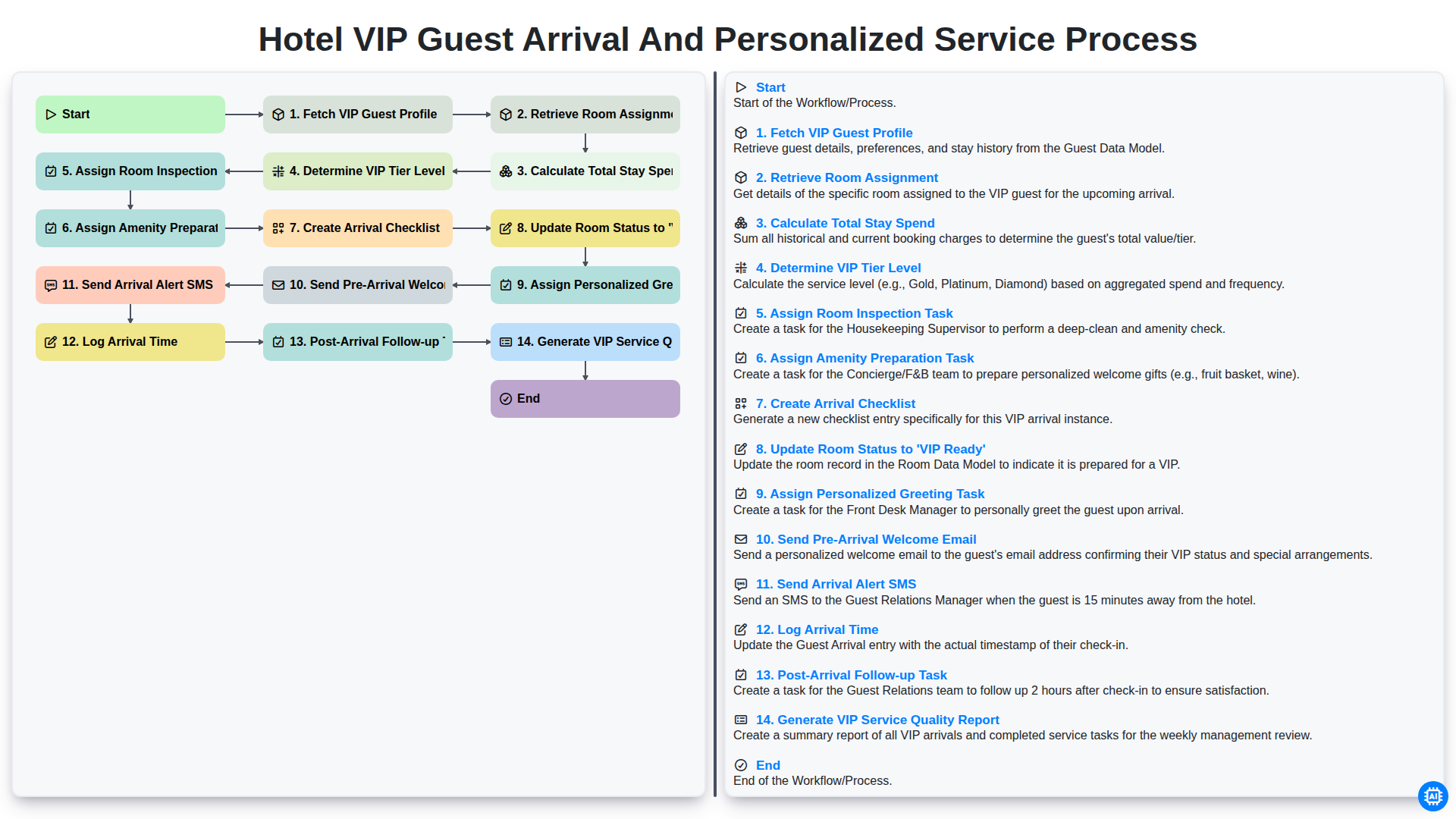
Hotel VIP Guest Arrival and Personalized Service Process
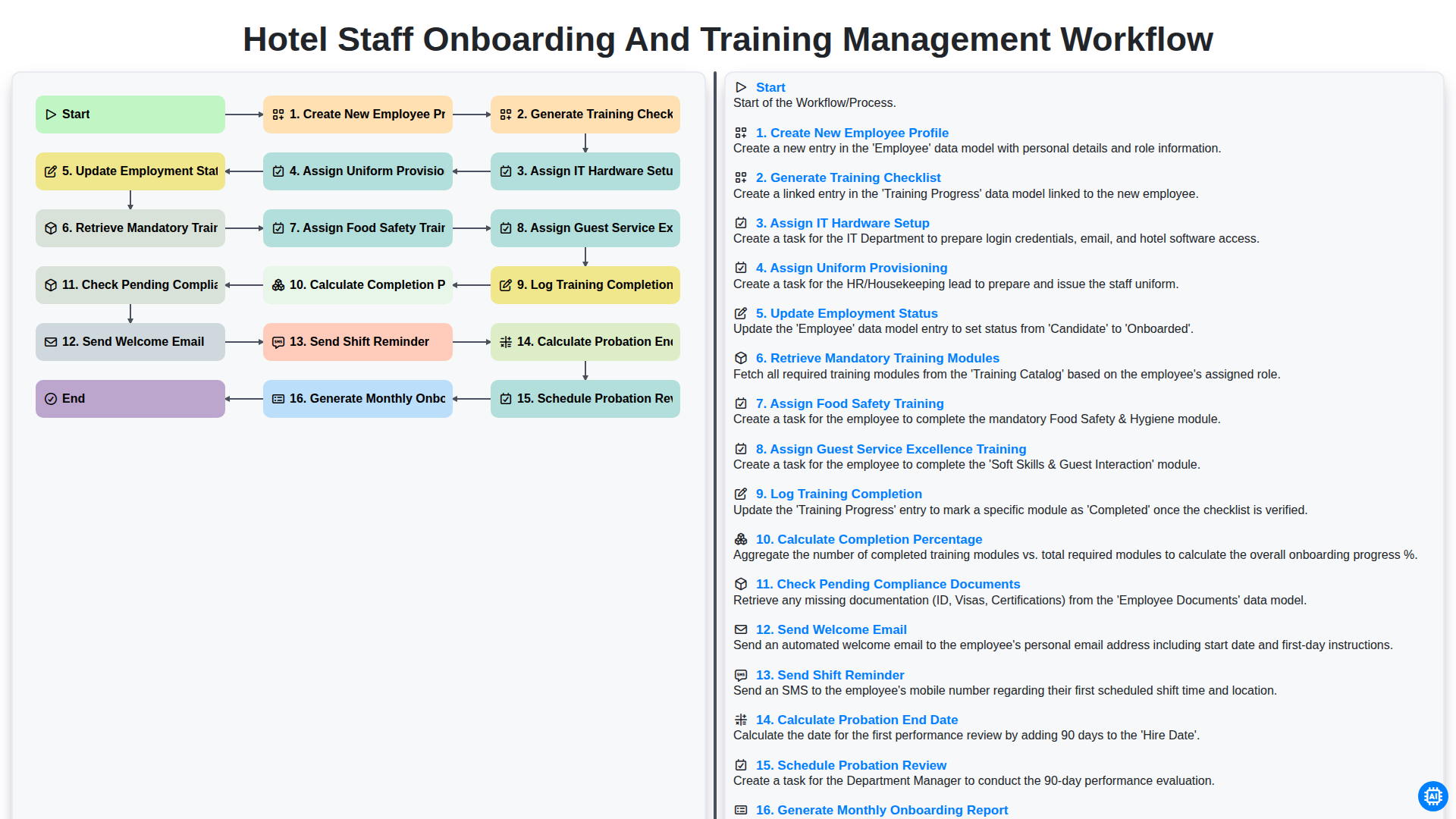
Hotel Staff Onboarding and Training Management Workflow
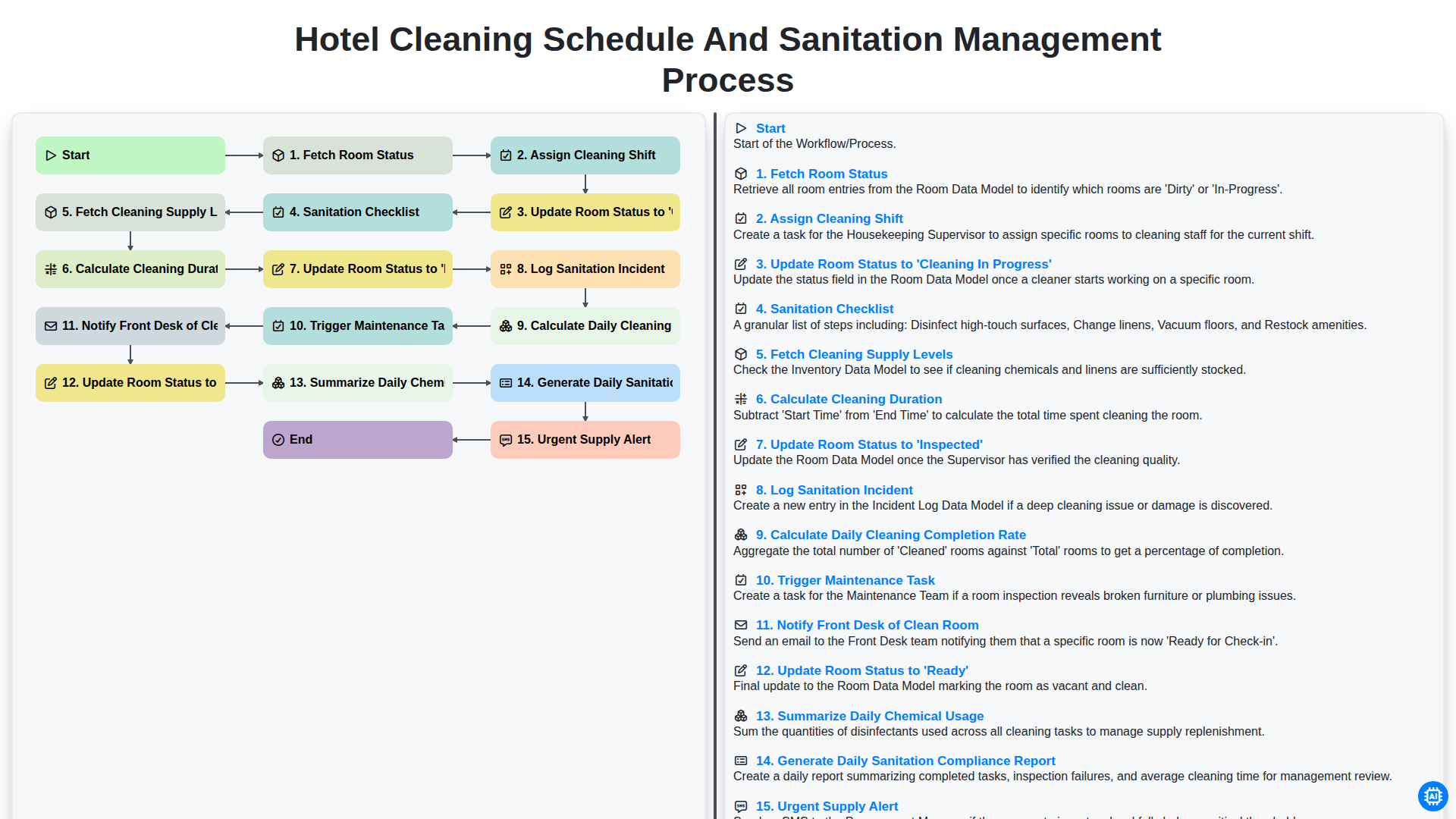
Hotel Cleaning Schedule and Sanitation Management Process
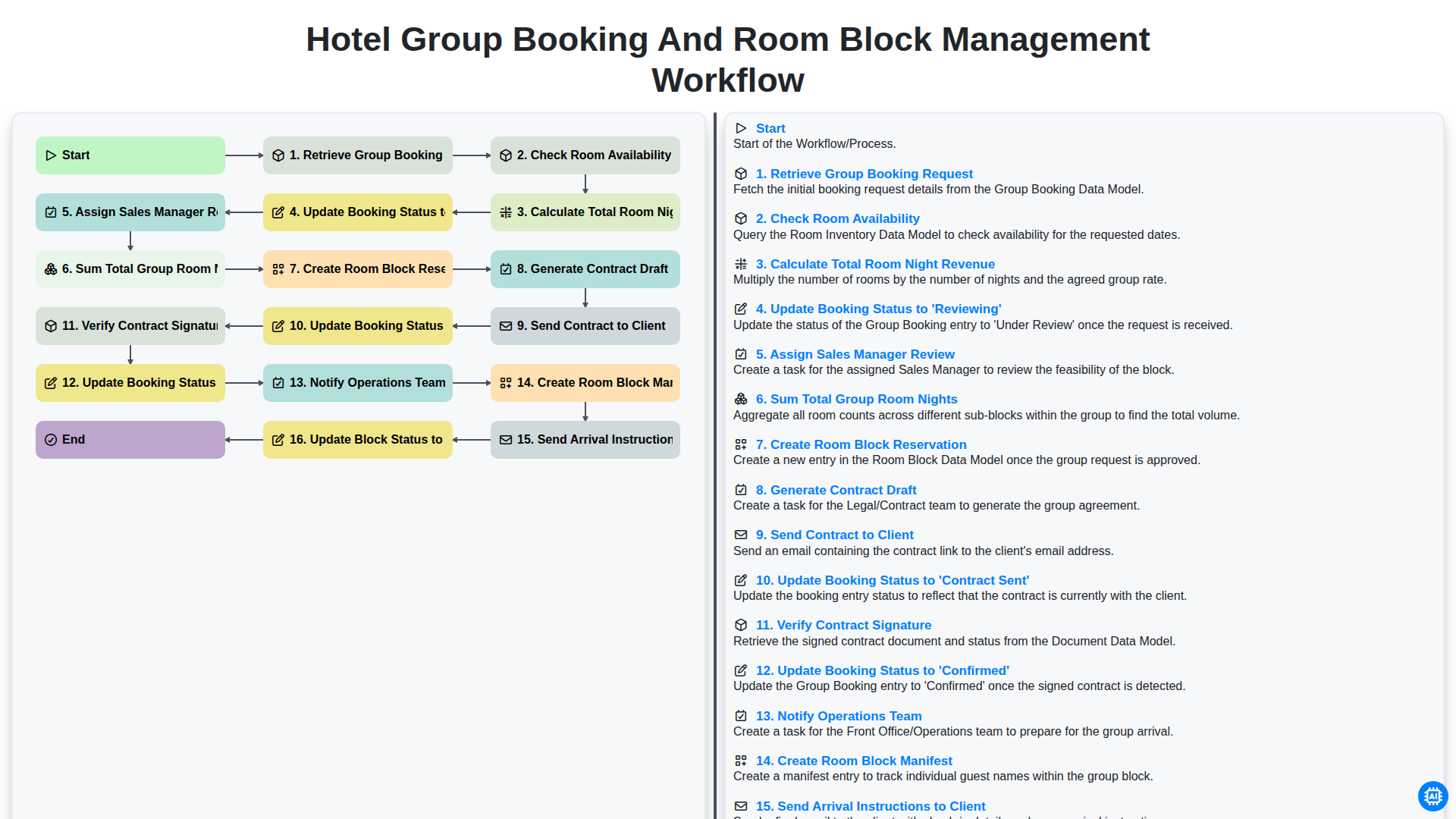
Hotel Group Booking and Room Block Management Workflow
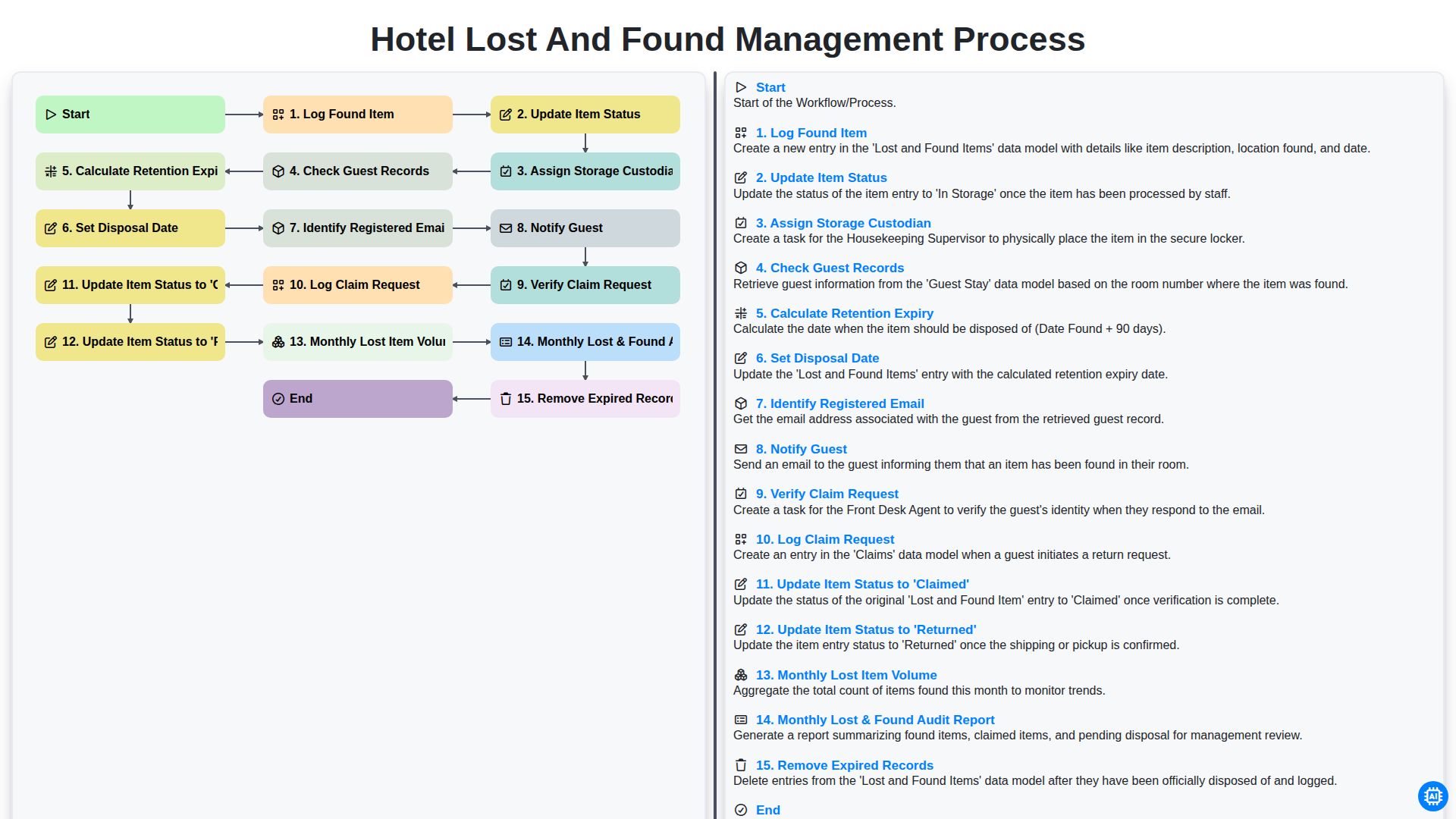
Hotel Lost and Found Management Process
Need help with
Hospitality?
Have a question? We're here to help. Please submit your inquiry, and we'll respond promptly.