 ChecklistGuro
 Utility Utility Inspection Workflow: Smart Management for Underground & Overhead Assets
Manage utility inspections effortlessly with our comprehensive workflow. Streamline inspections for underground and overhead assets, ensure compliance, track preventative maintenance, and boost operational efficiency on your Work OS Platform.
This Template was installed 1 times.
Start
Start of the Workflow/Process.
1. Asset Location Details
Retrieve initial data for the asset location (e.g., GPS coordinates, feeder ID) from the Asset Register data model.
2. Assign Initial Inspection Task
Create the main inspection task assigned to the assigned field technician upon workflow initiation.
3. Overhead Line Readings
Get specific readings or photos related to overhead utility lines from the designated data model.
4. Underground Conduit Status
Retrieve existing documentation and status reports for underground conduit sections.
5. Schedule Follow-up Action
Create a follow-up task for necessary repairs or deep dives based on initial findings.
6. Record Inspection Findings
Create a new entry to log observations, defects, or passing status for the current inspection zone.
7. Update Asset Health Score
Update the overall risk score of the utility asset based on inspection results.
8. Calculate Inspection Priority Score
Execute a formula combining observed defects and asset criticality to determine remediation priority.
9. Submit Daily Inspection Summary
Automatically email a summary report to the Engineering Lead upon completion of key inspection steps.
10. Generate Final Utility Inspection Report
Compile all collected data, photos, and task completion records into a comprehensive, signed report.
11. Notify Supervisor of Critical Failures
Alert the supervisor immediately via task assignment if high-risk deficiencies are found.
End
End of the Workflow/Process.
Start of the Workflow/Process.
Retrieve initial data for the asset location (e.g., GPS coordinates, feeder ID) from the Asset Register data model.
Create the main inspection task assigned to the assigned field technician upon workflow initiation.
Get specific readings or photos related to overhead utility lines from the designated data model.
Retrieve existing documentation and status reports for underground conduit sections.
Create a follow-up task for necessary repairs or deep dives based on initial findings.
Create a new entry to log observations, defects, or passing status for the current inspection zone.
Update the overall risk score of the utility asset based on inspection results.
Execute a formula combining observed defects and asset criticality to determine remediation priority.
Automatically email a summary report to the Engineering Lead upon completion of key inspection steps.
Compile all collected data, photos, and task completion records into a comprehensive, signed report.
Alert the supervisor immediately via task assignment if high-risk deficiencies are found.
End of the Workflow/Process.
Frequently Asked Questions
Comments
There are no comments yet. Be the first to add one!
Audit/Inspection Management Solution Demo
Ensure compliance & improve performance! ChecklistGuro streamlines audit/inspection creation, execution, and reporting. Reduce risk, enhance quality, & maintain consistency. Manage it all with our Work OS.
Related Workflow Templates
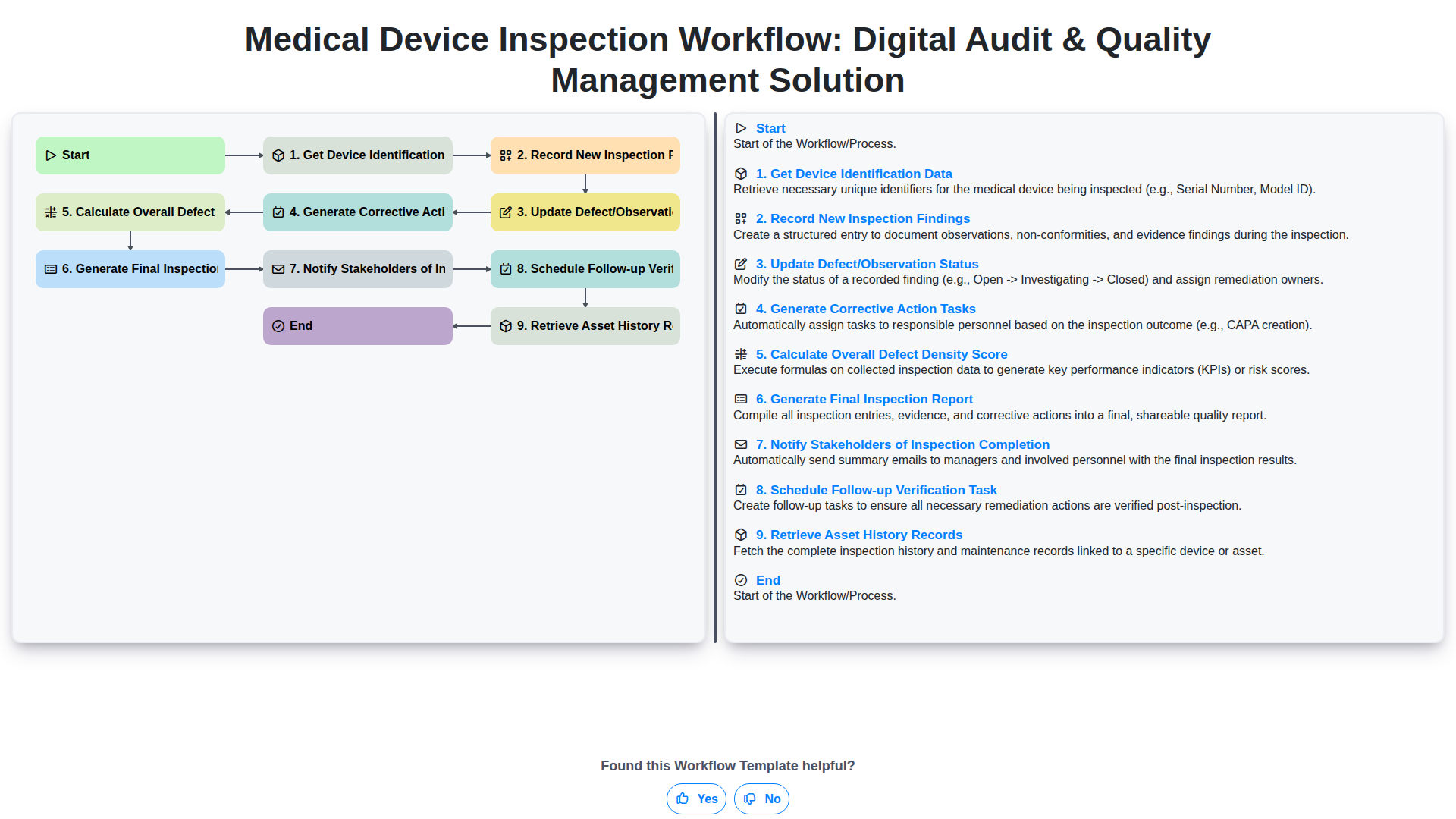
Medical Device Inspection Workflow: Digital Audit & Quality Management Solution
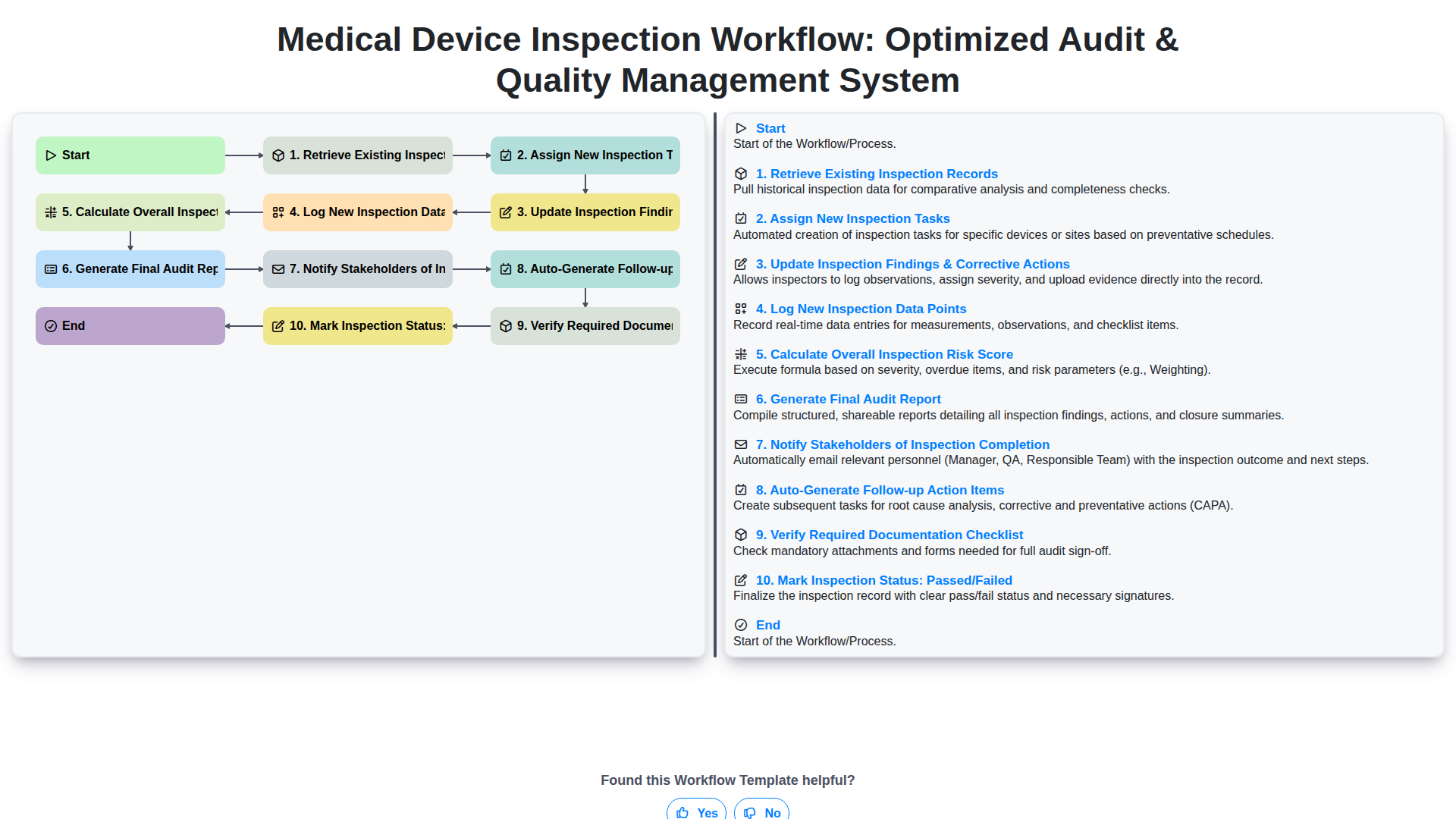
Medical Device Inspection Workflow: Optimized Audit & Quality Management System
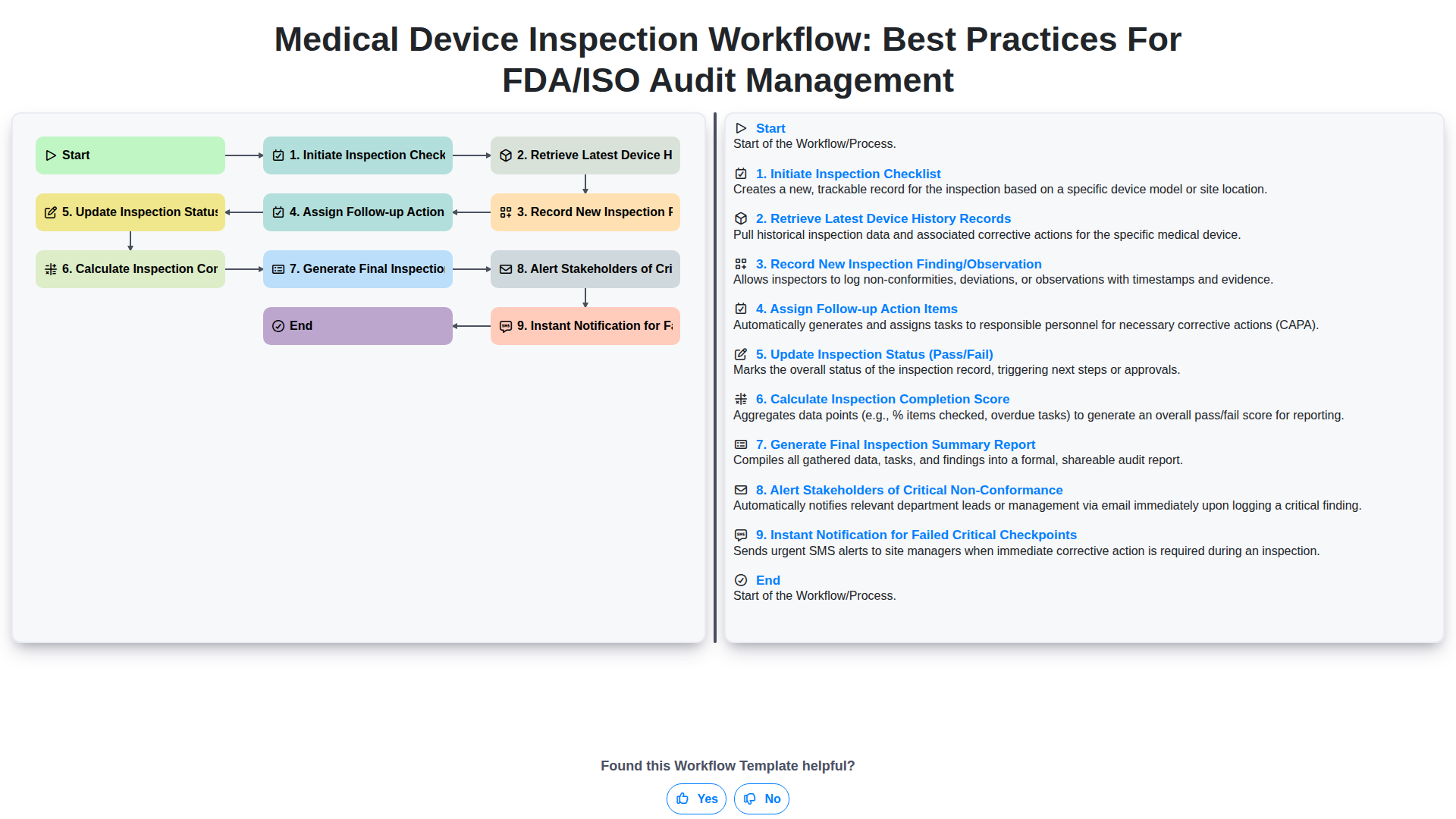
Medical Device Inspection Workflow: Best Practices for FDA/ISO Audit Management
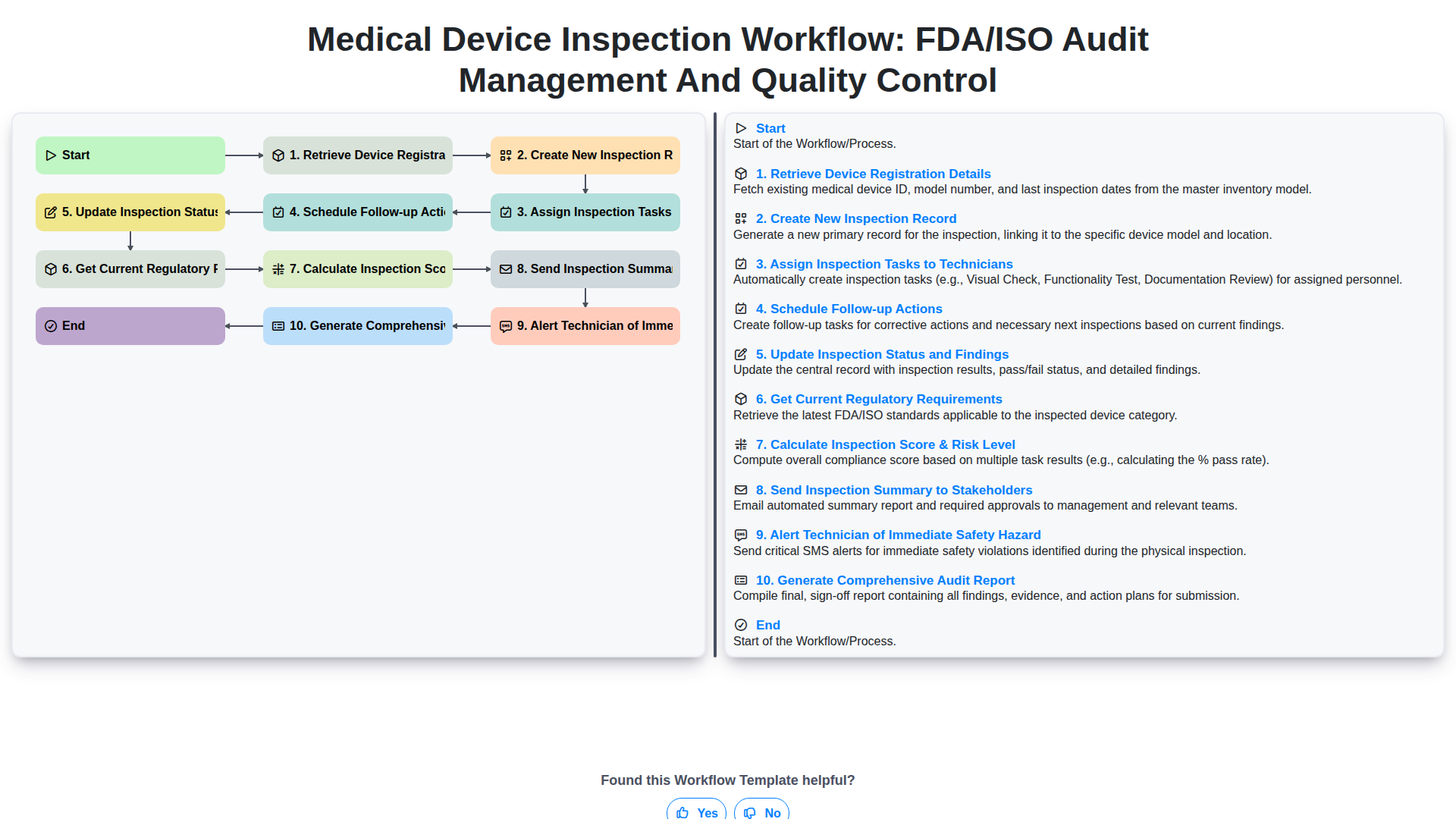
Medical Device Inspection Workflow: FDA/ISO Audit Management and Quality Control
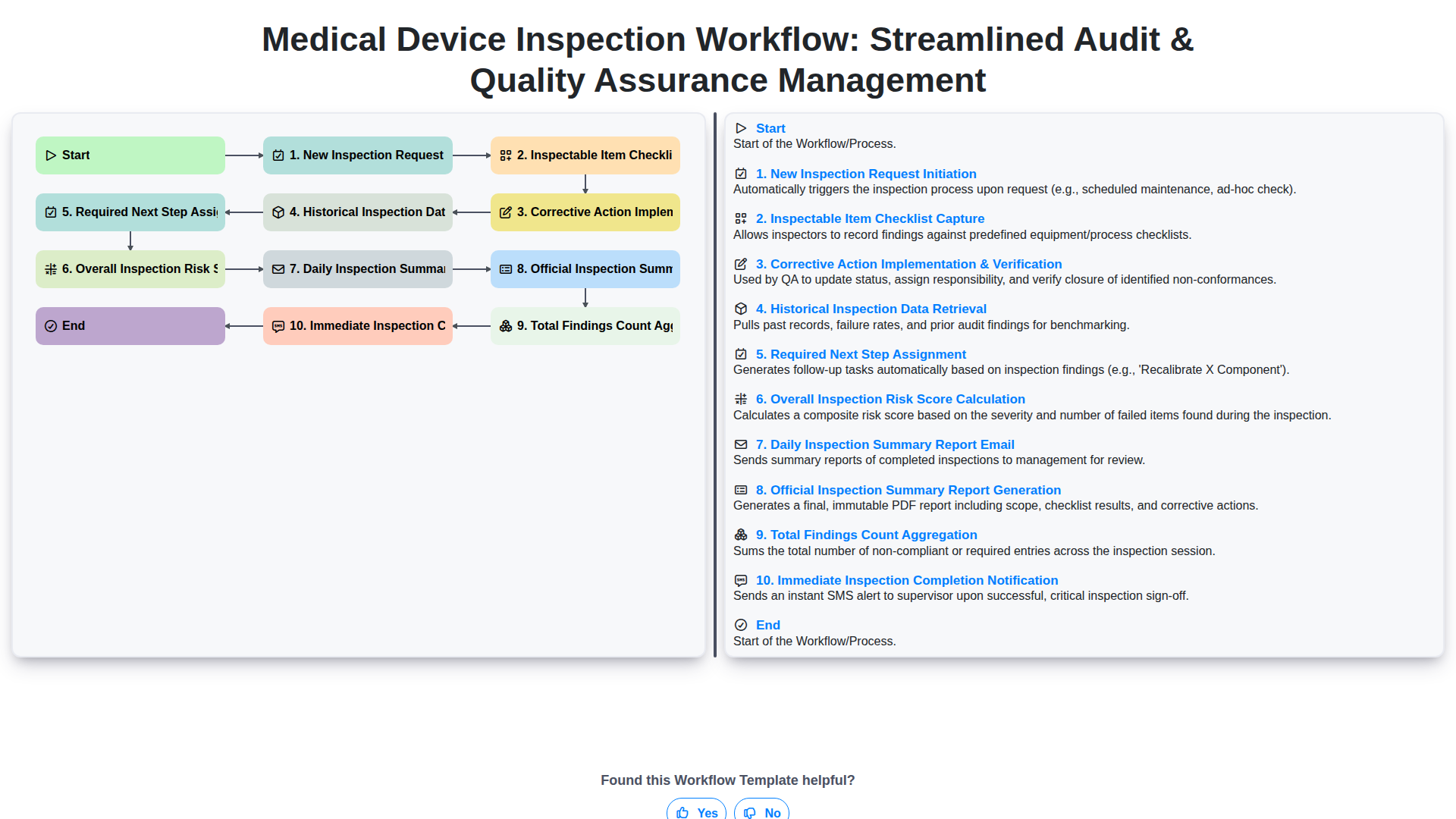
Medical Device Inspection Workflow: Streamlined Audit & Quality Assurance Management
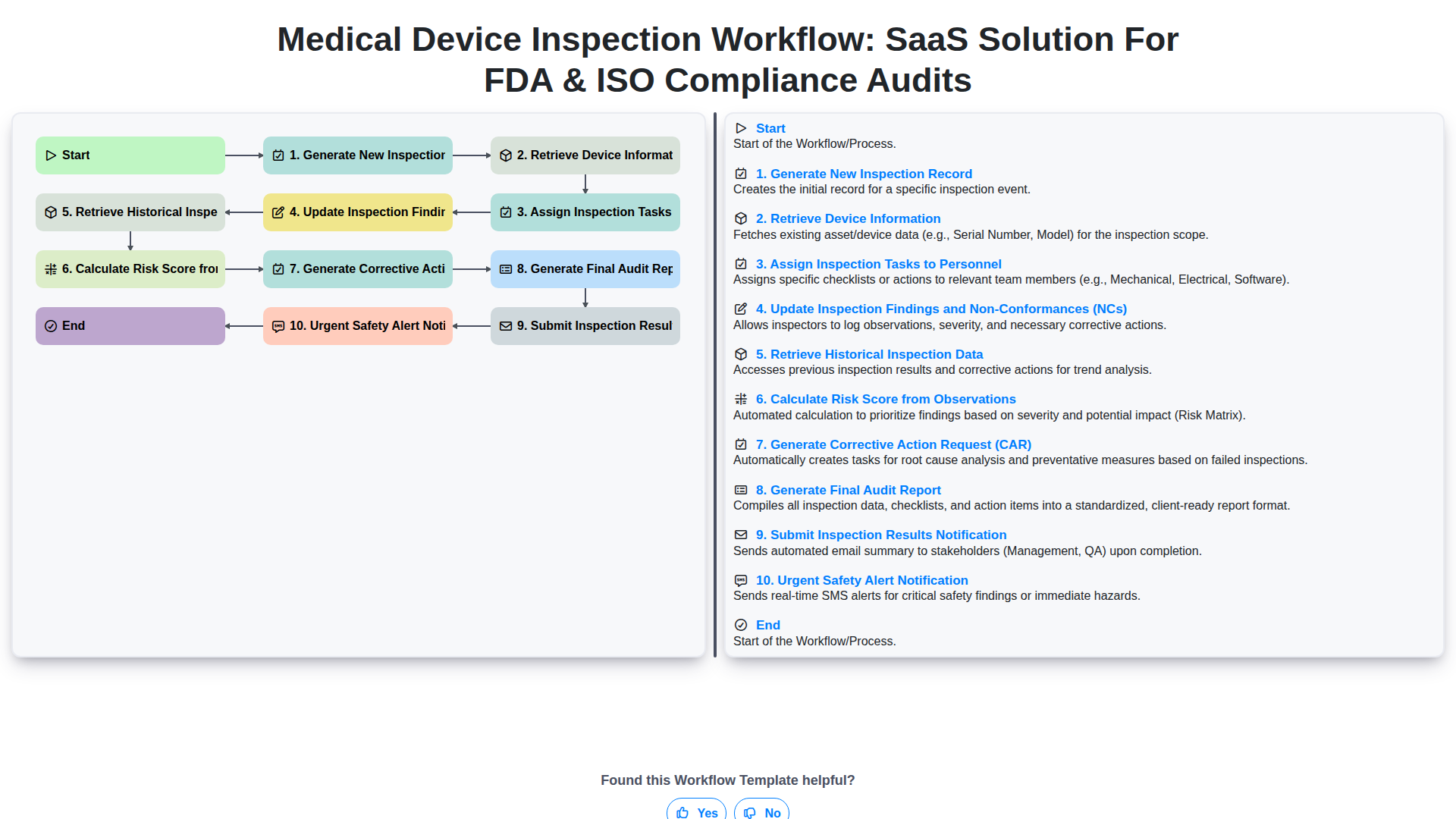
Medical Device Inspection Workflow: SaaS Solution for FDA & ISO Compliance Audits
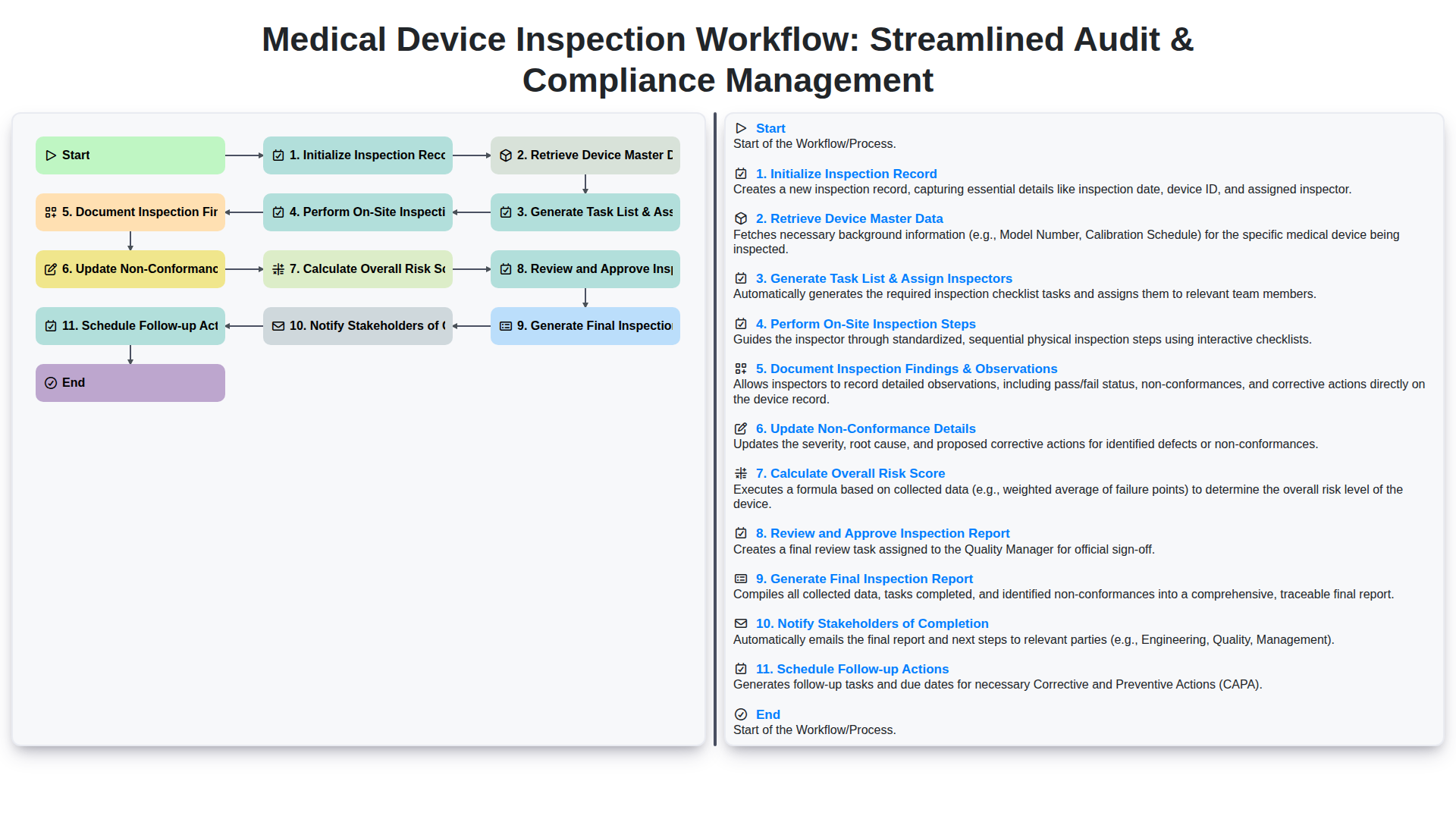
Medical Device Inspection Workflow: Streamlined Audit & Compliance Management
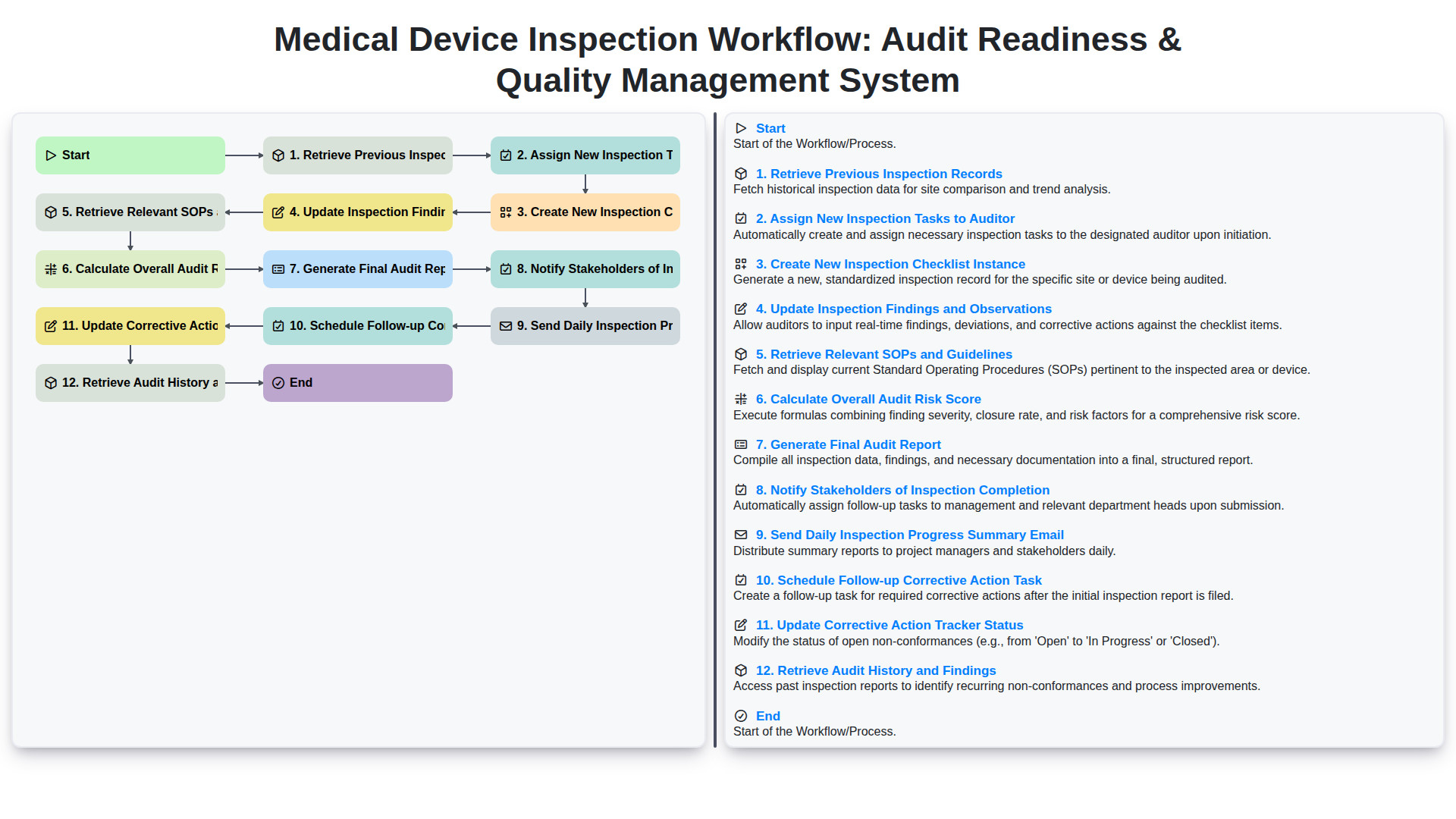
Medical Device Inspection Workflow: Audit Readiness & Quality Management System
We can do it Together
Need help with
Inspection Management?
Have a question? We're here to help. Please submit your inquiry, and we'll respond promptly.