 ChecklistGuro
 Container Yard Management Workflow
Streamline your terminal operations with our comprehensive Container Yard Management Workflow. Optimize gate activities, automate stacking strategies, and maximize space utilization to reduce dwell time and enhance equipment productivity. Master the end-to-end process of container tracking, yard planning, and efficient retrieval to drive seamless logistics performance and minimize operational bottlenecks in your depot or port facility.
This Template was installed 1 times.
Start
Start of the Workflow/Process.
1. Get Container Arrival Details
Retrieve incoming container information (ID, type, weight) from the Container Arrival data model.
2. Create Yard Placement Record
Create a new entry in the Yard Inventory model to log the container's arrival and initial status.
3. Assign Unloading Task
Create a task for the Crane Operator to move the container from the gate to the designated slot.
4. Update Container Location
Update the 'Current Slot' field in the Container Inventory model once the move is completed.
5. Get Slot Availability
Check the Yard Map data model to identify empty slots compatible with the container dimensions.
6. Calculate Yard Occupancy Rate
Calculate the percentage of occupied slots vs. total capacity using current inventory data.
7. Sum Total Weight in Zone
Aggregate the weight property of all containers currently assigned to a specific Yard Zone.
8. Safety Inspection Task
Create a task for the Yard Supervisor to verify container integrity (seal check) upon arrival.
9. Notify Logistics Partner
Send an email to the shipping line confirming the container has been successfully offloaded and placed.
10. Update Container Status to 'Stored'
Update the status field in the Container model to reflect it is now in storage.
11. Check Container Expiry/Demurrage
Retrieve the 'Free Time' end date from the Container entry to monitor upcoming demurrage charges.
12. Calculate Remaining Free Time
Calculate the number of days remaining before demurrage costs are applied (Expiry Date - Today's Date).
13. Flag Demurrage Alert
Create a high-priority task for the Yard Manager if the calculated remaining free time is less than 2 days.
14. Update Billing Record
Update the Finance data model to include the storage duration for upcoming invoicing.
15. Generate Daily Yard Throughput Report
Create a report summarizing total containers moved, arrivals, and departures within the last 24 hours.
16. Remove Empty Slot Entry
Delete the temporary 'Pending Placement' entry from the staging queue once the container is physically placed.
17. Driver Arrival Alert
Send an SMS to the truck driver when their specific container is ready for pickup at the exit gate.
End
End of the Workflow/Process.
Start of the Workflow/Process.
Retrieve incoming container information (ID, type, weight) from the Container Arrival data model.
Create a new entry in the Yard Inventory model to log the container's arrival and initial status.
Create a task for the Crane Operator to move the container from the gate to the designated slot.
Update the 'Current Slot' field in the Container Inventory model once the move is completed.
Check the Yard Map data model to identify empty slots compatible with the container dimensions.
Calculate the percentage of occupied slots vs. total capacity using current inventory data.
Aggregate the weight property of all containers currently assigned to a specific Yard Zone.
Create a task for the Yard Supervisor to verify container integrity (seal check) upon arrival.
Send an email to the shipping line confirming the container has been successfully offloaded and placed.
Update the status field in the Container model to reflect it is now in storage.
Retrieve the 'Free Time' end date from the Container entry to monitor upcoming demurrage charges.
Calculate the number of days remaining before demurrage costs are applied (Expiry Date - Today's Date).
Create a high-priority task for the Yard Manager if the calculated remaining free time is less than 2 days.
Update the Finance data model to include the storage duration for upcoming invoicing.
Create a report summarizing total containers moved, arrivals, and departures within the last 24 hours.
Delete the temporary 'Pending Placement' entry from the staging queue once the container is physically placed.
Send an SMS to the truck driver when their specific container is ready for pickup at the exit gate.
End of the Workflow/Process.
Frequently Asked Questions
Comments
There are no comments yet. Be the first to add one!
Logistics Management Solution Demo
Tired of shipping delays, lost packages, and inefficient routes? ChecklistGuro's Work OS platform streamlines your entire logistics operation, from warehouse management and order fulfillment to route optimization and delivery tracking. Gain real-time visibility, reduce costs, and improve customer satisfaction. Learn how ChecklistGuro can transform your logistics business!
Related Workflow Templates
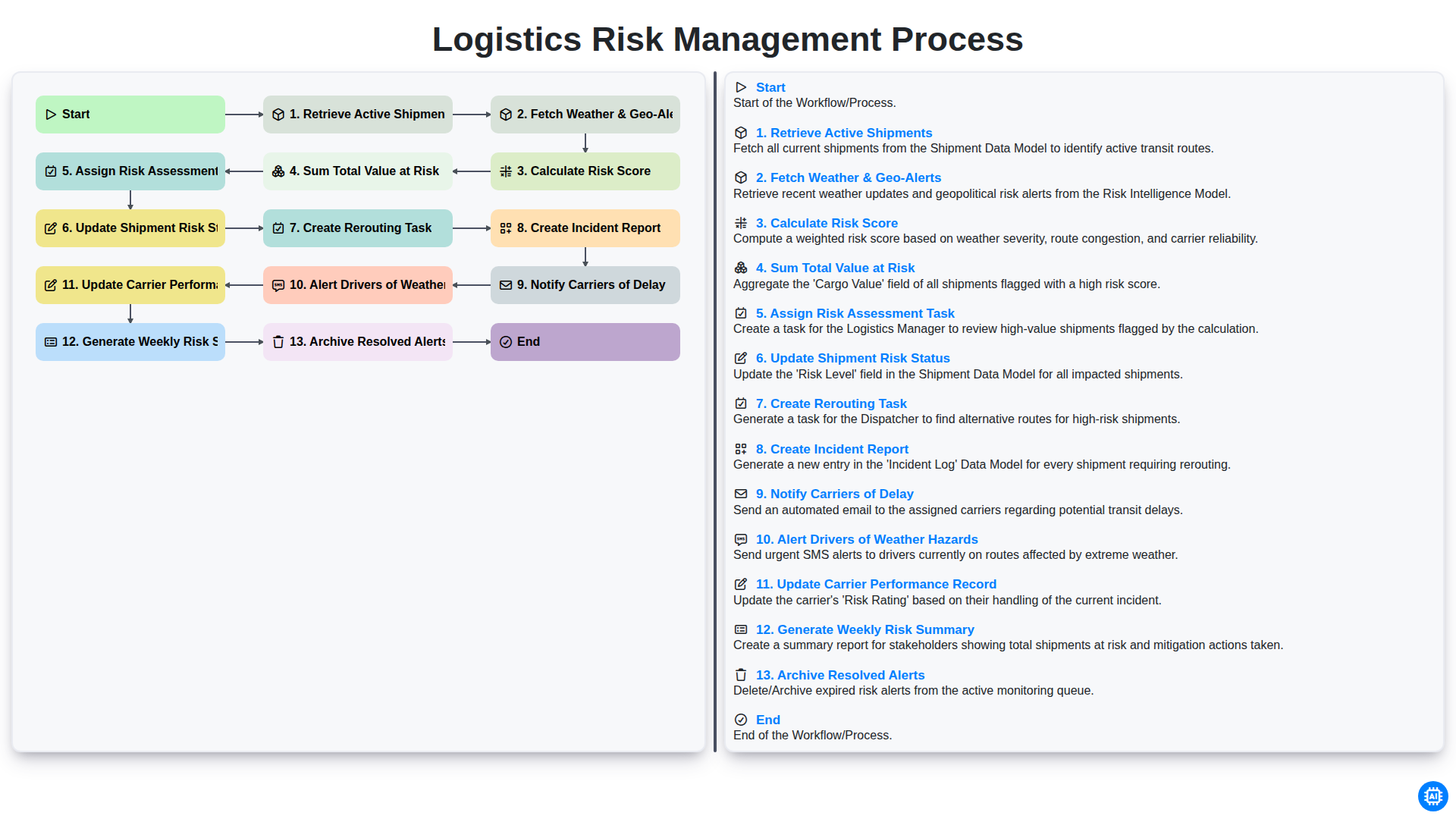
Logistics Risk Management Process
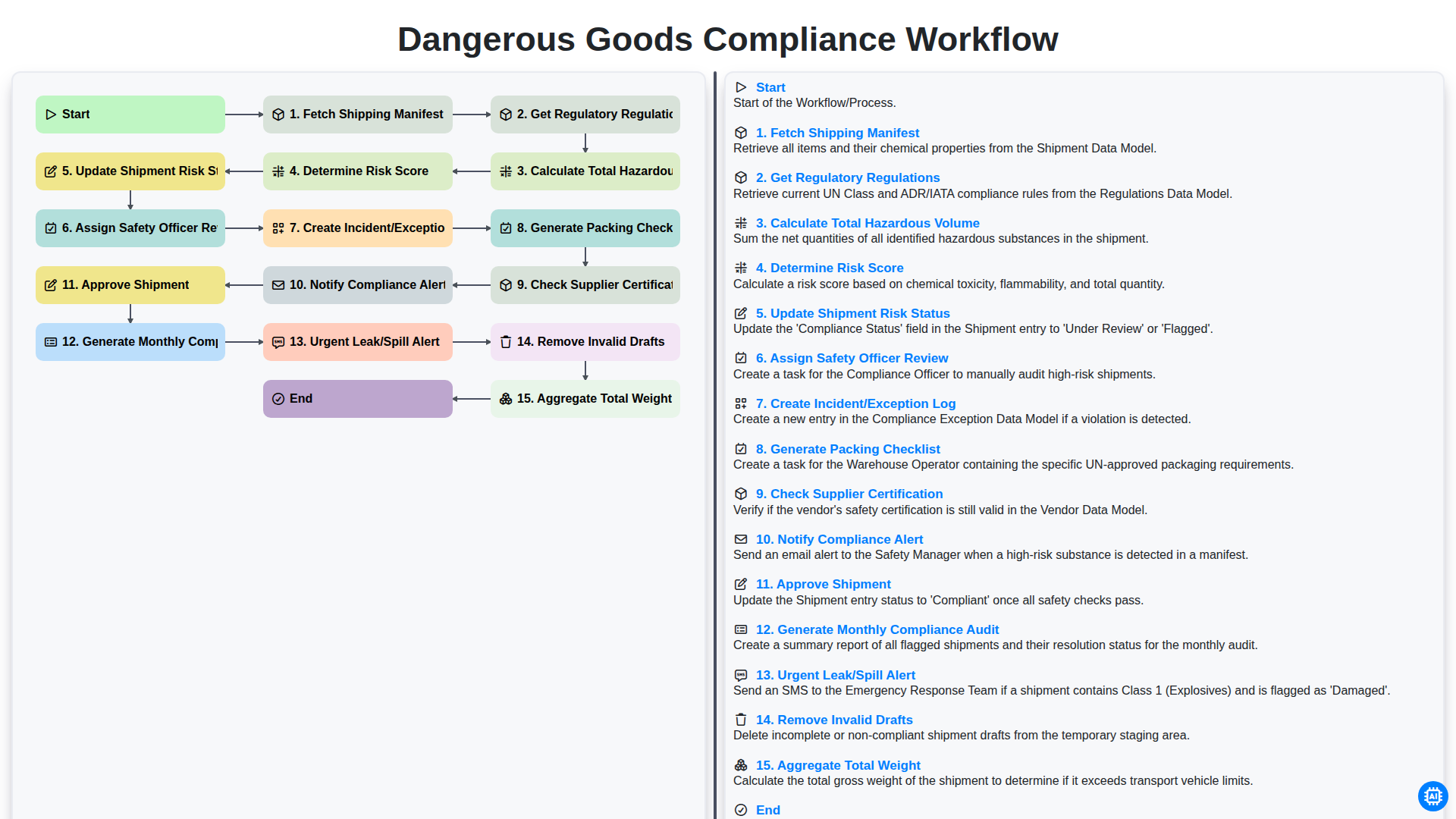
Dangerous Goods Compliance Workflow
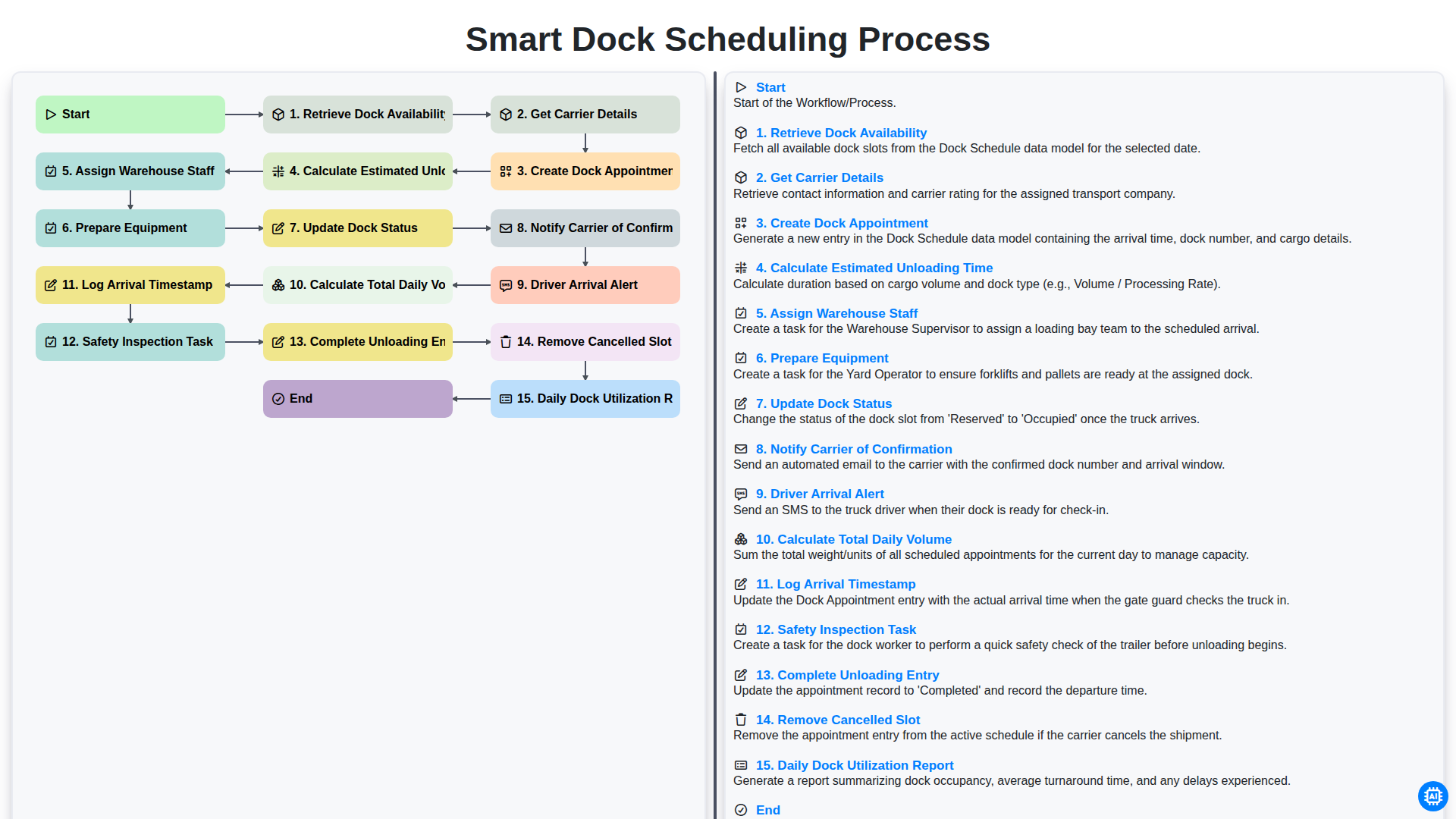
Smart Dock Scheduling Process
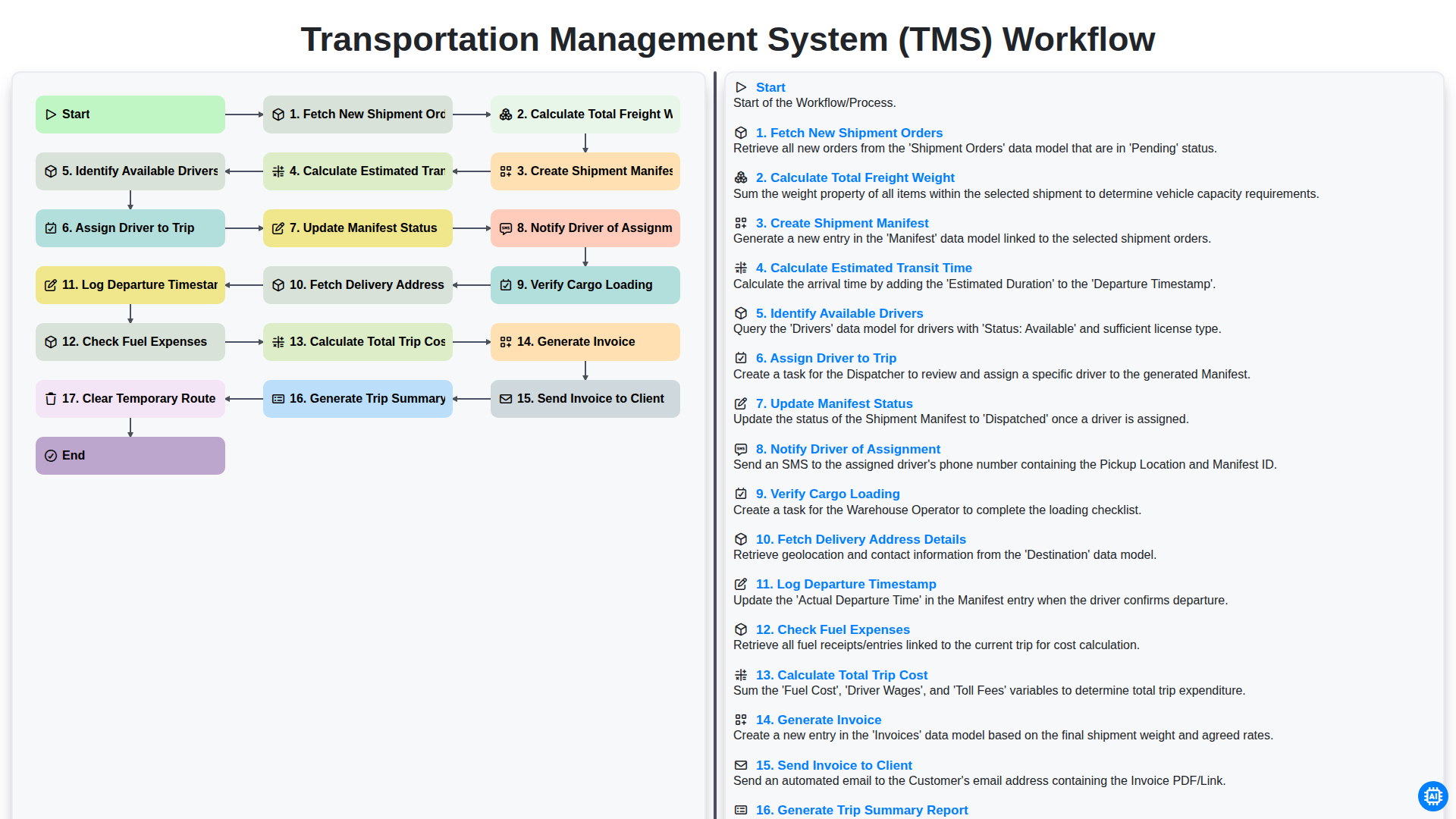
Transportation Management System (TMS) Workflow
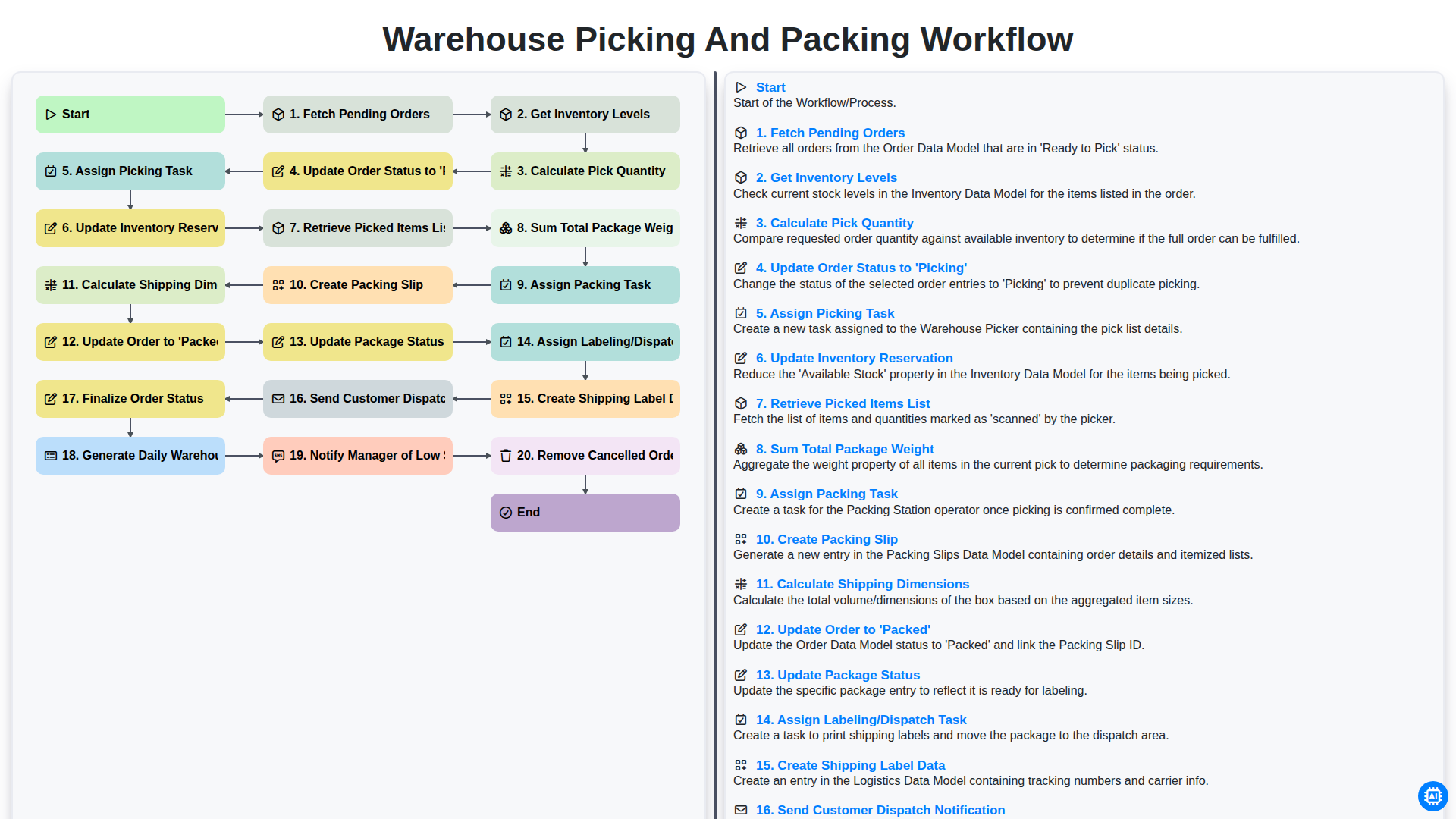
Warehouse Picking and Packing Workflow
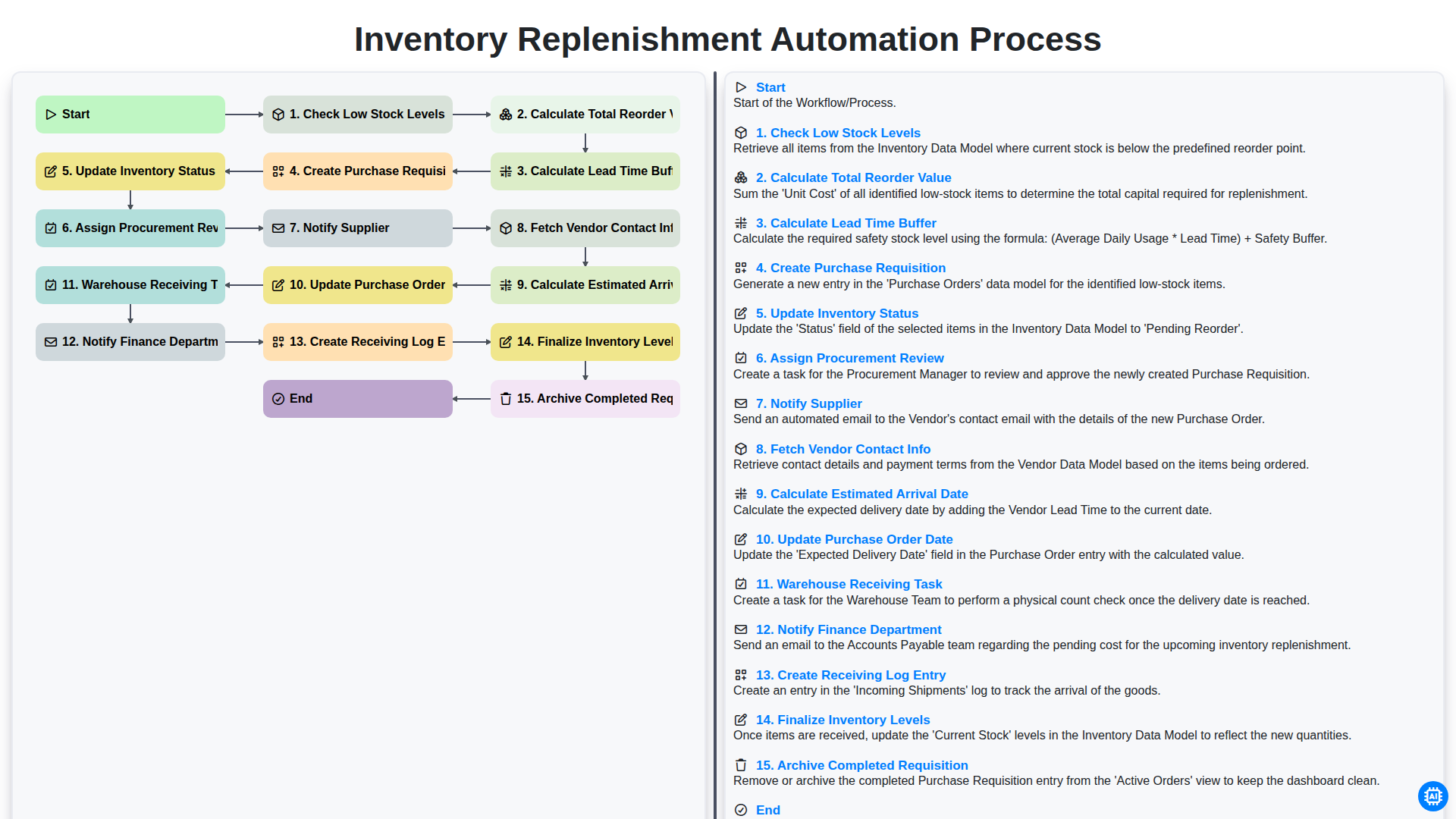
Inventory Replenishment Automation Process
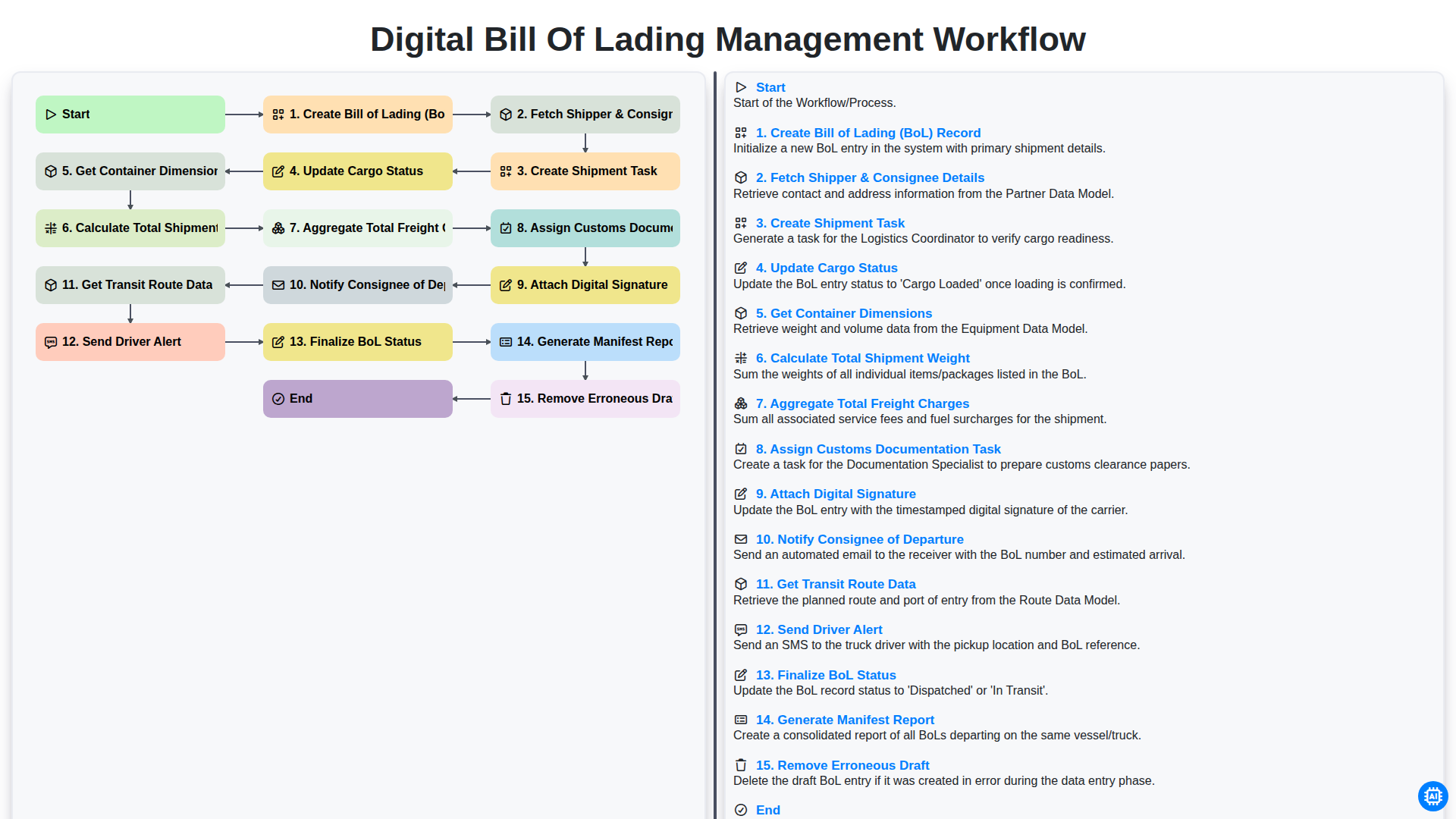
Digital Bill of Lading Management Workflow
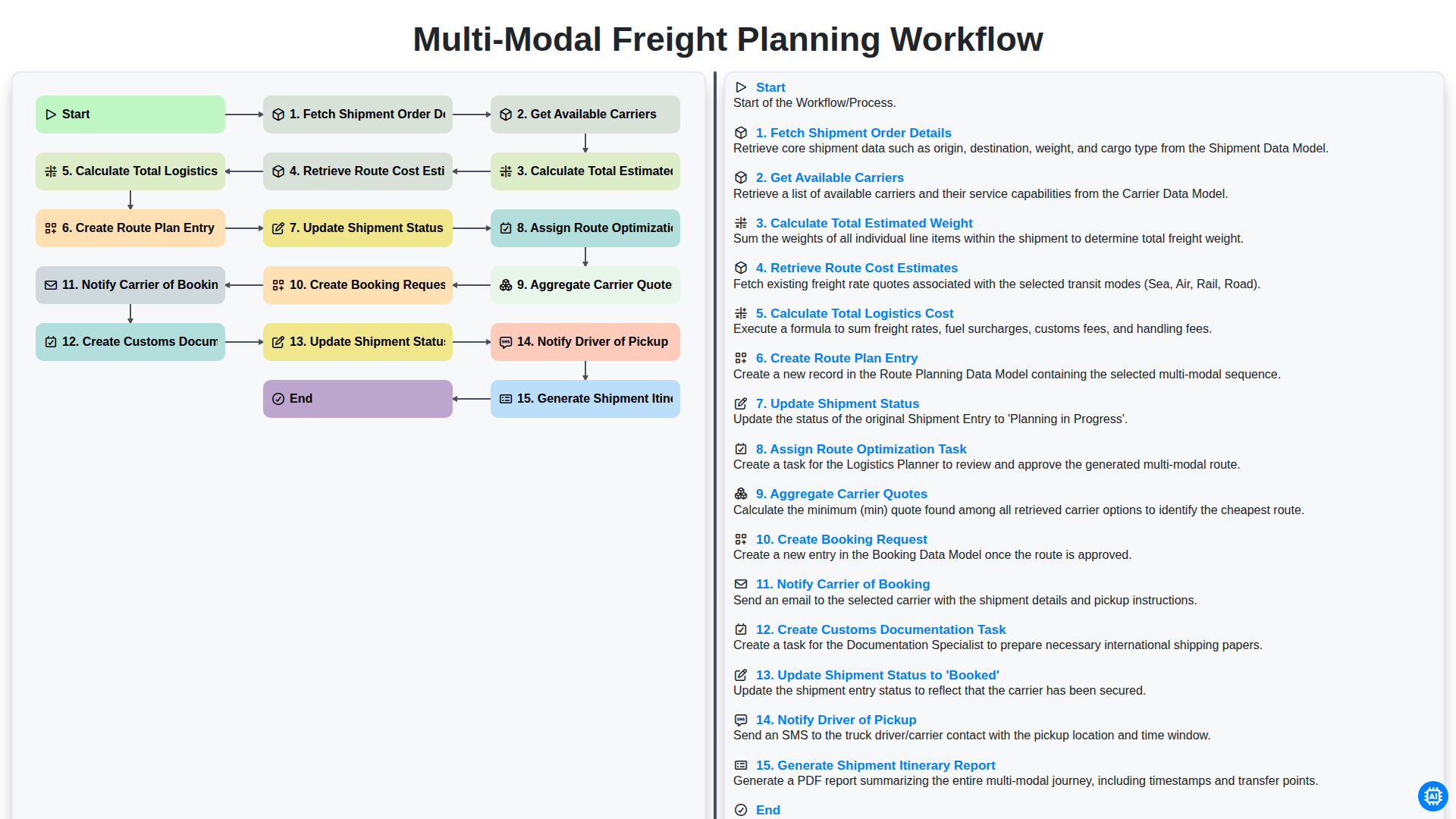
Multi-Modal Freight Planning Workflow
Need help with
Logistics?
Have a question? We're here to help. Please submit your inquiry, and we'll respond promptly.