 ChecklistGuro
 E-commerce Order Processing Workflow
Streamline your fulfillment from click to delivery with our comprehensive E-commerce Order Processing Workflow. Optimize logistics efficiency, reduce manual errors, and accelerate shipping speeds by automating inventory updates, picking, packing, and last-mile tracking. Perfect for scaling online retailers looking to master supply chain management and enhance the customer unboxing experience.
This Template was installed 1 times.
Start
Start of the Workflow/Process.
1. Retrieve New Order Details
Fetch the latest order entry from the Orders Data Model to initiate the workflow.
2. Fetch Customer Profile
Retrieve customer contact and shipping information linked to the Order ID.
3. Calculate Total Order Value
Sum the price of all individual Line Items associated with the current Order.
4. Calculate Sales Tax
Apply tax percentage to the subtotal of the order.
5. Create Warehouse Pick List
Create a new entry in the Warehouse Logistics model to notify the fulfillment team.
6. Assign Picking Task
Create a task for the Warehouse Manager to assign a staff member to the pick list.
7. Update Order Status to 'Processing'
Update the status field in the Order Data Model to reflect that fulfillment has started.
8. Quality Control Check
Create a task for the QC specialist to verify item integrity before packaging.
9. Create Shipping Label Record
Create a new entry in the Shipping Data Model containing tracking number and carrier info.
10. Update Order Status to 'Shipped'
Update the Order Data Model status once the shipping label is generated.
11. Send Order Confirmation Email
Send an automated email to the customer with order summary and estimated delivery date.
12. Send Delivery Notification SMS
Send a text message to the customer's phone number when the order is out for delivery.
13. Update Inventory Levels
Decrement the 'Stock Quantity' in the Product Data Model based on the items sold.
14. Create Invoice Entry
Generate a final invoice entry in the Finance Data Model for accounting records.
15. Daily Fulfillment Report
Generate a summary report of all orders processed and completed within the last 24 hours.
End
End of the Workflow/Process.
Start of the Workflow/Process.
Fetch the latest order entry from the Orders Data Model to initiate the workflow.
Retrieve customer contact and shipping information linked to the Order ID.
Sum the price of all individual Line Items associated with the current Order.
Apply tax percentage to the subtotal of the order.
Create a new entry in the Warehouse Logistics model to notify the fulfillment team.
Create a task for the Warehouse Manager to assign a staff member to the pick list.
Update the status field in the Order Data Model to reflect that fulfillment has started.
Create a task for the QC specialist to verify item integrity before packaging.
Create a new entry in the Shipping Data Model containing tracking number and carrier info.
Update the Order Data Model status once the shipping label is generated.
Send an automated email to the customer with order summary and estimated delivery date.
Send a text message to the customer's phone number when the order is out for delivery.
Decrement the 'Stock Quantity' in the Product Data Model based on the items sold.
Generate a final invoice entry in the Finance Data Model for accounting records.
Generate a summary report of all orders processed and completed within the last 24 hours.
End of the Workflow/Process.
Frequently Asked Questions
Comments
There are no comments yet. Be the first to add one!
Logistics Management Solution Demo
Tired of shipping delays, lost packages, and inefficient routes? ChecklistGuro's Work OS platform streamlines your entire logistics operation, from warehouse management and order fulfillment to route optimization and delivery tracking. Gain real-time visibility, reduce costs, and improve customer satisfaction. Learn how ChecklistGuro can transform your logistics business!
Related Workflow Templates
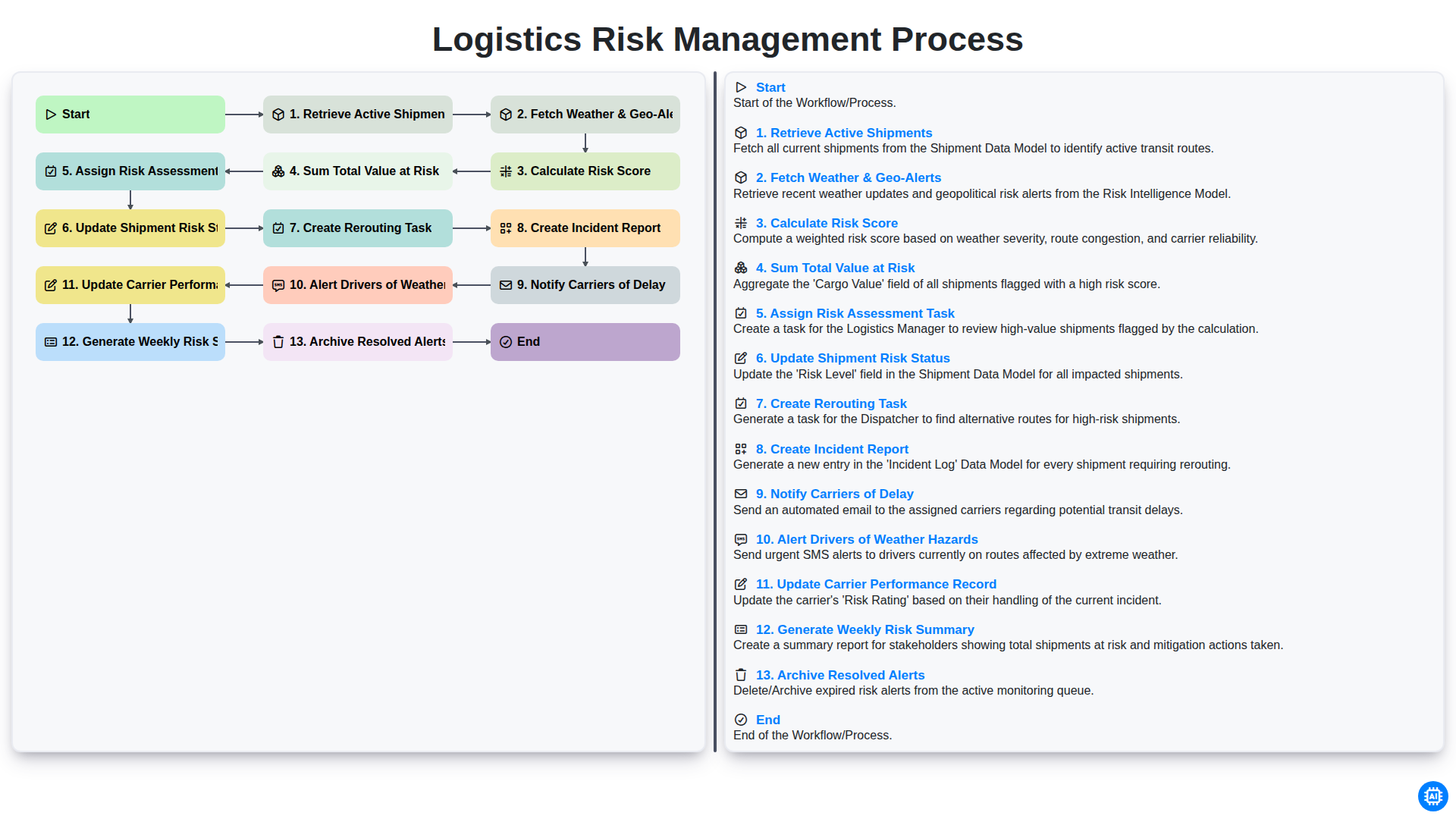
Logistics Risk Management Process
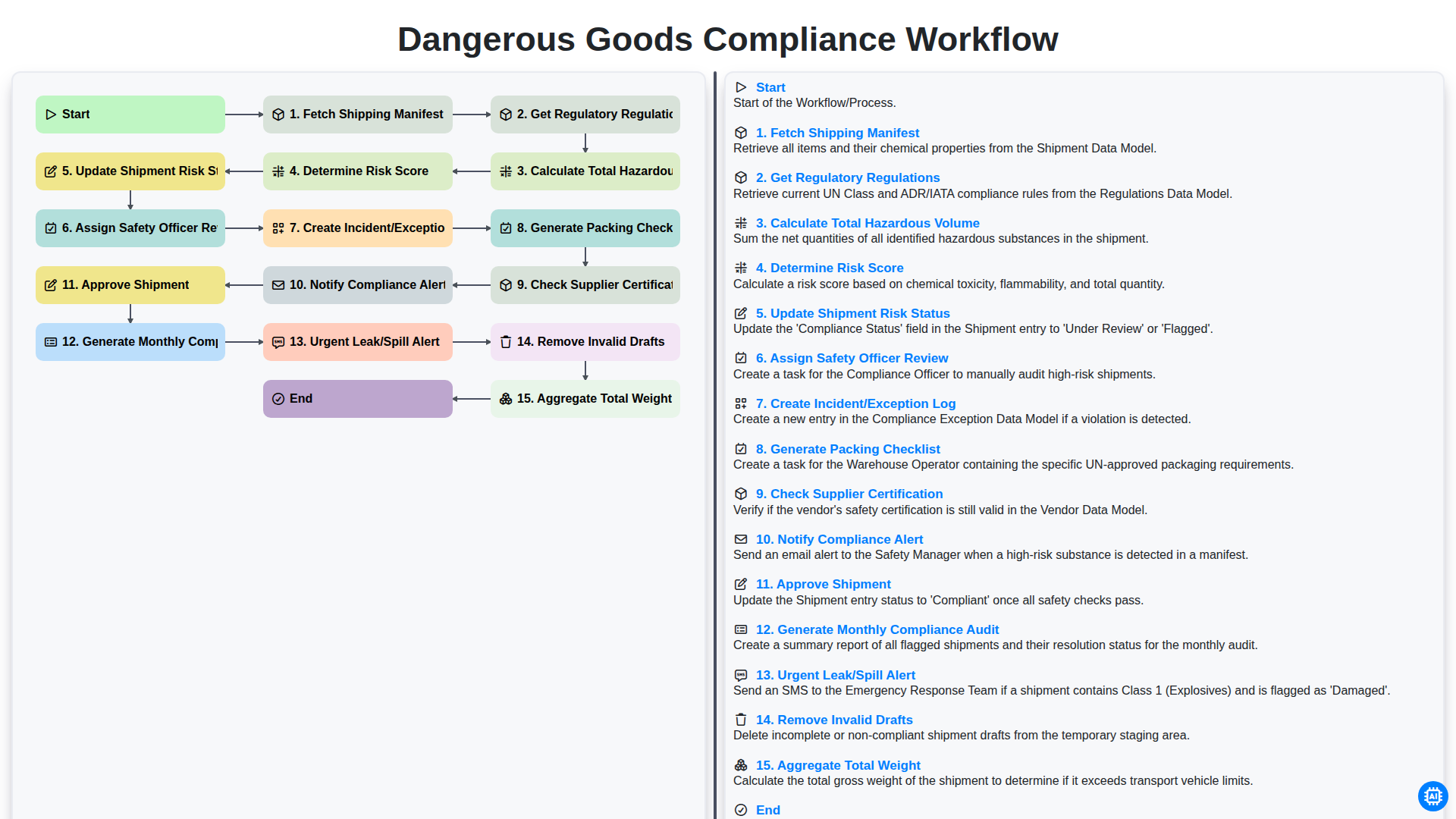
Dangerous Goods Compliance Workflow
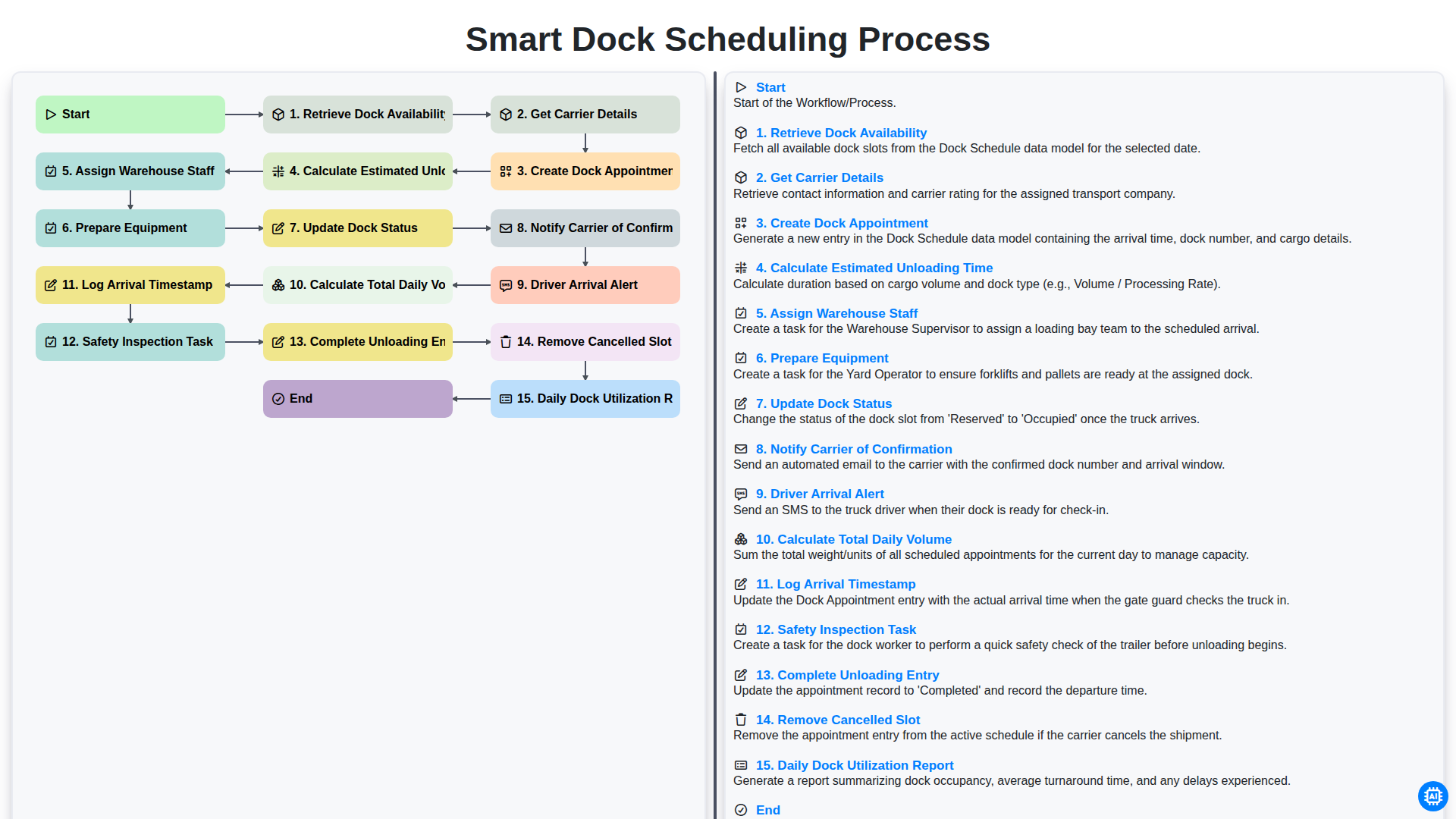
Smart Dock Scheduling Process
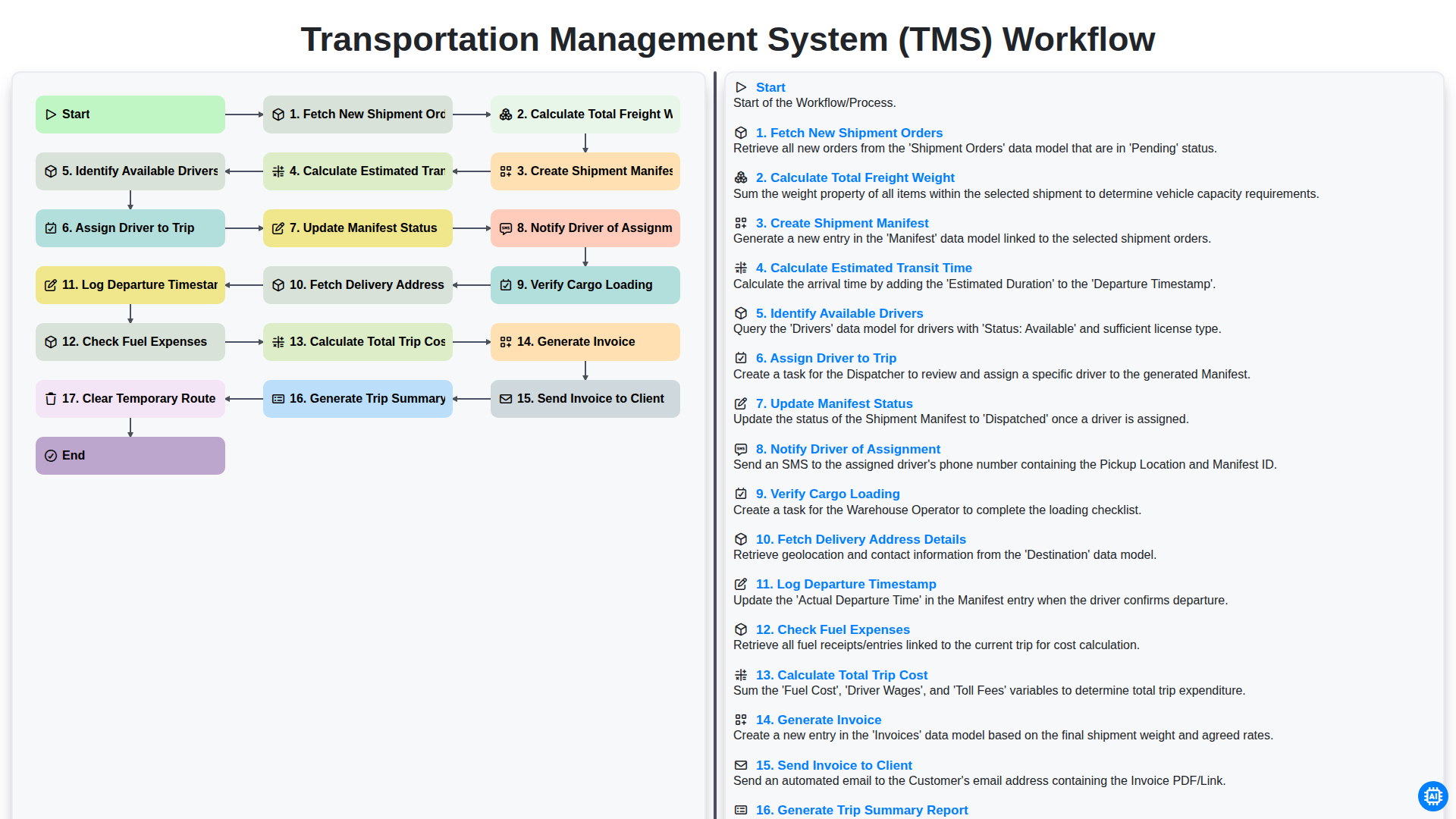
Transportation Management System (TMS) Workflow
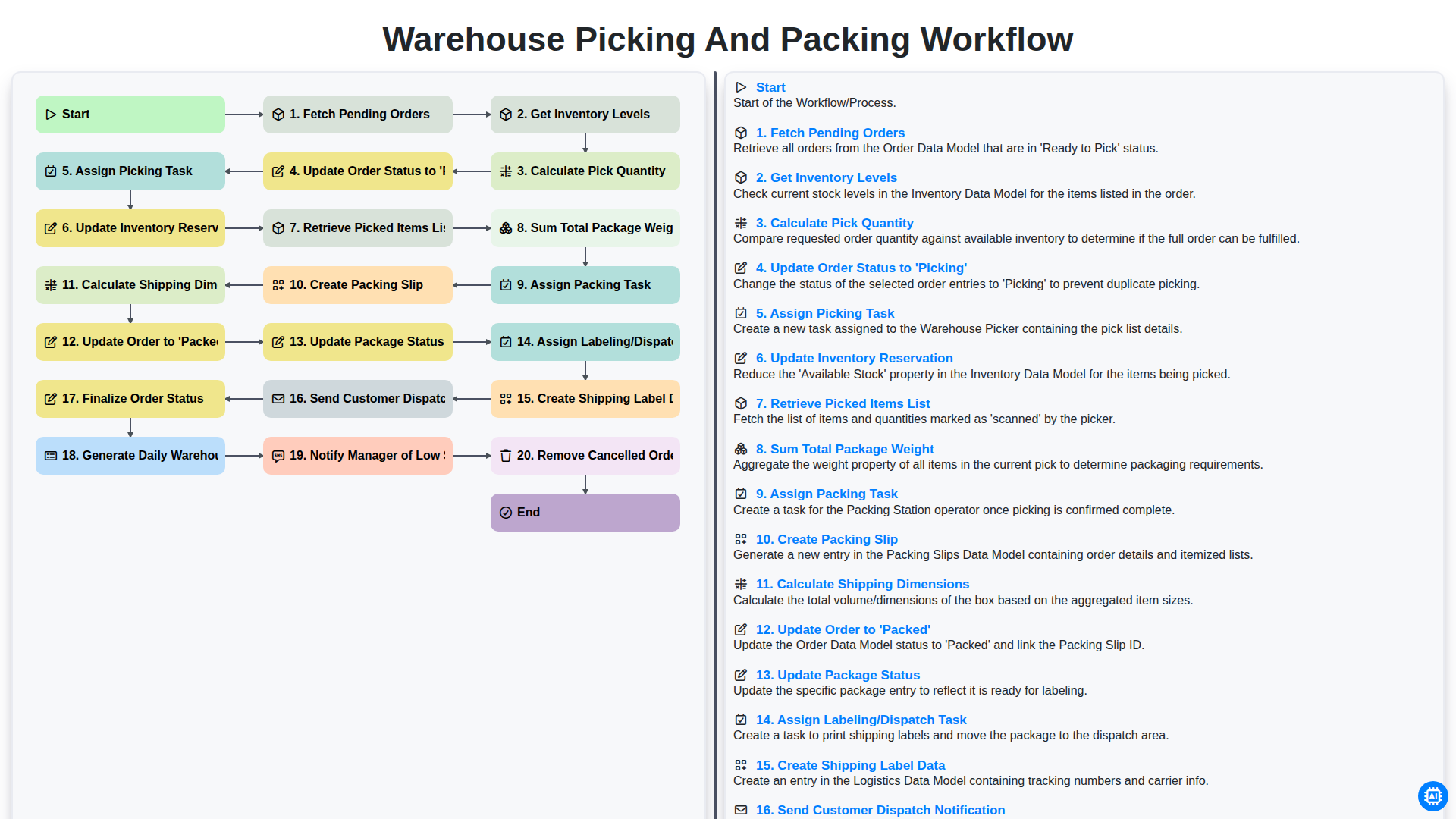
Warehouse Picking and Packing Workflow
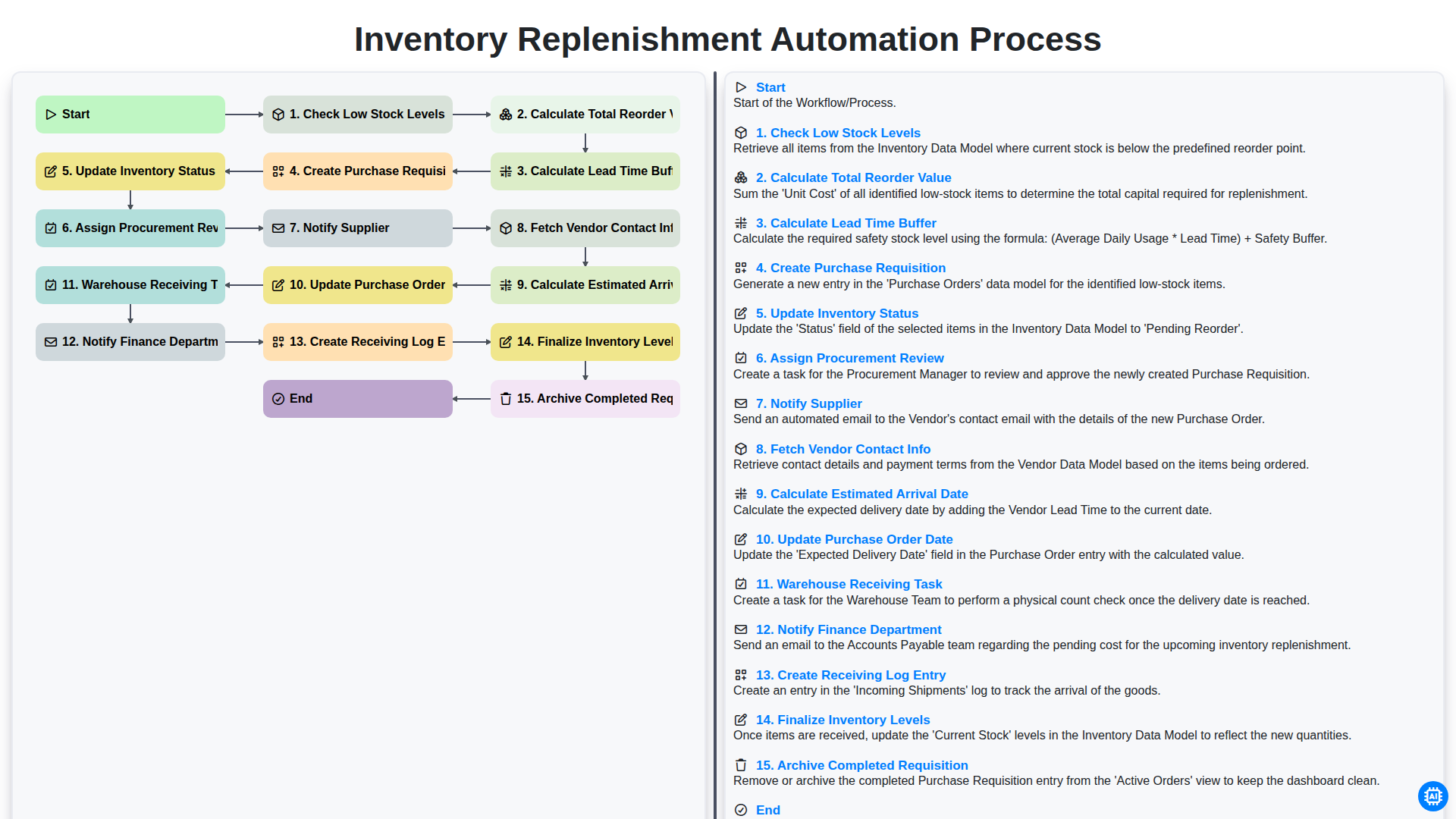
Inventory Replenishment Automation Process
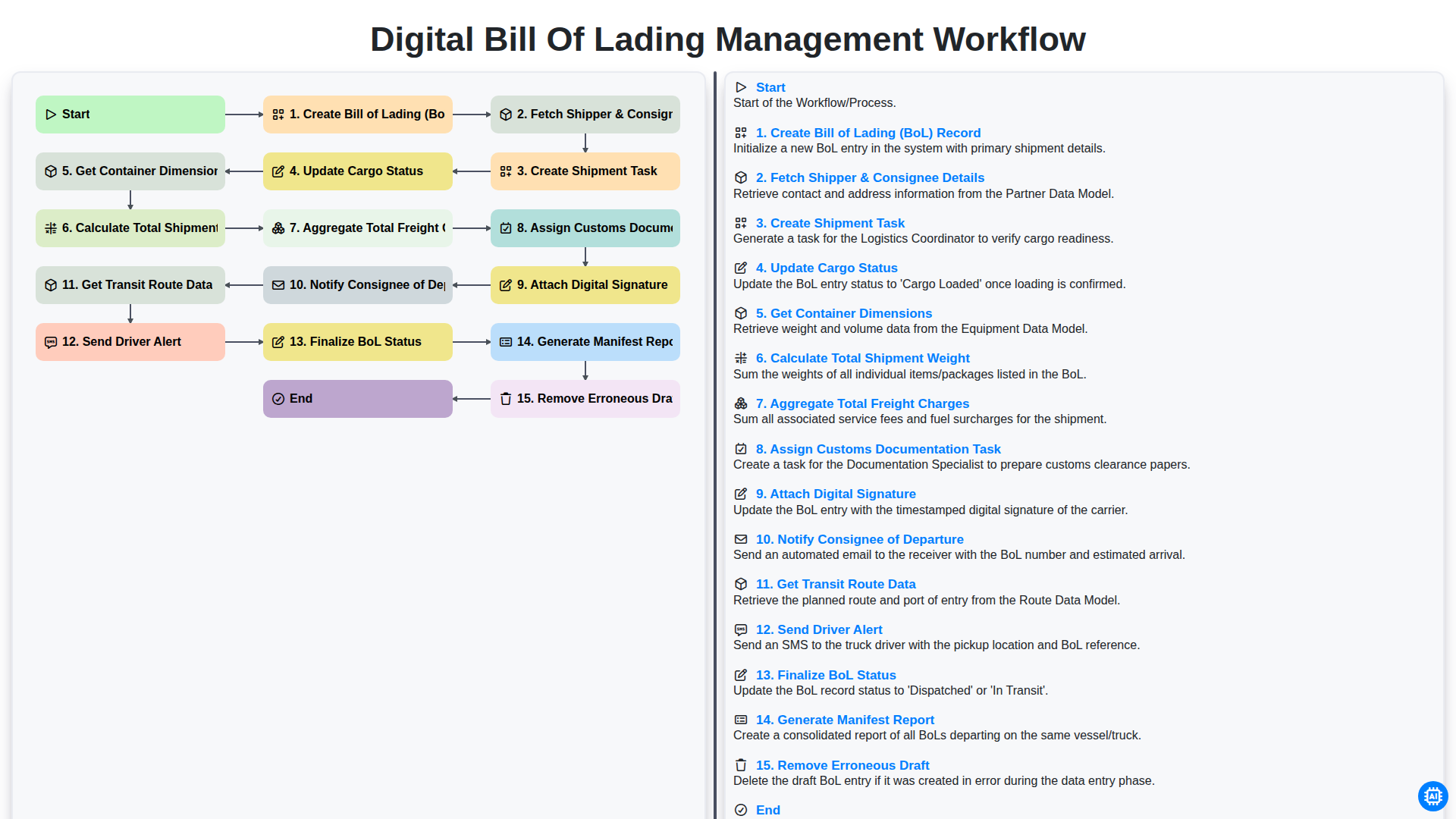
Digital Bill of Lading Management Workflow
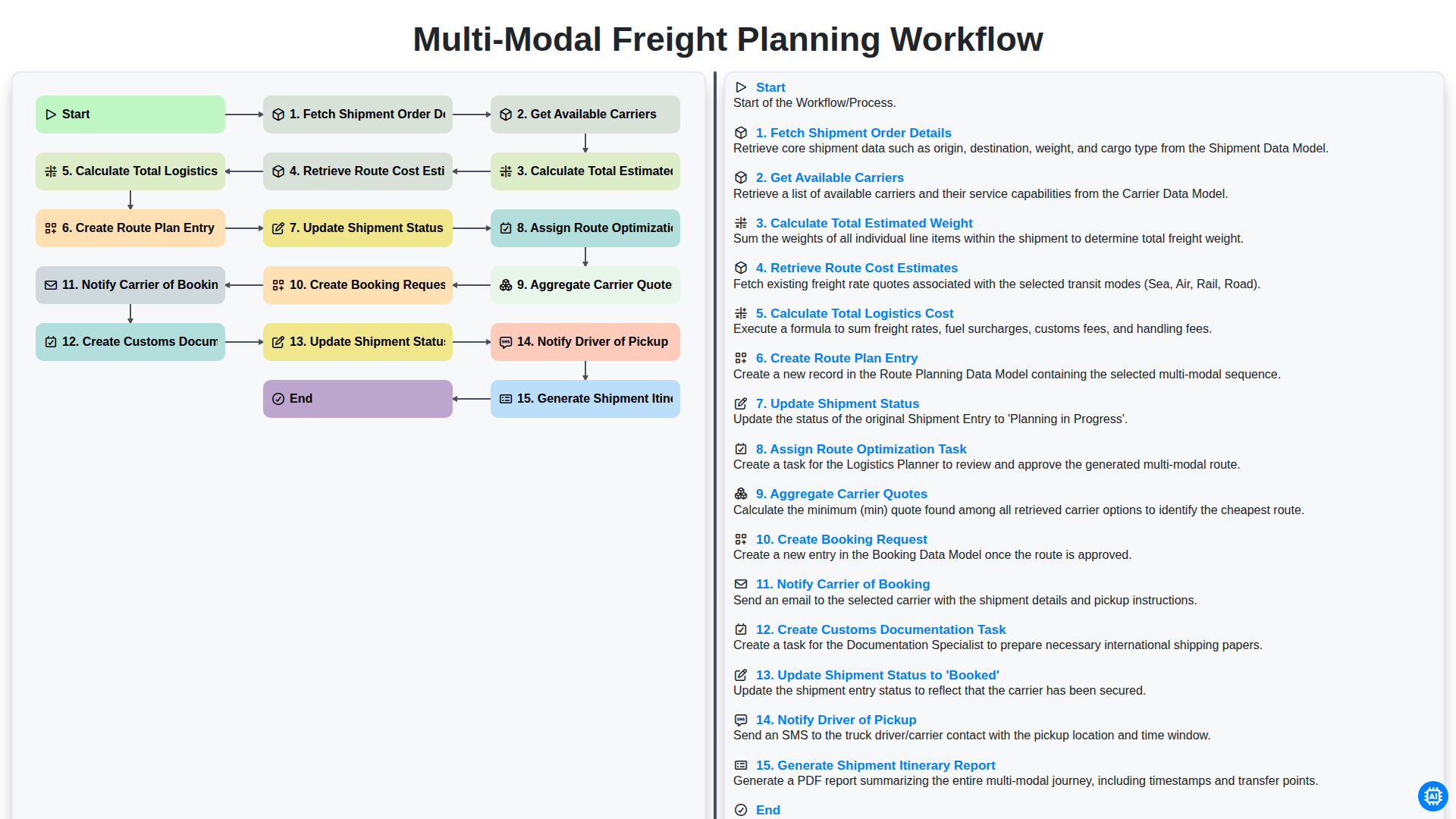
Multi-Modal Freight Planning Workflow
Need help with
Logistics?
Have a question? We're here to help. Please submit your inquiry, and we'll respond promptly.