 ChecklistGuro
 Manufacturing Engineering Change Order (ECO) Process
Streamline your manufacturing engineering changes with our ECO process workflow! Reduce errors, accelerate approvals, and ensure seamless implementation of critical updates-all in one place. From initial request to final rollout, our solution empowers manufacturing teams to manage change effectively and maintain peak operational efficiency.
This Template was installed 1 times.
Start
Start of the Workflow/Process.
1. Retrieve Current ECO Data
Fetch existing ECO data from the ECO data model.
2. Notify Engineering Lead
Create a task for the Engineering Lead to review the ECO request.
3. Send Initial ECO Notification
Email notification to relevant stakeholders regarding the submitted ECO.
4. Create ECO Request Entry
Create a new entry in the ECO Request data model.
5. Assign Impact Assessment
Create a task to assess the impact of the proposed change.
6. Calculate Estimated Cost
Calculate the estimated cost of the change based on material and labor costs.
7. Update ECO Status
Update the ECO status field in the ECO data model.
8. Retrieve Affected BOMs
Fetch BOMs potentially impacted by the ECO.
9. Review and Approve BOM Changes
Create a task for BOM engineers to review and approve necessary changes.
10. Send Approval Notification
Email notification upon ECO approval.
11. Create Revision History Entry
Create a new entry in the ECO Revision History data model to track changes.
12. Generate ECO Summary Report
Create a report summarizing the ECO details, impact assessment, and approval status.
13. Notify Production Planning
Create a task for Production Planning to prepare for implementation.
14. Update Implementation Status
Update the implementation status field in the ECO data model.
15. Retrieve related Work Orders
Fetch relevant work orders impacted by the ECO.
End
End of the Workflow/Process.
Start of the Workflow/Process.
Fetch existing ECO data from the ECO data model.
Create a task for the Engineering Lead to review the ECO request.
Email notification to relevant stakeholders regarding the submitted ECO.
Create a new entry in the ECO Request data model.
Create a task to assess the impact of the proposed change.
Calculate the estimated cost of the change based on material and labor costs.
Update the ECO status field in the ECO data model.
Fetch BOMs potentially impacted by the ECO.
Create a task for BOM engineers to review and approve necessary changes.
Email notification upon ECO approval.
Create a new entry in the ECO Revision History data model to track changes.
Create a report summarizing the ECO details, impact assessment, and approval status.
Create a task for Production Planning to prepare for implementation.
Update the implementation status field in the ECO data model.
Fetch relevant work orders impacted by the ECO.
End of the Workflow/Process.
Comments
There are no comments yet. Be the first to add one!
Manufacturing Management Solution Demo
Stop chasing paperwork and wrestling with disconnected systems! Our solution brings clarity and control to your production process. From standard operating procedures (SOPs) and equipment maintenance to quality control and inventory tracking, we simplify every step.
Related Workflow Templates
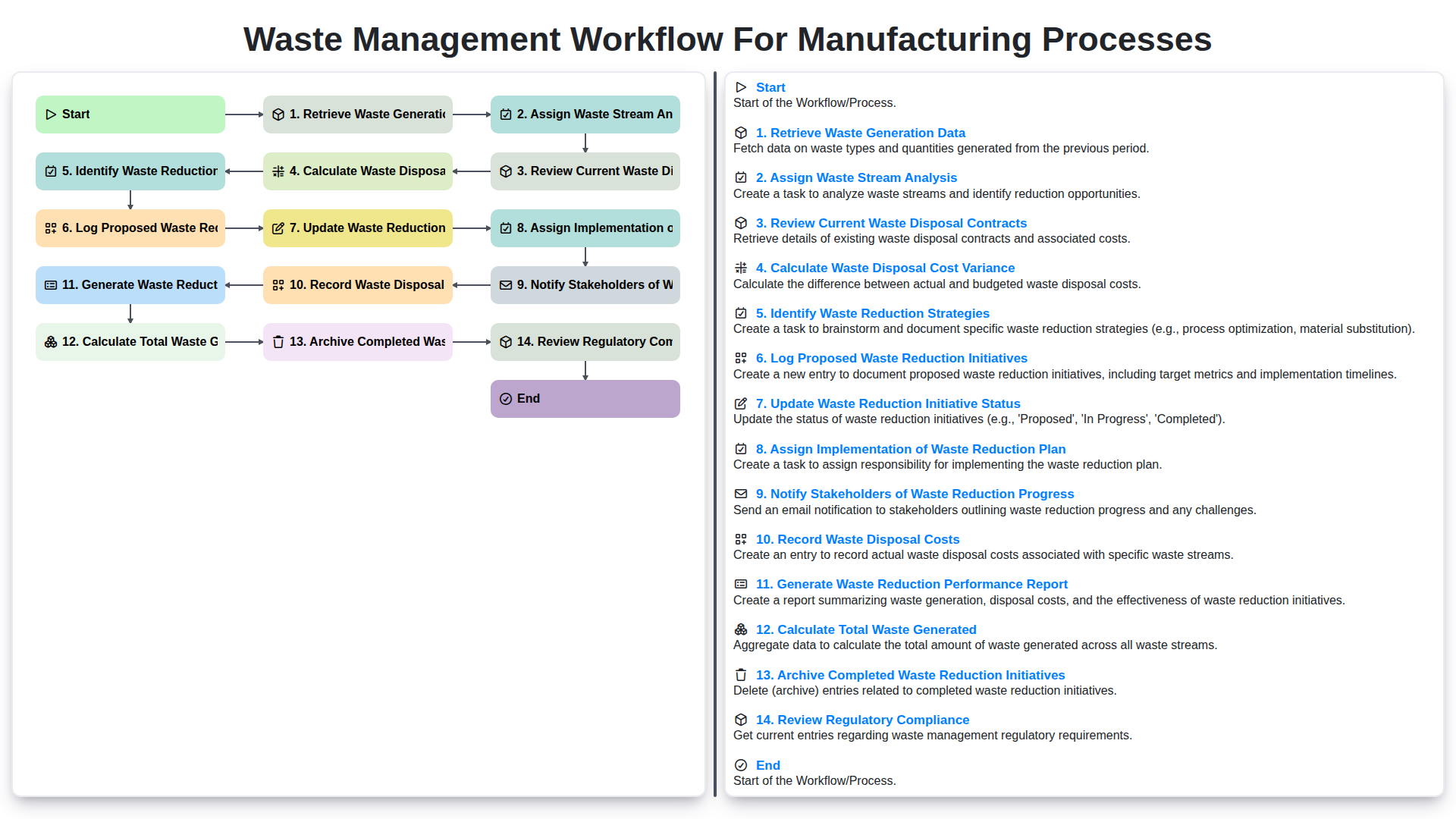
Waste Management Workflow for Manufacturing Processes
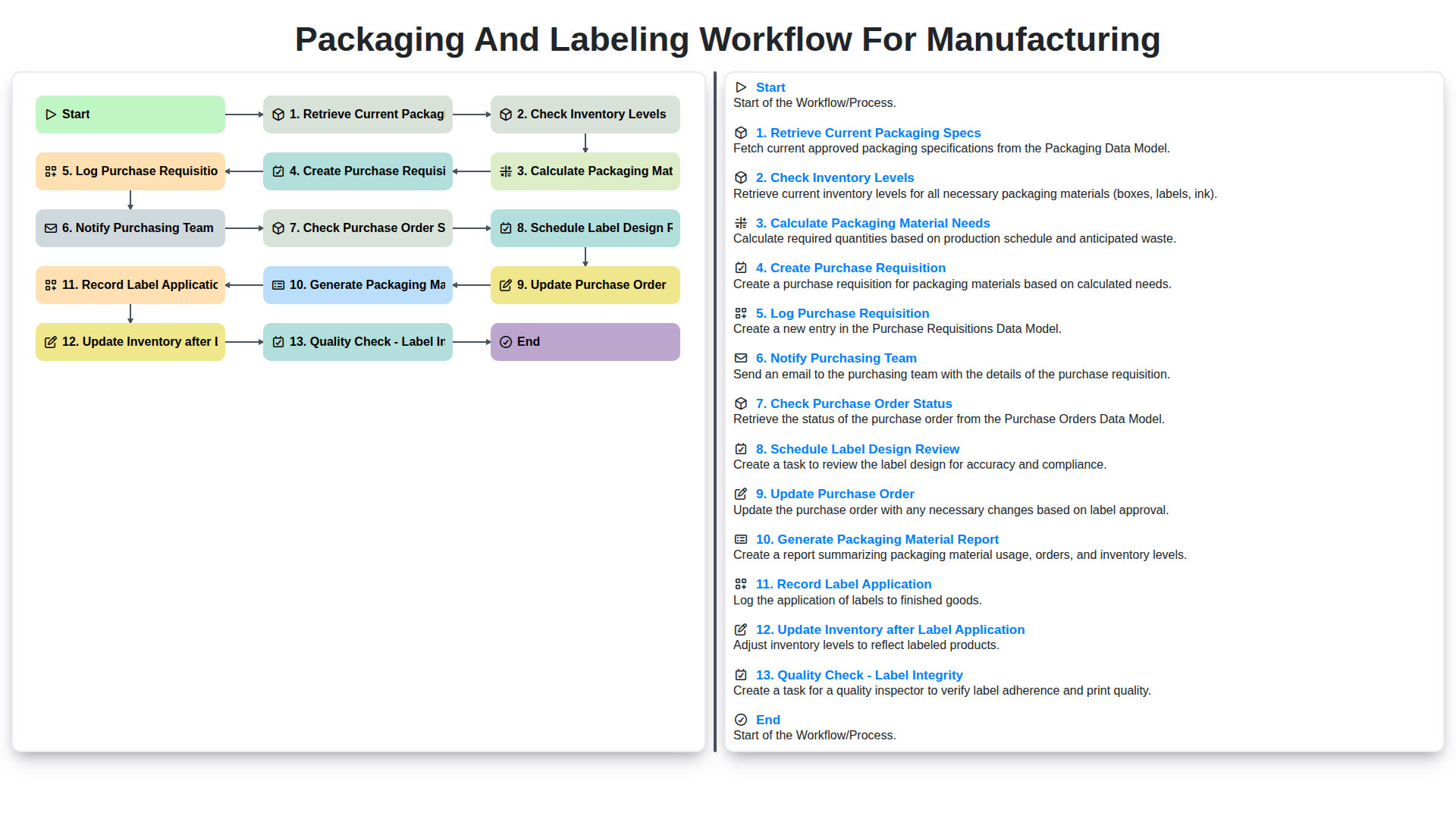
Packaging and Labeling Workflow for Manufacturing
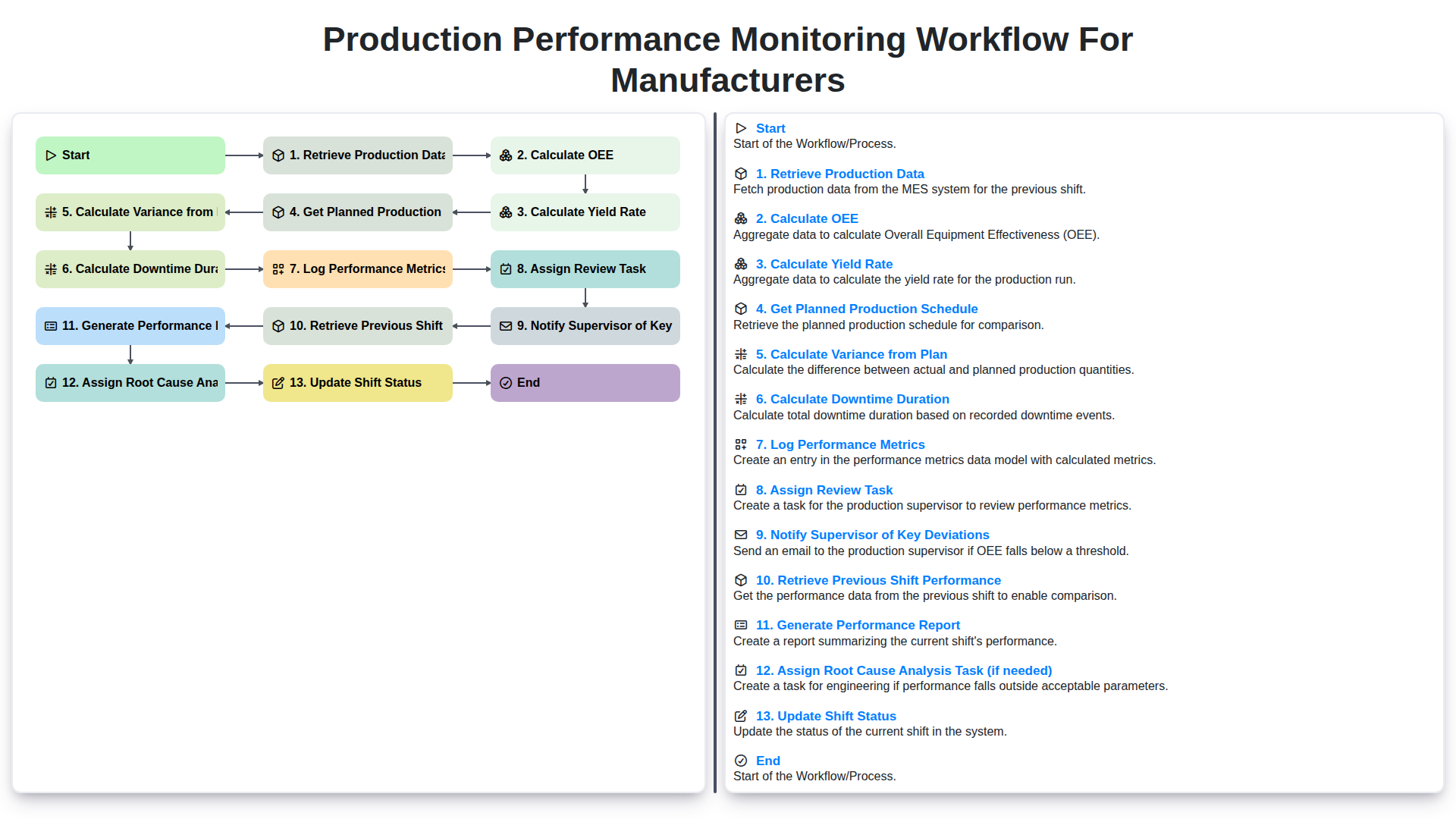
Production Performance Monitoring Workflow for Manufacturers
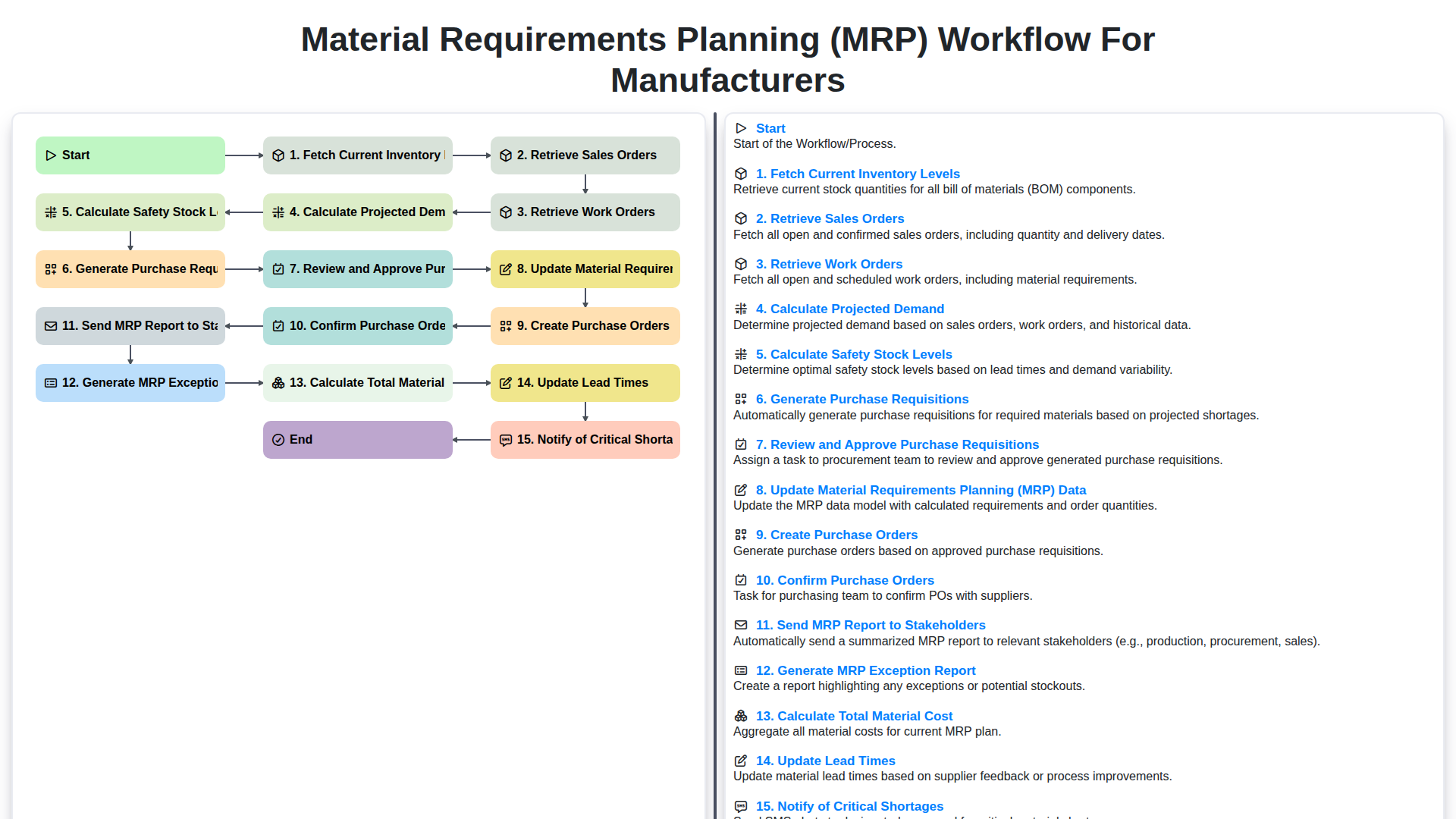
Material Requirements Planning (MRP) Workflow for Manufacturers
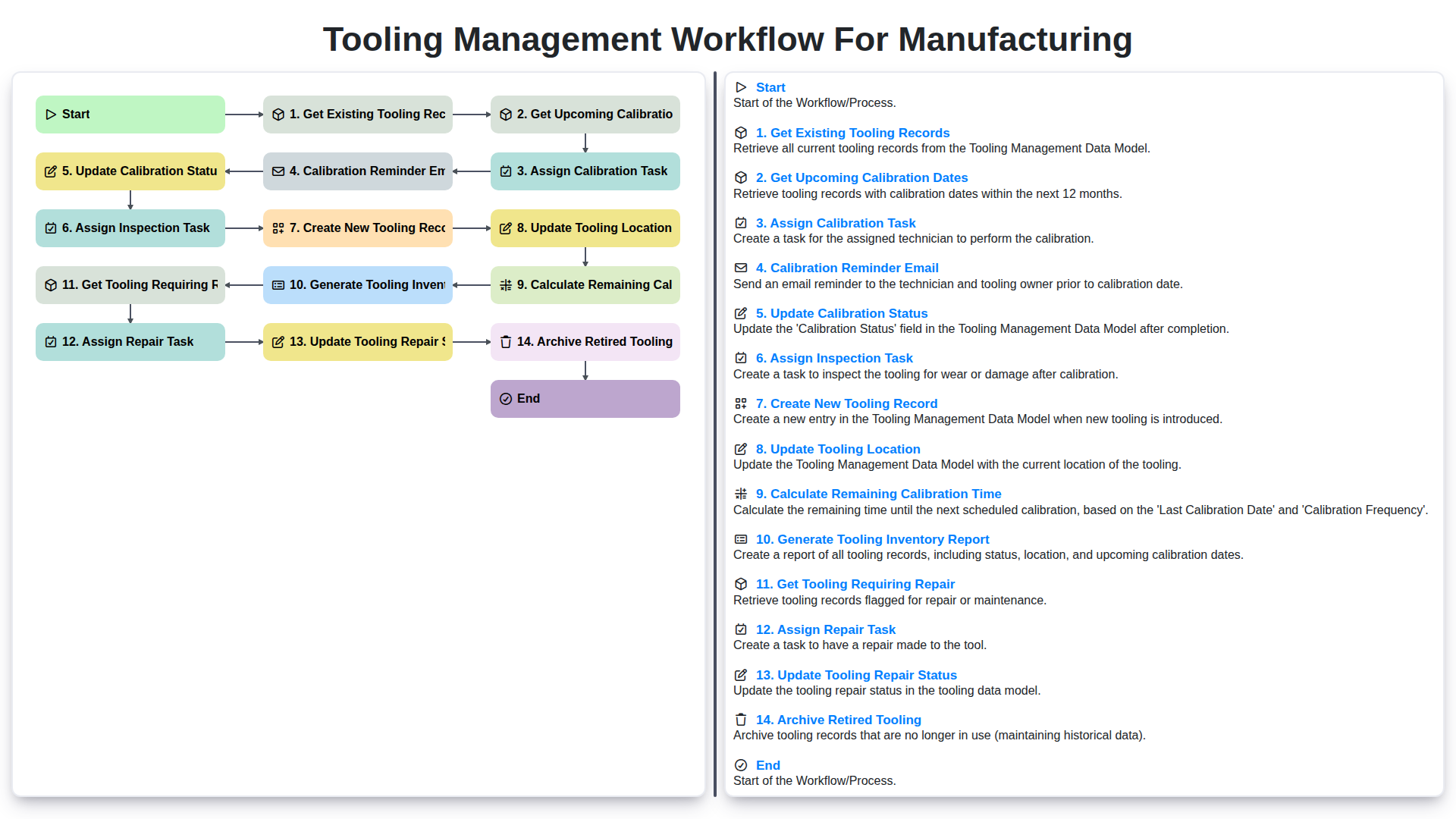
Tooling Management Workflow for Manufacturing
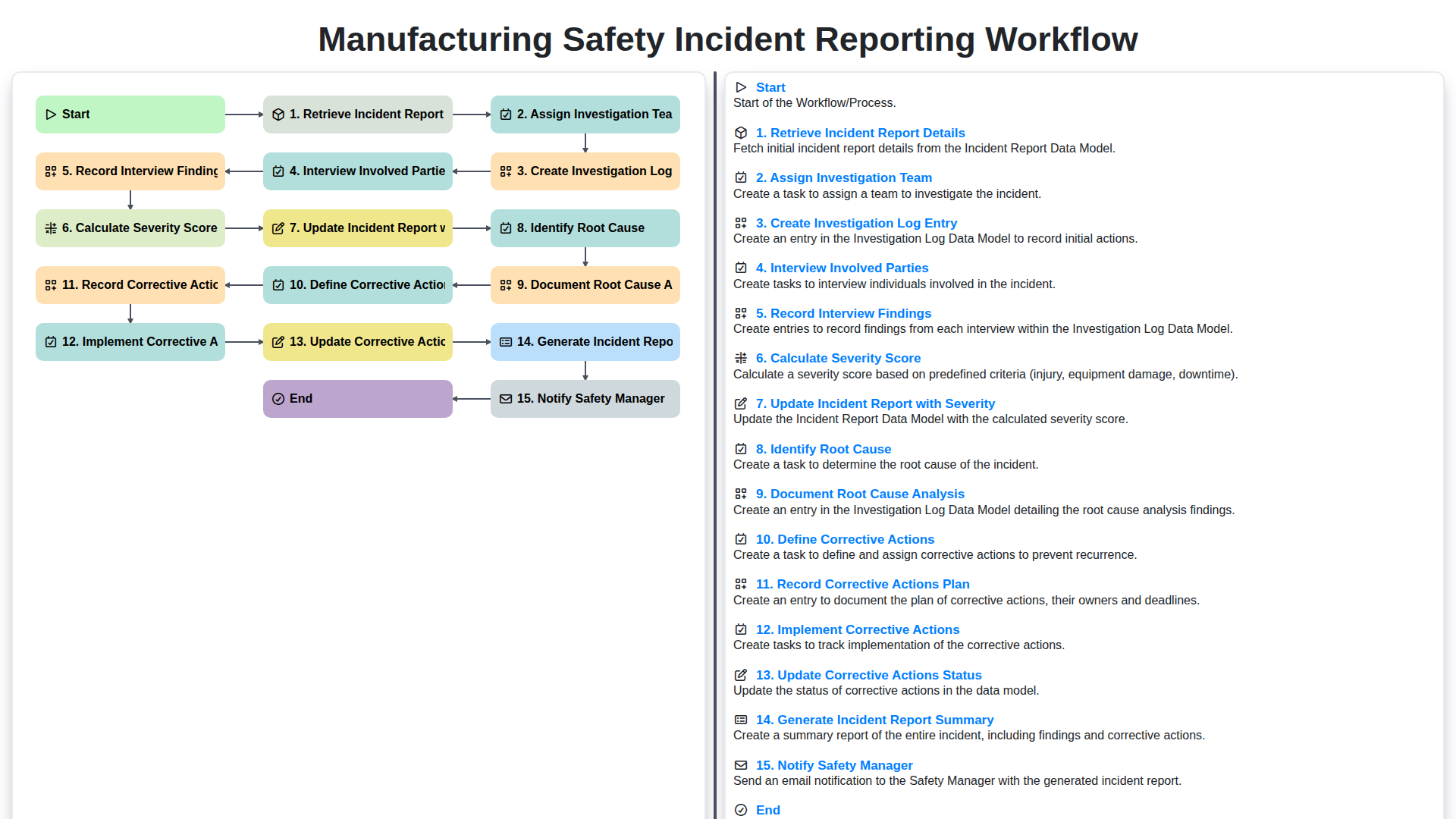
Manufacturing Safety Incident Reporting Workflow
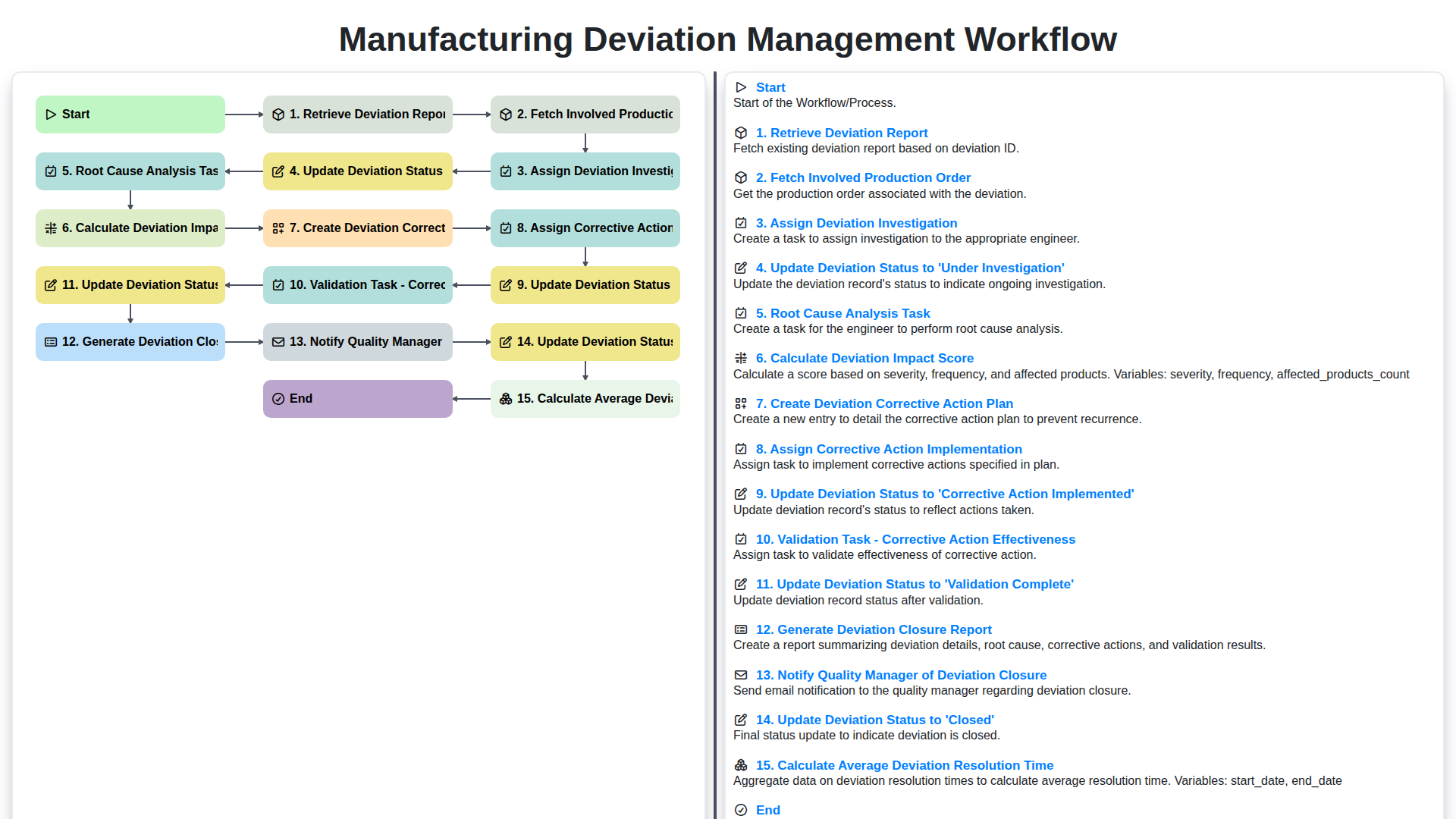
Manufacturing Deviation Management Workflow
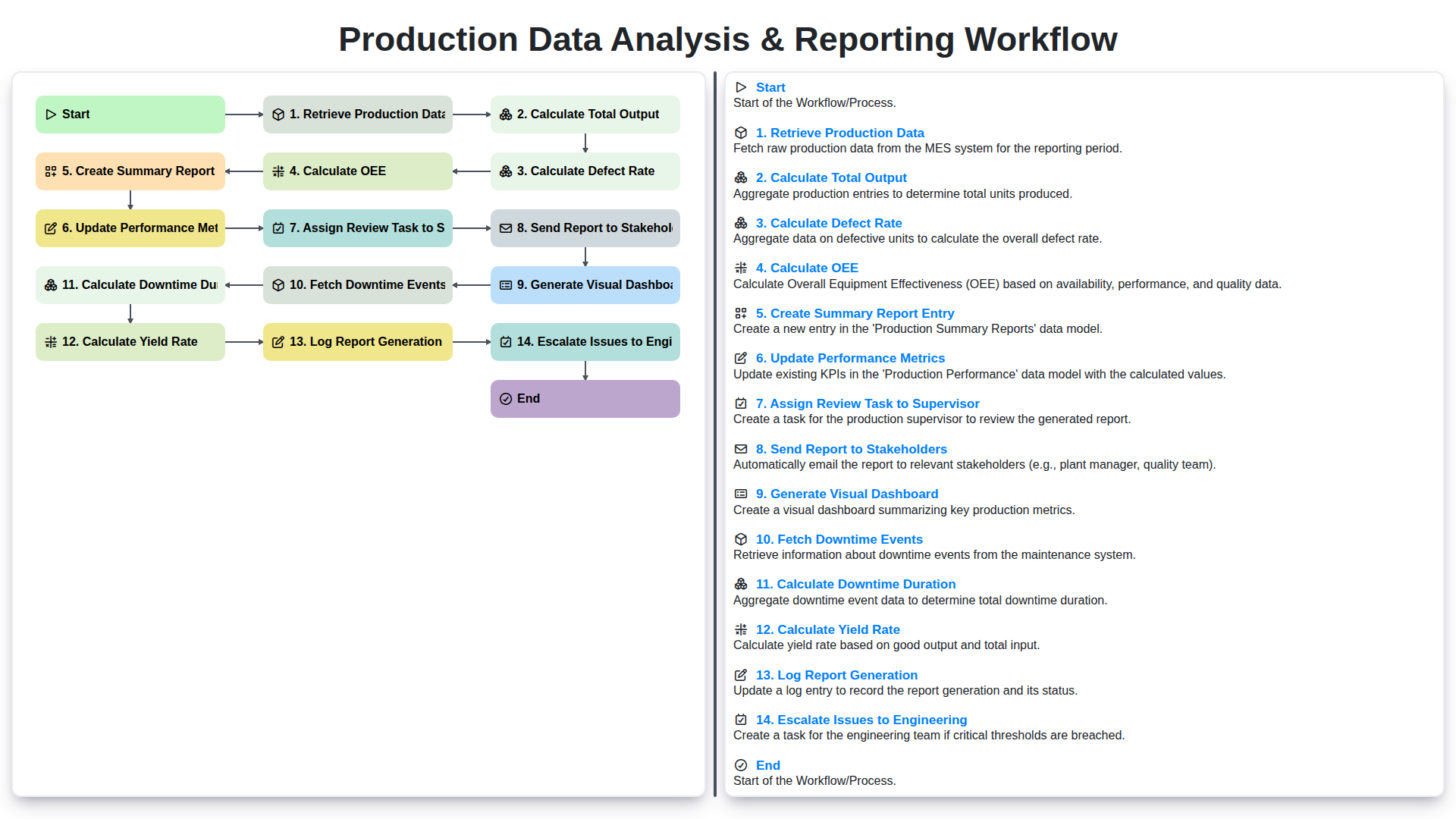
Production Data Analysis & Reporting Workflow
We can do it Together
Need help with
Manufacturing?
Have a question? We're here to help. Please submit your inquiry, and we'll respond promptly.