 ChecklistGuro
 Social Media Campaign Management Workflow
Streamline your content strategy with our Social Media Campaign Management Workflow. From initial ideation and content calendar planning to scheduling, publishing, and performance tracking, this optimized task management process eliminates bottlenecks, ensures brand consistency, and boosts engagement across all platforms. Perfect for marketing teams looking to master their social media execution.
This Template was installed 5 times.
Start
Start of the Workflow/Process.
1. Fetch Campaign Brief
Retrieve the initial campaign requirements and objectives from the Campaign Data Model.
2. Initialize Campaign Record
Create a new entry in the Campaigns Data Model to track the lifecycle of the new campaign.
3. Content Ideation Task
Assign a task to the Creative Team to brainstorm themes and content pillars.
4. Create Content Calendar Entry
Create a new entry in the Content Calendar model for the planned posts.
5. Graphic Design Task
Assign visual asset creation tasks to the Design Team based on approved ideas.
6. Update Asset Status
Update the status of specific media entries to 'Ready for Review' once designs are uploaded.
7. Copywriting Task
Assign task to Copywriters to draft captions and hashtags for the scheduled posts.
8. Calculate Budget Allocation
Calculate the split of the total budget across different social platforms (e.g., Facebook vs Instagram).
9. Retrieve Influencer List
Fetch approved influencers from the Influencer Data Model for potential collaboration.
10. Approval Workflow Task
Create a task for the Marketing Manager to review and approve all creative assets and copy.
11. Update Campaign Status to 'Live'
Update the Campaign Data Model entry status to 'Active' once all approvals are received.
12. Notify Stakeholders
Send an email to the client/stakeholders announcing that the campaign is officially live.
13. Fetch Performance Metrics
Retrieve engagement, reach, and click data from the Analytics Data Model for the campaign period.
14. Aggregate Total Reach
Sum the 'Reach' property from all individual post entries to get the total campaign reach.
15. Calculate Average Engagement Rate
Calculate the average engagement percentage across all posts in the campaign.
16. Generate Campaign Post-Mortem Report
Create a formal performance report based on the aggregated campaign data.
17. Send Report to Management
Email the final performance report to the Marketing Director.
18. Archive Campaign
Update the Campaign entry status to 'Completed' and close the workflow.
End
End of the Workflow/Process.
Start of the Workflow/Process.
Retrieve the initial campaign requirements and objectives from the Campaign Data Model.
Create a new entry in the Campaigns Data Model to track the lifecycle of the new campaign.
Assign a task to the Creative Team to brainstorm themes and content pillars.
Create a new entry in the Content Calendar model for the planned posts.
Assign visual asset creation tasks to the Design Team based on approved ideas.
Update the status of specific media entries to 'Ready for Review' once designs are uploaded.
Assign task to Copywriters to draft captions and hashtags for the scheduled posts.
Calculate the split of the total budget across different social platforms (e.g., Facebook vs Instagram).
Fetch approved influencers from the Influencer Data Model for potential collaboration.
Create a task for the Marketing Manager to review and approve all creative assets and copy.
Update the Campaign Data Model entry status to 'Active' once all approvals are received.
Send an email to the client/stakeholders announcing that the campaign is officially live.
Retrieve engagement, reach, and click data from the Analytics Data Model for the campaign period.
Sum the 'Reach' property from all individual post entries to get the total campaign reach.
Calculate the average engagement percentage across all posts in the campaign.
Create a formal performance report based on the aggregated campaign data.
Email the final performance report to the Marketing Director.
Update the Campaign entry status to 'Completed' and close the workflow.
End of the Workflow/Process.
Frequently Asked Questions
Comments
There are no comments yet. Be the first to add one!
Task Management Solution Demo
Get organized & boost productivity! ChecklistGuro simplifies task management, prioritization, & progress tracking. Achieve more, stress less, & hit your goals. Manage it all with our Work OS.
Related Workflow Templates
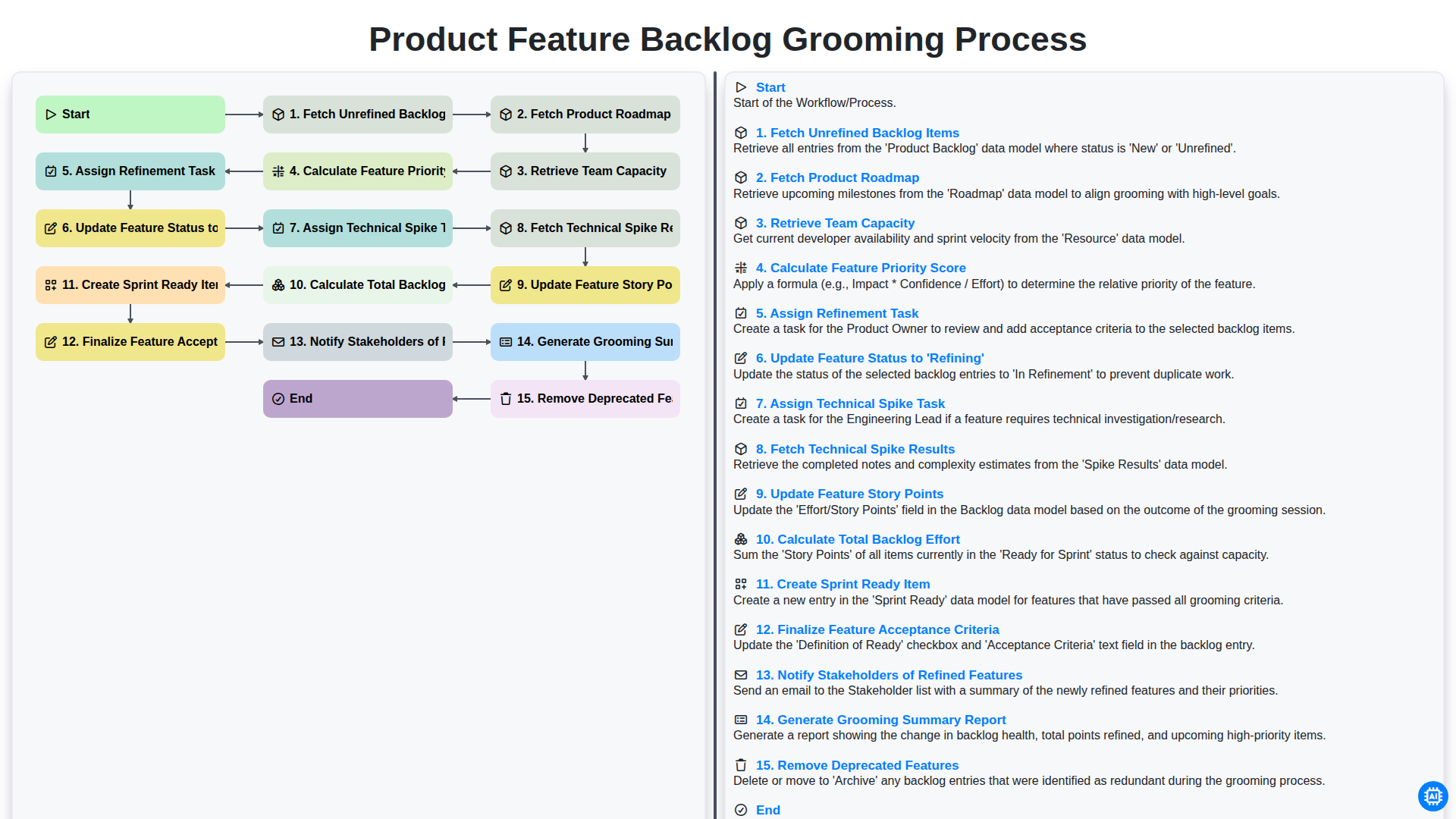
Product Feature Backlog Grooming Process
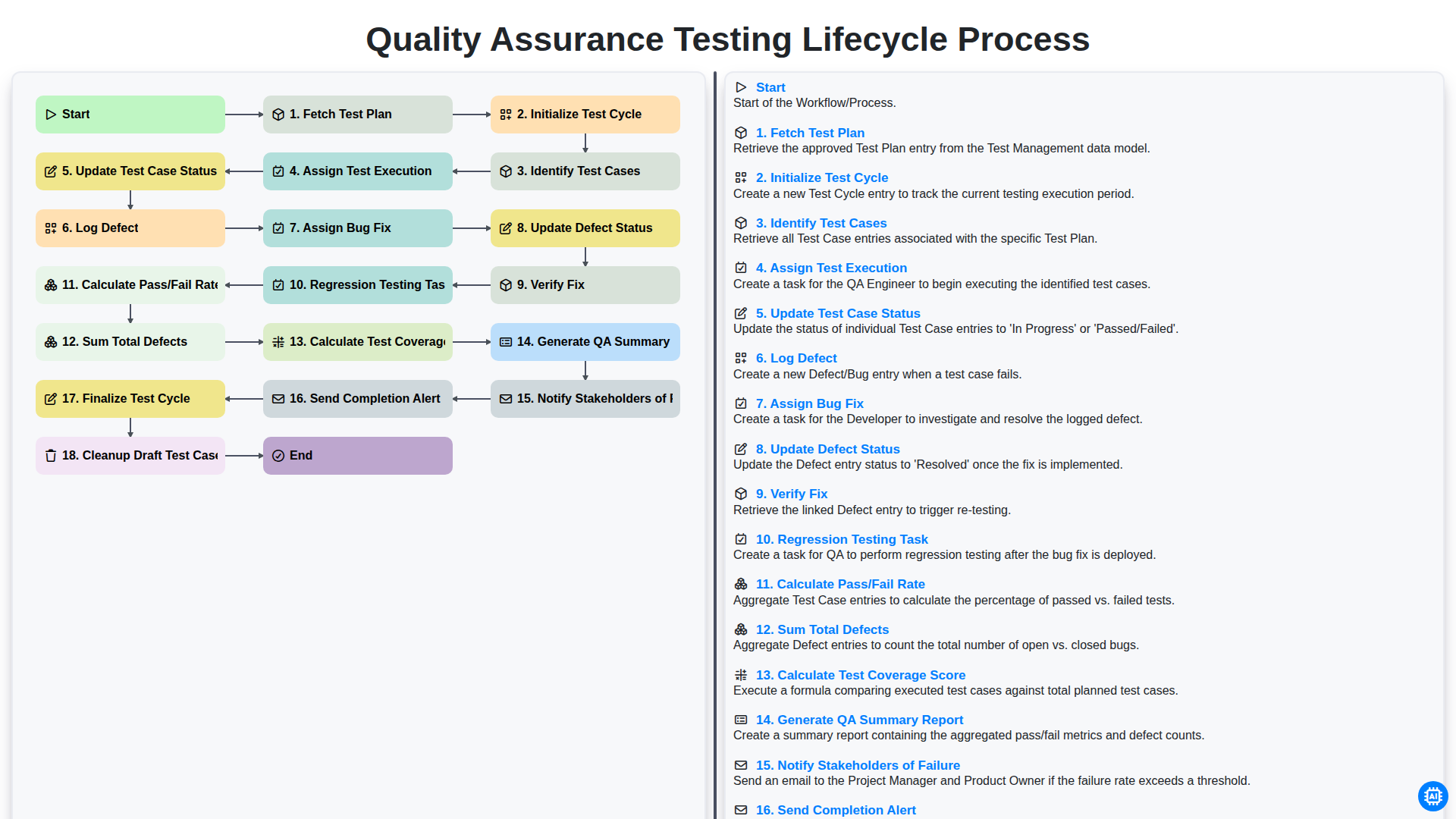
Quality Assurance Testing Lifecycle Process
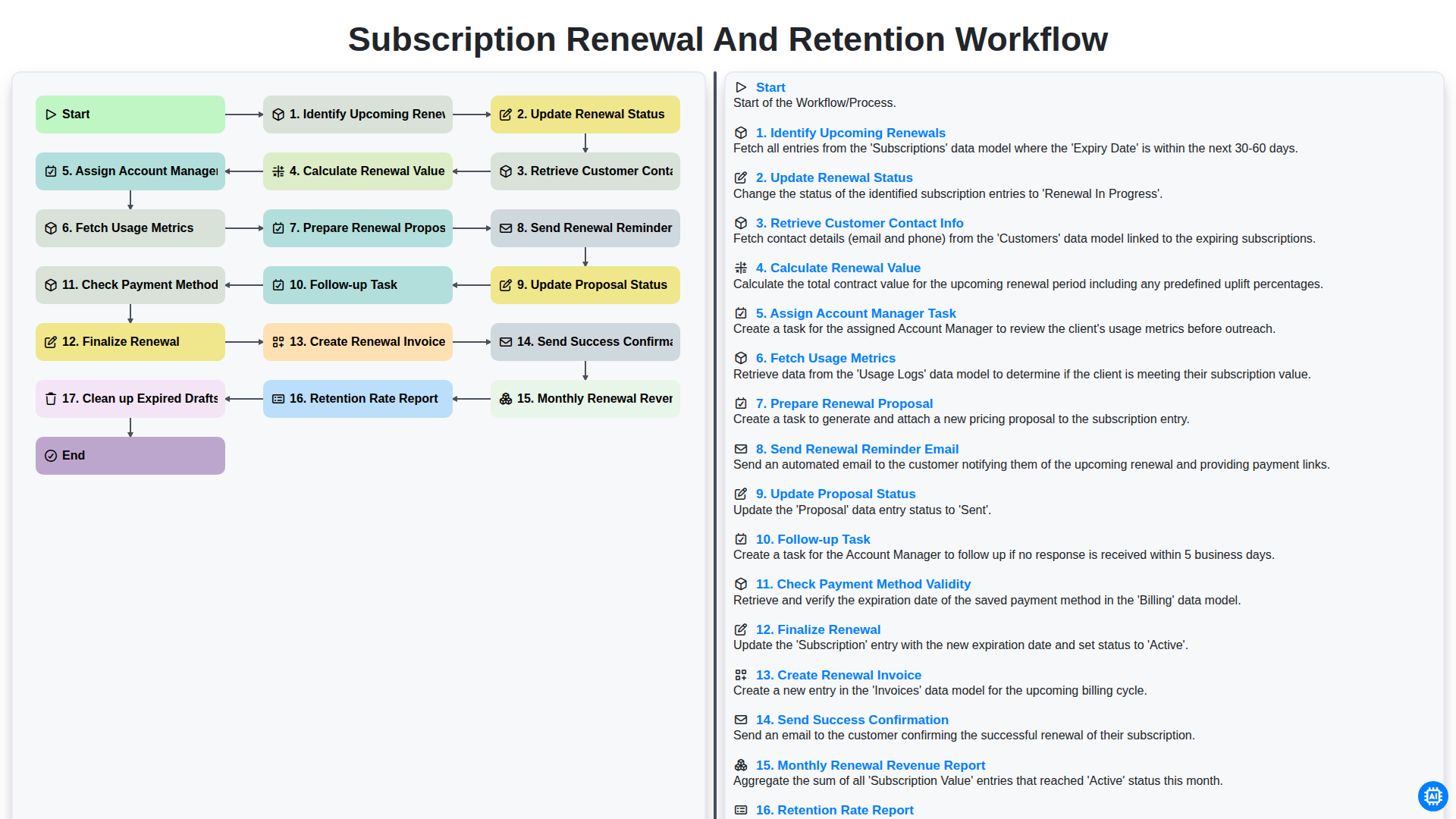
Subscription Renewal and Retention Workflow

B2B Lead Nurturing Process
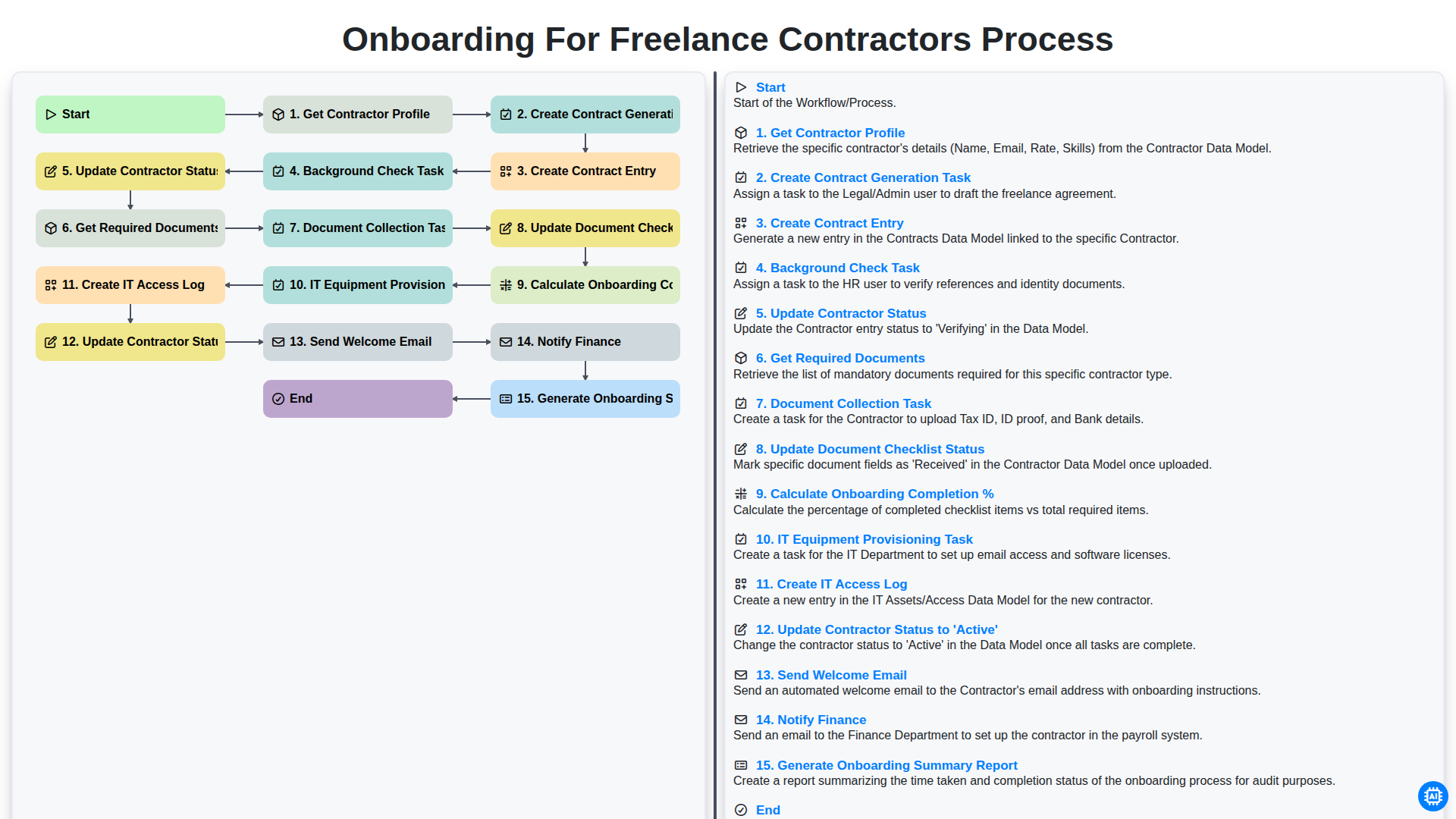
Onboarding for Freelance Contractors Process

Audit and Compliance Monitoring Workflow
Construction Project Milestone Tracking Process
Influencer Marketing Campaign Workflow
Need help with
Task Management?
Have a question? We're here to help. Please submit your inquiry, and we'll respond promptly.