 ChecklistGuro
 Hazardous Waste Manifesting Workflow: Compliance & Tracking on Work OS Platform
Automate Hazardous Waste Manifesting: Ensure 100% Compliance and Crystal-Clear Tracking for Your Waste Management Needs.
This Template was installed 1 times.
Start
Start of the Workflow/Process.
1. Initiate Waste Manifest Record
Create a new record for the hazardous waste manifest.
2. Retrieve Generator Site Data
Get necessary details from the originating site's database model.
3. Fetch Waste Characterization Data
Retrieve specific data points like waste codes, quantities, and hazard levels.
4. Populate Manifest Details
Create the core manifest record with required data from sources.
5. Calculate Total Waste Weight
Sum the various weight entries (e.g., total kilograms of waste).
6. Assign Reviewer Task
Create a task assigned to the designated compliance officer for verification.
7. Add Tracking Number and Status
Update the manifest record with the official tracking ID and initial status ('Submitted').
8. Verify Manifest Completeness Checklist
Step-by-step verification checklist for all required regulatory fields.
9. Notify Waste Receiving Facility
Send automated confirmation email to the disposal facility with manifest details.
10. Generate Disposal Task for Transporter
Create a task for the transporter to confirm pickup logistics.
11. Generate Final Manifest Copy
Finalize and create the official, signed waste manifest document.
12. Calculate Waste Disposal Cost
Determine the final cost based on weight and prevailing rates.
13. Archive Manifest Record
Create a follow-up task to archive the completed manifest within the system.
14. Update Manifest Status to 'Approved'
Change the status of the manifest after successful review.
15. Generate Quarterly Waste Report
Compile necessary data into a report for regulatory audits and tracking.
16. Alert User of Manifest Status Change
Send immediate SMS notification to stakeholders upon status change (e.g., 'Approved' or 'Rejected').
17. Check Permitted Waste Types
Verify that the reported waste types are authorized for the specified facility.
18. Arrange Disposal Documentation
Task to gather and attach all necessary supporting compliance documents.
19. Determine Disposal Fees
Calculate total fees based on weight, type, and distance metrics.
20. Attach Disposal Certification
Upload and link the final Certificate of Disposal to the record.
21. Submit Waste Report to Regulator
Send required manifest copies and summary reports to regulatory bodies.
22. Review & Approve Manifest Submission
Assign task to senior staff for final legal and operational sign-off.
23. Verify Manifest Expiry Dates
Check current status and expiry dates for applicable permits and waste streams.
End
End of the Workflow/Process.
Start of the Workflow/Process.
Create a new record for the hazardous waste manifest.
Get necessary details from the originating site's database model.
Retrieve specific data points like waste codes, quantities, and hazard levels.
Create the core manifest record with required data from sources.
Sum the various weight entries (e.g., total kilograms of waste).
Create a task assigned to the designated compliance officer for verification.
Update the manifest record with the official tracking ID and initial status ('Submitted').
Step-by-step verification checklist for all required regulatory fields.
Send automated confirmation email to the disposal facility with manifest details.
Create a task for the transporter to confirm pickup logistics.
Finalize and create the official, signed waste manifest document.
Determine the final cost based on weight and prevailing rates.
Create a follow-up task to archive the completed manifest within the system.
Change the status of the manifest after successful review.
Compile necessary data into a report for regulatory audits and tracking.
Send immediate SMS notification to stakeholders upon status change (e.g., 'Approved' or 'Rejected').
Verify that the reported waste types are authorized for the specified facility.
Task to gather and attach all necessary supporting compliance documents.
Calculate total fees based on weight, type, and distance metrics.
Upload and link the final Certificate of Disposal to the record.
Send required manifest copies and summary reports to regulatory bodies.
Assign task to senior staff for final legal and operational sign-off.
Check current status and expiry dates for applicable permits and waste streams.
End of the Workflow/Process.
Found this Workflow Template helpful?
Waste Management Solution Demo
Optimize your waste management & reduce environmental impact! ChecklistGuro streamlines collection, tracking, and reporting. Minimize waste, lower costs, & promote sustainability. Manage it all with our Work OS.
Related Workflow Templates
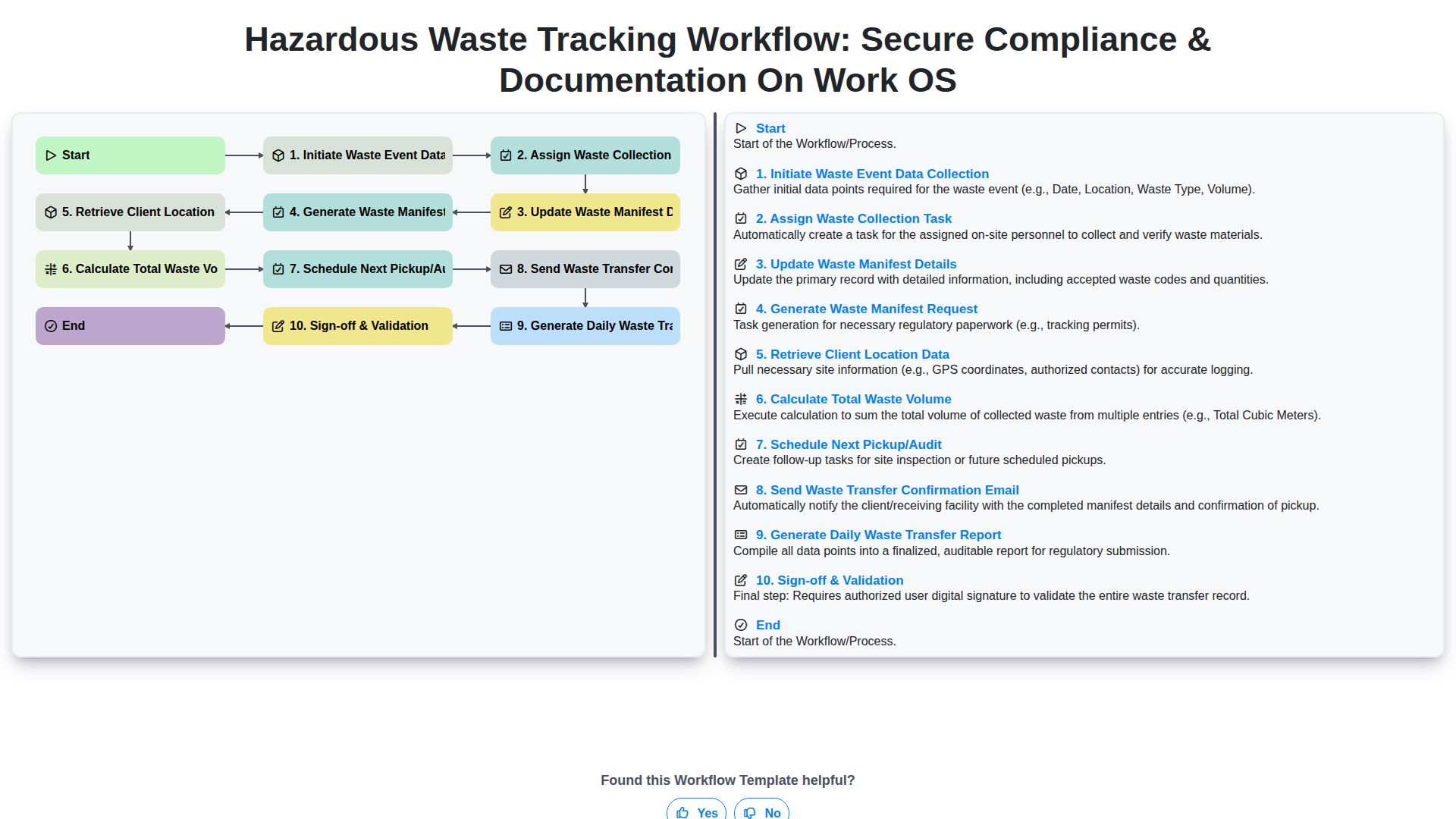
Hazardous Waste Tracking Workflow: Secure Compliance & Documentation on Work OS
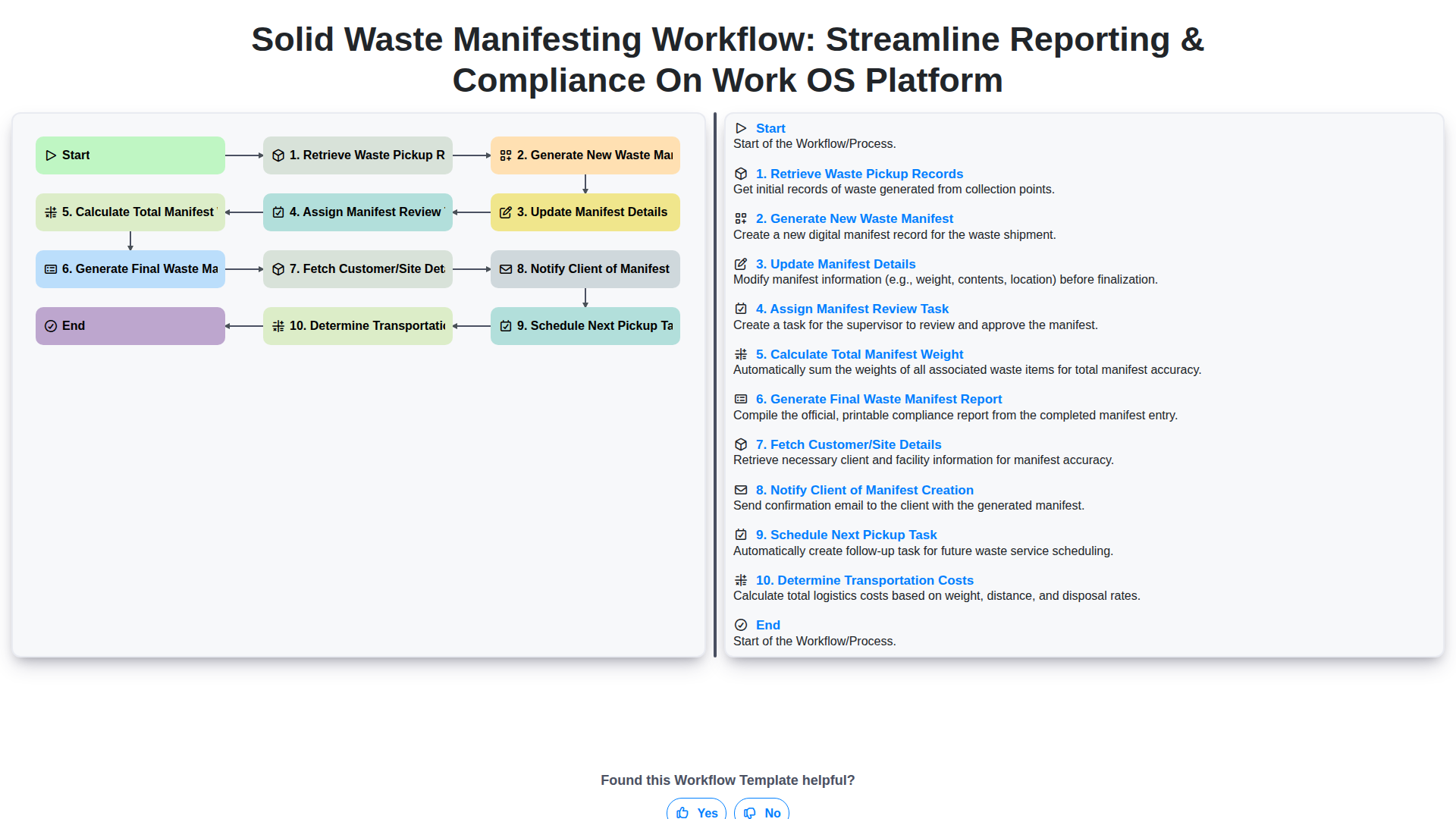
Solid Waste Manifesting Workflow: Streamline Reporting & Compliance on Work OS Platform
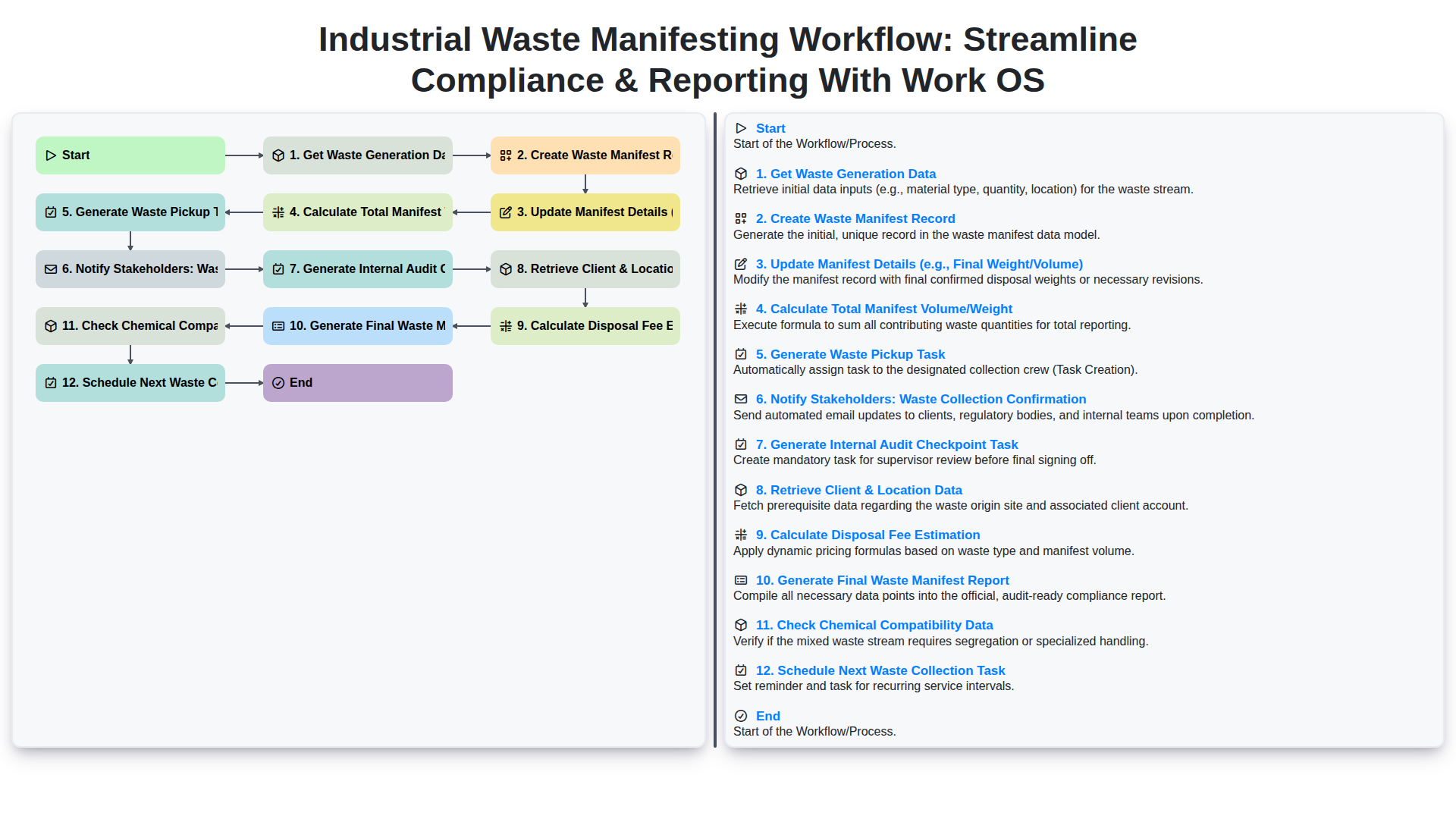
Industrial Waste Manifesting Workflow: Streamline Compliance & Reporting with Work OS
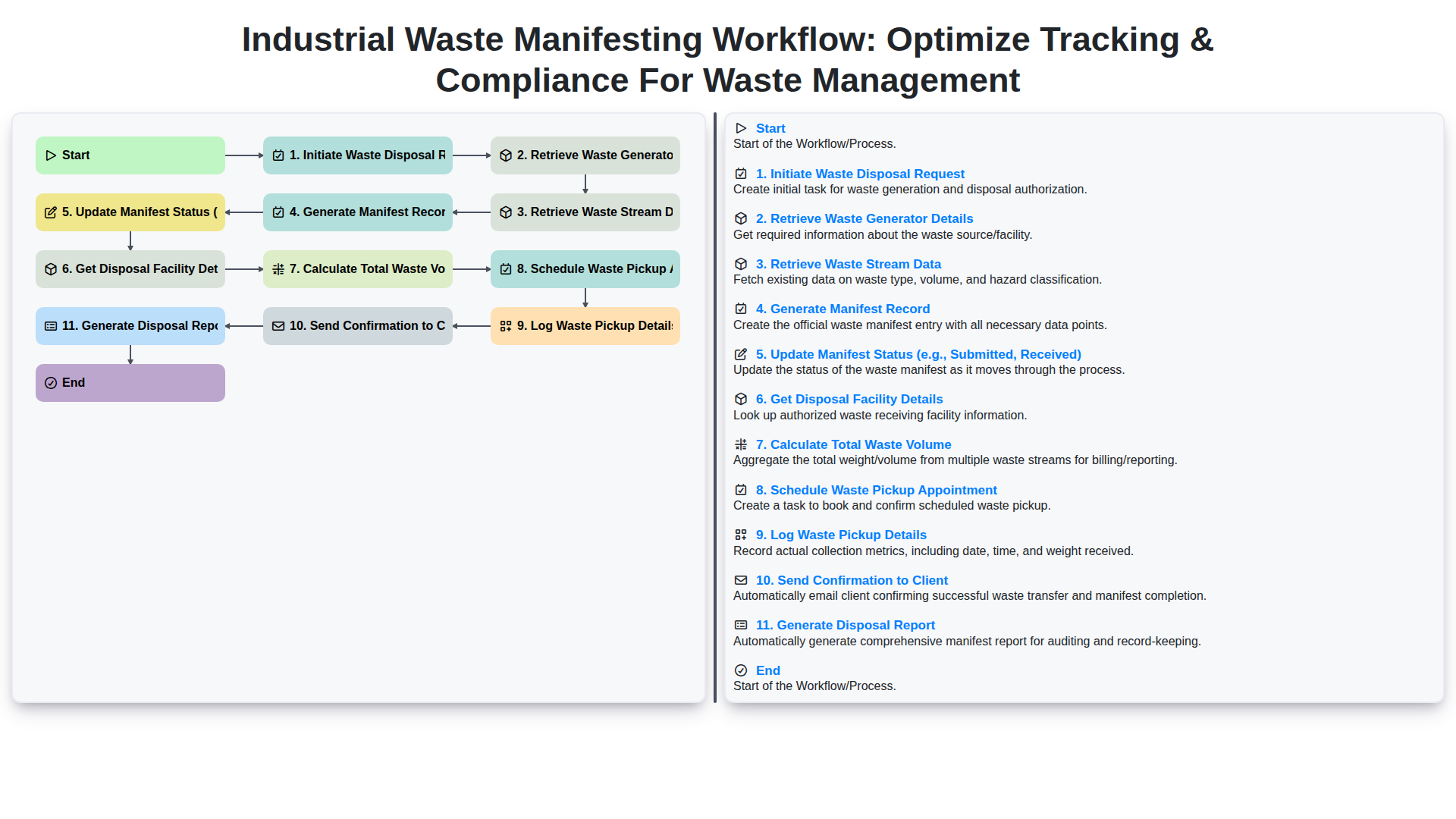
Industrial Waste Manifesting Workflow: Optimize Tracking & Compliance for Waste Management
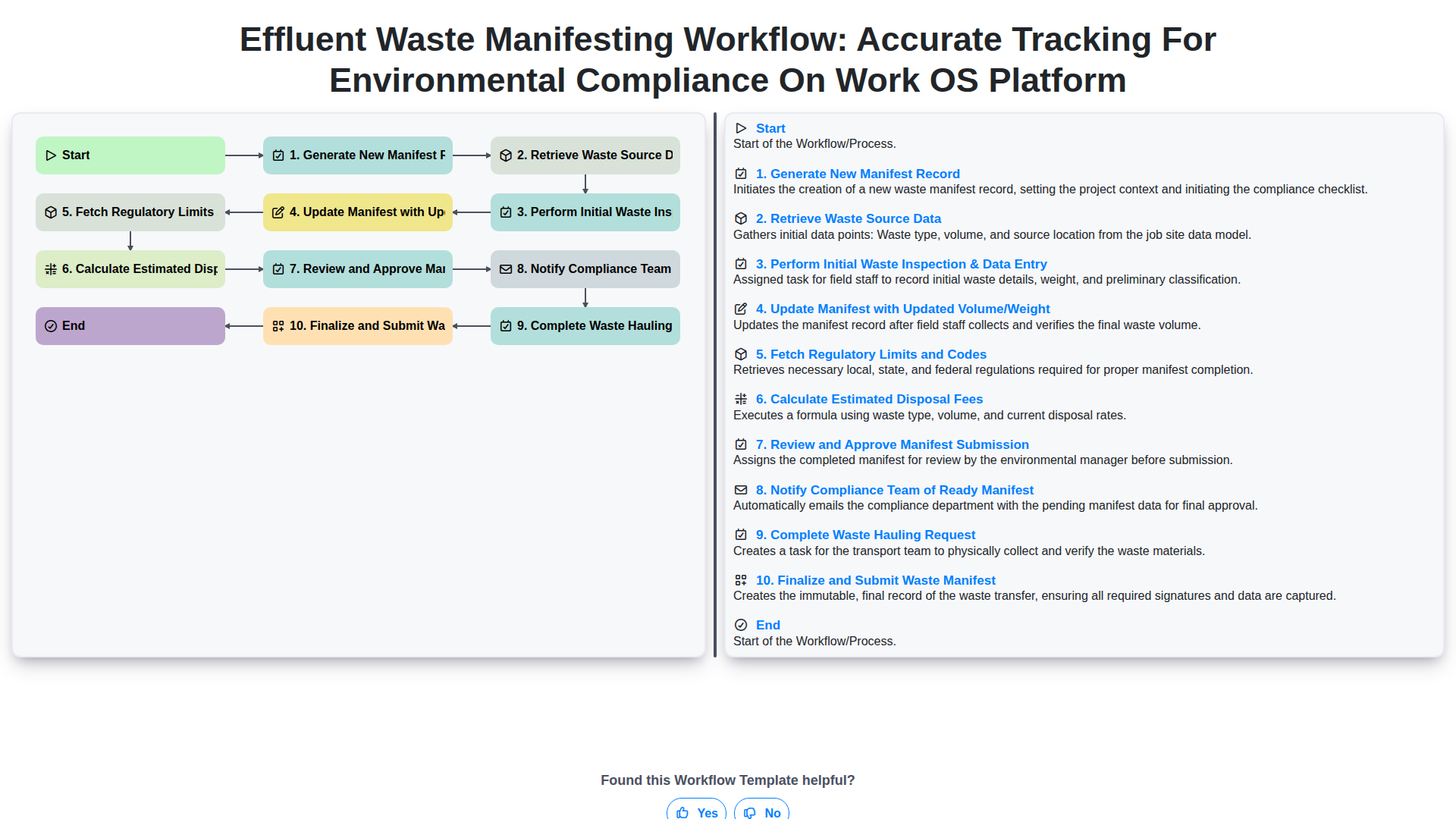
Effluent Waste Manifesting Workflow: Accurate Tracking for Environmental Compliance on Work OS Platform
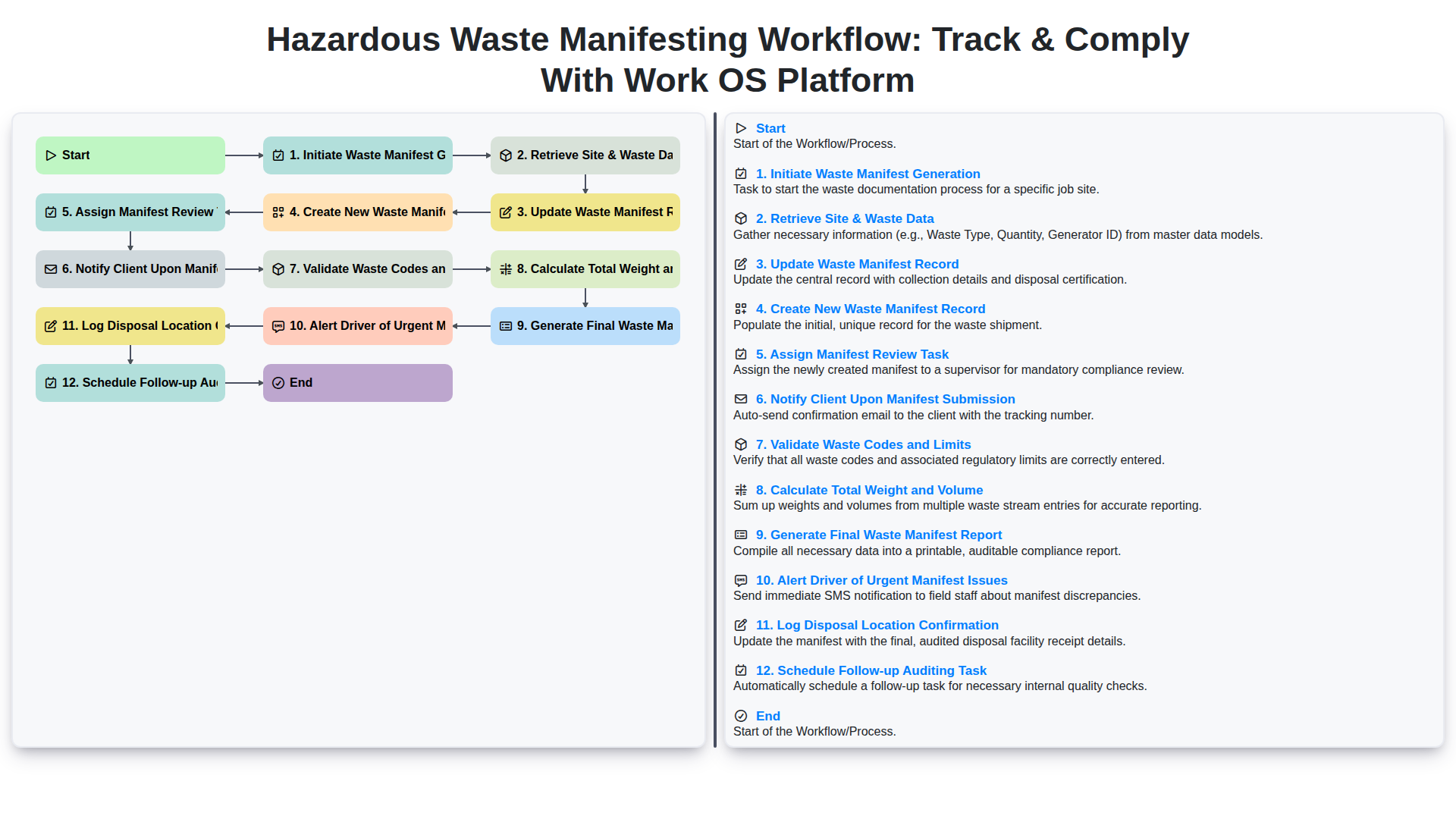
Hazardous Waste Manifesting Workflow: Track & Comply with Work OS Platform
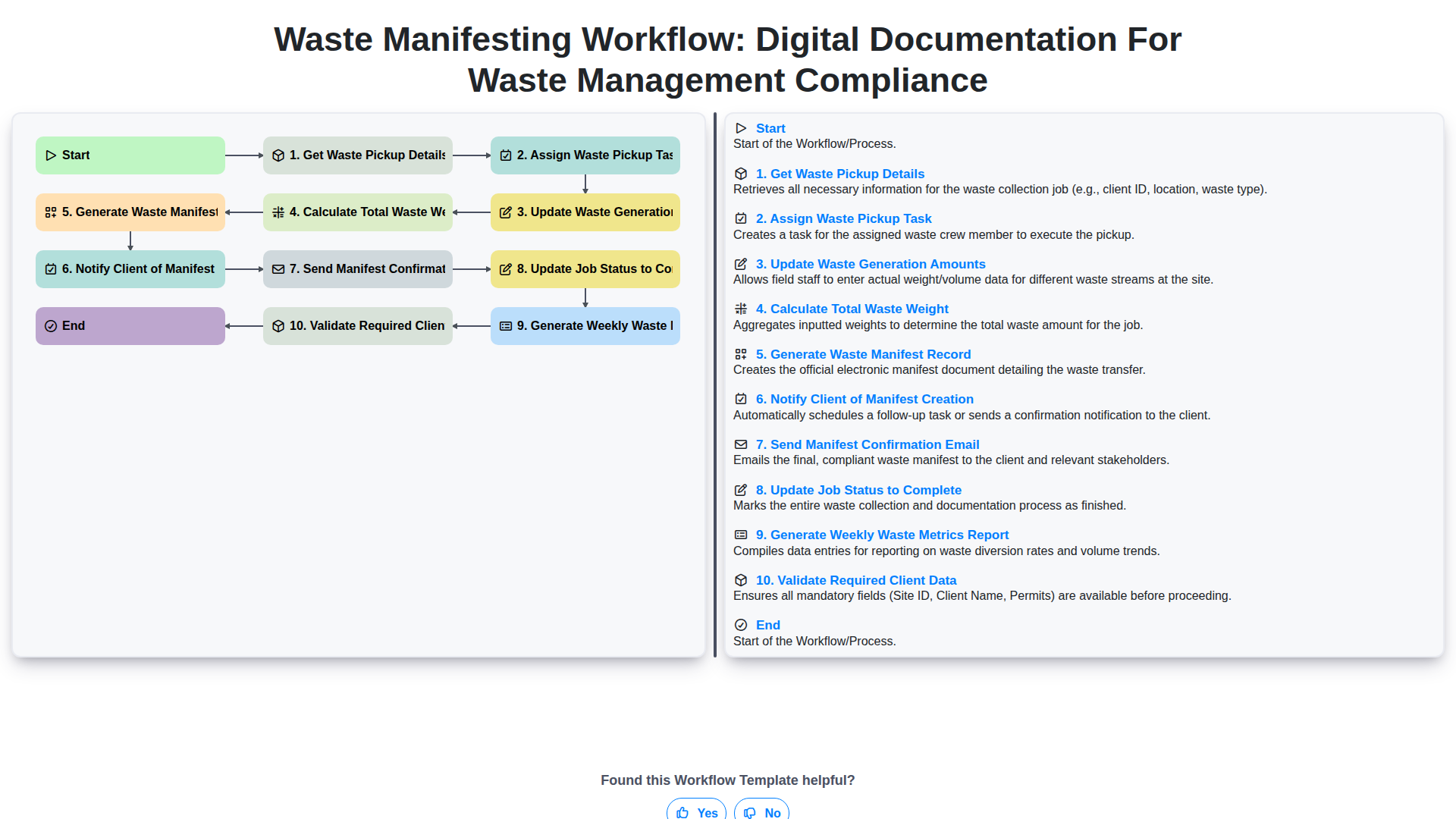
Waste Manifesting Workflow: Digital Documentation for Waste Management Compliance
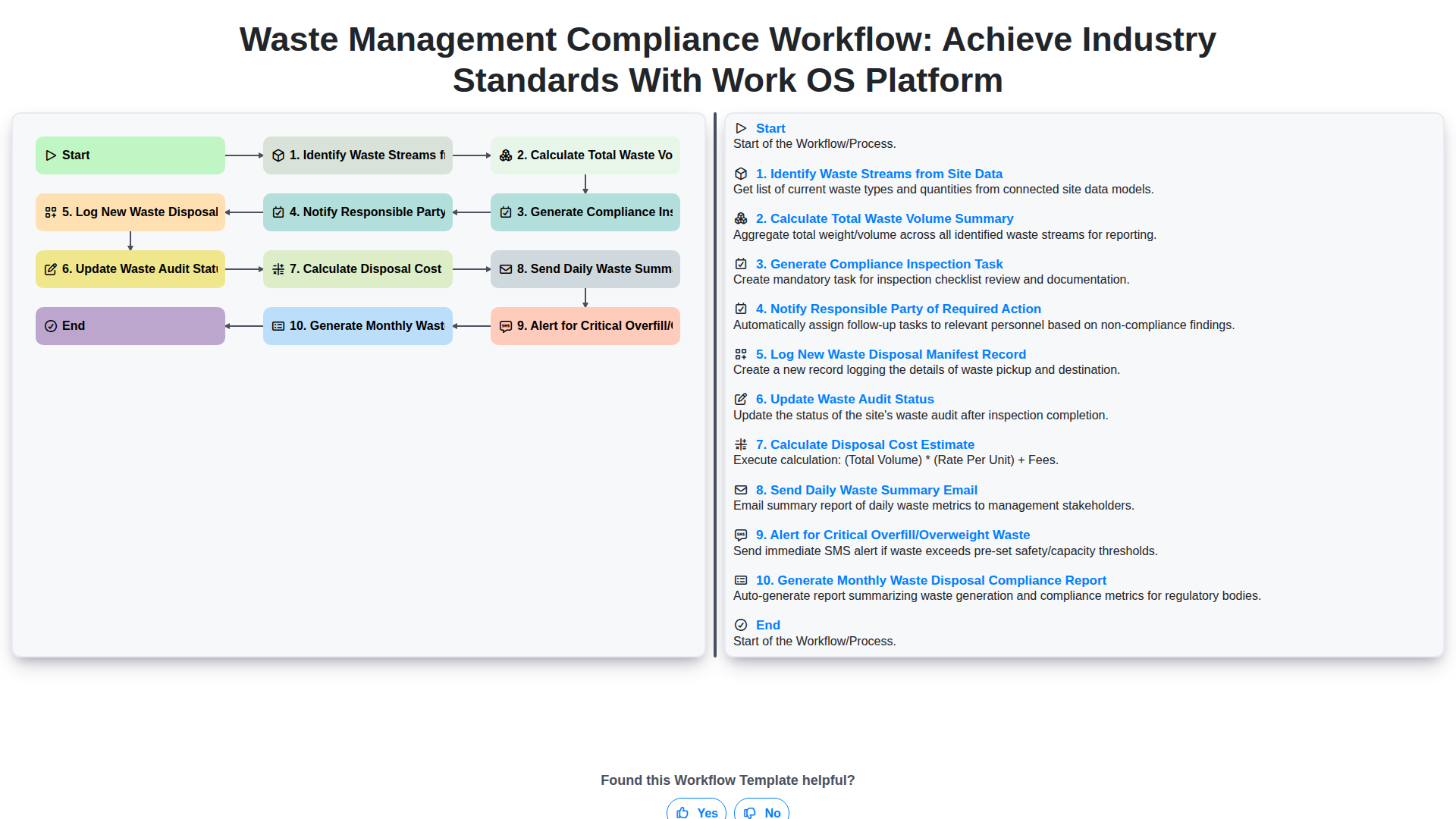
Waste Management Compliance Workflow: Achieve Industry Standards with Work OS Platform
We can do it Together
Need help with
Waste Management?
Have a question? We're here to help. Please submit your inquiry, and we'll respond promptly.