 ChecklistGuro
 Industrial Waste Manifesting Workflow: Optimize Tracking & Compliance for Waste Management
Streamline Industrial Waste Manifesting: Automate Tracking & Ensure Compliance with Our End-to-End Waste Management Workflow.
This Template was installed 4 times.
Start
Start of the Workflow/Process.
1. Initiate Waste Disposal Request
Create initial task for waste generation and disposal authorization.
2. Retrieve Waste Generator Details
Get required information about the waste source/facility.
3. Retrieve Waste Stream Data
Fetch existing data on waste type, volume, and hazard classification.
4. Generate Manifest Record
Create the official waste manifest entry with all necessary data points.
5. Update Manifest Status (e.g., Submitted, Received)
Update the status of the waste manifest as it moves through the process.
6. Get Disposal Facility Details
Look up authorized waste receiving facility information.
7. Calculate Total Waste Volume
Aggregate the total weight/volume from multiple waste streams for billing/reporting.
8. Schedule Waste Pickup Appointment
Create a task to book and confirm scheduled waste pickup.
9. Log Waste Pickup Details
Record actual collection metrics, including date, time, and weight received.
10. Send Confirmation to Client
Automatically email client confirming successful waste transfer and manifest completion.
11. Generate Disposal Report
Automatically generate comprehensive manifest report for auditing and record-keeping.
End
End of the Workflow/Process.
Start of the Workflow/Process.
Create initial task for waste generation and disposal authorization.
Get required information about the waste source/facility.
Fetch existing data on waste type, volume, and hazard classification.
Create the official waste manifest entry with all necessary data points.
Update the status of the waste manifest as it moves through the process.
Look up authorized waste receiving facility information.
Aggregate the total weight/volume from multiple waste streams for billing/reporting.
Create a task to book and confirm scheduled waste pickup.
Record actual collection metrics, including date, time, and weight received.
Automatically email client confirming successful waste transfer and manifest completion.
Automatically generate comprehensive manifest report for auditing and record-keeping.
End of the Workflow/Process.
Frequently Asked Questions
Comments
There are no comments yet. Be the first to add one!
Waste Management Solution Demo
Optimize your waste management & reduce environmental impact! ChecklistGuro streamlines collection, tracking, and reporting. Minimize waste, lower costs, & promote sustainability. Manage it all with our Work OS.
Related Workflow Templates
Hazardous Waste Tracking Workflow: Secure Compliance & Documentation on Work OS
Solid Waste Manifesting Workflow: Streamline Reporting & Compliance on Work OS Platform
Industrial Waste Manifesting Workflow: Streamline Compliance & Reporting with Work OS
Effluent Waste Manifesting Workflow: Accurate Tracking for Environmental Compliance on Work OS Platform
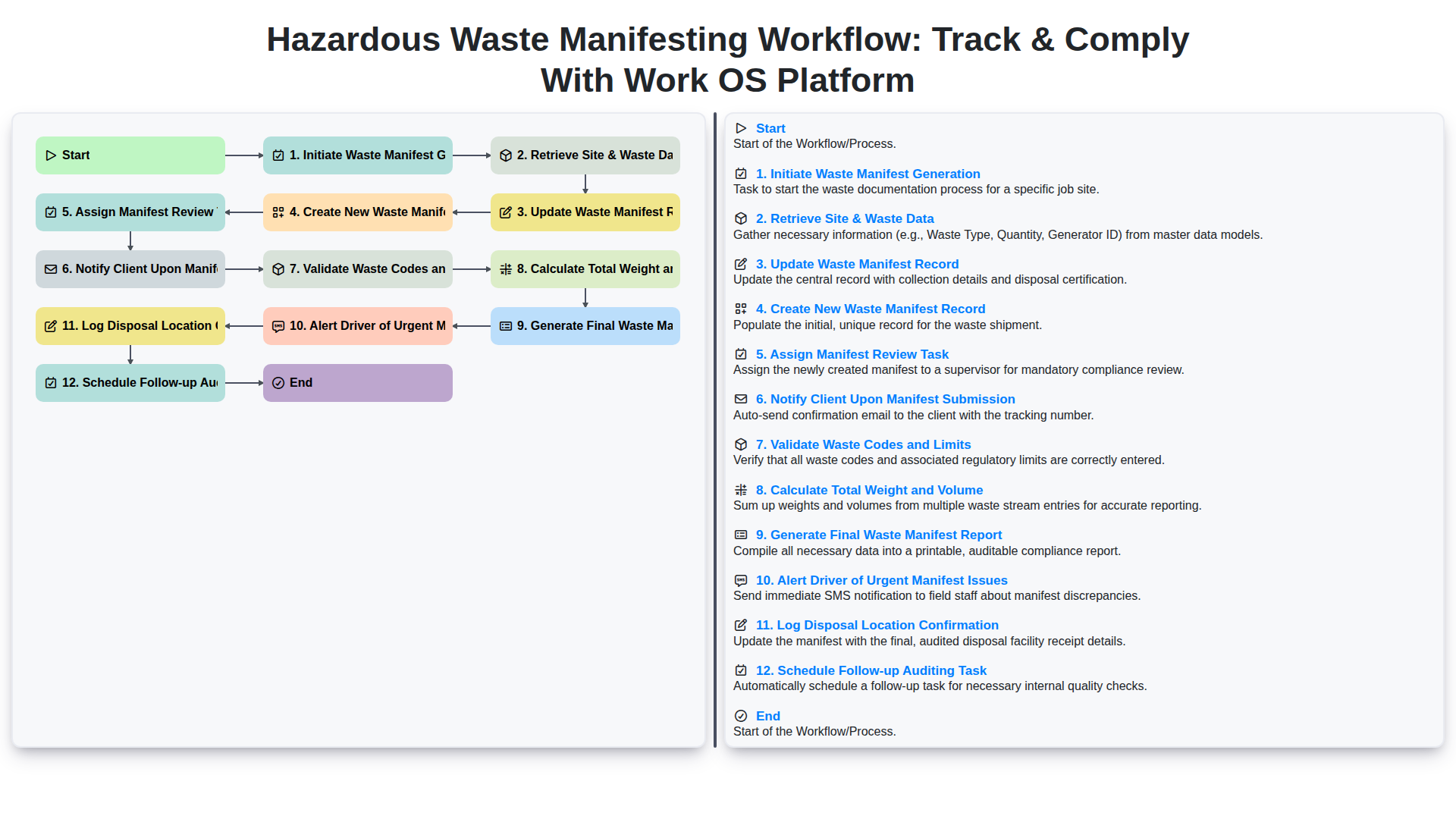
Hazardous Waste Manifesting Workflow: Track & Comply with Work OS Platform
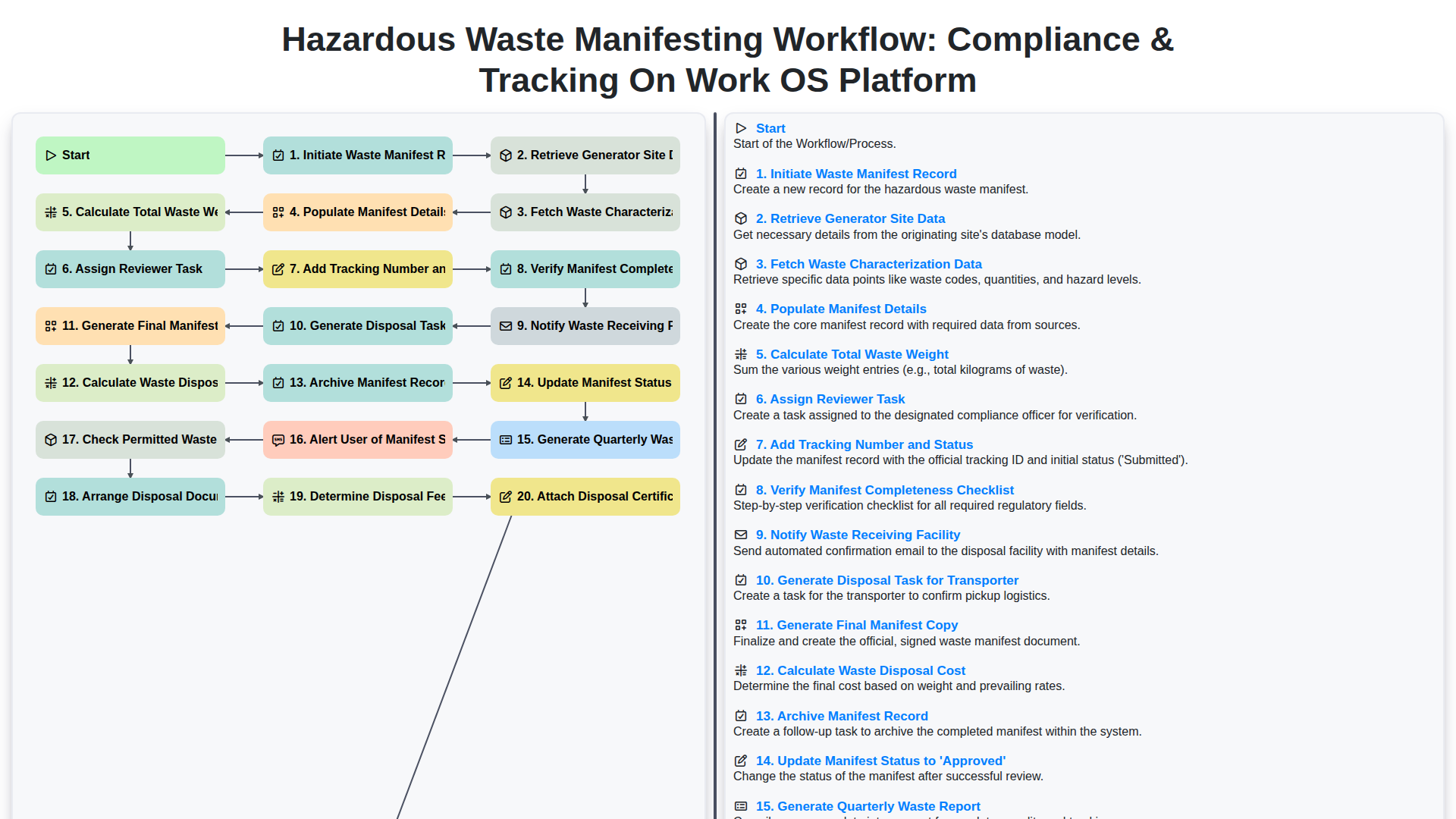
Hazardous Waste Manifesting Workflow: Compliance & Tracking on Work OS Platform
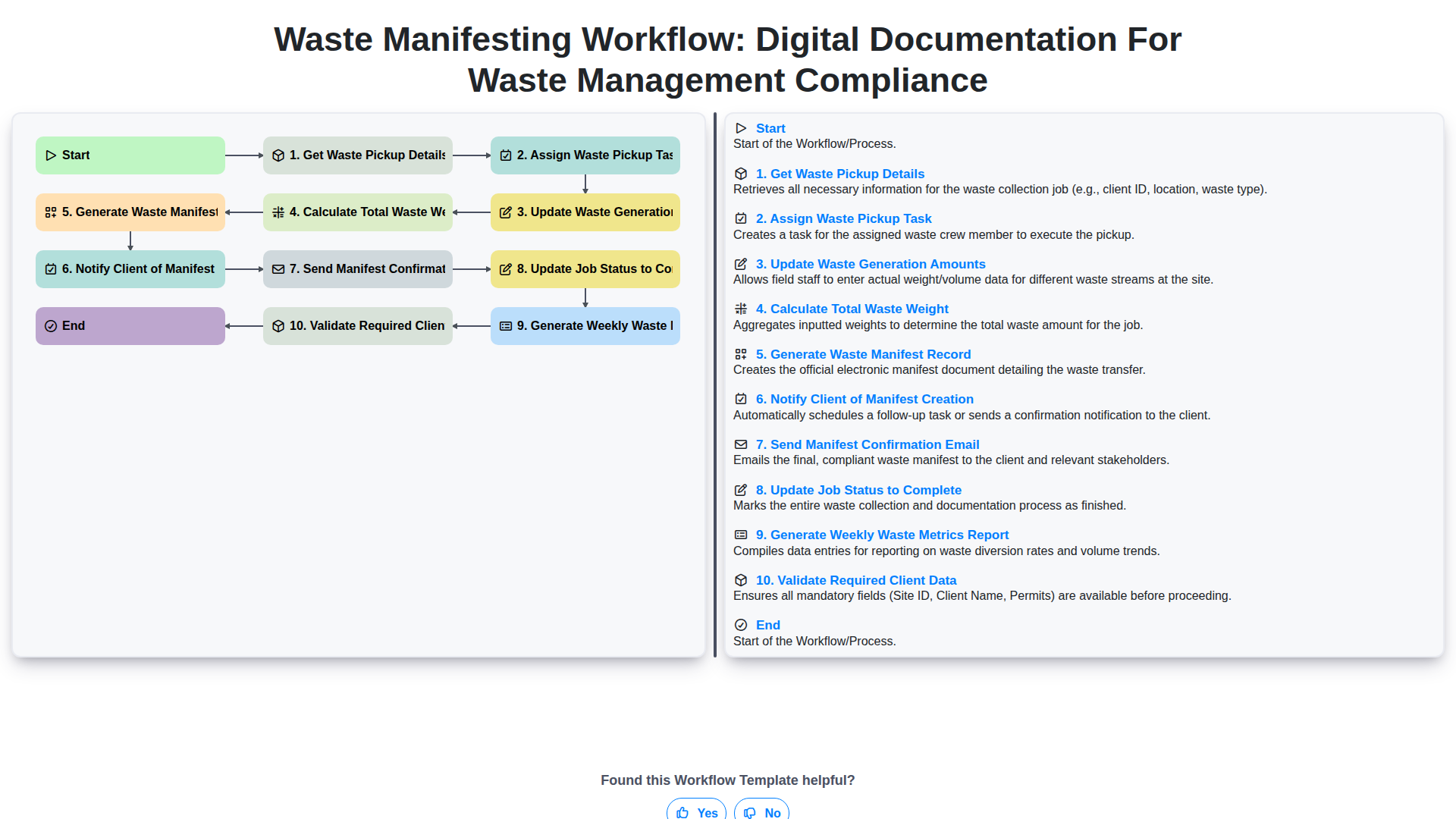
Waste Manifesting Workflow: Digital Documentation for Waste Management Compliance
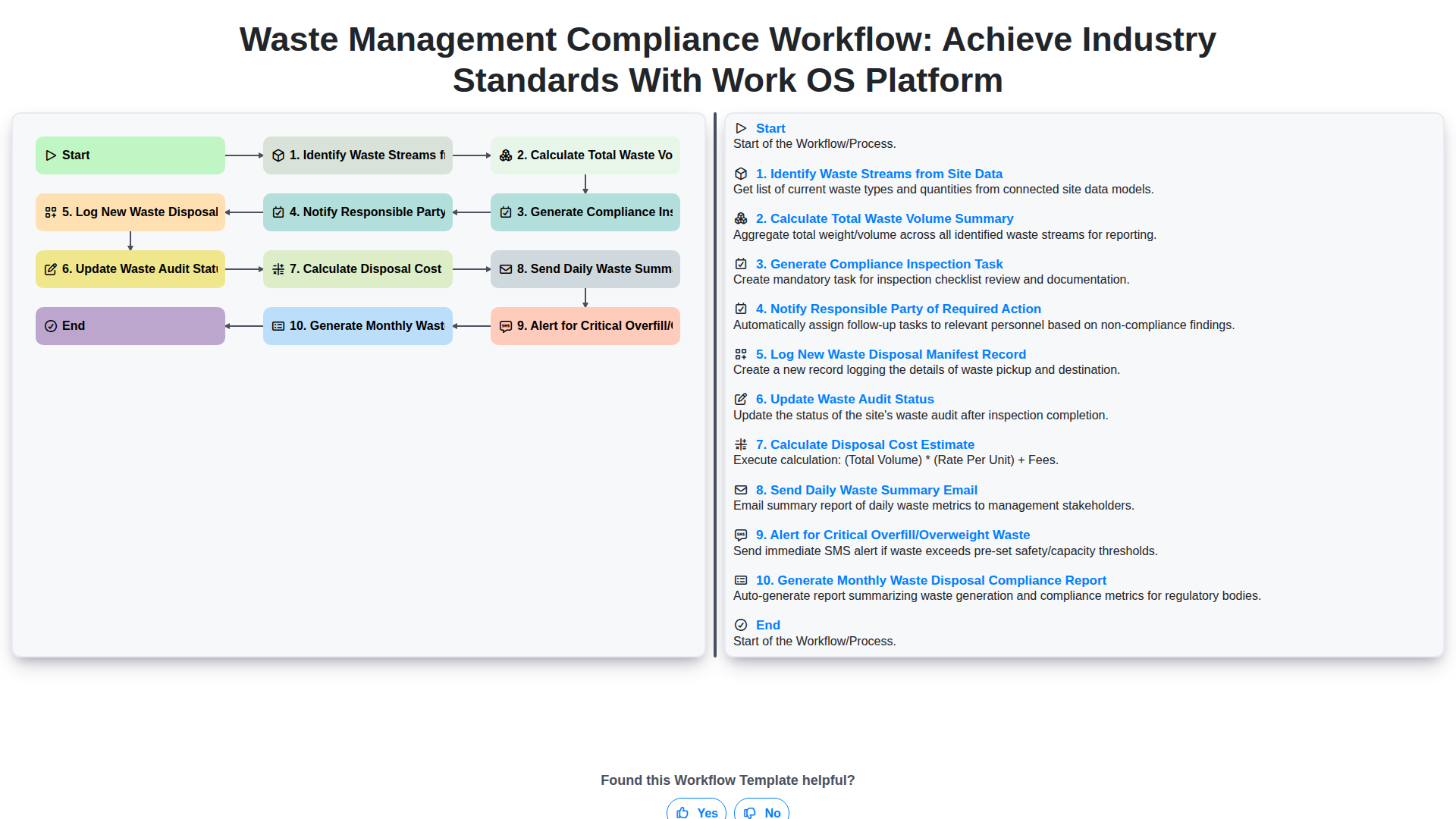
Waste Management Compliance Workflow: Achieve Industry Standards with Work OS Platform
Need help with
Waste Management?
Have a question? We're here to help. Please submit your inquiry, and we'll respond promptly.