 ChecklistGuro
 Hazardous Waste Manifesting Workflow: Track & Comply with Work OS Platform
Master Hazardous Waste Tracking: Automated Manifesting Workflow for Seamless Compliance & Safety Management
This Template was installed 4 times.
Start
Start of the Workflow/Process.
1. Initiate Waste Manifest Generation
Task to start the waste documentation process for a specific job site.
2. Retrieve Site & Waste Data
Gather necessary information (e.g., Waste Type, Quantity, Generator ID) from master data models.
3. Update Waste Manifest Record
Update the central record with collection details and disposal certification.
4. Create New Waste Manifest Record
Populate the initial, unique record for the waste shipment.
5. Assign Manifest Review Task
Assign the newly created manifest to a supervisor for mandatory compliance review.
6. Notify Client Upon Manifest Submission
Auto-send confirmation email to the client with the tracking number.
7. Validate Waste Codes and Limits
Verify that all waste codes and associated regulatory limits are correctly entered.
8. Calculate Total Weight and Volume
Sum up weights and volumes from multiple waste stream entries for accurate reporting.
9. Generate Final Waste Manifest Report
Compile all necessary data into a printable, auditable compliance report.
10. Alert Driver of Urgent Manifest Issues
Send immediate SMS notification to field staff about manifest discrepancies.
11. Log Disposal Location Confirmation
Update the manifest with the final, audited disposal facility receipt details.
12. Schedule Follow-up Auditing Task
Automatically schedule a follow-up task for necessary internal quality checks.
End
End of the Workflow/Process.
Start of the Workflow/Process.
Task to start the waste documentation process for a specific job site.
Gather necessary information (e.g., Waste Type, Quantity, Generator ID) from master data models.
Update the central record with collection details and disposal certification.
Populate the initial, unique record for the waste shipment.
Assign the newly created manifest to a supervisor for mandatory compliance review.
Auto-send confirmation email to the client with the tracking number.
Verify that all waste codes and associated regulatory limits are correctly entered.
Sum up weights and volumes from multiple waste stream entries for accurate reporting.
Compile all necessary data into a printable, auditable compliance report.
Send immediate SMS notification to field staff about manifest discrepancies.
Update the manifest with the final, audited disposal facility receipt details.
Automatically schedule a follow-up task for necessary internal quality checks.
End of the Workflow/Process.
Found this Workflow Template helpful?
Comments
There are no comments yet. Be the first to add one!
Waste Management Solution Demo
Optimize your waste management & reduce environmental impact! ChecklistGuro streamlines collection, tracking, and reporting. Minimize waste, lower costs, & promote sustainability. Manage it all with our Work OS.
Related Workflow Templates
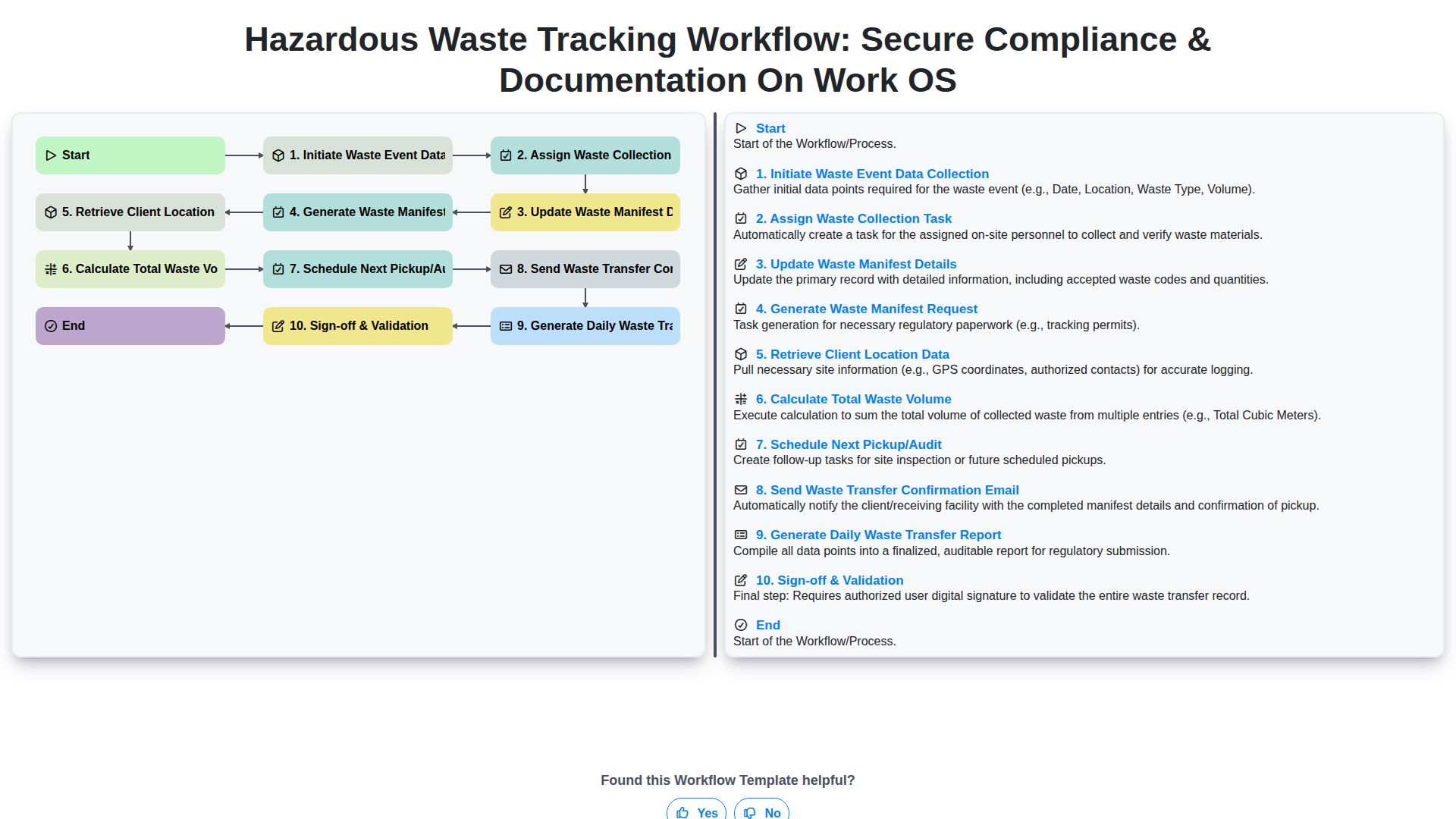
Hazardous Waste Tracking Workflow: Secure Compliance & Documentation on Work OS
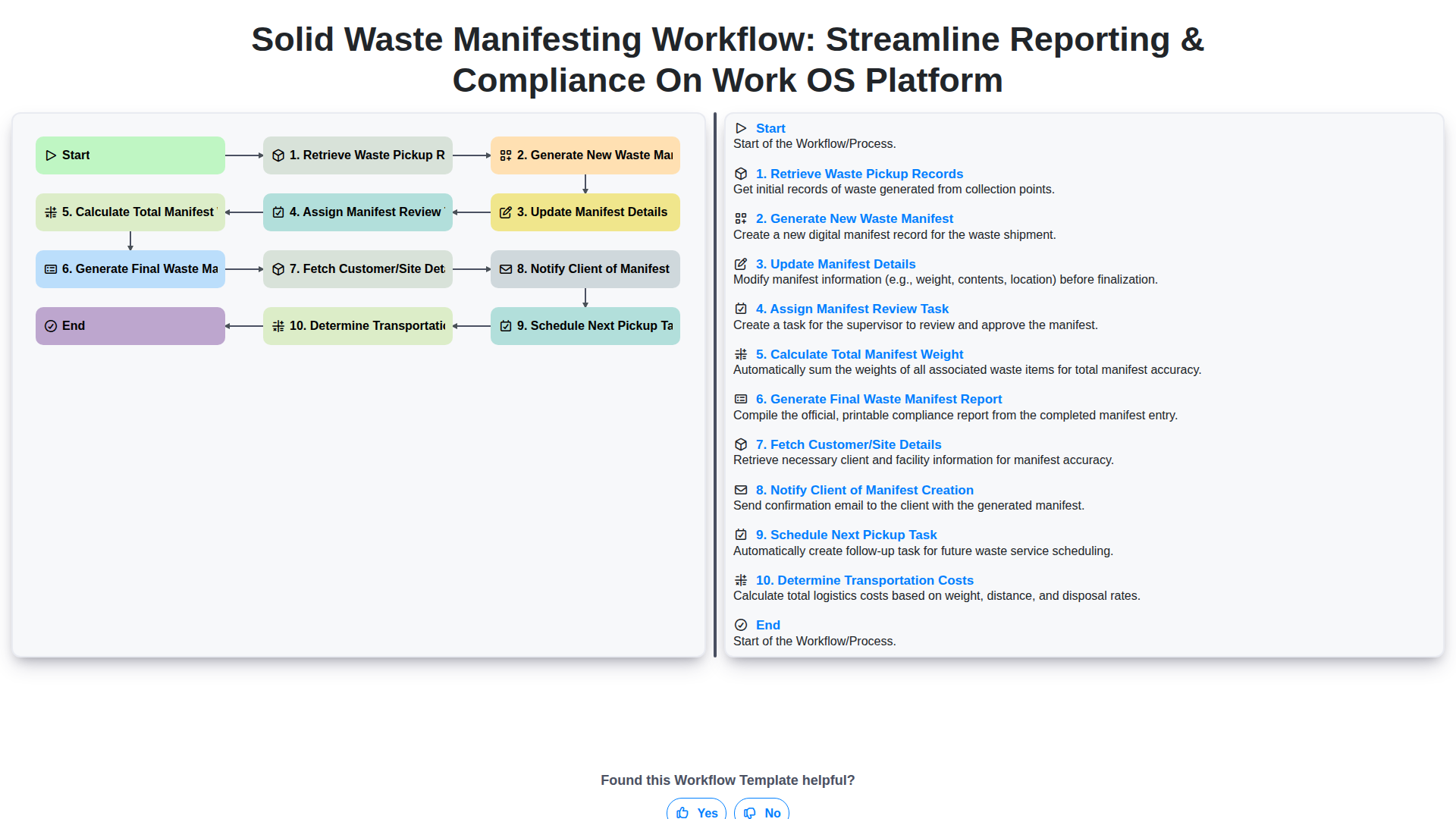
Solid Waste Manifesting Workflow: Streamline Reporting & Compliance on Work OS Platform
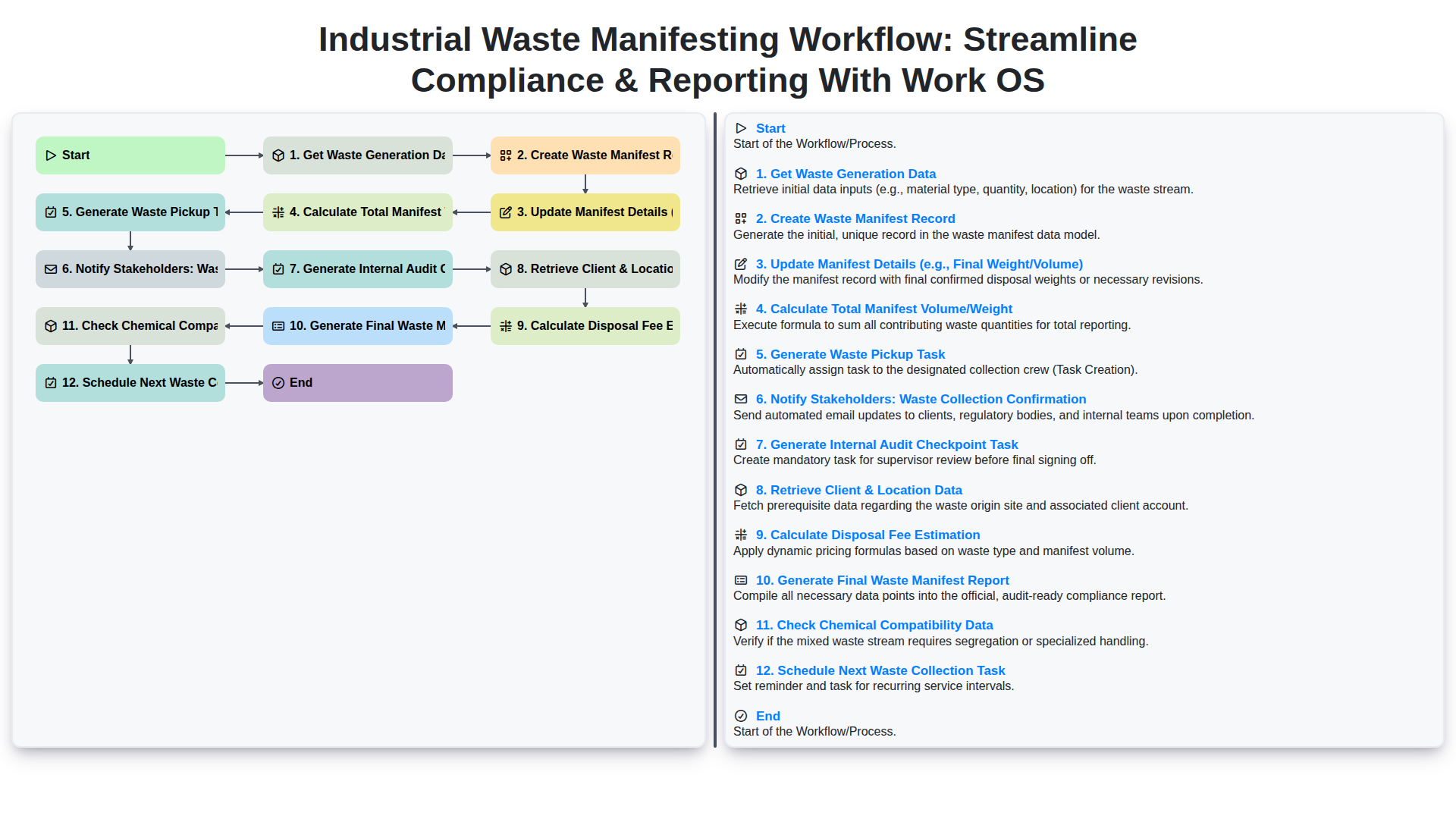
Industrial Waste Manifesting Workflow: Streamline Compliance & Reporting with Work OS
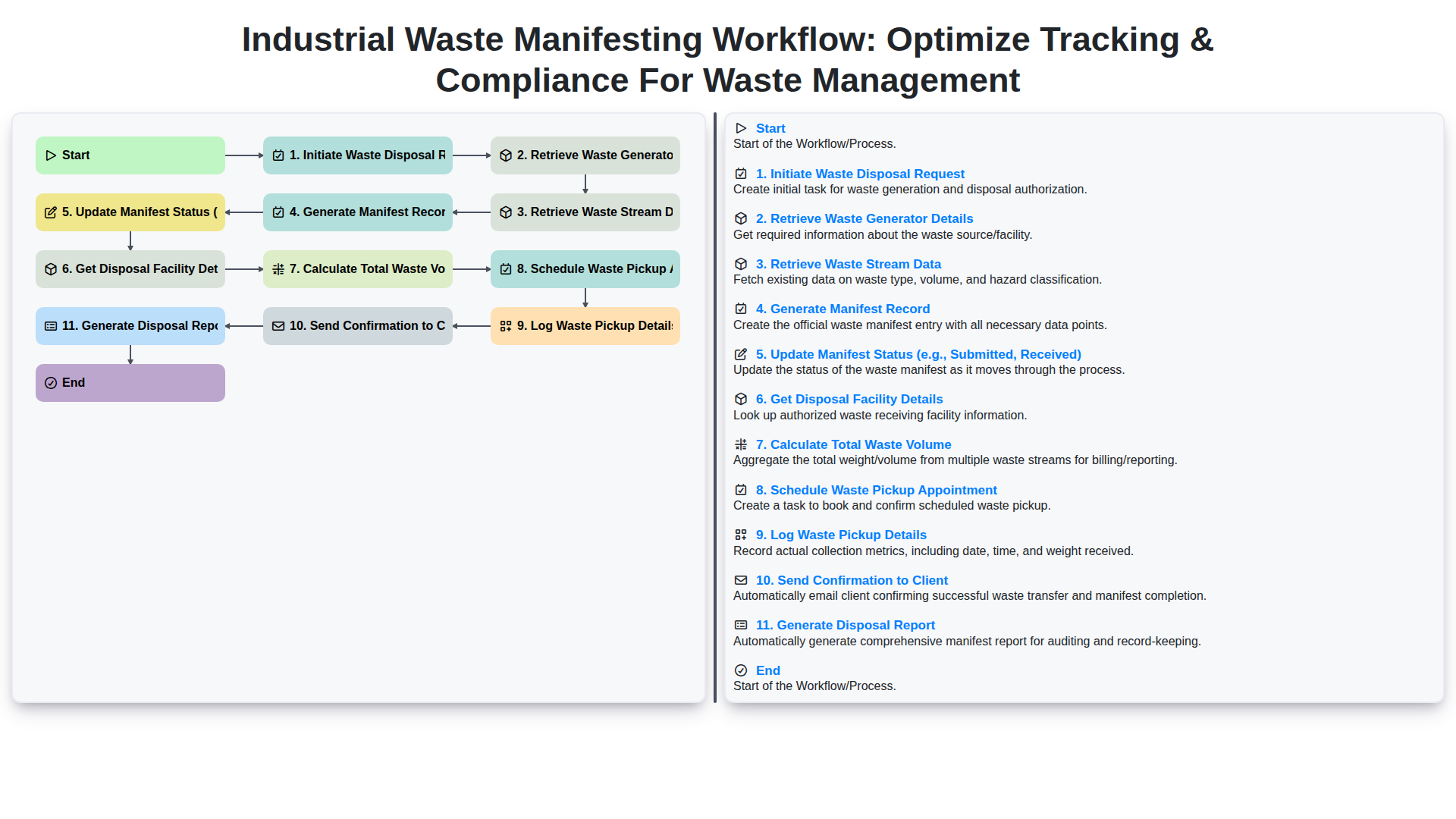
Industrial Waste Manifesting Workflow: Optimize Tracking & Compliance for Waste Management
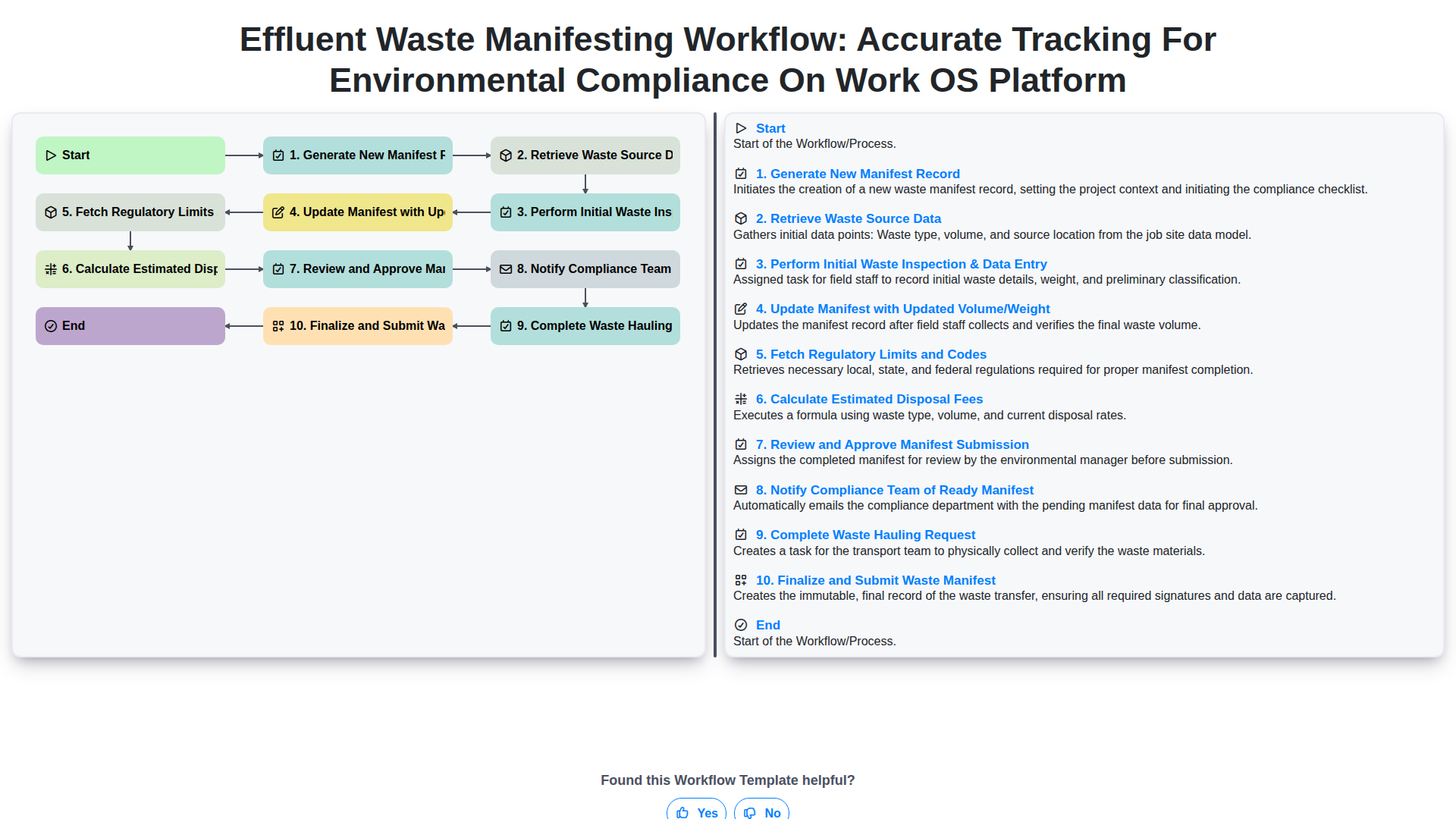
Effluent Waste Manifesting Workflow: Accurate Tracking for Environmental Compliance on Work OS Platform
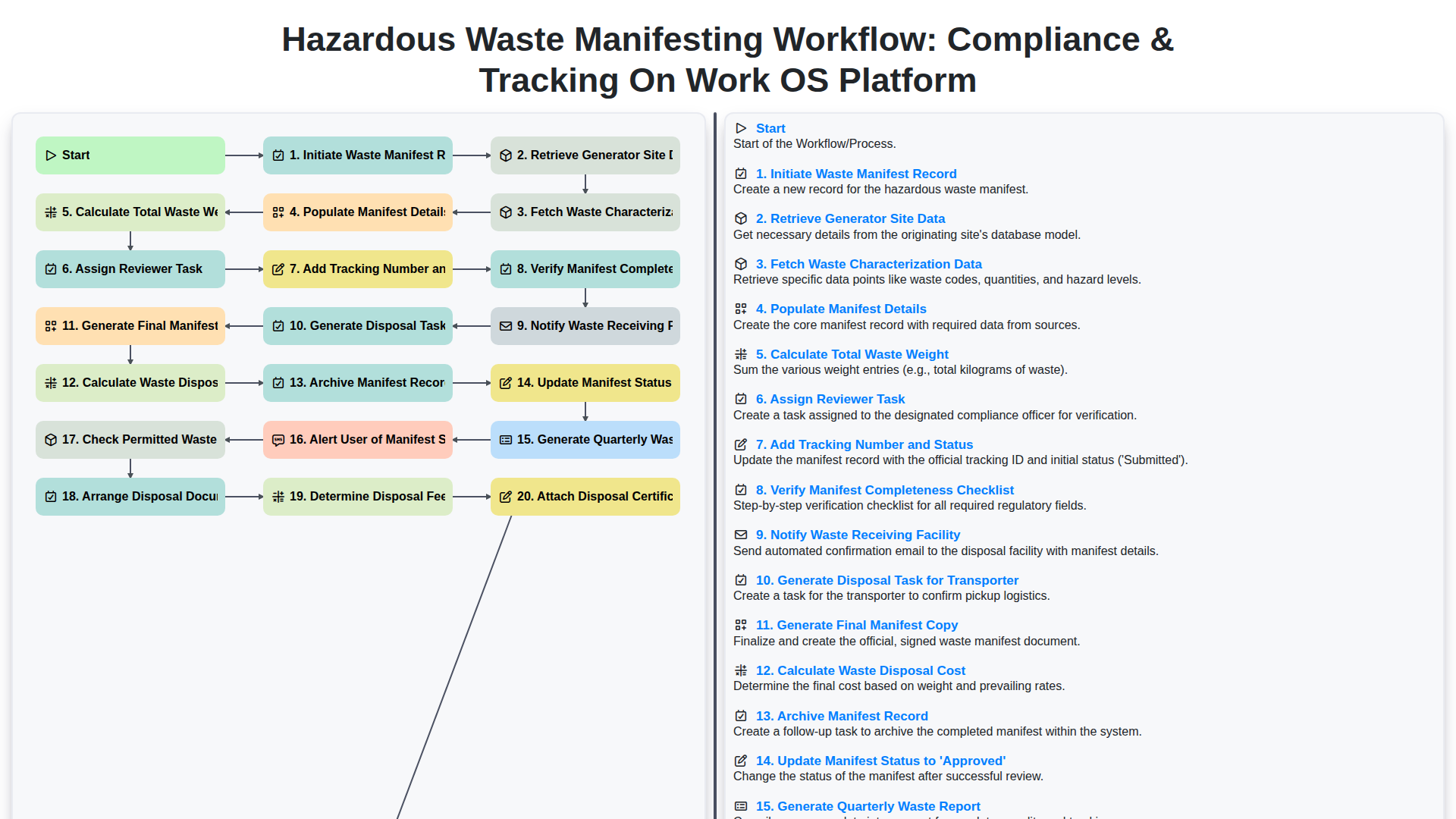
Hazardous Waste Manifesting Workflow: Compliance & Tracking on Work OS Platform
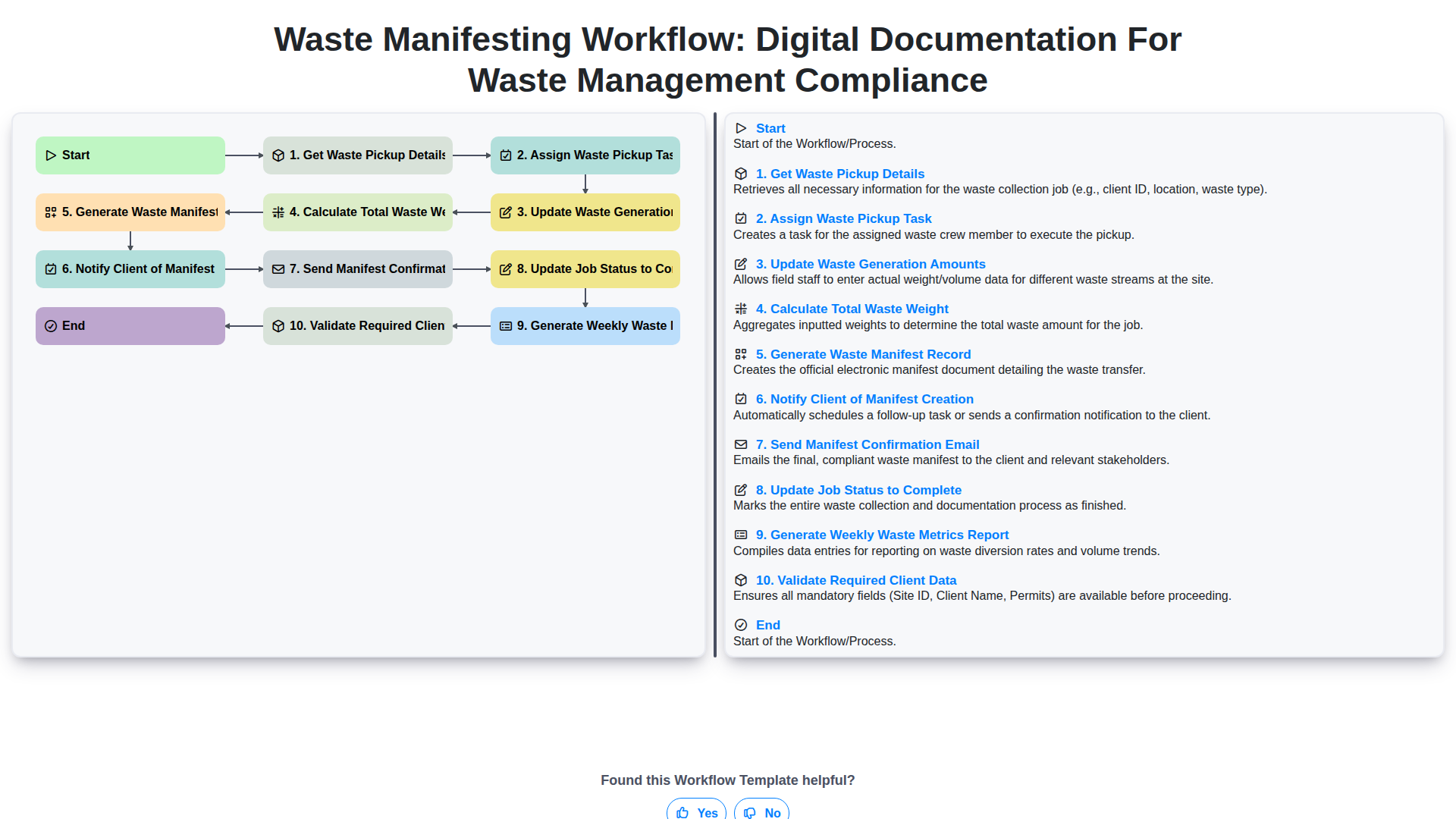
Waste Manifesting Workflow: Digital Documentation for Waste Management Compliance
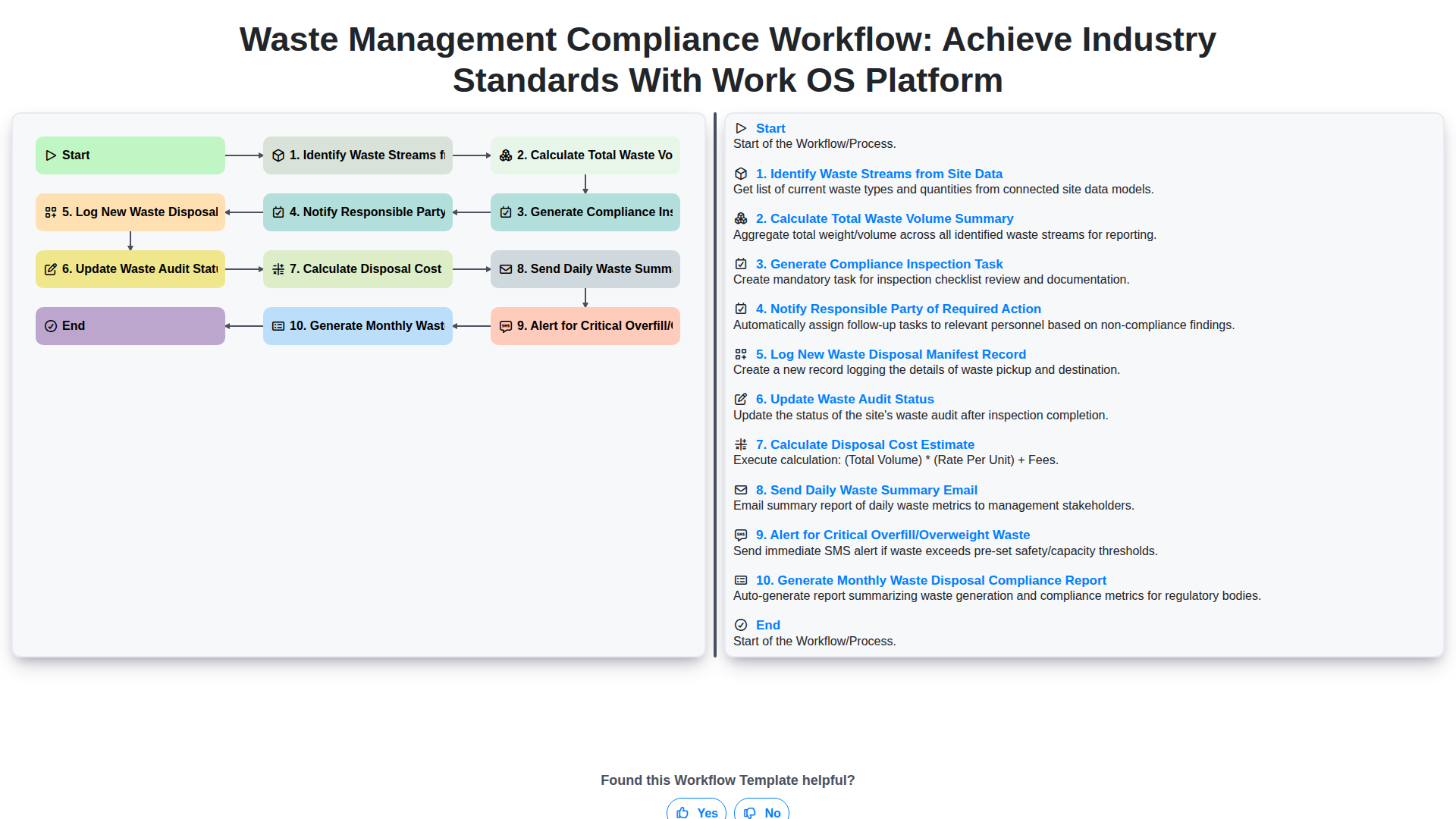
Waste Management Compliance Workflow: Achieve Industry Standards with Work OS Platform
We can do it Together
Need help with
Waste Management?
Have a question? We're here to help. Please submit your inquiry, and we'll respond promptly.