 ChecklistGuro
 Industrial Waste Manifesting Workflow: Streamline Compliance & Reporting with Work OS
Automate Your Waste Manifesting: Achieve Perfect Compliance & Effortless Reporting with Our Industry-Leading Waste Management Workflow.
This Template was installed 4 times.
Start
Start of the Workflow/Process.
1. Get Waste Generation Data
Retrieve initial data inputs (e.g., material type, quantity, location) for the waste stream.
2. Create Waste Manifest Record
Generate the initial, unique record in the waste manifest data model.
3. Update Manifest Details (e.g., Final Weight/Volume)
Modify the manifest record with final confirmed disposal weights or necessary revisions.
4. Calculate Total Manifest Volume/Weight
Execute formula to sum all contributing waste quantities for total reporting.
5. Generate Waste Pickup Task
Automatically assign task to the designated collection crew (Task Creation).
6. Notify Stakeholders: Waste Collection Confirmation
Send automated email updates to clients, regulatory bodies, and internal teams upon completion.
7. Generate Internal Audit Checkpoint Task
Create mandatory task for supervisor review before final signing off.
8. Retrieve Client & Location Data
Fetch prerequisite data regarding the waste origin site and associated client account.
9. Calculate Disposal Fee Estimation
Apply dynamic pricing formulas based on waste type and manifest volume.
10. Generate Final Waste Manifest Report
Compile all necessary data points into the official, audit-ready compliance report.
11. Check Chemical Compatibility Data
Verify if the mixed waste stream requires segregation or specialized handling.
12. Schedule Next Waste Collection Task
Set reminder and task for recurring service intervals.
End
End of the Workflow/Process.
Start of the Workflow/Process.
Retrieve initial data inputs (e.g., material type, quantity, location) for the waste stream.
Generate the initial, unique record in the waste manifest data model.
Modify the manifest record with final confirmed disposal weights or necessary revisions.
Execute formula to sum all contributing waste quantities for total reporting.
Automatically assign task to the designated collection crew (Task Creation).
Send automated email updates to clients, regulatory bodies, and internal teams upon completion.
Create mandatory task for supervisor review before final signing off.
Fetch prerequisite data regarding the waste origin site and associated client account.
Apply dynamic pricing formulas based on waste type and manifest volume.
Compile all necessary data points into the official, audit-ready compliance report.
Verify if the mixed waste stream requires segregation or specialized handling.
Set reminder and task for recurring service intervals.
End of the Workflow/Process.
Found this Workflow Template helpful?
Comments
There are no comments yet. Be the first to add one!
Waste Management Solution Demo
Optimize your waste management & reduce environmental impact! ChecklistGuro streamlines collection, tracking, and reporting. Minimize waste, lower costs, & promote sustainability. Manage it all with our Work OS.
Related Workflow Templates
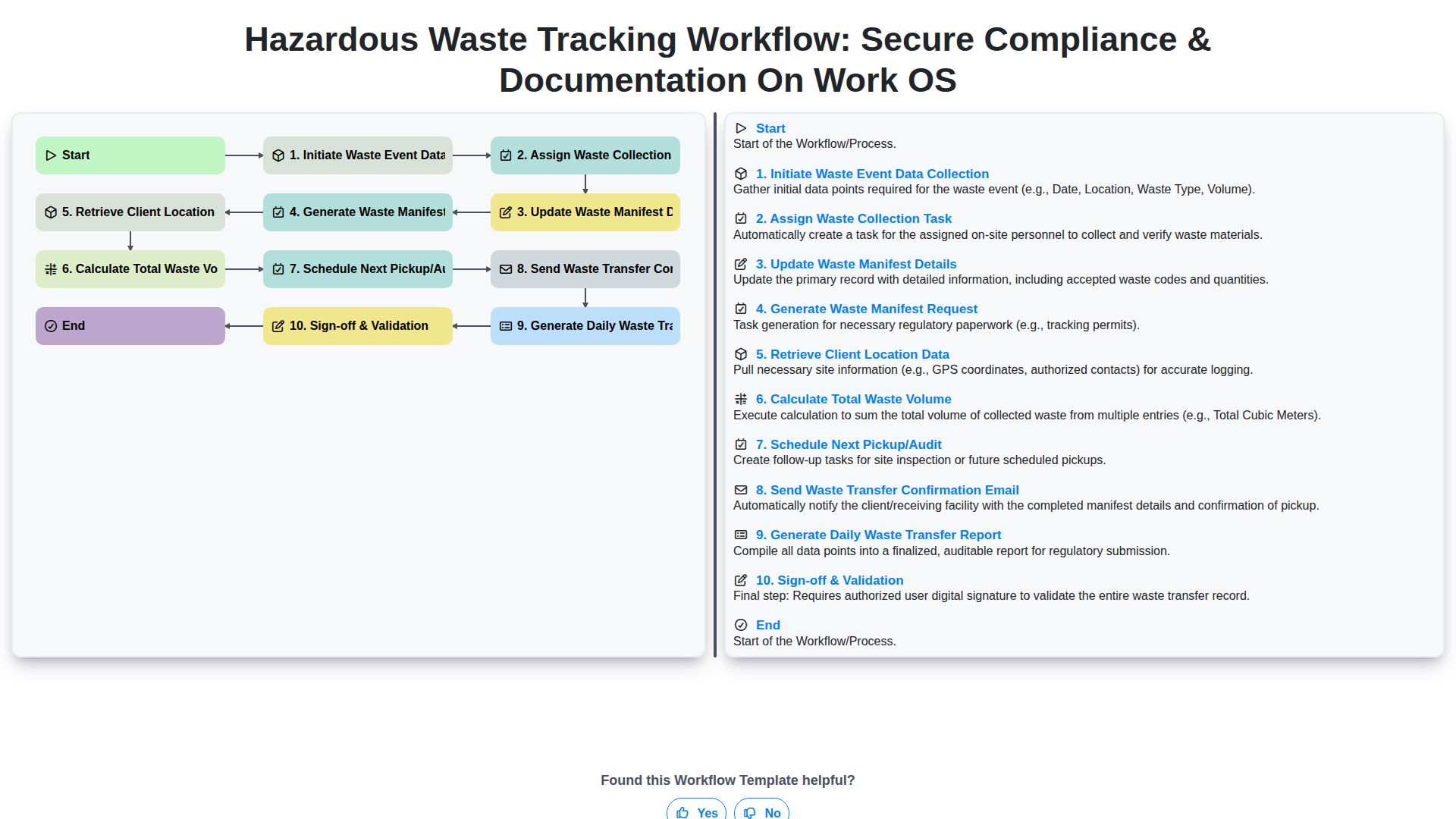
Hazardous Waste Tracking Workflow: Secure Compliance & Documentation on Work OS
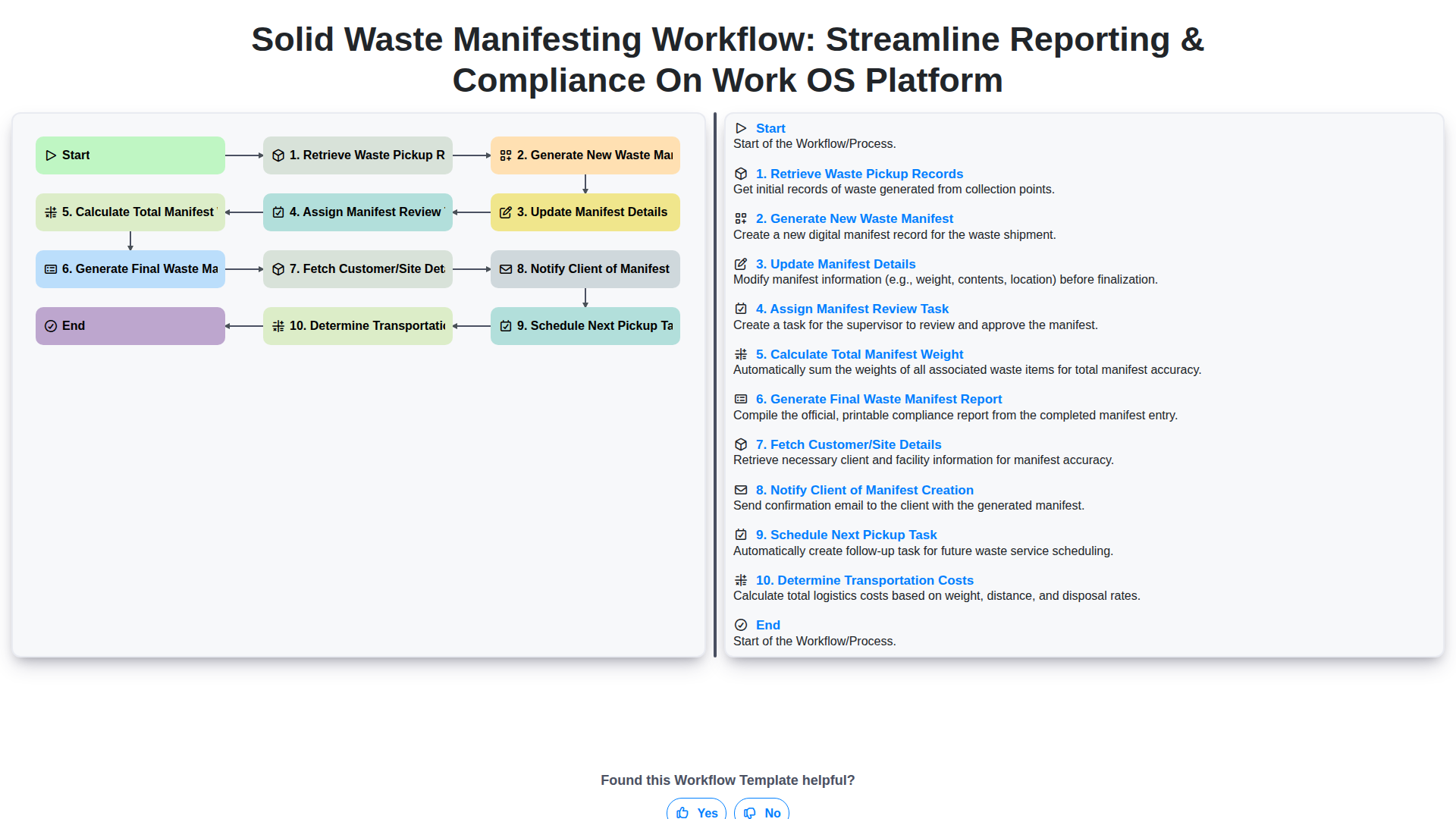
Solid Waste Manifesting Workflow: Streamline Reporting & Compliance on Work OS Platform
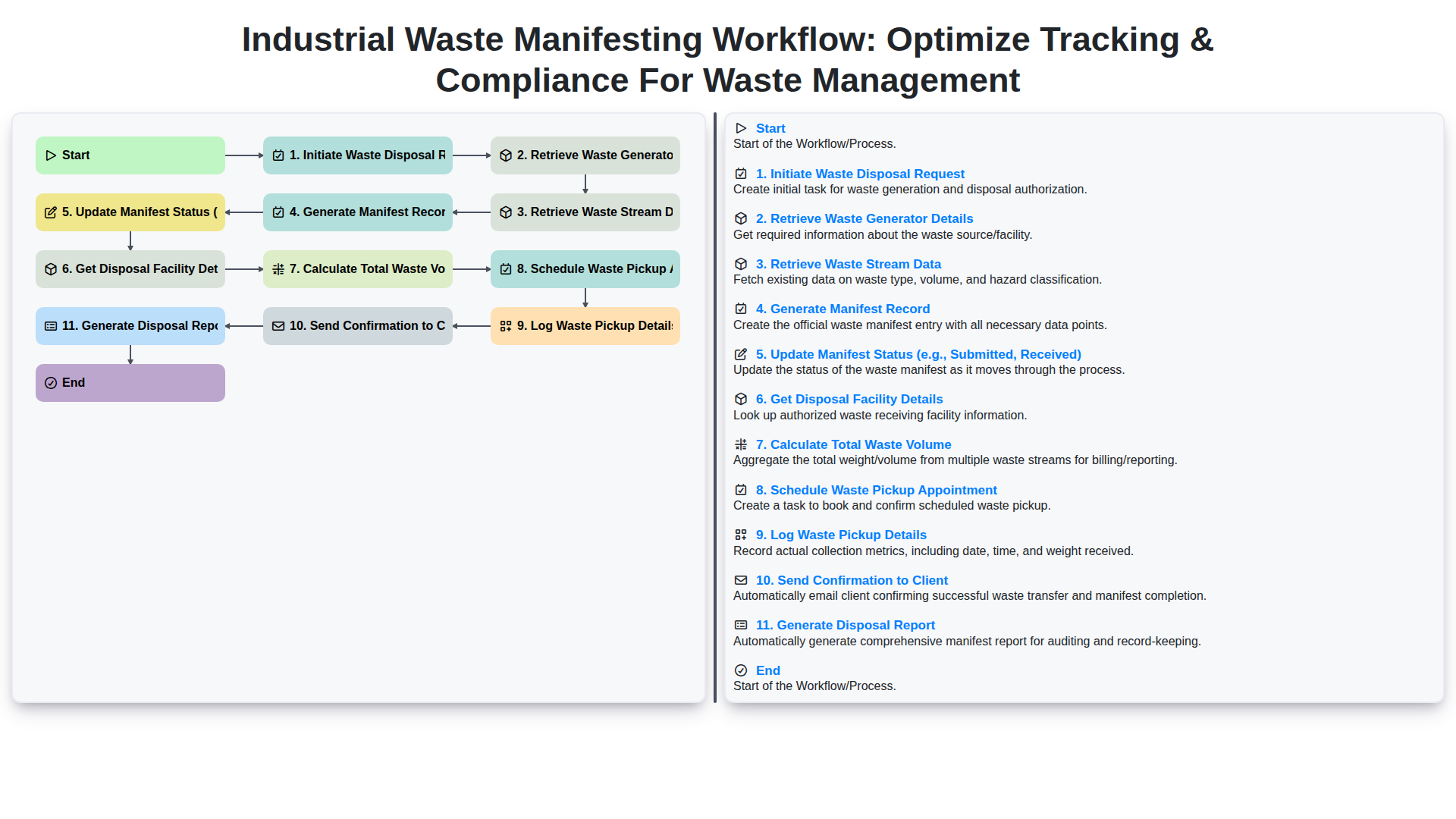
Industrial Waste Manifesting Workflow: Optimize Tracking & Compliance for Waste Management
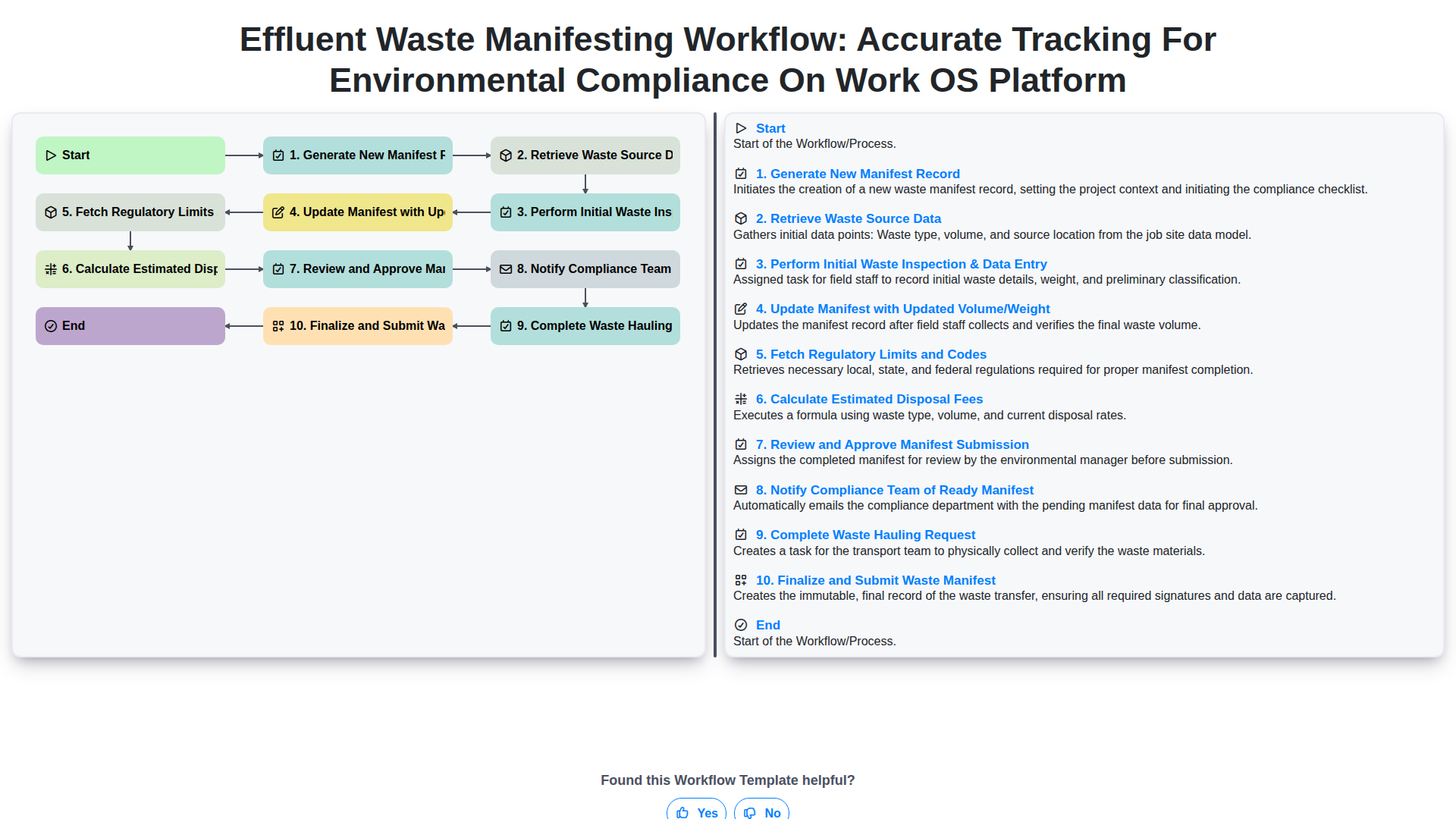
Effluent Waste Manifesting Workflow: Accurate Tracking for Environmental Compliance on Work OS Platform
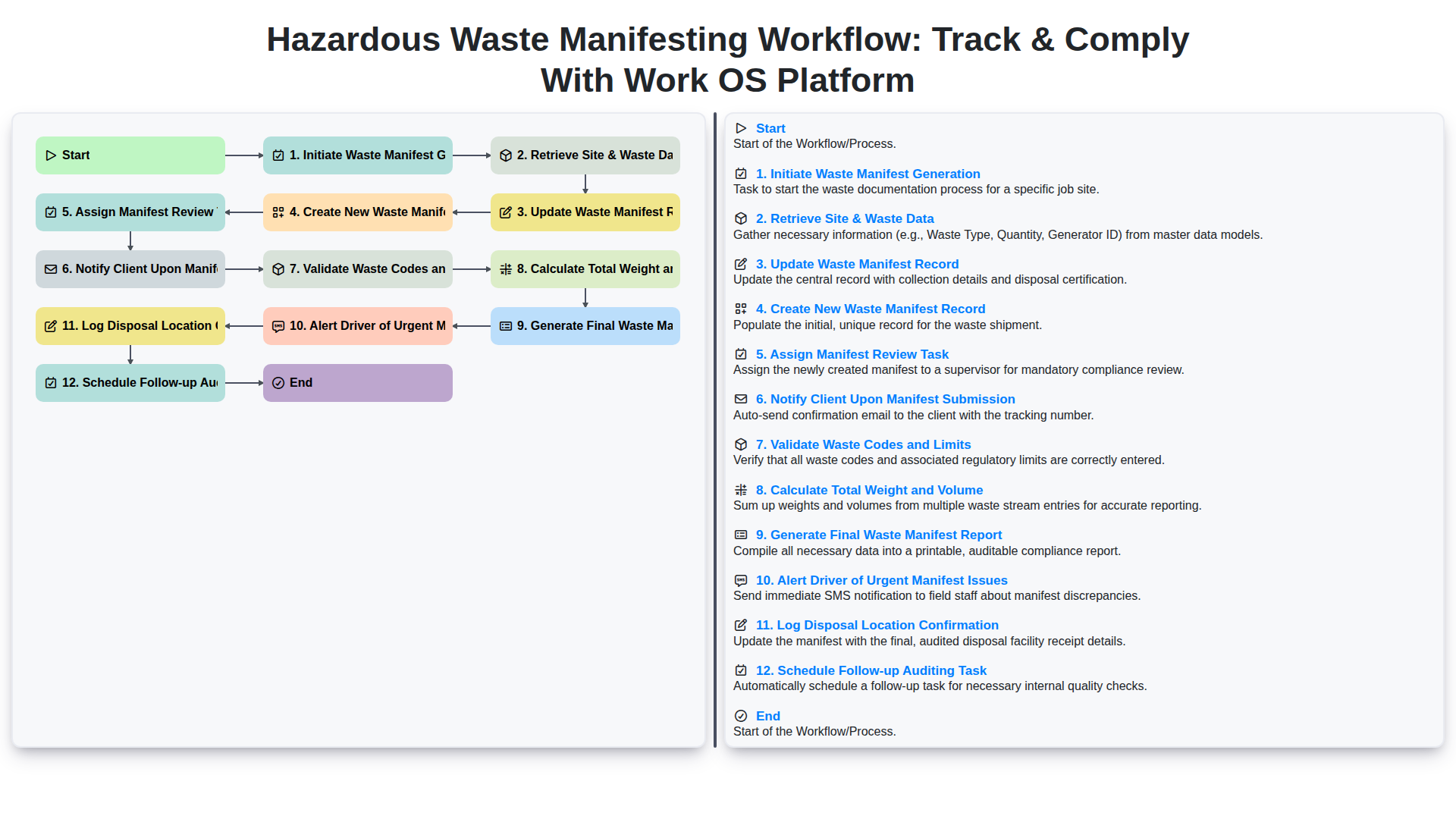
Hazardous Waste Manifesting Workflow: Track & Comply with Work OS Platform
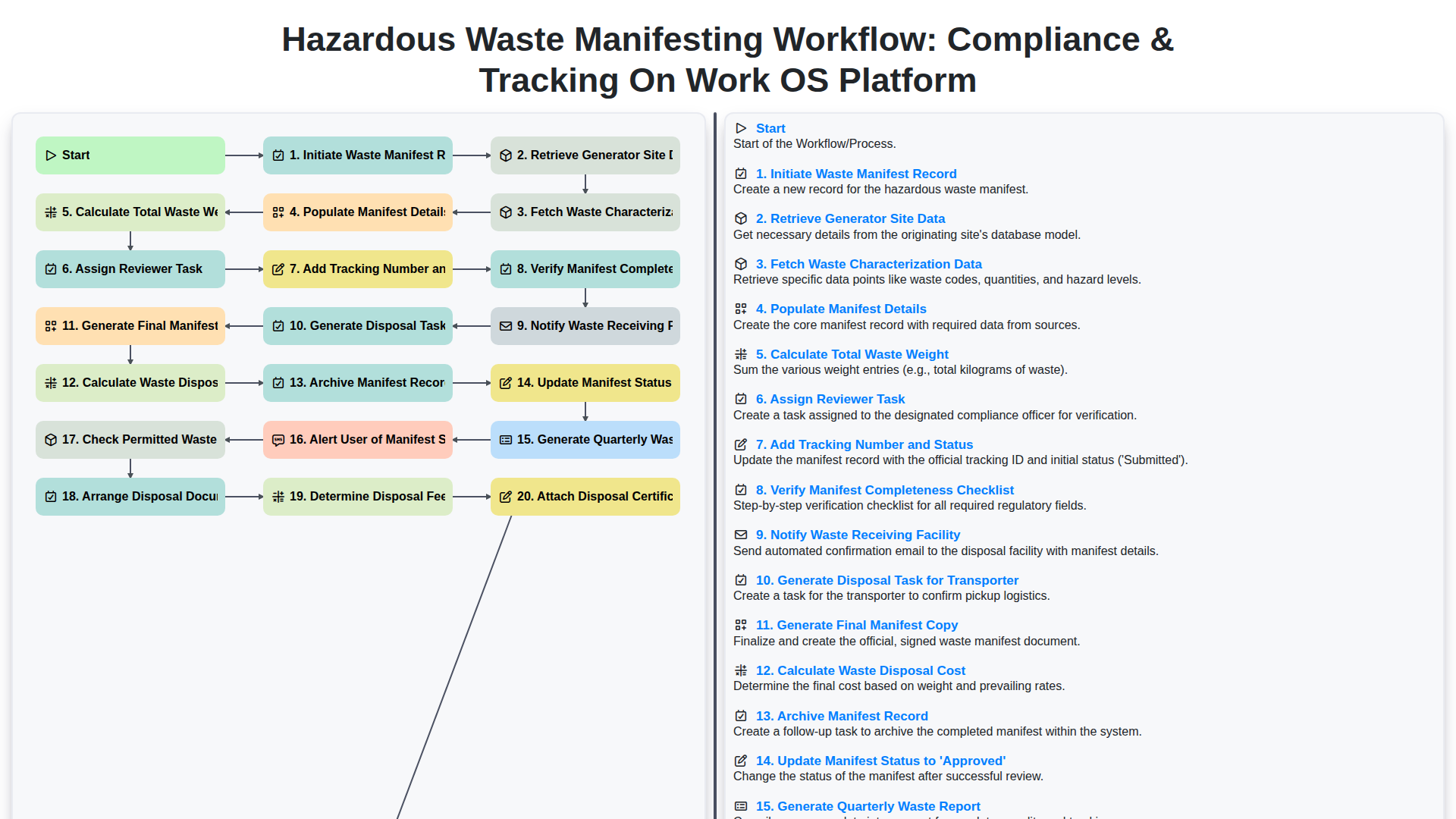
Hazardous Waste Manifesting Workflow: Compliance & Tracking on Work OS Platform
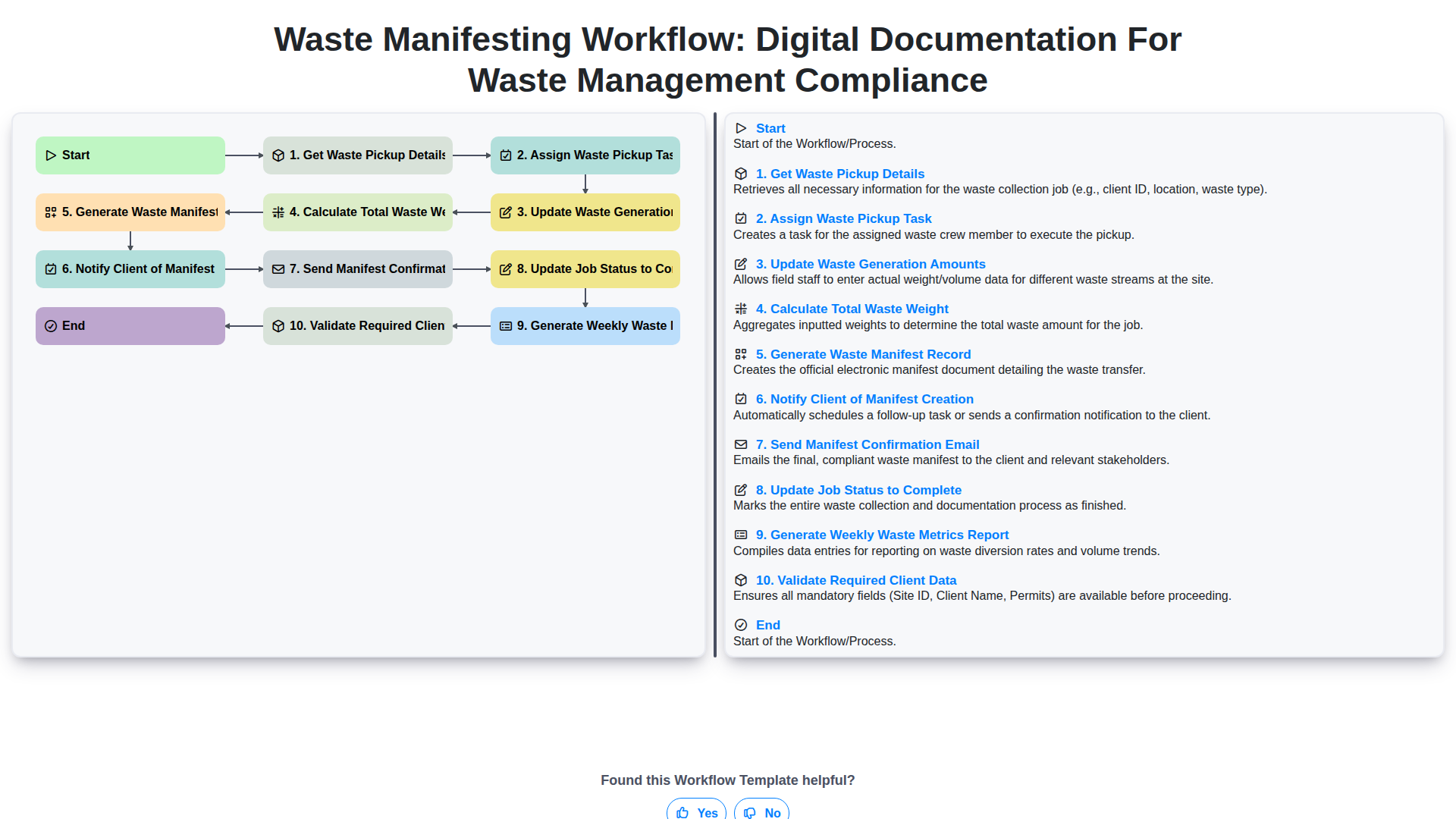
Waste Manifesting Workflow: Digital Documentation for Waste Management Compliance
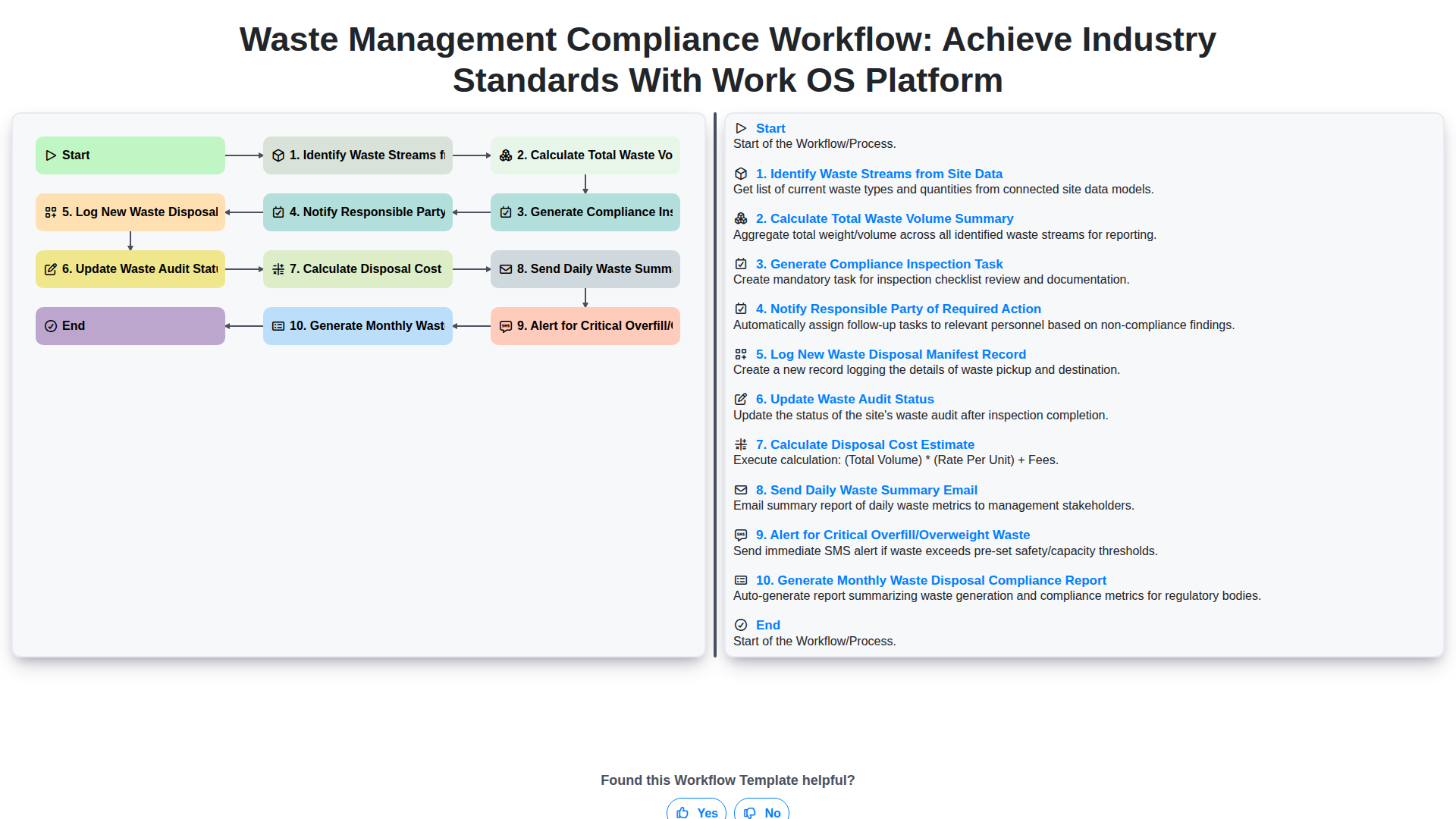
Waste Management Compliance Workflow: Achieve Industry Standards with Work OS Platform
We can do it Together
Need help with
Waste Management?
Have a question? We're here to help. Please submit your inquiry, and we'll respond promptly.