 ChecklistGuro
 Waste Manifesting Workflow: Digital Documentation for Waste Management Compliance
Automate Waste Manifest Generation & Tracking: Ensure Perfect Waste Management Compliance with Our Digital Workflow
This Template was installed 1 times.
Start
Start of the Workflow/Process.
1. Get Waste Pickup Details
Retrieves all necessary information for the waste collection job (e.g., client ID, location, waste type).
2. Assign Waste Pickup Task
Creates a task for the assigned waste crew member to execute the pickup.
3. Update Waste Generation Amounts
Allows field staff to enter actual weight/volume data for different waste streams at the site.
4. Calculate Total Waste Weight
Aggregates inputted weights to determine the total waste amount for the job.
5. Generate Waste Manifest Record
Creates the official electronic manifest document detailing the waste transfer.
6. Notify Client of Manifest Creation
Automatically schedules a follow-up task or sends a confirmation notification to the client.
7. Send Manifest Confirmation Email
Emails the final, compliant waste manifest to the client and relevant stakeholders.
8. Update Job Status to Complete
Marks the entire waste collection and documentation process as finished.
9. Generate Weekly Waste Metrics Report
Compiles data entries for reporting on waste diversion rates and volume trends.
10. Validate Required Client Data
Ensures all mandatory fields (Site ID, Client Name, Permits) are available before proceeding.
End
End of the Workflow/Process.
Start of the Workflow/Process.
Retrieves all necessary information for the waste collection job (e.g., client ID, location, waste type).
Creates a task for the assigned waste crew member to execute the pickup.
Allows field staff to enter actual weight/volume data for different waste streams at the site.
Aggregates inputted weights to determine the total waste amount for the job.
Creates the official electronic manifest document detailing the waste transfer.
Automatically schedules a follow-up task or sends a confirmation notification to the client.
Emails the final, compliant waste manifest to the client and relevant stakeholders.
Marks the entire waste collection and documentation process as finished.
Compiles data entries for reporting on waste diversion rates and volume trends.
Ensures all mandatory fields (Site ID, Client Name, Permits) are available before proceeding.
End of the Workflow/Process.
Found this Workflow Template helpful?
Comments
There are no comments yet. Be the first to add one!
Waste Management Solution Demo
Optimize your waste management & reduce environmental impact! ChecklistGuro streamlines collection, tracking, and reporting. Minimize waste, lower costs, & promote sustainability. Manage it all with our Work OS.
Related Workflow Templates
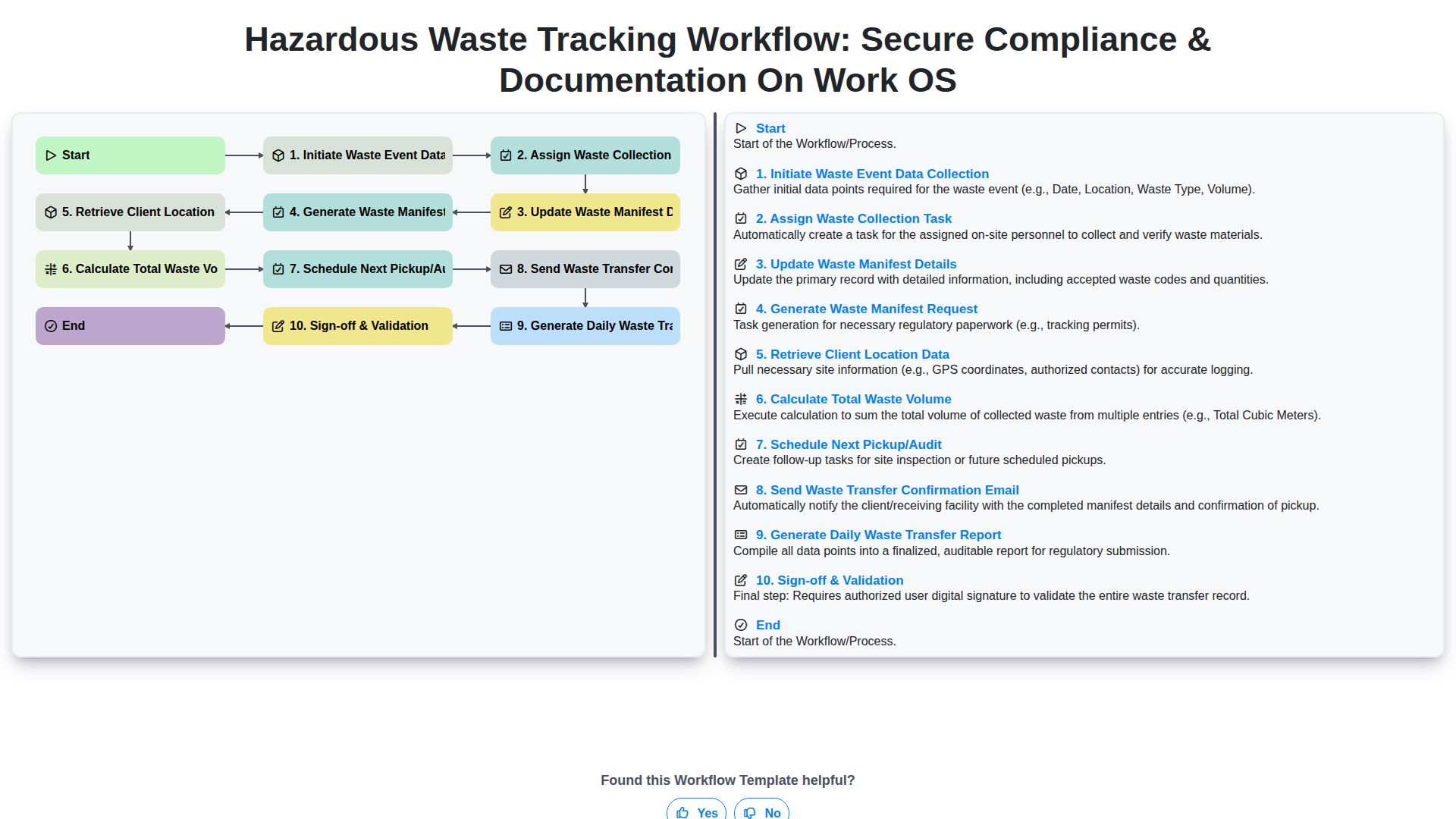
Hazardous Waste Tracking Workflow: Secure Compliance & Documentation on Work OS
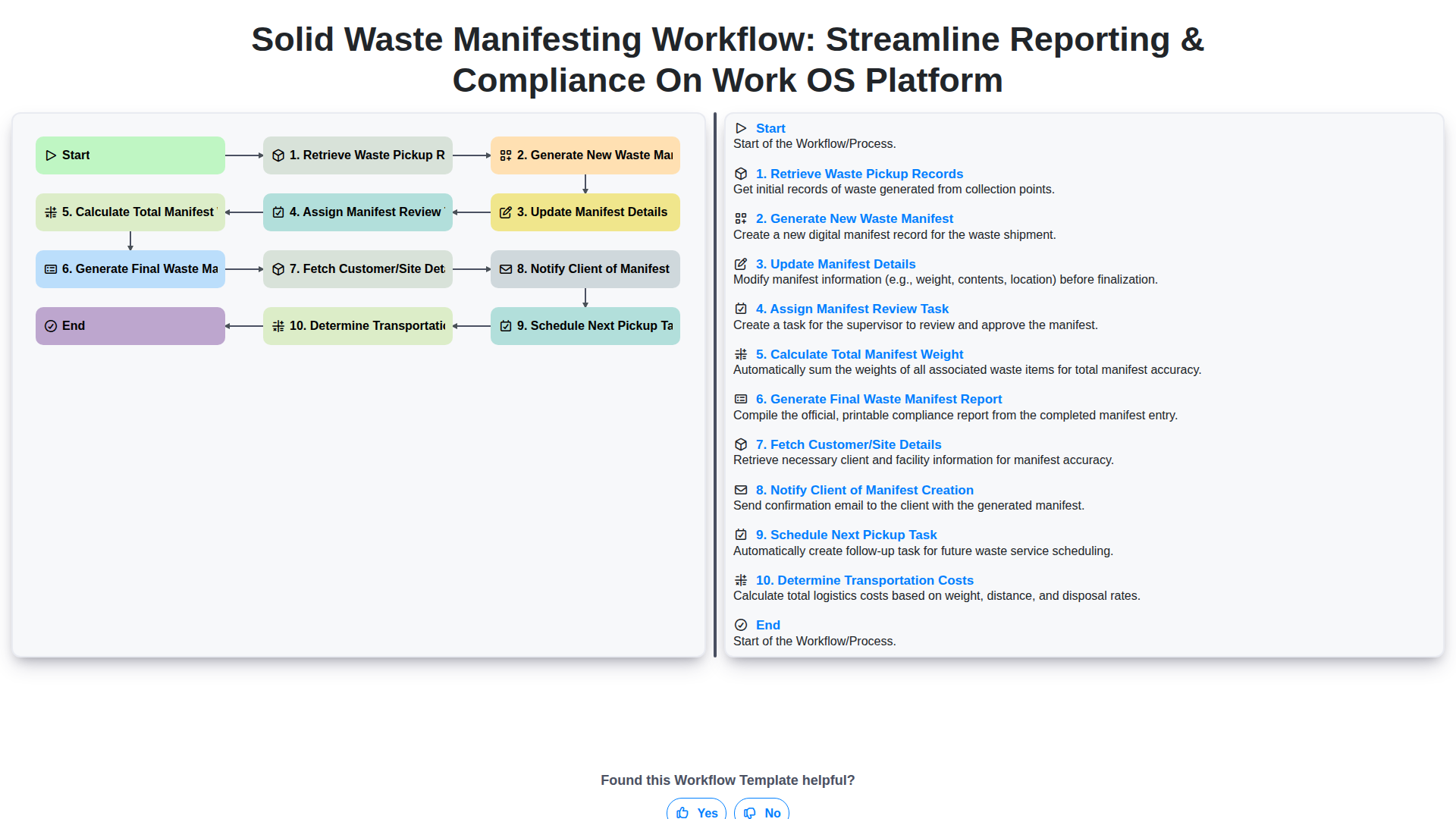
Solid Waste Manifesting Workflow: Streamline Reporting & Compliance on Work OS Platform
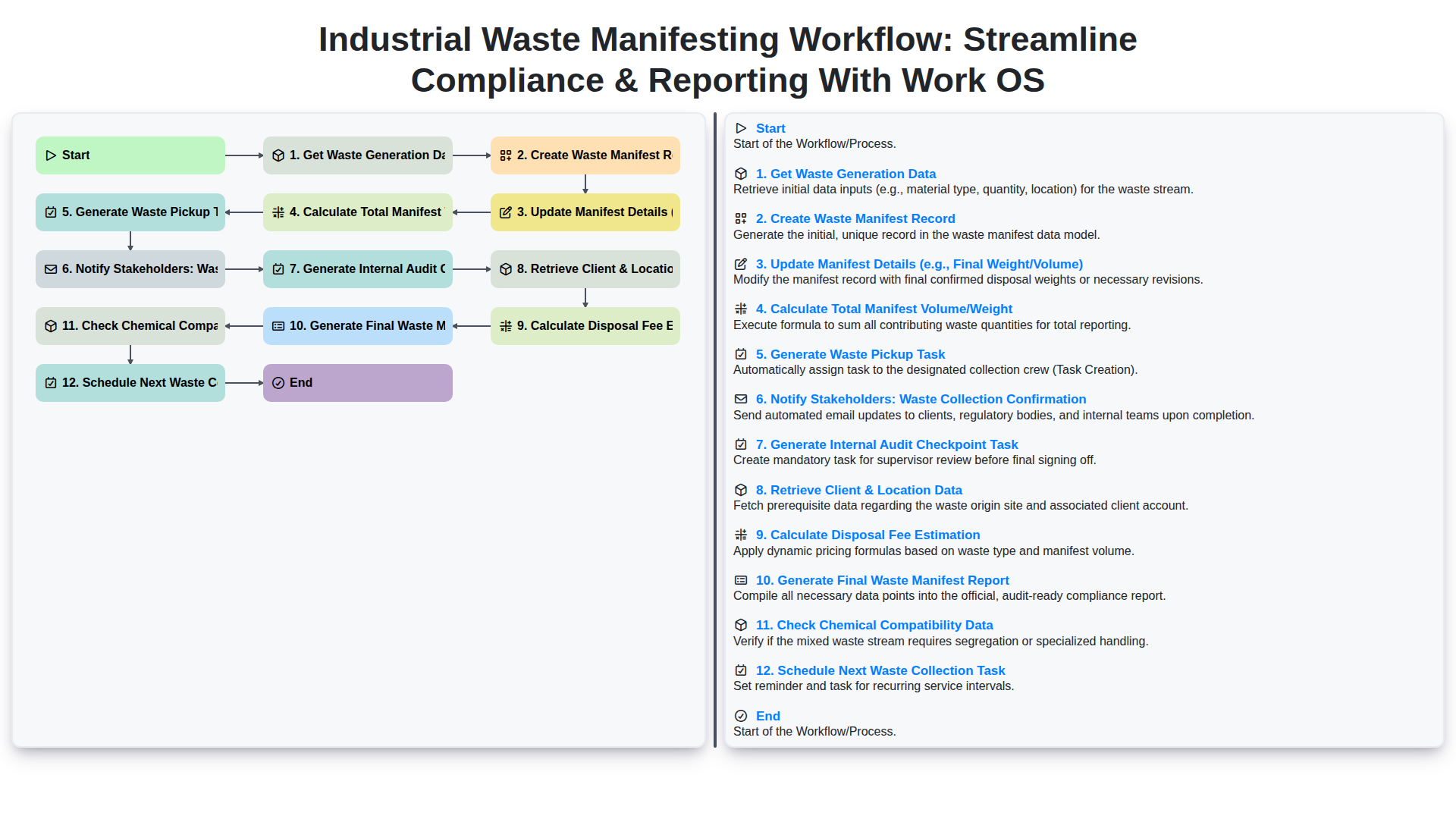
Industrial Waste Manifesting Workflow: Streamline Compliance & Reporting with Work OS
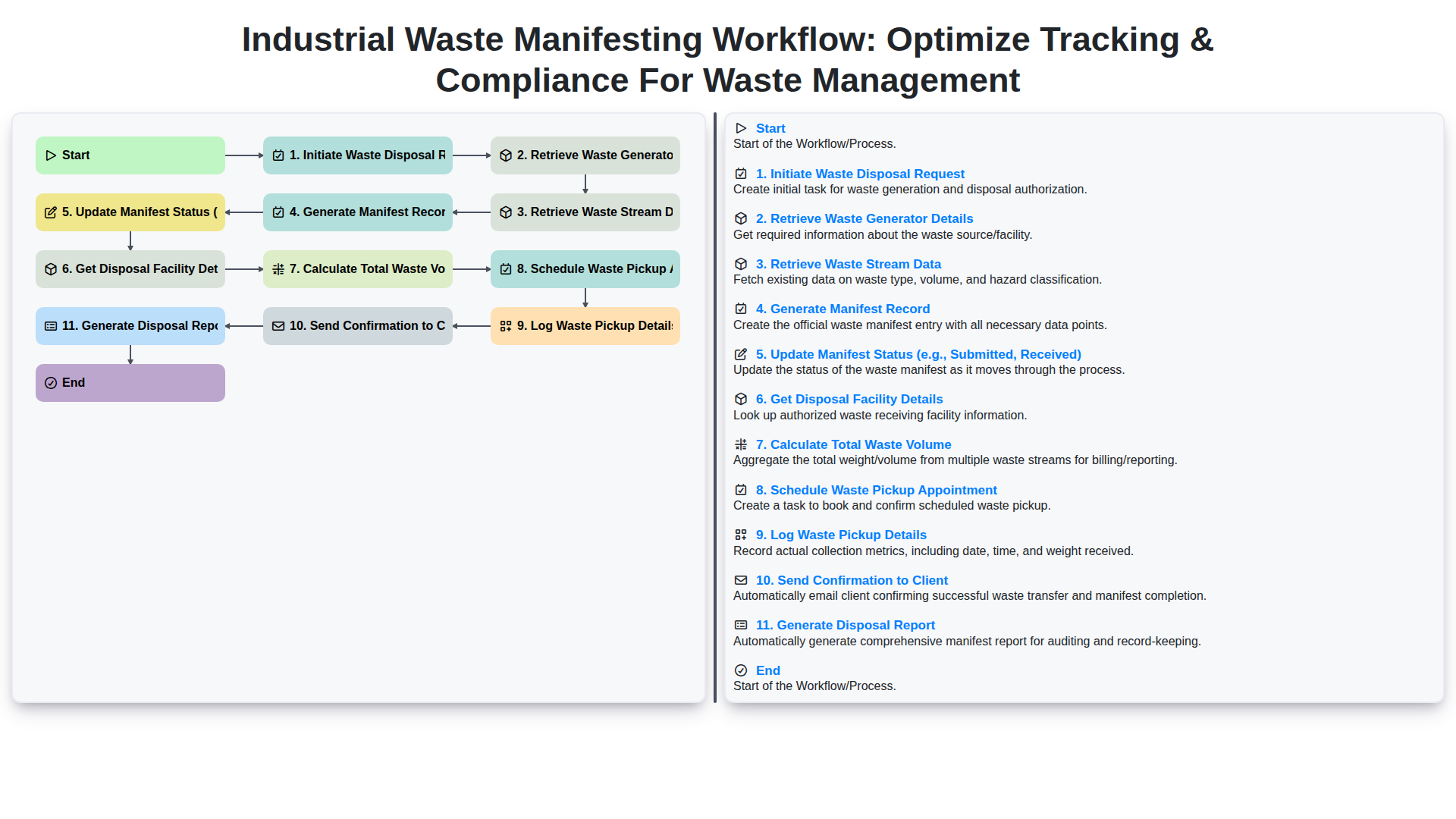
Industrial Waste Manifesting Workflow: Optimize Tracking & Compliance for Waste Management
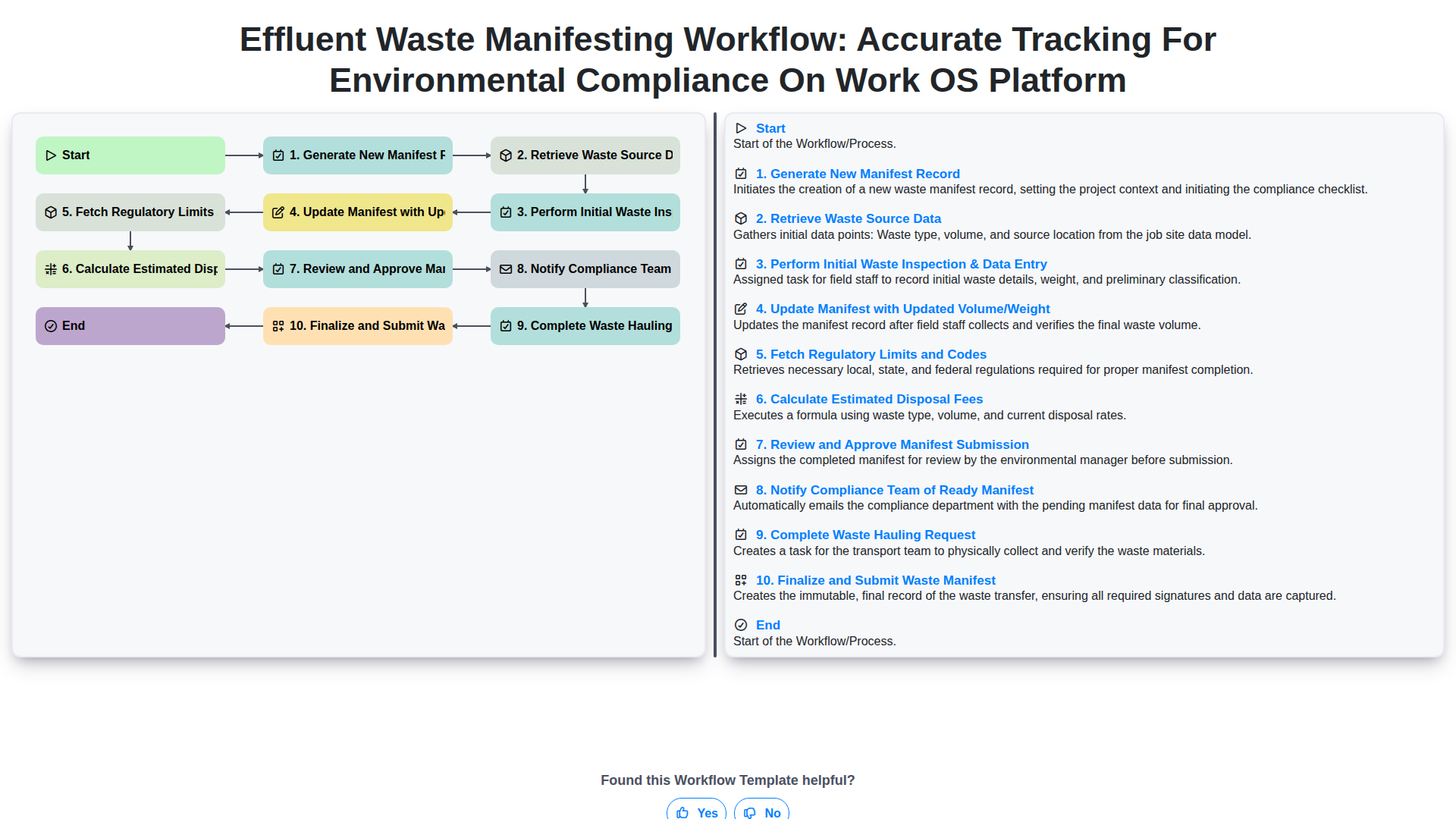
Effluent Waste Manifesting Workflow: Accurate Tracking for Environmental Compliance on Work OS Platform
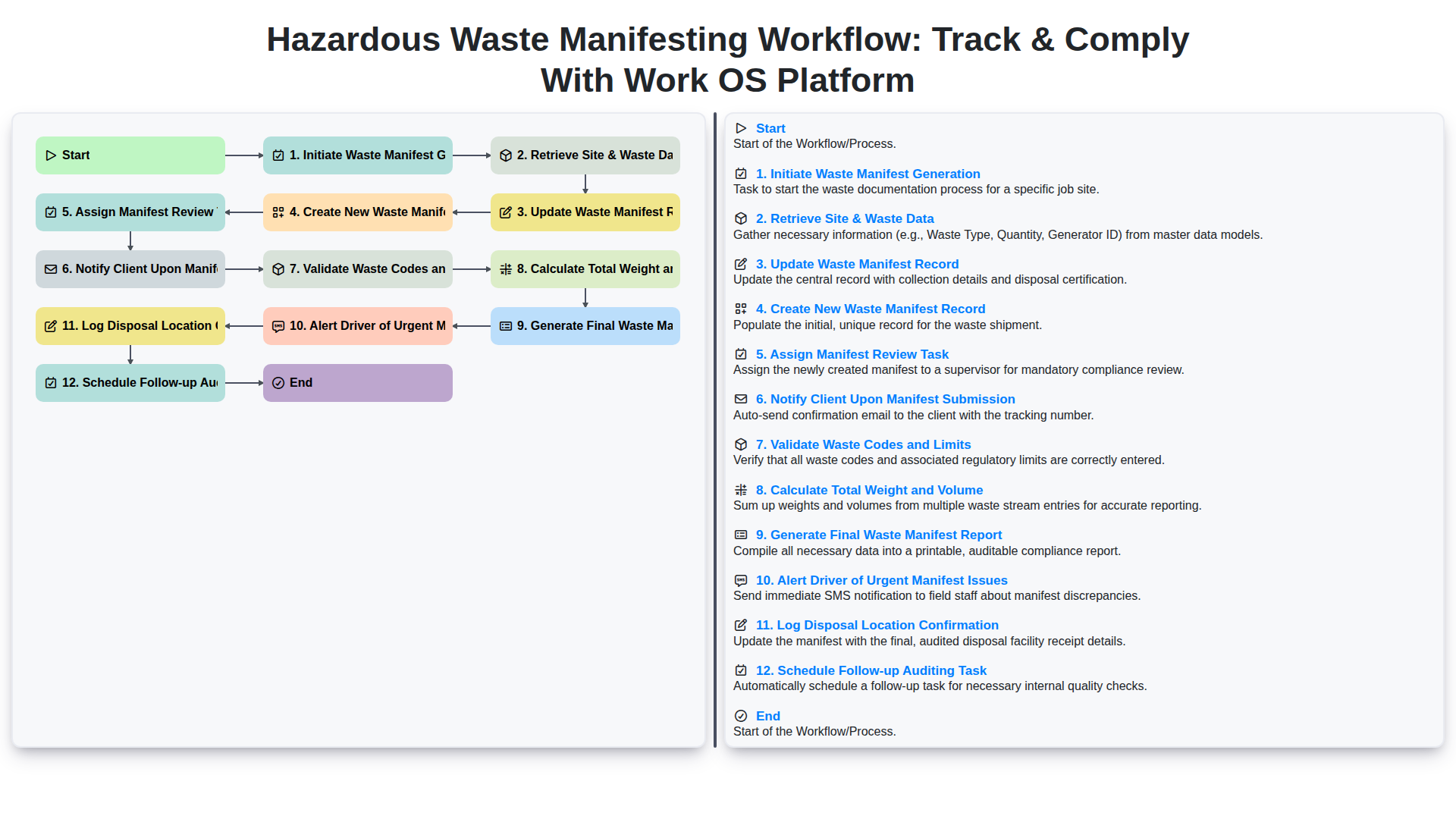
Hazardous Waste Manifesting Workflow: Track & Comply with Work OS Platform
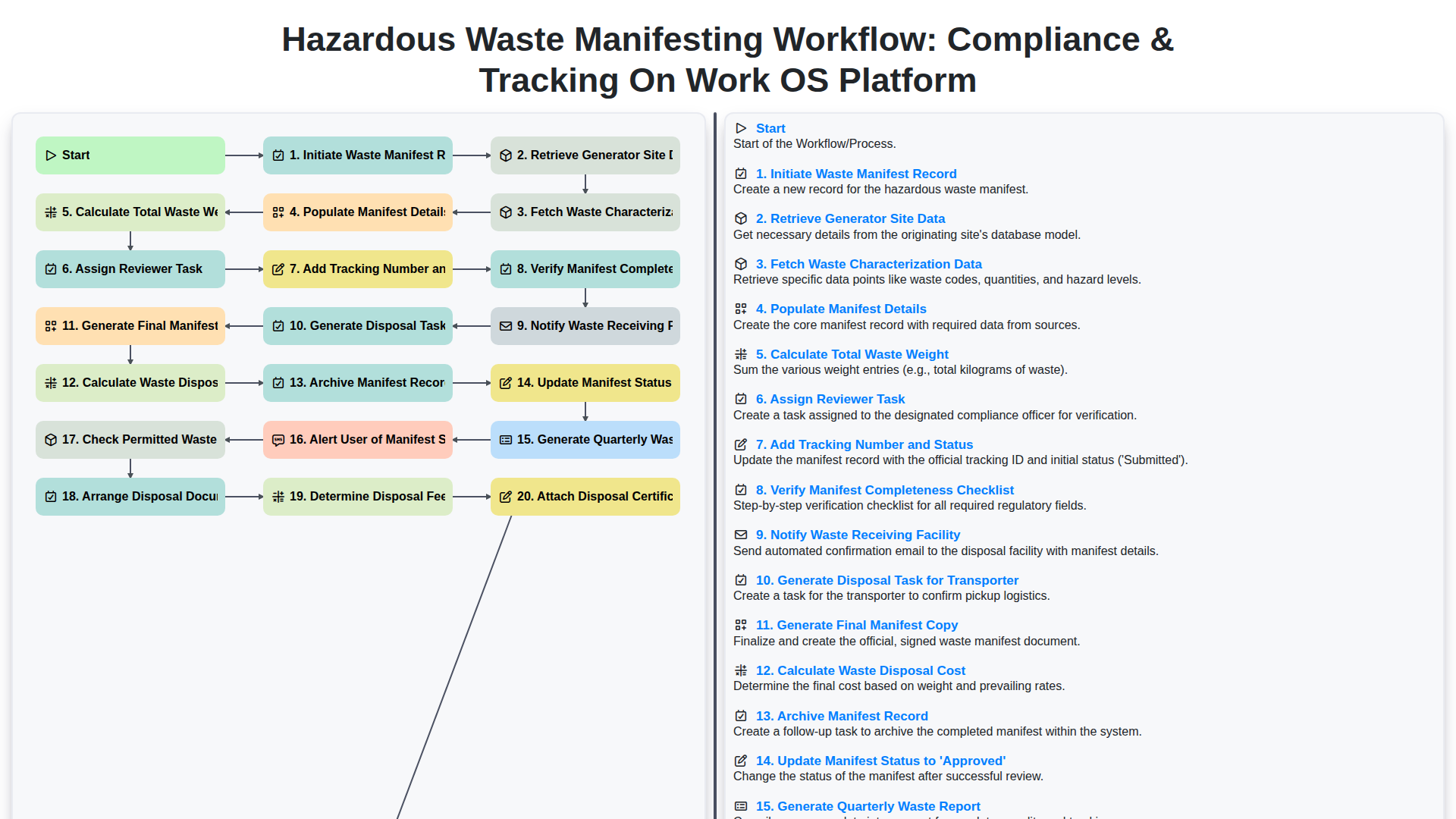
Hazardous Waste Manifesting Workflow: Compliance & Tracking on Work OS Platform
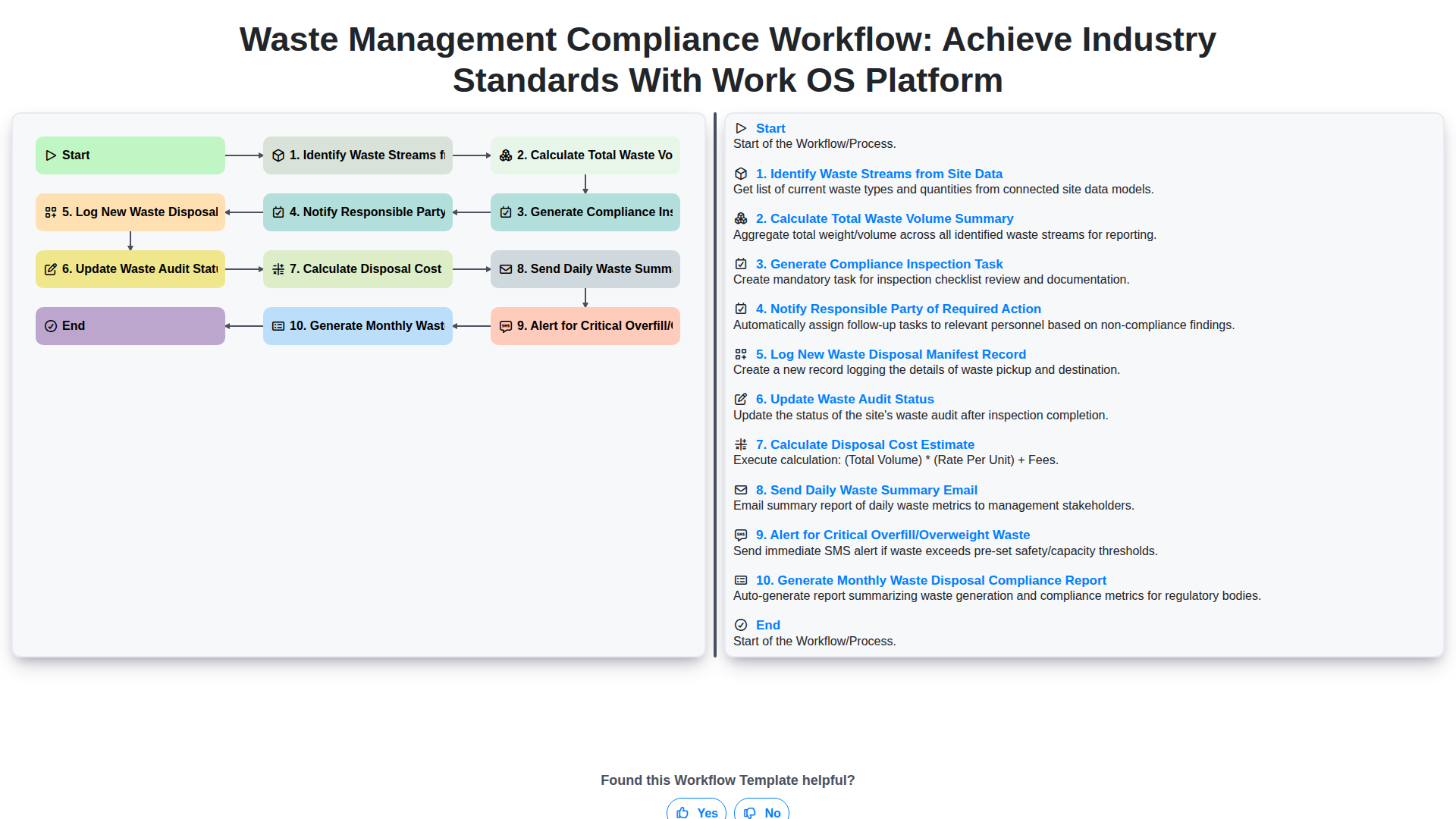
Waste Management Compliance Workflow: Achieve Industry Standards with Work OS Platform
We can do it Together
Need help with
Waste Management?
Have a question? We're here to help. Please submit your inquiry, and we'll respond promptly.