 ChecklistGuro
 Solid Waste Manifesting Workflow: Streamline Reporting & Compliance on Work OS Platform
Automate Solid Waste Manifesting: Simplify Tracking and Ensure Compliance with Our Work OS Waste Management Workflow
This Template was installed 3 times.
Start
Start of the Workflow/Process.
1. Retrieve Waste Pickup Records
Get initial records of waste generated from collection points.
2. Generate New Waste Manifest
Create a new digital manifest record for the waste shipment.
3. Update Manifest Details
Modify manifest information (e.g., weight, contents, location) before finalization.
4. Assign Manifest Review Task
Create a task for the supervisor to review and approve the manifest.
5. Calculate Total Manifest Weight
Automatically sum the weights of all associated waste items for total manifest accuracy.
6. Generate Final Waste Manifest Report
Compile the official, printable compliance report from the completed manifest entry.
7. Fetch Customer/Site Details
Retrieve necessary client and facility information for manifest accuracy.
8. Notify Client of Manifest Creation
Send confirmation email to the client with the generated manifest.
9. Schedule Next Pickup Task
Automatically create follow-up task for future waste service scheduling.
10. Determine Transportation Costs
Calculate total logistics costs based on weight, distance, and disposal rates.
End
End of the Workflow/Process.
Start of the Workflow/Process.
Get initial records of waste generated from collection points.
Create a new digital manifest record for the waste shipment.
Modify manifest information (e.g., weight, contents, location) before finalization.
Create a task for the supervisor to review and approve the manifest.
Automatically sum the weights of all associated waste items for total manifest accuracy.
Compile the official, printable compliance report from the completed manifest entry.
Retrieve necessary client and facility information for manifest accuracy.
Send confirmation email to the client with the generated manifest.
Automatically create follow-up task for future waste service scheduling.
Calculate total logistics costs based on weight, distance, and disposal rates.
End of the Workflow/Process.
Frequently Asked Questions
Comments
There are no comments yet. Be the first to add one!
Waste Management Solution Demo
Optimize your waste management & reduce environmental impact! ChecklistGuro streamlines collection, tracking, and reporting. Minimize waste, lower costs, & promote sustainability. Manage it all with our Work OS.
Related Workflow Templates
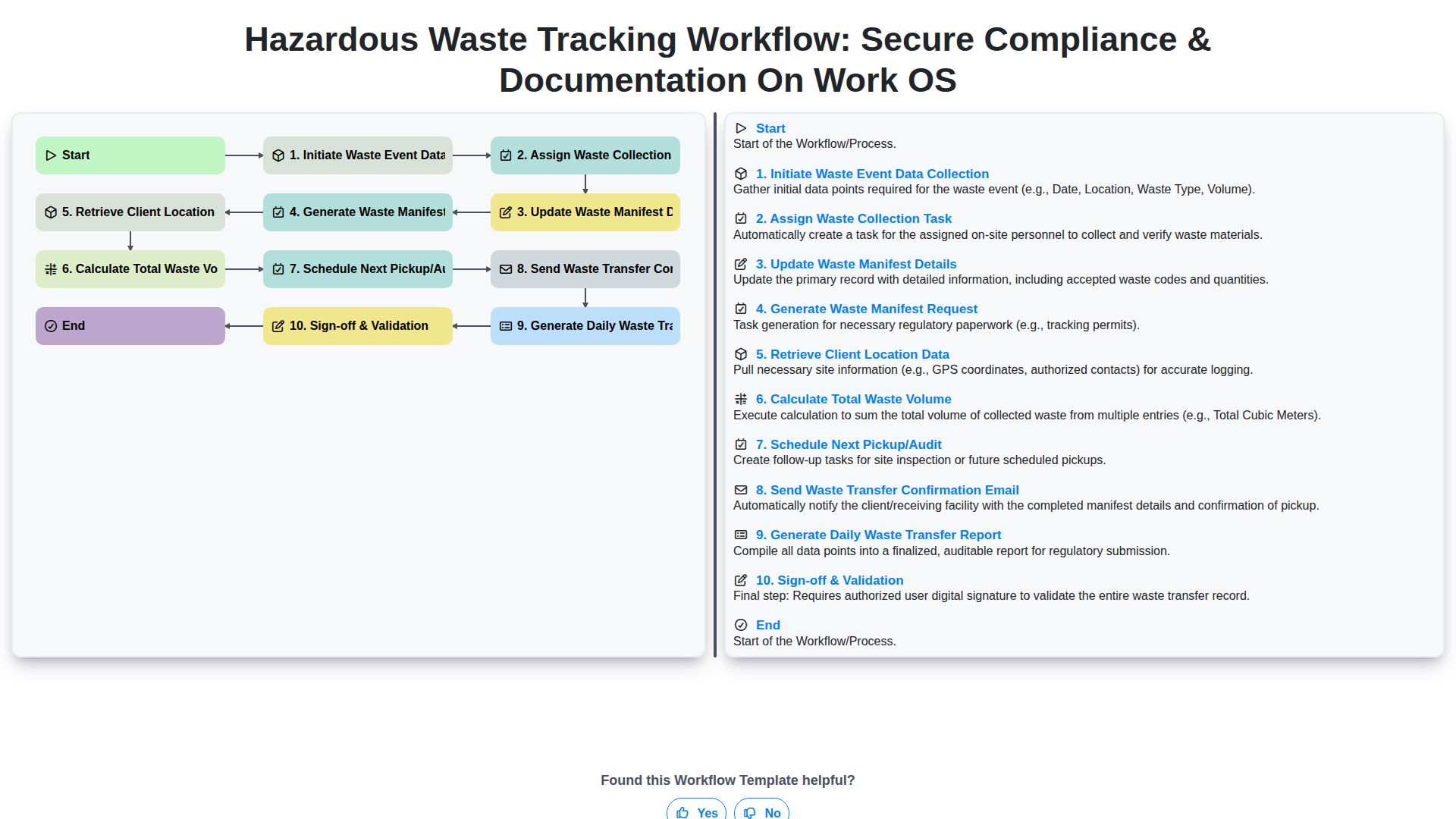
Hazardous Waste Tracking Workflow: Secure Compliance & Documentation on Work OS
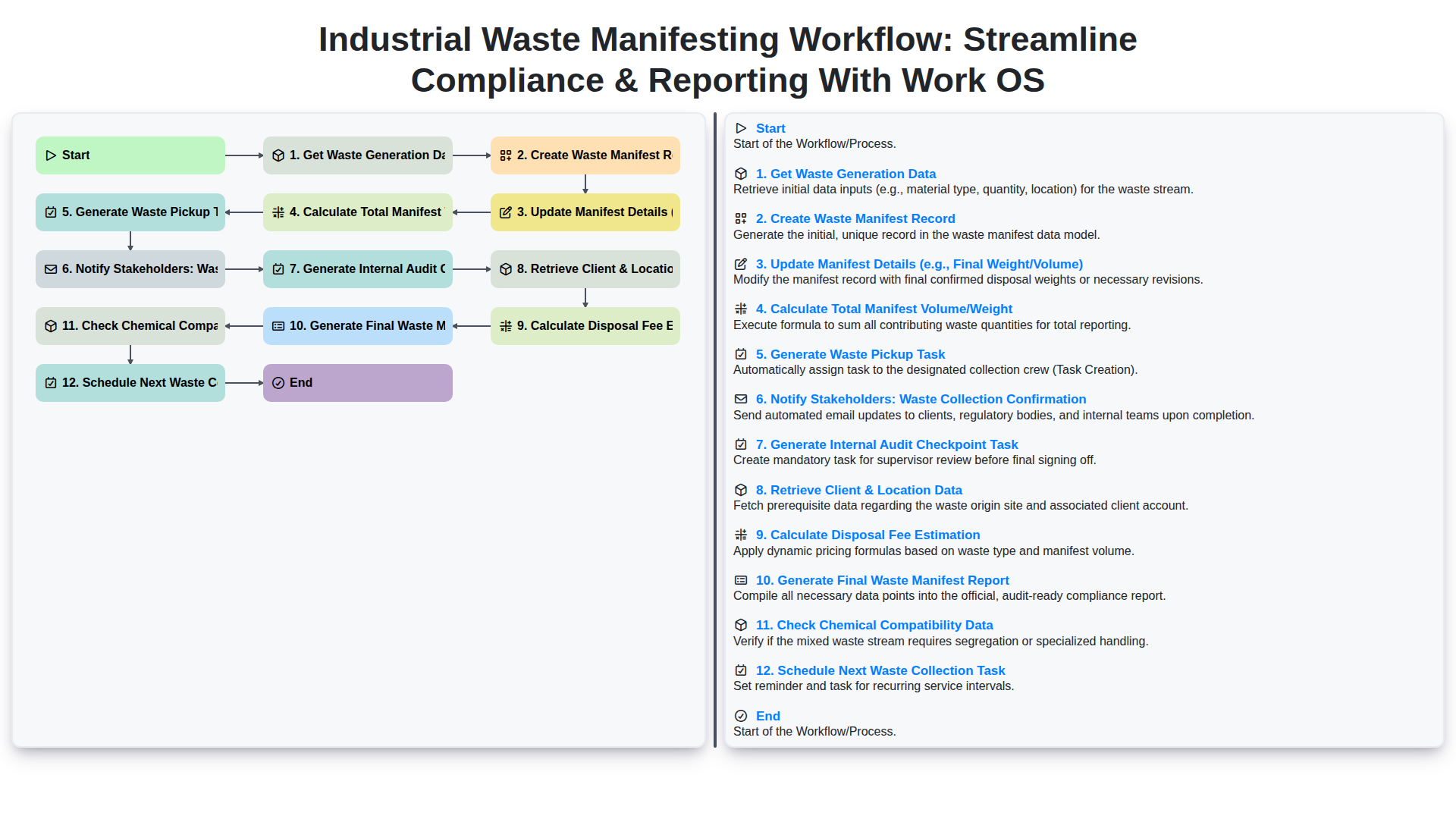
Industrial Waste Manifesting Workflow: Streamline Compliance & Reporting with Work OS
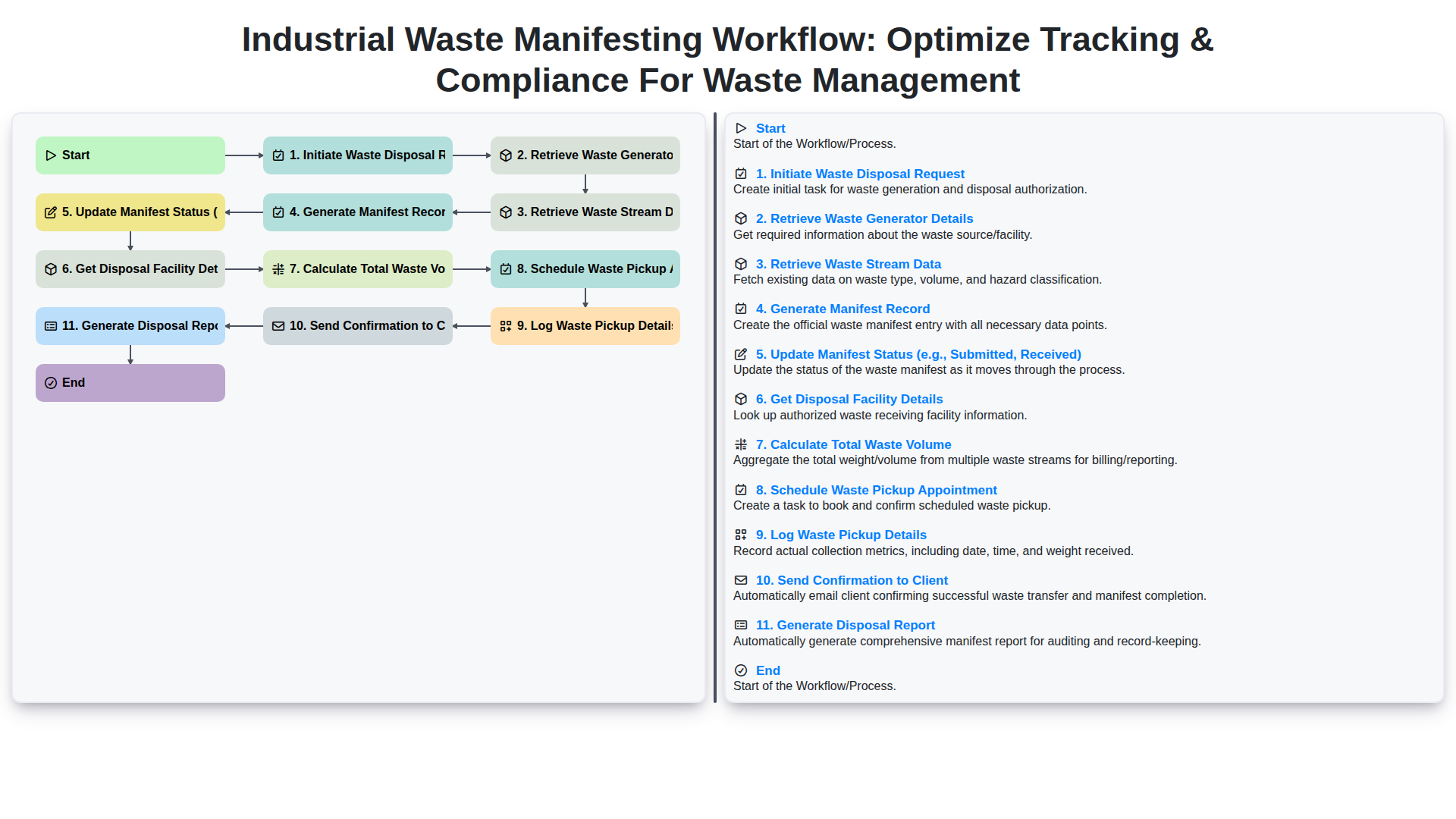
Industrial Waste Manifesting Workflow: Optimize Tracking & Compliance for Waste Management
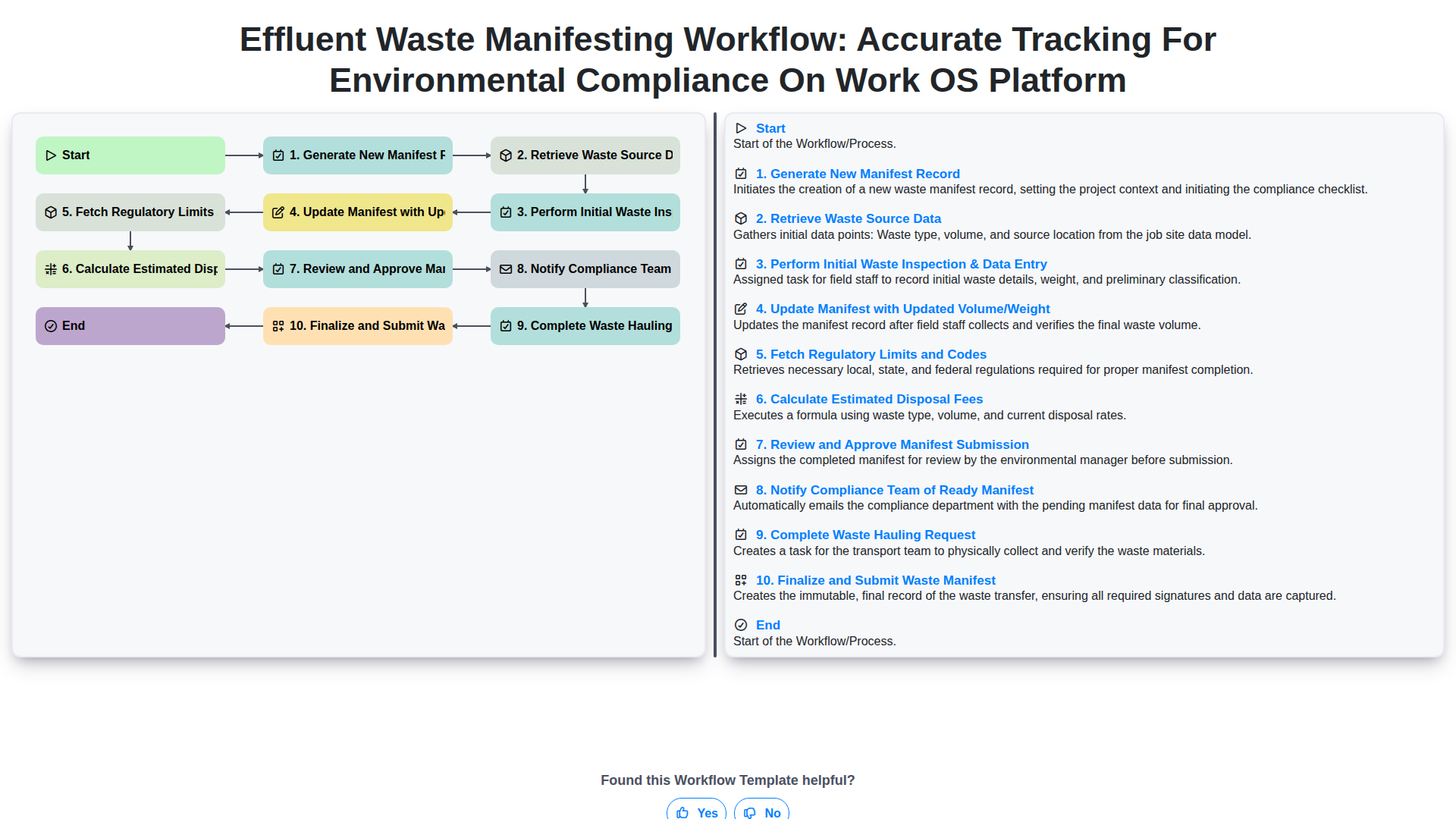
Effluent Waste Manifesting Workflow: Accurate Tracking for Environmental Compliance on Work OS Platform
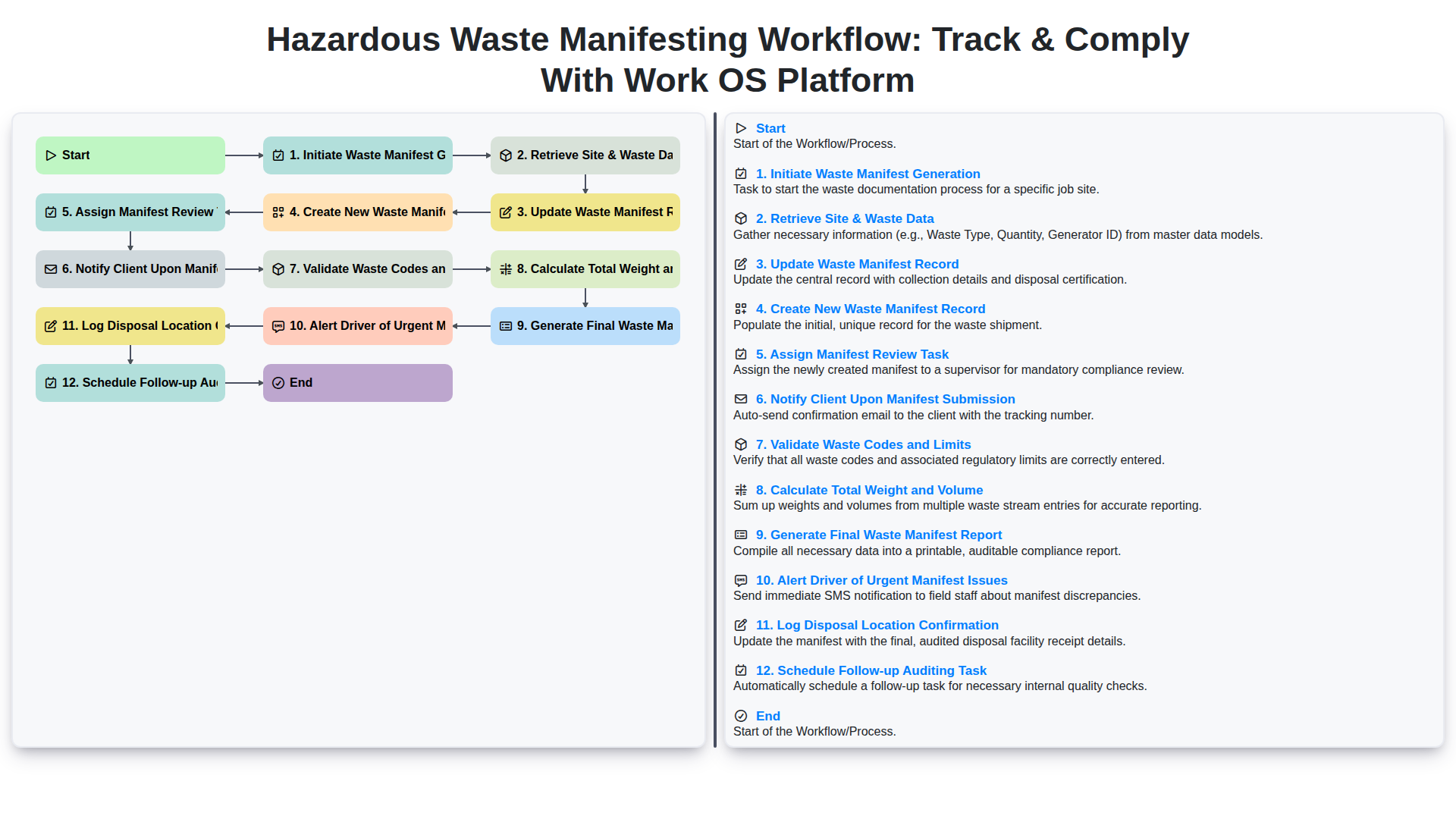
Hazardous Waste Manifesting Workflow: Track & Comply with Work OS Platform
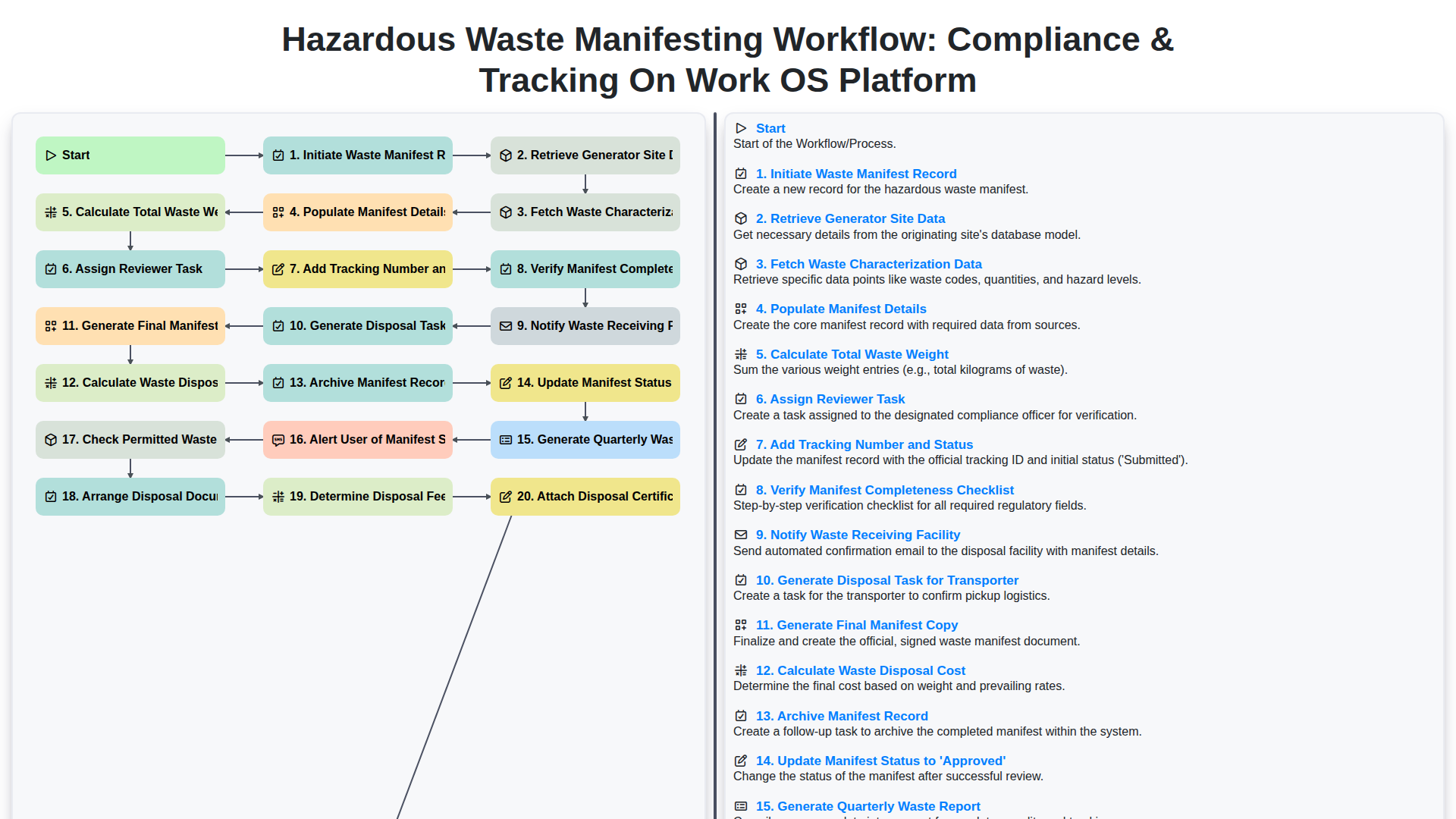
Hazardous Waste Manifesting Workflow: Compliance & Tracking on Work OS Platform
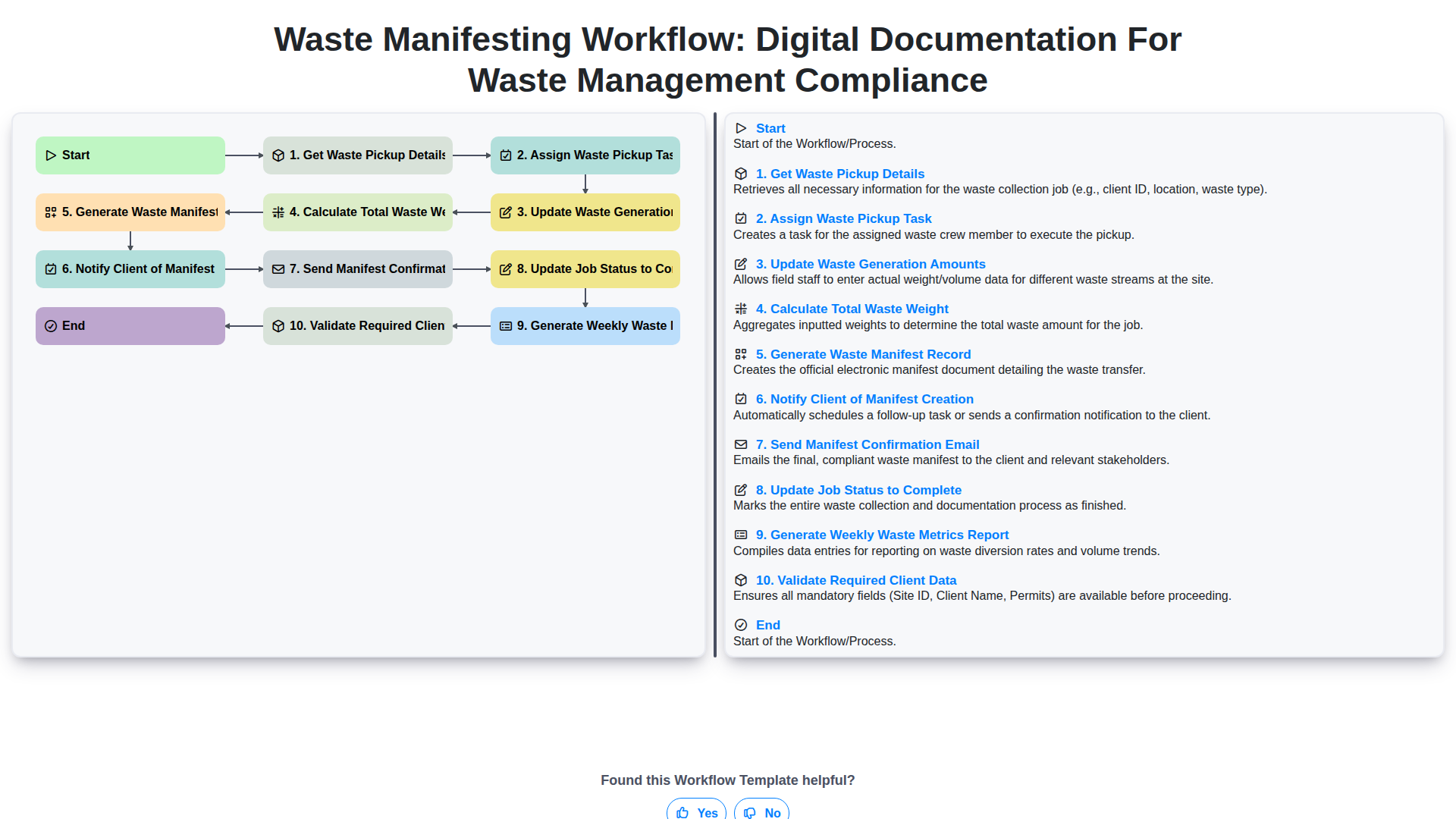
Waste Manifesting Workflow: Digital Documentation for Waste Management Compliance
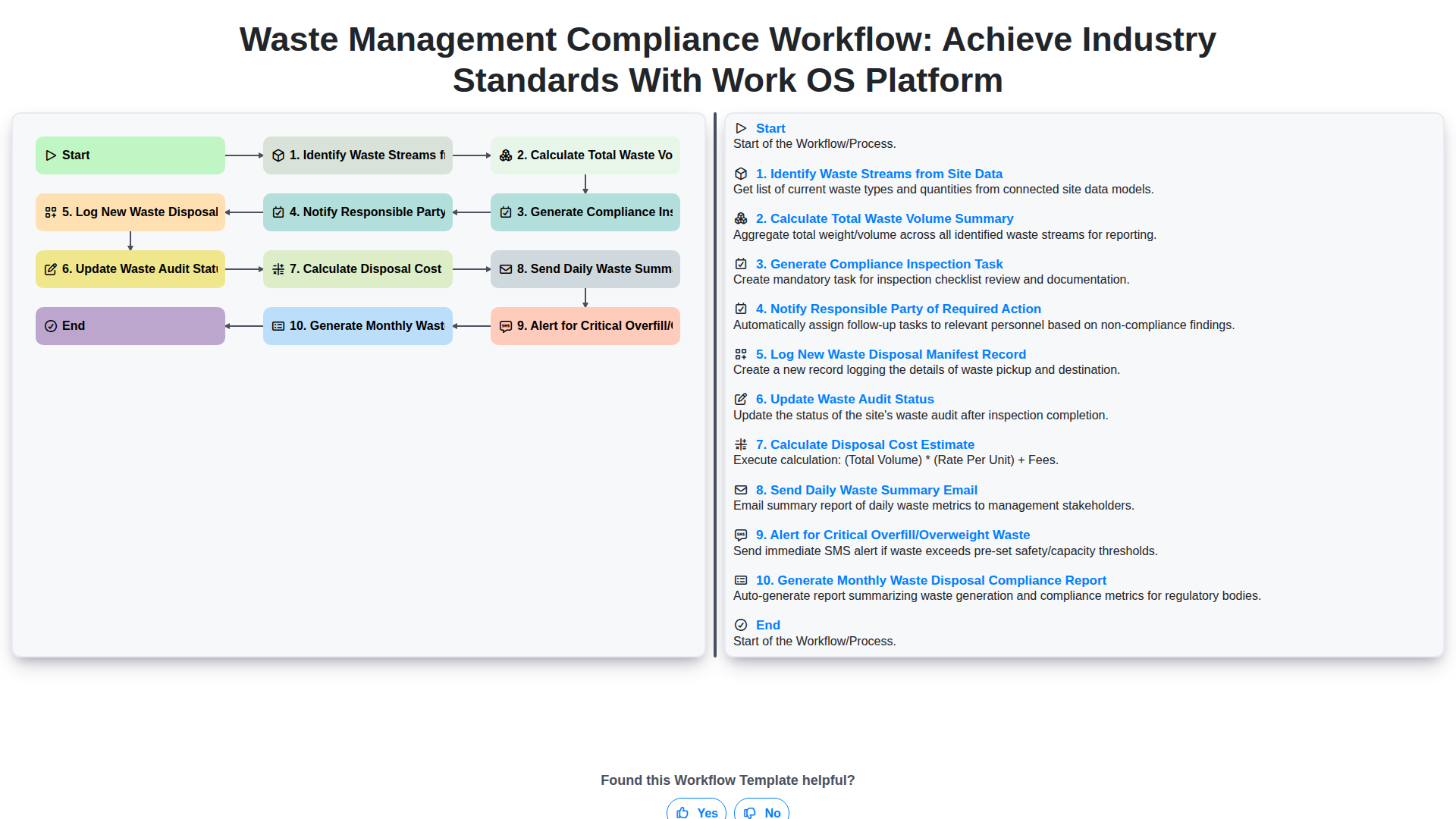
Waste Management Compliance Workflow: Achieve Industry Standards with Work OS Platform
Need help with
Waste Management?
Have a question? We're here to help. Please submit your inquiry, and we'll respond promptly.