How to increase your efficiency with Material Requirements Planning (MRP) Management Software
Published: 14.12.2025 22:00 Updated: 15.12.2025 14:07
Table of Contents
- What is Material Requirements Planning (MRP)? A Quick Primer
- Why Invest in MRP Management Software?
- The Challenges of Manual MRP Processes
- Introducing MRP Management Software Checklists
- Key Checklists for MRP Implementation
- System Setup and Configuration
- Data Migration and Accuracy
- Bill of Materials (BOM) Verification
- Inventory Management Validation
- Production Planning Oversight
- Demand Forecasting Review
- Vendor Management and Lead Times
- Continuous Improvement and Optimization
- Choosing the Right MRP Management Software
- Resources & Links
TLDR: Overwhelmed by inventory and production planning? MRP Management Software checklists streamline your processes, ensuring you have the right materials, at the right time, in the right quantity. This post walks you through using checklists to optimize your MRP system, minimizing stockouts, reducing waste, and boosting overall efficiency - ultimately saving you time and money!
What is Material Requirements Planning (MRP)? A Quick Primer
Material Requirements Planning (MRP) is a computer-based inventory management and production planning system. Think of it as a roadmap for your manufacturing process. It takes your sales forecasts (or actual orders) and works backward to determine what materials and components you'll need, when you'll need them, and how many you need to produce the finished goods.
Traditionally, MRP was heavily reliant on detailed bills of materials (BOMs) - a complete list of all the raw materials, parts, sub-assemblies, and components needed to manufacture an end product. It also considers lead times for procuring materials and manufacturing processes.
However, modern MRP systems have evolved. While the core principles remain, they now often incorporate features like capacity planning, shop floor control, and even basic financial planning. Ultimately, a well-implemented MRP system helps businesses avoid both stockouts (running out of essential materials) and overstocking (tying up capital in excess inventory).
Why Invest in MRP Management Software?
Many businesses, particularly those in manufacturing or with complex supply chains, operate on a gut feeling or spreadsheets for material planning. While this might work when things are stable, it's a recipe for disaster when faced with fluctuating demand, supply chain disruptions, or even just moderate growth.
Investing in MRP Management Software isn't just about automating tasks; it's about gaining control and visibility into your entire production process. Here's a deeper look at the benefits:
- Reduced Inventory Costs: Avoid overstocking (tying up capital and risking obsolescence) and understocking (leading to lost sales and production delays). MRP software accurately calculates material needs based on demand forecasts and production schedules.
- Improved Production Scheduling: Optimize your production workflow, ensuring materials arrive when needed, minimizing downtime, and maximizing equipment utilization.
- Enhanced Supply Chain Management: Gain insight into supplier performance, lead times, and potential bottlenecks. Proactively address issues before they impact your operations.
- Better Decision-Making: Real-time data and accurate reporting empower you to make informed decisions about material purchasing, production planning, and overall resource allocation.
- Increased Customer Satisfaction: Meeting delivery deadlines and fulfilling orders consistently leads to happier customers and stronger brand loyalty.
- Scalability: As your business grows, MRP software can adapt to increasing complexity and higher volumes without manual processes becoming overwhelming.
Essentially, it transforms guesswork into data-driven action.
The Challenges of Manual MRP Processes
Managing material requirements manually can feel like constantly patching a leaky boat. It's reactive, prone to errors, and eats away at your time and resources. Let's be honest, spreadsheets and estimations, while initially appearing cost-effective, quickly become a source of significant pain.
Think about it: how accurate are your forecasts really? Are you consistently accounting for lead times, safety stock, and sudden demand spikes? Manually calculating material needs is incredibly time-consuming, requiring constant adjustments and often leading to either overstocking (tying up capital) or, worse, stockouts (disrupting production and frustrating customers).
Beyond the logistical issues, manual processes also lack the visibility and control needed for informed decision-making. It's difficult to identify bottlenecks, optimize workflows, or accurately track costs when your data is scattered across multiple spreadsheets and relies heavily on individual memory and interpretation. This lack of a centralized, real-time view can lead to costly mistakes and missed opportunities for improvement. Ultimately, it hinders your ability to scale and grow your business effectively.
Introducing MRP Management Software Checklists
MRP Management Software isn't just about complex algorithms and automated calculations; it's about the practical steps you take to manage your materials and production effectively. That's where checklists come in. Think of them as your roadmap for leveraging your MRP system to its full potential.
These aren't your generic to-do lists. MRP Management Software checklists are specifically designed to guide you through key processes, from initial data entry and bill of materials (BOM) validation to production planning, inventory control, and purchase order creation. They break down complex tasks into manageable steps, ensuring accuracy and consistency across your team.
Think of them as a living guide, constantly evolving with your business needs. They provide a structured approach, minimizing errors and maximizing the value you derive from your MRP investment. We'll dive deeper into the specifics in a bit, but for now, understand that these checklists are all about making your MRP experience smoother, more reliable, and ultimately, more efficient.
Key Checklists for MRP Implementation
Implementing an MRP system isn't just about installing software; it's a significant operational shift. A well-structured checklist approach minimizes disruption and maximizes adoption. Here are some crucial checklists to guide your implementation:
- Requirements Gathering & Scope Definition: This is your foundation. A checklist here ensures you clearly define your business needs, current processes, pain points, and desired outcomes from the MRP system. Include details on the specific modules you're planning to implement (e.g., inventory management, production planning, purchasing).
- Data Cleansing and Migration: "Garbage in, garbage out" applies heavily to MRP. This checklist focuses on identifying, correcting, and cleaning your existing data before migrating it to the new system. Key areas to cover include accurate bill of materials (BOM), correct item master records, and reliable lead times.
- Bill of Materials (BOM) Validation: A flawed BOM cripples your MRP. This checklist confirms the accuracy and completeness of your BOMs. Verify component quantities, relationships, and alternate components. Involve production and engineering teams.
- Lead Time Assessment & Validation: Lead times are vital for accurate planning. This checklist ensures your lead times are realistic and regularly updated. Consider both supplier lead times and internal production lead times.
- User Training & Adoption: Even the best software is useless if your team doesn't use it correctly. Create a checklist outlining training modules, scheduling, and competency assessments. Track user adoption rates post-training.
- System Integration Testing: If your MRP system integrates with other systems (e.g., accounting, CRM), a dedicated integration testing checklist is essential. Verify data flows seamlessly and accurately between systems.
- Go-Live Readiness Assessment: A final checklist before launching. Covers everything from backup procedures to user access verification to a 'dress rehearsal' of key processes. This minimizes surprises and potential disruptions.
- Post-Implementation Review & Optimization: MRP isn't a set it and forget it solution. Schedule regular reviews to identify areas for improvement, adjust parameters, and ensure the system continues to meet your evolving business needs.
System Setup and Configuration
Before you can truly benefit from MRP Management Software, a solid foundation is crucial. This checklist focuses on the initial setup and configuration to ensure the system accurately reflects your business.
- Define Your Bill of Materials (BOM): This is the cornerstone of your MRP system. Ensure each product's BOM is complete, accurate, and includes all raw materials, components, and sub-assemblies needed for production. Regularly review and update as designs or supplier relationships change.
- Establish Lead Times: Accurate lead times are vital for accurate planning. Document lead times for all materials and components, including supplier lead times, internal processing times, and receiving times. Don't just use estimates - gather historical data and refine them over time.
- Set Safety Stock Levels: Determine appropriate safety stock levels for each item to buffer against unexpected demand or supply disruptions. This is a balancing act - too little stock leads to shortages; too much ties up capital. Consider factors like demand variability, lead time variability, and the cost of stockouts.
- Define Lot Sizes: Establish lot sizes for production runs. Consider factors like setup costs, holding costs, and demand patterns. MRP systems can help calculate optimal lot sizes to minimize overall costs.
- Configure Master Data: Review and validate all master data, including item codes, unit of measure, supplier information, and pricing. Errors here can cascade through the entire system.
- Define Routing: Establish the sequence of operations required to manufacture each product. This helps MRP accurately calculate work order requirements and schedules.
- Set Planning Horizon: Define the planning horizon - the period for which you're planning material needs. A longer horizon allows for better planning but increases complexity.
- User Roles & Permissions: Set up appropriate user roles and permissions to control access to sensitive data and functionality within the MRP system.
- Initial Data Import/Entry: If importing data, verify the data's integrity after import. If entering data manually, double-check entries.
- System Testing: Perform thorough testing of the configured system with sample orders and production runs to identify and resolve any configuration issues before going live.
Data Migration and Accuracy
Implementing MRP software is only as good as the data you feed it. A rushed or inaccurate data migration can cripple your system, leading to inaccurate forecasts, incorrect orders, and ultimately, dissatisfied customers. This checklist focuses on ensuring a smooth and error-free data transition.
1. Data Cleansing: Before importing anything, thoroughly cleanse your existing data. This involves:
- Identifying and Correcting Errors: Look for typos, inconsistencies, and outdated information in your current inventory records, bill of materials, and supplier data.
- Standardizing Data Formats: Ensure all data adheres to the format required by your new MRP software (e.g., date formats, unit of measure).
- Removing Duplicate Records: Eliminate redundant entries that could skew reports and create confusion.
- Validating Data Integrity: Double-check for illogical values (e.g., negative quantities, unrealistic lead times).
2. Data Mapping: Create a clear mapping document that outlines how data fields in your old system correspond to fields in the new MRP system. This ensures accurate data transfer.
3. Phased Migration: Avoid migrating all data at once. Consider a phased approach:
- Pilot Migration: Start with a small subset of data (e.g., a single product line or warehouse) to test the migration process.
- Validation & Adjustment: Analyze the results of the pilot migration, identify any issues, and make necessary adjustments to the process.
- Gradual Rollout: Gradually expand the migration to cover the entire dataset.
4. Data Validation Post-Migration: Once the migration is complete, rigorously validate the data within the new MRP system:
- Compare Reports: Compare key reports (e.g., inventory levels, sales forecasts) generated by the old and new systems.
- Physical Inventory Count: Perform a physical inventory count and reconcile it with the MRP system's records.
- User Acceptance Testing (UAT): Have key users test the system with real-world scenarios and report any discrepancies.
5. Ongoing Data Maintenance: Data accuracy isn't a one-time event. Implement processes for ongoing data maintenance:
- Regular Audits: Conduct regular audits of your data to identify and correct any errors.
- User Training: Train users on proper data entry procedures to prevent errors.
- Data Governance Policies: Establish clear data governance policies to ensure data integrity and accountability.
Neglecting this critical checklist step can lead to significant problems down the line, so dedicate the necessary time and resources to ensure a clean and accurate data foundation for your new MRP system.
Bill of Materials (BOM) Verification
A robust Bill of Materials (BOM) is the backbone of any successful MRP system. Inaccuracies here ripple through your entire production process, leading to delays, excess inventory, or - worse - a lack of critical components. This checklist helps ensure your BOM is accurate and up-to-date.
Here's what to check:
- Component Accuracy: Verify each component listed on the BOM is actually required for the finished product and that the listed quantity is correct. Cross-reference with engineering drawings, product specifications, and actual production processes.
- Unit of Measure Consistency: Ensure all components are listed with consistent units of measure (e.g., each, pounds, meters). Errors here can lead to significant miscalculations.
- Vendor Information: Confirm that vendor codes and lead times are accurate for each component. Outdated vendor information can derail your purchasing schedule.
- Sub-Assemblies: If your product involves sub-assemblies, ensure each sub-assembly's BOM is also accurate and linked correctly.
- Revision Control: Implement a clear revision control system for your BOMs. This allows you to track changes, revert to previous versions if needed, and prevents using outdated information. Document who made the changes and why.
- Regular Review: BOMs are not static documents. Conduct regular reviews (e.g., quarterly or annually, or whenever design changes occur) to ensure accuracy and reflect any updates to materials or processes.
Checklist Actions:
- Review BOM for Product X against Engineering Drawing Rev. 2
- Verify quantities of component Y match production requirements
- Confirm vendor code for material Z is accurate in system
- Audit revision history for Product A's BOM
- Schedule next BOM review date
Inventory Management Validation
This checklist focuses on verifying the accuracy and integrity of your inventory data. Inaccurate inventory records can lead to costly errors in production planning, order fulfillment delays, and ultimately, dissatisfied customers. This validation process isn't a one-time task; it should be integrated into your regular MRP cycle.
Here's what this checklist covers:
- Cycle Counts: Schedule and execute regular cycle counts for key inventory items. Compare physical counts with system records and investigate discrepancies. Document findings and corrective actions taken.
- Lot Traceability Verification: Confirm the ability to trace materials and finished goods back to their origins. Ensure accurate records of lot numbers, dates, and suppliers.
- Unit of Measure Consistency: Verify that all units of measure (e.g., each, box, pallet) are consistently applied and accurately reflected in the system.
- Storage Location Accuracy: Confirm that items are stored in the designated locations and that these locations are accurately maintained in the MRP system.
- Obsolescence and Slow-Moving Inventory: Identify and address obsolete or slow-moving inventory. Consider liquidation, repurposing, or adjusted ordering strategies.
- Bill of Materials (BOM) Verification: Cross-reference BOMs with physical materials to ensure accuracy and completeness. Update as needed.
- Safety Stock Levels Review: Assess whether current safety stock levels are appropriate to avoid stockouts while minimizing holding costs.
- Record Keeping: Meticulously document all validation activities, discrepancies found, and corrections implemented. This documentation provides valuable insights for continuous improvement.
Production Planning Oversight
This checklist focuses on the crucial task of production planning - ensuring your MRP system's calculations translate into a realistic and achievable production schedule. It's more than just following the numbers; it's about understanding the why behind them and proactively addressing potential bottlenecks.
Here's what this checklist covers:
- Capacity Assessment: Review machine and labor capacity against planned production levels. Are your resources sufficient to meet demand? Identify any potential overload situations.
- Lead Time Validation: Verify the accuracy of lead times for materials and components. Outdated or inaccurate lead times are a major source of errors in MRP.
- Work Center Load Analysis: Analyze the workload on each work center to identify potential bottlenecks and adjust schedules accordingly.
- Setup Time Considerations: Factor in setup times for each production run, as these significantly impact overall production time.
- Material Availability Confirmation: Double-check that all necessary materials are available on time, considering supplier lead times and potential delays.
- Production Sequence Optimization: Review the production sequence to minimize changeover times and maximize throughput.
- Exception Reporting: Identify and investigate any exceptions or discrepancies between planned and actual production.
- Communication & Collaboration: Ensure clear communication and collaboration between planning, procurement, and production teams.
- Contingency Planning: Develop contingency plans to address unexpected events or disruptions to the production process.
By meticulously checking these points, you're not just validating your MRP output - you're proactively managing risk and maximizing the efficiency of your production process.
Demand Forecasting Review
Demand forecasting is the bedrock of effective MRP. A flawed forecast sends ripples of inaccuracy throughout your entire supply chain. This checklist ensures your forecasts are as reliable as possible.
What to Review:
- Forecast Accuracy: Analyze historical forecast accuracy. Are you consistently over or underestimating demand? What are the root causes? (e.g., seasonality, promotions, market trends).
- Data Sources: Are you leveraging all available data? This includes historical sales data, market research, customer orders, sales team input, and economic indicators. Don't rely solely on gut feelings.
- Forecasting Methods: Evaluate the forecasting methods you're using. Are they appropriate for your product(s) and market? Consider statistical methods like moving averages, exponential smoothing, or more advanced techniques.
- Collaboration: Are sales, marketing, and operations teams collaborating effectively on demand planning? Ensure open communication and shared understanding of upcoming promotions and potential demand shifts.
- Review Frequency: How often are you reviewing and adjusting your demand forecasts? Monthly? Quarterly? The frequency should align with the volatility of your market.
- Bias Identification: Are there any inherent biases in your forecasting process? (e.g., optimism bias, anchoring bias). Identify and mitigate these biases.
- Scenario Planning: Are you running "what-if" scenarios to prepare for potential fluctuations in demand? Model different scenarios (e.g., best case, worst case, most likely) to build resilience.
Action Items:
- Document your forecasting process, including data sources, methods, and review frequency.
- Implement a system for tracking forecast accuracy and identifying areas for improvement.
- Schedule regular meetings between sales, marketing, and operations to review and refine demand forecasts.
- Train your team on proper forecasting techniques and the importance of data-driven decision-making.
Vendor Management and Lead Times
Vendor management is a critical, often overlooked, component of successful MRP implementation. Inaccurate lead times can completely derail your production schedule, even with perfect inventory planning. This checklist focuses on ensuring your vendor data is up-to-date and reliable.
What this checklist covers:
- Vendor Contact Information: Verify and update all vendor contact details, including addresses, phone numbers, and email addresses. A small error here can cause significant delays.
- Lead Time Accuracy: Regularly review and update vendor-supplied lead times. Market fluctuations, supplier constraints, and changing production schedules can all impact these times. Compare actual delivery times against estimated lead times and adjust accordingly.
- Minimum Order Quantities (MOQ): Track MOQs to avoid ordering unnecessary quantities of materials and tying up capital. Negotiate lower MOQs where possible.
- Payment Terms: Ensure payment terms are clearly defined and being adhered to, optimizing cash flow and maintaining good vendor relationships.
- Performance Evaluation: Document vendor performance (on-time delivery, quality, responsiveness) to identify potential issues and opportunities for improvement. Use a scoring system for objective assessment.
- Backup Suppliers: Maintain a list of backup suppliers for critical materials to mitigate risk and avoid supply chain disruptions. Regularly evaluate their capabilities.
- Contract Review: Periodically review vendor contracts to ensure terms are favorable and aligned with current business needs.
Continuous Improvement and Optimization
MRP isn't a "set it and forget it" solution. To truly reap the benefits of your MRP Management Software, you need a continuous improvement mindset. This checklist focuses on regularly assessing and optimizing your system.
Here's what you'll cover:
- Review Historical Data: Analyze past performance, including lead times, inventory levels, and production schedules, to identify trends and areas for potential improvement.
- Demand Forecasting Accuracy: Evaluate the accuracy of your demand forecasts. Are you consistently over- or under-estimating demand? Adjust forecasting methods accordingly.
- Bill of Materials (BOM) Accuracy: Regularly review your BOMs. Are they up-to-date and accurately reflect your products and their components? Errors here can lead to incorrect material orders.
- Lead Time Analysis: Track and analyze lead times from suppliers. Identify bottlenecks and work with them to reduce delays.
- Supplier Performance Evaluation: Regularly assess supplier performance based on factors like on-time delivery, quality, and price.
- Process Documentation Updates: Ensure all MRP-related processes are thoroughly documented and regularly updated to reflect changes.
- User Training & Feedback: Provide ongoing training to users and solicit feedback on the system's usability and effectiveness.
- Technology Evaluation: Stay abreast of advancements in MRP Management Software and consider upgrades or integrations to further optimize your processes.
Choosing the Right MRP Management Software
Okay, let's be honest: not all MRP Management Software is created equal. Jumping into a system without careful consideration can lead to frustration, wasted investment, and minimal improvement in your efficiency. Here's what to look for:
1. Define Your Needs: Before even looking at software demos, map out your current processes. What are your biggest pain points? Are you struggling with forecasting, inventory tracking, order management, or all of the above? A clear understanding of your needs will help you narrow your options considerably.
2. Scalability is Key: Will the software still meet your needs in 2 years? 5 years? Choose a solution that can grow with your business. Consider features like user limits, storage capacity, and the ability to integrate with other systems.
3. Integration Capabilities: Your MRP software shouldn't exist in a silo. It needs to play nice with your accounting software (like QuickBooks or Xero), your CRM, and potentially your e-commerce platform. Seamless integration avoids data duplication and errors.
4. User-Friendliness: Even the most powerful software is useless if your team can't use it. Look for an intuitive interface and robust training resources. Consider a trial period to see if the software truly fits your team's workflow.
5. Reporting & Analytics: Data is your friend. The right MRP software will provide comprehensive reporting and analytics capabilities, allowing you to track key performance indicators (KPIs), identify trends, and make data-driven decisions. Look for customizable dashboards and the ability to export data for further analysis.
6. Cost Considerations: While price is important, don't solely base your decision on cost. Factor in implementation costs, ongoing maintenance fees, and the potential ROI (return on investment). A more expensive solution that delivers significant efficiency gains can be a worthwhile investment.
Resources & Links
- APICS (The Association for Supply Chain Management): A professional organization dedicated to supply chain and operations management. Offers resources, certifications (like CPIM and CSCP), and industry insights related to MRP and overall supply chain efficiency.
- NetSuite MRP Guide: A comprehensive guide from NetSuite explaining the principles of MRP and how it can be implemented. Includes insights on planning, execution, and optimization.
- Oracle MRP Information: Oracle's perspective on MRP, detailing its functionality and benefits, including a focus on integration with broader supply chain management systems.
- ChecklistGuro - Material Requirements Planning (MRP) Templates: Explore our platform for customizable MRP checklists designed to streamline your implementation and ongoing management.
- Gartner - Supply Chain Planning Software Research: Access Gartner's research reports and insights on supply chain planning software, including MRP systems, to aid in vendor selection and strategy development (may require subscription).
- Manufacturing.com - MRP Articles and Resources: A valuable resource for manufacturing-related information, including articles, case studies, and expert insights on MRP implementation and best practices.
- Investopedia - MRP Definition: Provides a simple and accessible definition of MRP, useful for readers who may be new to the concept.
- LinkedIn - MRP Groups and Professionals: Connect with professionals, join groups, and participate in discussions related to MRP and supply chain management on LinkedIn.
Frequently Asked Questions
What is MRP Management Software?
Material Requirements Planning (MRP) Management Software is a system that helps businesses manage and optimize their inventory, production schedules, and purchasing processes. It uses forecasts and existing data to plan material needs and ensure you have the right materials at the right time, reducing waste and improving efficiency.
Why should I use MRP Management Software?
MRP software streamlines your planning and procurement processes, reducing stockouts, minimizing excess inventory, improving production scheduling, reducing lead times, and ultimately increasing overall efficiency and profitability. It provides a centralized view of your entire supply chain.
Who benefits most from using MRP Management Software?
While any business dealing with materials and production can benefit, MRP software is particularly valuable for manufacturers, distributors, and businesses with complex supply chains, high inventory levels, or fluctuating demand.
What are the key features I should look for in MRP Management Software?
Key features include demand forecasting, inventory management, production planning, capacity planning, purchase order management, bill of materials (BOM) management, shop floor control, and reporting/analytics. Consider features that integrate with your existing systems (e.g., accounting software).
How does MRP Management Software increase efficiency?
MRP software automates many manual processes, providing accurate forecasts and schedules. This reduces the risk of errors, minimizes waste from excess inventory or stockouts, optimizes production flow, and frees up staff time for more strategic tasks.
What's the difference between MRP and ERP?
MRP focuses primarily on managing materials and production planning. Enterprise Resource Planning (ERP) systems are broader, encompassing MRP functionality along with other business processes like finance, HR, and sales. MRP can be a component of an ERP system.
How much does MRP Management Software cost?
Costs vary widely depending on the vendor, features, and deployment method (cloud-based vs. on-premise). Cloud-based solutions often have subscription fees, while on-premise solutions involve upfront licensing costs and ongoing maintenance. Expect to see prices ranging from a few hundred to several thousand dollars per month.
How long does it take to implement MRP Management Software?
Implementation time varies greatly depending on the complexity of your operations and the chosen software. Simple implementations can take a few weeks, while more complex ones can take several months. Thorough planning and data migration are crucial for a successful implementation.
What data do I need to input into the MRP system?
You'll need data on your bill of materials, inventory levels, lead times, demand forecasts, supplier information, and production capacity. Accurate and up-to-date data is essential for the system to function effectively.
What's the difference between a cloud-based MRP and an on-premise MRP?
Cloud-based MRP software is hosted by the vendor and accessed over the internet, offering advantages like lower upfront costs, easier maintenance, and scalability. On-premise MRP software is installed on your own servers, giving you more control but requiring more IT resources.
Found this Article helpful?
Comments
There are no comments yet. Be the first to add one!
Related Articles
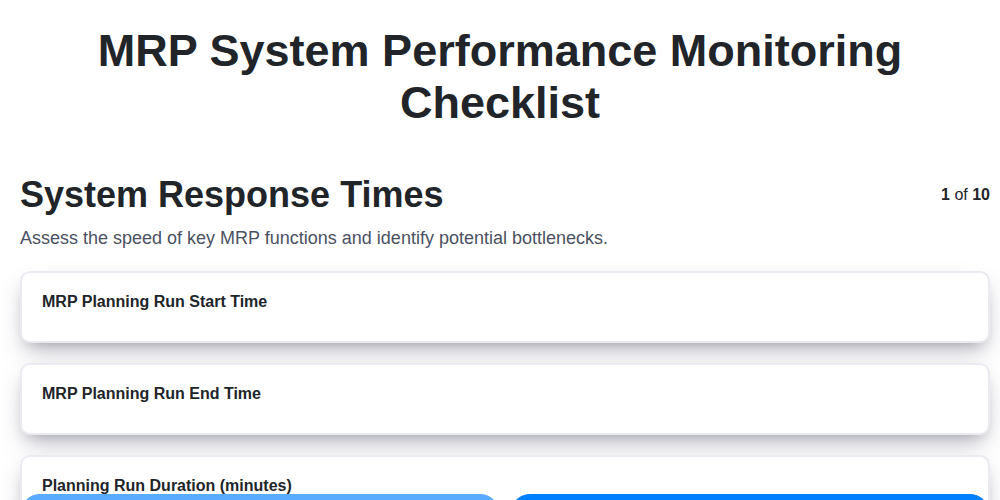
MRP System Performance Monitoring Checklist: Ensure Peak Efficiency
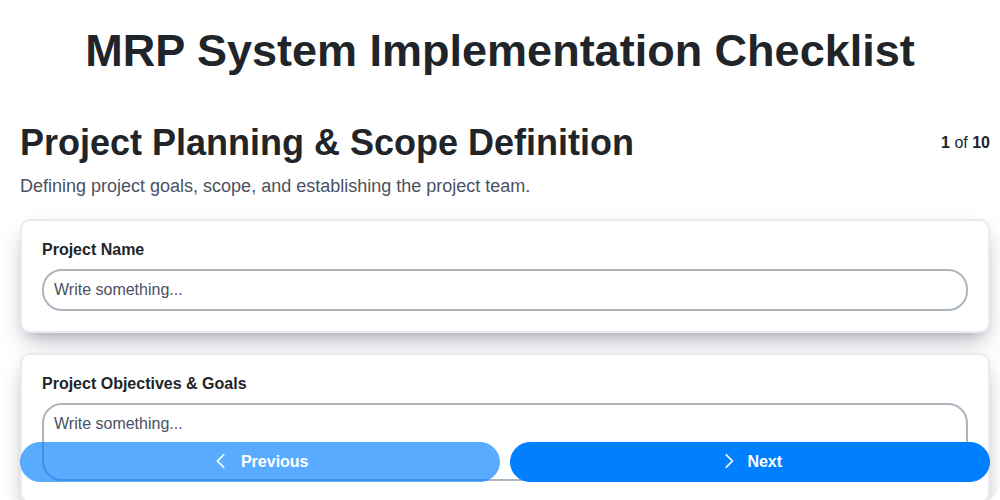
MRP System Implementation Checklist: Your Step-by-Step Guide

Top 10 MRPeasy Alternatives for 2025

The 5 Best Bill of Materials (BOM) Management Software of 2025
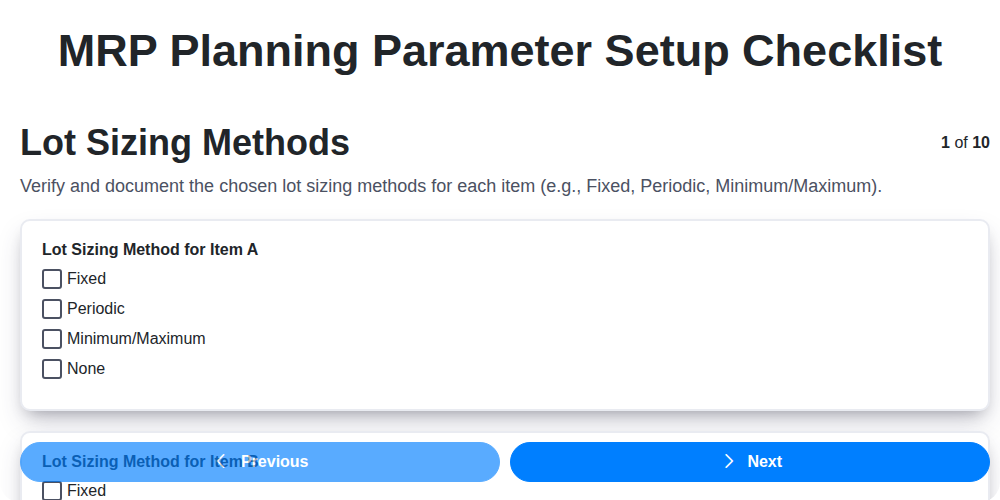
MRP Planning Parameter Setup Checklist: Your Guide to Accuracy & Efficiency

The 10 Best Manufacturing Management Software of 2025
How to improve your Bill of Materials (BOM) Management
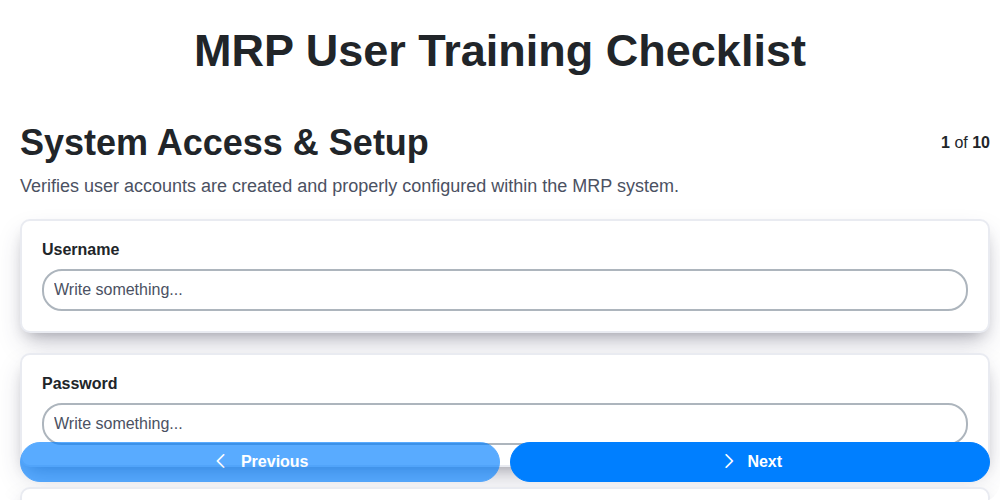
MRP User Training Checklist: Ensuring Proficiency & Success
We can do it Together
Need help with
Checklists?
Have a question? We're here to help. Please submit your inquiry, and we'll respond promptly.