How to improve your Bill of Materials (BOM) Management
Published: 10.12.2025 22:00 Updated: 14.12.2025 07:59

Table of Contents
- What is a Bill of Materials (BOM)? A Quick Definition
- Why is Effective BOM Management Crucial?
- Common BOM Management Challenges
- Introducing the ChecklistGuro BOM Management Checklist Template
- Key Features of the Checklist Template
- How to Use the Checklist Template: A Step-by-Step Guide
- Understanding BOM Types: A Quick Overview (Engineered, Manufacturing, etc.)
- Best Practices for BOM Accuracy and Consistency
- Version Control: Keeping Your BOMs Up-to-Date
- Integrating Your BOM with Other Systems (ERP, MRP)
- The Role of Collaboration in BOM Management
- Avoiding Costly Errors with a Robust BOM Process
- Measuring BOM Management Success: Key Metrics
- Future Trends in BOM Management
- Resources & Links
TLDR: Struggling with messy BOMs? This checklist template acts as your digital BOM manager - ensuring accuracy, version control, and traceability across your manufacturing process. It helps you streamline updates, avoid costly errors, and keep your materials organized, all within a clear, trackable format. Perfect for businesses seeking better control and efficiency in their BOM management!
What is a Bill of Materials (BOM)? A Quick Definition
A Bill of Materials (BOM) is essentially a comprehensive list of all the raw materials, components, assemblies, sub-assemblies, parts, and quantities of assemblies needed to manufacture an end product. Think of it as a recipe for your manufactured goods. It's more than just a list; it provides crucial information like part numbers, descriptions, quantities needed per unit of the finished product, and often includes cost and supplier information. There are different types of BOMs, including engineering BOMs (focused on design and function), manufacturing BOMs (used for production), and sales BOMs (used for customer orders), each catering to a specific stage of the product lifecycle. Ultimately, a well-structured BOM acts as the backbone of your manufacturing process, ensuring everyone involved - from design engineers to production staff - is on the same page.
Why is Effective BOM Management Crucial?
Effective Bill of Materials (BOM) management isn't just about having a list of parts; it's a cornerstone of operational efficiency and profitability. A poorly managed BOM can trigger a domino effect of problems, impacting everything from production timelines to your bottom line.
Consider these potential consequences:
- Increased Costs: Errors in your BOM can lead to incorrect orders, excess inventory, and wasted materials. Reworking products due to incorrect components is a significant drain on resources.
- Production Delays: Imagine halting production because a critical component isn't listed or is incorrect. A well-maintained BOM prevents these frustrating delays.
- Quality Control Issues: Inaccurate BOM data can result in products being assembled with the wrong parts, leading to quality defects and potential recalls - damaging your brand reputation.
- Compliance Risks: Many industries have strict regulatory requirements for material traceability. A robust BOM helps ensure compliance and avoid penalties.
- Lack of Visibility: Without a centralized, organized BOM, it's difficult to get a clear picture of material costs, inventory levels, and potential shortages.
Essentially, a well-managed BOM gives you control. It empowers you to make informed decisions, optimize your supply chain, and ultimately, deliver higher quality products, faster and more cost-effectively.
Common BOM Management Challenges
Many businesses, especially those experiencing rapid growth or dealing with complex product lines, face recurring challenges in their BOM management. Let's dive into some of the most common ones:
Lack of Standardization: Different departments might use varying naming conventions, units of measure, or revision control methods, leading to confusion and errors. A unified, standardized BOM structure is crucial, but establishing it can be a significant hurdle.
Manual Processes & Spreadsheets: Relying heavily on spreadsheets for BOM management is often unsustainable. It's prone to human error, difficult to version control, and lacks the real-time collaboration capabilities needed for agile manufacturing. Spreadsheets quickly become unwieldy with increasing product complexity.
Version Control Nightmares: Keeping track of different BOM revisions and ensuring the correct version is used for production is a constant worry. Without proper versioning, mistakes can be costly and time-consuming to rectify.
Limited Visibility & Traceability: Knowing exactly what components went into a specific product batch, and where they originated, is essential for quality control and recall situations. Spreadsheet-based systems often lack this crucial traceability.
Integration Issues: Disconnected BOMs, ERP systems, and other platforms lead to data silos and manual data entry, which introduces errors and delays.
Engineering Changes: Quickly and accurately incorporating engineering changes into the BOM and distributing them across the organization can be a major bottleneck.
Cost Control: Inaccurate BOMs can lead to inaccurate costing, making it difficult to accurately price products and manage profitability.
Introducing the ChecklistGuro BOM Management Checklist Template
Our BOM Management Checklist Template is designed to be your central hub for all things related to your Bill of Materials. It's more than just a list; it's a dynamic tool built to guide you through the entire BOM lifecycle, from initial creation to revisions and approvals.
Here's a breakdown of what you'll find within the template and how it helps:
- Structured Data Entry: Clearly defined sections for part numbers, descriptions, quantities, unit costs, vendor information, and more, eliminating ambiguity and promoting consistency.
- Version Control: Automatically track revisions, noting who made changes, when, and why - crucial for accountability and regulatory compliance.
- Approval Workflow: Integrate an approval process to ensure accuracy and adherence to company standards before any changes are implemented.
- Material Traceability: Easily trace materials back to specific product builds, aiding in quality control and recall management.
- Customization Options: Adapt the template to your unique BOM structure and processes; add custom fields, categories, and status indicators.
- Integration Ready: Designed to seamlessly integrate with other ChecklistGuro features and potentially external systems for a unified workflow.
This template isn't just about ticking boxes; it's about building a foundation for efficient, reliable, and cost-effective manufacturing. Let's dive deeper into how to utilize it.
Key Features of the Checklist Template
Our Bill of Materials (BOM) Management Checklist Template is packed with features designed to simplify and streamline your materials tracking. Here's a closer look at what you can expect:
- Structured Data Fields: We've included pre-defined fields for essential BOM information, such as Part Number, Description, Quantity, Unit Cost, Supplier, and more. This eliminates guesswork and promotes consistent data entry.
- Version Control: Easily track revisions and changes to your BOM. The template allows you to record the date, author, and description of each update, ensuring you always have access to the correct version.
- Supplier Management: Keep all supplier details organized within the checklist. This simplifies procurement, reduces communication errors, and allows for easy performance evaluation.
- Cost Tracking: Monitor material costs and identify potential areas for cost savings. The template allows you to track unit costs, total material costs, and project costs.
- Customization Options: While we're providing a solid foundation, we understand every business is unique. Feel free to add, remove, or modify fields to perfectly align with your specific needs.
- Collaborative Access: ChecklistGuro's platform enables multiple team members to access and update the checklist simultaneously, fostering better communication and collaboration.
- Real-time Reporting: Generate reports on material inventory, costs, and usage to gain valuable insights into your production processes.
- Easy Integration: Our checklist template integrates seamlessly with other ChecklistGuro features and can be adapted for use with various software systems.
How to Use the Checklist Template: A Step-by-Step Guide
Okay, let's dive into the practical application of this BOM Management Checklist Template. Here's a step-by-step guide to help you get started and maximize its effectiveness:
Download and Customize: First, download the checklist template from ChecklistGuro. You'll find it readily available on our website. Once downloaded, take a moment to familiarize yourself with the structure. While it's designed to be comprehensive, you may want to tailor it to your specific industry or product line. Add or remove items as needed. Consider adding columns for supplier information, lead times, or cost breakdowns - whatever is critical to your process.
Define Your Item Hierarchy: A well-structured BOM relies on clear item hierarchy. The template allows for multiple levels of detail. Identify your top-level assemblies and break them down into sub-assemblies, components, and raw materials. Each item should have a unique identifier (part number) to avoid confusion. Use the designated columns to meticulously outline this hierarchy.
Populate the Item Details: Now, it's time to add the details for each item listed in your BOM. This includes:
- Part Number: The unique identifier for each component.
- Item Description: A clear and concise description of the item.
- Quantity: The number of units required per assembly.
- Unit of Measure: (e.g., each, meters, kilograms)
- Material Type: (e.g., Steel, Plastic, Electronic Component)
- Supplier Information: (Supplier Name, Contact Person, Contact Details). This is essential for procurement.
- Cost: Record the unit cost of each item.
- Revision Number: This is crucial for version control. Whenever you make a change to the BOM, increment the revision number.
- Notes: Include any relevant notes, such as alternate parts or special instructions.
Establish Version Control: This checklist is built to be easily tracked within ChecklistGuro. Each time you make a revision to your BOM, create a new version within the platform. This allows you to compare versions, audit changes, and revert to previous versions if necessary. Always include a brief description of what changed in the revision notes.
Integrate with Your Workflow: Don't treat the checklist in isolation. Integrate it with your procurement, production planning, and inventory management processes. Share the checklist with relevant team members (engineers, buyers, production managers) to ensure everyone is working with the most up-to-date information.
Regular Review and Updates: BOMs are not static documents. They need to be reviewed and updated regularly to reflect changes in product design, supplier availability, or material costs. Schedule regular BOM review cycles (e.g., quarterly or annually) to ensure accuracy and maintain control.
By following these steps, you can effectively leverage this checklist template to streamline your BOM management process and unlock significant benefits for your business.
Understanding BOM Types: A Quick Overview (Engineered, Manufacturing, etc.)
BOMs aren't one-size-fits-all; they come in different flavors, each serving a specific purpose within your product lifecycle. Understanding these distinctions is crucial for effective management. Here's a quick breakdown:
- Engineered BOM (EBOM): This is the designer's perspective. It details the components as envisioned during the design phase, often with high-level assemblies and complex part numbers. It's primarily used by engineering teams and isn't always production-ready. Think of it as the blueprint.
- Manufacturing BOM (MBOM): This is the production team's view. It breaks down the product into the actual components used in manufacturing, using readily available parts and sub-assemblies. It's more granular than an EBOM and focuses on how the product is physically built.
- Service BOM (SBOM): Becoming increasingly important, particularly for complex products. An SBOM details the parts and materials needed for product service and repair. This supports maintenance, spare parts management, and warranty support.
- Sales BOM (SBOM): Used in sales and distribution, it represents how the product is sold to customers, potentially bundling components or offering customizable options. It might differ significantly from the manufacturing BOM.
- Level BOM: A detailed BOM that breaks down each component into its constituent parts, down to the raw materials. This is less common but used for cost analysis or to track material origins.
Knowing which type(s) you need and how they relate to each other is key to a streamlined BOM process.
Best Practices for BOM Accuracy and Consistency
Maintaining a BOM that's both accurate and consistent is paramount to efficient production and cost control. Here's how to achieve it:
- Establish Clear Ownership & Responsibilities: Designate specific individuals or teams responsible for creating, updating, and approving BOM changes. This accountability minimizes errors and ensures someone is always overseeing the process.
- Standardize Part Numbering: Implement a consistent and logical part numbering system. This makes it easier to identify parts, reduces confusion, and simplifies inventory management. Include prefixes that indicate product lines, material types, or vendor information.
- Implement Version Control: Treat your BOM like a living document. Every change, no matter how small, should be versioned. Clearly label versions (e.g., BOM-v1.0, BOM-v1.1) and include a change log detailing modifications and approval dates. This allows you to revert to previous versions if needed.
- Define Clear Unit of Measure (UOM): Be specific with UOMs - don't just say each, specify each, 12/case or lbs. This removes ambiguity during procurement and assembly.
- Regular Audits & Validation: Conduct regular audits of your BOM against physical inventory and actual product builds. Validation ensures that the BOM accurately reflects current materials and quantities.
- Cross-Functional Collaboration: Don't create the BOM in a silo. Involve engineering, procurement, manufacturing, and quality control teams in the process to ensure everyone's input is considered.
- Automate Where Possible: Utilize software solutions that can automate BOM creation, revision control, and data validation. This reduces manual errors and frees up valuable time.
Version Control: Keeping Your BOMs Up-to-Date
A Bill of Materials (BOM) is rarely static. Design changes, supplier updates, cost fluctuations, and regulatory shifts all necessitate revisions. Without robust version control, you risk using outdated information, leading to production errors, wasted materials, and ultimately, impacting your bottom line.
Traditional methods of managing BOM versions - spreadsheets with clunky naming conventions or paper documents - are prone to human error and difficult to track. Imagine a scenario where an engineer updates a BOM but forgets to communicate the change to the production team. The result? Using outdated specifications and potentially scrapping completed assemblies.
Effective BOM version control means more than just labeling files with dates or revision numbers. It requires a system that:
- Clearly Identifies Revisions: Each change should be marked with a unique revision number and a brief description of the modification.
- Tracks Changes: A log or history should be maintained, detailing who made the changes, when they were made, and why.
- Provides Access Control: Limit who can edit BOMs to authorized personnel, preventing accidental or unauthorized changes.
- Makes Previous Versions Accessible: Allow users to easily access and compare older BOM versions for reference and audit trails.
- Automates Notifications: Alert relevant stakeholders when a BOM is updated, ensuring everyone is working with the latest information.
With ChecklistGuro, version control is built-in. Each BOM checklist acts as a versioned document, automatically tracking changes and allowing you to revert to previous versions with ease. This ensures that everyone involved in the manufacturing process is always using the correct and most current BOM.
Integrating Your BOM with Other Systems (ERP, MRP)
A truly effective BOM isn't a standalone document; it's the beating heart of your operational flow. Integrating your BOM with other crucial systems like your Enterprise Resource Planning (ERP) and Manufacturing Resource Planning (MRP) systems unlocks significant efficiency gains and minimizes errors.
Here's why and how you should approach this integration:
- Real-time Data Synchronization: Manual BOM updates and disparate systems lead to discrepancies. Integration ensures everyone is working with the most current information, preventing costly mistakes in purchasing, production, and costing.
- Automated Inventory Management: When a BOM change triggers a change in material requirements, the integrated system can automatically update inventory levels and generate purchase orders. This reduces the risk of stockouts or excess inventory.
- Improved Production Planning: MRP systems rely on accurate BOMs to calculate material needs and schedule production runs. Seamless integration ensures the MRP system is always working with the correct data.
- Streamlined Costing: Integrated BOM and ERP systems provide a clear view of material costs, labor costs, and overhead, allowing for more accurate product costing and pricing.
- Enhanced Traceability: Connecting your BOM with other systems creates a comprehensive audit trail, making it easier to track changes and identify the root cause of issues.
Implementation Considerations:
- API Connectivity: Look for BOM software with robust API capabilities to facilitate integration with your existing systems.
- Data Mapping: Carefully map BOM fields to corresponding fields in your ERP/MRP systems to ensure data accuracy.
- Workflow Automation: Implement automated workflows to streamline data transfer and reduce manual intervention.
- Security: Prioritize data security during integration to protect sensitive information.
- Gradual Rollout: Consider a phased approach to integration, starting with a pilot project before rolling out the changes across the entire organization.
The Role of Collaboration in BOM Management
BOM management isn't a solo act; it thrives on collaboration. Historically, BOM information often resided in isolated spreadsheets or within individual departments - engineering, purchasing, manufacturing - leading to discrepancies and delays. Modern manufacturing demands a more connected approach.
Think about it: engineering changes a component, but purchasing isn't immediately notified, resulting in incorrect orders and production disruptions. Or, manufacturing flags a material shortage, but that information doesn't reach the design team to explore alternatives. These scenarios are all too common when collaboration is lacking.
Effective BOM management necessitates clear communication and shared access to information across all relevant teams. This involves establishing defined roles and responsibilities, implementing version control protocols, and utilizing a centralized system that facilitates seamless information sharing. Ideally, everyone involved - from designers and engineers to purchasers, inventory managers, and even production staff - should have visibility into the BOM and be able to contribute to its accuracy and refinement. This kind of transparency minimizes errors, accelerates decision-making, and ultimately, improves overall operational efficiency. Using a platform like ChecklistGuro, which incorporates workflow capabilities and shared access features, can significantly bolster this collaborative effort.
Avoiding Costly Errors with a Robust BOM Process
Errors in your Bill of Materials (BOM) can be incredibly expensive. A misplaced decimal point, a wrong part number, or a missing component can lead to production delays, scrapped materials, and ultimately, dissatisfied customers. These mistakes don't just impact your bottom line; they erode trust and damage your reputation.
Think about it: a single incorrect part in a complex assembly can halt an entire production line while technicians scramble to identify and rectify the issue. The costs associated with downtime, expedited shipping for replacement parts, and the potential for rework are significant.
A well-managed BOM process, supported by a robust checklist, acts as a critical safety net. By systematically verifying each component, quantity, and revision, you minimize the risk of errors creeping into your production process. The checklist provides a documented trail of verification, ensuring accountability and facilitating quick identification of where things went wrong if a problem does arise. Think of it as preventative maintenance for your manufacturing process - a small investment upfront to avoid major headaches later.
Measuring BOM Management Success: Key Metrics
Tracking the right metrics is crucial to understand if your BOM management efforts are truly effective. It's not enough to simply have a BOM; you need to ensure it's contributing to tangible business improvements. Here are some key metrics to monitor:
- BOM Accuracy Rate: This is arguably the most important. It represents the percentage of BOMs that are accurate and error-free. A lower rate indicates potential issues with data entry, engineering changes, or integration with other systems.
- Lead Time Reduction: A well-managed BOM should contribute to faster procurement and production cycles. Track the time it takes to process change orders and fulfill material requirements.
- Material Cost Variance: Compare planned material costs with actual costs. Significant variances can indicate inefficiencies in procurement or issues with inaccurate BOM data leading to incorrect order quantities.
- Engineering Change Order (ECO) Cycle Time: Measure the time it takes to process and implement ECOs. A shorter cycle time signifies agility and responsiveness to design changes.
- Inventory Accuracy: BOMs directly impact inventory levels. Monitor discrepancies between recorded and actual inventory to identify potential overstocking or stockouts.
- Production Downtime Related to BOM Errors: Tracking instances where production was halted or delayed due to incorrect or outdated BOM information helps quantify the impact of poor BOM management.
- Number of BOM Revisions: While revisions are normal, a high revision rate can signal instability in designs or processes. Analyze why revisions are frequent to identify root causes.
Regularly reviewing these metrics and implementing corrective actions will enable you to continuously improve your BOM management process and its contribution to overall business performance.
Future Trends in BOM Management
The landscape of BOM management is evolving rapidly, driven by technological advancements and shifting business needs. Several key trends are emerging that will significantly impact how manufacturers approach their BOMs in the coming years.
Digital Twins & Real-Time Data Integration: We're seeing a growing trend toward integrating BOMs with digital twins - virtual representations of physical assets. This allows for real-time data synchronization, allowing manufacturers to monitor material usage, predict maintenance needs, and optimize production processes proactively. Expect increased reliance on IoT devices and sensor data feeding directly into BOM updates.
AI and Machine Learning for Predictive BOMs: AI and machine learning algorithms can analyze historical data, supplier performance, and market trends to predict material price fluctuations, potential shortages, and even design optimizations. This allows for predictive BOMs that anticipate future needs and proactively mitigate risks.
Blockchain for Enhanced Traceability & Security: The transparency and immutability of blockchain technology is proving valuable for BOM management, particularly for industries with stringent regulatory requirements (like aerospace and pharmaceuticals). Blockchain can track materials from origin to finished product, ensuring authenticity and preventing counterfeiting.
Cloud-Based Collaboration & Version Control: Cloud-based BOM management systems are becoming increasingly popular, allowing for seamless collaboration among teams and suppliers, regardless of location. Robust version control features are critical to track changes and ensure everyone is working with the correct information.
Sustainability & Circular Economy Integration: Growing environmental concerns are driving a focus on sustainable materials and circular economy principles. Future BOMs will likely include detailed information about material origin, environmental impact, and recyclability, allowing manufacturers to make more responsible sourcing decisions.
These trends signal a move toward more dynamic, intelligent, and integrated BOM management systems, empowering manufacturers to be more agile, efficient, and sustainable.
Resources & Links
- Bomtool: Bomtool offers a comprehensive BOM management solution, covering features from data management to lifecycle tracking. Useful for understanding the broader BOM management landscape and potential software solutions. Great for exploring advanced BOM functionality.
- Propel PLM: Propel PLM provides Product Lifecycle Management software, which naturally includes robust BOM management capabilities. Offers insights into integrating BOMs with other critical business systems and understanding the bigger picture of product development.
- Infor: Infor's ERP and PLM solutions often include BOM management tools. Provides context on how BOMs fit within a larger enterprise resource planning system. Offers insights into manufacturing-focused BOM use cases.
- Oracle: Oracle's ERP and PLM solutions provide extensive BOM management functionalities. Good for understanding the enterprise-level integration of BOM data and process optimization.
- SAP: SAP's ERP system is a common platform for managing BOMs. Provides examples of how BOMs are used in large-scale manufacturing operations. A valuable resource for understanding complex BOM structures and integrations.
- PTC: PTC offers PLM and CAD solutions that are essential for creating and managing BOMs, particularly in engineered products. Provides understanding of the CAD-BOM connection and data flow.
- Manufacturing Leadership Magazine: A source of industry news and articles related to BOM management and manufacturing processes. Can provide up-to-date information on trends and best practices.
- Thomasnet: A directory of industrial suppliers and manufacturers. Useful for understanding the components within a BOM and finding suppliers for those parts. Can aid in identifying the full scope of BOM constituents.
- APICS (ASCM): The Association for Supply Chain Management provides resources and certifications related to supply chain and production planning, which often involve BOM management. Offers insights into the strategic importance of BOM data in supply chain operations.
- DesignCAD: DesignCAD provides CAD software which is a crucial tool in creating and visualizing product designs and, subsequently, associated BOMs. Illustrates the role of CAD in generating detailed component listings.
- CAD Forum: A community forum for CAD users, offering discussions, tutorials, and resources related to CAD software and BOM creation. Provides a platform for learning CAD best practices for BOM generation.
- Guro: Guro's checklist template serves as an example of practical tools to improve BOM management. Use this to understand a structured approach to BOM auditing and maintenance.
Frequently Asked Questions
What is a Bill of Materials (BOM)?
A Bill of Materials (BOM) is a comprehensive list of the raw materials, components, assemblies, sub-assemblies, and instructions required to manufacture a product. It serves as a blueprint for production and is crucial for cost estimation, procurement, and manufacturing planning.
Why is effective BOM management important?
Effective BOM management leads to improved accuracy in cost calculation, reduced errors in manufacturing, optimized inventory levels, streamlined procurement processes, enhanced collaboration across departments, and ultimately, increased profitability and efficiency.
What are the common challenges in BOM management?
Common challenges include data accuracy and consistency, version control, managing complex product structures, integration with other systems (ERP, PLM), lack of collaboration across departments, and keeping the BOM up-to-date with design changes.
What are some best practices for improving BOM management?
Best practices include standardizing BOM data, establishing clear ownership and responsibilities, implementing version control, using a centralized BOM management system, integrating with other enterprise systems, automating BOM processes, and regularly reviewing and updating the BOM.
What's the difference between a make-to-stock BOM and a make-to-order BOM?
A make-to-stock BOM is used for products manufactured in anticipation of demand, including all components needed for assembly. A make-to-order BOM only includes components needed when an order is received, allowing for customization and reducing excess inventory.
How can version control be implemented in BOM management?
Version control can be implemented by assigning unique identifiers to each BOM revision, establishing clear approval processes for changes, tracking all modifications and their authors, and using a centralized system to manage different BOM versions.
What role does data standardization play in BOM management?
Data standardization ensures consistency in how components are described and classified, minimizing errors and facilitating accurate searches and comparisons. Standardized part numbers, descriptions, and units of measure are crucial.
What are the benefits of using BOM management software?
BOM management software offers features like centralized data storage, version control, workflow automation, integration with other systems, and improved collaboration, leading to greater efficiency and accuracy compared to manual methods.
How does BOM management integrate with ERP and PLM systems?
Integration with ERP systems allows for accurate material cost tracking, inventory management, and production planning. Integration with PLM systems ensures that the BOM is synchronized with engineering designs and changes.
How often should a BOM be reviewed and updated?
The frequency of BOM reviews depends on factors like product complexity, design change frequency, and market demands. A minimum review should occur at least quarterly, with more frequent updates for products experiencing significant design or material changes.
What is a phantom BOM?
A phantom BOM represents a subassembly that is not stored as an inventory item but is treated as a single component in the higher-level BOM. It's often used for assemblies that are immediately consumed in the next production step.
Found this Article helpful?
Comments
There are no comments yet. Be the first to add one!
BOM - Bill of Materials Management Solution Demo
Struggling with inaccurate BOMs & costly errors? ChecklistGuro provides a centralized BOM Management solution, connecting your design, engineering, & manufacturing teams for improved collaboration and control. Simplify operations & boost efficiency.
Related Articles
The Ultimate Logistics BOM Packaging Checklist: Ensuring Safe & Efficient Shipments
Mastering Leather Manufacturing: Your Tannery BOM & Compliance Checklist
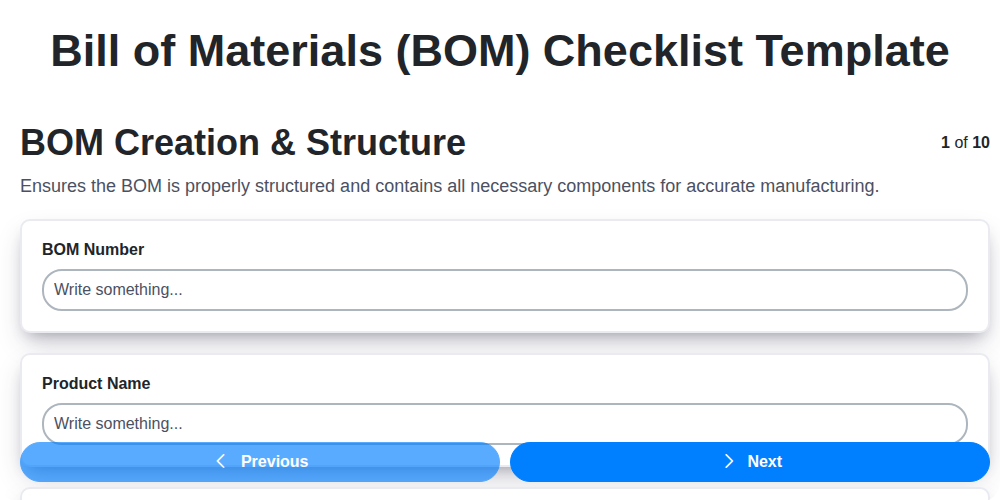
Mastering Your BOM: A Comprehensive Checklist Template for Success
Ensuring Success: Your Oil & Gas BOM Component Approval Checklist Guide
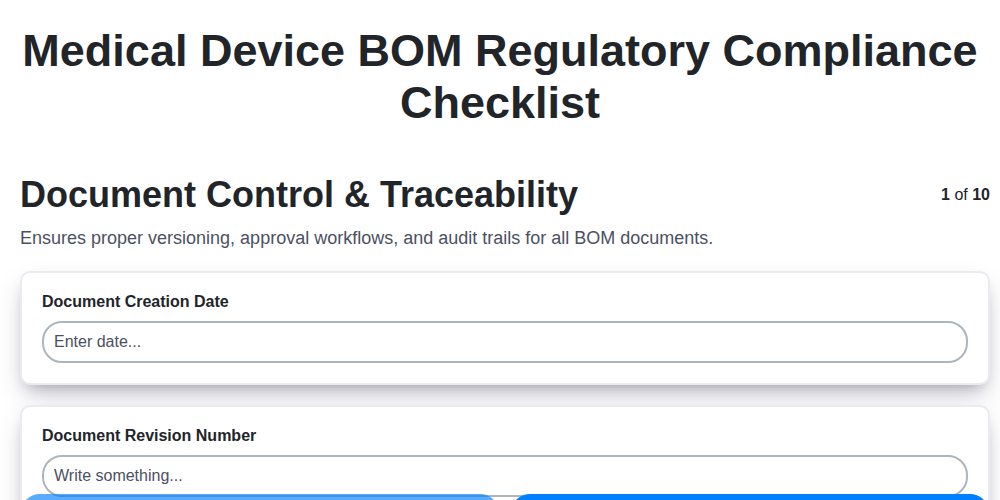
Navigating Medical Device BOM Regulatory Compliance: Your Essential Checklist
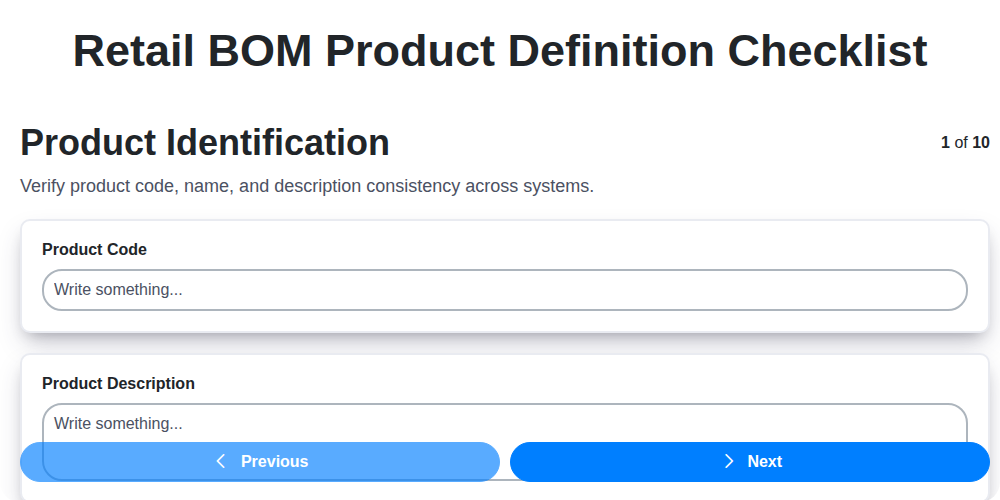
The Ultimate Retail BOM Product Definition Checklist: A Step-by-Step Guide
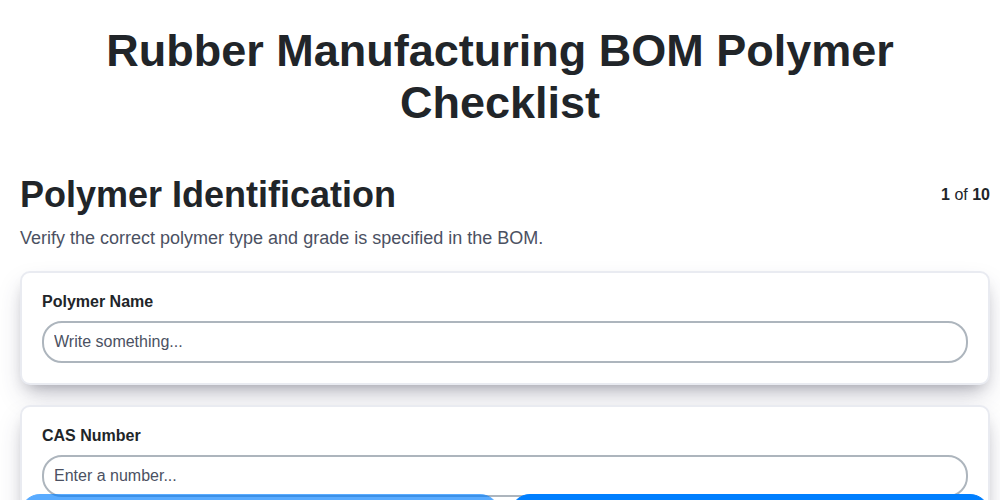
Ensuring Quality: Your Rubber Manufacturing Polymer BOM Checklist Guide
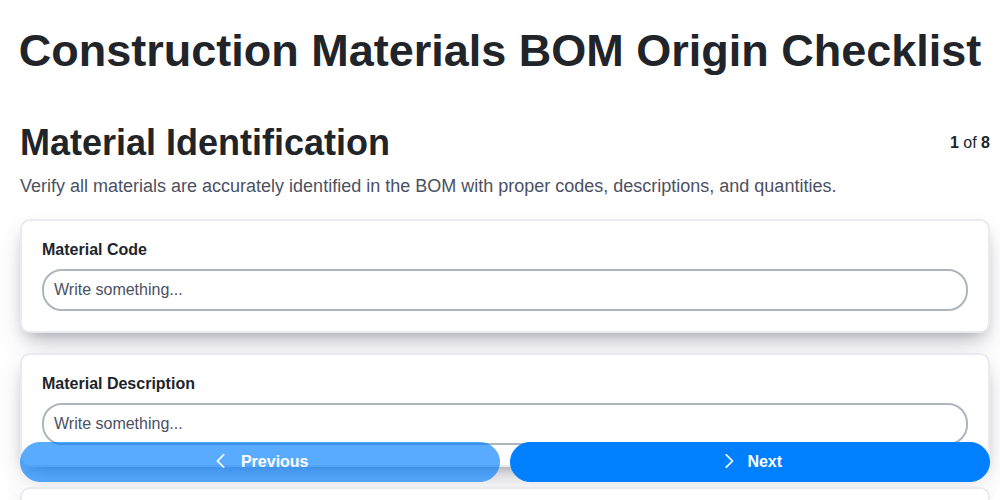
Decoding Origins: Your Construction Materials BOM Origin Checklist Guide
We can do it Together
Need help with
Checklists?
Have a question? We're here to help. Please submit your inquiry, and we'll respond promptly.