How to Save Money on Material Requirements Planning (MRP) Management Software
Published: 12/14/2025 10:00 PM Updated: 12/15/2025 2:06 PM
Table of Contents
- Understanding Material Requirements Planning (MRP) and Why It Matters
- The High Cost of MRP Software: A Reality Check
- Assess Your Business Needs: Don't Overbuy
- Cloud-Based vs. On-Premise: Weighing the Financial Implications
- Modular MRP Systems: Paying Only for What You Use
- Negotiating with Vendors: Strategies for Lower Pricing
- Exploring Open-Source MRP Solutions
- Leveraging Free Trials and Demos
- Considering the Total Cost of Ownership (TCO)
- Automating Data Entry: Reducing Labor Costs
- Training and Implementation Costs: Minimizing Disruptions
- Scalability and Future Growth: Planning Ahead
- The Value of Integration: Avoiding Redundant Systems
- Regularly Reviewing Your MRP System
- Resources & Links
TLDR: MRP software can be pricey, but smart choices can save you money. This post explores how to minimize costs by carefully assessing your needs, considering cloud-based vs. on-premise options, opting for modular systems, negotiating pricing, and leveraging free trials and open-source alternatives - all to avoid overspending on functionality you won't use.
Understanding Material Requirements Planning (MRP) and Why It Matters
Material Requirements Planning (MRP) is a cornerstone of efficient manufacturing and inventory management. At its core, it's a system that helps businesses plan and manage their production processes by ensuring the right materials are available at the right time, in the right quantities. It's not just about ordering materials; it's about meticulously calculating the requirements based on your production schedule, demand forecasts, and current inventory levels.
Think of it as a domino effect. A customer order triggers a cascade of planning - how much finished product do you need? What components make up that product? How much of each component do you currently have on hand? When do you need to order more to avoid delays and stockouts? MRP software automates and streamlines this entire process.
Why does this matter? Without MRP, businesses often face issues like:
- Excess Inventory: Tying up capital in materials that might become obsolete or require storage.
- Stockouts: Leading to production delays, missed deadlines, and frustrated customers.
- Inefficient Production: Spending excessive time and resources chasing down materials.
- Poor Planning: Making reactive decisions instead of proactive ones, leading to increased costs and reduced profitability.
Ultimately, a well-implemented MRP system translates to reduced costs, improved efficiency, and a competitive edge in the marketplace.
The High Cost of MRP Software: A Reality Check
Let's be honest: Material Requirements Planning (MRP) software isn't cheap. The initial investment can range from a few thousand dollars for smaller businesses utilizing basic cloud solutions to tens or even hundreds of thousands for larger enterprises needing complex, on-premise systems with extensive customization. But the cost isn't just the upfront license fee. You also need to factor in implementation costs (which can be significant, involving data migration, system configuration, and employee training), ongoing maintenance and support, and potential hardware expenses if you opt for an on-premise solution.
Many businesses are surprised by the total cost of ownership (TCO). It's easy to focus on the advertised license price, but a truly accurate assessment requires a holistic view that includes the long-term expenses. Ignoring these hidden costs can lead to budget overruns and a system that doesn't deliver the expected return on investment. We'll dive deeper into these various cost factors throughout this article so you can make an informed decision.
Assess Your Business Needs: Don't Overbuy
Before diving into software demos and comparing features, take a serious look at exactly what you need an MRP system to do. It's incredibly common for businesses to end up paying for functionalities they'll never use, simply because they were dazzled by a feature list.
Start with a thorough needs assessment. Ask yourself:
- What specific pain points are you trying to solve? (Inventory inaccuracies? Production delays? Difficulty forecasting demand?)
- What are your current processes? Map them out - understand where the inefficiencies lie.
- How many users will need access? (This significantly impacts licensing costs.)
- What level of integration do you require? (Accounting software? CRM? eCommerce platform?)
- How complex is your product structure (BOMs)? (Simple assemblies vs. intricate designs impact feature needs.)
- What's your growth trajectory? (A system that's perfect for 10 users might quickly become inadequate for 50.)
Be brutally honest. Don't fall for the 'just in case' mentality. A phased approach, starting with core MRP functions and adding modules later as needed, is often a much more cost-effective strategy than buying a sprawling, all-inclusive system upfront. Document your findings-this document becomes your guide to avoid unnecessary spending.
Cloud-Based vs. On-Premise: Weighing the Financial Implications
The choice between cloud-based (SaaS) and on-premise MRP software significantly impacts your budget. On-premise solutions involve substantial upfront costs: purchasing the software licenses, investing in server infrastructure (hardware and ongoing maintenance), and hiring dedicated IT personnel to manage it. While seemingly a one-time expense, the total cost of ownership (TCO) over several years can be surprisingly high.
Cloud-based MRP systems, on the other hand, operate on a subscription model. This typically involves lower initial investment as you pay a recurring fee (monthly or annually). You eliminate the costs associated with server hardware, IT staff, and infrastructure upkeep. While the subscription fees accumulate over time, the predictable and often lower overall cost, coupled with automatic updates and scalability, often makes cloud-based solutions more financially attractive, particularly for small and medium-sized businesses. However, consider data security and internet dependency when choosing a cloud solution. For businesses with strict regulatory requirements around data location or needing complete control over their data, an on-premise solution might still be necessary, despite the higher cost.
Modular MRP Systems: Paying Only for What You Use
Many MRP systems are behemoths - all-inclusive packages brimming with features most small to medium-sized businesses simply don't need. This can lead to significant overspending on modules you won't utilize. The rise of modular MRP systems offers a welcome alternative.
With a modular approach, you choose and pay only for the specific functionalities your business requires. Need robust inventory management but aren't ready for complex shop floor control? You can start with just the inventory module and add others later as your needs evolve.
This "pay-as-you-grow" model is incredibly cost-effective. It avoids the upfront investment in a full suite, reduces training costs (fewer features to learn), and allows you to scale your software investment alongside your business growth. Carefully evaluate your core requirements and prioritize modules accordingly to maximize your ROI. Don't be afraid to start small and expand later!
Negotiating with Vendors: Strategies for Lower Pricing
Okay, let's talk about getting a better price. Many MRP vendors are willing to negotiate, especially if you're a growing business. Don't accept the initial quote as the final word. Here's how to approach the conversation:
- Do Your Homework: Know the market. Research competing vendors and their pricing structures. Having this information gives you leverage. Show the vendor you're serious and informed.
- Highlight Your Value: What makes your business worth pursuing? Are you a potential case study? A large or rapidly expanding company? Emphasize your potential for future growth and how the MRP system can contribute.
- Bundle Services Carefully: Most vendors offer tiered packages. Question whether you truly need every feature in a higher-tier plan. Often, you can negotiate to remove unnecessary modules or services.
- Consider Volume Discounts: If you have multiple locations or plan to expand, inquire about volume discounts. This applies to user licenses, too.
- Look for Hidden Fees: Scrutinize the contract for potential hidden fees - implementation costs, training, support, upgrades, or data migration. Ask for a complete breakdown of all expenses.
- Explore Payment Options: Discuss alternative payment options, such as staggered payments or discounts for upfront payments.
- Don't Be Afraid to Walk Away: Vendors understand that businesses are comparing options. If you're not getting a price that works, be prepared to politely decline and explore other alternatives. Sometimes, the threat of leaving can spur them to offer a better deal.
Exploring Open-Source MRP Solutions
While commercial MRP software often comes with a hefty price tag, open-source solutions present a compelling alternative, particularly for businesses with limited budgets or a desire for greater control over their systems. These platforms are typically free to download and use, although you may encounter costs associated with implementation, customization, and ongoing support.
Several robust open-source MRP systems are available, each with its own strengths and weaknesses. Odoo, for example, is a comprehensive suite offering a wide range of business applications, including MRP. ERPNext is another popular choice, known for its user-friendliness and scalability. Apache OFBiz is a more complex option, geared towards organizations with dedicated technical resources.
Before diving into an open-source solution, carefully consider the following:
- Technical Expertise: Open-source systems often require more technical know-how for setup, maintenance, and customization. You might need to hire a developer or consultant.
- Community Support: While open-source communities can provide valuable assistance, support may not be as readily available or guaranteed compared to commercial vendors.
- Customization Costs: While the software itself is free, tailoring it to your specific business processes can incur significant expenses.
- Security: Ensure the open-source project is actively maintained and has a strong security track record.
- Scalability: Verify the solution can handle your business's growth without requiring extensive modifications.
Ultimately, open-source MRP software can be a cost-effective solution, but it's crucial to assess your capabilities and resources before making the leap.
Leveraging Free Trials and Demos
Most reputable MRP software vendors offer free trials or demos. Take full advantage of these! Don't just click around aimlessly; actively use the trial to simulate your typical workflows.
Here's how to maximize your trial experience:
- Define Key Use Cases: Before you even start the trial, list the 3-5 most critical functions you need MRP to handle. This prevents you from getting overwhelmed and ensures you focus on the features that matter.
- Involve Key Users: Don't let just the IT department try the software. Include representatives from production, purchasing, and sales to get a realistic assessment of its usability and suitability.
- Ask Questions: Use the demo period to thoroughly test the software's capabilities. Prepare a list of questions for the vendor about integrations, scalability, and support.
- Document Your Findings: Keep a spreadsheet or document detailing the pros and cons of each trial. Rate the software on usability, features, and overall fit.
Remember, a free trial is an investment in making the right long-term decision for your business.
Considering the Total Cost of Ownership (TCO)
Beyond the initial purchase price, it's crucial to consider the Total Cost of Ownership (TCO) of any MRP system. This includes ongoing expenses that can quickly add up and erode any initial savings. Think about:
- Implementation Costs: This goes beyond just software setup. Factor in the time and cost of data migration, process re-engineering, employee training, and potential consulting fees. Improper implementation can lead to wasted time and money later on.
- Maintenance & Support: Most vendors offer maintenance contracts that cover software updates, bug fixes, and technical support. Understand the level of support included and the associated costs. Higher support tiers often come with premium pricing.
- Hardware Requirements: On-premise MRP systems necessitate robust server infrastructure. This includes hardware costs, IT personnel for management, and ongoing maintenance. Cloud-based solutions shift this burden to the vendor, often at a predictable monthly fee.
- Training & User Licenses: Ongoing training is vital to maximize the software's effectiveness. Factor in the cost of initial training and refresher sessions. The number of user licenses needed will directly impact your recurring costs - ensure you only purchase what you actively need.
- Integration Costs: Integrating your MRP system with other business software (like accounting, CRM, or e-commerce platforms) can be complex and expensive. Assess the integration capabilities and associated costs beforehand.
- Potential Downtime Costs: Even with robust systems, downtime can occur. Estimate the potential financial impact of system outages and consider vendors with strong uptime guarantees and disaster recovery plans.
Automating Data Entry: Reducing Labor Costs
Manual data entry is a significant drain on resources for many businesses, particularly those heavily reliant on MRP systems. Imagine the hours your team spends meticulously inputting purchase orders, inventory levels, and production schedules. These are tasks that could - and should - be automated.
MRP software's true power shines when it integrates with your other business systems. Think direct connections to your accounting software, e-commerce platforms, and even supplier portals. This eliminates the need for manual data transfer, drastically reducing labor costs and freeing up your employees for more strategic tasks like analyzing data, optimizing production processes, and improving customer service.
Consider the impact of even a single, experienced employee spending just a few hours less per week on data entry. That time can be reinvested in activities that directly contribute to revenue generation or innovation. Furthermore, reducing manual input minimizes the risk of human error, which can lead to costly mistakes and disruptions in your supply chain. Look for MRP solutions that boast robust API integrations and pre-built connectors to streamline your data flow and unlock these significant cost savings.
Training and Implementation Costs: Minimizing Disruptions
One of the biggest hidden costs associated with MRP software isn't the license fee itself, but the time and resources needed for training and implementation. A rushed or poorly executed rollout can lead to user frustration, data inaccuracies, and ultimately, a system that isn't utilized effectively. Here's how to mitigate these expenses:
- Phased Implementation: Don't try to do everything at once. A phased approach, where you roll out the MRP system module by module, allows your team to adapt gradually and minimizes disruption to existing workflows. Start with a critical area like inventory management and expand later.
- User-Friendly Software: Prioritize MRP systems known for their intuitive interfaces. Less complex software means less training needed and a quicker adoption rate. Look for systems with built-in tutorials and helpful documentation.
- Internal Champions: Identify and train a small group of "super users" within your organization. These individuals can become internal resources for training and support, reducing reliance on expensive external consultants.
- Training Budget: Allocate a dedicated portion of your budget for training. While free online resources can be helpful, structured training programs can significantly improve user proficiency and reduce errors.
- Data Migration Planning: Data migration is often a major source of headaches. Thoroughly plan your data migration strategy, cleansing and validating data before it's imported into the new system. Poor data quality can negate the benefits of the software.
- Consider Online Training Options: Many MRP vendors offer online training modules and webinars, which are generally more cost-effective than in-person sessions.
Scalability and Future Growth: Planning Ahead
Your business isn't static; it's growing, evolving, and facing new challenges. Choosing an MRP system that can't keep pace will create more headaches down the line. Think about your projections for the next 3-5 years. Will you be expanding your product line? Increasing production volume? Adding new locations or distribution channels?
A truly cost-effective MRP isn't just about the initial price tag; it's about long-term value. Consider:
- User Capacity: How many users will need access to the system now, and how many might you need in the future? Some solutions have tiered pricing based on user count, so avoid paying for licenses you won't use yet.
- Transaction Volume: Think about the number of orders, invoices, and other transactions your system will handle. Overly restrictive transaction limits can trigger expensive upgrades.
- Integration Capabilities: As your business grows, you'll likely need to integrate with other systems like your CRM, e-commerce platform, or accounting software. Ensure the MRP offers flexible APIs or pre-built integrations.
- Module Flexibility: Can you easily add or remove modules as your needs change? A rigid system can force you to pay for features you don't currently need, while a modular approach allows for customized growth.
By investing a little extra time upfront to evaluate scalability, you're investing in the future stability and profitability of your business.
The Value of Integration: Avoiding Redundant Systems
Often, businesses looking at MRP systems are already using other software - accounting platforms, CRM tools, e-commerce solutions, etc. Purchasing an MRP that doesn't integrate with these existing systems can lead to data silos, manual data entry, and a significant drain on employee time. Imagine having to manually transfer order details from your CRM into your MRP! That's a recipe for errors and inefficiency.
A truly valuable MRP system seamlessly connects with your other business tools. Integration eliminates duplicate data entry, ensures data accuracy, and provides a holistic view of your business operations - from initial order to finished product delivery. Consider the time saved and the reduced risk of errors when data flows automatically between systems. This alone can justify the investment in a system that prioritizes integration capabilities. Don't just look at the initial cost of the MRP; factor in the long-term cost savings and increased productivity that come with a well-integrated solution.
Regularly Reviewing Your MRP System
Your MRP system isn't a set it and forget it solution. Business needs evolve, inventory patterns shift, and technology advances. Regularly reviewing your system - ideally at least annually, but potentially more frequently depending on your business's volatility - is crucial for both efficiency and cost savings.
This review should encompass several key areas:
- Functionality Utilization: Are you using all the features you're paying for? Many businesses subscribe to comprehensive MRP systems but only leverage a fraction of their capabilities. Identify unused modules and consider downgrading or removing them.
- Data Accuracy: Garbage in, garbage out. Regularly audit your bill of materials (BOMs), inventory levels, and lead times. Inaccurate data leads to inaccurate planning and ultimately wastes resources.
- User Feedback: Talk to your team! They are the ones using the system daily. Solicit feedback on usability, pain points, and suggestions for improvement.
- Integration Efficiency: If your MRP system integrates with other business tools (like your accounting software or e-commerce platform), ensure these integrations are still working smoothly and efficiently. Broken or poorly optimized integrations can create bottlenecks and errors.
- Vendor Performance: Periodically evaluate your vendor's support, updates, and overall value. Are they proactively addressing your needs and providing the necessary assistance?
- Scalability: As your business grows, does your current MRP system have the capacity to handle increased complexity and volume? Anticipate future needs and consider if upgrades or a new solution might be necessary.
Ignoring these reviews can lead to unnecessary costs, inefficient operations, and a system that ultimately fails to meet your business needs.
Resources & Links
- APICS (now ASCM): The Association for Supply Chain Management (ASCM) is a leading professional organization offering resources, certifications, and education related to MRP, supply chain management, and operations.
- NetSuite MRP: An example of a comprehensive ERP and MRP solution; helpful for understanding the range of available features and associated costs (use as a comparison point).
- Officient MRP: A more affordable, cloud-based MRP option often cited as a good value alternative; exemplifies the modular and cloud-based approach discussed.
- Openbravo: A popular open-source ERP system with MRP capabilities; a resource for exploring the open-source option and understanding its implications. Offers a degree of customization and cost savings.
- ERP.net: A directory of ERP systems, including those with MRP functionality. Allows for comparisons and research into various vendors and solutions.
- Gartner: Gartner provides research and analysis on technology vendors and solutions, including ERP and MRP systems. Useful for understanding market trends and vendor capabilities (often requires subscription).
- ChecklistGuro: Your platform! Highlight how process checklists, which ChecklistGuro facilitates, can complement and improve the efficiency of an MRP system, potentially reducing errors and minimizing waste - indirectly contributing to cost savings.
- Infor: Another major ERP/MRP vendor. Provides a range of options and pricing tiers - good for comparative analysis and understanding different feature sets and costs.
- Oracle: A well-known ERP vendor. Research their offerings to understand the features and pricing structure of a full-featured solution, providing a high-end benchmark.
- Microsoft Dynamics 365: Explore Microsoft's offerings, particularly the Business Central edition, to compare features and potential cost-effectiveness, particularly if already using Microsoft products.
Frequently Asked Questions
What is MRP Management Software and why do I need it?
Material Requirements Planning (MRP) software helps businesses manage inventory, production planning, and purchasing. It helps forecast demand, plan production schedules, and ensure you have the right materials at the right time, minimizing waste and reducing costs. It's crucial for manufacturing and distribution companies dealing with complex supply chains.
I'm on a tight budget. Can MRP software really be affordable?
Absolutely! While some enterprise-level solutions can be expensive, numerous affordable options exist, including cloud-based solutions, open-source platforms, and smaller-scale MRP systems tailored for smaller businesses. The key is to assess your specific needs and explore cost-effective alternatives.
What are the different pricing models for MRP software?
Common pricing models include: * **Subscription-based (SaaS):** Monthly or annual fees based on the number of users or modules. * **Per-user licensing:** Cost based on the number of users accessing the system. * **One-time purchase (On-premise):** Higher upfront cost, but no recurring fees (except for maintenance). * **Module-based pricing:** You only pay for the features you need.
How can I reduce the upfront costs of implementing MRP software?
* **Start small:** Implement modules gradually instead of adopting a full suite at once. * **Consider cloud-based solutions:** They often have lower upfront costs and require less IT infrastructure. * **Negotiate with vendors:** Don't be afraid to ask for discounts or custom pricing. * **Explore open-source options:** While requiring more technical expertise, open-source MRP systems can be free to use.
What are the long-term cost savings I can expect from using MRP software?
MRP software can lead to significant long-term savings through: * **Reduced inventory costs:** Optimized inventory levels minimize storage and obsolescence. * **Improved production efficiency:** Better planning reduces downtime and scrap. * **Lower purchasing costs:** Improved demand forecasting enables bulk buying and better supplier negotiations. * **Reduced labor costs:** Automation reduces manual tasks.
What open-source MRP options are available?
Popular open-source MRP systems include Odoo, ERPNext, and Tryton. These require technical expertise to set up and maintain, but offer significant cost savings if you have the internal resources or are willing to hire a specialist.
What should I look for in a cost-effective MRP software?
* **Scalability:** Choose software that can grow with your business. * **Integration capabilities:** Ensure it integrates with your existing systems (e.g., accounting software). * **Ease of use:** A user-friendly interface reduces training time and improves adoption. * **Good customer support:** Important for troubleshooting and ongoing assistance. * **Essential features:** Focus on the features that directly address your key challenges.
What's the difference between MRP and ERP?
MRP (Material Requirements Planning) primarily focuses on managing inventory and production planning. ERP (Enterprise Resource Planning) is a broader system that integrates all aspects of a business, including finance, HR, sales, and marketing, alongside MRP functionalities. MRP is often a component of an ERP system.
Found this Article helpful?
Comments
There are no comments yet. Be the first to add one!
Related Articles
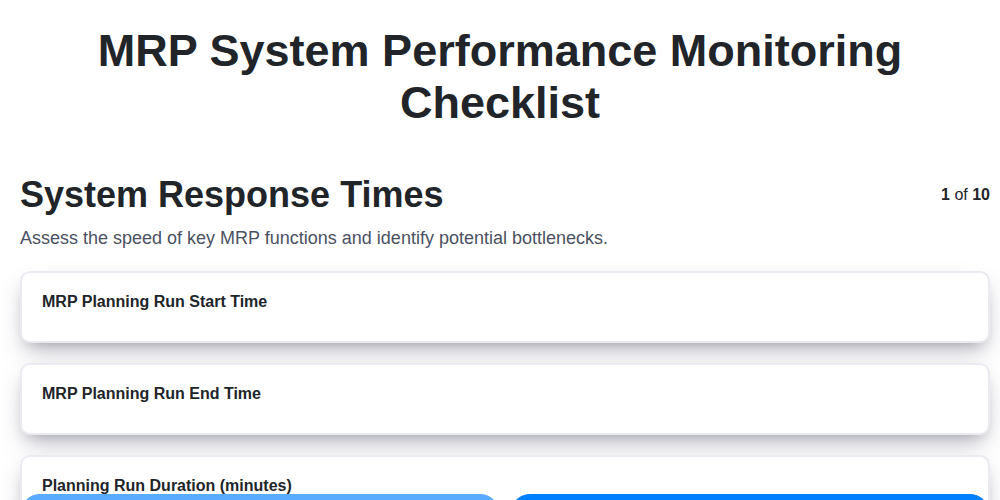
MRP System Performance Monitoring Checklist: Ensure Peak Efficiency
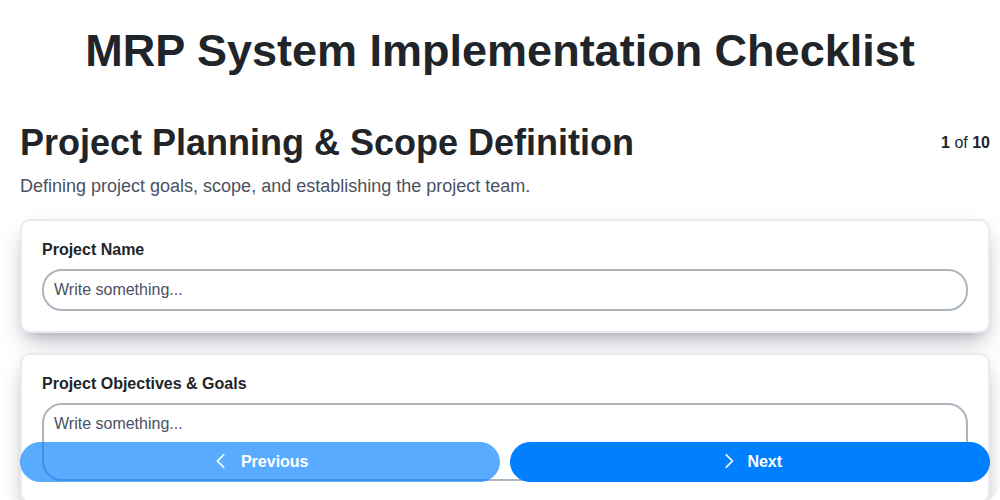
MRP System Implementation Checklist: Your Step-by-Step Guide

Top 10 MRPeasy Alternatives for 2025

The 5 Best Bill of Materials (BOM) Management Software of 2025
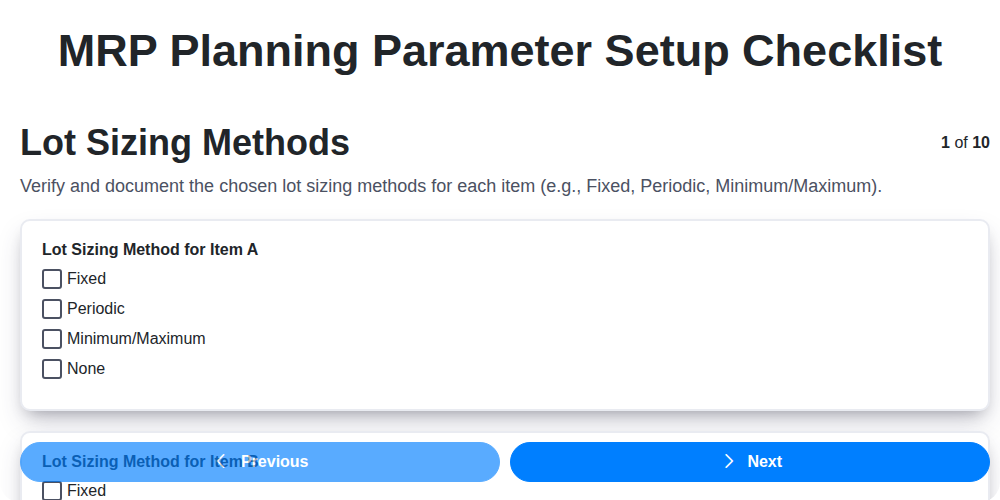
MRP Planning Parameter Setup Checklist: Your Guide to Accuracy & Efficiency

The 10 Best Manufacturing Management Software of 2025
How to improve your Bill of Materials (BOM) Management
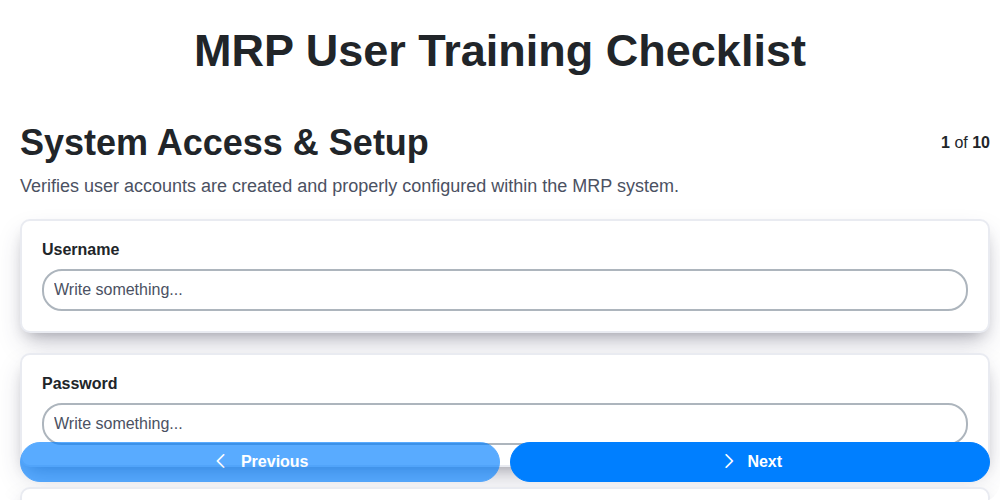
MRP User Training Checklist: Ensuring Proficiency & Success
We can do it Together
Need help with
Checklists?
Have a question? We're here to help. Please submit your inquiry, and we'll respond promptly.