The 5 Best Project Management Software of 2025
Published: 11/29/2025 Updated: 07/02/2026
Table of Contents
- Why Project Management Software Matters in 2025
- Understanding Your Project Management Needs
- 1. Asana: The Collaborative Classic
- 2. Monday.com: Visual Management & Automation
- 3. ClickUp: The All-in-One Powerhouse
- 4. Wrike: Enterprise-Grade Project Control
- 5. Jira: Built for Agile Development
- 6. ChecklistGuro: Business Process Management (BPM) with a Twist
- Choosing the Right Software: Key Considerations
- Looking Ahead: Project Management Trends in 2025
- Resources & Links
TLDR: Juggling multiple projects? 2025's top project management software - Asana, Monday.com, ClickUp, Wrike, and Jira - offer powerful features for task assignment, deadline tracking, collaboration, and reporting. We break down each option's strengths and weaknesses to help you choose the perfect fit for your team's size, complexity, and budget. Find the right tools to boost productivity and keep projects on track!
Why Project Management Software Matters in 2025
The business landscape in 2025 demands more agility and efficiency than ever before. Staying competitive isn's just about having a great product or service; it's about how you deliver it. That's where project management software becomes absolutely vital.
Gone are the days of endless email chains, scattered spreadsheets, and missed deadlines. In 2025, businesses that rely on these outdated methods are simply falling behind. Here's why project management software isn't just nice-to-have anymore-it's a core business necessity:
- Increased Productivity: Centralized task management, clear assignments, and automated workflows minimize wasted time and maximize output.
- Improved Collaboration: Remote work and distributed teams are the norm. Software provides a single source of truth, facilitating seamless communication and collaboration, regardless of location.
- Enhanced Visibility & Reporting: Real-time dashboards and customizable reports offer valuable insights into project progress, resource allocation, and potential bottlenecks. This allows for proactive problem-solving and data-driven decision-making.
- Reduced Risk & Errors: Automated processes and clear accountability minimize human error and reduce the risk of costly mistakes.
- Better Resource Allocation: Gain a clear understanding of your team's capacity and allocate resources effectively to ensure projects are completed on time and within budget.
- Scalability: As your business grows, project management software can easily scale to accommodate increasing complexity and workload.
Understanding Your Project Management Needs
Before diving into the software options, it's crucial to understand what you're actually trying to manage. A small startup with a handful of employees will have vastly different needs than a large enterprise with complex workflows. Ask yourself these key questions:
- Team Size: How many people will be using the software? Some platforms are priced per user, so this significantly impacts cost.
- Project Complexity: Are your projects straightforward, or do they involve numerous dependencies, subtasks, and stakeholders?
- Workflow Requirements: Do you need robust features like Gantt charts, Kanban boards, resource allocation, time tracking, or budget management?
- Integration Needs: Does the software need to integrate with other tools you already use, such as CRM, accounting software, or communication platforms?
- Budget: How much are you willing to spend on project management software? Prices range from free plans with limited features to premium subscriptions costing hundreds or even thousands of dollars per month.
- Technical Expertise: How comfortable are you and your team with learning new software? Some platforms have steeper learning curves than others.
Answering these questions will help you prioritize the features that matter most and narrow down your choices.
1. Asana: The Collaborative Classic
Asana remains a stalwart in the project management world, and for good reason. It's a highly visual and intuitive platform built around the concept of shared workspaces. In 2025, Asana continues to refine its strengths - exceptional team collaboration and a clean, user-friendly interface.
What makes Asana particularly appealing in 2025 is its advanced automation capabilities. While automation has been present for years, Asana has significantly expanded its rule-based system allowing for more complex workflows. Imagine automatically assigning tasks, sending notifications, and updating statuses based on triggers - that's the level of customization now available.
Key Features in 2025:
- Workload Management: Improved visualization tools to prevent team burnout by clearly displaying individual task loads. This feature integrates with resource planning tools for larger teams.
- AI-Powered Task Prioritization: Asana's AI continues to evolve, now offering intelligent task prioritization suggestions based on deadlines, dependencies, and project goals.
- Enhanced Reporting: More customizable dashboards and reporting features to track project progress, identify bottlenecks, and make data-driven decisions. Reports can now be automatically generated and shared with stakeholders.
- Portfolios: Robust portfolio management features allow managers to oversee multiple projects simultaneously, track progress across teams, and identify dependencies.
- Integrations: Asana's already impressive integration library has expanded to include even more popular business tools, streamlining workflows across your entire tech stack.
Who is it for? Asana is a great choice for teams of all sizes, especially those prioritizing strong collaboration and clear communication. Its versatility makes it suitable for marketing teams, product development, and general project management. While its pricing can be a factor for very small businesses, its robust feature set provides excellent value for growing companies.
2. Monday.com: Visual Management & Automation
Monday.com shines with its incredibly visual and intuitive interface. It's built around customizable boards - think of them as digital Kanban boards - that offer a clear overview of project progress. Each board can be tailored to specific workflows using a wide array of columns to track status, priority, due dates, assignees, and more.
What really sets Monday.com apart is its robust automation capabilities. You can create rules to automatically assign tasks, send notifications, move items between columns, and even integrate with other apps. This reduces manual effort and ensures tasks are handled efficiently.
Key Strengths:
- Highly Visual: The board-based system makes it easy to understand project status at a glance.
- Powerful Automation: Automate repetitive tasks to save time and reduce errors.
- Customizable Workflows: Adapt the software to fit your specific business processes.
- Integrations: Connects with a wide range of popular apps like Slack, Google Drive, and Microsoft Teams.
- User-Friendly: Relatively easy to learn and use, even for non-technical users.
Potential Drawbacks:
- Pricing: Can become expensive as your team and project complexity grow.
- Limited Free Plan: The free plan is quite restrictive.
- Feature Overload: The abundance of features can be overwhelming for some users initially.
Monday.com is particularly well-suited for teams that need a visually appealing and highly customizable project management solution. Its ease of use and automation capabilities make it a great choice for both small and large businesses.
3. ClickUp: The All-in-One Powerhouse
ClickUp is often touted as the ultimate all-in-one solution, and for good reason. It aims to replace everything - from your task manager to your document collaboration space - within a single platform. This ambitious goal translates to a staggering array of features, which can be both a blessing and a curse.
What ClickUp Excels At:
- Extreme Customization: ClickUp's flexibility is its biggest draw. You can customize everything from views (list, board, calendar, Gantt chart, table, and more) to fields to custom statuses. This level of control allows you to tailor the platform to your precise workflow.
- Task Management Depth: It's not just about creating tasks. ClickUp allows for nested tasks, dependencies, time tracking, goals, and priorities-all within a single task. This granular detail allows for deep insight into project progression.
- Collaboration Hub: Built-in chat, document editing, and goal tracking foster seamless collaboration among team members.
- Automation: ClickUp's automation capabilities can significantly reduce repetitive tasks, freeing up your team to focus on more strategic work.
- Robust Integrations: Integrates with a massive list of third-party apps, extending its functionality even further.
Potential Downsides:
- Steep Learning Curve: The sheer number of features and customization options can be overwhelming for new users. It takes time and effort to fully grasp the platform's capabilities.
- Can Feel Cluttered: With so many features available, it's easy for the interface to become cluttered, especially if you're not careful about organizing your workspace.
- Pricing: While ClickUp offers a generous free plan, many of its most valuable features are locked behind paid tiers.
Who is ClickUp Best For? ClickUp shines for businesses that need a highly customizable and feature-rich project management solution. It's particularly well-suited for larger teams with complex workflows and a willingness to invest time in learning the platform.
4. Wrike: Enterprise-Grade Project Control
Wrike stands out as a particularly strong contender for larger organizations and enterprises requiring robust project control and advanced features. Its core strength lies in its highly customizable nature, allowing businesses to tailor workflows, dashboards, and reporting to perfectly match their specific needs. Unlike some competitors that focus primarily on task management, Wrike offers a broader project portfolio management (PPM) approach.
What truly sets Wrike apart is its emphasis on visibility and reporting. Its interactive Gantt charts and resource management tools provide a clear overview of project progress and resource allocation. The ability to create custom workflows and automate repetitive tasks significantly reduces manual effort and improves efficiency. Wrike's robust security features and granular access controls are also crucial for organizations handling sensitive data.
However, this power comes with a steeper learning curve. Wrike's complexity can be overwhelming for smaller teams or those new to project management software. The pricing structure is also geared towards larger enterprises, making it a less attractive option for startups or very small businesses. While the customization options are a major advantage, they also require dedicated time and effort to configure and maintain.
Key Features & Benefits:
- Customizable Workflows: Design project workflows tailored to your unique processes.
- Interactive Gantt Charts: Visualize project timelines and dependencies.
- Resource Management: Optimize resource allocation and prevent overloads.
- Advanced Reporting: Gain insights into project performance with customizable reports.
- Collaboration Tools: Facilitate seamless communication and collaboration among team members.
- Request Management: Streamline intake and approval processes for new projects and tasks.
5. Jira: Built for Agile Development
Jira consistently ranks among the industry leaders, and for good reason. While it might not be the easiest to pick up initially, its depth and customization options are unparalleled, especially for teams embracing Agile methodologies. Originally designed for software development, Jira offers robust issue tracking, sprint planning, and release management capabilities.
Think of Jira as a highly structured and configurable environment. It's built around workflows, allowing you to define precisely how tasks move through different stages - from 'To Do' to 'In Progress' to 'Done'. You can create custom fields, workflows, and reports tailored to your specific development process.
Who is Jira best for? Jira truly shines for larger software development teams already committed to Agile principles like Scrum or Kanban. Its complexity, however, can be overwhelming for smaller teams or those new to these frameworks. While it can be adapted for other project types, its core strength lies in software development.
Key Features:
- Agile Boards: Kanban and Scrum boards for visualizing and managing sprints.
- Issue Tracking: Detailed bug and issue reporting with customizable workflows.
- Roadmaps: Visual planning tools for long-term project timelines.
- Automation: Automate repetitive tasks and streamline workflows.
- Extensive Integrations: Integrates with a vast ecosystem of development tools.
Pricing: Jira offers a free plan for small teams, but for more advanced features and user capacity, paid plans start at around $8.15 per user per month.
6. ChecklistGuro: Business Process Management (BPM) with a Twist
While many project management platforms focus solely on task tracking, ChecklistGuro takes a broader approach by integrating Business Process Management (BPM) functionality. This isn't just about doing things; it's about understanding why and how things get done. Our platform allows you to visually map out your processes, automate repetitive tasks, and ensure consistent execution across your team - all within the context of your project goals.
What sets ChecklistGuro apart? We've implemented a unique combination of features:
- Process Mapping & Flowcharts: Design your workflows visually to gain clarity and identify bottlenecks.
- Automated Task Assignment & Reminders: Trigger actions based on process stages, reducing manual effort and ensuring nothing falls through the cracks.
- Customizable Checklists & Forms: Go beyond simple task lists with dynamic forms and checklists tailored to your specific needs.
- Integrated Reporting & Analytics: Track process performance, identify areas for improvement, and demonstrate ROI.
- Project & Task Management: Includes all the traditional project management features you'd expect, integrated seamlessly with your BPM capabilities.
Who is ChecklistGuro best for? ChecklistGuro is an excellent choice for teams and organizations that require a comprehensive solution, needing to not only manage tasks and projects but also to optimize and document their core business processes. It's particularly well-suited for businesses looking to improve operational efficiency and ensure compliance.
Choosing the Right Software: Key Considerations
Before diving headfirst into demos and free trials, it's crucial to define your business's unique needs. Don't just chase the best - find the right software for you. Consider these key factors:
- Team Size & Structure: A small, agile team will have different requirements than a large, departmentalized organization. Scalability is key - will the software grow with you?
- Project Complexity: Are your projects straightforward or involve intricate dependencies and multiple stakeholders? Some platforms are better suited for complex workflows.
- Budget: Project management software ranges from free to enterprise-level pricing. Factor in not just the subscription cost, but potential training and implementation expenses.
- Integration Needs: Does the software need to connect with your existing tools (CRM, accounting software, communication platforms)? Seamless integration streamlines workflows and prevents data silos.
- User Friendliness: A powerful tool is useless if your team finds it difficult to learn and use. Prioritize intuitive interfaces and readily available support.
- Reporting & Analytics: How important is it to track progress, identify bottlenecks, and generate insightful reports? Ensure the software offers the reporting capabilities you need to make data-driven decisions.
Finally, don't underestimate the value of a thorough trial period. Get your team involved in the selection process - their buy-in is crucial for successful adoption.
Looking Ahead: Project Management Trends in 2025
The project management landscape is constantly evolving, and 2025 promises to bring some significant shifts. We're seeing a continued emphasis on automation - think AI-powered task prioritization and predictive risk assessment - which will free up project managers to focus on more strategic initiatives. Hybrid work models are solidified, demanding tools that seamlessly connect remote and in-office teams with real-time updates and shared visibility.
Expect increased adoption of low-code/no-code project management solutions, allowing business users to customize workflows and dashboards without extensive technical expertise. Integration with business intelligence (BI) tools will also become standard, enabling data-driven decision making and providing clearer ROI on project investments. Finally, a focus on employee wellbeing and mental health will drive demand for project management software with built-in features to manage workload and prevent burnout. Essentially, project management in 2025 will be smarter, more flexible, and deeply integrated into the broader business ecosystem.
Resources & Links
- Asana: Official Asana website - Explore features, pricing, and use cases for collaborative project management. Good for understanding Asana's current offerings and future roadmap (as stated on their site).
- Monday.com: Official Monday.com website - Dive into their visual workflow management platform. Offers detailed information on their boards, automations, and integrations.
- ClickUp: Official ClickUp website - Discover their all-in-one productivity platform, known for its customization options and extensive feature set. Useful for understanding the scope of their capabilities.
- Wrike: Official Wrike website - Learn about their enterprise-grade project management solution, with a focus on workflow automation and reporting. Provides details on scaling project management across large teams.
- Jira: Official Jira website - Explore Atlassian's issue tracking and agile project management software, primarily geared towards software development teams. Provides insight into Jira's core functionality and integrations.
- ChecklistGuro: Official ChecklistGuro website - A relatively newer player focusing on Business Process Management (BPM) with project management features; learn about their unique blend of checklists and workflow automation.
- Gartner: Gartner - A leading research and advisory company. Their Magic Quadrant for Project Management Software (when available - search their site) provides an independent evaluation of leading vendors.
- Capterra: Capterra - A software review website. Provides user reviews and comparisons of various project management tools, which can offer valuable perspectives.
- TrustRadius: TrustRadius - Similar to Capterra, TrustRadius provides user reviews and ratings of software solutions, including project management tools. Focuses on in-depth reviews.
- Forbes: Forbes - Search for Forbes articles on project management software trends and best practices. Can offer insights into future directions and industry analysis.
- TechRadar: TechRadar - A technology news and review site. Search for articles about project management software reviews and comparisons, offering another perspective on the landscape.
- Smartsheet: Official Smartsheet website - Although not explicitly mentioned, understanding competitor offerings can highlight the landscape of options. Smartsheets focus on spreadsheets and work automation.
Frequently Asked Questions
What factors were considered when selecting the '5 Best' project management software for 2025?
We evaluated software based on several key factors including features (task management, collaboration, reporting), ease of use, pricing, integrations, scalability, user reviews, and emerging trends like AI integration and automation capabilities. We looked at solutions across different team sizes and project complexities.
Are there any free options included in this list?
Yes, we included one free option with robust features suitable for smaller teams or individual users. However, be aware that free versions typically have limitations compared to paid plans.
How was 'best' defined for this list? What if my needs are different?
'Best' was defined as a combination of functionality, usability, and value. However, project management needs vary. We encourage users to read the full reviews and consider their specific requirements (e.g., specific industry needs, integration with other tools) before making a decision.
The article mentions 'emerging trends.' What are some of these?
We highlighted trends like increased AI integration for task prioritization and automation, improved collaboration features leveraging real-time communication, enhanced reporting and analytics for better project visibility, and greater mobile accessibility for remote teams.
What is the difference between a project management software and a task management software?
While there's overlap, project management software generally offers a broader scope, encompassing planning, resource allocation, risk management, and reporting. Task management software primarily focuses on creating and assigning tasks, tracking progress, and managing deadlines. The software listed here are considered full project management solutions.
Will these tools still be relevant in 2026?
The project management landscape evolves quickly. We're confident these tools will remain competitive in 2026, but users should always monitor updates and consider alternatives as new solutions emerge.
How does pricing work for these tools? Are there different tiers?
Most of these tools offer tiered pricing plans based on the number of users, features, and storage. We provided general pricing information in the article, but we recommend visiting the vendor websites for the most accurate and up-to-date details.
I'm a freelancer. Is any of this software suitable for me?
Several of the listed tools are well-suited for freelancers, especially those managing multiple clients or projects simultaneously. The free tier options can be a good starting point for freelancers with limited budgets.
Comments
There are no comments yet. Be the first to add one!
Project Management Solution Demo
Deliver projects on time & within budget! ChecklistGuro streamlines task management, collaboration, & progress tracking. Enhance visibility & boost team productivity. Manage it all with our Work OS.
Related Articles
Construction Material Inventory Tracking Checklist Template
The Ultimate Site Mobilization Readiness Checklist Template
Kanban System Review Checklist: A Template for Continuous Improvement
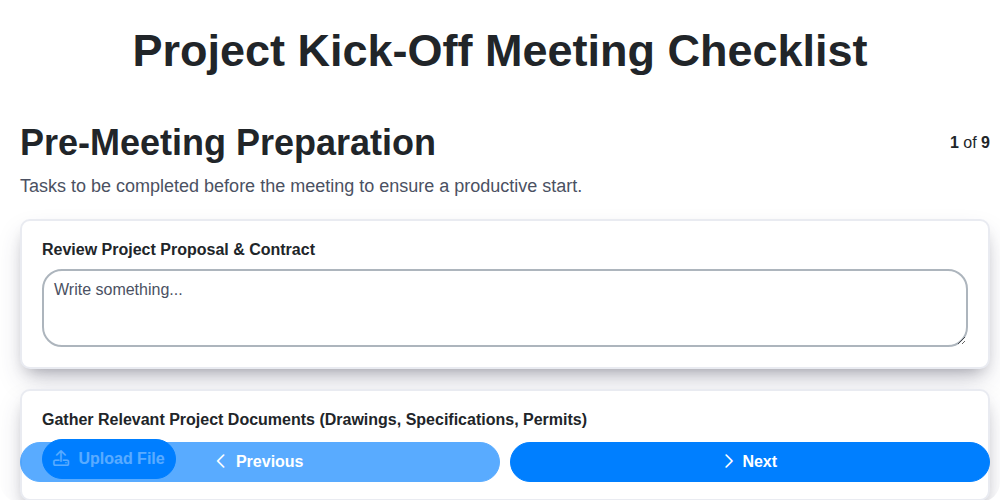
The Ultimate Project Kick-Off Meeting Checklist Template
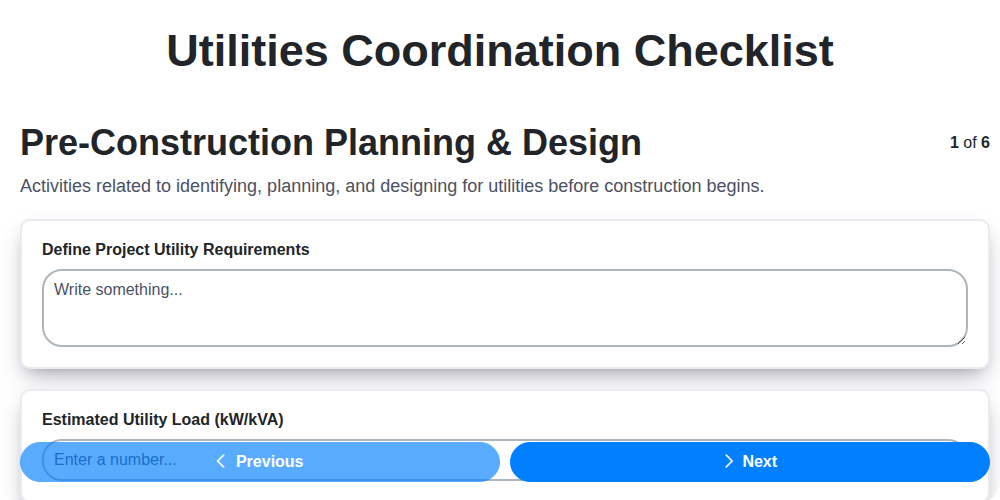
Streamline Your Project: The Ultimate Utilities Coordination Checklist Template
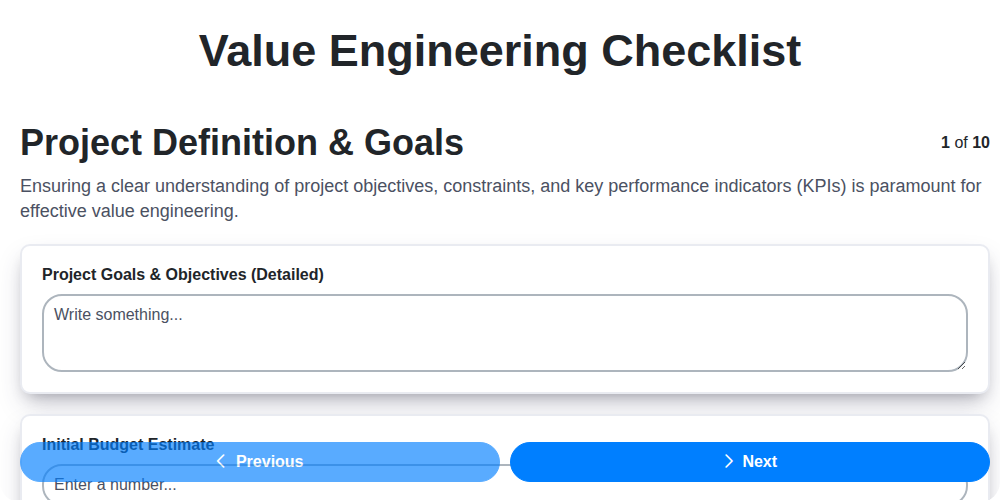
Unlock Value: Your Free Value Engineering Checklist Template
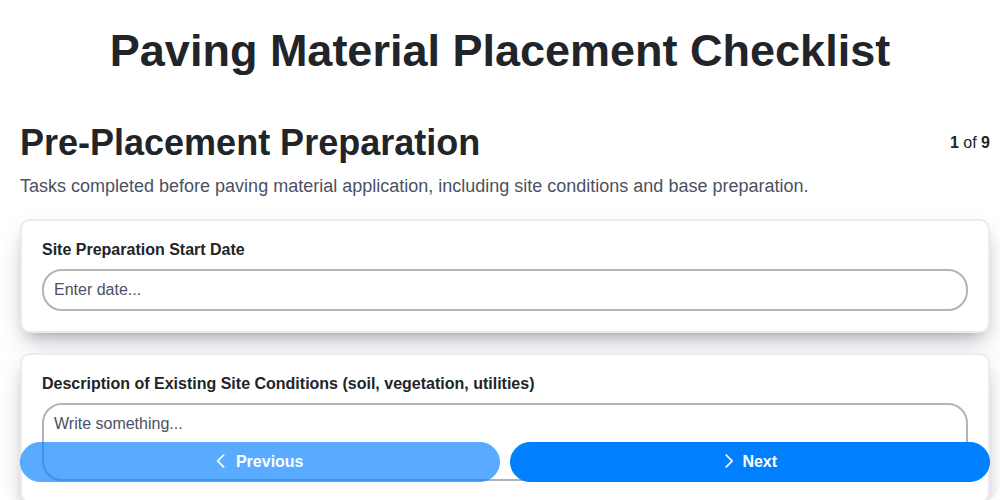
Your Paving Project's Blueprint: A Free Checklist Template
The Ultimate Project Turnover Checklist Template
Need help with
Checklists?
Have a question? We're here to help. Please submit your inquiry, and we'll respond promptly.