 ChecklistGuro
 E-commerce Sales Tax Nexus Assessment Checklist 2026
Eliminate the complexity of multi-state tax compliance with our professional E-commerce Sales Tax Nexus Assessment Checklist 2026. Designed specifically for online retailers and marketplace sellers, this comprehensive checklist helps accounting managers and tax professionals identify economic nexus triggers, streamline state-by-state tax obligations, and ensure audit-ready documentation. Stay ahead of changing 2026 tax regulations and safeguard your bottom line by systematically managing your physical and economic presence across all jurisdictions. Perfect for preventing costly underpayment penalties and optimizing your global sales tax strategy.
This Template was installed 4 times.
Nexus Determination & Physical Presence Review
Identify and document all physical nexus triggers including offices, warehouses, inventory, and employees in various jurisdictions.
Physical Presence Triggers Identified
Inventory Location Address
Total Number of Registered Jurisdictions
Date of Last Nexus Review
Lease Agreements or Warehouse Documentation
Notes on New State Presence or Operational Changes
Tax Manager Verification
Economic Nexus & Sales Threshold Monitoring
Audit total sales volume and transaction counts against state-specific economic nexus thresholds (revenue and transaction count limits) for 2026.
State/Jurisdiction Name
Total Gross Sales in Jurisdiction (USD)
Total Transaction Count
Nexus Status Identified
Threshold Review Period End Date
Revenue Report/Sales Ledger Evidence
Marketplace Facilitator Assessment
Evaluate tax collection responsibilities for third-party marketplaces (e.g., Amazon, eBay) and verify where the marketplace is responsible vs. the merchant.
Active Marketplace Platforms
Primary Tax Responsibility
Marketplace Transaction ID/Reference
Last Marketplace Sales Report Review Date
Marketplace Tax Summary Report
Discrepancies or Unresolved Marketplace Tax Issues
Product Taxability & Category Mapping
Review product catalog to ensure correct taxability status (taxable, exempt, or non-taxable) and varying rates for specific product categories.
Product Categories Identified
Taxable Product Description
Taxability Status
Tax Exemption Justification
Taxability Reference Documentation
Last Review Date
Exemption Certificate Management
Verify the validity, expiration dates, and completeness of tax-exempt certificates for B2B customers and resellers.
Types of Exemptions Handled
Certificate Expiration Date
Upload Digital Copy of Certificate
Tax ID / VAT Registration Number
Verification Status
Auditor Verification Signature
Sourcing Rules & Destination-Based Tax Verification
Confirm accuracy of origin-based vs. destination-based sourcing rules and ensure shipping addresses trigger correct local/district taxes.
Primary Sourcing Method Used
Verified Sourcing Factors
State/Jurisdiction Under Review
Tax Rate Applied to Sample Transactions
Sourcing Logic Documentation
Compliance Officer Verification
Sales Tax Software & Automation Audit
Audit the integration between the e-commerce platform (Shopify, Magento, etc.) and tax automation tools (Avalara, TaxJar) to ensure real-time accuracy.
Primary E-commerce Platform
Tax Automation Tool in Use
Automated Features Verified
Last Software Integration Audit Date
Integration Log/Error Report
Identified Discrepancies or Sync Issues
Compliance Officer Verification
Returns & Refunds Tax Reconciliation
Reconcile sales tax collected on original orders against tax credits applied to processed returns and refunds.
Return Period Start Date
Return Period End Date
Total Gross Sales Returns Amount
Total Sales Tax Refunded Amount
Reconciliation Status
Discrepancy Notes
Refund Report Evidence
Reviewer Authorization
Filing Calendar & Remittance Compliance
Map out all state and local filing deadlines for 2026 to ensure timely remittance of collected sales tax.
Next Filing Deadline
Jurisdiction Type
Total Tax Amount to Remit
Proof of Remittance
Filing Status
Accountant/Reviewer Approval
Audit Trail & Record Keeping
Ensure all transaction-level data, tax calculation logs, and nexus proofs are archived and accessible for potential state audits.
Audit Period Start Date
Audit Period End Date
Types of Documents Retained
Upload Monthly Tax Summary Report
Storage Location/Cloud Directory Path
Compliance Officer Verification
Frequently Asked Questions
Can I customize this template after installing it?
Absolutely. Once installed, you can add, remove, or reorder tasks, add custom fields, and adjust deadlines to fit your specific workflow.
Can I add images or photos to these checklist items?
Yes. Our platform allows you to attach photos, signatures, and notes to any checklist item for better verification and proof of completion.
Can I create a custom checklist from scratch instead of using a template?
Yes. You can use our "Create your own checklist" feature to build a unique workflow tailored exactly to your operational requirements.
Can I add dependencies between tasks?
Yes, you can set up conditional logic and dependencies to ensure your team follows the correct sequence of operations.
Can I assign specific checklist items to different team members?
Yes. You can assign individual tasks to specific employees, ensuring clear accountability across your entire team.
Can I use these checklists on mobile devices in the field?
Yes. Our platform is fully responsive, allowing your team to complete, update, and upload photos to checklists directly from any smartphone or tablet.
How do I notify my manager when a checklist is completed?
You can set up automated notifications (via email, push notification, or in-app alerts) to trigger whenever a checklist is finished or if an item fails inspection.
Can multiple people work on the same checklist simultaneously?
Yes, the platform supports real-time updates, allowing multiple users to contribute to a single live checklist.
Where is the data from completed checklists stored?
All completed checklists are stored securely in your Work OS dashboard, creating a permanent, searchable audit trail of your operations.
Can I generate reports based on my checklist results?
Yes. You can track completion rates, identify recurring issues, and monitor team performance through our integrated reporting and analytics tools.
How can I use these checklists for compliance or auditing purposes?
Because our checklists capture timestamps, photos, and digital signatures, they serve as a robust digital paper trail for regulatory compliance and internal audits.
Can I export my completed checklist data for use in other tools?
Yes. You can export your data in various formats (CSV, Excel, etc.) to integrate your operational insights with your other business software.
Comments
There are no comments yet. Be the first to add one!
Accounting Management Solution Demo
Move beyond rigid, one-size-fits-all software. Leverage a fully programmable accounting environment designed to adapt to your unique workflows, complex hierarchies, and evolving business logic.
Related Checklist Templates
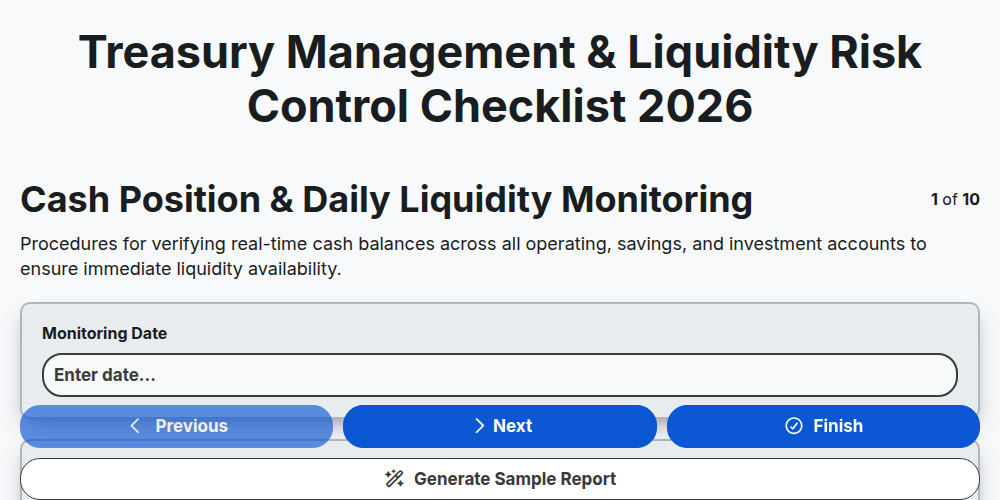
Treasury Management & Liquidity Risk Control Checklist 2026
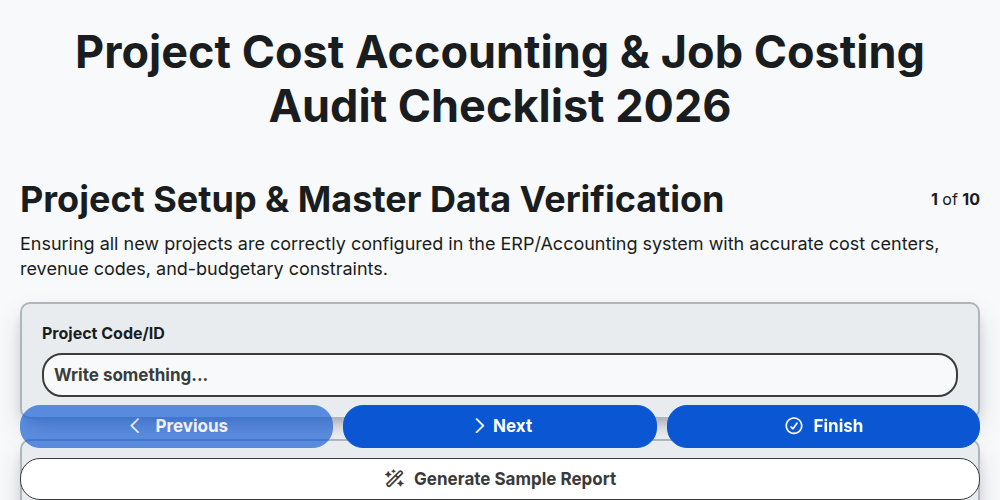
Project Cost Accounting & Job Costing Audit Checklist 2026
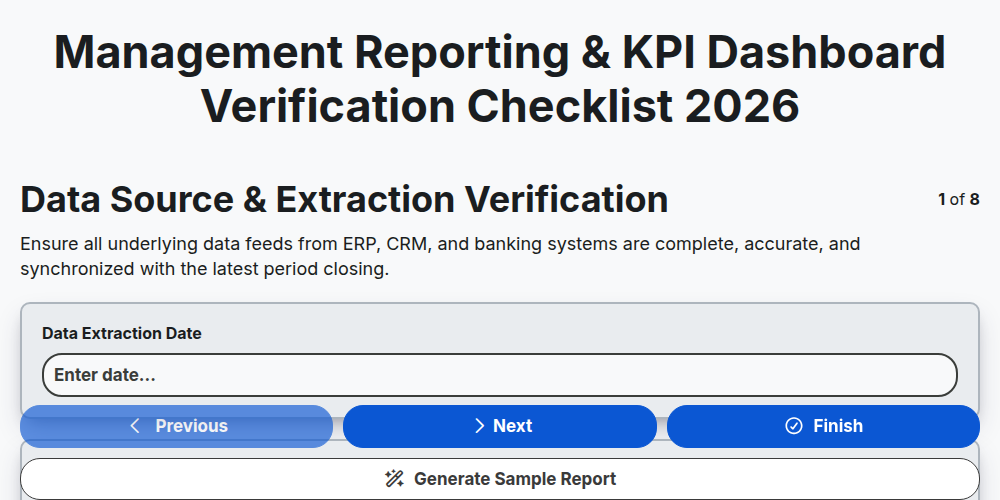
Management Reporting & KPI Dashboard Verification Checklist 2026
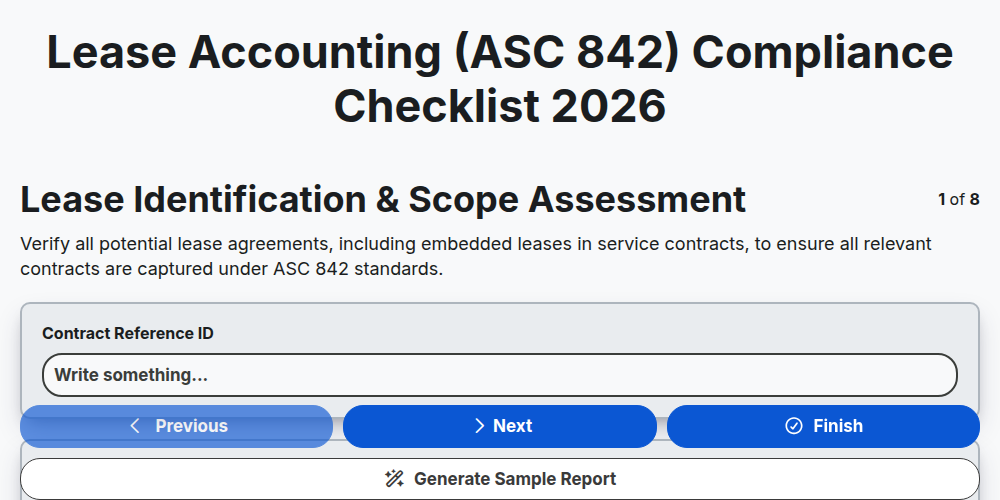
Lease Accounting (ASC 842) Compliance Checklist 2026
ESG Reporting & Sustainability Accounting Checklist 2026
Mergers & Acquisitions (M&A) Financial Due Diligence Checklist 2026
Fraud Detection & Prevention Control Checklist 2026
Crypto & Digital Asset Accounting Audit Checklist 2026
Need help with
Accounting Management?
Have a question? We're here to help. Please submit your inquiry, and we'll respond promptly.