 ChecklistGuro
 Project Cost Accounting & Job Costing Audit Checklist 2026
Ensure total profitability and budget precision with our Professional Project Cost Accounting & Job Costing Audit Checklist 2026. Designed for accounting managers and project controllers, this comprehensive audit template helps you track actual vs. estimated costs, monitor labor allocations, manage material overhead, and identify budget variances before they impact your bottom line. Eliminate leakage, optimize resource utilization, and maintain rigorous financial oversight on every project with this ready-to-use 2026 compliance tool. Perfect for construction, manufacturing, and professional services firms seeking airtight project profitability and streamlined cost control.
Project Setup & Master Data Verification
Ensuring all new projects are correctly configured in the ERP/Accounting system with accurate cost centers, revenue codes, and-budgetary constraints.
Project Code/ID
Project Start Date
Cost Center Assignment
Approved Initial Budget
Signed Project Charter/Contract
Required Accounting Permissions
Project Controller Approval
Direct Labor Cost Allocation Audit
Verifying that employee hours, overtime, and specialized labor rates are accurately captured and allocated to the correct project codes.
Audit Period Start Date
Audit Period End Date
Labor Category Under Review
Total Labor Hours Audited
Discrepancy Notes & Variance Explanations
Timesheet/Payroll Records Upload
Auditor Verification Signature
Material & Subcontractor Cost Verification
Reconciling purchase orders, receiving reports, and subcontractor invoices against project-specific billings to prevent overpayment or leakage.
Verified Document Types
Total Material Cost Verified
Discrepancy Notes
Date of Verification
Upload Supporting Invoice/PO
Auditor Approval Signature
Indirect Cost & Overhead Allocation Review
Auditing the accuracy of overhead application rates, including indirect labor, utilities, and administrative expenses applied to specific jobs.
Overhead Allocation Rate (%)
Allocation Method Used
Variance Explanation
Overhead Calculation Worksheet
Review Completion Date
Controller Approval
Revenue Recognition & Percentage of Completion (POC) Audit
Reviewing the alignment of estimated costs-to-complete with recognized revenue to ensure compliance with accounting standards.
Revenue Recognition Period End Date
Total Estimated Project Cost
Total Costs Incurred to Date
Calculated Percentage of Completion (%)
Revenue Recognition Method Used
Variance Explanation for POC Deviations
Supporting Project Progress Report
Controller/Project Accountant Approval
Budget vs. Actual (BVA) Variance Analysis
Investigating significant discrepancies between estimated project budgets and actual expenditures to identify cost overruns or estimation errors.
Audit Review Date
Project Name/ID
Total Budgeted Amount
Total Actual Expenditure
Variance Amount
Variance Severity Level
Root Cause Analysis of Variance
Supporting Variance Documentation
Project Controller Approval
Work-in-Progress (WIP) Schedule Reconciliation
Validating the WIP report against the general ledger to ensure all unbilled costs and unearned revenue are accurately reflected.
WIP Report Period End Date
Total WIP Value Identified
Reconciliation Status
Description of Unreconciled Variances
Supporting WIP Ledger/Schedule
Controller Approval Signature
Change Order & Contract Amendment Tracking
Ensuring all approved change orders are formally documented, cost-adjusted in the system, and integrated into the project budget.
Change Order Date
Change Order Reference Number
Description of Scope Change
Additional Cost Impact
Impact Status
Signed Amendment Document
Project Manager Approval
Project Closeout & Final Cost Reconciliation
Final verification of all project-related liabilities, closing out open purchase orders, and finalizing the project profitability report.
Project Completion Date
Final Project Manager Name
Total Final Project Cost
Final Budget Variance Status
Closeout Tasks Completed
Final Variance Explanation/Notes
Final Project Financial Summary Report
Project Controller Approval
Compliance & Documentation Audit Trail
Reviewing the completeness of supporting documentation, including signed contracts, permits, and lien waivers for audit readiness.
Required Documentation Verified
Date of Final Audit Completion
Upload Final Project Audit Report
Audit Findings & Discrepancy Notes
Auditor Affirmation
Frequently Asked Questions
Can I customize this template after installing it?
Absolutely. Once installed, you can add, remove, or reorder tasks, add custom fields, and adjust deadlines to fit your specific workflow.
Can I add images or photos to these checklist items?
Yes. Our platform allows you to attach photos, signatures, and notes to any checklist item for better verification and proof of completion.
Can I create a custom checklist from scratch instead of using a template?
Yes. You can use our "Create your own checklist" feature to build a unique workflow tailored exactly to your operational requirements.
Can I add dependencies between tasks?
Yes, you can set up conditional logic and dependencies to ensure your team follows the correct sequence of operations.
Can I assign specific checklist items to different team members?
Yes. You can assign individual tasks to specific employees, ensuring clear accountability across your entire team.
Can I use these checklists on mobile devices in the field?
Yes. Our platform is fully responsive, allowing your team to complete, update, and upload photos to checklists directly from any smartphone or tablet.
How do I notify my manager when a checklist is completed?
You can set up automated notifications (via email, push notification, or in-app alerts) to trigger whenever a checklist is finished or if an item fails inspection.
Can multiple people work on the same checklist simultaneously?
Yes, the platform supports real-time updates, allowing multiple users to contribute to a single live checklist.
Where is the data from completed checklists stored?
All completed checklists are stored securely in your Work OS dashboard, creating a permanent, searchable audit trail of your operations.
Can I generate reports based on my checklist results?
Yes. You can track completion rates, identify recurring issues, and monitor team performance through our integrated reporting and analytics tools.
How can I use these checklists for compliance or auditing purposes?
Because our checklists capture timestamps, photos, and digital signatures, they serve as a robust digital paper trail for regulatory compliance and internal audits.
Can I export my completed checklist data for use in other tools?
Yes. You can export your data in various formats (CSV, Excel, etc.) to integrate your operational insights with your other business software.
Comments
There are no comments yet. Be the first to add one!
Accounting Management Solution Demo
Move beyond rigid, one-size-fits-all software. Leverage a fully programmable accounting environment designed to adapt to your unique workflows, complex hierarchies, and evolving business logic.
Related Checklist Templates
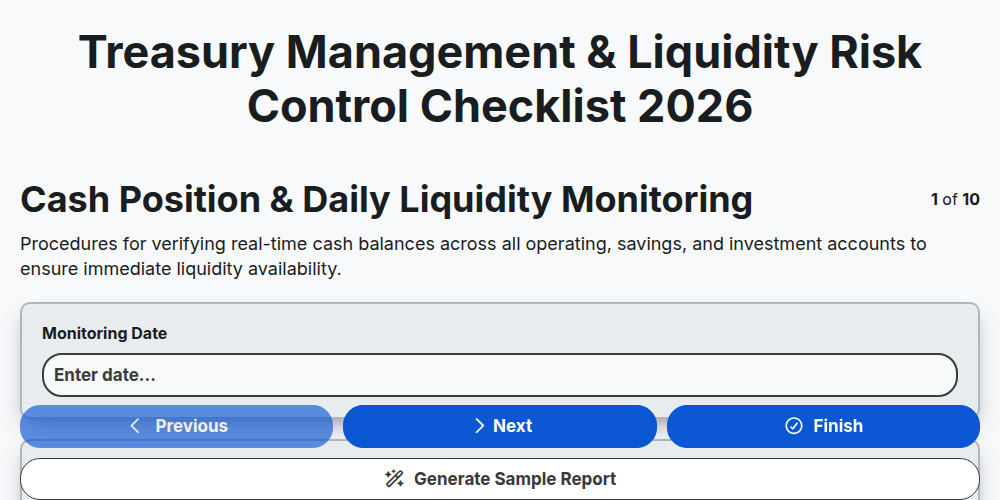
Treasury Management & Liquidity Risk Control Checklist 2026
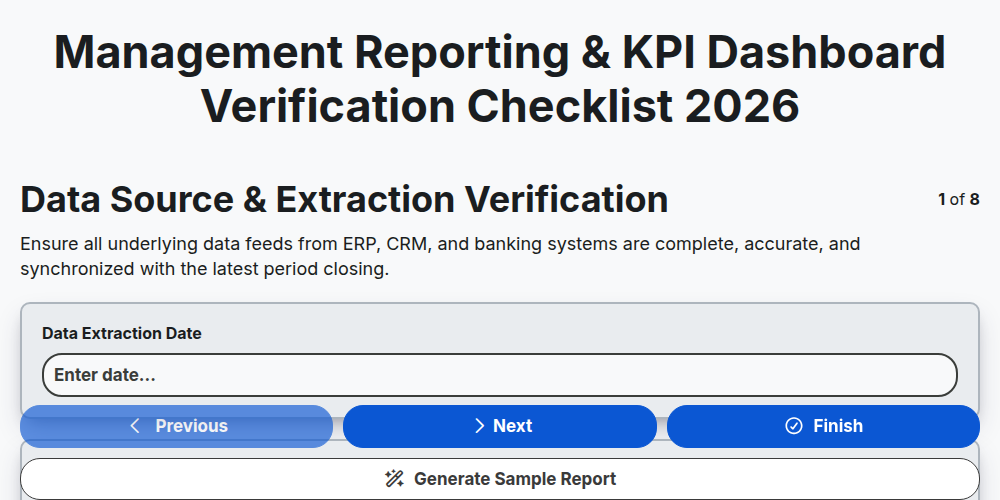
Management Reporting & KPI Dashboard Verification Checklist 2026
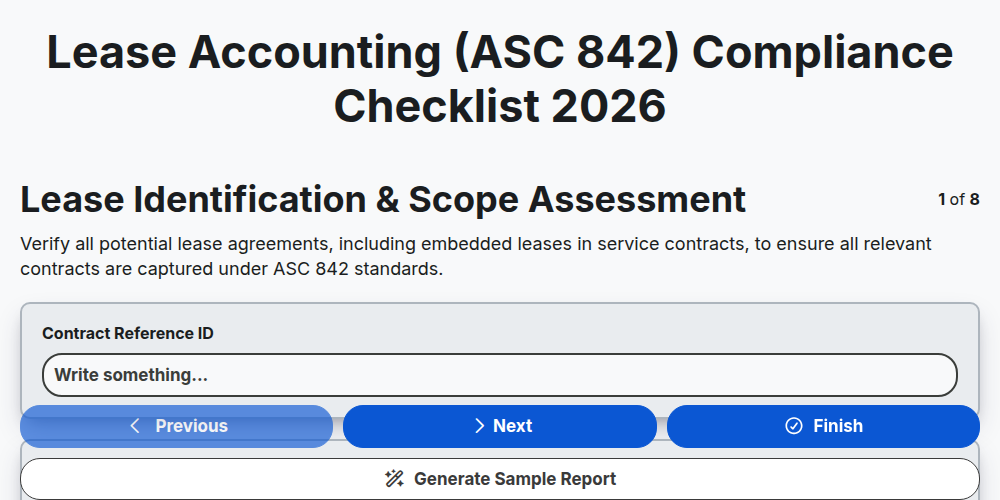
Lease Accounting (ASC 842) Compliance Checklist 2026
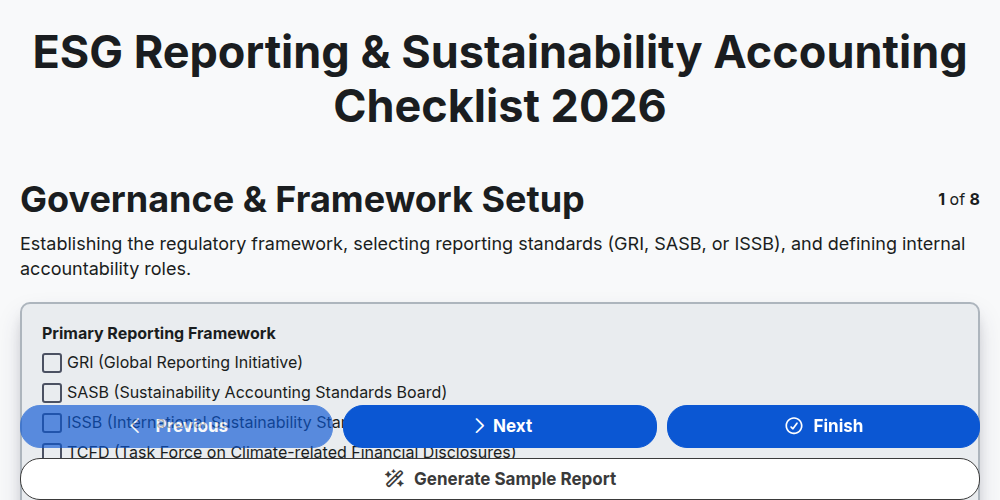
ESG Reporting & Sustainability Accounting Checklist 2026
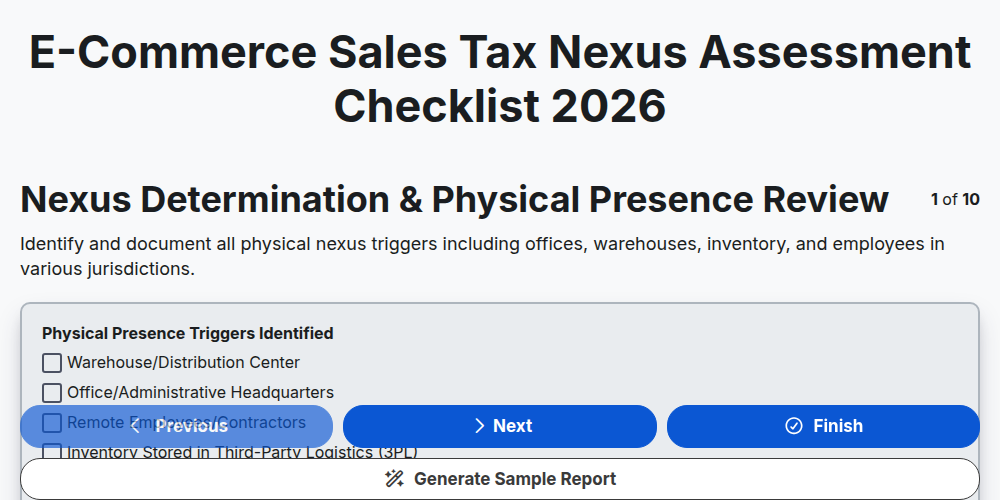
E-commerce Sales Tax Nexus Assessment Checklist 2026
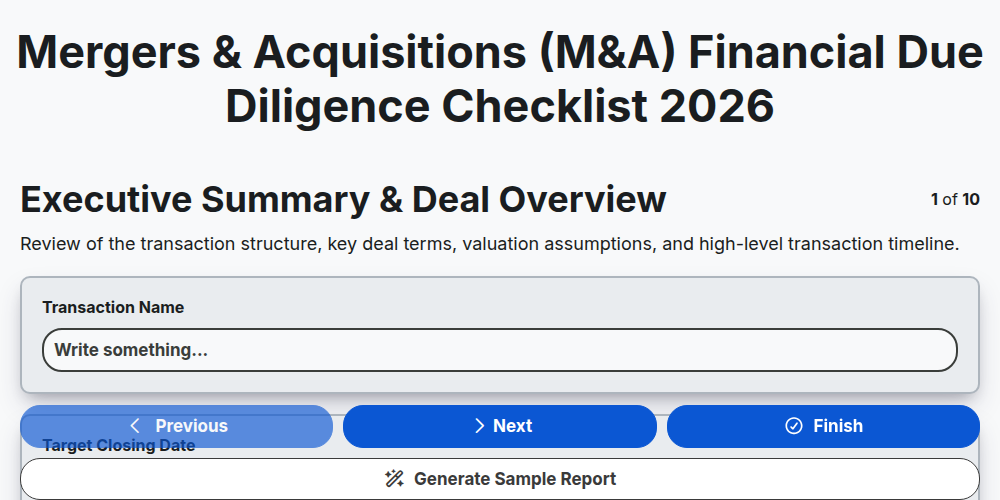
Mergers & Acquisitions (M&A) Financial Due Diligence Checklist 2026
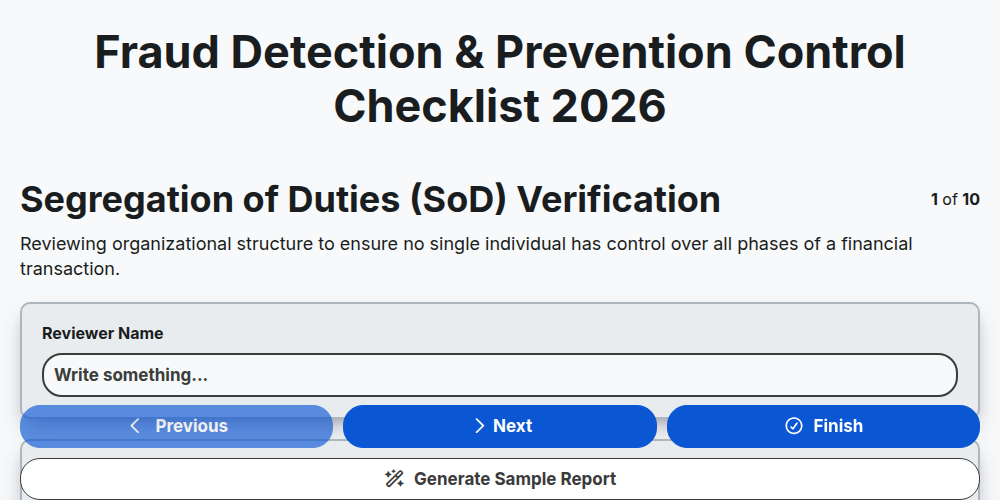
Fraud Detection & Prevention Control Checklist 2026
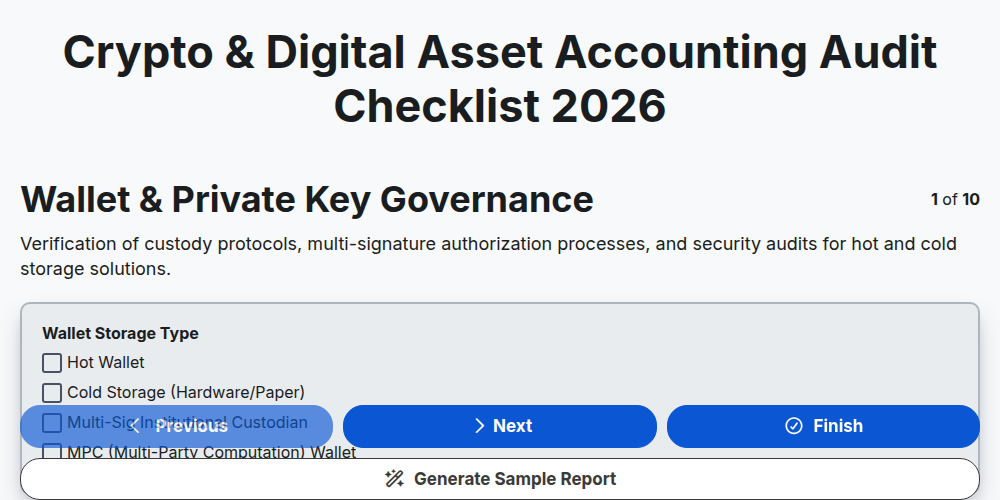
Crypto & Digital Asset Accounting Audit Checklist 2026
Need help with
Accounting Management?
Have a question? We're here to help. Please submit your inquiry, and we'll respond promptly.