 ChecklistGuro
 Lease Accounting (ASC 842) Compliance Checklist 2026
Ensure seamless adherence to updated regulatory standards with our comprehensive Lease Accounting (ASC 842) Compliance Checklist 2026. Designed for accounting managers and financial controllers, this professional-grade template provides a step-by-step framework for managing operating and finance leases, calculating Right-of-Use (ROU) assets, and verifying lease liabilities with precision. Streamline your month-end reporting, mitigate audit risks, and maintain impeccable data integrity with this essential tool for modern lease accounting management.
Lease Identification & Scope Assessment
Verify all potential lease agreements, including embedded leases in service contracts, to ensure all relevant contracts are captured under ASC 842 standards.
Contract Reference ID
Lease Type Classification
Lease Commencement Date
Lease Expiration Date
Embedded Lease Indicators Found
Original Lease Agreement (PDF)
Scope Assessment Notes & Findings
Reviewer Approval Signature
Lease Classification & Term Determination
Analyze contract terms to distinguish between Operating and Finance leases and confirm lease term accuracy including renewal and termination options.
Lease Classification Type
Lease Commencement Date
Lease Expiration Date
Estimated Lease Term (Months)
Embedded Lease Indicators Present
Basis for Determining Lease Term
Supporting Lease Agreement Documentation
Discount Rate & Incremental Borrowing Rate (IBR) Validation
Document and validate the appropriate discount rate applied to lease payments, ensuring alignment with the incremental borrowing rate or implicit rate.
Date of Lease Commencement or Modification
Applied Incremental Borrowing Rate (IBR) Percentage
Discount Rate Source Type
Basis for Determining the Increable Borrowing Rate
Supporting Documentation (e.g., Bank Rate Quotes or Credit Agreement)
Controller Approval of Rate Application
Lease Liability & Right-of-Use (ROU) Asset Calculation
Recalculate the present value of remaining lease payments and verify the initial measurement of the ROU asset and corresponding lease liability.
Lease Commencement Date
Present Value of Lease Payments
Initial Direct Costs Incurred
Lease Classification
Incremental Borrowing Rate (IBR) Applied
Amortization Schedule Supporting Document
Reviewer Approval Signature
Lease Modification & Reassessment Review
Audit all lease modifications, impairments, or changes in lease terms/indices to ensure accurate adjustments to the balance sheet.
Modification or Reassessment Date
Type of Lease Event
Description of Modification/Event
Adjustment Amount to Lease Liability
Supporting Amendment Documentation
Controller Approval Signature
Monthly Accounting & Journal Entry Verification
Review monthly amortization of ROU assets and interest expense recognition to ensure compliance with the amortization schedule.
Accounting Period End Date
Total Lease Amortization Amount Verified
Total Interest Expense Amount Verified
Lease Type Reconciliation Status
Supporting Journal Entry Documentation
Controller Approval Signature
Notes on Identified Discrepancies or Adjustments
Disclosure & Financial Statement Reporting
Validate quantitative and qualitative disclosures, including weighted-average lease terms and maturity analysis for both operating and finance leases.
Reporting Period End Date
Lease Type Disclosure Category
Weighted-Average Lease Term (Months)
Weighted-Average Discount Rate (%)
Qualitative Disclosure Notes
Final Disclosure Report PDF
Controller Approval Signature
Data Integrity & Software Reconciliation
Cross-reference lease sub-ledger data with the General Ledger (GL) to ensure zero discrepancies in lease-related accounts.
Reconciliation Completion Date
Sub-ledger Account Reference Number
Total Variance Amount Identified
Reconciliation Status
Discrepancy Investigation Notes
GL to Lease Sub-ledger Reconciliation Report
Controller Approval Signature
Frequently Asked Questions
Can I customize this template after installing it?
Absolutely. Once installed, you can add, remove, or reorder tasks, add custom fields, and adjust deadlines to fit your specific workflow.
Can I add images or photos to these checklist items?
Yes. Our platform allows you to attach photos, signatures, and notes to any checklist item for better verification and proof of completion.
Can I create a custom checklist from scratch instead of using a template?
Yes. You can use our "Create your own checklist" feature to build a unique workflow tailored exactly to your operational requirements.
Can I add dependencies between tasks?
Yes, you can set up conditional logic and dependencies to ensure your team follows the correct sequence of operations.
Can I assign specific checklist items to different team members?
Yes. You can assign individual tasks to specific employees, ensuring clear accountability across your entire team.
Can I use these checklists on mobile devices in the field?
Yes. Our platform is fully responsive, allowing your team to complete, update, and upload photos to checklists directly from any smartphone or tablet.
How do I notify my manager when a checklist is completed?
You can set up automated notifications (via email, push notification, or in-app alerts) to trigger whenever a checklist is finished or if an item fails inspection.
Can multiple people work on the same checklist simultaneously?
Yes, the platform supports real-time updates, allowing multiple users to contribute to a single live checklist.
Where is the data from completed checklists stored?
All completed checklists are stored securely in your Work OS dashboard, creating a permanent, searchable audit trail of your operations.
Can I generate reports based on my checklist results?
Yes. You can track completion rates, identify recurring issues, and monitor team performance through our integrated reporting and analytics tools.
How can I use these checklists for compliance or auditing purposes?
Because our checklists capture timestamps, photos, and digital signatures, they serve as a robust digital paper trail for regulatory compliance and internal audits.
Can I export my completed checklist data for use in other tools?
Yes. You can export your data in various formats (CSV, Excel, etc.) to integrate your operational insights with your other business software.
Comments
There are no comments yet. Be the first to add one!
Accounting Management Solution Demo
Move beyond rigid, one-size-fits-all software. Leverage a fully programmable accounting environment designed to adapt to your unique workflows, complex hierarchies, and evolving business logic.
Related Checklist Templates
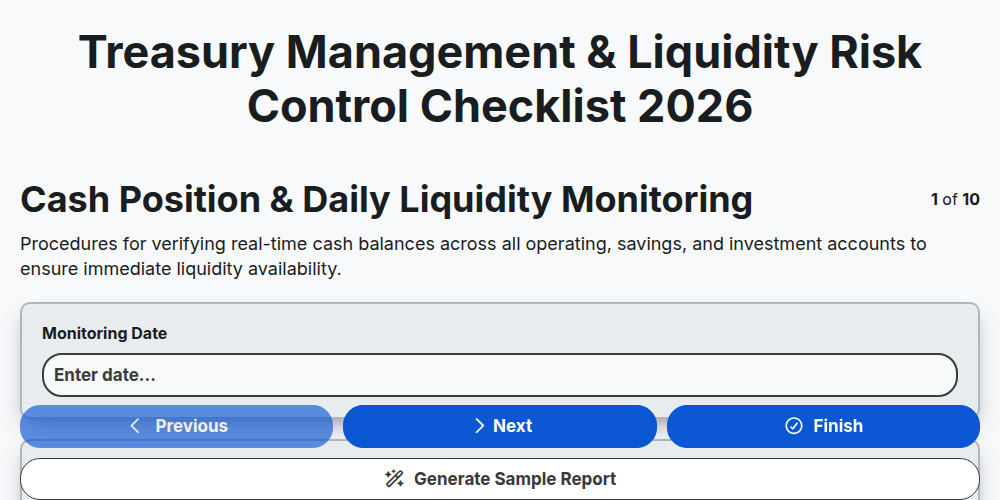
Treasury Management & Liquidity Risk Control Checklist 2026
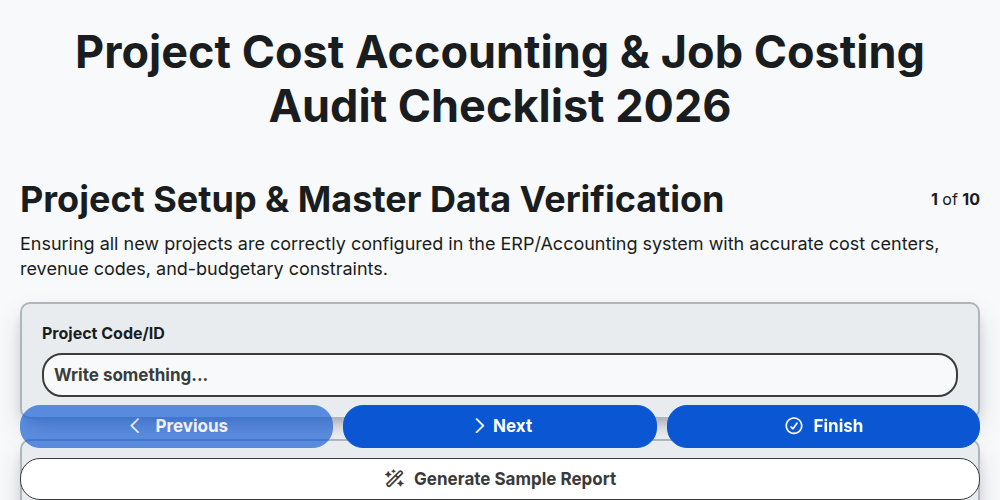
Project Cost Accounting & Job Costing Audit Checklist 2026
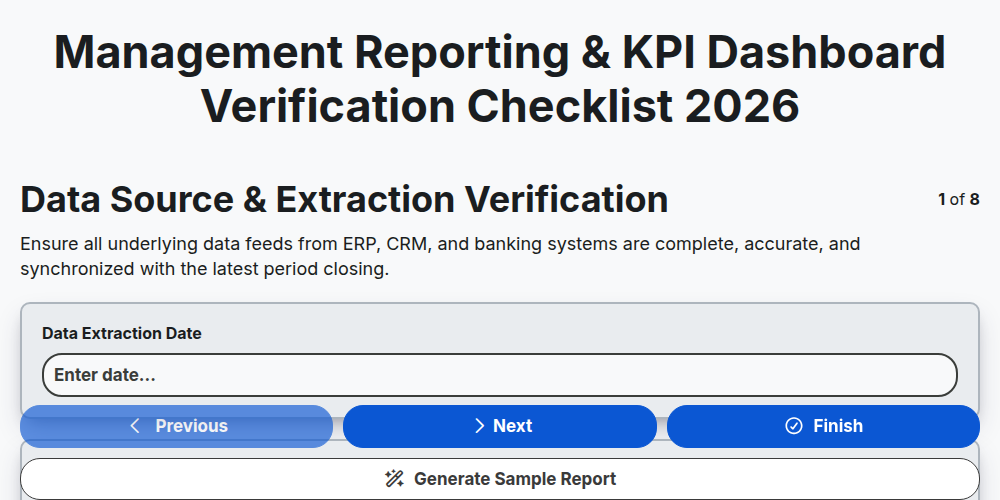
Management Reporting & KPI Dashboard Verification Checklist 2026
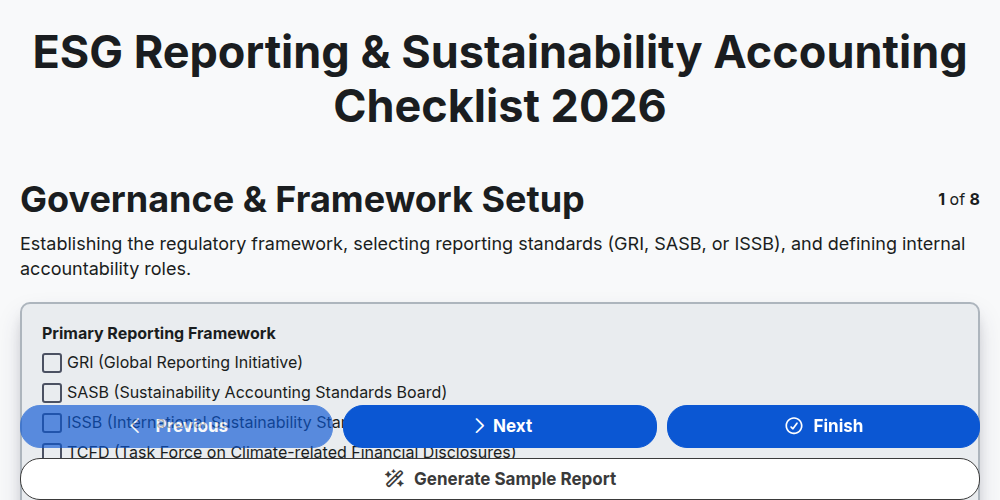
ESG Reporting & Sustainability Accounting Checklist 2026
E-commerce Sales Tax Nexus Assessment Checklist 2026
Mergers & Acquisitions (M&A) Financial Due Diligence Checklist 2026
Fraud Detection & Prevention Control Checklist 2026
Crypto & Digital Asset Accounting Audit Checklist 2026
Need help with
Accounting Management?
Have a question? We're here to help. Please submit your inquiry, and we'll respond promptly.