 ChecklistGuro
 Fraud Detection & Prevention Control Checklist 2026
Protect your organization's financial integrity and mitigate risk with our comprehensive Fraud Detection & Prevention Control Checklist 2026. Designed specifically for accounting managers and internal auditors, this professional-grade template provides a robust framework for identifying vulnerabilities, implementing rigorous internal controls, and establishing proactive monitoring processes. Stay ahead of modern financial threats with actionable audit steps, segregation of duties verification, and automated detection workflows tailored for the 2026 regulatory landscape. Ensure total financial transparency and strengthen your company's defense against embezzlement, unauthorized transactions, and reporting errors.
Segregation of Duties (SoD) Verification
Reviewing organizational structure to ensure no single individual has control over all phases of a financial transaction.
Reviewer Name
Audit Date
Functions Monitored
Conflict Identified
Description of Identified Overlapping Duties
Evidence of Access Rights Review
Compliance Officer Sign-off
Authorization & Approval Controls
Auditing approval workflows for high-value transactions, vendor master file changes, and manual journal entries.
Approval Thresholds Verified
Date of Last Approval Audit
Discrepancy Found in Authorization Workflow
Evidence of Approval (Approval Emails/Signed Memos)
Compliance Officer Attestation
Number of Unauthorized Transactions Identified
Cash & Bank Security Protocols
Verifying controls over wire transfers, electronic funds transfers (EFT), checkstock security, and bank account access levels.
Audit Completion Date
Bank Account Access Review Status
Security Controls Verified
Total Number of Discrepancies Found
Upload Bank Reconciliation Report
Auditor Verification Signature
Vendor & Procurement Integrity
Screening for ghost vendors, verifying vendor legitimacy, and auditing the procurement-to-payment lifecycle for anomalies.
Vendor Verification Status
Vendor Name/ID
Last Audit Date
Compliance Documents Checked
Evidence of Vendor Screening
Discrepancy Notes & Observations
Auditor Approval Signature
Payroll & Employee Master Data Audit
Detecting unauthorized salary changes, ghost employees, and irregular overtime or bonus distributions.
Audit Scope Area
Audit Review Period
Employee Master Data Integrity Status
Total Number of Records Sampled
Description of Identified Discrepancies
Payroll Variance Report
Auditor Confirmation
Data Access & System Security Monitoring
Reviewing ERP access logs, password policies, and monitoring unauthorized attempts to modify financial master data.
Audit Review Date
System/ERP Module Audited
Security Check Completed
Identified Security Anomalies or Vulnerabilities
System Access Logs/Audit Trail Export
IT/Security Auditor Signature
Expense & Reimbursement Forensic Review
Analyzing corporate credit card usage, duplicate invoice submissions, and potential misuse of company assets.
Audit Review Date
Reviewer Name
Expense Categories Audited
Total Transaction Value Reviewed
Identified Discrepancies or Red Flags
Supporting Evidence/Receipt Samples
Auditor Verification Signature
Reconciliation & Exception Reporting
Ensuring all bank, credit, and intercompany reconciliations are performed timely and all discrepancies are investigated.
Reconciliation Completion Date
Account Type Reconciled
Total Unresolved Discrepancy Amount
Identified Discrepancy Types
Description of Identified Exceptions
Upload Reconciled Statement/Report
Reviewer Verification Signature
Whistleblower & Reporting Channels
Evaluating the effectiveness and anonymity of fraud reporting mechanisms and the responsiveness of the investigation process.
Reporting Channel Availability
Whistleblower Policy Version
Last Policy Review Date
Mandatory Training Modules Completed
Internal Audit Report (Incident History)
Notes on Communication Effectiveness
Compliance Officer Attestation
Post-Detection & Incident Response Planning
Reviewing the protocols for investigating identified irregularities and the strength of corrective action plans.
Incident Discovery Date
Incident Description
Detailed Investigation Summary
Initial Severity Level
Root Cause Categories
Evidence Documentation (Logs, Screenshots, or Invoices)
Compliance Officer Acknowledgment
Frequently Asked Questions
Can I customize this template after installing it?
Absolutely. Once installed, you can add, remove, or reorder tasks, add custom fields, and adjust deadlines to fit your specific workflow.
Can I add images or photos to these checklist items?
Yes. Our platform allows you to attach photos, signatures, and notes to any checklist item for better verification and proof of completion.
Can I create a custom checklist from scratch instead of using a template?
Yes. You can use our "Create your own checklist" feature to build a unique workflow tailored exactly to your operational requirements.
Can I add dependencies between tasks?
Yes, you can set up conditional logic and dependencies to ensure your team follows the correct sequence of operations.
Can I assign specific checklist items to different team members?
Yes. You can assign individual tasks to specific employees, ensuring clear accountability across your entire team.
Can I use these checklists on mobile devices in the field?
Yes. Our platform is fully responsive, allowing your team to complete, update, and upload photos to checklists directly from any smartphone or tablet.
How do I notify my manager when a checklist is completed?
You can set up automated notifications (via email, push notification, or in-app alerts) to trigger whenever a checklist is finished or if an item fails inspection.
Can multiple people work on the same checklist simultaneously?
Yes, the platform supports real-time updates, allowing multiple users to contribute to a single live checklist.
Where is the data from completed checklists stored?
All completed checklists are stored securely in your Work OS dashboard, creating a permanent, searchable audit trail of your operations.
Can I generate reports based on my checklist results?
Yes. You can track completion rates, identify recurring issues, and monitor team performance through our integrated reporting and analytics tools.
How can I use these checklists for compliance or auditing purposes?
Because our checklists capture timestamps, photos, and digital signatures, they serve as a robust digital paper trail for regulatory compliance and internal audits.
Can I export my completed checklist data for use in other tools?
Yes. You can export your data in various formats (CSV, Excel, etc.) to integrate your operational insights with your other business software.
Comments
There are no comments yet. Be the first to add one!
Accounting Management Solution Demo
Move beyond rigid, one-size-fits-all software. Leverage a fully programmable accounting environment designed to adapt to your unique workflows, complex hierarchies, and evolving business logic.
Related Checklist Templates
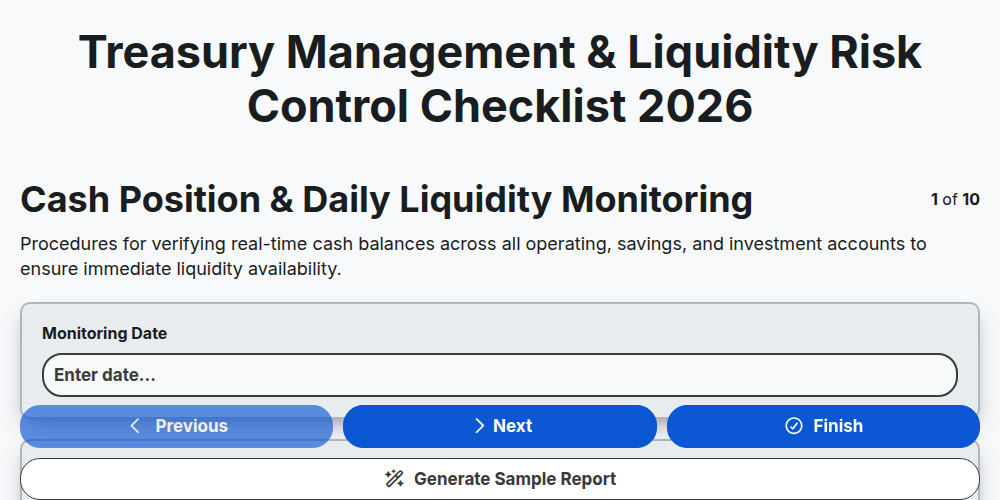
Treasury Management & Liquidity Risk Control Checklist 2026
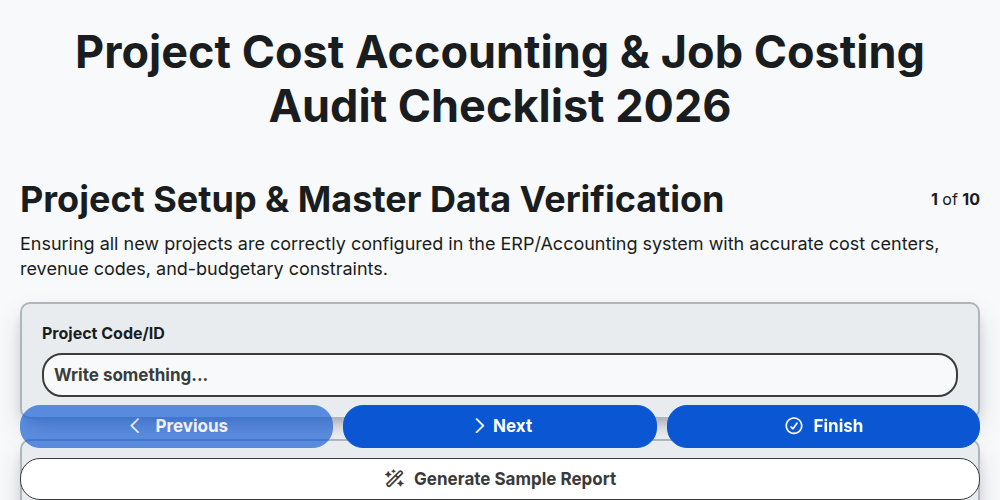
Project Cost Accounting & Job Costing Audit Checklist 2026
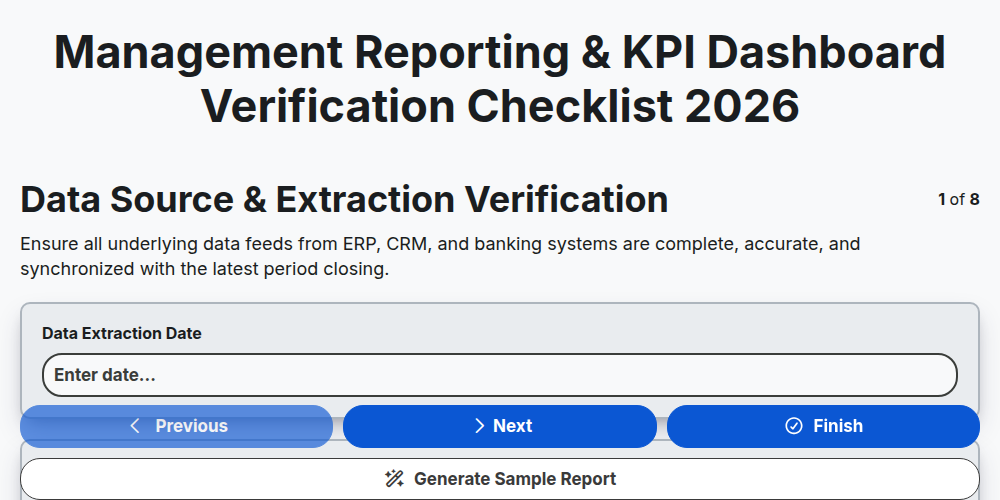
Management Reporting & KPI Dashboard Verification Checklist 2026
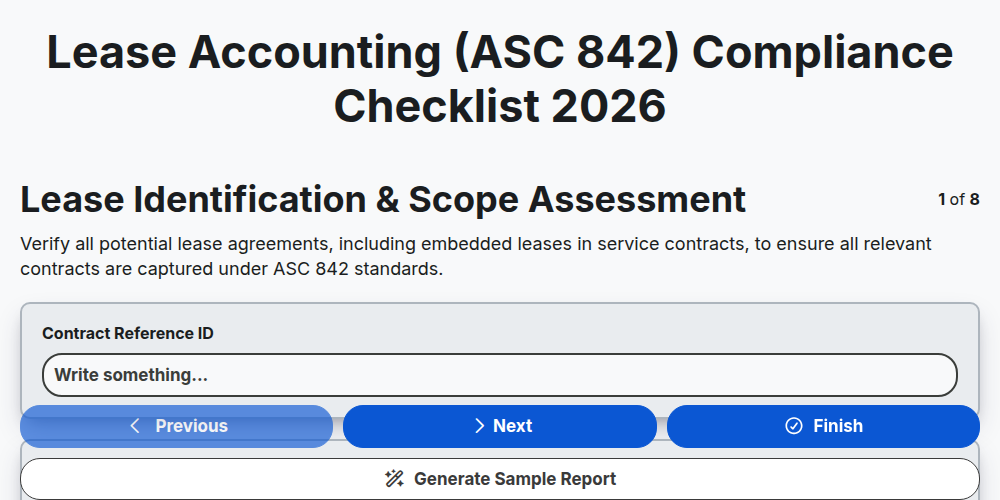
Lease Accounting (ASC 842) Compliance Checklist 2026
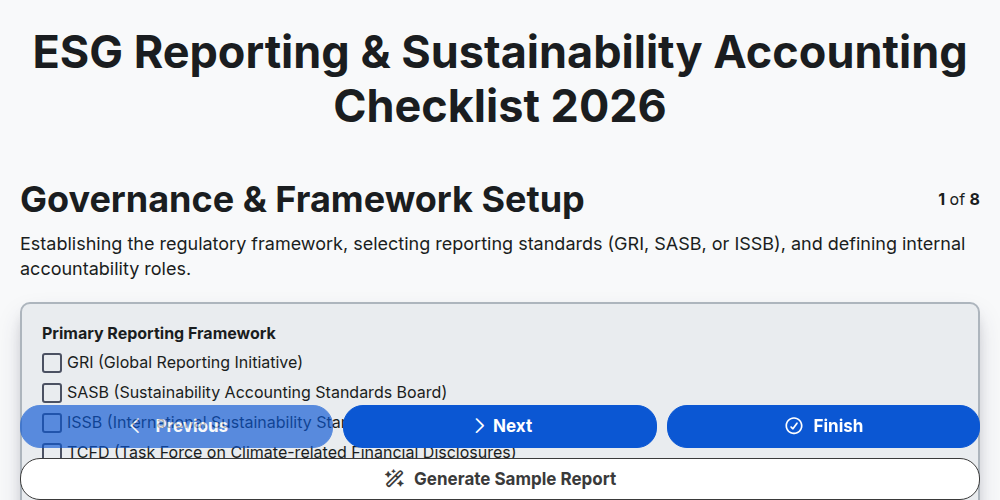
ESG Reporting & Sustainability Accounting Checklist 2026
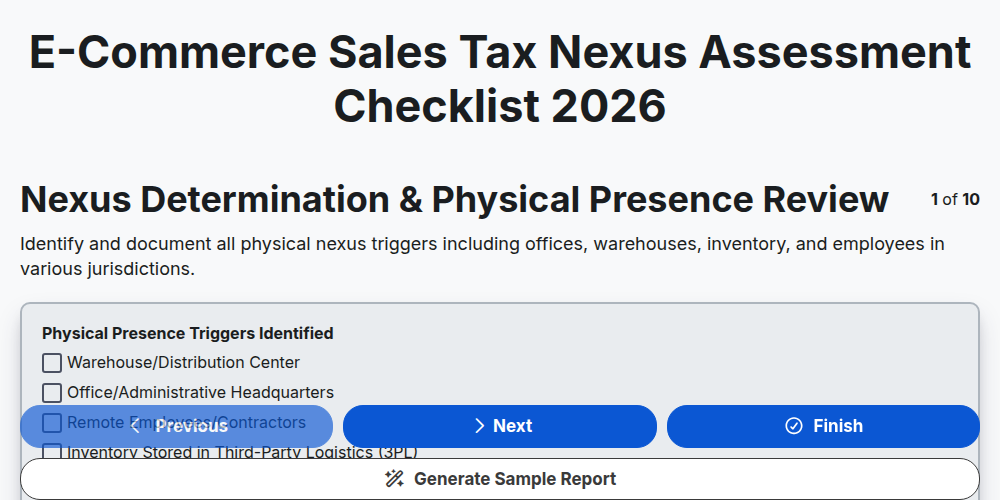
E-commerce Sales Tax Nexus Assessment Checklist 2026
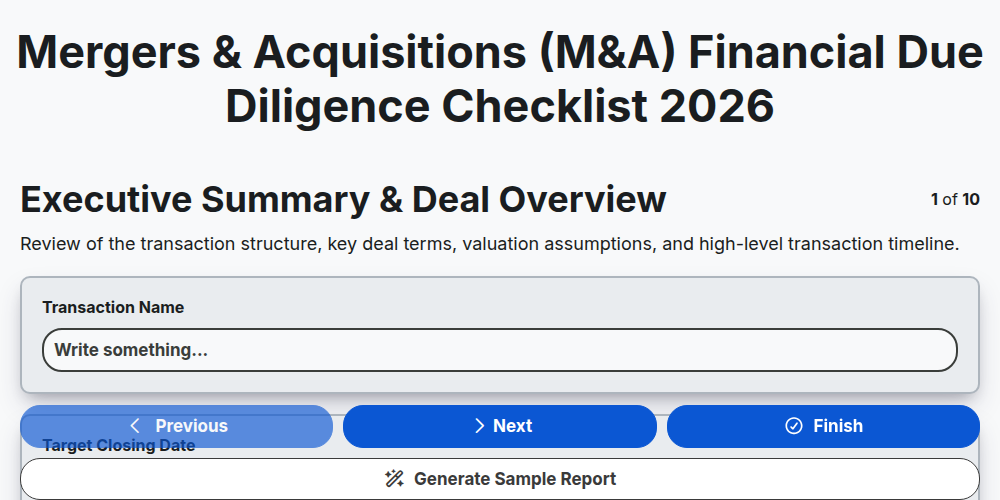
Mergers & Acquisitions (M&A) Financial Due Diligence Checklist 2026
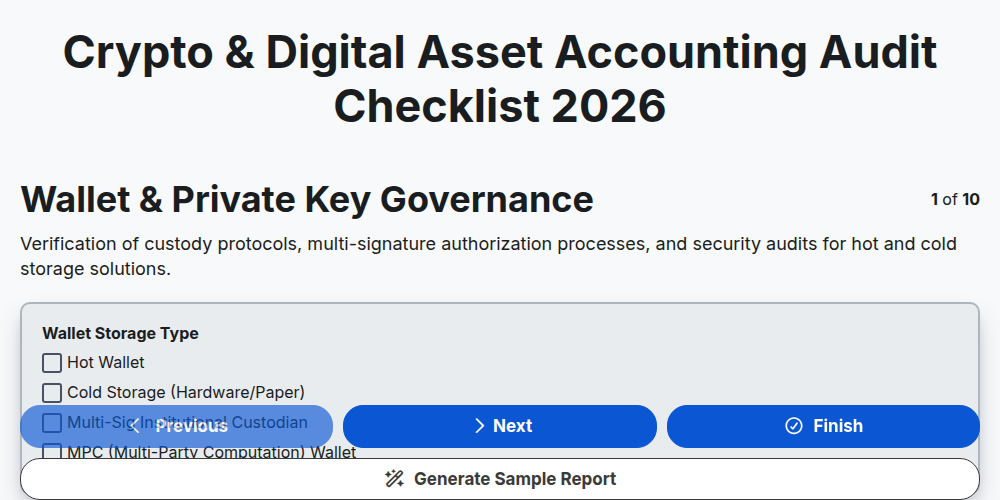
Crypto & Digital Asset Accounting Audit Checklist 2026
Need help with
Accounting Management?
Have a question? We're here to help. Please submit your inquiry, and we'll respond promptly.