 ChecklistGuro
 Automotive Customer Satisfaction Survey Follow-Up Checklist
Don't let valuable customer feedback fade away! This Automotive Customer Satisfaction Survey Follow-Up Checklist ensures every comment is addressed, boosting loyalty and improving your dealership's reputation. Streamline follow-up, resolve concerns, and turn happy customers into brand advocates - download your checklist today!
This Template was installed 1 times.
Survey Response Review
Initial review of survey responses and identification of key areas for follow-up.
Survey Score
Overall Sentiment (Positive, Negative, Neutral)
Summary of Key Comments
Immediate Action Required?
Survey Completion Date
Customer Name
Negative Feedback Handling
Specific actions to address negative feedback received from customers.
Customer Complaint Details
Complaint Category
Severity Score (1-5, 1=Lowest)
Impacted Departments
Date of Resolution Target
Resolution Plan
Resolution Status
Resolution Confirmation (Manager)
Positive Feedback Acknowledgment
Steps to acknowledge and leverage positive customer feedback.
Method of Acknowledgment
Customer Name
Specific Positive Comment from Survey
Personalized Acknowledgment Message (Details)
Date of Acknowledgment
Team Member Responsible
Issue Resolution & Follow-Up
Tracking and ensuring resolution of any issues raised in the survey.
Detailed Description of Issue
Date Issue Reported
Issue Priority (1-10)
Assigned to
Target Resolution Date
Resolution Steps Taken
Resolution Status
Customer Confirmation Notes
Service Improvement Recommendations
Documenting and sharing insights to improve overall customer experience.
Detailed Description of Improvement Recommendation
Estimated Implementation Cost (USD)
Priority Level (High, Medium, Low)
Proposed Implementation Date
Relevant Departments Affected
Rationale / Supporting Data for Recommendation
Team Training & Communication
Identifying training needs and communicating customer feedback to relevant teams.
Summary of Customer Feedback Trends
Areas for Team Training Focus
Next Team Training Session Date
Trainer Name/Department
Number of Team Members Attended Training
Key Takeaways from Training Session
Documentation & Record Keeping
Maintaining accurate records of follow-up actions and resolutions.
Date of Follow-Up Action
Detailed Notes on Follow-Up Conversation/Action
Resolution Status
Case/Ticket Number (if applicable)
Supporting Documents (e.g., Repair Order, Email Correspondence)
Follow-Up Team Member Initials
Comments
There are no comments yet. Be the first to add one!
Automotive Manufacturing Management Solution Demo
Optimize your automotive production! ChecklistGuro digitizes workflows, from parts inspection to final testing. Reduce errors, boost efficiency & ensure quality compliance. Drive results with our Work OS.
Related Checklist Templates
Automotive Dealership Security Audit Checklist
Automotive Customer Loyalty Program Management Checklist
Automotive Electric Vehicle (EV) Charging Station Maintenance Checklist
Automotive Data Privacy Compliance Checklist
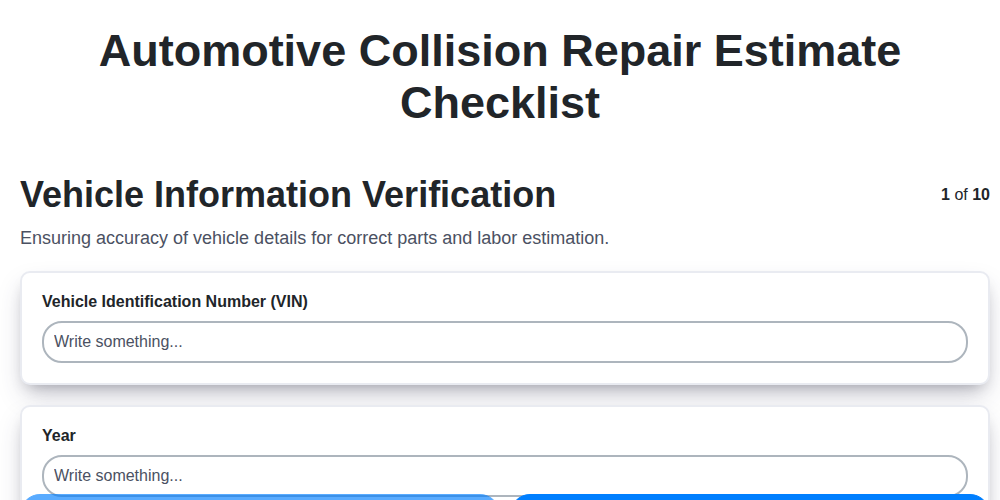
Automotive Collision Repair Estimate Checklist

Automotive Refurbishment Process Checklist

Automotive Workshop Health and Safety Checklist

Automotive Sales Team Performance Tracking Checklist
We can do it Together
Need help with
Automotive?
Have a question? We're here to help. Please submit your inquiry, and we'll respond promptly.