 ChecklistGuro
Automotive Digital Marketing Audit Checklist
Ensure your dealership's online presence is driving sales! This Automotive Digital Marketing Audit Checklist covers everything from website SEO to social media engagement, pinpointing areas for improvement and maximizing your ROI. Don't leave opportunities on the table - download now and optimize your digital game!
This Template was installed 5 times.
Website Performance
Assess website speed, mobile-friendliness, and technical SEO.
Page Load Time (Seconds)
Mobile-Friendly Assessment
Core Web Vitals - LCP (Largest Contentful Paint, Seconds)
Core Web Vitals - FID (First Input Delay, Milliseconds)
Core Web Vitals - CLS (Cumulative Layout Shift, Score)
SSL Certificate Status
SEO Keyword Analysis
Evaluate keyword rankings, search volume, and competitive landscape.
Total Number of Keywords Tracked
Primary Keyword Research Tool Used
Average Keyword Ranking Position (across top 20 keywords)
Top 3 Competitor Domains Targeting Similar Keywords
List 5 Target Keywords with Highest Search Volume
Estimated Monthly Search Volume (for top 3 keywords)
Content Marketing Review
Analyze blog posts, videos, and other content for engagement and effectiveness.
Total Blog Posts Published (Last 6 Months)
Average Blog Post Views (Last 30 Days)
Primary Content Type Focus
Summary of Top-Performing Content (Last 3 Months)
Content Distribution Channels Used
Last Content Audit Date
Social Media Presence
Evaluate social media profiles, engagement rates, and follower growth.
Total Followers (All Platforms)
Average Post Engagement Rate (%)
Primary Social Media Platforms Used
Content Pillars (Topics)
Last Content Audit Date
Paid Advertising Campaigns (PPC)
Review Google Ads, social media ads, and other paid advertising performance.
Daily Ad Spend
Conversion Rate (%)
Click-Through Rate (CTR) (%)
Campaign Goal (e.g., Leads, Sales)
Campaign Platforms (e.g., Google Ads, Bing Ads, Social Media)
Notes on Campaign Performance
Local SEO Optimization
Assess Google My Business profile, local citations, and online reviews.
Google My Business Profile Views (Last 30 Days)
Google My Business Profile Actions (Calls, Directions, Website Visits)
Google My Business Category Accuracy
NAP Consistency (Name, Address, Phone)
Primary Service Area (Radius in Miles)
Number of Local Citations (NAP Listings)
Review Response Policy Implemented?
Email Marketing Effectiveness
Evaluate email open rates, click-through rates, and list segmentation.
Average Open Rate (%)
Average Click-Through Rate (%)
Conversion Rate (%)
List Segmentation Strategy
Email Automation Usage
Describe Email Personalization Efforts
Last List Cleaning Date
Website Analytics & Tracking
Verify accurate Google Analytics setup, goal tracking, and conversion monitoring.
Google Analytics Account Verification Status (1=Verified, 0=Not Verified)
Current Monthly Website Sessions
Conversion Rate (%)
Bounce Rate (%)
Last Google Analytics Goal Configuration Date
Google Tag Manager (GTM) Implementation Status
Notes on Data Anomalies or Unexpected Trends
Reputation Management & Online Reviews
Monitor online reviews on platforms like Google, Yelp, and DealerRater.
Google Review Score (Current)
Yelp Rating (Current)
DealerRater Rating (Current)
Overall Sentiment (Past Month)
Summary of Recent Review Trends
Date of Last Review Response Audit
Review Response Policy Followed?
Competitive Analysis
Identify competitor strengths and weaknesses in their digital marketing efforts.
Competitor 1: Overall Digital Presence Strength (vs. Our Business)
Estimated Competitor 1 Website Traffic (Monthly)
Competitor 1: Key Differentiator (e.g., Price, Service)
Competitor 1: Observed Strengths in Digital Marketing
Competitor 1: Observed Weaknesses in Digital Marketing
Competitor 2: Overall Digital Presence Strength (vs. Our Business)
Frequently Asked Questions
Can I customize this template after installing it?
Absolutely. Once installed, you can add, remove, or reorder tasks, add custom fields, and adjust deadlines to fit your specific workflow.
Can I add images or photos to these checklist items?
Yes. Our platform allows you to attach photos, signatures, and notes to any checklist item for better verification and proof of completion.
Can I create a custom checklist from scratch instead of using a template?
Yes. You can use our "Create your own checklist" feature to build a unique workflow tailored exactly to your operational requirements.
Can I add dependencies between tasks?
Yes, you can set up conditional logic and dependencies to ensure your team follows the correct sequence of operations.
Can I assign specific checklist items to different team members?
Yes. You can assign individual tasks to specific employees, ensuring clear accountability across your entire team.
Can I use these checklists on mobile devices in the field?
Yes. Our platform is fully responsive, allowing your team to complete, update, and upload photos to checklists directly from any smartphone or tablet.
How do I notify my manager when a checklist is completed?
You can set up automated notifications (via email, push notification, or in-app alerts) to trigger whenever a checklist is finished or if an item fails inspection.
Can multiple people work on the same checklist simultaneously?
Yes, the platform supports real-time updates, allowing multiple users to contribute to a single live checklist.
Where is the data from completed checklists stored?
All completed checklists are stored securely in your Work OS dashboard, creating a permanent, searchable audit trail of your operations.
Can I generate reports based on my checklist results?
Yes. You can track completion rates, identify recurring issues, and monitor team performance through our integrated reporting and analytics tools.
How can I use these checklists for compliance or auditing purposes?
Because our checklists capture timestamps, photos, and digital signatures, they serve as a robust digital paper trail for regulatory compliance and internal audits.
Can I export my completed checklist data for use in other tools?
Yes. You can export your data in various formats (CSV, Excel, etc.) to integrate your operational insights with your other business software.
Comments
There are no comments yet. Be the first to add one!
Automotive Manufacturing Management Solution Demo
Optimize your automotive production! ChecklistGuro digitizes workflows, from parts inspection to final testing. Reduce errors, boost efficiency & ensure quality compliance. Drive results with our Work OS.
Related Checklist Templates
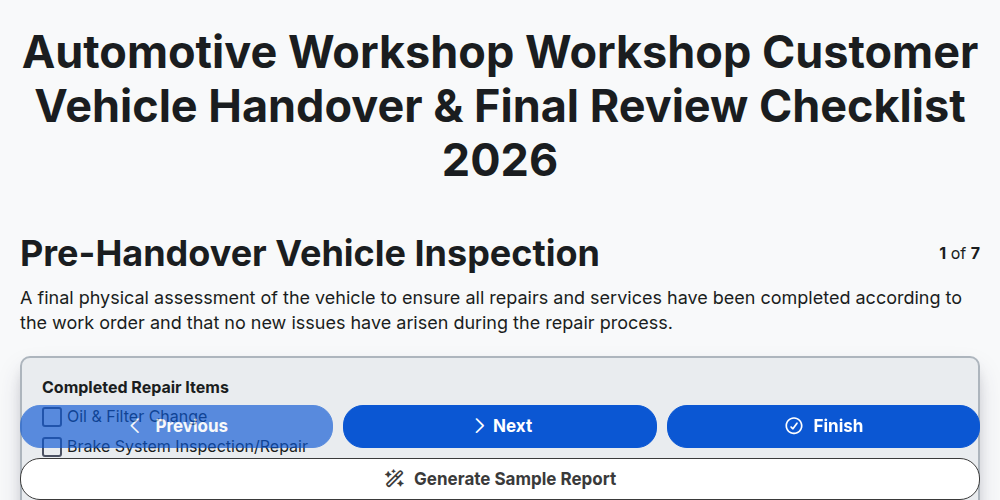
Automotive Workshop Workshop Customer Vehicle Handover & Final Review Checklist 2026
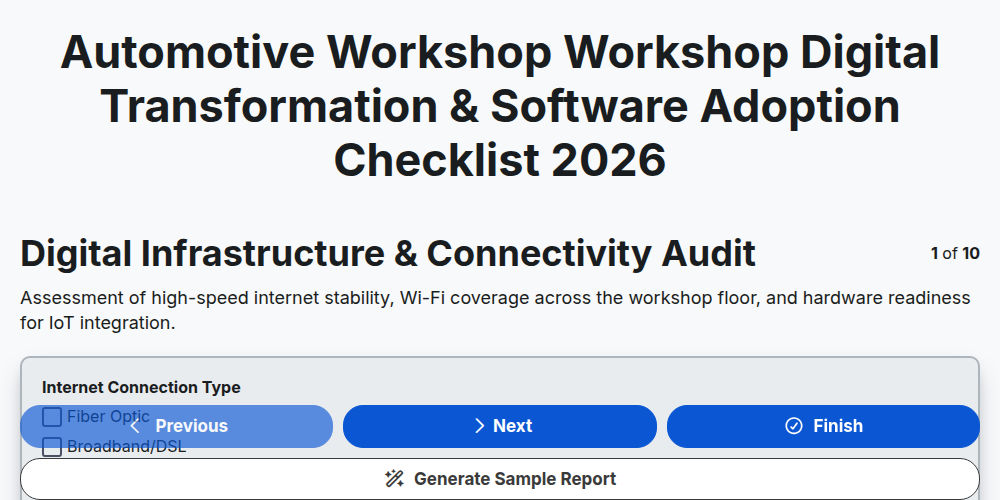
Automotive Workshop Workshop Digital Transformation & Software Adoption Checklist 2026
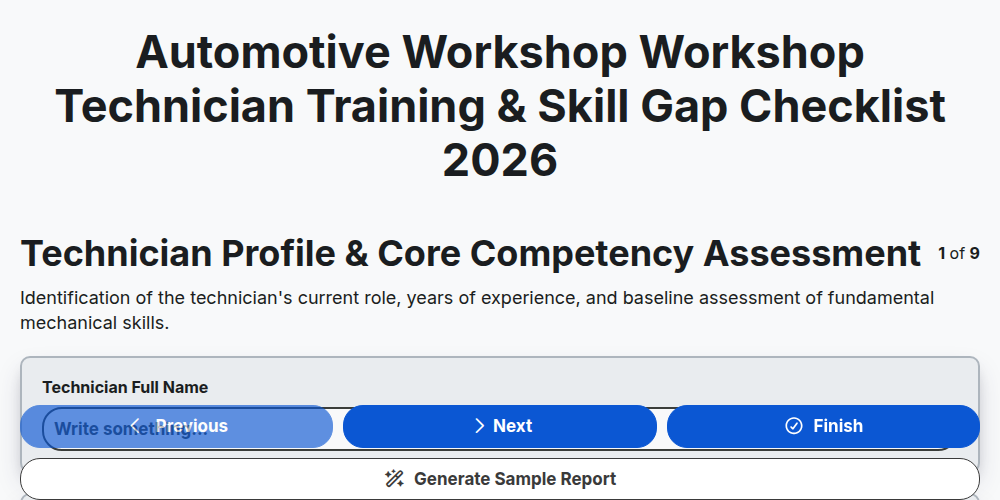
Automotive Workshop Workshop Technician Training & Skill Gap Checklist 2026
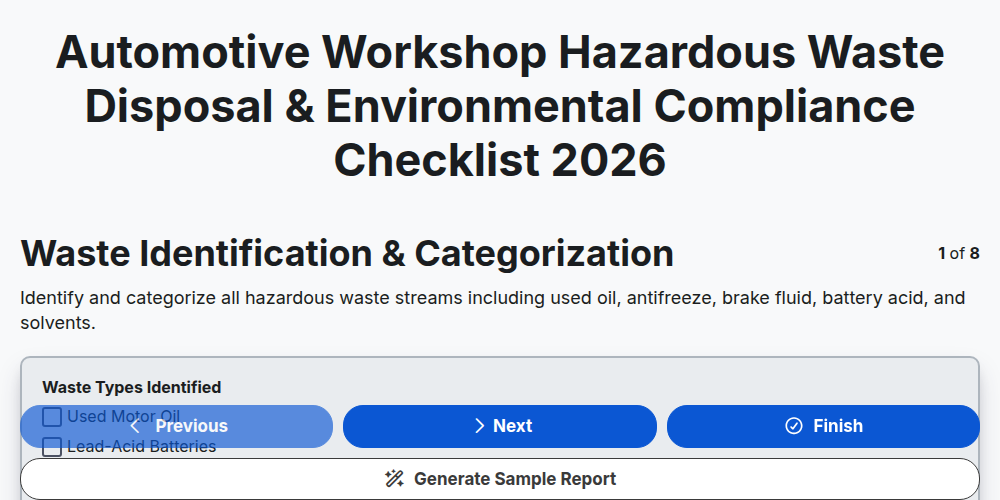
Automotive Workshop Hazardous Waste Disposal & Environmental Compliance Checklist 2026
Automotive Workshop Pre-Delivery Inspection (PDI) Quality Control Checklist 2026
Automotive Workshop Floor Management & Workflow Optimization Checklist 2026
Automotive Supply Chain & Vendor Performance Audit Checklist 2026
Automotive Workshop Daily Opening & Closing Procedures Checklist 2026
Need help with
Automotive?
Have a question? We're here to help. Please submit your inquiry, and we'll respond promptly.