 ChecklistGuro
 Automotive Online Reputation Management Checklist
Protect your dealership's image! This Automotive Online Reputation Management Checklist provides a step-by-step guide to monitor reviews, respond effectively, and build a stellar online presence. Boost customer trust and drive sales - start managing your reputation like a pro today!
This Template was installed 4 times.
Monitoring & Alerts
Setting up tools and alerts to track online mentions and reviews.
Review Platform Selection
Alert Frequency (Days)
Last Alert Review Date
Keywords to Monitor (comma-separated)
Alert Delivery Method
Email Address for Alerts
Review Site Management (Google, Yelp, etc.)
Ensuring profiles are claimed, complete, and accurate across major review platforms.
Google Business Profile Claimed?
Yelp Business Profile Claimed?
Facebook Business Page Created?
Summary of Google Business Profile Description
Number of Photos on Google Business Profile
Date of Last Google Business Profile Update
BBB Profile Exists?
Review Response Strategy
Developing and implementing guidelines for responding to both positive and negative reviews.
Review Response Tone
Average Response Time (hours)
Escalation Protocol
Template for Positive Reviews
Template for Negative Reviews - Acknowledge Issue
Template for Negative Reviews - Offer Solution
Who is authorized to respond?
Social Media Monitoring
Tracking brand mentions and sentiment across social media channels.
Social Media Platforms Monitored
Frequency of Monitoring (per day)
Keywords/Hashtags Tracked (separated by commas)
Summary of Recent Social Media Mentions
Sentiment Analysis Tool Used (if any)
Last Social Media Monitoring Review Date
Online Forum and Community Tracking
Monitoring relevant automotive forums and online communities for brand mentions and feedback.
Primary Forums to Monitor
Keywords & Phrases to Track
Frequency of Forum Checks (per day)
Notification Preferences
Last Forum Monitoring Review Date
Forum/Community URL
SEO & Keyword Reputation
Analyzing search results for brand-related keywords and addressing negative or inaccurate information.
Primary Brand Keyword(s)
Current Ranking (Keyword 1)
Target Ranking (Keyword 1)
Google Search Result Analysis
Notes on Negative Search Results
Screenshot of Google Search Results
Bing Search Result Analysis
Crisis Management Protocol
Establishing a plan for responding to significant negative events or crises that impact online reputation.
Crisis Definition & Triggers
Designated Crisis Management Team Lead
Escalation Threshold for Negative Mentions
Initial Response Template (for immediate acknowledgment)
Approved Communication Channels (for crisis updates)
Date of Last Crisis Management Plan Review
Staff Training & Guidelines
Educating employees on best practices for online interaction and reputation management.
Review Response Tone Guidelines
Approved Platforms for Responding to Reviews
Time Allowed Per Day for Review Response (Minutes)
Escalation Protocol for Negative Reviews
Examples of Professional Review Responses (Positive & Negative)
Reporting & Analysis
Tracking key metrics and generating reports to assess the effectiveness of reputation management efforts.
Total Number of Reviews Received (Monthly)
Average Star Rating (Monthly)
Number of Reviews Responded To (Monthly)
Average Response Time (Hours)
Overall Sentiment Trend (Compared to Previous Period)
Date of Last Reputation Report
Summary of Key Findings & Recommendations
Legal Compliance
Ensuring adherence to relevant legal guidelines related to online reviews and endorsements.
FTC Endorsement Guidelines Acknowledgment
Last Review of Legal Agreements Date
Summary of Review & Updates to Legal Practices (if any)
Compliance with Truth in Lending Act (TILA)
Compliance with Fair Credit Reporting Act (FCRA)
Copy of Current Legal Disclosures
Comments
There are no comments yet. Be the first to add one!
Automotive Manufacturing Management Solution Demo
Optimize your automotive production! ChecklistGuro digitizes workflows, from parts inspection to final testing. Reduce errors, boost efficiency & ensure quality compliance. Drive results with our Work OS.
Related Checklist Templates
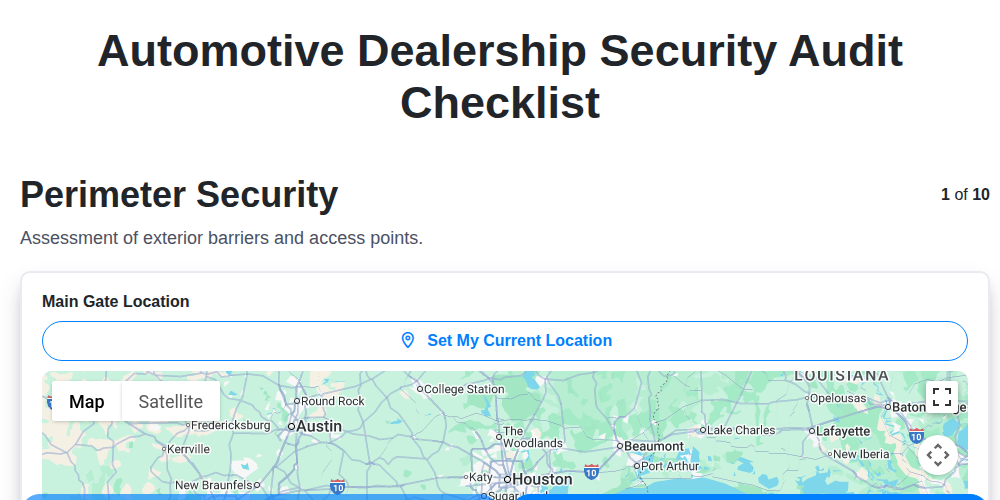
Automotive Dealership Security Audit Checklist
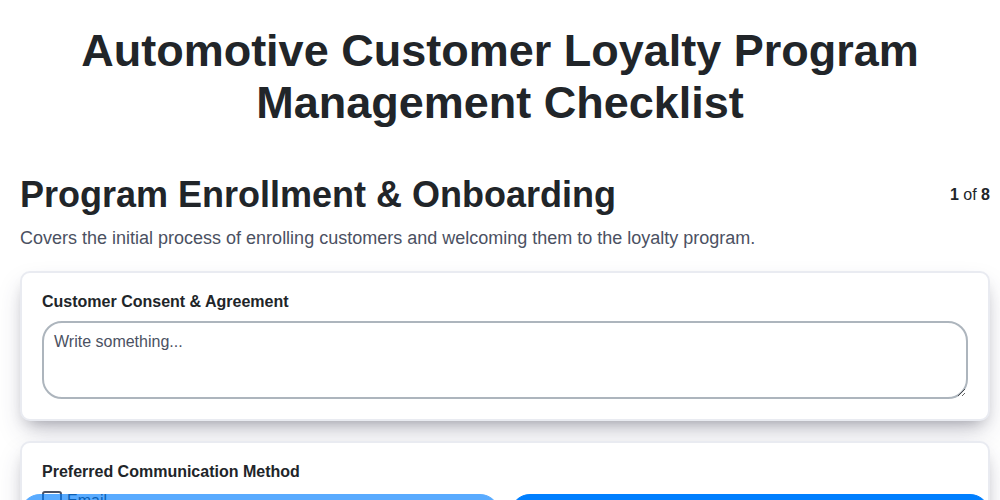
Automotive Customer Loyalty Program Management Checklist
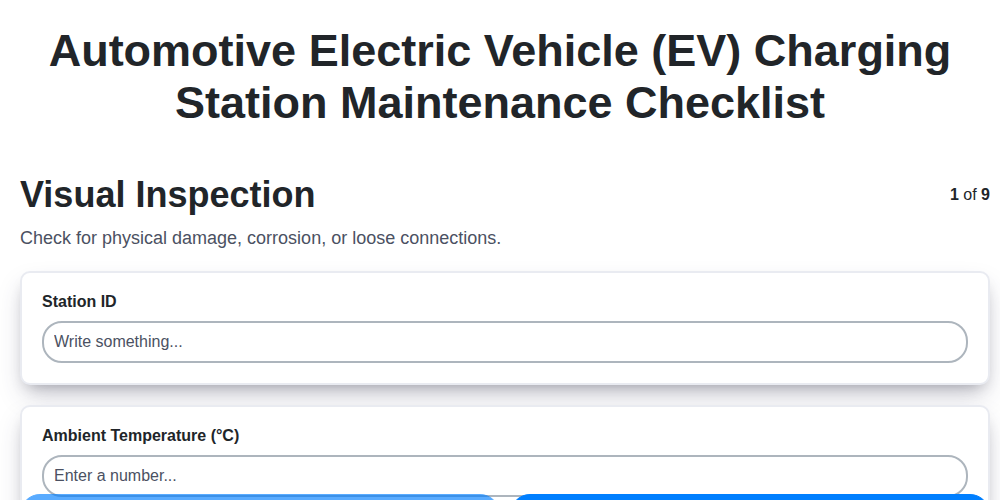
Automotive Electric Vehicle (EV) Charging Station Maintenance Checklist
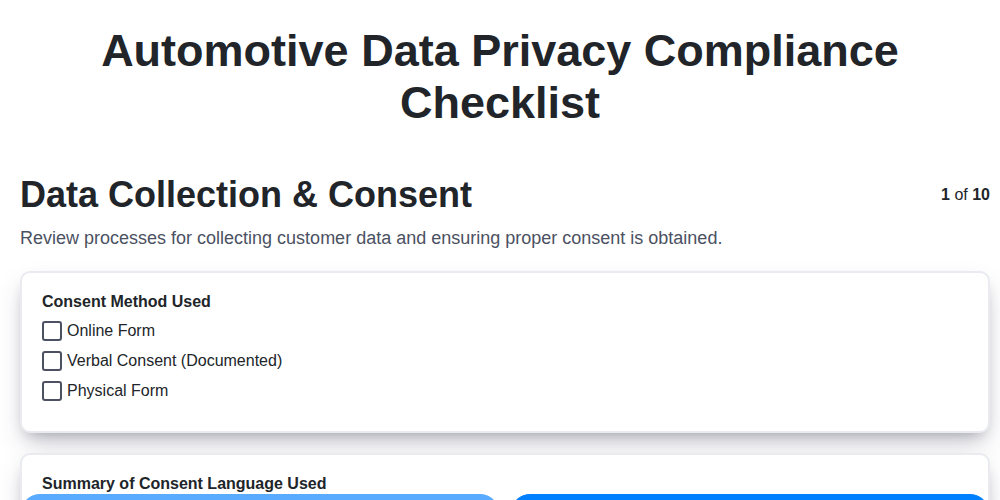
Automotive Data Privacy Compliance Checklist
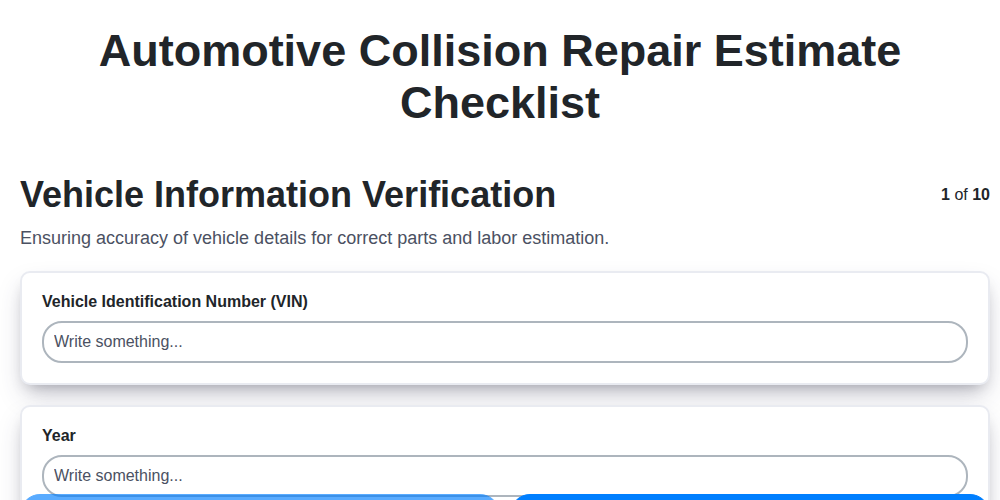
Automotive Collision Repair Estimate Checklist

Automotive Refurbishment Process Checklist

Automotive Workshop Health and Safety Checklist

Automotive Sales Team Performance Tracking Checklist
We can do it Together
Need help with
Automotive?
Have a question? We're here to help. Please submit your inquiry, and we'll respond promptly.