 ChecklistGuro
Disability Case Management Checklist Template
Simplify disability case management! Our checklist template ensures compliance, tracks progress, and delivers consistent outcomes-saving time and improving client care. Download now!
This Template was installed 1 times.
Initial Assessment & Intake
Gathering initial information and determining eligibility.
Client Full Name
Date of Initial Contact
Referral Source (if applicable)
Client Age
Primary Disability Type
Brief Description of Presenting Concerns
Date of Birth
Documentation & Verification
Collecting and verifying supporting documentation.
Date of Application Received
Proof of Identity (e.g., Driver's License, Passport)
Social Security Card or Documentation
Social Security Number
Proof of Residency (e.g., Utility Bill, Lease Agreement)
Description of Disability and Functional Limitations
Type of Disability
Date of Disability Onset
Service Planning & Coordination
Developing a service plan and coordinating with relevant providers.
Primary Service Needs
Service Providers Involved
Service Plan Start Date
Service Plan Review Date
Service Plan Goals & Objectives
Estimated Service Hours/Week
Communication Method with Service Providers
Benefit Application Assistance
Assisting with applications for disability benefits (e.g., SSDI, SSI).
Benefit Program Applied For
Application Submission Date
Description of Barriers to Application
Estimated Income (Annual)
Supporting Documentation (e.g., Tax Returns)
Representation Status
Attorney Name (if applicable)
Medical Records Review
Reviewing medical records for eligibility and service needs.
Record Received Date
Summary of Medical History
Number of Physician Visits
Diagnosis Documentation
Relevant Medical Conditions
Uploaded Medical Records
Progress Monitoring & Reporting
Tracking progress towards goals and reporting to relevant parties.
Date of Progress Review
Progress Score (e.g., 1-10)
Summary of Progress Made
Challenges Encountered
Service Plan Adjustments Needed?
Notes on Service Plan Adjustments
Areas Requiring Further Support
Case Manager Signature
Next Review Date
Legal Advocacy & Support
Providing legal advocacy and support as needed.
Summary of Legal Issue
Type of Legal Assistance Provided
Date of Legal Action/Communication
Details of Communication with Legal Representatives
Supporting Legal Documents (e.g., correspondence, affidavits)
Outcome of Legal Action/Communication
Appeals & Hearings
Assisting with appeals and hearings related to disability benefits.
Appeal Filing Date
Reason for Appeal
Appeal Level
Supporting Documentation (e.g., Medical Records, Correspondence)
Appeal Reference Number (if applicable)
Hearing Date (if scheduled)
Hearing Time (if scheduled)
Case Closure & Transition
Properly closing the case and transitioning services.
Case Closure Date
Summary of Case Progress & Outcomes
Reason for Case Closure
Additional Notes/Comments
Final Documentation Upload (Optional)
Case Manager Signature
Compliance & Audit
Ensuring compliance with regulations and preparing for audits.
Last Compliance Review Date
Applicable Regulations (select all that apply)
Number of Audits Conducted This Year
Summary of Audit Findings
Audit Documentation
Corrective Action Plan Status
Date of Next Scheduled Audit
Frequently Asked Questions
Can I customize this template after installing it?
Absolutely. Once installed, you can add, remove, or reorder tasks, add custom fields, and adjust deadlines to fit your specific workflow.
Can I add images or photos to these checklist items?
Yes. Our platform allows you to attach photos, signatures, and notes to any checklist item for better verification and proof of completion.
Can I create a custom checklist from scratch instead of using a template?
Yes. You can use our "Create your own checklist" feature to build a unique workflow tailored exactly to your operational requirements.
Can I add dependencies between tasks?
Yes, you can set up conditional logic and dependencies to ensure your team follows the correct sequence of operations.
Can I assign specific checklist items to different team members?
Yes. You can assign individual tasks to specific employees, ensuring clear accountability across your entire team.
Can I use these checklists on mobile devices in the field?
Yes. Our platform is fully responsive, allowing your team to complete, update, and upload photos to checklists directly from any smartphone or tablet.
How do I notify my manager when a checklist is completed?
You can set up automated notifications (via email, push notification, or in-app alerts) to trigger whenever a checklist is finished or if an item fails inspection.
Can multiple people work on the same checklist simultaneously?
Yes, the platform supports real-time updates, allowing multiple users to contribute to a single live checklist.
Where is the data from completed checklists stored?
All completed checklists are stored securely in your Work OS dashboard, creating a permanent, searchable audit trail of your operations.
Can I generate reports based on my checklist results?
Yes. You can track completion rates, identify recurring issues, and monitor team performance through our integrated reporting and analytics tools.
How can I use these checklists for compliance or auditing purposes?
Because our checklists capture timestamps, photos, and digital signatures, they serve as a robust digital paper trail for regulatory compliance and internal audits.
Can I export my completed checklist data for use in other tools?
Yes. You can export your data in various formats (CSV, Excel, etc.) to integrate your operational insights with your other business software.
Comments
There are no comments yet. Be the first to add one!
Case Management Solution Demo
Streamline your casework & improve outcomes! ChecklistGuro centralizes case details, tasks, & communication. Enhance efficiency, ensure compliance, & deliver exceptional service. Manage it all with our Work OS.
Related Checklist Templates
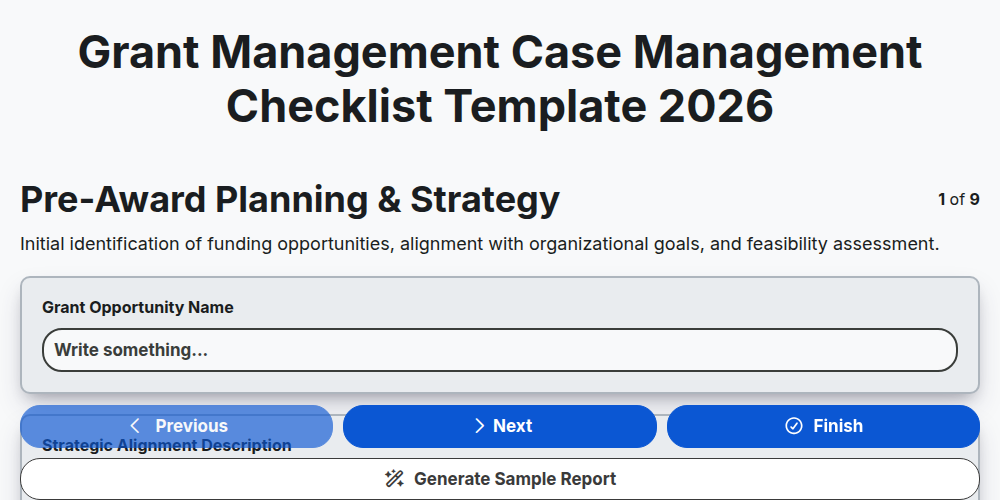
Grant Management Case Management Checklist Template 2026
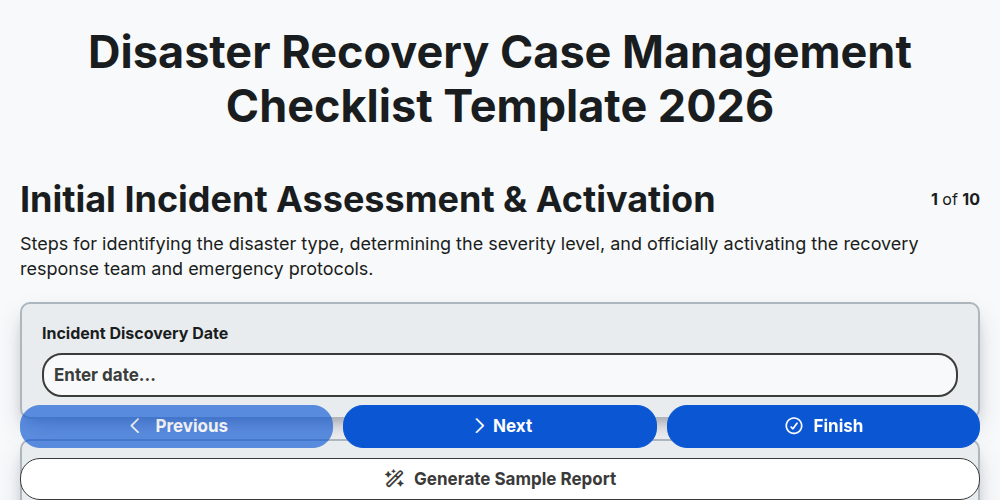
Disaster Recovery Case Management Checklist Template 2026
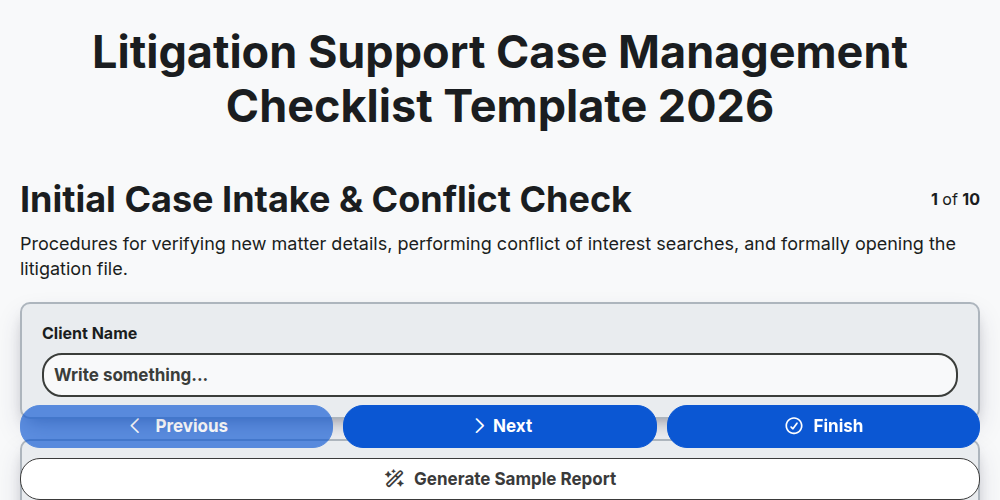
Litigation Support Case Management Checklist Template 2026
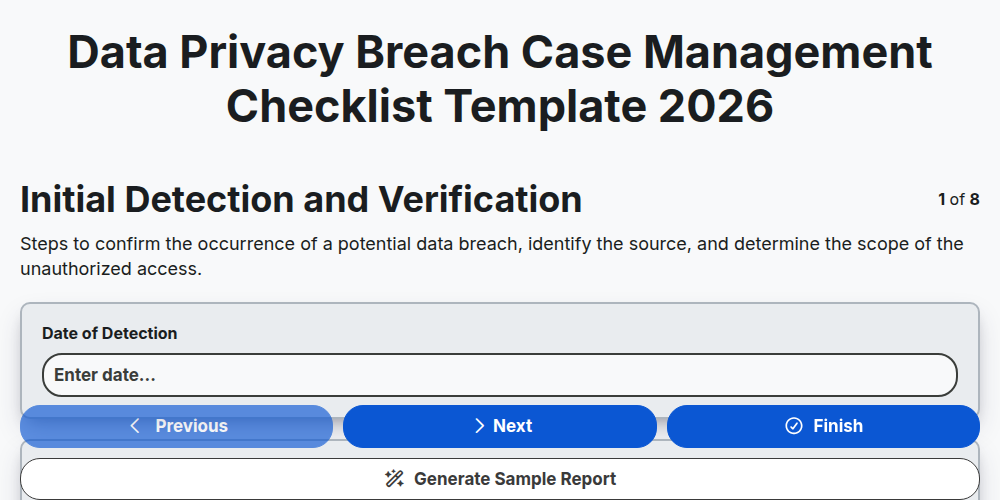
Data Privacy Breach Case Management Checklist Template 2026
Crisis Communication Case Management Checklist Template 2026
Corporate Compliance Case Management Checklist Template 2026
Supply Chain Disruption Case Management Checklist Template 2026
Public Health Crisis Case Management Checklist Template 2026
Need help with
Case Management?
Have a question? We're here to help. Please submit your inquiry, and we'll respond promptly.