 ChecklistGuro
Financial Case Management Checklist Template
Streamline your financial case management process! This checklist template ensures compliance, minimizes risk, and delivers consistent results. Download now and optimize your workflows.
This Template was installed 4 times.
Client Intake & Assessment
Initial data gathering and assessment of client's financial situation.
Client Background & History
Annual Gross Income
Estimated Monthly Expenses
Employment Status
Date of Initial Contact
Primary Financial Concerns
Client's Goals (Brief Summary)
Budget Creation & Analysis
Developing a realistic budget and analyzing spending patterns.
Monthly Income (Net)
Monthly Rent/Mortgage Payment
Monthly Utilities (Estimate)
Monthly Food Expenses
Monthly Transportation Costs
Monthly Debt Payments (Minimum)
Monthly Entertainment/Recreation
Monthly Healthcare Expenses
Debt Management Strategies
Planning and implementing strategies to manage and reduce debt.
Debt Prioritization Method
Total Outstanding Debt
Monthly Debt Payments
Debt Negotiation Start Date
Notes on Debt Negotiation Strategy
Debt Consolidation Option (if applicable)
Interest Rate (Consolidated Loan/Credit Card)
Credit Report Review & Repair
Analyzing credit reports, identifying errors, and developing a plan for credit improvement.
Credit Report Retrieval Date
Summary of Credit Report Findings
Identified Credit Report Errors?
Detailed Description of Errors Identified
Dispute Resolution Status
Dispute Submission Date (if applicable)
Correspondence with Credit Bureaus (Notes)
Supporting Documentation (e.g., identity verification)
Asset Identification & Protection
Identifying and safeguarding client assets.
Detailed Inventory of Bank Accounts
Estimated Value of Real Estate
Copies of Investment Statements
Value of Vehicles (if applicable)
Description of Personal Property (jewelry, collections, etc.)
Ownership Structure (Sole, Joint, Trust)
Financial Education & Resources
Providing financial literacy training and resources.
Explanation of Budgeting Basics
Understanding Credit Scores & Reports
Recommended Financial Literacy Website
Relevant Financial Topics Discussed
Client Handouts/Resources
Number of Educational Sessions Completed
Goal Setting & Progress Tracking
Defining financial goals and monitoring progress towards achieving them.
Target Savings Amount
Target Date for Savings Goal
Current Debt Amount
Target Debt Reduction (Amount)
Target Debt Reduction Date
Progress Toward Goal (Overall)
Notes on Progress & Challenges
Documentation & Record Keeping
Maintaining accurate and complete records of all client interactions and financial plans.
Client Financial Assessment Notes
Initial Financial Documents (Pay Stubs, Bank Statements)
Document Review Date
Page Count of Key Documents
Document Storage Location (Digital/Physical)
Summary of Reviewed Documents
Reviewer Signature
Regular Review & Adjustments
Periodically reviewing the financial plan and making necessary adjustments based on changing circumstances.
Review Date
Summary of Current Financial Status
Income Change (vs. Previous Review)
Expense Change (vs. Previous Review)
Significant Life Events?
Details of Life Events (if applicable)
Goal Progress Assessment
Notes/Recommendations for Adjustment
Case Closure & Follow-Up
Finalizing the case and providing ongoing support as needed.
Case Closure Date
Summary of Case Outcomes & Results
Client Satisfaction Level
Final Debt Balance (if applicable)
Referral to Other Services (if applicable)
Notes on Potential Future Needs/Follow-Up
Supporting Documents (if applicable)
Frequently Asked Questions
Can I customize this template after installing it?
Absolutely. Once installed, you can add, remove, or reorder tasks, add custom fields, and adjust deadlines to fit your specific workflow.
Can I add images or photos to these checklist items?
Yes. Our platform allows you to attach photos, signatures, and notes to any checklist item for better verification and proof of completion.
Can I create a custom checklist from scratch instead of using a template?
Yes. You can use our "Create your own checklist" feature to build a unique workflow tailored exactly to your operational requirements.
Can I add dependencies between tasks?
Yes, you can set up conditional logic and dependencies to ensure your team follows the correct sequence of operations.
Can I assign specific checklist items to different team members?
Yes. You can assign individual tasks to specific employees, ensuring clear accountability across your entire team.
Can I use these checklists on mobile devices in the field?
Yes. Our platform is fully responsive, allowing your team to complete, update, and upload photos to checklists directly from any smartphone or tablet.
How do I notify my manager when a checklist is completed?
You can set up automated notifications (via email, push notification, or in-app alerts) to trigger whenever a checklist is finished or if an item fails inspection.
Can multiple people work on the same checklist simultaneously?
Yes, the platform supports real-time updates, allowing multiple users to contribute to a single live checklist.
Where is the data from completed checklists stored?
All completed checklists are stored securely in your Work OS dashboard, creating a permanent, searchable audit trail of your operations.
Can I generate reports based on my checklist results?
Yes. You can track completion rates, identify recurring issues, and monitor team performance through our integrated reporting and analytics tools.
How can I use these checklists for compliance or auditing purposes?
Because our checklists capture timestamps, photos, and digital signatures, they serve as a robust digital paper trail for regulatory compliance and internal audits.
Can I export my completed checklist data for use in other tools?
Yes. You can export your data in various formats (CSV, Excel, etc.) to integrate your operational insights with your other business software.
Comments
There are no comments yet. Be the first to add one!
Case Management Solution Demo
Streamline your casework & improve outcomes! ChecklistGuro centralizes case details, tasks, & communication. Enhance efficiency, ensure compliance, & deliver exceptional service. Manage it all with our Work OS.
Related Checklist Templates
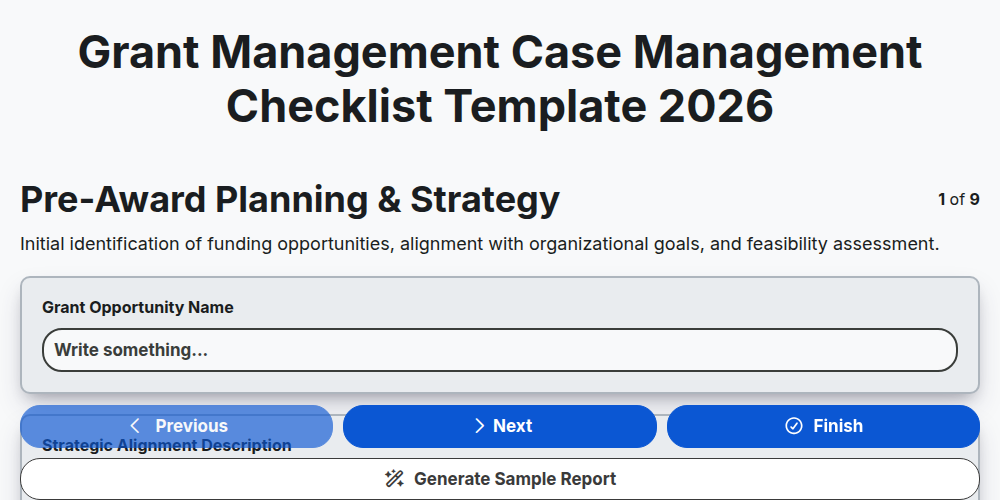
Grant Management Case Management Checklist Template 2026
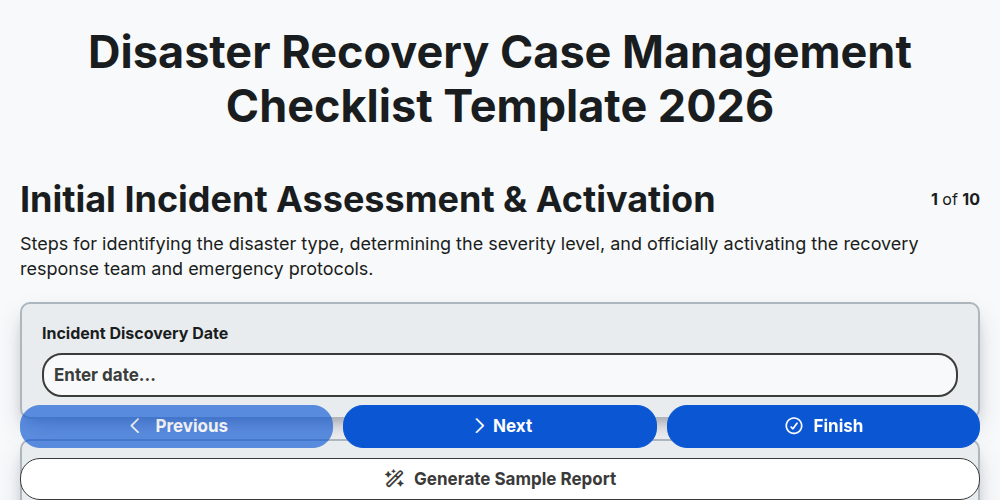
Disaster Recovery Case Management Checklist Template 2026
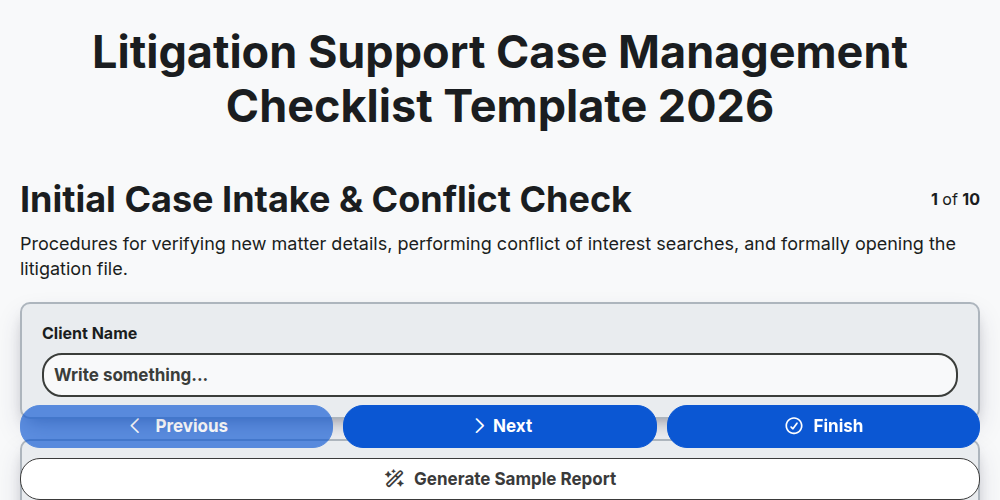
Litigation Support Case Management Checklist Template 2026
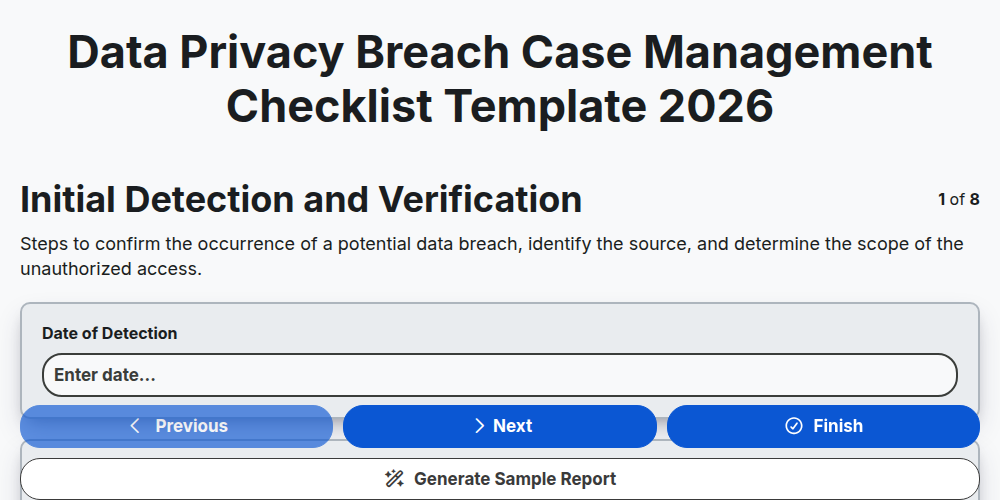
Data Privacy Breach Case Management Checklist Template 2026
Crisis Communication Case Management Checklist Template 2026
Corporate Compliance Case Management Checklist Template 2026
Supply Chain Disruption Case Management Checklist Template 2026
Public Health Crisis Case Management Checklist Template 2026
Need help with
Case Management?
Have a question? We're here to help. Please submit your inquiry, and we'll respond promptly.