 ChecklistGuro
 Project Turnover Checklist
Ensure a smooth handover with our comprehensive Project Turnover Checklist for construction! Downloadable & customizable, this checklist covers everything from documentation & warranties to safety & as-builts - guaranteeing a successful transition and avoiding costly post-handover issues. Perfect for contractors, project managers, and clients.
This Template was installed 2 times.
Project Closeout Documentation
Ensuring all necessary documentation is compiled and readily available for the receiving party.
Project Completion Date
Summary of Project Performance
Final Project Report
Total Project Cost (Actual)
Lessons Learned & Recommendations
Contractor Performance Rating
Outstanding Contractual Obligations (if any)
Date of Final Payment
As-Built Drawings & Specifications
Verification and handover of final, approved drawings and specifications reflecting actual construction.
Complete As-Built Drawing Set
Summary of Changes from Original Design
Revised Specification Documents (if applicable)
Description of Deviations/Substitutions (with approvals)
Revision Number of As-Built Drawings
Date of As-Built Drawing Completion
Drawing Format/Software Version
Operation & Maintenance (O&M) Manuals
Provision of comprehensive O&M manuals for all systems and equipment installed.
Confirm receipt of complete O&M Manual set
Upload O&M Manual (Mechanical)
Upload O&M Manual (Electrical)
Upload O&M Manual (Plumbing)
Upload O&M Manual (Fire Protection)
Manuals cover all systems?
If 'No', please specify missing manuals or areas of concern:
Number of copies provided:
Warranties & Guarantees
Collection and transfer of all warranties and guarantees for materials, equipment, and workmanship.
Warranty Documents - General Contractor
Warranty Documents - Subcontractors
Warranty Tracking System Used?
Details of Warranty Tracking System (if applicable)
Warranty Period - Roofing (Years)
Warranty Period - HVAC (Years)
Warranty Period - Electrical (Years)
Date Warranty Documents Provided
Notes/Comments Regarding Warranties
Training & Demonstrations
Provision of training and demonstrations to the receiving party on system operation and maintenance.
Description of Training Provided
Topics Covered in Training
Number of Trainees Attended
Date of Training Session
Training Materials (Manuals, Videos, etc.)
Trainer Signature
Trainer Name
Receiving Party Representative Name
Financial Closeout
Final invoice reconciliation, payment confirmation, and closure of financial records.
Final Invoice Amount
Final Invoice Document
Invoice Issue Date
Payment Due Date
Amount Paid
Payment Received Date
Notes on Financial Reconciliation (e.g., discounts, adjustments)
Payment Status
Bank Account Details (Receiving Party)
Permits & Approvals
Verification of all permits and approvals received and documentation provided for future reference.
Final Approved Permits
Permit Status Summary
Number of Permits Received
Permit Closure Status
Permit Expiration Dates (if applicable)
Notes Regarding Permit Conditions or Restrictions
Site Condition & Security
Assessment and documentation of site conditions, securing the site, and removing debris.
Final Site Cleanliness Score (1-10)
Description of Site Conditions upon Turnover
Areas Secured (Select all that apply)
Date of Final Site Walkthrough
GPS Coordinates of Main Site Entrance
Photos of Site Condition
Name of Security Personnel (if applicable)
Details of any remaining security concerns.
Contractor Representative Signature (Site Condition)
Equipment & Tools
Return or transfer of all equipment and tools belonging to the contractor.
List of Equipment and Tools to be Transferred
Detailed Condition Report of Each Item
Quantity of Each Item Transferred
Photographic Evidence of Equipment Condition
Transfer Method (Return or Sale)
Notes Regarding Specific Equipment Issues or Agreements
Outstanding Issues & Punch List
Resolution and documentation of all outstanding issues and completion of the punch list.
Summary of Outstanding Issues
Number of Open Punch List Items
Updated Punch List Document
Target Completion Date for Punch List Items
Categories of Remaining Items (e.g., Mechanical, Electrical, Civil)
Details of the highest priority issue and proposed solution
Status of Punch List Completion
Contractor Representative Signature for Punch List Acknowledgment
Frequently Asked Questions
Can I customize this template after installing it?
Absolutely. Once installed, you can add, remove, or reorder tasks, add custom fields, and adjust deadlines to fit your specific workflow.
Can I add images or photos to these checklist items?
Yes. Our platform allows you to attach photos, signatures, and notes to any checklist item for better verification and proof of completion.
Can I create a custom checklist from scratch instead of using a template?
Yes. You can use our "Create your own checklist" feature to build a unique workflow tailored exactly to your operational requirements.
Can I add dependencies between tasks?
Yes, you can set up conditional logic and dependencies to ensure your team follows the correct sequence of operations.
Can I assign specific checklist items to different team members?
Yes. You can assign individual tasks to specific employees, ensuring clear accountability across your entire team.
Can I use these checklists on mobile devices in the field?
Yes. Our platform is fully responsive, allowing your team to complete, update, and upload photos to checklists directly from any smartphone or tablet.
How do I notify my manager when a checklist is completed?
You can set up automated notifications (via email, push notification, or in-app alerts) to trigger whenever a checklist is finished or if an item fails inspection.
Can multiple people work on the same checklist simultaneously?
Yes, the platform supports real-time updates, allowing multiple users to contribute to a single live checklist.
Where is the data from completed checklists stored?
All completed checklists are stored securely in your Work OS dashboard, creating a permanent, searchable audit trail of your operations.
Can I generate reports based on my checklist results?
Yes. You can track completion rates, identify recurring issues, and monitor team performance through our integrated reporting and analytics tools.
How can I use these checklists for compliance or auditing purposes?
Because our checklists capture timestamps, photos, and digital signatures, they serve as a robust digital paper trail for regulatory compliance and internal audits.
Can I export my completed checklist data for use in other tools?
Yes. You can export your data in various formats (CSV, Excel, etc.) to integrate your operational insights with your other business software.
Comments
There are no comments yet. Be the first to add one!
Construction Management Solution Demo
Build smarter, not harder! ChecklistGuro streamlines construction projects from planning to closeout. Manage tasks, inspections, safety protocols & more - all in one place. Reduce delays, improve communication, and deliver projects on time & on budget.
Related Checklist Templates
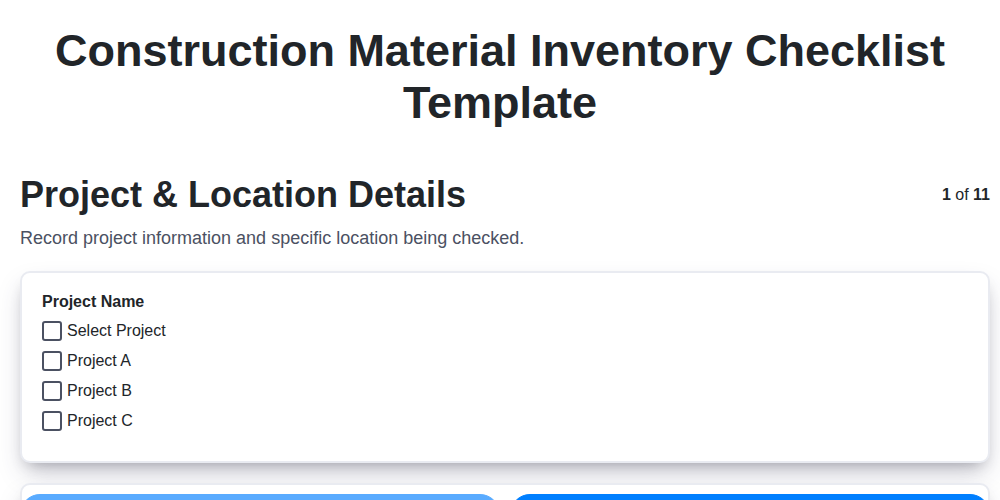
Construction Material Inventory Checklist Template
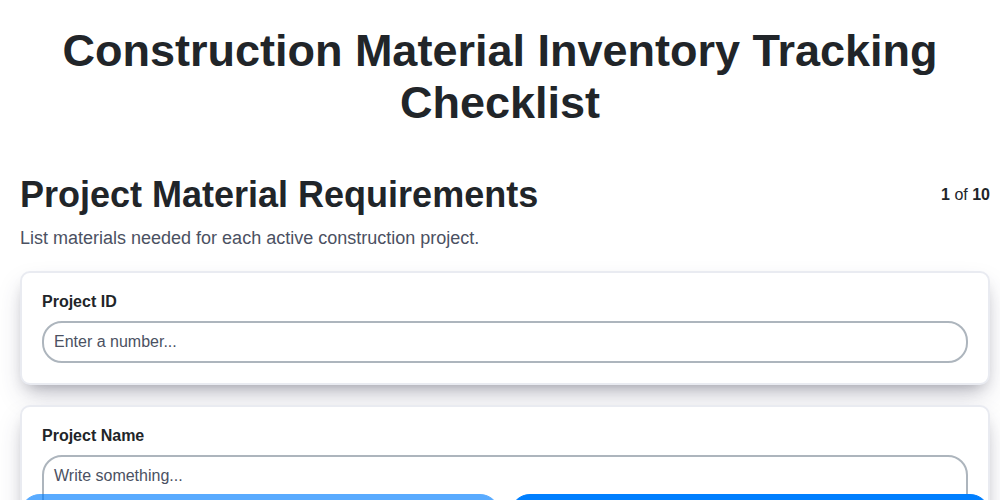
Construction Material Inventory Tracking Checklist
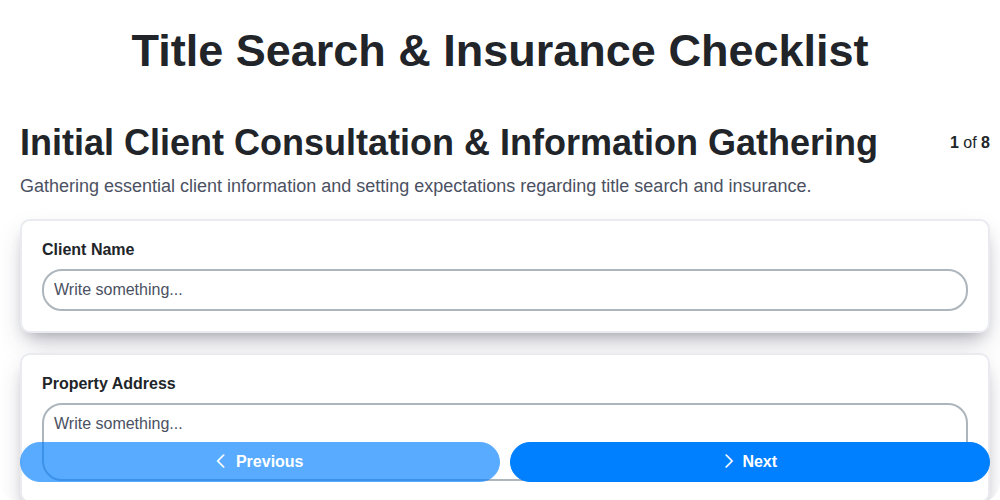
Title Search & Insurance Checklist
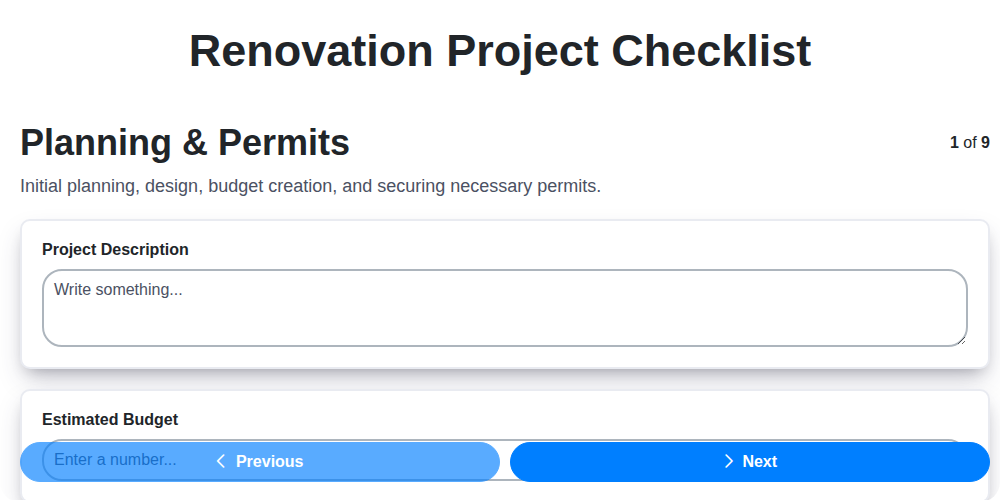
Renovation Project Checklist
Roof Drainage System Inspection Checklist
Interior Painting Checklist
Warranty Documentation Checklist
Operation and Maintenance (O&M) Manuals Checklist
We can do it Together
Need help with
Construction?
Have a question? We're here to help. Please submit your inquiry, and we'll respond promptly.