 ChecklistGuro
Waterproofing Membrane Installation Checklist
Ensure a leak-proof build! Download our comprehensive Construction Waterproofing Membrane Installation Checklist. Step-by-step guide for contractors & builders - avoid costly errors & guarantee durable, watertight protection. Includes inspection points & quality control measures. Free download!
This Template was installed 1 times.
Pre-Installation & Site Preparation
Checks and tasks related to site conditions and surface preparation prior to membrane application.
Project Number
Scheduled Installation Date
Existing Conditions Report (describe site conditions)
Substrate Type (e.g., Concrete, Wood)
Site Hazards Identified (check all that apply)
Surface Temperature (°C/°F)
Ambient Temperature (°C/°F)
Weather Conditions
Description of any necessary surface repairs required
Material Verification & Handling
Ensures correct membrane type, quality, and proper storage and handling procedures are followed.
Membrane Type Verified?
Batch Number(s) Verified
Membrane Manufacturing Details
Material Certificates
Storage Conditions Verified?
Storage Condition Notes (if No)
Number of Rolls/Units Received
Substrate Preparation & Priming
Details the necessary steps to ensure the substrate is suitable for the membrane, including cleaning, repair, and priming.
Describe Existing Substrate Condition (e.g., concrete, wood, metal)
Substrate Cleaning Required?
Substrate Moisture Content (%)
Note any repairs needed to the substrate (cracks, voids, delamination)
Substrate Repair Method
If 'Other' selected in Substrate Repair Method, describe repair:
Primer Type
Primer Application Rate (e.g., ft²/gallon)
Notes on Primer Application (e.g., weather conditions, dry time)
Membrane Installation & Overlap
Focuses on the correct application and overlapping of the waterproofing membrane sheets.
Sheet Temperature During Installation (minimum)
Ambient Temperature During Installation (minimum)
Membrane Orientation (roll direction)
Minimum Overlap Width (longitudinal)
Minimum Overlap Width (transverse)
Description of any deviations from manufacturer's overlap recommendations and justification
Methods used to secure membrane during installation (select all that apply)
Photo Evidence of Proper Overlap & Positioning (at least 2 photos)
Seam Welding / Adhering (If Applicable)
Covers procedures for seam welding (for heat-welded membranes) or adhesive application (for adhered membranes).
Membrane Welding Method (If Applicable)
Welding Temperature (if applicable)
Welding Pressure (if applicable)
Overlap Width (Welded Seams) - Minimum (inches/mm)
Adhesive Type (If Applicable)
Adhesive Manufacturer & Product Name (If Applicable)
Seam Inspection Criteria (Check all that apply)
Upload Photos of Representative Welds/Adhesive Application
Detailing & Penetration Flashings
Addresses critical detailing areas and how penetrations (pipes, vents, etc.) are properly flashed.
Penetration Type Identified?
Number of Penetrations Flashed
Flashing Material Used?
Details of 'Other' Flashing Material (if applicable)
Flashing Lap Over Membrane?
Minimum Lap Length (inches)
Photo of Flashing Detail
Flashing Sealed at Perimeter?
Any Deviations from Standard Flashing Details?
Quality Control & Testing
Covers inspections, testing (e.g., water pressure testing, weld integrity), and documentation.
Wind Uplift Test Pressure (kPa)
Seam Strength Test Result (N/mm)
Visual Inspection - Membrane Defects Observed?
Details of Other Defects Observed (if applicable)
Water Pressure Test Pass/Fail
Details of Water Pressure Test Failure (if applicable)
Date of Water Pressure Test
Upload Photos of Quality Control Checks
Inspector Name
Inspector Signature
Post-Installation & Protection
Actions to be taken after installation to protect the membrane and ensure its long-term performance.
Date of Final Inspection
Observations During Final Inspection (damage, potential issues)
Temperature During Final Inspection (degrees Celsius/Fahrenheit)
Protection Board Installed?
Details Regarding Protection Board Installation (type, condition)
Photos of Installed Membrane and Protection (if applicable)
Client Sign-Off Received?
Contractor Signature (acknowledging completion & protection)
Frequently Asked Questions
Can I customize this template after installing it?
Absolutely. Once installed, you can add, remove, or reorder tasks, add custom fields, and adjust deadlines to fit your specific workflow.
Can I add images or photos to these checklist items?
Yes. Our platform allows you to attach photos, signatures, and notes to any checklist item for better verification and proof of completion.
Can I create a custom checklist from scratch instead of using a template?
Yes. You can use our "Create your own checklist" feature to build a unique workflow tailored exactly to your operational requirements.
Can I add dependencies between tasks?
Yes, you can set up conditional logic and dependencies to ensure your team follows the correct sequence of operations.
Can I assign specific checklist items to different team members?
Yes. You can assign individual tasks to specific employees, ensuring clear accountability across your entire team.
Can I use these checklists on mobile devices in the field?
Yes. Our platform is fully responsive, allowing your team to complete, update, and upload photos to checklists directly from any smartphone or tablet.
How do I notify my manager when a checklist is completed?
You can set up automated notifications (via email, push notification, or in-app alerts) to trigger whenever a checklist is finished or if an item fails inspection.
Can multiple people work on the same checklist simultaneously?
Yes, the platform supports real-time updates, allowing multiple users to contribute to a single live checklist.
Where is the data from completed checklists stored?
All completed checklists are stored securely in your Work OS dashboard, creating a permanent, searchable audit trail of your operations.
Can I generate reports based on my checklist results?
Yes. You can track completion rates, identify recurring issues, and monitor team performance through our integrated reporting and analytics tools.
How can I use these checklists for compliance or auditing purposes?
Because our checklists capture timestamps, photos, and digital signatures, they serve as a robust digital paper trail for regulatory compliance and internal audits.
Can I export my completed checklist data for use in other tools?
Yes. You can export your data in various formats (CSV, Excel, etc.) to integrate your operational insights with your other business software.
Comments
There are no comments yet. Be the first to add one!
Construction Management Solution Demo
Build smarter, not harder! ChecklistGuro streamlines construction projects from planning to closeout. Manage tasks, inspections, safety protocols & more - all in one place. Reduce delays, improve communication, and deliver projects on time & on budget.
Related Checklist Templates
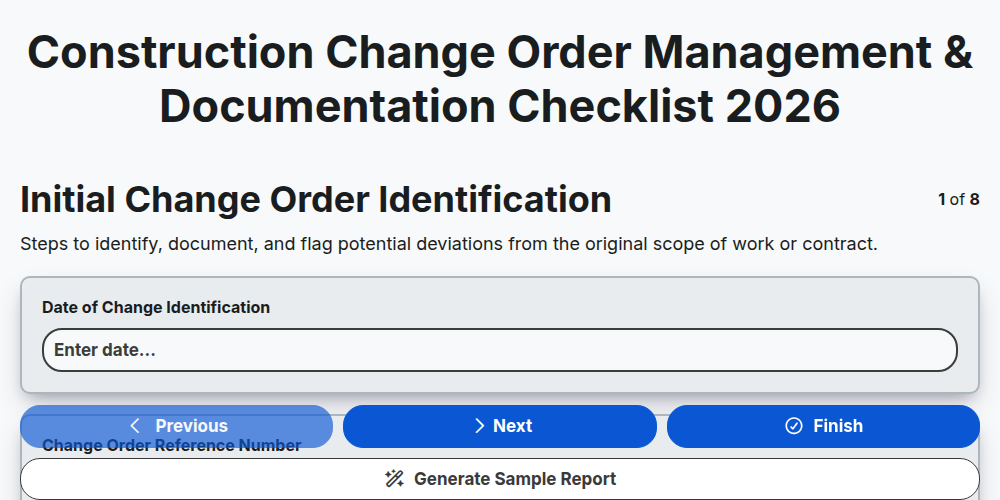
Construction Change Order Management & Documentation Checklist 2026
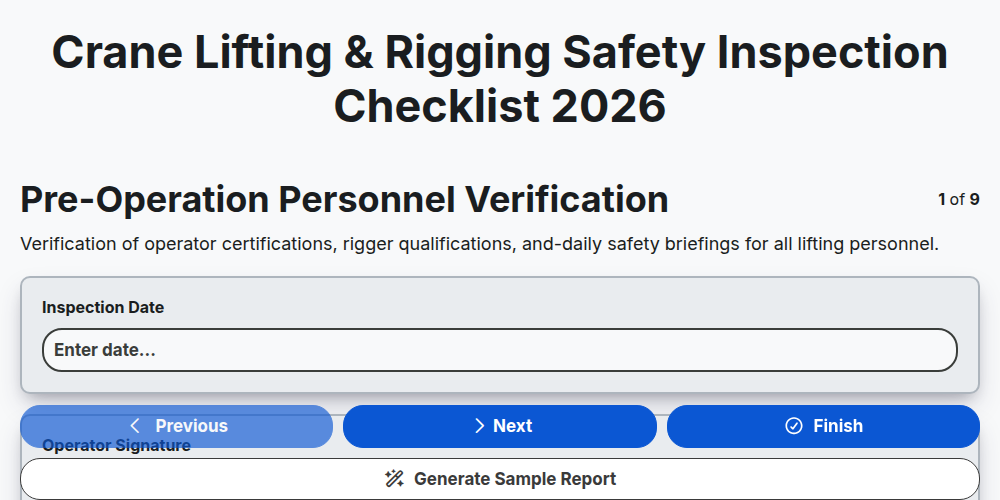
Crane Lifting & Rigging Safety Inspection Checklist 2026
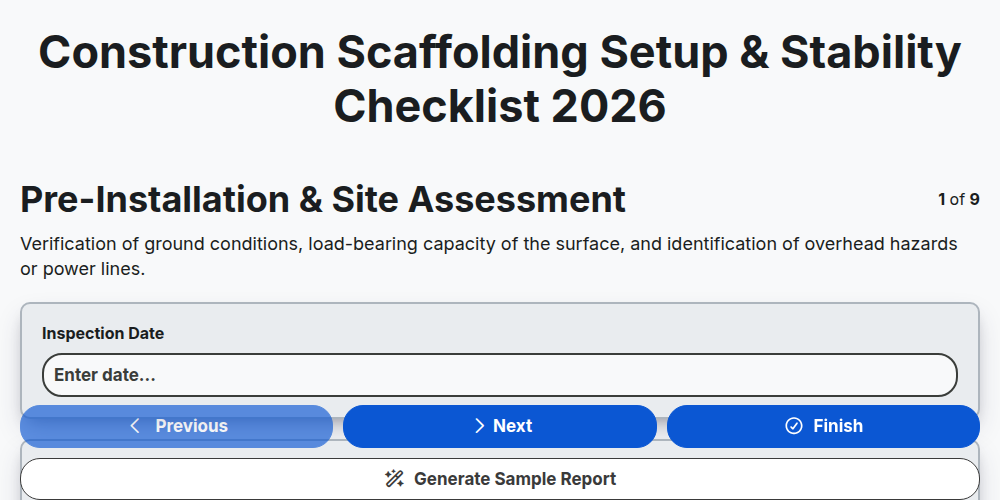
Construction Scaffolding Setup & Stability Checklist 2026
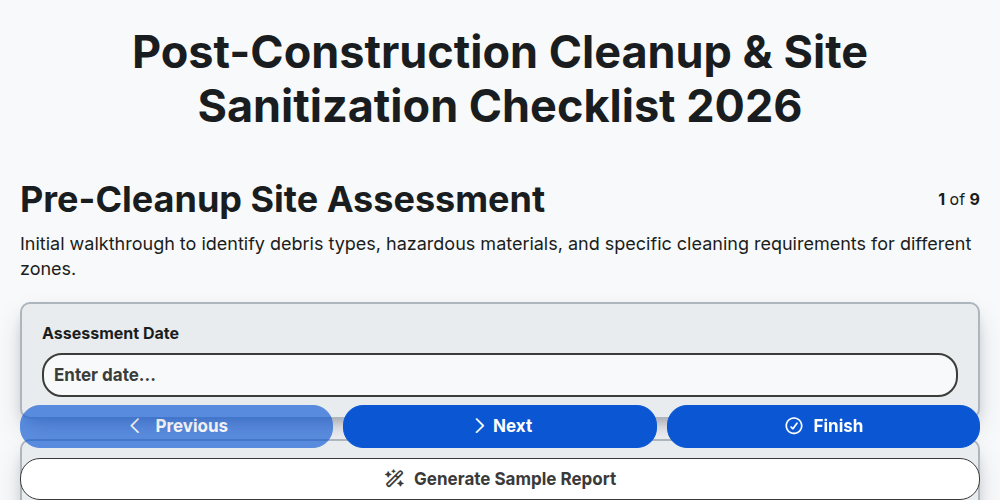
Post-Construction Cleanup & Site Sanitization Checklist 2026
Construction Site Security & Access Control Checklist 2026
Pre-Demolition Site Assessment & Safety Checklist 2026
Construction Site Waste Management & Recycling Checklist 2026
Subcontractor Daily Progress Reporting Checklist 2026
Need help with
Construction?
Have a question? We're here to help. Please submit your inquiry, and we'll respond promptly.