 ChecklistGuro
 Educational Student Learning Assessment Survey Checklist
Ensure student success! Our Educational Student Learning Assessment Survey Checklist streamlines feedback collection, identifies areas for improvement, and helps educators refine their teaching methods for optimal learning outcomes. Download now and boost student achievement!
This Template was installed 5 times.
Student Engagement & Participation
Assess student involvement in learning activities and classroom discussions.
Number of Class Sessions Attended
Level of Participation in Class Discussions
Activities Participated In
Comfort Level Asking Questions
Describe a time you felt particularly engaged in the class.
Content Comprehension & Understanding
Evaluate student understanding of key concepts and learning objectives.
Rate your understanding of core concepts (1-5, 1=Poor, 5=Excellent)
Which key concept was most challenging to understand?
Explain, in your own words, the main purpose of [Specific Topic].
Did you find the learning materials (textbooks, videos, etc.) clear and helpful?
On a scale of 1-10, how confident are you applying the learned material?
What questions do you still have regarding [Specific Topic]?
Skill Application & Problem Solving
Measure student ability to apply knowledge and skills to solve problems.
Rate your ability to apply learned concepts (1-5, 1=Low, 5=High)
Which problem-solving strategies did you find most helpful?
Describe a specific instance where you applied a learned skill to solve a problem. What was the problem, what actions did you take, and what was the outcome?
On a scale of 1-5, how confident are you in your ability to independently solve similar problems in the future?
Did you encounter any roadblocks or challenges while applying your skills? Select one.
Assessment Methods & Feedback
Evaluate the effectiveness of assessment methods and student feedback received.
Were the assessment methods clear and understandable?
On a scale of 1-5 (1 being ineffective, 5 being highly effective), how would you rate the assessments?
Please describe any difficulties you experienced with the assessment methods.
Was the feedback timely?
Please provide specific examples of helpful or unhelpful feedback received.
Did you understand how the feedback related to your performance?
Learning Environment & Resources
Assess the quality of the learning environment and availability of necessary resources.
Classroom Temperature (Celsius)
Adequacy of Seating
Available Resources (Select all that apply)
Describe the Quality of Lighting
Noise Levels in the Learning Space
Attach Photo of Classroom (Optional)
Overall Learning Experience
Gauge the student's overall satisfaction and perception of the learning experience.
Overall Satisfaction (1-10)
What best describes your learning experience?
What was the most valuable aspect of this learning experience?
What specific changes would improve this learning experience?
Would you recommend this learning experience to others?
Frequently Asked Questions
Can I customize this template after installing it?
Absolutely. Once installed, you can add, remove, or reorder tasks, add custom fields, and adjust deadlines to fit your specific workflow.
Can I add images or photos to these checklist items?
Yes. Our platform allows you to attach photos, signatures, and notes to any checklist item for better verification and proof of completion.
Can I create a custom checklist from scratch instead of using a template?
Yes. You can use our "Create your own checklist" feature to build a unique workflow tailored exactly to your operational requirements.
Can I add dependencies between tasks?
Yes, you can set up conditional logic and dependencies to ensure your team follows the correct sequence of operations.
Can I assign specific checklist items to different team members?
Yes. You can assign individual tasks to specific employees, ensuring clear accountability across your entire team.
Can I use these checklists on mobile devices in the field?
Yes. Our platform is fully responsive, allowing your team to complete, update, and upload photos to checklists directly from any smartphone or tablet.
How do I notify my manager when a checklist is completed?
You can set up automated notifications (via email, push notification, or in-app alerts) to trigger whenever a checklist is finished or if an item fails inspection.
Can multiple people work on the same checklist simultaneously?
Yes, the platform supports real-time updates, allowing multiple users to contribute to a single live checklist.
Where is the data from completed checklists stored?
All completed checklists are stored securely in your Work OS dashboard, creating a permanent, searchable audit trail of your operations.
Can I generate reports based on my checklist results?
Yes. You can track completion rates, identify recurring issues, and monitor team performance through our integrated reporting and analytics tools.
How can I use these checklists for compliance or auditing purposes?
Because our checklists capture timestamps, photos, and digital signatures, they serve as a robust digital paper trail for regulatory compliance and internal audits.
Can I export my completed checklist data for use in other tools?
Yes. You can export your data in various formats (CSV, Excel, etc.) to integrate your operational insights with your other business software.
Comments
There are no comments yet. Be the first to add one!
Survey Management Solution Demo
Gather valuable insights with ease! ChecklistGuro simplifies survey creation, distribution, and analysis. Automate data collection, improve response rates, and make data-driven decisions. Manage it all with our Work OS.
Related Checklist Templates
Art Gallery Visitor Engagement Survey Checklist

Performing Arts Audience Feedback Survey Checklist
Cannabis Retail Customer Experience Survey Checklist
Gambling & Casino Player Satisfaction Survey Checklist
Religious Organization Congregant Feedback Survey Checklist
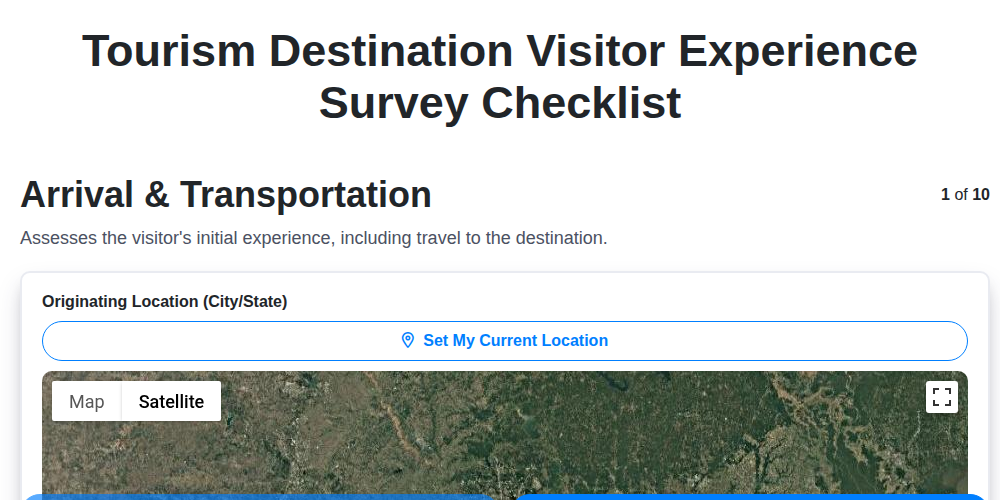
Tourism Destination Visitor Experience Survey Checklist
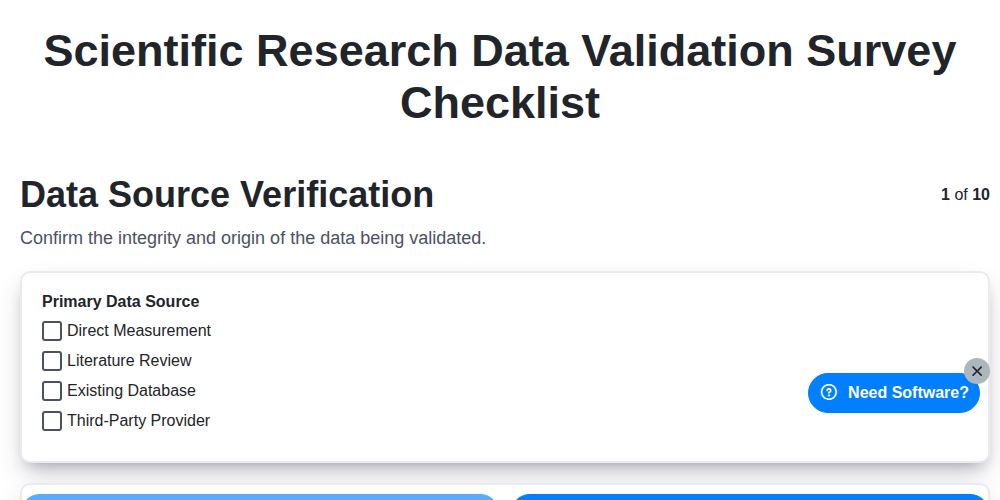
Scientific Research Data Validation Survey Checklist
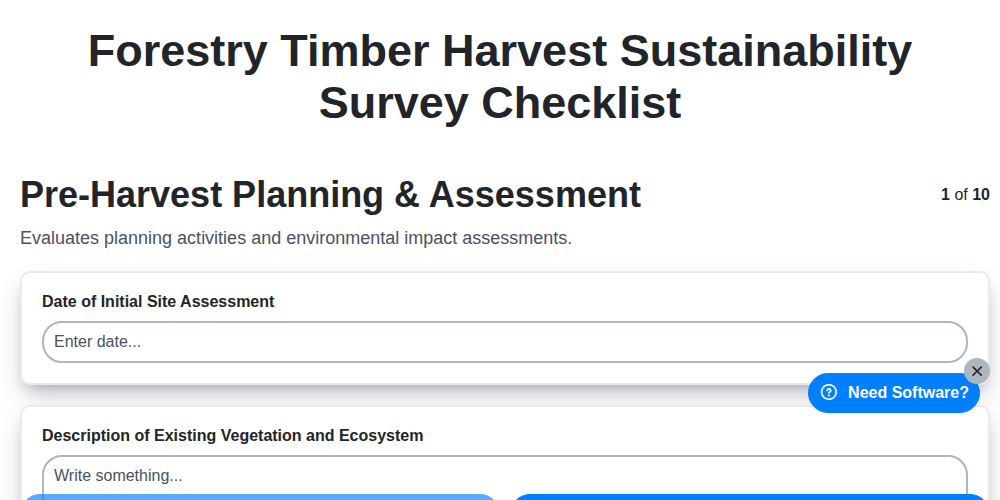
Forestry Timber Harvest Sustainability Survey Checklist
Need help with
Survey Management?
Have a question? We're here to help. Please submit your inquiry, and we'll respond promptly.