 ChecklistGuro
 WMS User Access Checklist Template
Ensure warehouse efficiency & security! Our WMS User Access Checklist Template helps you control user permissions, prevent errors, and maintain compliance with ease. Download now and streamline your WMS management!
This Template was installed 2 times.
User Account Creation & Management
Verifies the process for creating, modifying, and deactivating user accounts adheres to security protocols and company policies.
New User Full Name
Department Assignment
Employee ID
Account Creation Date
Initial Role Assignment
Justification for Role Assignment (if elevated)
Approving Manager Signature
Role-Based Access Controls (RBAC)
Confirms that users are assigned appropriate roles and permissions based on their job responsibilities within the WMS.
Role Definition Completeness
Permissions Assigned to 'Warehouse Supervisor' Role
Consistency of Role Assignments
Number of users assigned to each role
Notes on Role Assignment Anomalies (if any)
Password Policies
Ensures compliance with password complexity requirements, expiration dates, and account lockout procedures.
Minimum Password Length (Characters)
Password Complexity Requirements
Password Expiration Period (Days)
Account Lockout Policy
Last Password Policy Review Date
Notes/Comments on Password Policy Enforcement
Privilege Escalation
Audits processes for handling elevated user privileges and temporary access grants.
Number of Users with Admin Privileges
Procedure for Requesting Elevated Privileges
Approval Authority for Privilege Escalation
Last Privilege Escalation Request Review Date
Justification Required for Privilege Escalation
Duration of Temporary Elevated Access (in days)
Method for granting temporary privileges
Multi-Factor Authentication (MFA)
Validates the implementation and usage of MFA for user authentication.
MFA Enrollment Status
Primary MFA Method
Backup MFA Method Available?
Percentage of Users with MFA Enabled
Last MFA Enrollment Review Date
Notes/Comments on MFA Implementation
User Activity Logging & Monitoring
Reviews the tracking and analysis of user actions within the WMS to detect suspicious activity.
Number of Logged-In Users per Hour (Avg)
Description of Key Logged Activities Monitored
Log Retention Period
Types of User Actions Logged
Last Log Review Date
Summary of Recent Suspicious Activity Detected (if any)
Access Review & Certification
Checks the periodic review and validation of user access rights to ensure ongoing relevance and necessity.
Last Access Review Date
Review Method
Number of Users Reviewed
Summary of Review Findings
Review Outcome
Reviewer Name
Next Review Date
Integration Access Control
Verifies access controls for external systems and applications integrated with the WMS.
Integration Type
Integration System Name
Number of Active Integration Users
Authentication Method
Description of Data Exchange
Last Review Date of Integration Access
Data Sensitivity Levels Accessed
Comments
There are no comments yet. Be the first to add one!
WMS - Warehouse Management System Solution Demo
Optimize your warehouse operations & boost efficiency! ChecklistGuro's WMS streamlines inventory management, order fulfillment, and shipping. Reduce errors, improve accuracy, & maximize space utilization. Manage it all with our Work OS.
Related Checklist Templates

Warehouse WMS Blockchain Integration Checklist
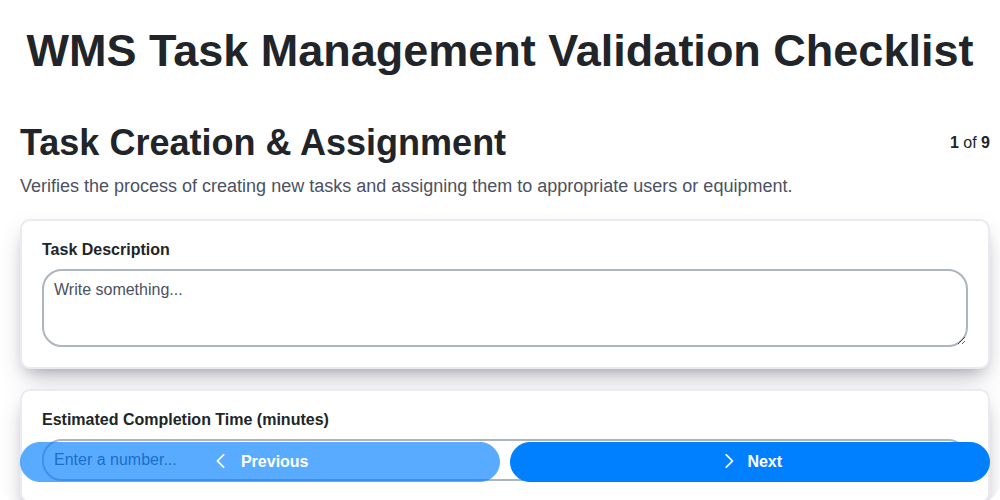
WMS Task Management Validation Checklist
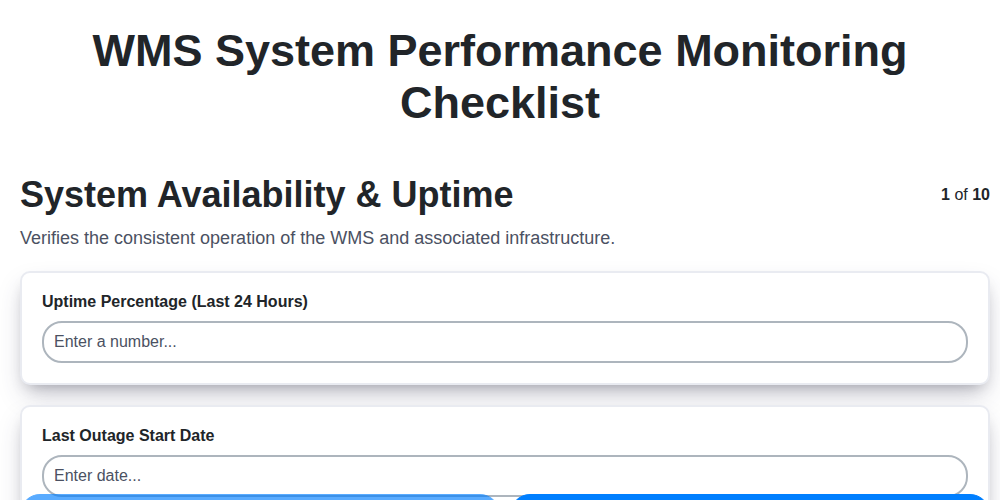
WMS System Performance Monitoring Checklist
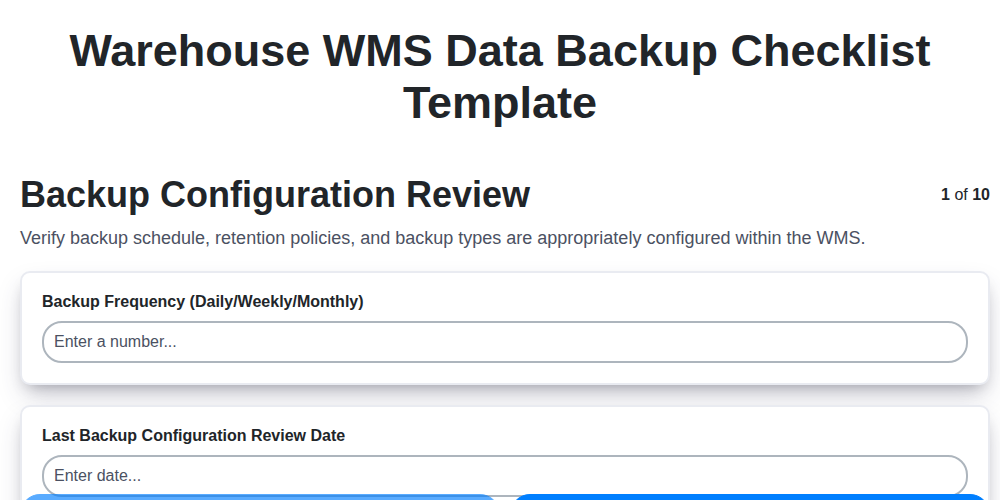
Warehouse WMS Data Backup Checklist Template

WMS Automation Maintenance Checklist

Warehouse WMS Capacity Planning Checklist
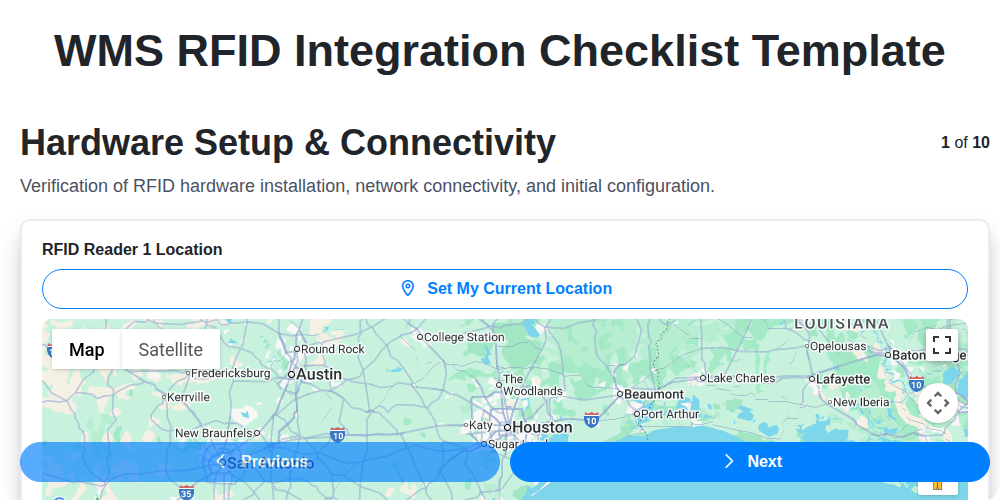
WMS RFID Integration Checklist Template

Warehouse WMS Vendor Compliance Checklist
We can do it Together
Need help with
Warehouse Management System (WMS)?
Have a question? We're here to help. Please submit your inquiry, and we'll respond promptly.