 ChecklistGuro
 Automotive Warranty Claims Management
Streamline your dealership operations and boost profitability with our automated Automotive Warranty Claims Management workflow. Eliminate manual errors, accelerate claim submissions, and ensure seamless communication between workshops and manufacturers. Optimize your end-to-end warranty lifecycle-from initial inspection to final reimbursement-to reduce claim rejections and maximize cash flow.
This Template was installed 1 times.
Start
Start of the Workflow/Process.
1. Retrieve Vehicle History
Fetch all previous service records and warranty claims associated with the specific VIN from the Vehicle Data Model.
2. Identify Customer Details
Retrieve contact information and ownership status from the Customer Data Model using the provided ID.
3. Initialize Warranty Claim
Create a new entry in the Warranty Claims Data Model with status 'Draft' and initial claim details.
4. Calculate Repair Cost Estimate
Calculate the total estimated cost by summing parts costs and labor hours multiplied by the labor rate.
5. Determine Warranty Coverage Ratio
Calculate the percentage of the total cost covered by the manufacturer warranty vs. customer responsibility.
6. Update Claim Status to 'Under Review'
Update the specific Warranty Claim entry to reflect that the technical inspection has begun.
7. Assign Technical Inspection
Create a task for a Service Technician to inspect the reported fault and document findings.
8. Fetch Parts Inventory Availability
Check the Parts Data Model to see if the required components for the repair are in stock.
9. Log Inspection Findings
Update the Warranty Claim entry with the technician's notes and photos of the defect.
10. Validate Claim Eligibility
Compare the vehicle mileage and manufacture date against the warranty terms stored in the Data Model.
11. Manager Approval Request
Create a task for the Service Manager to review and approve claims exceeding a specific monetary threshold.
12. Update Claim Decision
Update the claim entry status to 'Approved' or 'Denied' based on the manager's decision.
13. Notify Customer of Decision
Send an automated email to the customer informing them if their warranty claim has been approved or rejected.
14. Generate Reimbursement Request
Create a new entry in the Financial/Reimbursement Data Model to trigger payment from the manufacturer to the dealership.
15. Close Warranty Claim
Update the status of the original claim to 'Closed' once all repairs and payments are finalized.
16. Calculate Monthly Claim Volume
Aggregate the total number of warranty claims processed within the current month for management reporting.
17. Generate Monthly Warranty KPI Report
Create a comprehensive report summarizing claim approval rates, average cost per claim, and common failure parts.
18. Alert Customer: Vehicle Ready
Send an SMS to the customer's phone number notifying them that the repair under the warranty claim is complete.
19. Remove Duplicate Claims
Delete any duplicate claim entries identified during the validation process to maintain data cleanliness.
End
End of the Workflow/Process.
Start of the Workflow/Process.
Fetch all previous service records and warranty claims associated with the specific VIN from the Vehicle Data Model.
Retrieve contact information and ownership status from the Customer Data Model using the provided ID.
Create a new entry in the Warranty Claims Data Model with status 'Draft' and initial claim details.
Calculate the total estimated cost by summing parts costs and labor hours multiplied by the labor rate.
Calculate the percentage of the total cost covered by the manufacturer warranty vs. customer responsibility.
Update the specific Warranty Claim entry to reflect that the technical inspection has begun.
Create a task for a Service Technician to inspect the reported fault and document findings.
Check the Parts Data Model to see if the required components for the repair are in stock.
Update the Warranty Claim entry with the technician's notes and photos of the defect.
Compare the vehicle mileage and manufacture date against the warranty terms stored in the Data Model.
Create a task for the Service Manager to review and approve claims exceeding a specific monetary threshold.
Update the claim entry status to 'Approved' or 'Denied' based on the manager's decision.
Send an automated email to the customer informing them if their warranty claim has been approved or rejected.
Create a new entry in the Financial/Reimbursement Data Model to trigger payment from the manufacturer to the dealership.
Update the status of the original claim to 'Closed' once all repairs and payments are finalized.
Aggregate the total number of warranty claims processed within the current month for management reporting.
Create a comprehensive report summarizing claim approval rates, average cost per claim, and common failure parts.
Send an SMS to the customer's phone number notifying them that the repair under the warranty claim is complete.
Delete any duplicate claim entries identified during the validation process to maintain data cleanliness.
End of the Workflow/Process.
Frequently Asked Questions
Comments
There are no comments yet. Be the first to add one!
Automotive Manufacturing Management Solution Demo
Optimize your automotive production! ChecklistGuro digitizes workflows, from parts inspection to final testing. Reduce errors, boost efficiency & ensure quality compliance. Drive results with our Work OS.
Related Workflow Templates
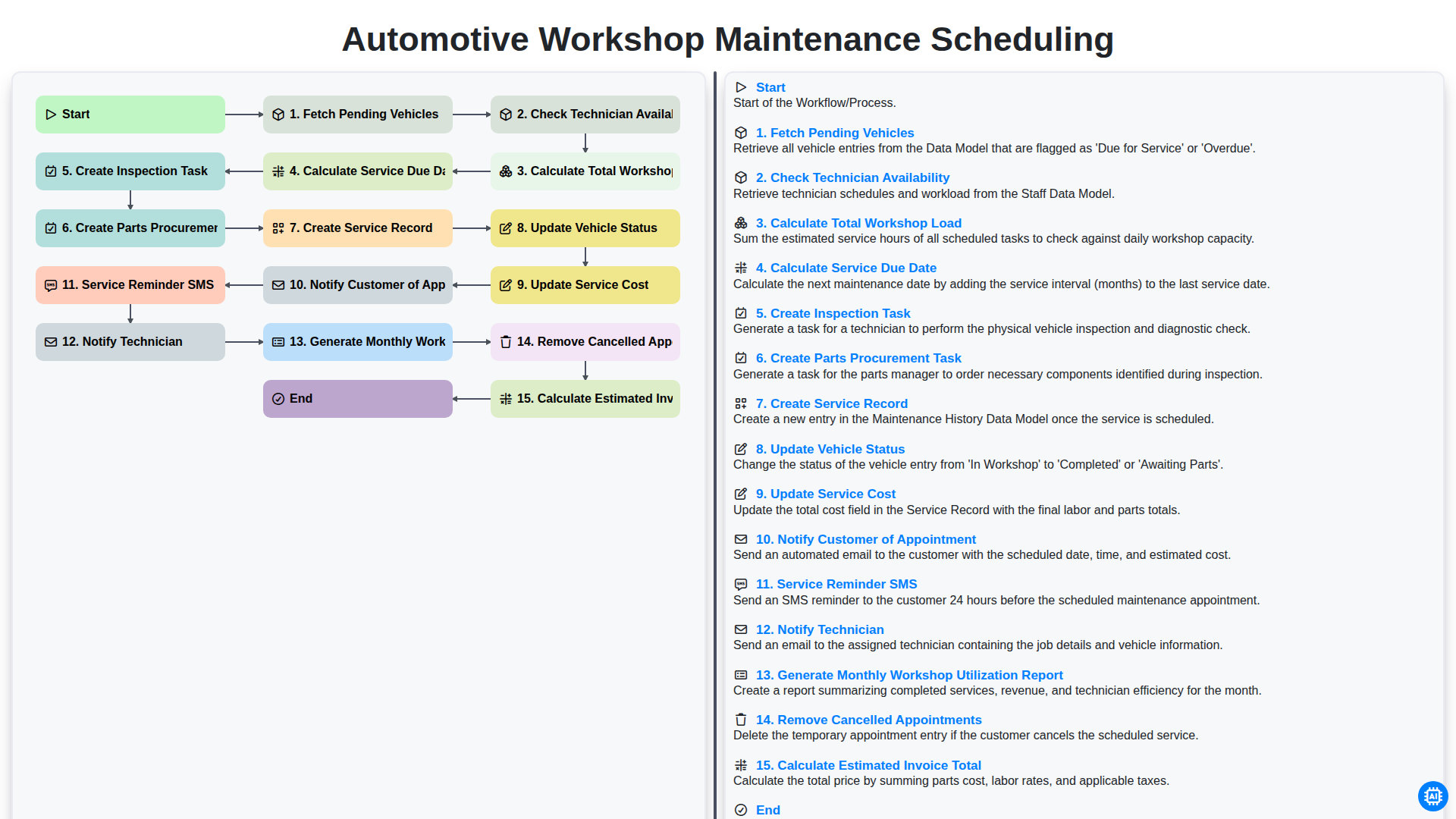
Automotive Workshop Maintenance Scheduling

Automotive Service Appointment Management

Automotive Vehicle Delivery and Handover Process

Automotive Customer Feedback and Survey Process

Automotive Vehicle Trade-In Evaluation Process

Automotive Digital Marketing Lead Workflow
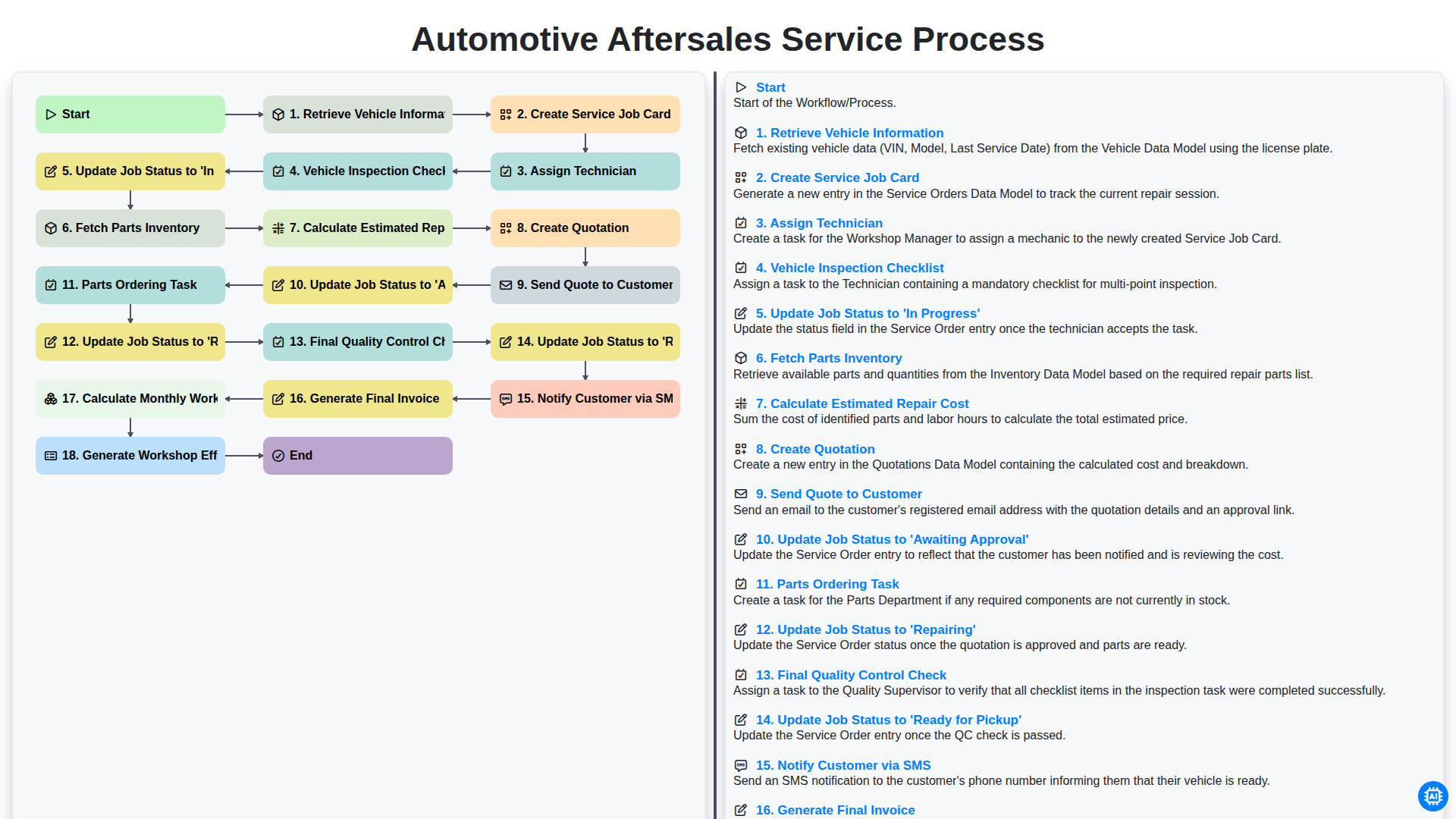
Automotive Aftersales Service Process
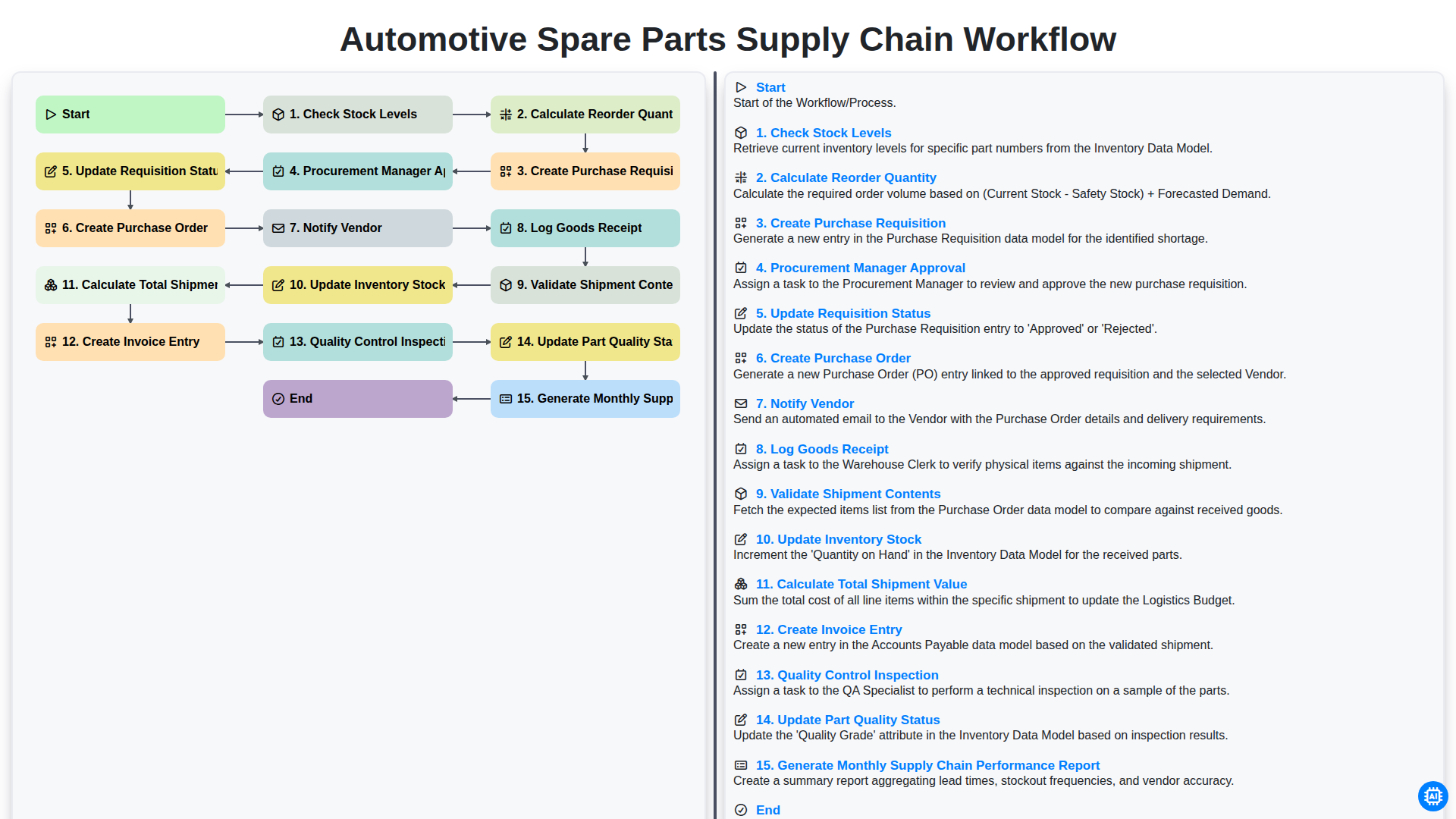
Automotive Spare Parts Supply Chain Workflow
We can do it Together
Need help with
Automotive?
Have a question? We're here to help. Please submit your inquiry, and we'll respond promptly.