 ChecklistGuro
 Automotive Workshop Capacity Planning
Maximize your garage's productivity and eliminate downtime with our Automotive Workshop Capacity Planning workflow. Streamline technician scheduling, optimize bay utilization, and balance workload demand with real-time resource allocation to ensure every vehicle moves through your service center with peak efficiency.
This Template was installed 4 times.
Start
Start of the Workflow/Process.
1. Fetch Available Technicians
Retrieve all technicians from the Staff Data Model with 'Available' status.
2. Fetch Pending Service Appointments
Get all upcoming service appointments from the Appointments Data Model for the next 7 days.
3. Calculate Total Man-Hours Available
Sum the total working hours of all available technicians retrieved in the first step.
4. Calculate Total Required Repair Hours
Sum the estimated repair duration for all pending appointments.
5. Calculate Capacity Gap
Subtract Total Required Repair Hours from Total Man-Hours Available to determine if there is a deficit or surplus.
6. Update Workshop Load Status
Update the Workshop Capacity Data Model with the new calculated load percentage.
7. Assign Appointment Rescheduling Task
Create a task for the Workshop Manager if the Capacity Gap is negative (overbooked).
8. Create Overcapacity Alert Entry
Create a new entry in the 'Alerts' Data Model when capacity exceeds 95%.
9. Notify Technicians of Schedule Change
Send an email to all assigned technicians regarding updated shift allocations.
10. Notify Customers of Delay
Send an SMS to customers whose appointments are impacted by the capacity shortage.
11. Generate Weekly Capacity Report
Create a PDF report summarizing the workshop utilization and technician productivity for the week.
12. Update Technician Workload
Update individual Technician entries to reflect their newly assigned task hours.
End
End of the Workflow/Process.
Start of the Workflow/Process.
Retrieve all technicians from the Staff Data Model with 'Available' status.
Get all upcoming service appointments from the Appointments Data Model for the next 7 days.
Sum the total working hours of all available technicians retrieved in the first step.
Sum the estimated repair duration for all pending appointments.
Subtract Total Required Repair Hours from Total Man-Hours Available to determine if there is a deficit or surplus.
Update the Workshop Capacity Data Model with the new calculated load percentage.
Create a task for the Workshop Manager if the Capacity Gap is negative (overbooked).
Create a new entry in the 'Alerts' Data Model when capacity exceeds 95%.
Send an email to all assigned technicians regarding updated shift allocations.
Send an SMS to customers whose appointments are impacted by the capacity shortage.
Create a PDF report summarizing the workshop utilization and technician productivity for the week.
Update individual Technician entries to reflect their newly assigned task hours.
End of the Workflow/Process.
Found this Workflow Template helpful?
Comments
There are no comments yet. Be the first to add one!
Automotive Manufacturing Management Solution Demo
Optimize your automotive production! ChecklistGuro digitizes workflows, from parts inspection to final testing. Reduce errors, boost efficiency & ensure quality compliance. Drive results with our Work OS.
Related Workflow Templates
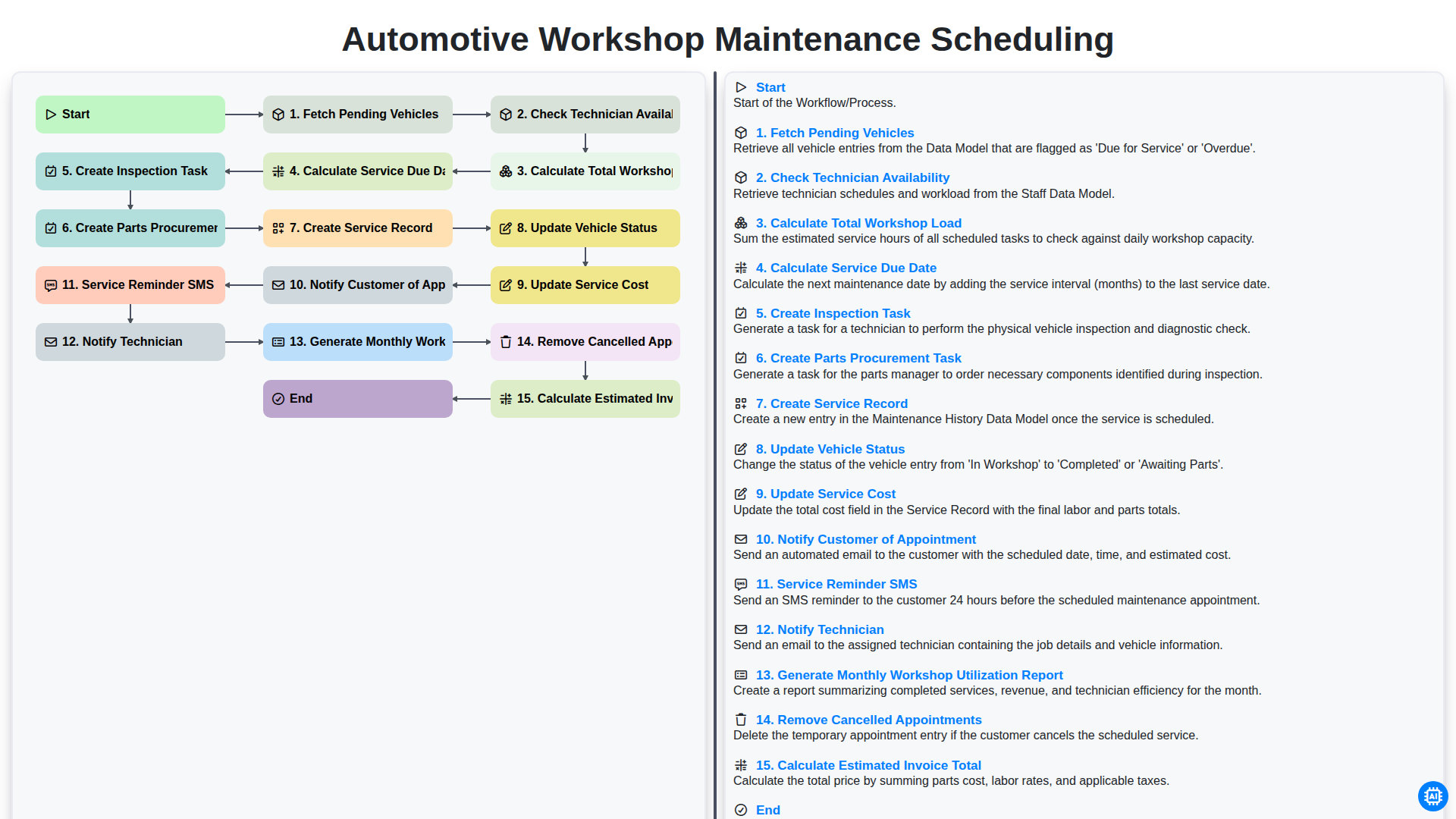
Automotive Workshop Maintenance Scheduling

Automotive Service Appointment Management

Automotive Vehicle Delivery and Handover Process

Automotive Customer Feedback and Survey Process

Automotive Vehicle Trade-In Evaluation Process

Automotive Digital Marketing Lead Workflow
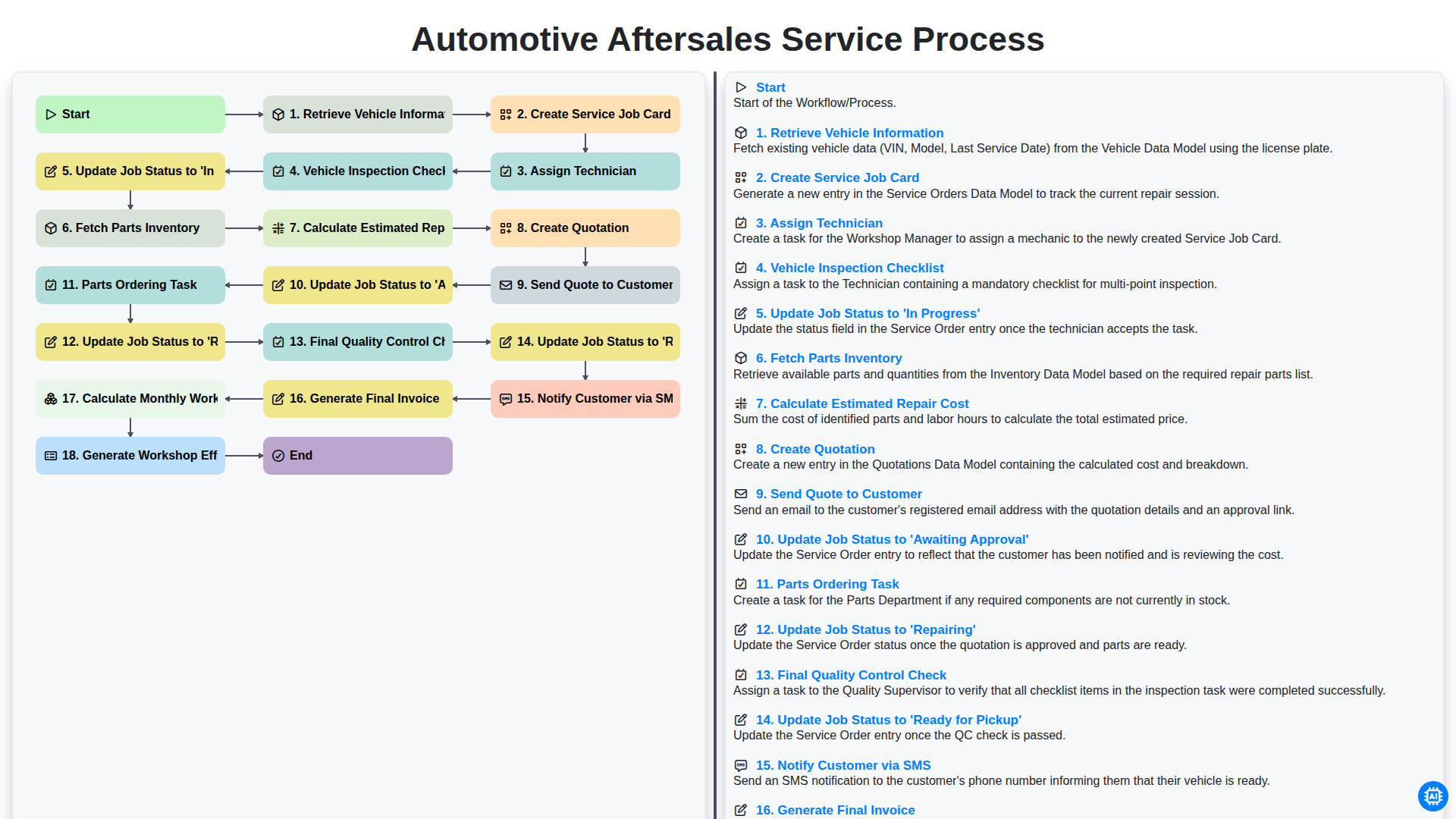
Automotive Aftersales Service Process
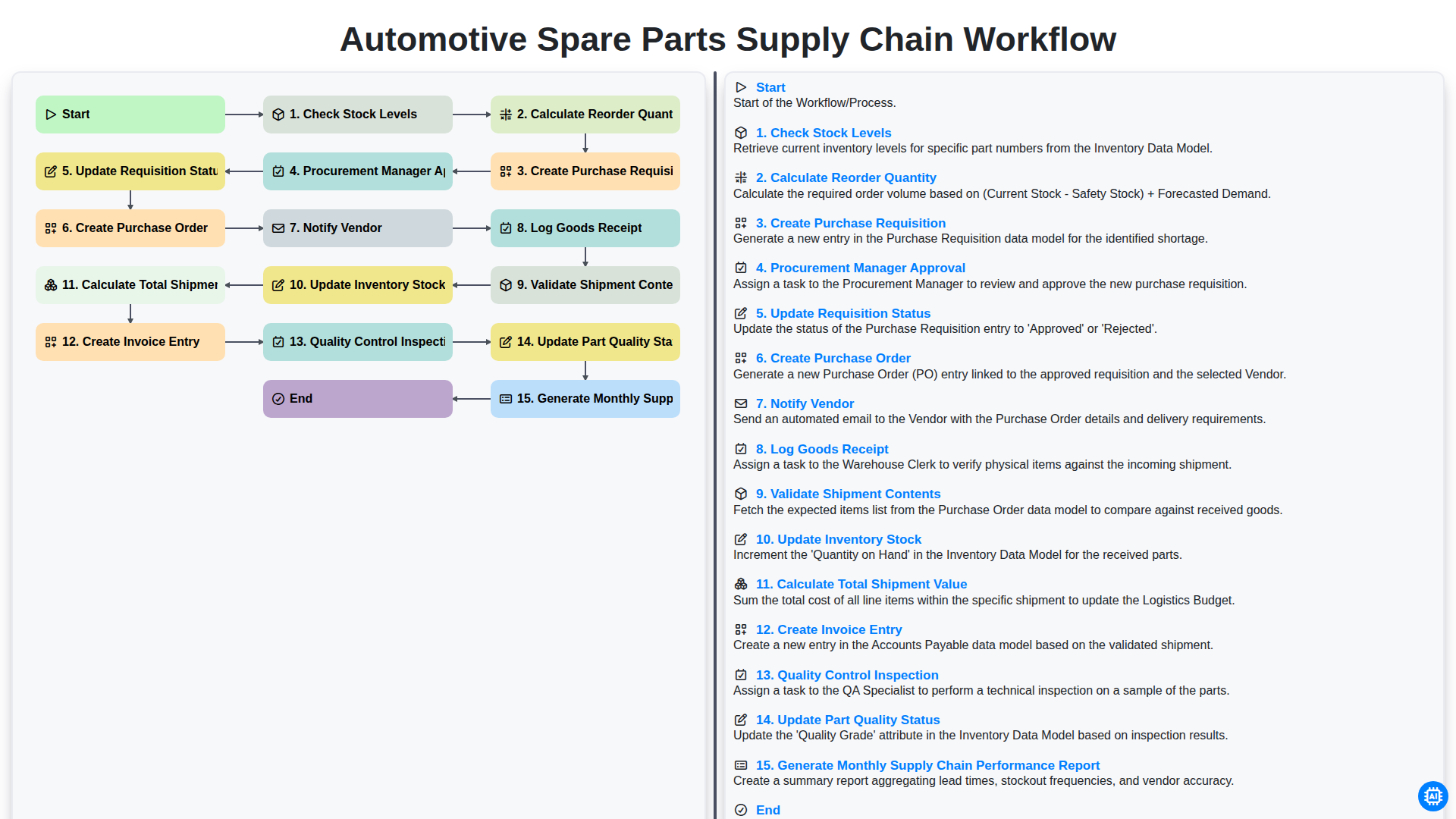
Automotive Spare Parts Supply Chain Workflow
We can do it Together
Need help with
Automotive?
Have a question? We're here to help. Please submit your inquiry, and we'll respond promptly.