 ChecklistGuro
 Safety Stock Level Monitoring Process
Optimize your supply chain resilience with our Safety Stock Level Monitoring Process. Streamline inventory oversight, prevent costly stockouts, and eliminate overstocking through automated threshold tracking, real-time replenishment triggers, and data-driven buffer adjustments designed for seamless inventory management.
This Template was installed 1 times.
Start
Start of the Workflow/Process.
1. Fetch Current Inventory Levels
Retrieve the current stock levels for all items in the Inventory data model.
2. Fetch Safety Stock Thresholds
Retrieve the predefined minimum safety stock levels for each item.
3. Fetch Lead Time Data
Retrieve the average lead time per supplier from the Supply Chain data model.
4. Calculate Average Daily Usage
Aggregate historical sales/usage data to find the average units consumed per day.
5. Calculate Dynamic Safety Stock Target
Execute formula: (Max Lead Time * Max Daily Usage) - (Avg Lead Time * Avg Daily Usage).
6. Identify Stock Deficit
Calculate the difference between the Safety Stock Target and the Current Inventory Level.
7. Determine Reorder Point
Calculate: (Average Daily Usage * Lead Time) + Safety Stock Level.
8. Update Inventory Status
Update the 'Status' field of the item to 'Critical' or 'Low Stock' if levels fall below threshold.
9. Create Procurement Task
Create a task for the Purchasing Manager to initiate a replenishment order for items below the Reorder Point.
10. Create Warehouse Audit Task
Create a task for the Warehouse Supervisor to perform a physical count if a discrepancy is detected.
11. Create Replenishment Request
Create a new entry in the 'Purchase Requisition' data model for the identified items.
12. Notify Procurement Team
Send an email alert to the procurement department with a summary of items requiring immediate reorder.
13. Critical Alert SMS
Send an SMS to the Warehouse Manager if stock levels hit 'Zero' or 'Emergency' levels.
14. Generate Weekly Stock Health Report
Create a summary report showing all items currently below safety levels and total value of stock at risk.
15. Cleanup Resolved Alerts
Delete or archive old 'Stock Alert' entries that have been addressed by replenishment.
End
End of the Workflow/Process.
Start of the Workflow/Process.
Retrieve the current stock levels for all items in the Inventory data model.
Retrieve the predefined minimum safety stock levels for each item.
Retrieve the average lead time per supplier from the Supply Chain data model.
Aggregate historical sales/usage data to find the average units consumed per day.
Execute formula: (Max Lead Time * Max Daily Usage) - (Avg Lead Time * Avg Daily Usage).
Calculate the difference between the Safety Stock Target and the Current Inventory Level.
Calculate: (Average Daily Usage * Lead Time) + Safety Stock Level.
Update the 'Status' field of the item to 'Critical' or 'Low Stock' if levels fall below threshold.
Create a task for the Purchasing Manager to initiate a replenishment order for items below the Reorder Point.
Create a task for the Warehouse Supervisor to perform a physical count if a discrepancy is detected.
Create a new entry in the 'Purchase Requisition' data model for the identified items.
Send an email alert to the procurement department with a summary of items requiring immediate reorder.
Send an SMS to the Warehouse Manager if stock levels hit 'Zero' or 'Emergency' levels.
Create a summary report showing all items currently below safety levels and total value of stock at risk.
Delete or archive old 'Stock Alert' entries that have been addressed by replenishment.
End of the Workflow/Process.
Frequently Asked Questions
Comments
There are no comments yet. Be the first to add one!
Inventory Management Solution Demo
Optimize your inventory & boost profitability! ChecklistGuro streamlines tracking, ordering, & fulfillment. Reduce waste, minimize stockouts, & improve efficiency. Manage it all with our Work OS.
Related Workflow Templates
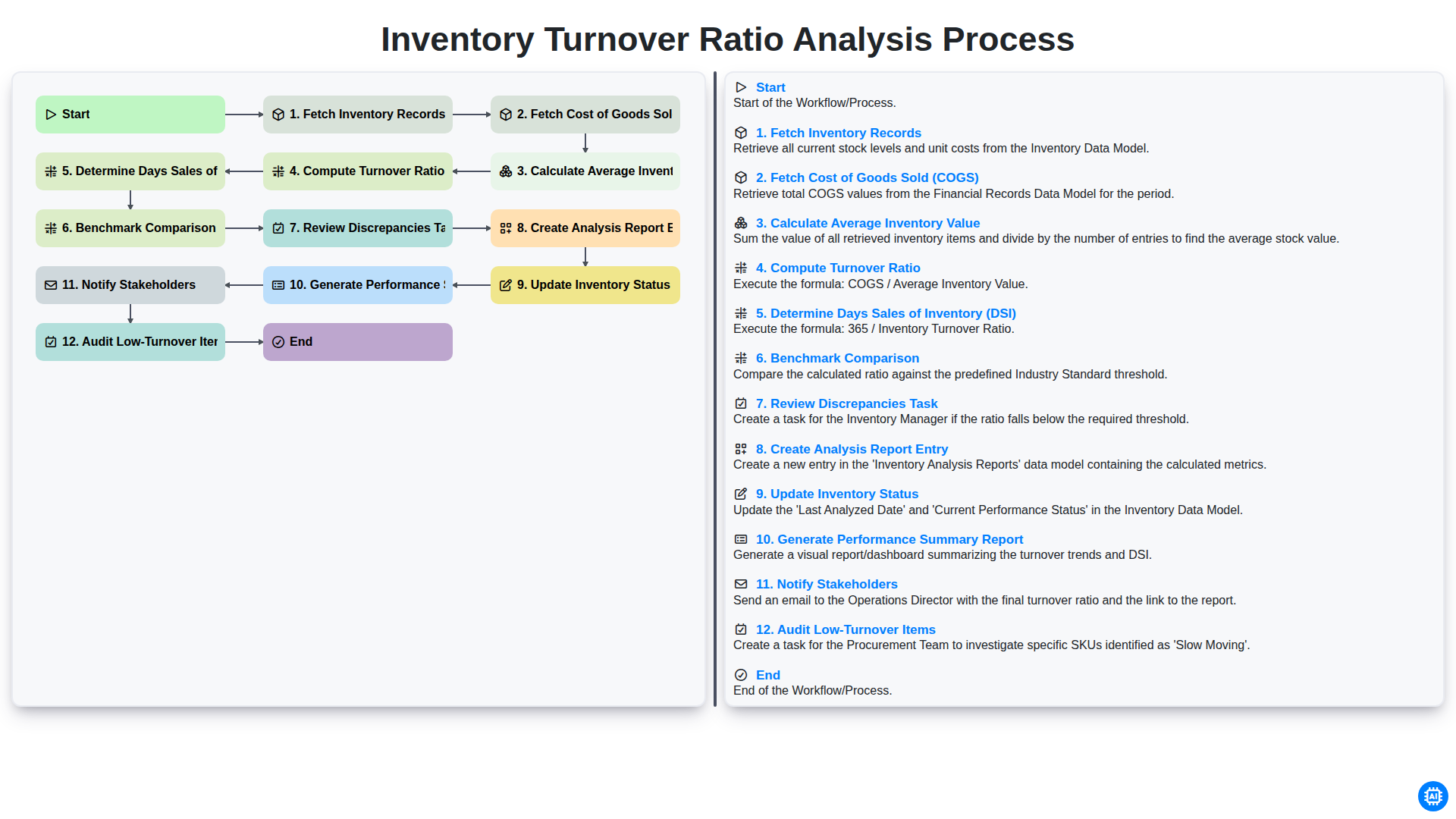
Inventory Turnover Ratio Analysis Process
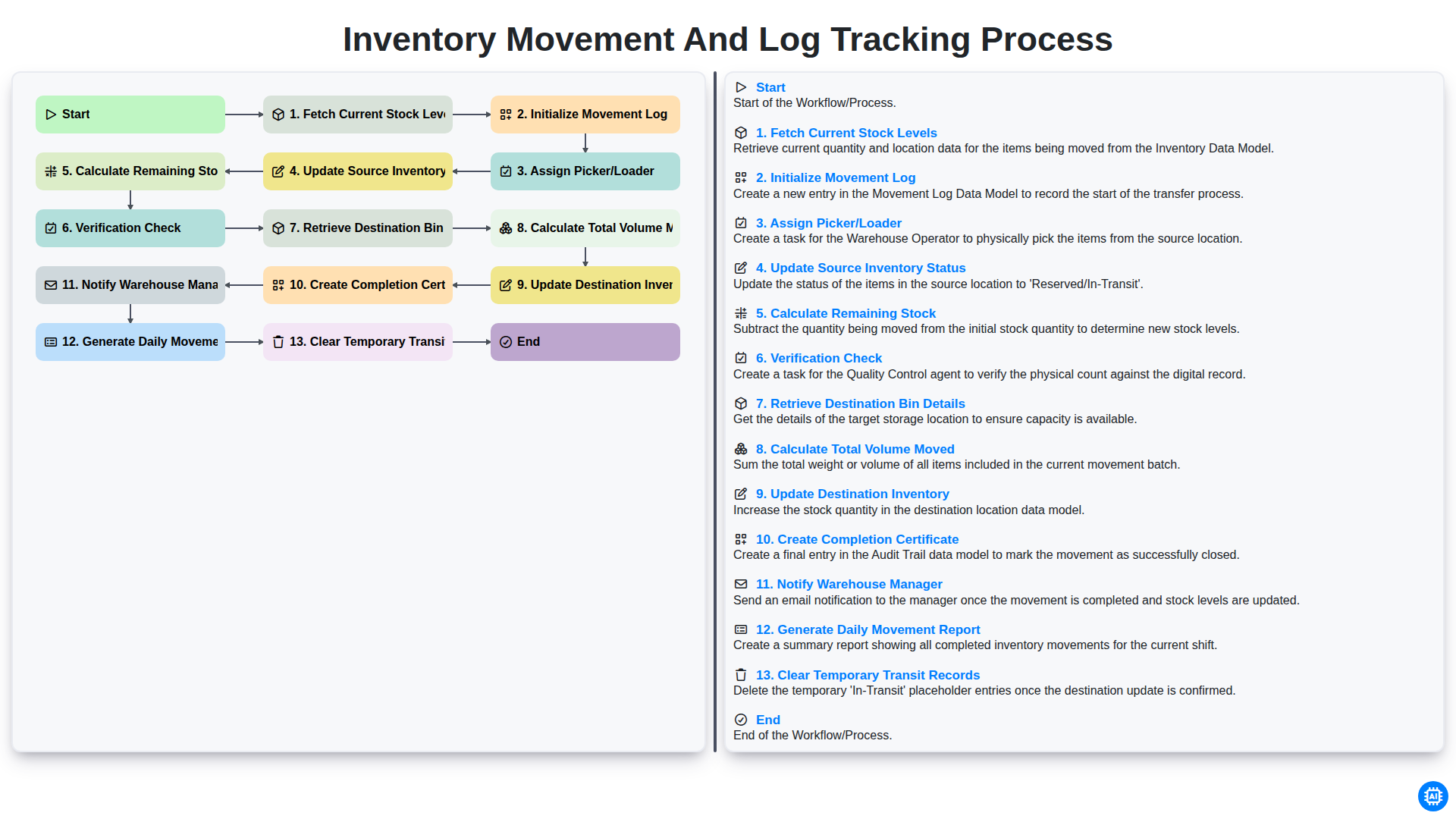
Inventory Movement and Log Tracking Process
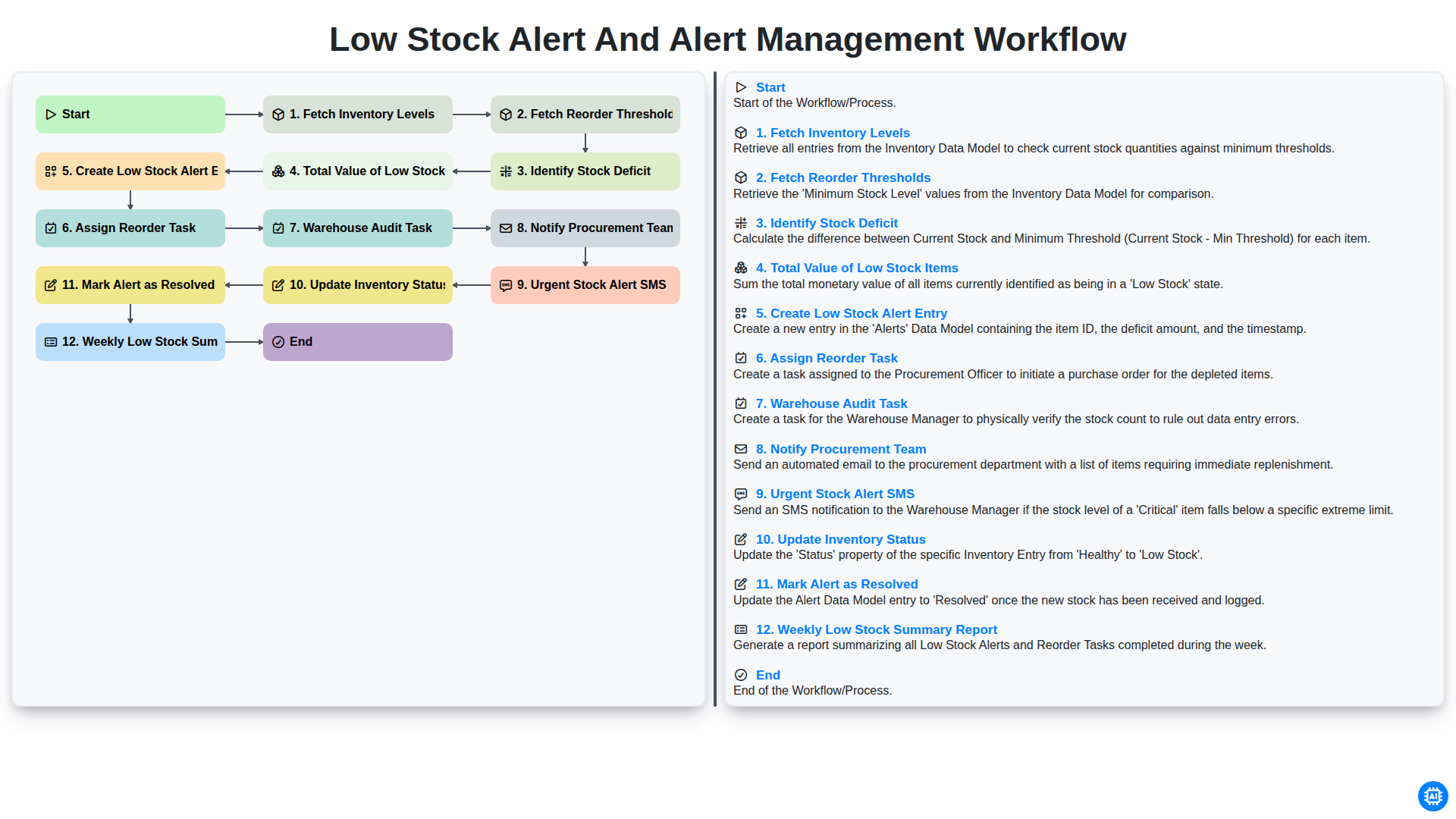
Low Stock Alert and Alert Management Workflow
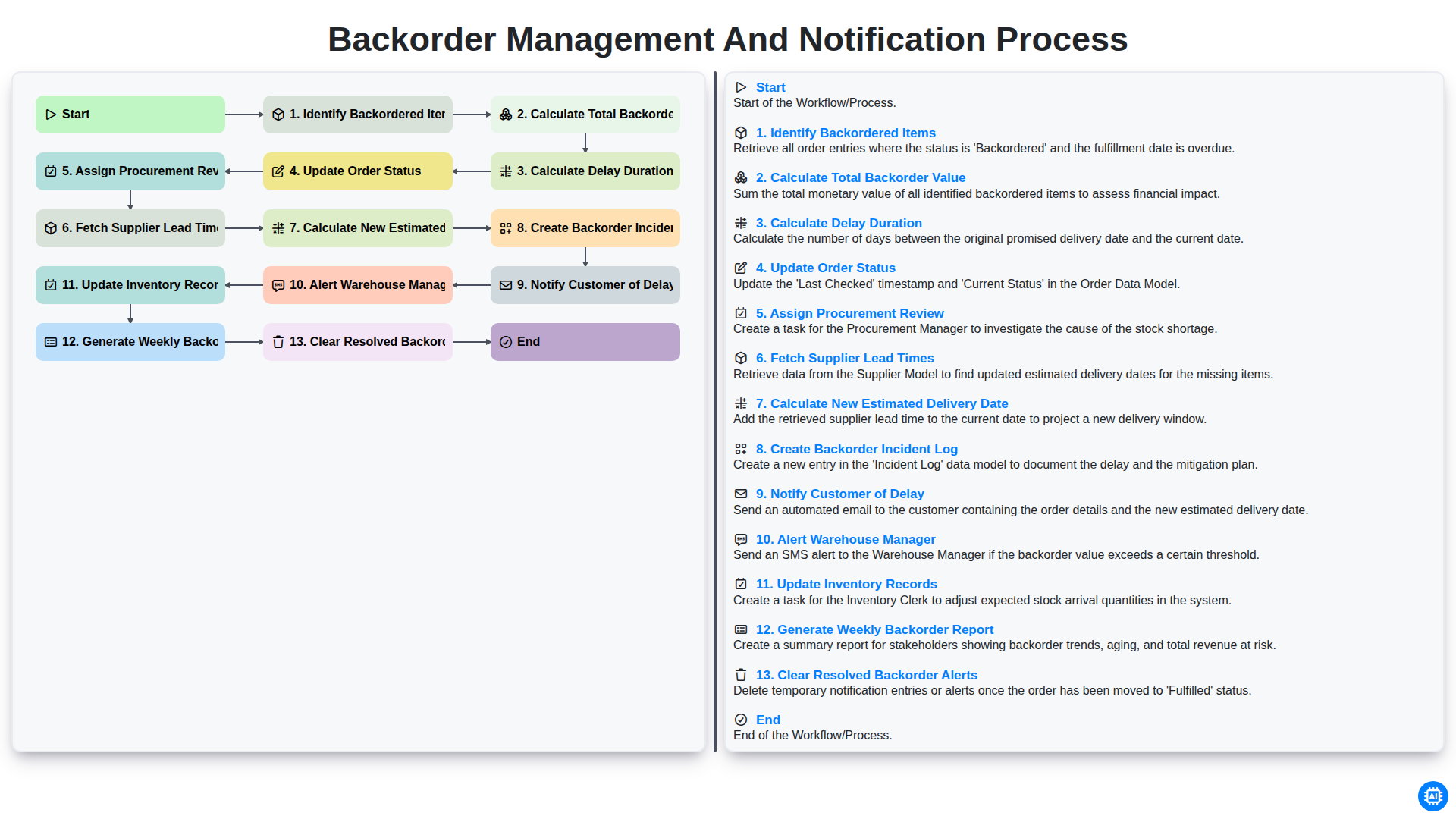
Backorder Management and Notification Process
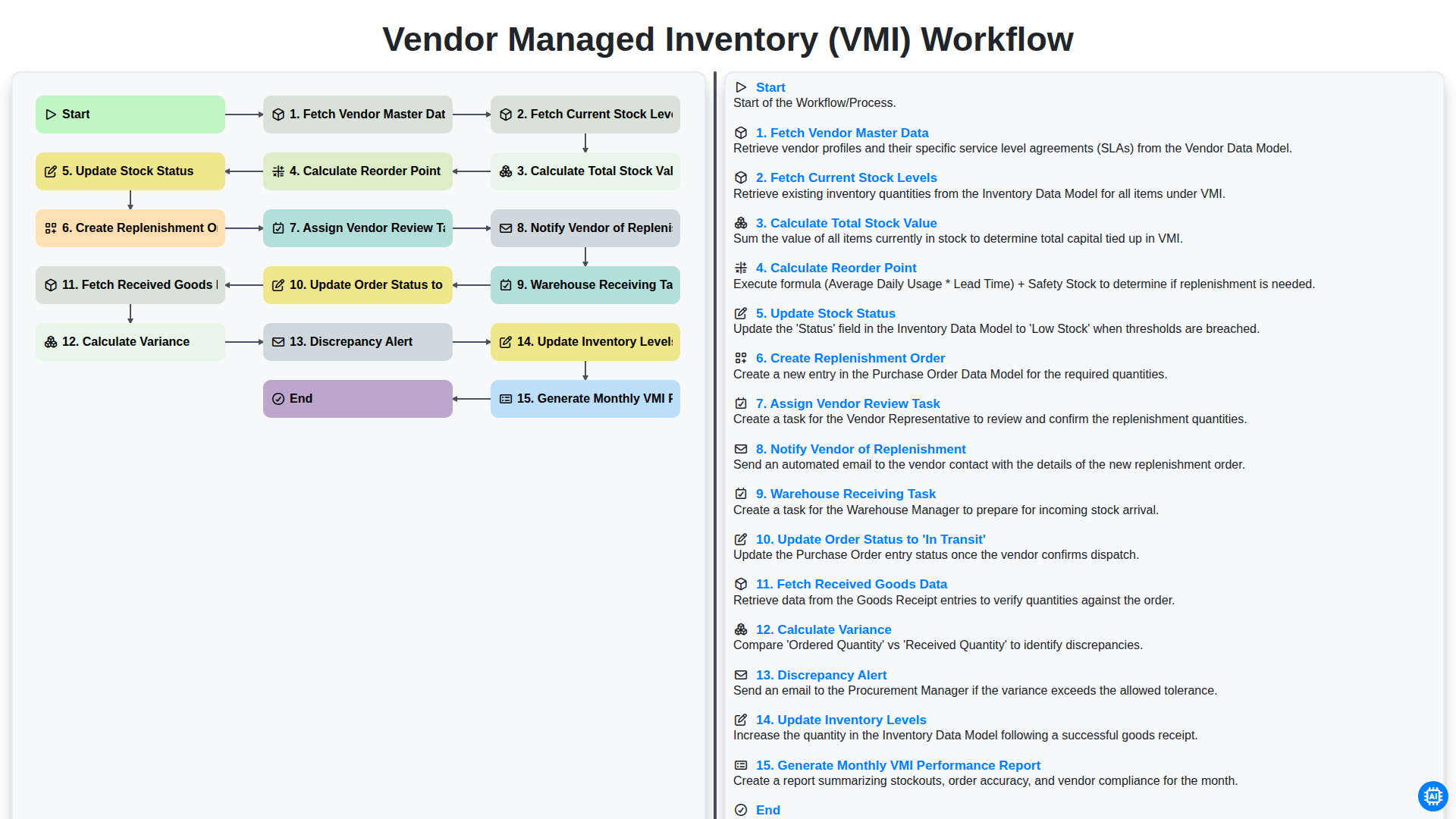
Vendor Managed Inventory (VMI) Workflow
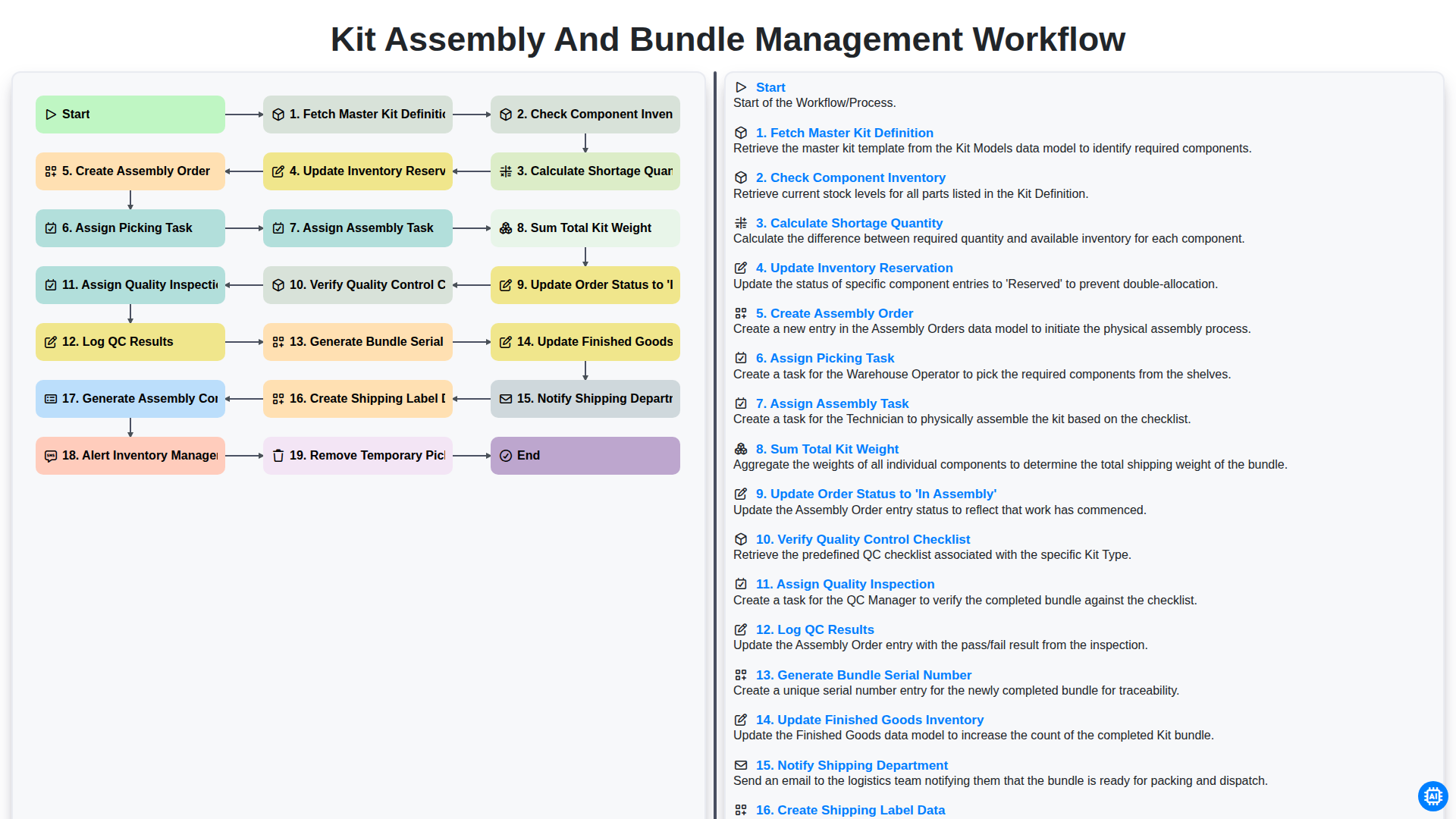
Kit Assembly and Bundle Management Workflow
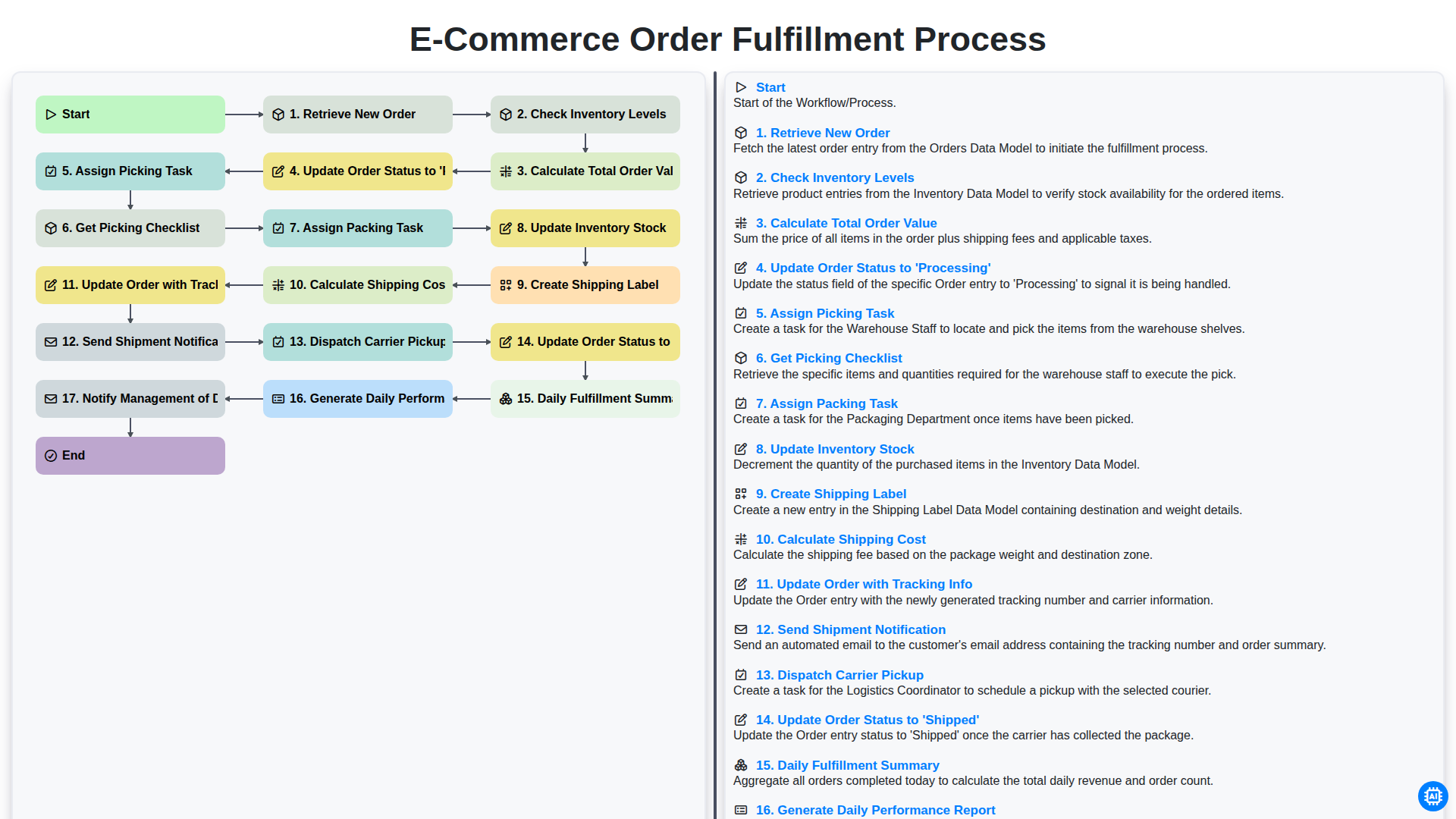
E-commerce Order Fulfillment Process
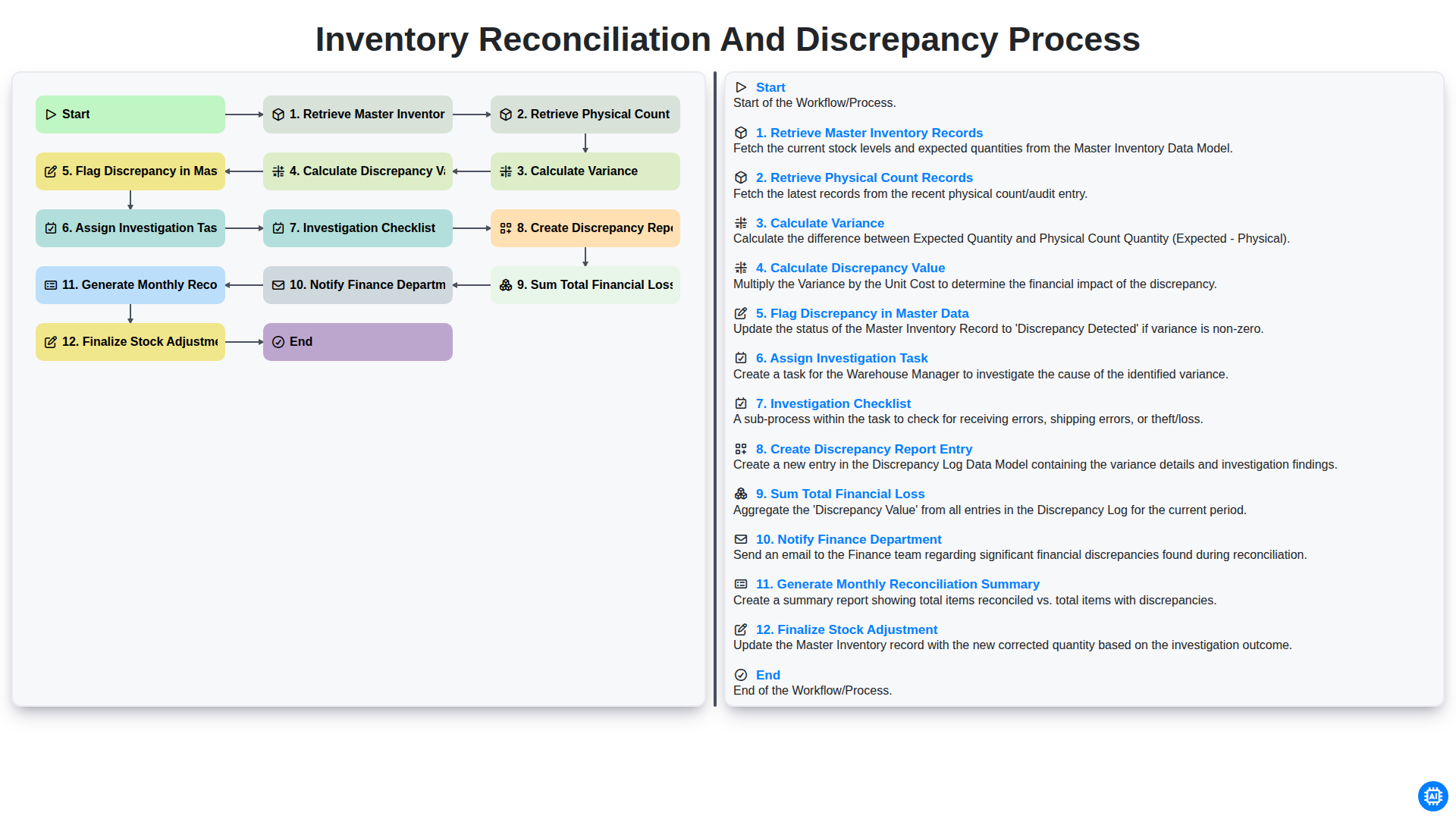
Inventory Reconciliation and Discrepancy Process
Need help with
Inventory Management?
Have a question? We're here to help. Please submit your inquiry, and we'll respond promptly.