 ChecklistGuro
 Streamline Waste Management: Workflow Automation for Modern Waste Solutions
Automate your entire waste management cycle with our robust workflow system. From initial waste generation tracking to final disposal documentation, discover how to streamline operations, boost compliance, and achieve maximum efficiency with our cutting-edge Waste Management Solution on Work OS Platform.
This Template was installed 5 times.
Start
Start of the Workflow/Process.
1. Gather Waste Pickup Request Details
Retrieve initial details for waste collection request (location, waste type, volume estimate) from the intake data model.
2. Assign Collection Task to Crew Member
Automatically create a task in the system and assign it to the designated waste collection crew member.
3. Update Pickup Status to 'Dispatched'
Update the status of the waste job record to indicate that the crew has been notified and is on the way.
4. Fetch Site Location Data
Retrieve precise GPS coordinates and site contact information for the service location.
5. Create Site Inspection Checklist
Generate a new task checklist for on-site inspection items (e.g., container condition, segregation compliance).
6. Calculate Estimated Load Weight
Execute formula: (Volume Estimate * Density Factor) to get a preliminary weight for billing/tracking.
7. Log Waste Pickup Manifest
Create the core record logging the date, time, waste type, and quantity collected.
8. Notify Customer of Collection
Send a proactive notification (email/SMS) to the client confirming scheduled pickup time.
9. Log Waste Stream Confirmation
Update the manifest record with final, confirmed waste streams (e.g., Recyclable, Compost, Landfill).
10. Retrieve Client Account Details
Fetch billing and client identification data for invoicing accuracy.
11. Determine Billing Fee Calculation
Calculate the total cost: (Volume Units * Rate per Unit) + Service Fee.
12. Generate Daily Waste Haulage Report
Compile a summary report including total waste tonnage and service completion for end-of-day review.
13. Send Completion Confirmation SMS
Send an SMS to the site manager confirming successful waste removal and service completion.
14. Submit Billing Invoice Request
Automatically email the completed manifest and invoice details to the client's accounting department.
15. Summarize Daily Waste Tonnage
Aggregate the total weight/volume of all waste streams processed across all recorded entries for the day.
16. Schedule Quarterly Compliance Audit Task
Set a recurring task to ensure the site adheres to proper waste handling protocols.
17. Mark Job Status as 'Complete'
Final update to the job record once all physical services and documentation are verified.
18. Archive Completed Job Records
Move successfully completed and billed job entries to the historical archive.
End
End of the Workflow/Process.
Start of the Workflow/Process.
Retrieve initial details for waste collection request (location, waste type, volume estimate) from the intake data model.
Automatically create a task in the system and assign it to the designated waste collection crew member.
Update the status of the waste job record to indicate that the crew has been notified and is on the way.
Retrieve precise GPS coordinates and site contact information for the service location.
Generate a new task checklist for on-site inspection items (e.g., container condition, segregation compliance).
Execute formula: (Volume Estimate * Density Factor) to get a preliminary weight for billing/tracking.
Create the core record logging the date, time, waste type, and quantity collected.
Send a proactive notification (email/SMS) to the client confirming scheduled pickup time.
Update the manifest record with final, confirmed waste streams (e.g., Recyclable, Compost, Landfill).
Fetch billing and client identification data for invoicing accuracy.
Calculate the total cost: (Volume Units * Rate per Unit) + Service Fee.
Compile a summary report including total waste tonnage and service completion for end-of-day review.
Send an SMS to the site manager confirming successful waste removal and service completion.
Automatically email the completed manifest and invoice details to the client's accounting department.
Aggregate the total weight/volume of all waste streams processed across all recorded entries for the day.
Set a recurring task to ensure the site adheres to proper waste handling protocols.
Final update to the job record once all physical services and documentation are verified.
Move successfully completed and billed job entries to the historical archive.
End of the Workflow/Process.
Comments
There are no comments yet. Be the first to add one!
Waste Management Solution Demo
Optimize your waste management & reduce environmental impact! ChecklistGuro streamlines collection, tracking, and reporting. Minimize waste, lower costs, & promote sustainability. Manage it all with our Work OS.
Related Workflow Templates
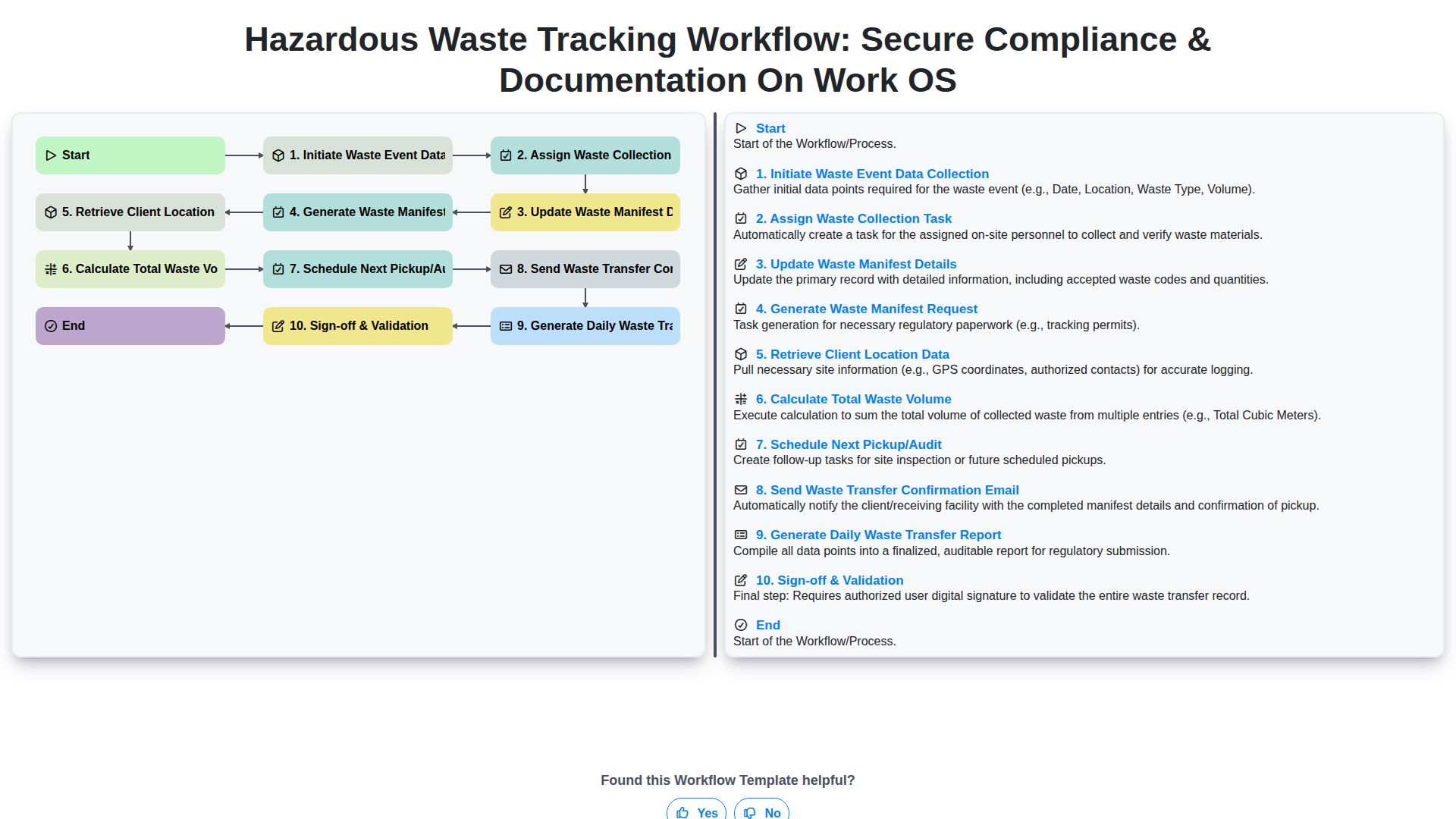
Hazardous Waste Tracking Workflow: Secure Compliance & Documentation on Work OS
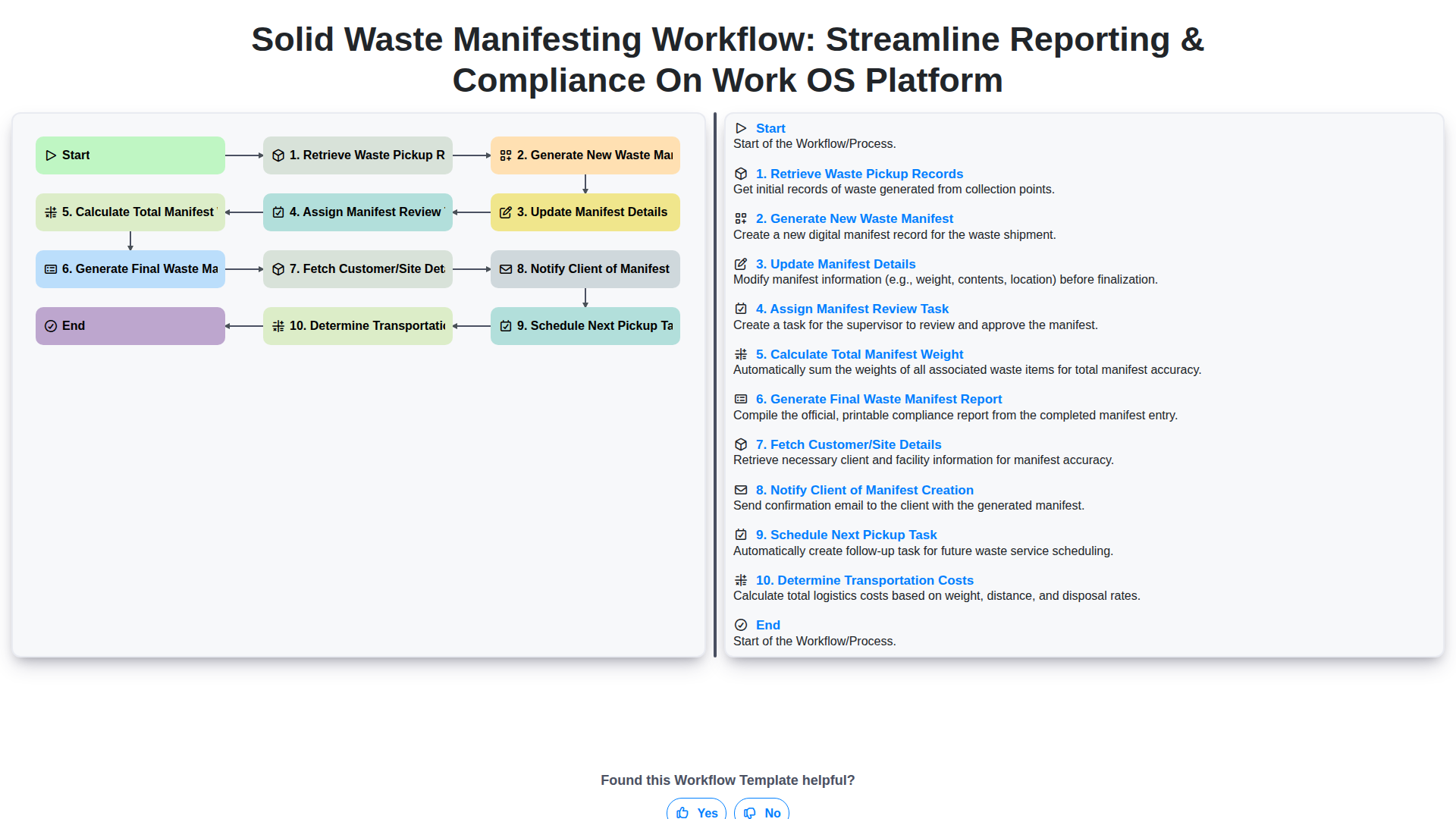
Solid Waste Manifesting Workflow: Streamline Reporting & Compliance on Work OS Platform
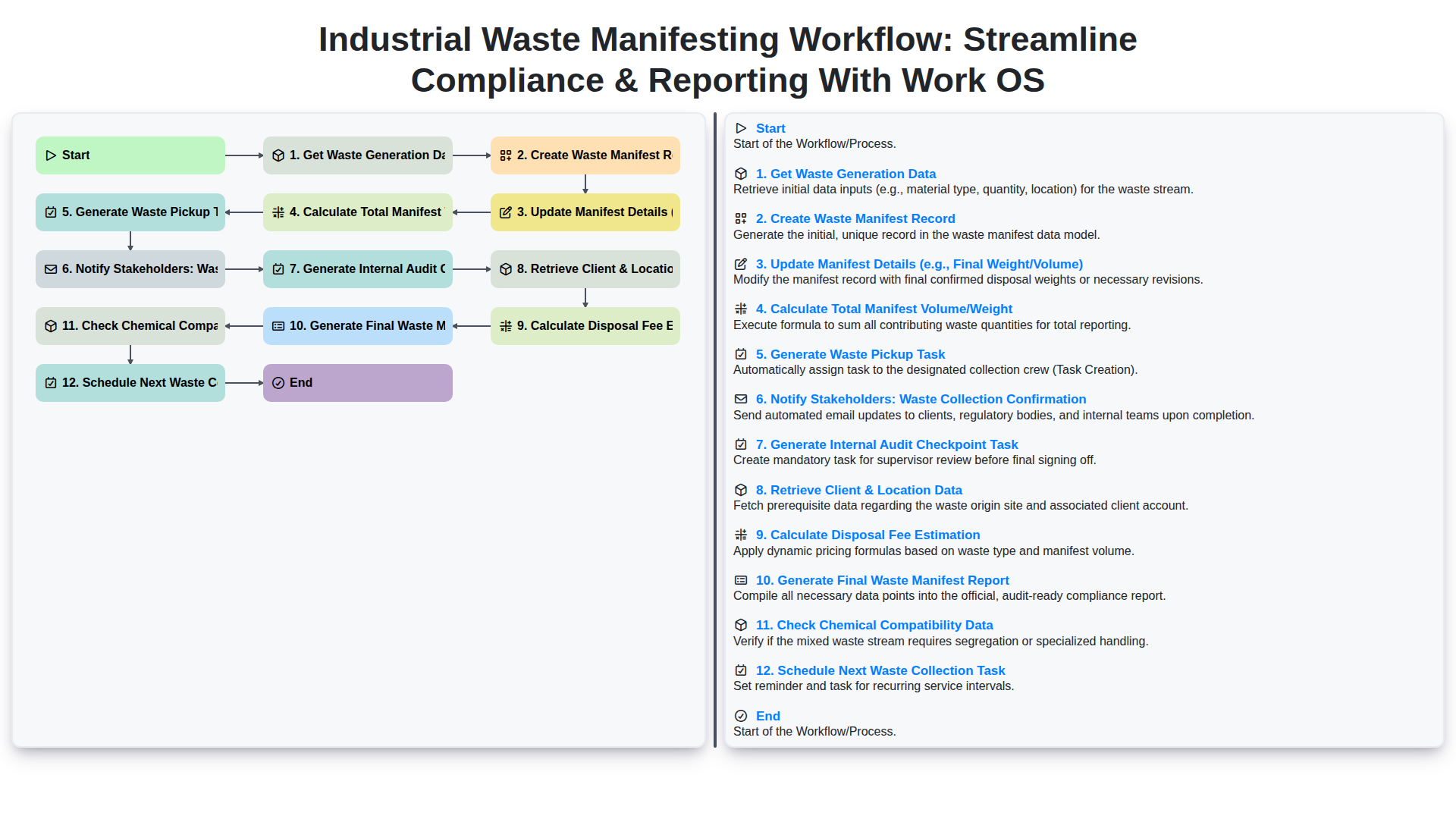
Industrial Waste Manifesting Workflow: Streamline Compliance & Reporting with Work OS
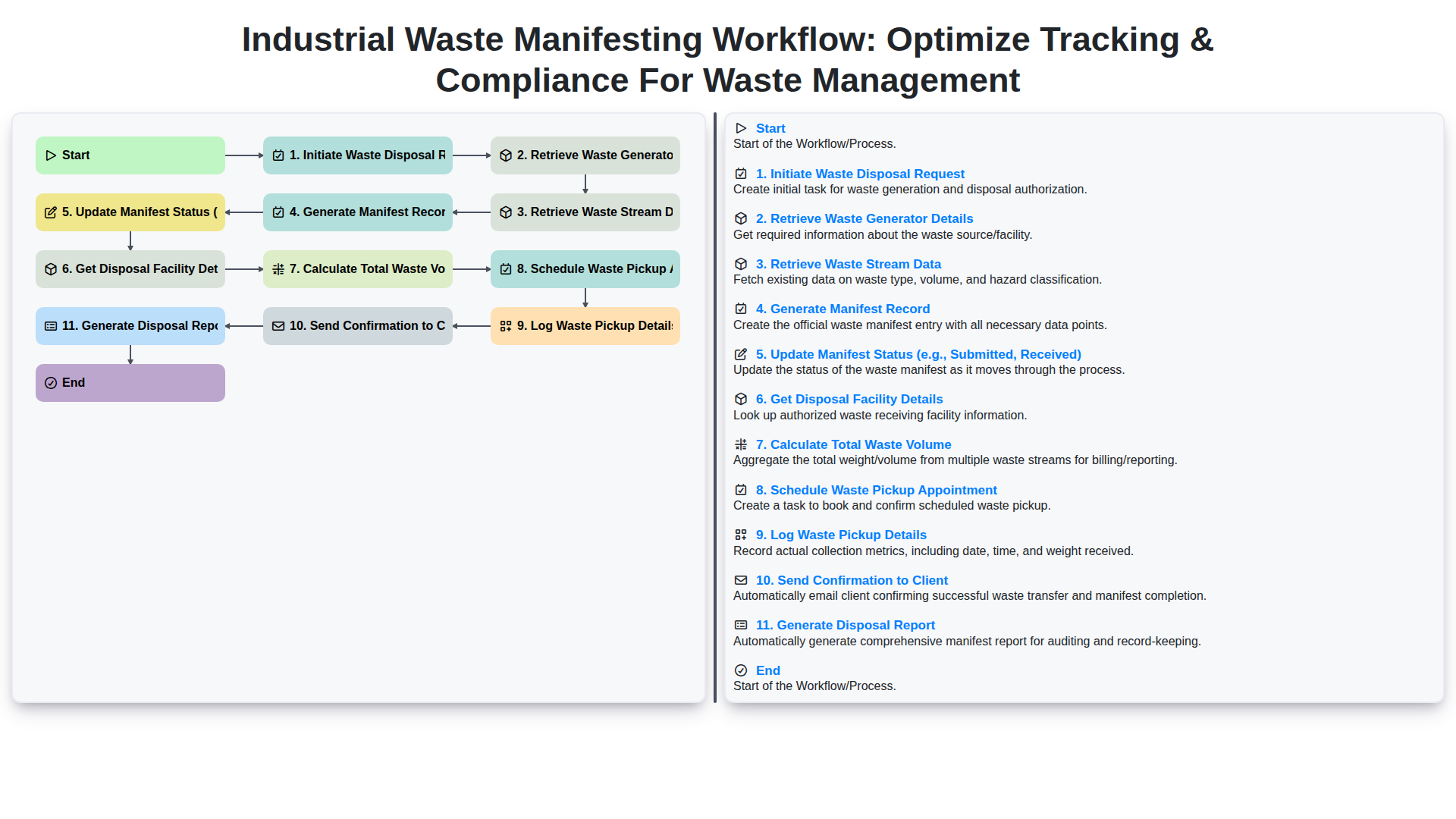
Industrial Waste Manifesting Workflow: Optimize Tracking & Compliance for Waste Management
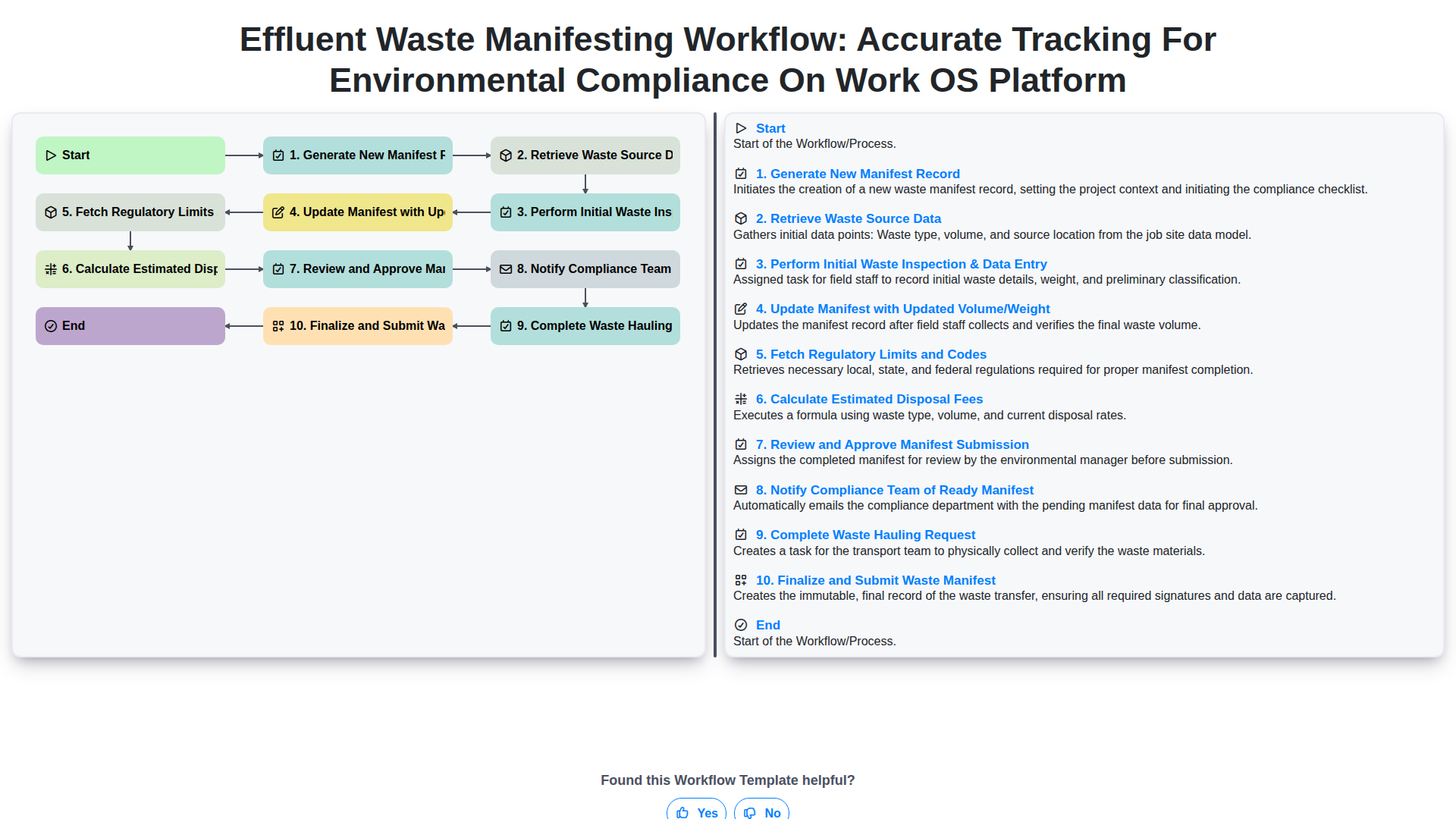
Effluent Waste Manifesting Workflow: Accurate Tracking for Environmental Compliance on Work OS Platform
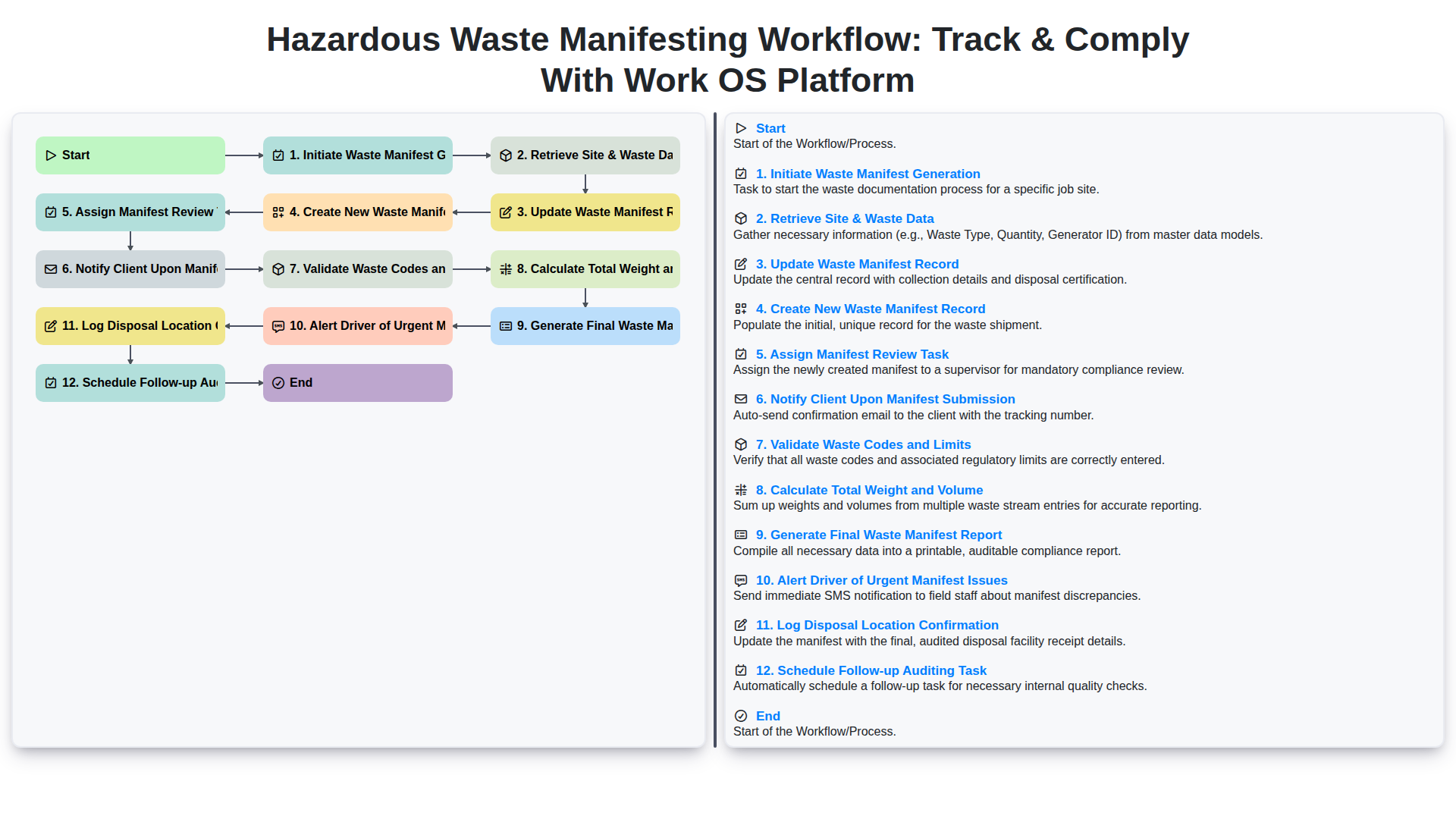
Hazardous Waste Manifesting Workflow: Track & Comply with Work OS Platform
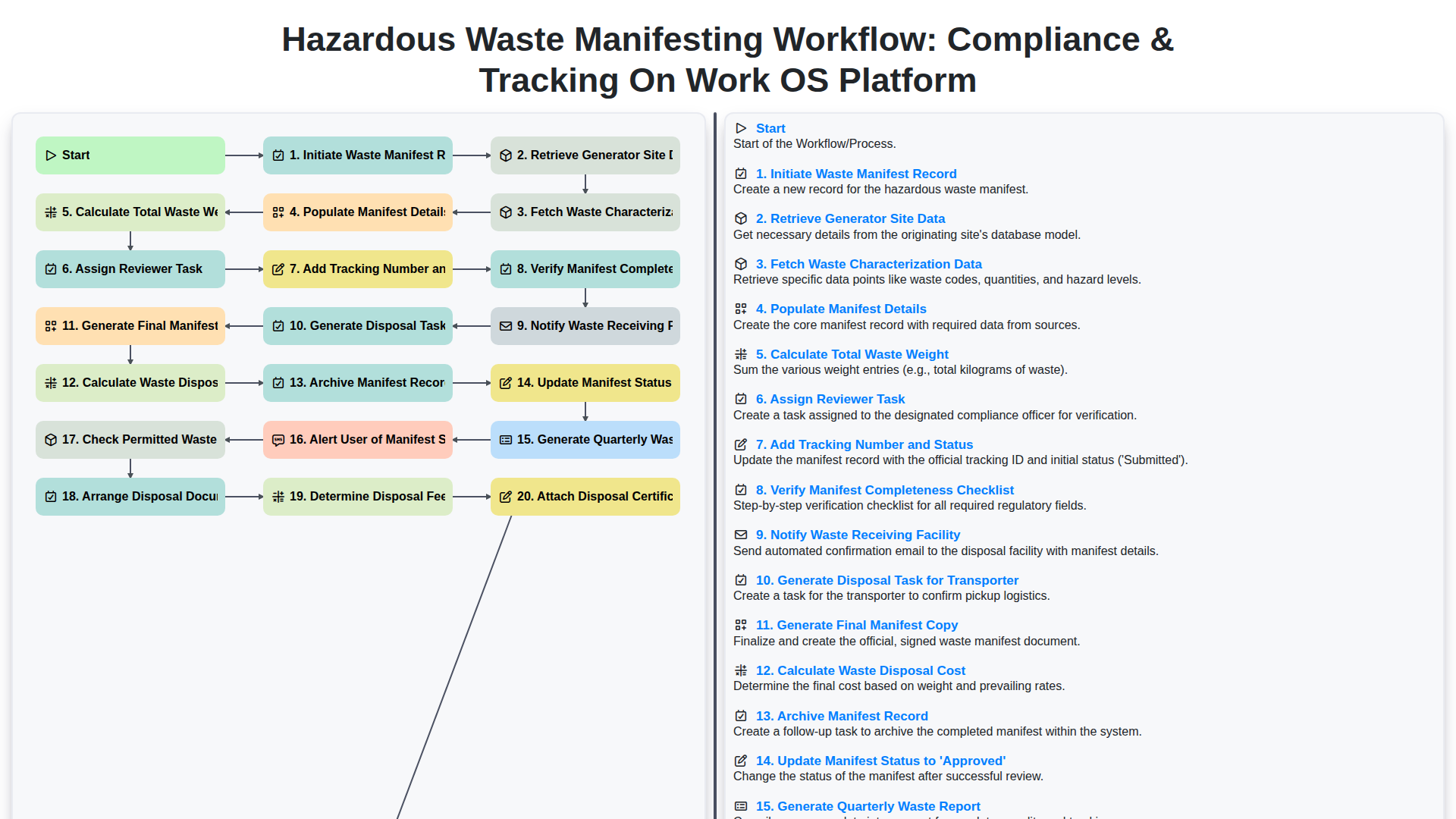
Hazardous Waste Manifesting Workflow: Compliance & Tracking on Work OS Platform
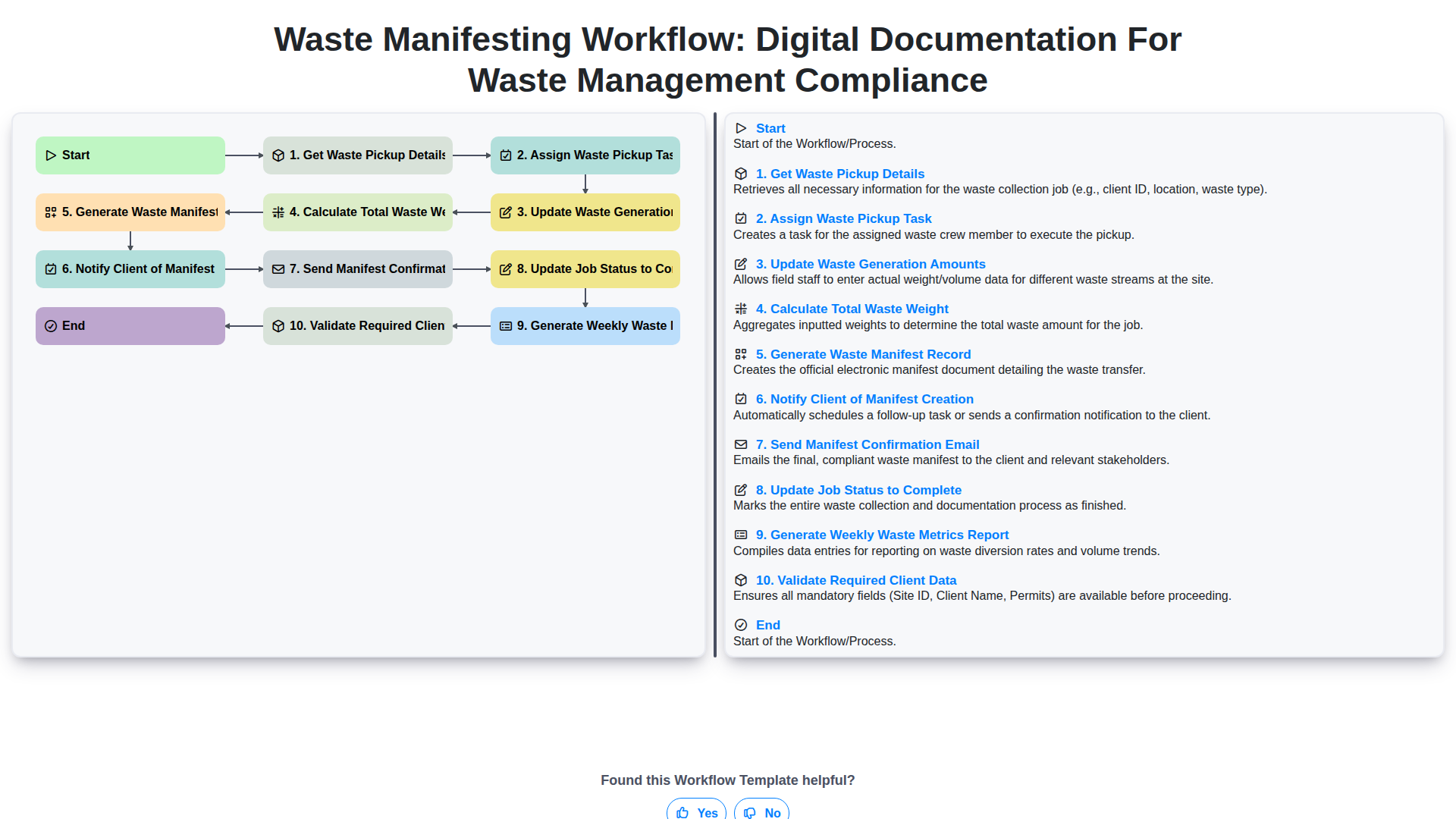
Waste Manifesting Workflow: Digital Documentation for Waste Management Compliance
We can do it Together
Need help with
Waste Management?
Have a question? We're here to help. Please submit your inquiry, and we'll respond promptly.