 ChecklistGuro
 MRP Bill of Materials (BOM) Validation Checklist
Ensure BOM accuracy & efficiency! Our MRP Bill of Materials Validation Checklist guides you through a step-by-step review, minimizing errors, optimizing production, and maximizing your MRP system's performance. Download now and streamline your BOM management!
This Template was installed 3 times.
BOM Structure & Hierarchy
Verify the overall structure of the BOM, including levels, components, and subassemblies.
Overall BOM Structure Description
Number of BOM Levels
BOM Type (e.g., Engineering, Sales)
Last BOM Structure Review Date
Notes on BOM Structure Complexity
Part Number Accuracy
Confirm the accuracy of part numbers associated with each component in the BOM.
Component Part Number
Quantity per Assembly
Notes/Discrepancies Found
Part Number Status (Active/Obsolete)
Supporting Documentation (e.g., Engineering Drawings)
Engineering Approval Status
Quantity & Usage Rates
Validate the quantities and usage rates specified for each component against engineering specifications and historical data.
Quantity Required per Assembly
Scrap Rate (%)
Lead Time (Days)
Notes on Usage Rate Variations (e.g., by product variant)
Usage Rate Source (Engineering, Historical, Supplier)
Date of Last Usage Rate Review
Unit of Measure Consistency
Ensure consistency in the units of measure used throughout the BOM.
Unit of Measure Standard
Explanation of Unit of Measure Standards
Quantity Deviation Threshold
Verify Unit Consistency Across BOM Levels
Potential Unit Conflicts Identified?
Observed Inconsistencies (if any)
Effective Dates & Revision Control
Review effective dates and revision levels to ensure the correct BOM version is in use.
Current Effective Date
Previous Effective Date
Revision Level
Revision Description
Reason for Revision
Revision Type
Supporting Documentation (e.g., ECO)
Alternate Items & Substitutions
Validate the configuration and availability of alternate items or approved substitutions.
Reason for Alternate Item/Substitution
Approved Substitution Status
Maximum Substitution Quantity
Substitution Priority
Supporting Documentation (e.g., CoO, Test Results)
Phantom Items & Processing Instructions
Verify the accuracy of phantom items and any associated processing instructions.
Phantom Item Description
Processing Instructions (Detailed)
Phantom Item Lead Time (Days)
Processing Time per Unit (Minutes)
Processing Location
Last Processing Instruction Review Date
Notes/Comments Regarding Phantom Item/Processing
Cost Rollup & Accuracy
Assess the accuracy of cost rollups based on the BOM data.
Standard Cost of Raw Material 1
Labor Rate per Unit
Variable Overhead Rate
Fixed Overhead Rate
Calculated Unit Cost (System)
Calculated Unit Cost (Manual)
Costing Method
Engineering Change Order (ECO) Tracking
Confirm that all BOM changes are properly documented and linked to ECOs.
ECO Creation Date
ECO Number
Reason for Change Description
Change Requestor
ECO Approval Date
Approval Status
Approval Comments
Revision Level Affected
System Integration & Data Flow
Validate data flow between the BOM system and other related systems (e.g., MRP, ERP).
Integration Frequency (e.g., hourly, daily)
Description of Data Synchronization Process
Data Transmission Method (API, Flat File, etc.)
Last Data Synchronization Date
Error Log Summary (last synchronization)
System Used for Integration
Frequently Asked Questions
Can I customize this template after installing it?
Absolutely. Once installed, you can add, remove, or reorder tasks, add custom fields, and adjust deadlines to fit your specific workflow.
Can I add images or photos to these checklist items?
Yes. Our platform allows you to attach photos, signatures, and notes to any checklist item for better verification and proof of completion.
Can I create a custom checklist from scratch instead of using a template?
Yes. You can use our "Create your own checklist" feature to build a unique workflow tailored exactly to your operational requirements.
Can I add dependencies between tasks?
Yes, you can set up conditional logic and dependencies to ensure your team follows the correct sequence of operations.
Can I assign specific checklist items to different team members?
Yes. You can assign individual tasks to specific employees, ensuring clear accountability across your entire team.
Can I use these checklists on mobile devices in the field?
Yes. Our platform is fully responsive, allowing your team to complete, update, and upload photos to checklists directly from any smartphone or tablet.
How do I notify my manager when a checklist is completed?
You can set up automated notifications (via email, push notification, or in-app alerts) to trigger whenever a checklist is finished or if an item fails inspection.
Can multiple people work on the same checklist simultaneously?
Yes, the platform supports real-time updates, allowing multiple users to contribute to a single live checklist.
Where is the data from completed checklists stored?
All completed checklists are stored securely in your Work OS dashboard, creating a permanent, searchable audit trail of your operations.
Can I generate reports based on my checklist results?
Yes. You can track completion rates, identify recurring issues, and monitor team performance through our integrated reporting and analytics tools.
How can I use these checklists for compliance or auditing purposes?
Because our checklists capture timestamps, photos, and digital signatures, they serve as a robust digital paper trail for regulatory compliance and internal audits.
Can I export my completed checklist data for use in other tools?
Yes. You can export your data in various formats (CSV, Excel, etc.) to integrate your operational insights with your other business software.
Comments
There are no comments yet. Be the first to add one!
Related Checklist Templates
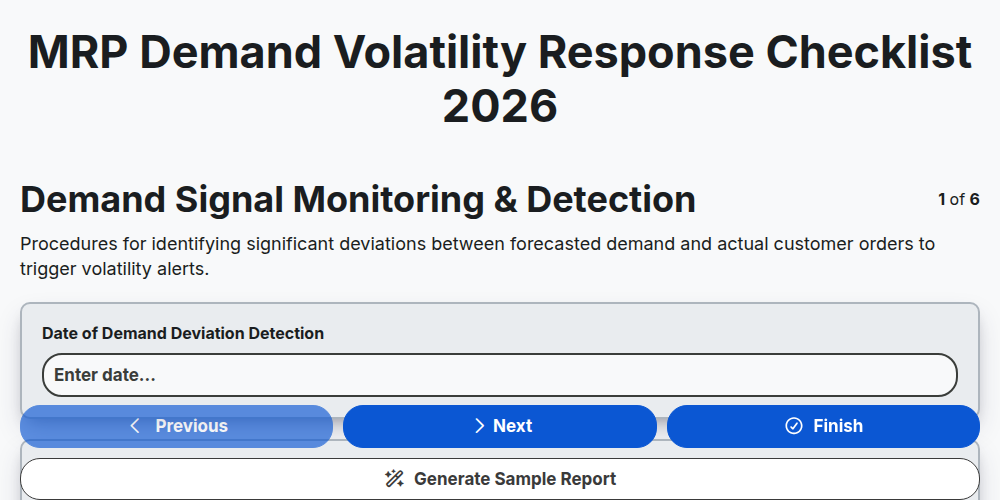
MRP Demand Volatility Response Checklist 2026
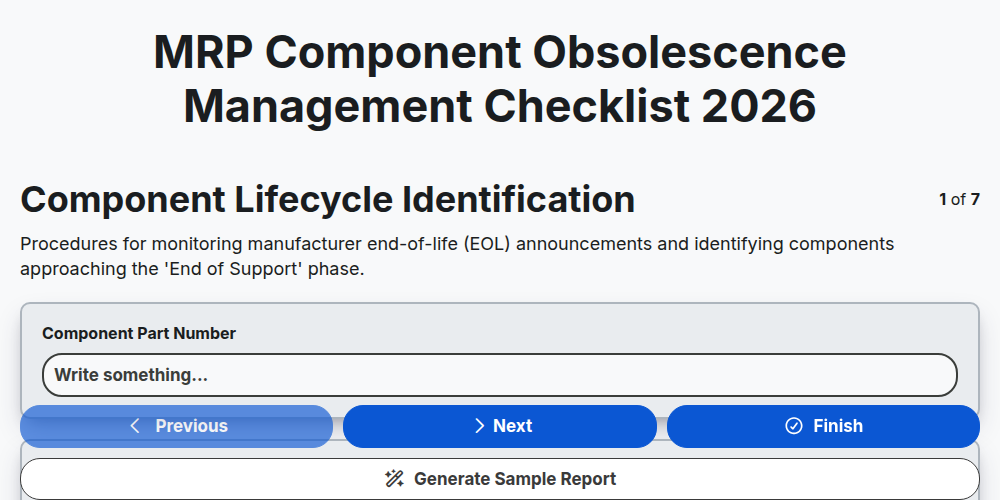
MRP Component Obsolescence Management Checklist 2026
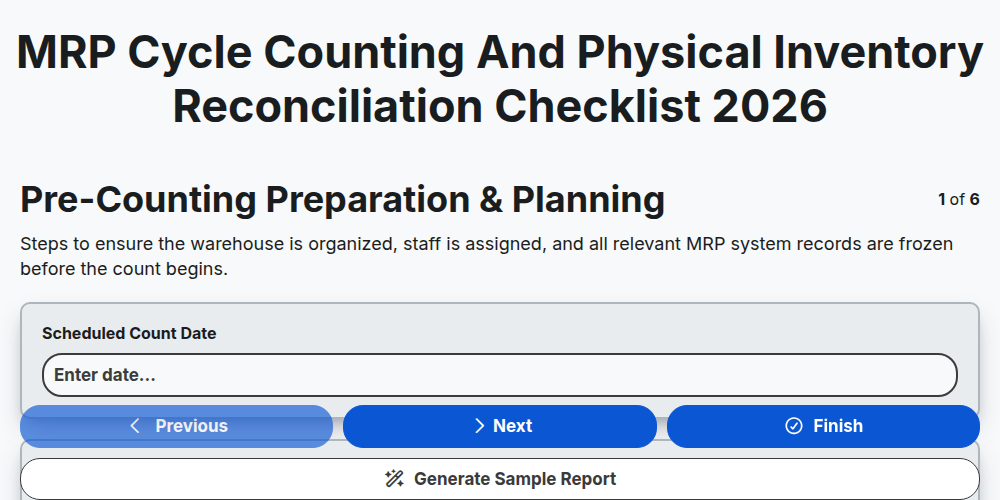
MRP Cycle Counting and Physical Inventory Reconciliation Checklist 2026
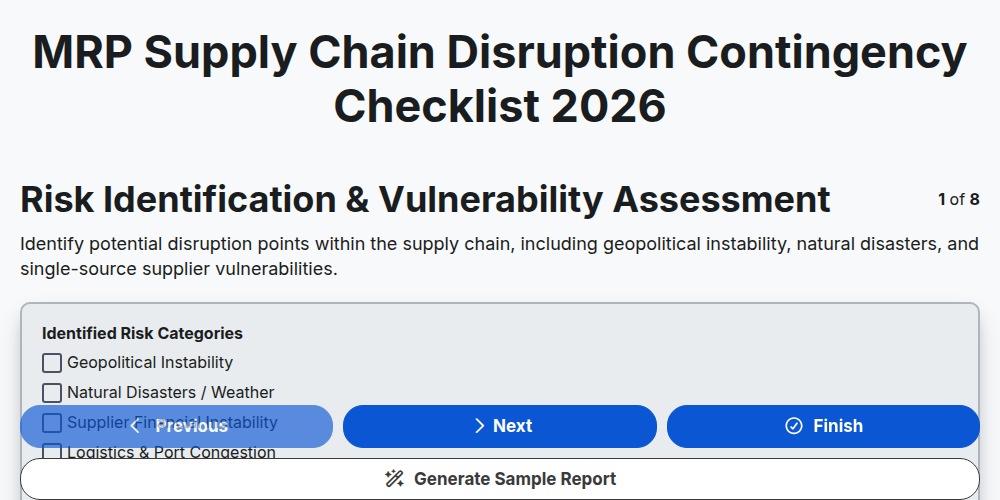
MRP Supply Chain Disruption Contingency Checklist 2026
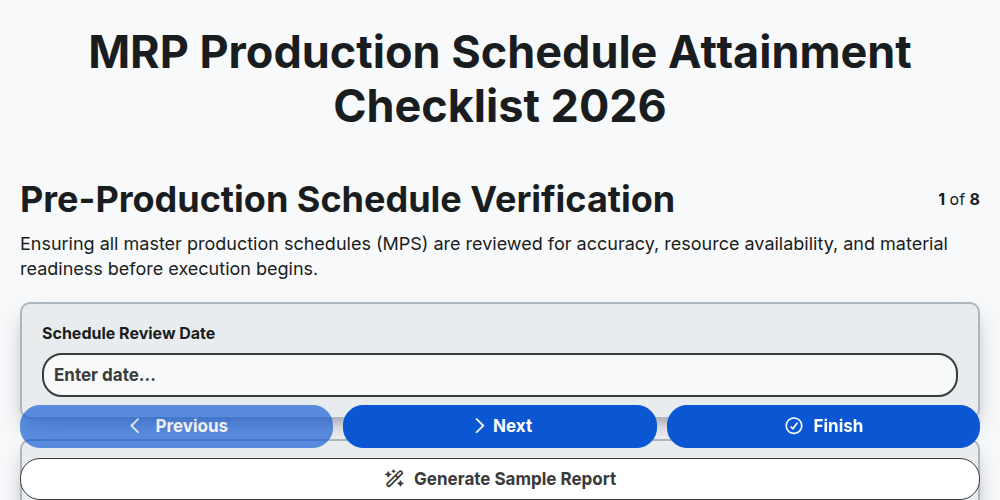
MRP Production Schedule Attainment Checklist 2026
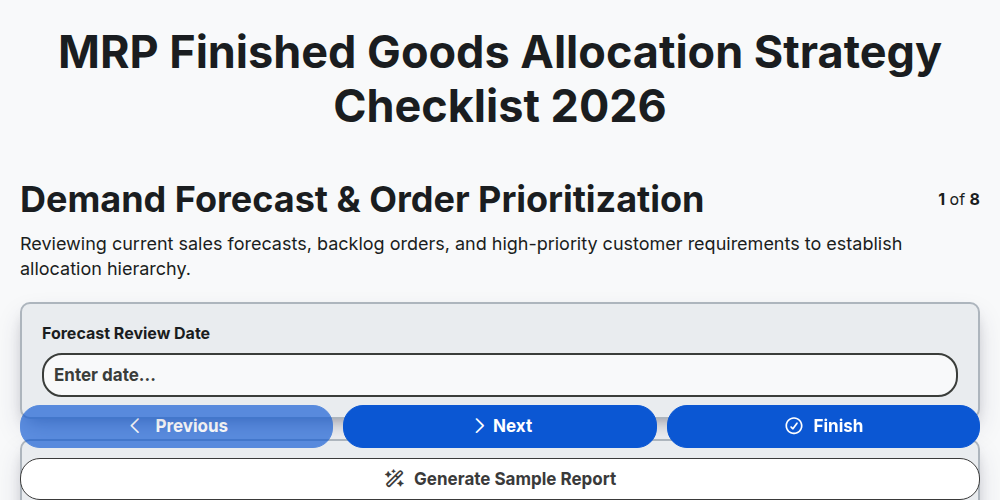
MRP Finished Goods Allocation Strategy Checklist 2026
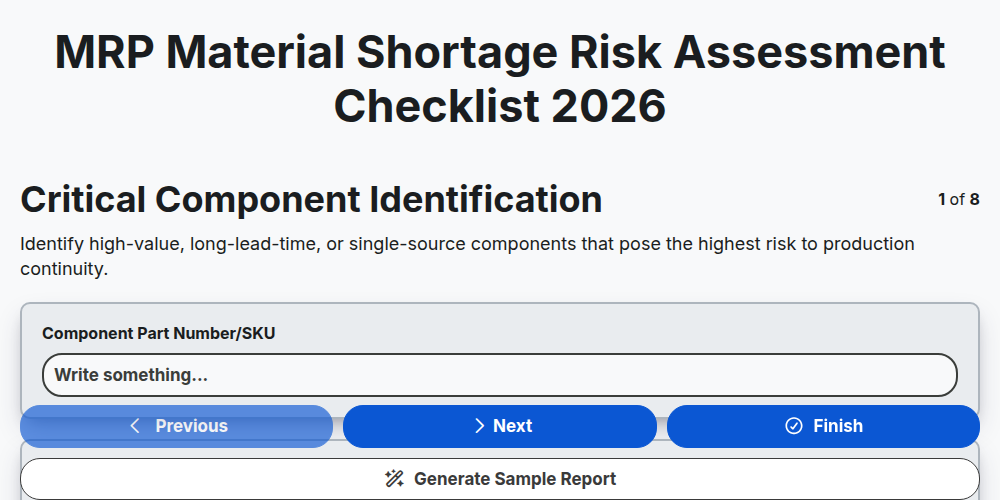
MRP Material Shortage Risk Assessment Checklist 2026
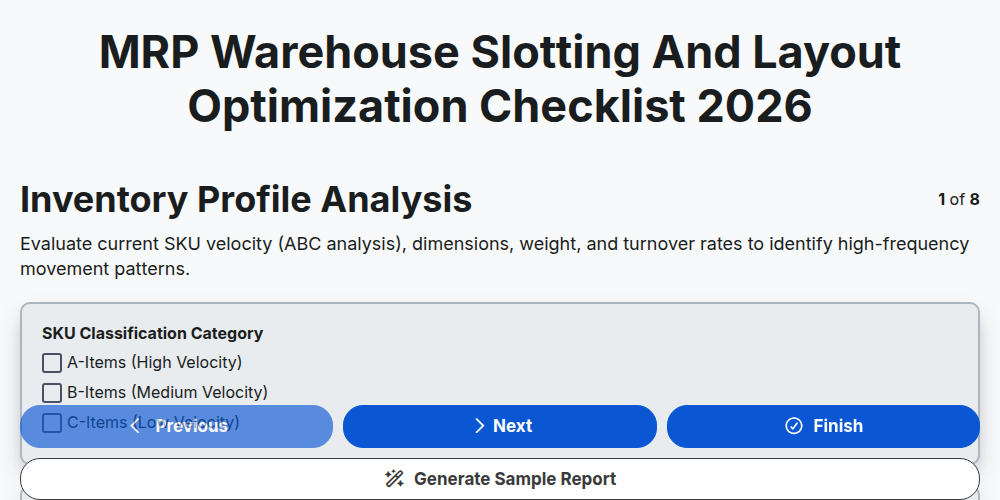
MRP Warehouse Slotting and Layout Optimization Checklist 2026
Need help with
Material Requirements Planning (MRP)?
Have a question? We're here to help. Please submit your inquiry, and we'll respond promptly.