 ChecklistGuro
 MRP Capacity Planning Checklist
Ensure optimal production and avoid bottlenecks! This MRP Capacity Planning Checklist guides you through a thorough assessment of your resources, helping you align capacity with demand and maximize efficiency. Download now and streamline your MRP processes!
This Template was installed 1 times.
Work Center Definition & Validation
Verify work centers are accurately defined with relevant data such as capacity, labor rates, and equipment details.
Work Center Code
Work Center Description
Available Capacity (Units/Hour)
Setup Time (Minutes)
Work Center Type
Last Capacity Review Date
Special Instructions / Notes
Resource Availability Assessment
Evaluate current resource availability (labor, equipment, tooling) based on historical data and future projections.
Current Labor Hours Available (Per Week)
Equipment Capacity Utilization (%)
Tooling Availability (Units)
Date of Last Capacity Review
Projected Labor Hours Available (Next Quarter)
Notes on Unexpected Downtime Events (Past 6 Months)
Overtime Hours Approved (Weekly)
Bottleneck Identification
Pinpoint potential bottlenecks within the production process that may constrain capacity.
Describe the suspected bottleneck process step.
Current cycle time (minutes)
Theoretical maximum cycle time (minutes)
Work-in-Progress (WIP) inventory level (units)
Possible causes of the bottleneck (select all that apply)
Date of bottleneck observation
Time of bottleneck observation
Planned Capacity vs. Demand Alignment
Compare planned capacity with anticipated demand to identify any gaps or overloads.
Forecasted Demand (Units)
Available Capacity (Units)
Difference (Demand - Capacity)
Capacity Shortfall Scenario
Date of Forecast/Capacity Assessment
Notes on Alignment Issues / Assumptions
Potential Mitigation Strategies Considered
Scheduling Rules & Prioritization
Review and optimize scheduling rules to effectively prioritize work orders and maximize throughput.
Priority Level Minimum Stock
Prioritization Criteria (Select all that apply)
Scheduling Method
Maximum Overtime Hours Per Week
Date Scheduling Rules Last Reviewed
Alternative Capacity Options
Explore alternative capacity options (overtime, outsourcing, subcontracting) to address potential shortfalls.
Potential Overtime Hours Available (per week)
Outsourcing Feasibility
Estimated Outsourcing Cost Increase (%)
Subcontracting Options Explored?
Details on Subcontractor Quotes/Contracts
Date of Last Subcontractor Quote Review
Potential Additional Equipment Options?
Preventative Maintenance Schedule
Ensure preventative maintenance schedules are in place and adhered to minimize equipment downtime.
Next Scheduled PM Date
Maintenance Cycle Count (e.g., hours, days)
PM Procedure Description/Link
PM Task Completed (Yes/No/Partial)
Date PM Completed
PM Notes/Observations
Attach PM Documentation (PDF, Image)
Estimated PM Duration
Capacity Buffer and Contingency Plans
Establish capacity buffers and contingency plans to account for unexpected events or fluctuations in demand.
Overtime Authorization Limit (Hours/Week)
Approved Outsourcing Vendor List
Next Review Date of Contingency Plans
Maximum Outsourcing Percentage (of Total Production)
Description of Emergency Production Relocation Plan (if applicable)
Primary Contact for Outsourcing Coordination
Data Accuracy and Integration
Confirm data accuracy and seamless integration between MRP system and shop floor execution systems.
Bill of Materials (BOM) Accuracy Score (%)
Lead Time Accuracy Score (%)
Data Synchronization Method
Last Data Synchronization Date
Description of Data Validation Procedures
Integrated Systems (Select all that apply)
Documentation and Communication
Maintain comprehensive documentation of capacity planning processes and ensure effective communication with relevant stakeholders.
Summary of Capacity Planning Assumptions
Stakeholders Informed of Capacity Plan
Date of Last Communication Review
Communication Log (Emails, Meeting Minutes)
Next Communication Review Date
Reviewer Signature
Frequently Asked Questions
Can I customize this template after installing it?
Absolutely. Once installed, you can add, remove, or reorder tasks, add custom fields, and adjust deadlines to fit your specific workflow.
Can I add images or photos to these checklist items?
Yes. Our platform allows you to attach photos, signatures, and notes to any checklist item for better verification and proof of completion.
Can I create a custom checklist from scratch instead of using a template?
Yes. You can use our "Create your own checklist" feature to build a unique workflow tailored exactly to your operational requirements.
Can I add dependencies between tasks?
Yes, you can set up conditional logic and dependencies to ensure your team follows the correct sequence of operations.
Can I assign specific checklist items to different team members?
Yes. You can assign individual tasks to specific employees, ensuring clear accountability across your entire team.
Can I use these checklists on mobile devices in the field?
Yes. Our platform is fully responsive, allowing your team to complete, update, and upload photos to checklists directly from any smartphone or tablet.
How do I notify my manager when a checklist is completed?
You can set up automated notifications (via email, push notification, or in-app alerts) to trigger whenever a checklist is finished or if an item fails inspection.
Can multiple people work on the same checklist simultaneously?
Yes, the platform supports real-time updates, allowing multiple users to contribute to a single live checklist.
Where is the data from completed checklists stored?
All completed checklists are stored securely in your Work OS dashboard, creating a permanent, searchable audit trail of your operations.
Can I generate reports based on my checklist results?
Yes. You can track completion rates, identify recurring issues, and monitor team performance through our integrated reporting and analytics tools.
How can I use these checklists for compliance or auditing purposes?
Because our checklists capture timestamps, photos, and digital signatures, they serve as a robust digital paper trail for regulatory compliance and internal audits.
Can I export my completed checklist data for use in other tools?
Yes. You can export your data in various formats (CSV, Excel, etc.) to integrate your operational insights with your other business software.
Comments
There are no comments yet. Be the first to add one!
Related Checklist Templates
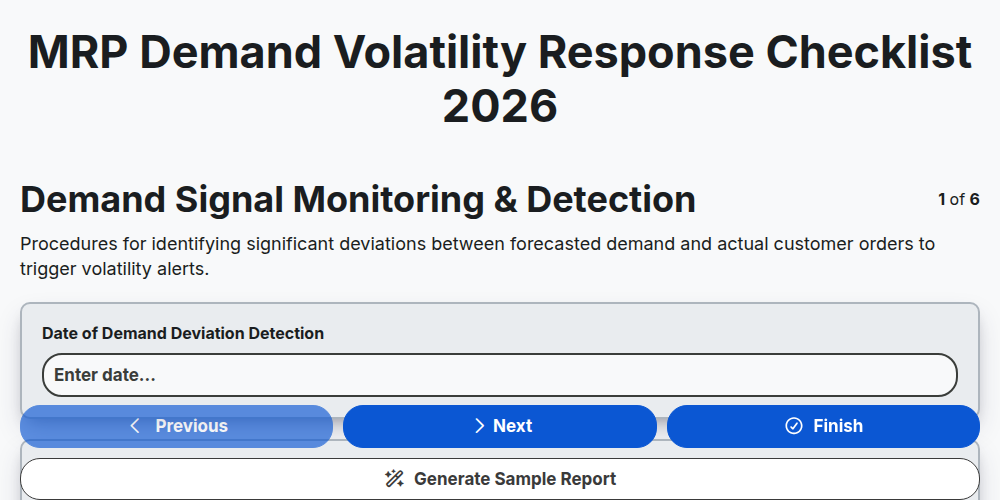
MRP Demand Volatility Response Checklist 2026
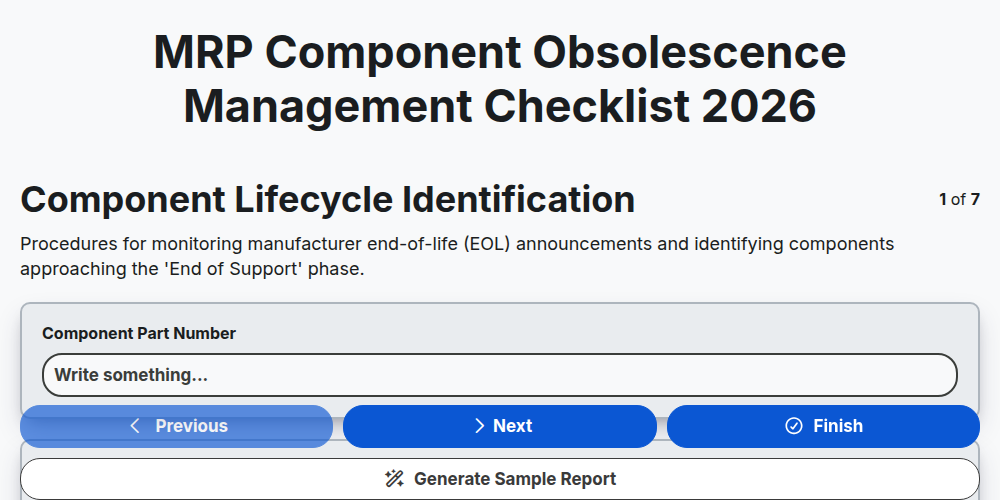
MRP Component Obsolescence Management Checklist 2026
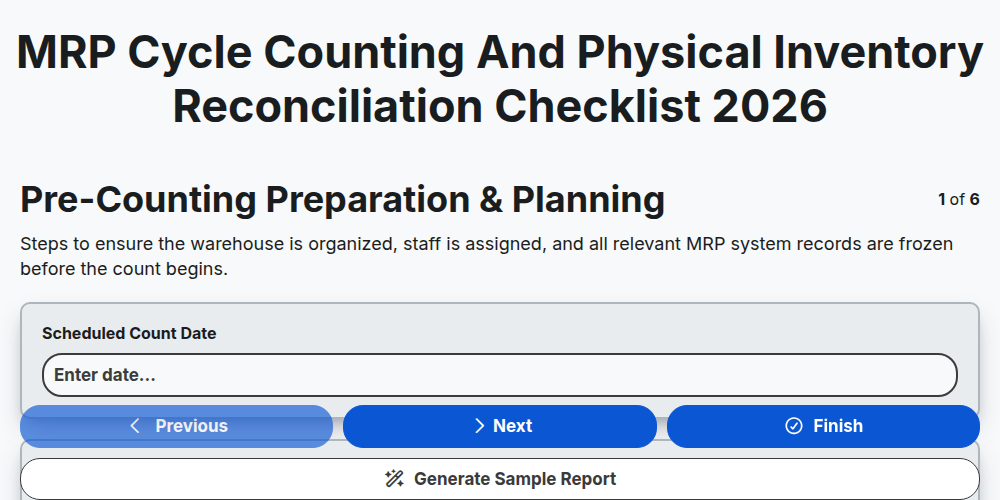
MRP Cycle Counting and Physical Inventory Reconciliation Checklist 2026
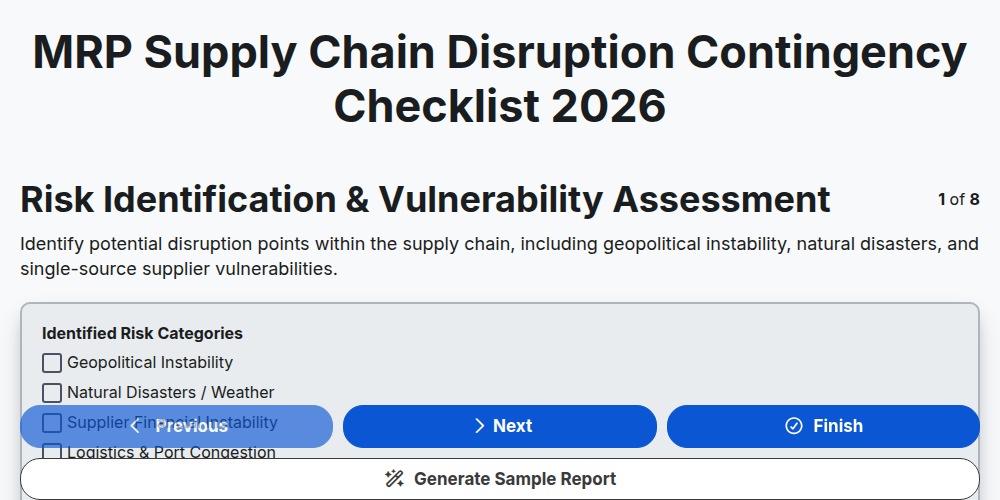
MRP Supply Chain Disruption Contingency Checklist 2026
MRP Production Schedule Attainment Checklist 2026
MRP Finished Goods Allocation Strategy Checklist 2026
MRP Material Shortage Risk Assessment Checklist 2026
MRP Warehouse Slotting and Layout Optimization Checklist 2026
Need help with
Material Requirements Planning (MRP)?
Have a question? We're here to help. Please submit your inquiry, and we'll respond promptly.