 ChecklistGuro
 MRP Demand Planning Checklist
Ensure accurate forecasting and optimized material flow with our MRP Demand Planning Checklist. Streamline your planning process, minimize stockouts, and maximize efficiency - your roadmap to successful MRP implementation starts here.
This Template was installed 2 times.
Data Collection & Forecasting
Ensuring accurate historical data is available and appropriate forecasting methods are selected.
Historical Sales Data Range (Months)
Description of Data Sources
Forecasting Method Selection
Last Data Refresh Date
Forecast Horizon (Months)
Data Quality Assessment Notes
Sales & Operations Planning (S&OP) Alignment
Verifying demand plan aligns with overall sales and operations goals.
S&OP Objectives Review
Forecast Bias Percentage
Key S&OP Risks Identified
Next S&OP Meeting Date
S&OP Process Owner
Summary of S&OP Decision Points
Forecast Accuracy Metrics
Establishing and monitoring key performance indicators (KPIs) for forecast accuracy.
Mean Absolute Deviation (MAD)
Mean Squared Error (MSE)
Root Mean Squared Error (RMSE)
Percentage Bias
Forecast Accuracy (%)
Tracking Signal
Date of Last Metric Calculation
Notes/Comments on Metric Performance
Demand Signal Identification
Identifying and analyzing key demand signals impacting future requirements.
Description of Key Economic Indicators Considered
Primary Demand Signal Type
Weighting Factor for Customer Orders
Specific Customer Segments to Monitor
Date of Last Market Research Report
Collaboration & Communication
Confirming clear communication channels and collaborative processes with sales, marketing, and other stakeholders.
Frequency of Cross-Functional Meetings
Communication Channels Used (e.g., Email, Slack, Meetings)
Summary of Recent Collaboration Discussions
Date of Last Collaboration Review
Departments Involved in Demand Planning
Contact Person for Communication Issues
Demand Review Meetings
Scheduling and conducting regular demand review meetings to adjust forecasts.
Meeting Date
Meeting Time
Review Focus (e.g., Promotional, New Product)
Summary of Key Discussions
Forecast Variance (Actual vs. Projected)
Action Required (e.g., Forecast Adjustment, Capacity Planning)
Action Items & Responsibilities
Follow-up Date
Exception Handling
Defining procedures for addressing and resolving forecast exceptions and risks.
Describe the exception (e.g., unusually high order volume, unexpected market disruption)
Percentage deviation from baseline forecast
Exception Category (e.g., Sales, Production, Supply)
Date of Exception
Root Cause Analysis - Briefly explain the underlying reason for the exception
Severity Level (e.g., Low, Medium, High)
Proposed Corrective Actions
Corrective Action Implementation Date
Authorized Reviewer Signature
Forecast Consolidation
Ensuring accurate consolidation of individual forecasts into an aggregate demand plan.
Weighted Average Calculation Factor
Consolidation Methodology
Total Forecast Volume
Consolidation Rationale
Consolidation Date
Variance from Initial Forecast
System Integration
Validating seamless integration between demand planning tools and the MRP system.
API Response Time (milliseconds)
Integration Method
Integration Error Logs (if applicable)
Last Integration Synchronization Date
Systems Integrated
Integration User ID
Documentation & Review
Maintaining clear documentation of forecasting processes and regularly reviewing their effectiveness.
Last Review Date
Review Summary & Action Items
Forecast Accuracy Score (Previous Period)
Review Type (e.g., Monthly, Quarterly)
Process Improvement Recommendations
Supporting Documents (e.g., Forecast reports)
Next Review Date
Frequently Asked Questions
Can I customize this template after installing it?
Absolutely. Once installed, you can add, remove, or reorder tasks, add custom fields, and adjust deadlines to fit your specific workflow.
Can I add images or photos to these checklist items?
Yes. Our platform allows you to attach photos, signatures, and notes to any checklist item for better verification and proof of completion.
Can I create a custom checklist from scratch instead of using a template?
Yes. You can use our "Create your own checklist" feature to build a unique workflow tailored exactly to your operational requirements.
Can I add dependencies between tasks?
Yes, you can set up conditional logic and dependencies to ensure your team follows the correct sequence of operations.
Can I assign specific checklist items to different team members?
Yes. You can assign individual tasks to specific employees, ensuring clear accountability across your entire team.
Can I use these checklists on mobile devices in the field?
Yes. Our platform is fully responsive, allowing your team to complete, update, and upload photos to checklists directly from any smartphone or tablet.
How do I notify my manager when a checklist is completed?
You can set up automated notifications (via email, push notification, or in-app alerts) to trigger whenever a checklist is finished or if an item fails inspection.
Can multiple people work on the same checklist simultaneously?
Yes, the platform supports real-time updates, allowing multiple users to contribute to a single live checklist.
Where is the data from completed checklists stored?
All completed checklists are stored securely in your Work OS dashboard, creating a permanent, searchable audit trail of your operations.
Can I generate reports based on my checklist results?
Yes. You can track completion rates, identify recurring issues, and monitor team performance through our integrated reporting and analytics tools.
How can I use these checklists for compliance or auditing purposes?
Because our checklists capture timestamps, photos, and digital signatures, they serve as a robust digital paper trail for regulatory compliance and internal audits.
Can I export my completed checklist data for use in other tools?
Yes. You can export your data in various formats (CSV, Excel, etc.) to integrate your operational insights with your other business software.
Comments
There are no comments yet. Be the first to add one!
Related Checklist Templates
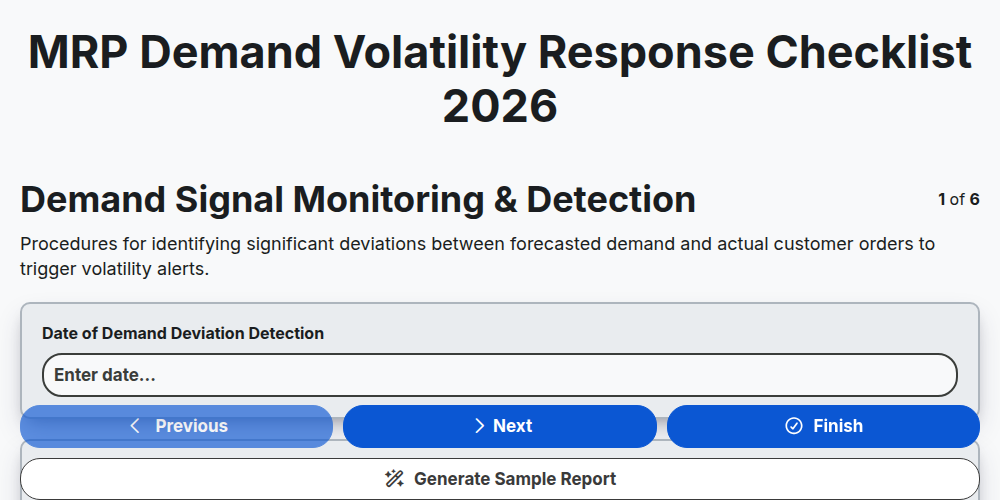
MRP Demand Volatility Response Checklist 2026
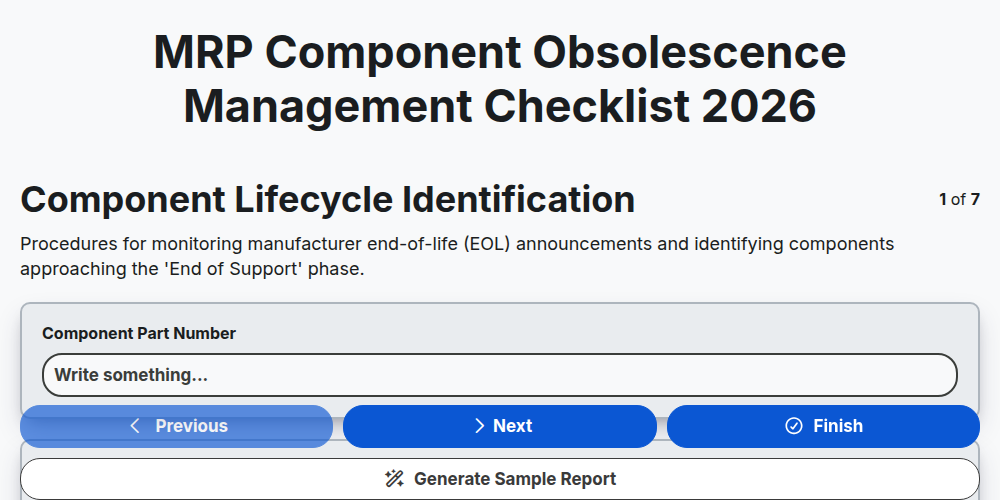
MRP Component Obsolescence Management Checklist 2026
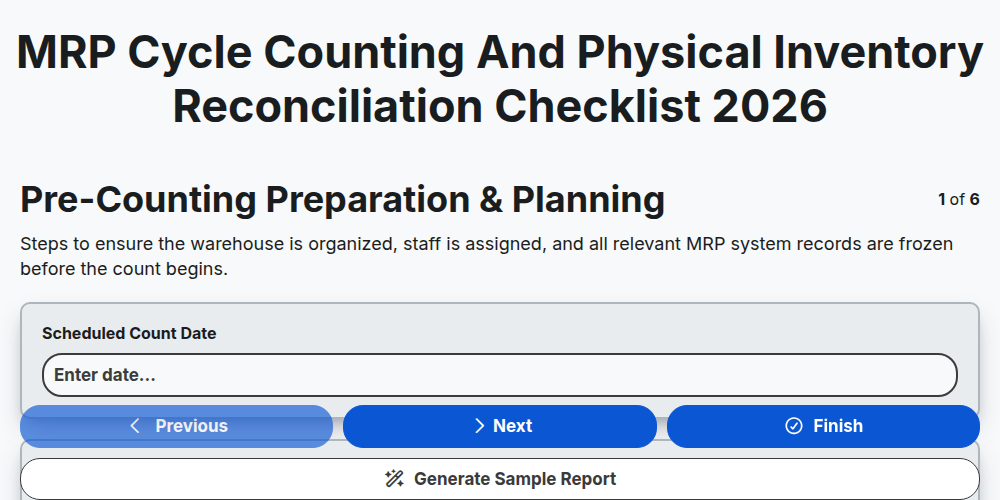
MRP Cycle Counting and Physical Inventory Reconciliation Checklist 2026
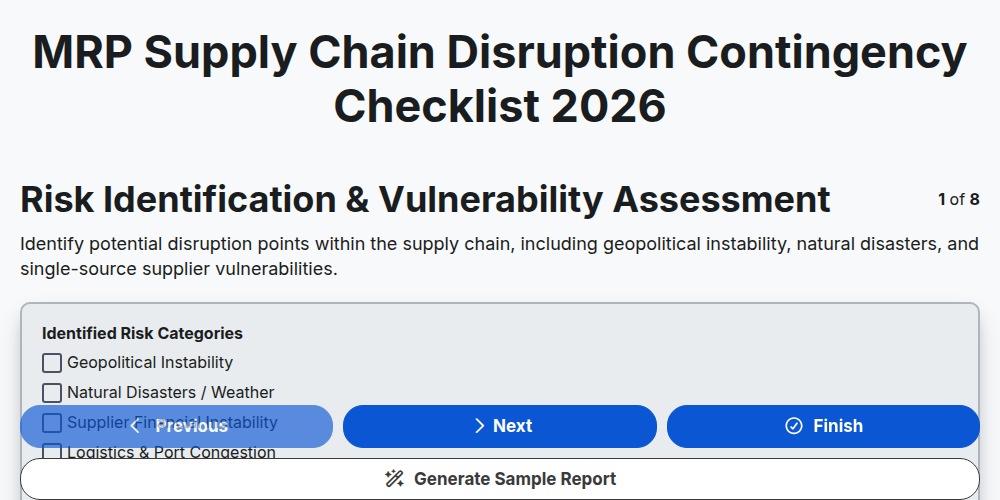
MRP Supply Chain Disruption Contingency Checklist 2026
MRP Production Schedule Attainment Checklist 2026
MRP Finished Goods Allocation Strategy Checklist 2026
MRP Material Shortage Risk Assessment Checklist 2026
MRP Warehouse Slotting and Layout Optimization Checklist 2026
Need help with
Material Requirements Planning (MRP)?
Have a question? We're here to help. Please submit your inquiry, and we'll respond promptly.