 ChecklistGuro
 MRP System Security Checklist
Ensure your MRP data and processes are protected! This comprehensive MRP System Security Checklist guides you through vital security measures, from user access controls to data encryption, minimizing risks and maximizing the integrity of your Material Requirements Planning system. Download now and safeguard your supply chain.
This Template was installed 2 times.
User Access Controls
Ensures appropriate user permissions and role-based access to MRP system data and functionalities.
Default User Role Assignment Policy
Sensitive Data Access Restrictions
New User Approval Process
Maximum Concurrent User Sessions Allowed
Last User Access Review Date
Details of User Access Review Process
Password Management
Verifies password complexity, rotation policies, and secure storage of user credentials.
Minimum Password Length
Password Complexity Requirements
Password Expiration Time (Days)
Last Password Policy Review Date
Password Policy Documentation Link/Location
Password Reset Method
Number of Password Reuse Prevention
Data Encryption
Confirms encryption of sensitive data at rest and in transit within the MRP system.
Encryption Method Used:
Specify Other Encryption Method (if applicable):
Data Encrypted at Rest?
Data Encrypted in Transit?
Encryption Key Rotation Period (Days):
Description of Key Management Process:
Encryption Policy Document (Optional):
Audit Trails & Logging
Validates comprehensive logging of user actions, system events, and data modifications for auditability.
Describe Audit Trail Configuration
Maximum Audit Log File Size (MB)
Audit Log Storage Location
Last Audit Log Review Date
Frequency of Automated Audit Log Summaries
Key Events Being Logged (e.g., User Login, Data Changes)
Audit Log Retention Policy
Network Security
Assesses network access controls, firewalls, and intrusion detection systems protecting the MRP environment.
Firewall Rule Count
Firewall Vendor
Network Segmentation Strategy
VPN Usage
Last Firewall Rule Review Date
Intrusion Detection/Prevention Systems (IDS/IPS)
Description of Network Access Control (NAC) Implementation
Backup and Recovery
Confirms regular data backups and a tested recovery plan in case of system failures or security breaches.
Backup Frequency (Daily/Weekly/Monthly)
Last Successful Full Backup Date
Last Successful Incremental Backup Date
Backup Storage Location (e.g., cloud, on-site server)
Backup Retention Period (in days)
Offsite Backup Enabled
Disaster Recovery Plan Documentation Location (Link/File)
System Patching & Updates
Verifies timely application of security patches and system updates to address known vulnerabilities.
Last Patch Applied Date
MRP System Version
Patch Notes/Description (including version number)
Next Scheduled Patch Review Date
Patch Source (e.g., Vendor, Internal)
Number of Critical Patches Pending
Integration Security
Evaluates security measures for data integration with other systems, preventing unauthorized access and data leakage.
Describe Integration Points
Integration Method (API, File Transfer, Database Link)
Encryption Strength (e.g., TLS version)
Data Validation Checks Performed
Last Integration Security Review Date
Vendor Access & Management
Controls and monitors vendor access to the MRP system, ensuring compliance with security policies.
Vendor Access Method
Number of Active Vendor Users
Last Vendor Access Review Date
Justification for Vendor Access Level
Data Access Permissions Granted
Vendor Access Agreement (Signed)
Specific Security Protocols Shared with Vendor
Security Awareness Training
Confirms users receive regular security awareness training to recognize and avoid potential threats.
Describe phishing recognition techniques taught.
Which topics were covered in the training?
Date of training completion.
Score on post-training quiz (if applicable).
Briefly summarize key takeaways from the training.
Training delivery method (e.g., online, instructor-led).
Frequently Asked Questions
Can I customize this template after installing it?
Absolutely. Once installed, you can add, remove, or reorder tasks, add custom fields, and adjust deadlines to fit your specific workflow.
Can I add images or photos to these checklist items?
Yes. Our platform allows you to attach photos, signatures, and notes to any checklist item for better verification and proof of completion.
Can I create a custom checklist from scratch instead of using a template?
Yes. You can use our "Create your own checklist" feature to build a unique workflow tailored exactly to your operational requirements.
Can I add dependencies between tasks?
Yes, you can set up conditional logic and dependencies to ensure your team follows the correct sequence of operations.
Can I assign specific checklist items to different team members?
Yes. You can assign individual tasks to specific employees, ensuring clear accountability across your entire team.
Can I use these checklists on mobile devices in the field?
Yes. Our platform is fully responsive, allowing your team to complete, update, and upload photos to checklists directly from any smartphone or tablet.
How do I notify my manager when a checklist is completed?
You can set up automated notifications (via email, push notification, or in-app alerts) to trigger whenever a checklist is finished or if an item fails inspection.
Can multiple people work on the same checklist simultaneously?
Yes, the platform supports real-time updates, allowing multiple users to contribute to a single live checklist.
Where is the data from completed checklists stored?
All completed checklists are stored securely in your Work OS dashboard, creating a permanent, searchable audit trail of your operations.
Can I generate reports based on my checklist results?
Yes. You can track completion rates, identify recurring issues, and monitor team performance through our integrated reporting and analytics tools.
How can I use these checklists for compliance or auditing purposes?
Because our checklists capture timestamps, photos, and digital signatures, they serve as a robust digital paper trail for regulatory compliance and internal audits.
Can I export my completed checklist data for use in other tools?
Yes. You can export your data in various formats (CSV, Excel, etc.) to integrate your operational insights with your other business software.
Comments
There are no comments yet. Be the first to add one!
Related Checklist Templates
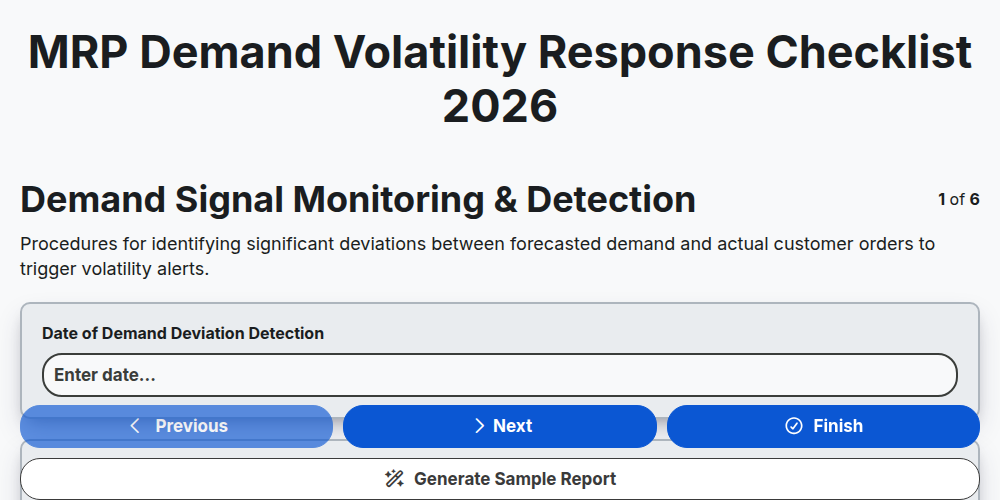
MRP Demand Volatility Response Checklist 2026
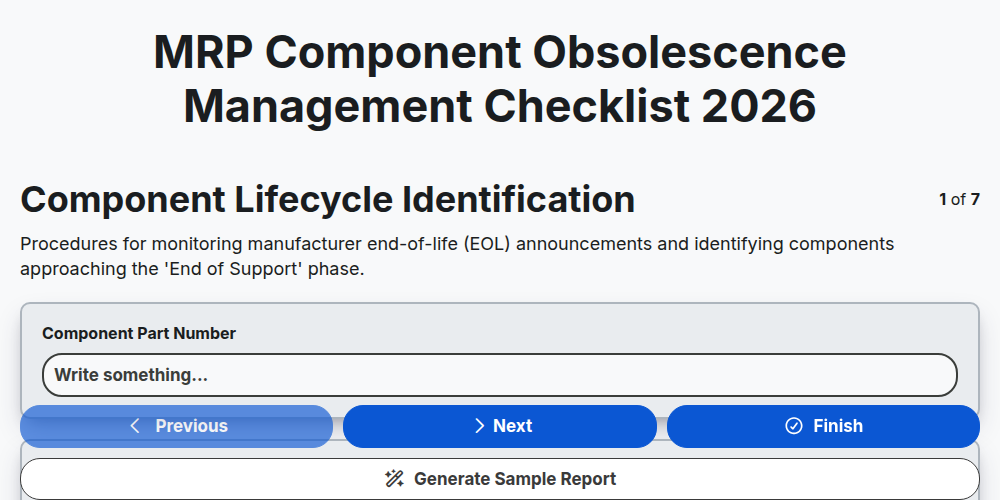
MRP Component Obsolescence Management Checklist 2026
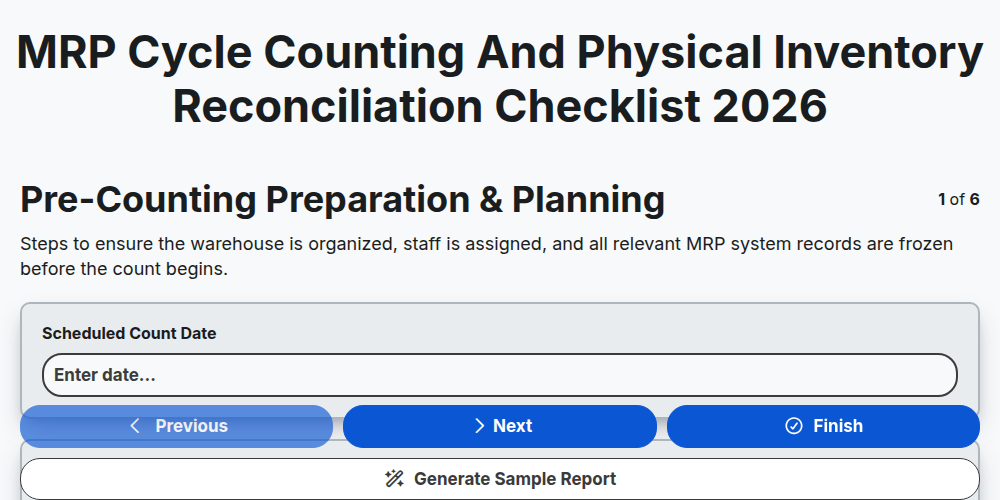
MRP Cycle Counting and Physical Inventory Reconciliation Checklist 2026
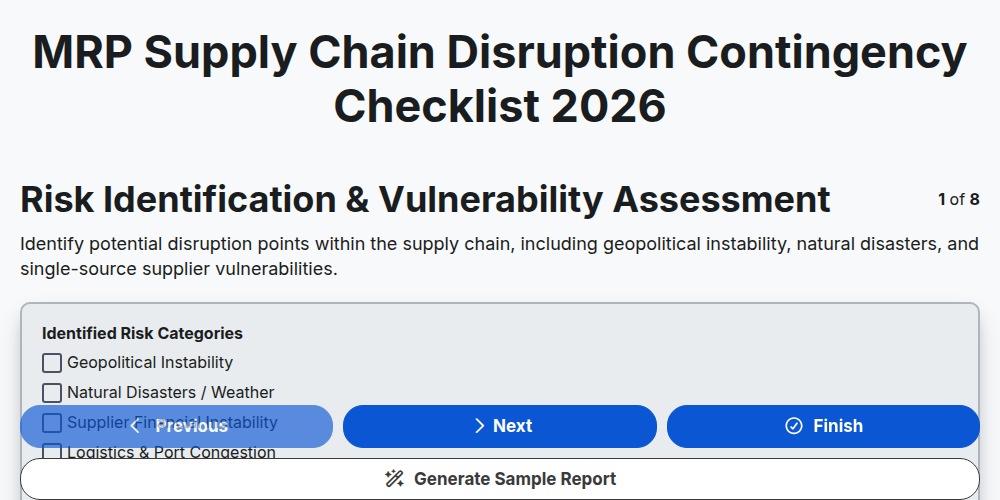
MRP Supply Chain Disruption Contingency Checklist 2026
MRP Production Schedule Attainment Checklist 2026
MRP Finished Goods Allocation Strategy Checklist 2026
MRP Material Shortage Risk Assessment Checklist 2026
MRP Warehouse Slotting and Layout Optimization Checklist 2026
Need help with
Material Requirements Planning (MRP)?
Have a question? We're here to help. Please submit your inquiry, and we'll respond promptly.