 ChecklistGuro
 Automotive Inventory Management Workflow
Streamline your dealership's operations with our Automotive Inventory Management Workflow. Optimize vehicle tracking, automate stock updates, and master your supply chain from acquisition to sale to maximize turnover and profitability.
This Template was installed 4 times.
Start
Start of the Workflow/Process.
1. Scan Incoming Vehicle
Retrieve vehicle details from the Inventory Data Model using a VIN scan.
2. Create Inventory Record
Generate a new entry in the Inventory Data Model for the newly arrived vehicle.
3. Assign Inspection Task
Create a task for the Quality Control technician to perform a multi-point inspection.
4. Inspection Checklist
Standardized list of points to check: engine, bodywork, electronics, and tire tread.
5. Update Vehicle Condition
Update the 'Condition Status' field in the Inventory entry based on inspection results.
6. Calculate Estimated Market Value
Calculate value based on (Base Price + Refurbishment Cost - Depreciation).
7. Set Final Listing Price
Update the 'Listing Price' field in the Inventory Data Model with the calculated value.
8. Create Refurbishment Order
Create a new entry in the Service/Maintenance Data Model if damage was detected.
9. Notify Sales Team
Create a task for the Sales Manager to review the new stock arrival.
10. New Stock Alert Email
Send an automated email to the sales department with the vehicle details and photos.
11. Calculate Total Inventory Value
Sum the 'Listing Price' of all entries in the Inventory Data Model to see total capital tied in stock.
12. Count Low Stock Alerts
Count entries where 'Days in Stock' exceeds 60 days.
13. Weekly Inventory Valuation Report
Generate a report summarizing total inventory, value, and upcoming maintenance costs.
14. Mark Vehicle as Sold
Update the status of the vehicle entry to 'Sold' once a transaction is confirmed.
15. Remove Scrapped Vehicles
Delete entries from the active inventory model for vehicles marked as 'Scrapped' or 'Disposed'.
End
End of the Workflow/Process.
Start of the Workflow/Process.
Retrieve vehicle details from the Inventory Data Model using a VIN scan.
Generate a new entry in the Inventory Data Model for the newly arrived vehicle.
Create a task for the Quality Control technician to perform a multi-point inspection.
Standardized list of points to check: engine, bodywork, electronics, and tire tread.
Update the 'Condition Status' field in the Inventory entry based on inspection results.
Calculate value based on (Base Price + Refurbishment Cost - Depreciation).
Update the 'Listing Price' field in the Inventory Data Model with the calculated value.
Create a new entry in the Service/Maintenance Data Model if damage was detected.
Create a task for the Sales Manager to review the new stock arrival.
Send an automated email to the sales department with the vehicle details and photos.
Sum the 'Listing Price' of all entries in the Inventory Data Model to see total capital tied in stock.
Count entries where 'Days in Stock' exceeds 60 days.
Generate a report summarizing total inventory, value, and upcoming maintenance costs.
Update the status of the vehicle entry to 'Sold' once a transaction is confirmed.
Delete entries from the active inventory model for vehicles marked as 'Scrapped' or 'Disposed'.
End of the Workflow/Process.
Frequently Asked Questions
Comments
There are no comments yet. Be the first to add one!
Automotive Manufacturing Management Solution Demo
Optimize your automotive production! ChecklistGuro digitizes workflows, from parts inspection to final testing. Reduce errors, boost efficiency & ensure quality compliance. Drive results with our Work OS.
Related Workflow Templates
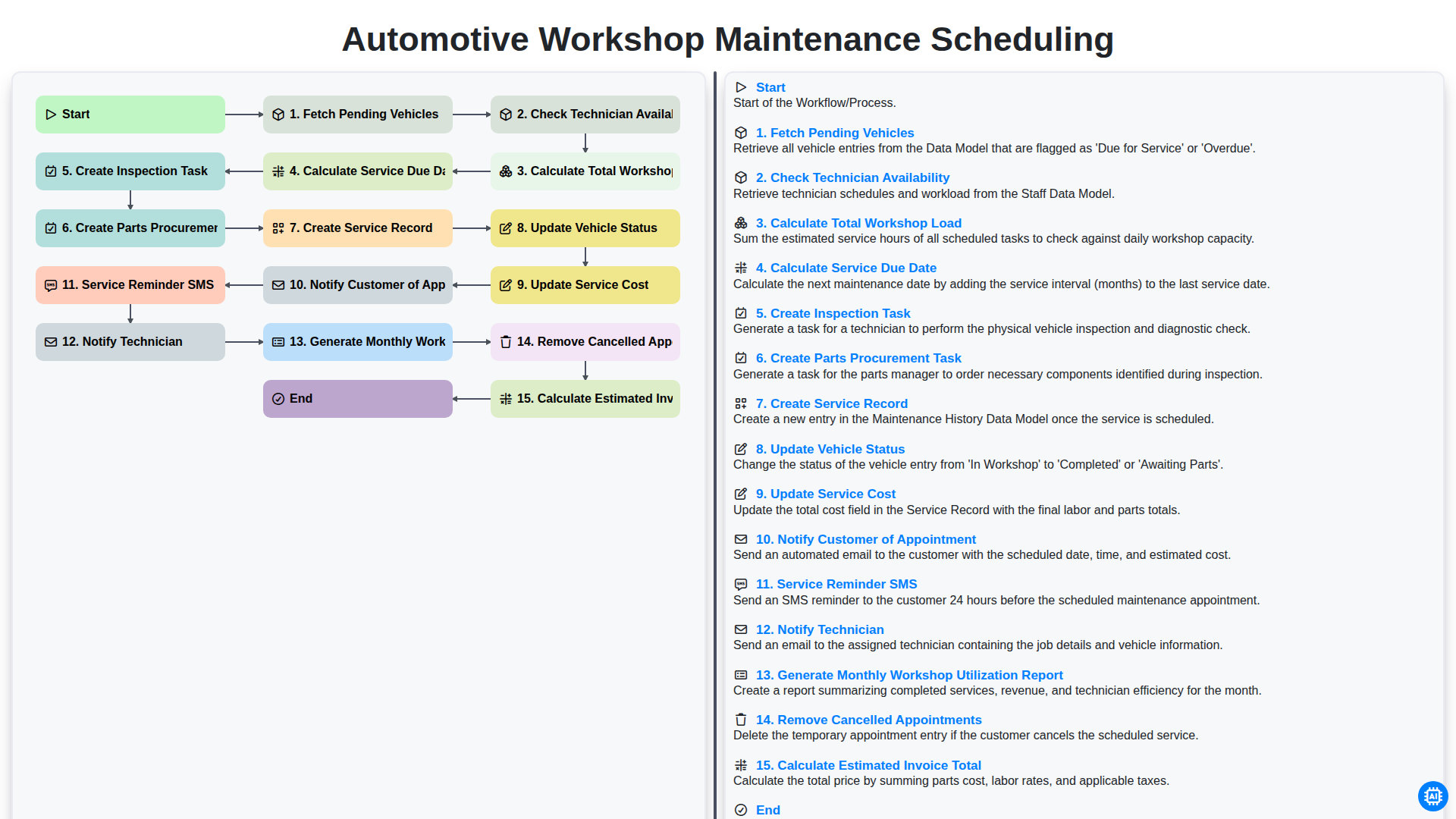
Automotive Workshop Maintenance Scheduling

Automotive Service Appointment Management

Automotive Vehicle Delivery and Handover Process

Automotive Customer Feedback and Survey Process

Automotive Vehicle Trade-In Evaluation Process

Automotive Digital Marketing Lead Workflow
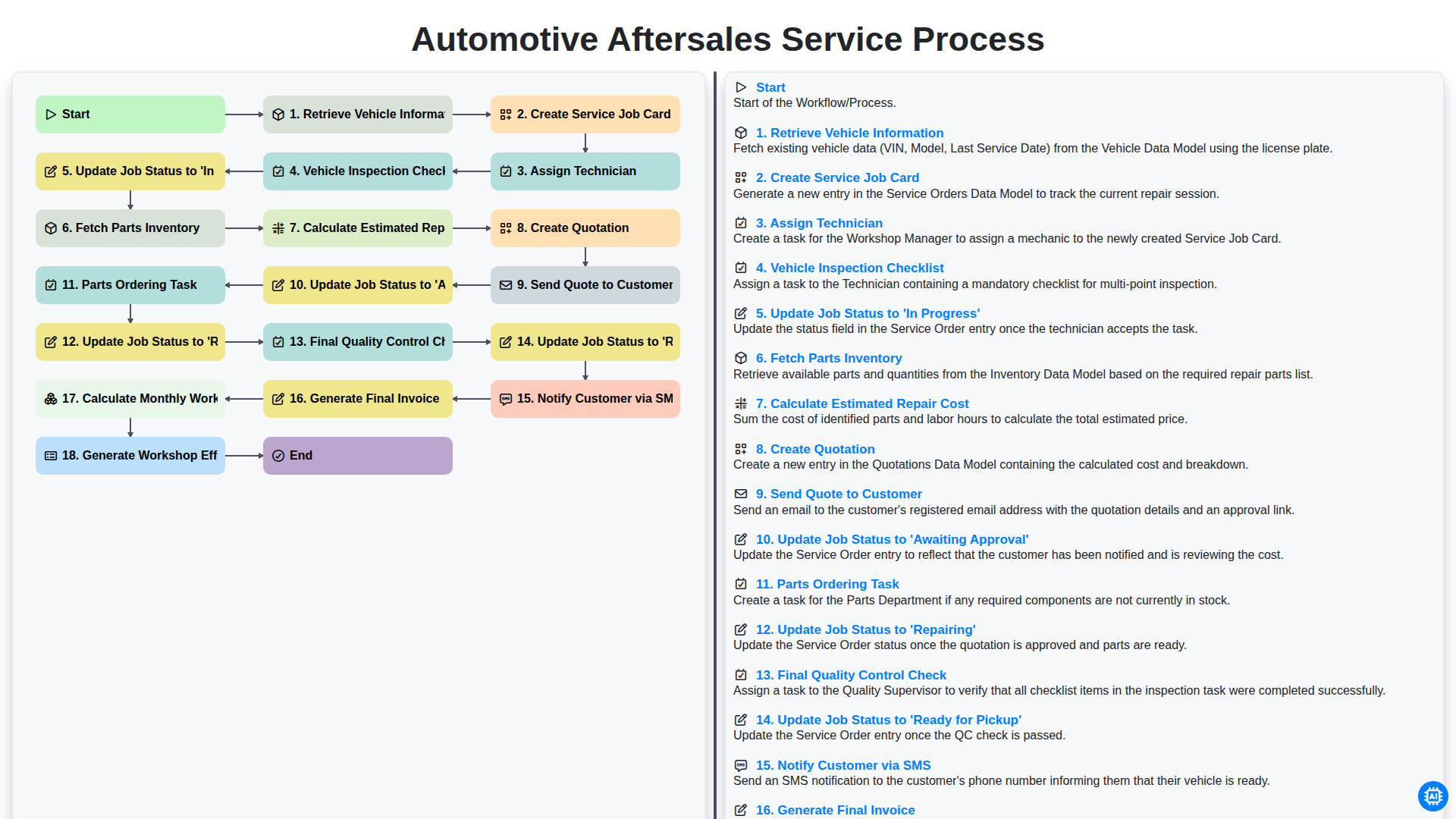
Automotive Aftersales Service Process
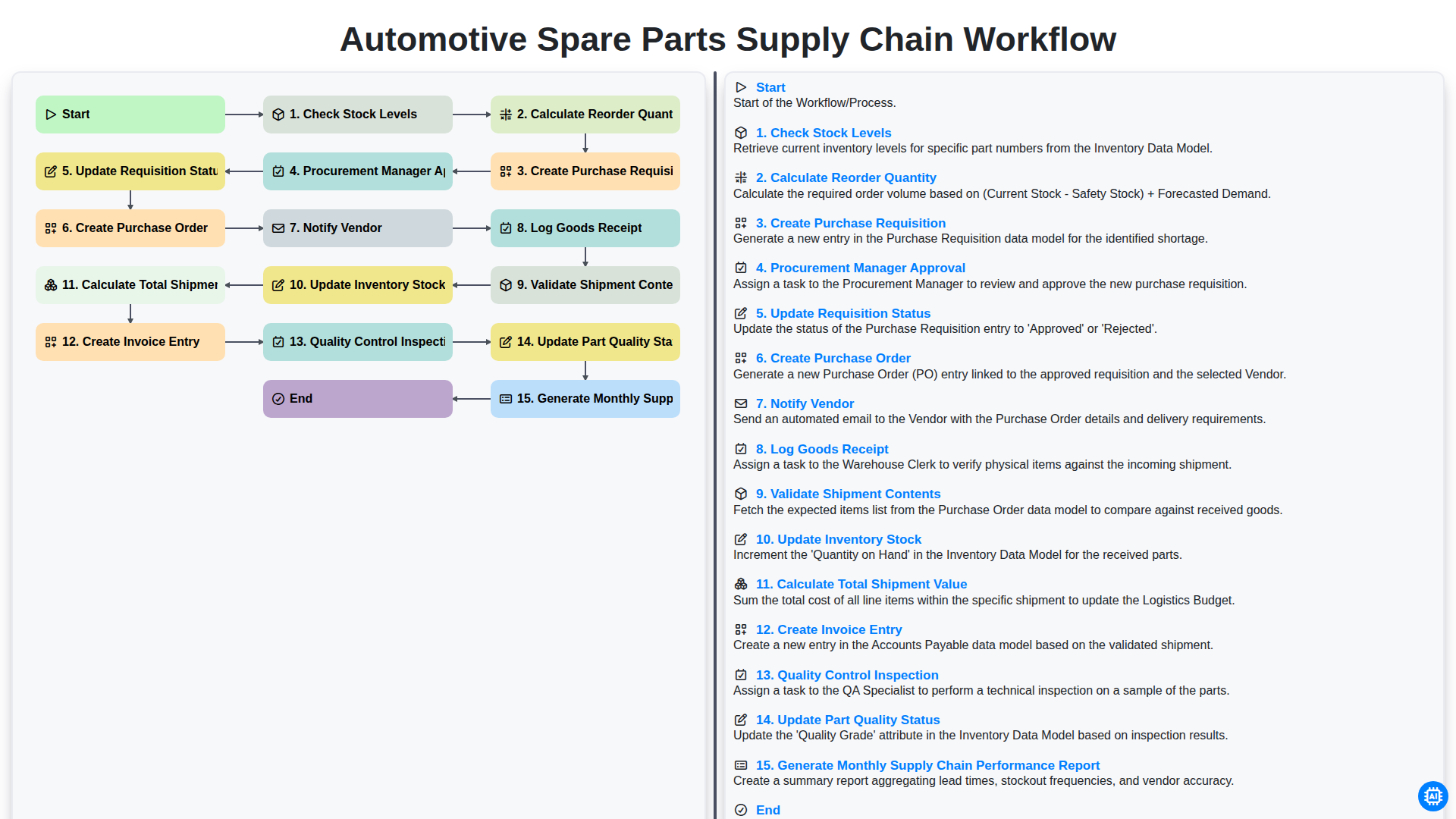
Automotive Spare Parts Supply Chain Workflow
Need help with
Automotive?
Have a question? We're here to help. Please submit your inquiry, and we'll respond promptly.