 ChecklistGuro
 Multi-Location Inventory Synchronization Process
Eliminate stock discrepancies and prevent overselling with our Multi-Location Inventory Synchronization Process. Streamline real-time stock updates across all warehouses, retail stores, and e-commerce channels through a single, automated workflow. Master seamless inventory visibility, optimize replenishment cycles, and ensure unified stock accuracy across your entire supply chain network.
This Template was installed 2 times.
Start
Start of the Workflow/Process.
1. Fetch Local Warehouse Stock
Retrieve current inventory levels and SKU details from the specific local warehouse data model.
2. Fetch Master Product Catalog
Retrieve the global product list to identify which items are eligible for synchronization.
3. Calculate Total Global Stock
Sum the quantity of a specific SKU across all warehouse entries to determine total availability.
4. Calculate Stock Variance
Subtract local warehouse quantity from the global master quantity to identify discrepancies.
5. Assign Discrepancy Audit
Create a task for the Warehouse Manager to manually verify stock for items with high variance.
6. Update Local Inventory Records
Update the quantity field in the local warehouse data model to match the synchronized master value.
7. Log Sync Transaction
Create a new entry in the 'Sync History' data model to record the date, time, and items updated.
8. Create Restock Request
If local stock falls below a threshold, create a new entry in the 'Purchase Orders' data model.
9. Notify Warehouse Manager of Low Stock
Send an email alert to the manager when a stock update results in a quantity below the safety threshold.
10. Urgent Stock Alert
Send an SMS to the Logistics Head if a critical SKU hits zero stock during the sync process.
11. Generate Daily Inventory Health Report
Create a summary report showing total stock value and all recent discrepancies found during the sync.
12. Cleanup Obsolete Stock Records
Delete entries from the local warehouse model for SKUs that have been flagged as 'Discontinued' in the master catalog.
End
End of the Workflow/Process.
Start of the Workflow/Process.
Retrieve current inventory levels and SKU details from the specific local warehouse data model.
Retrieve the global product list to identify which items are eligible for synchronization.
Sum the quantity of a specific SKU across all warehouse entries to determine total availability.
Subtract local warehouse quantity from the global master quantity to identify discrepancies.
Create a task for the Warehouse Manager to manually verify stock for items with high variance.
Update the quantity field in the local warehouse data model to match the synchronized master value.
Create a new entry in the 'Sync History' data model to record the date, time, and items updated.
If local stock falls below a threshold, create a new entry in the 'Purchase Orders' data model.
Send an email alert to the manager when a stock update results in a quantity below the safety threshold.
Send an SMS to the Logistics Head if a critical SKU hits zero stock during the sync process.
Create a summary report showing total stock value and all recent discrepancies found during the sync.
Delete entries from the local warehouse model for SKUs that have been flagged as 'Discontinued' in the master catalog.
End of the Workflow/Process.
Frequently Asked Questions
Comments
There are no comments yet. Be the first to add one!
Inventory Management Solution Demo
Optimize your inventory & boost profitability! ChecklistGuro streamlines tracking, ordering, & fulfillment. Reduce waste, minimize stockouts, & improve efficiency. Manage it all with our Work OS.
Related Workflow Templates
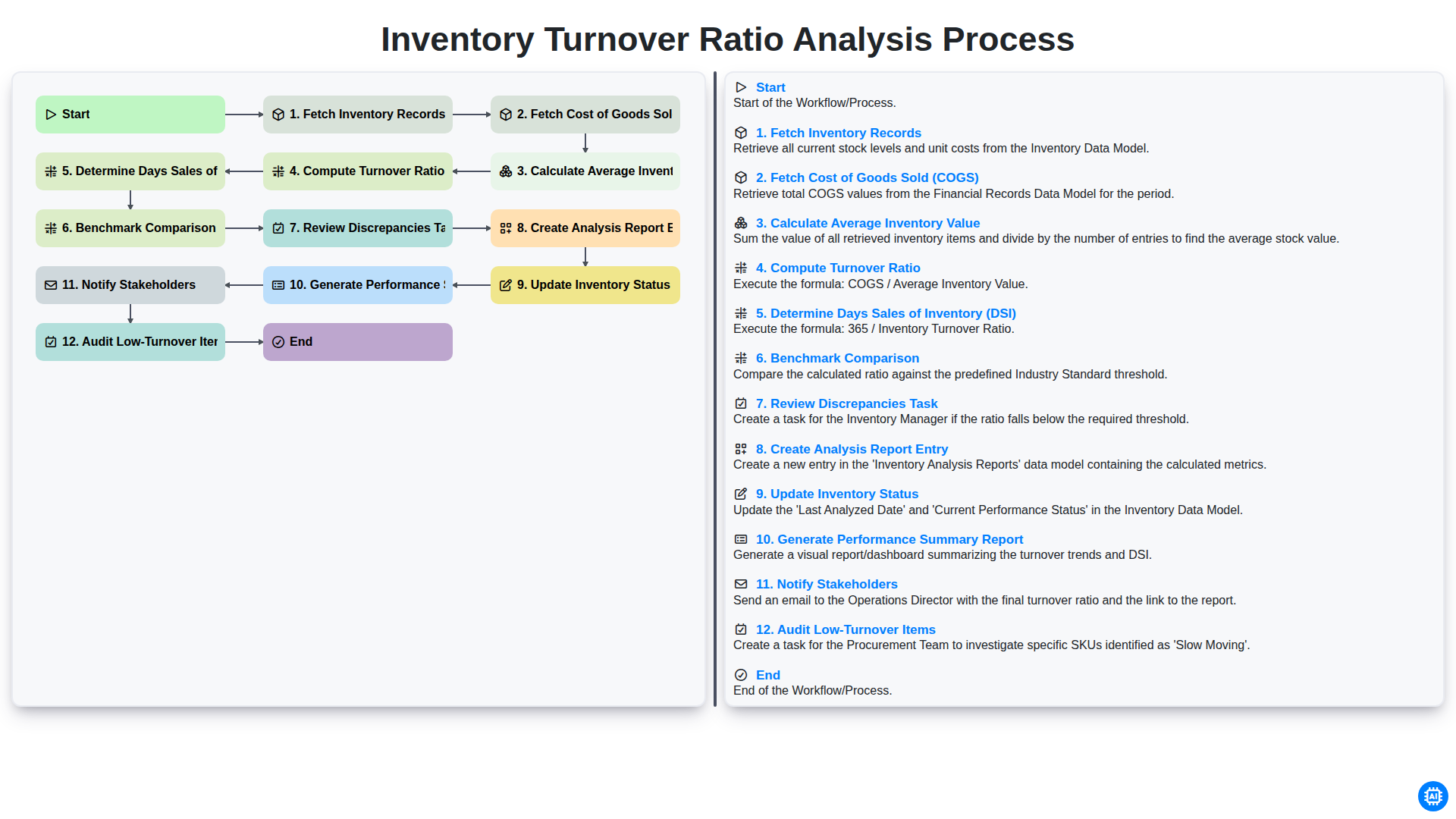
Inventory Turnover Ratio Analysis Process
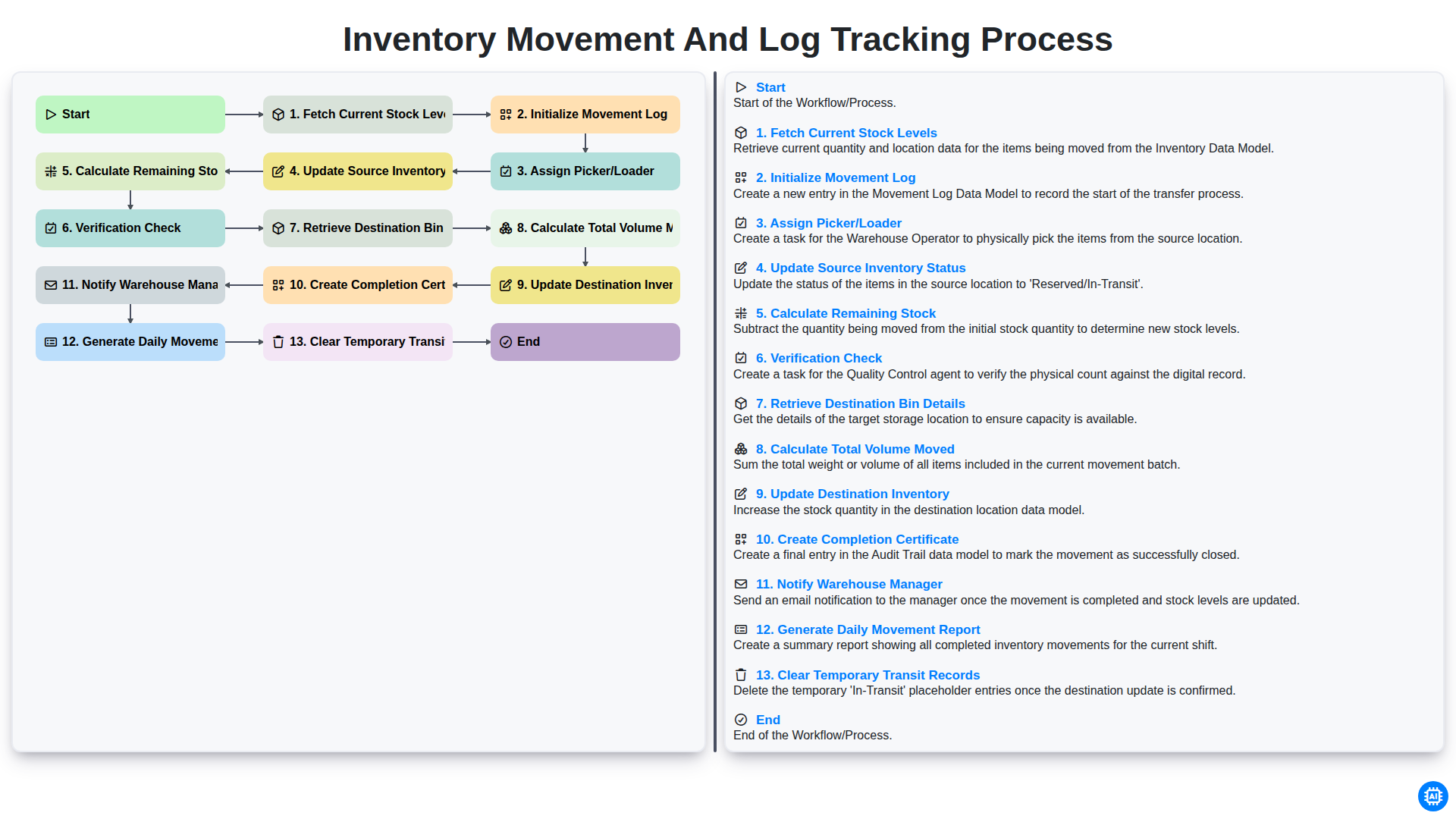
Inventory Movement and Log Tracking Process
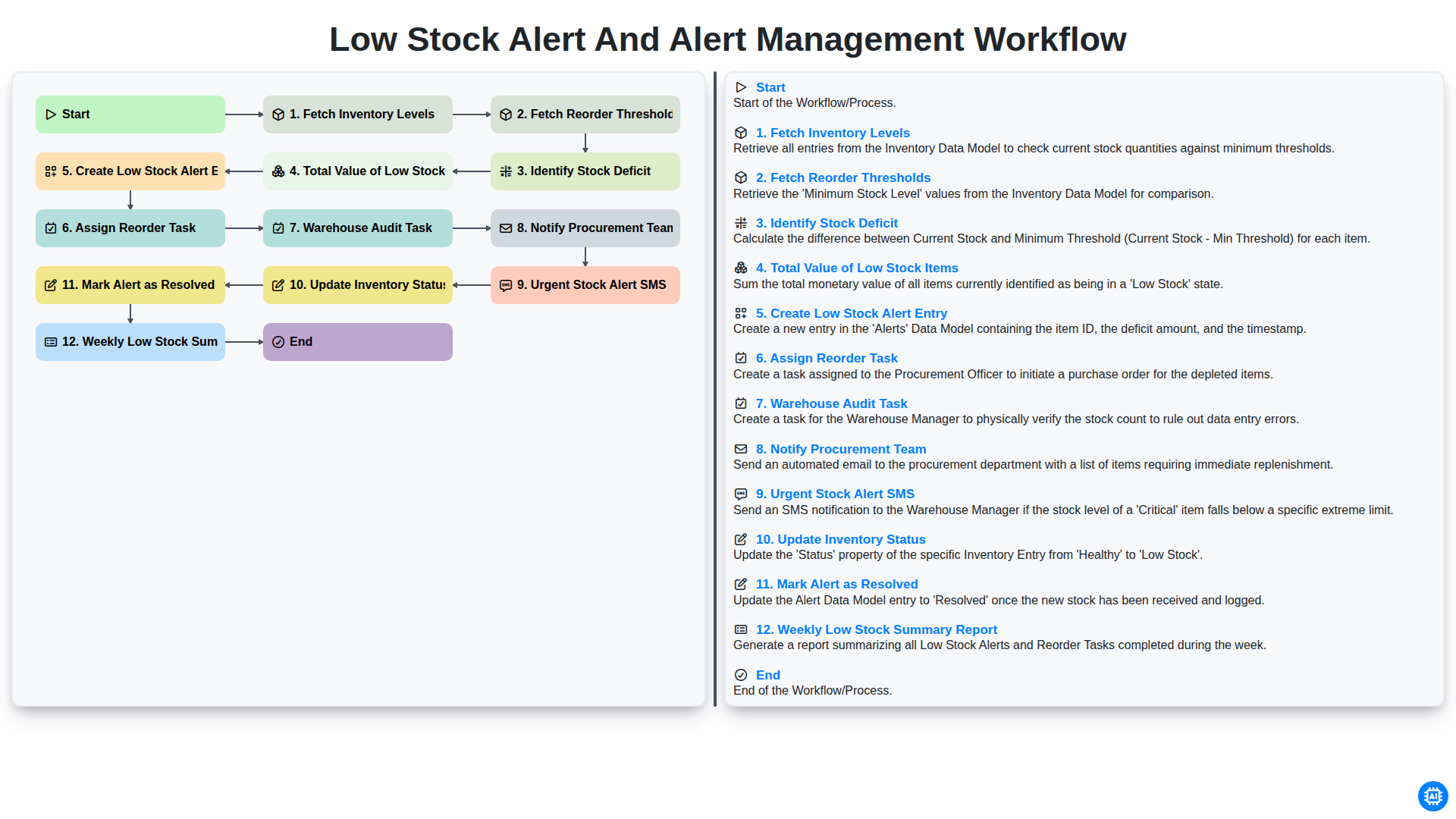
Low Stock Alert and Alert Management Workflow
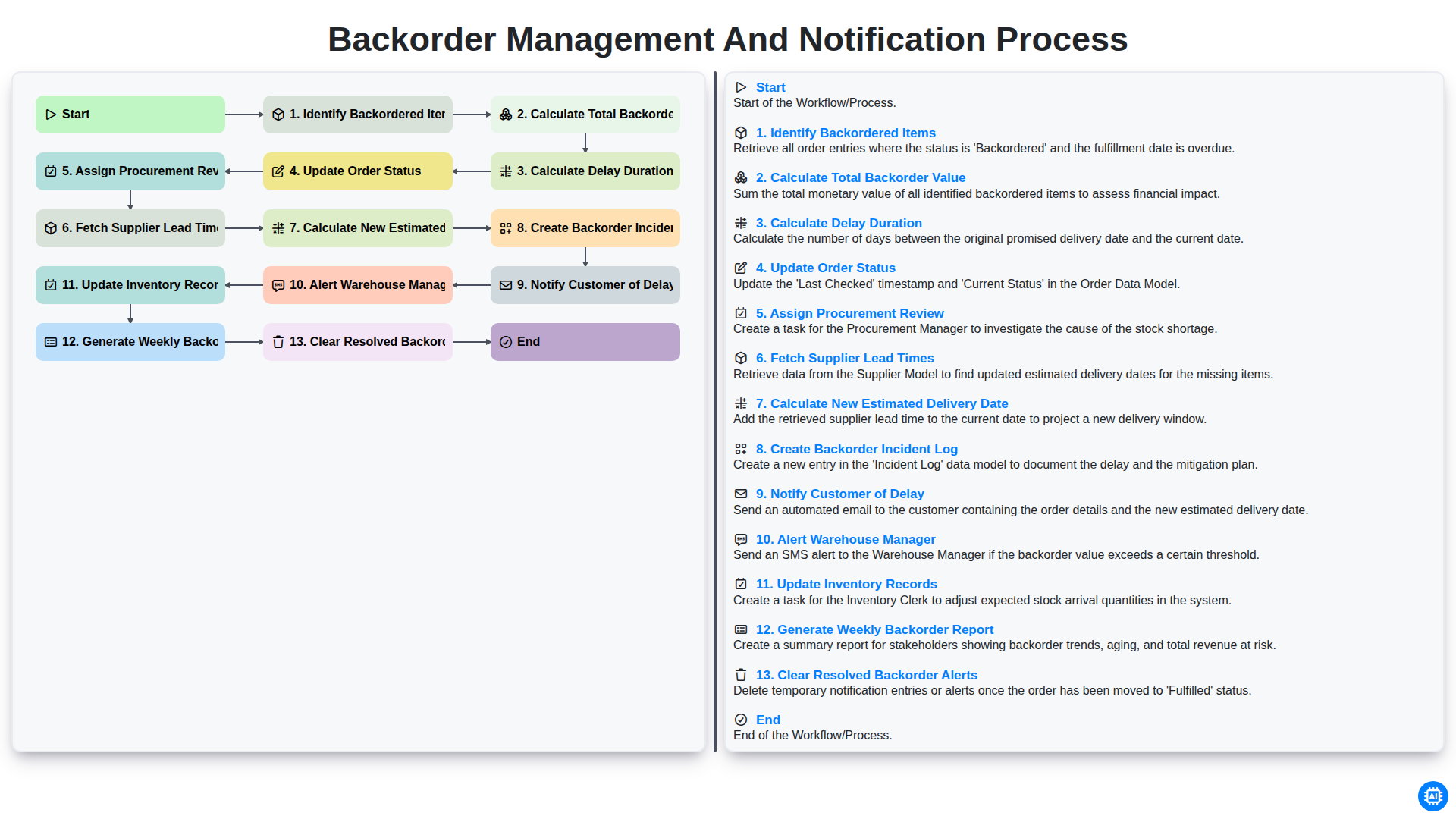
Backorder Management and Notification Process
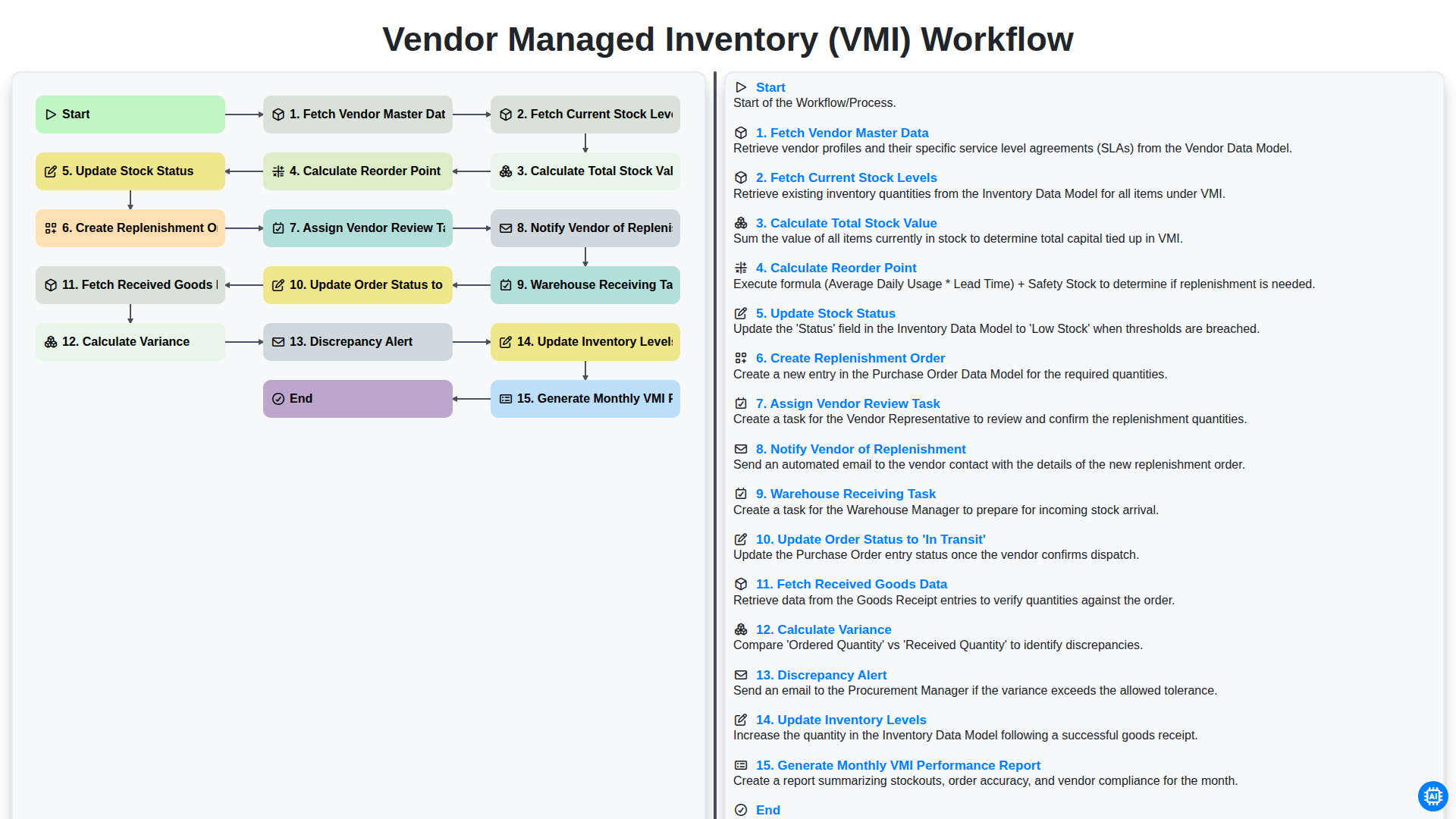
Vendor Managed Inventory (VMI) Workflow
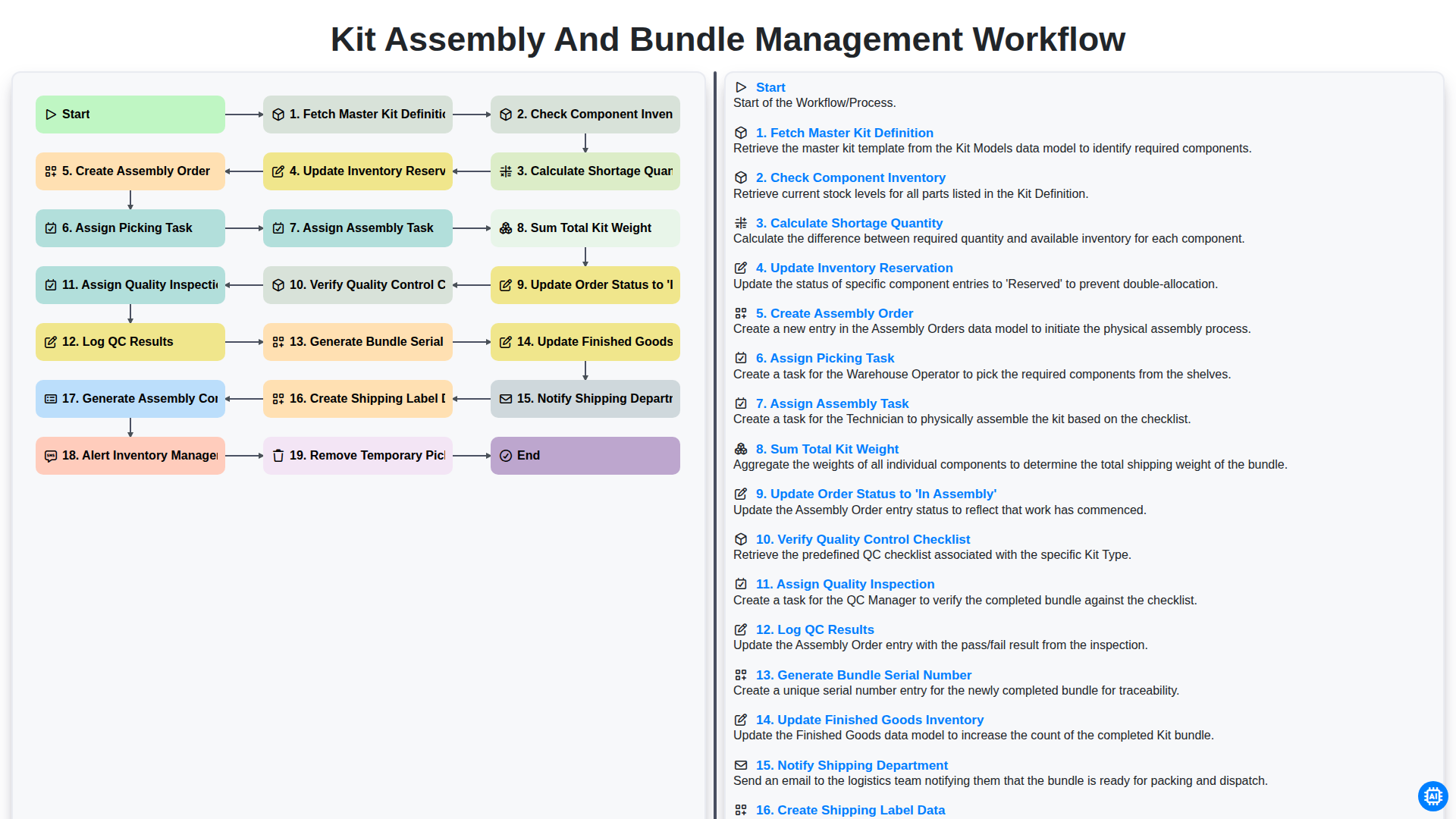
Kit Assembly and Bundle Management Workflow
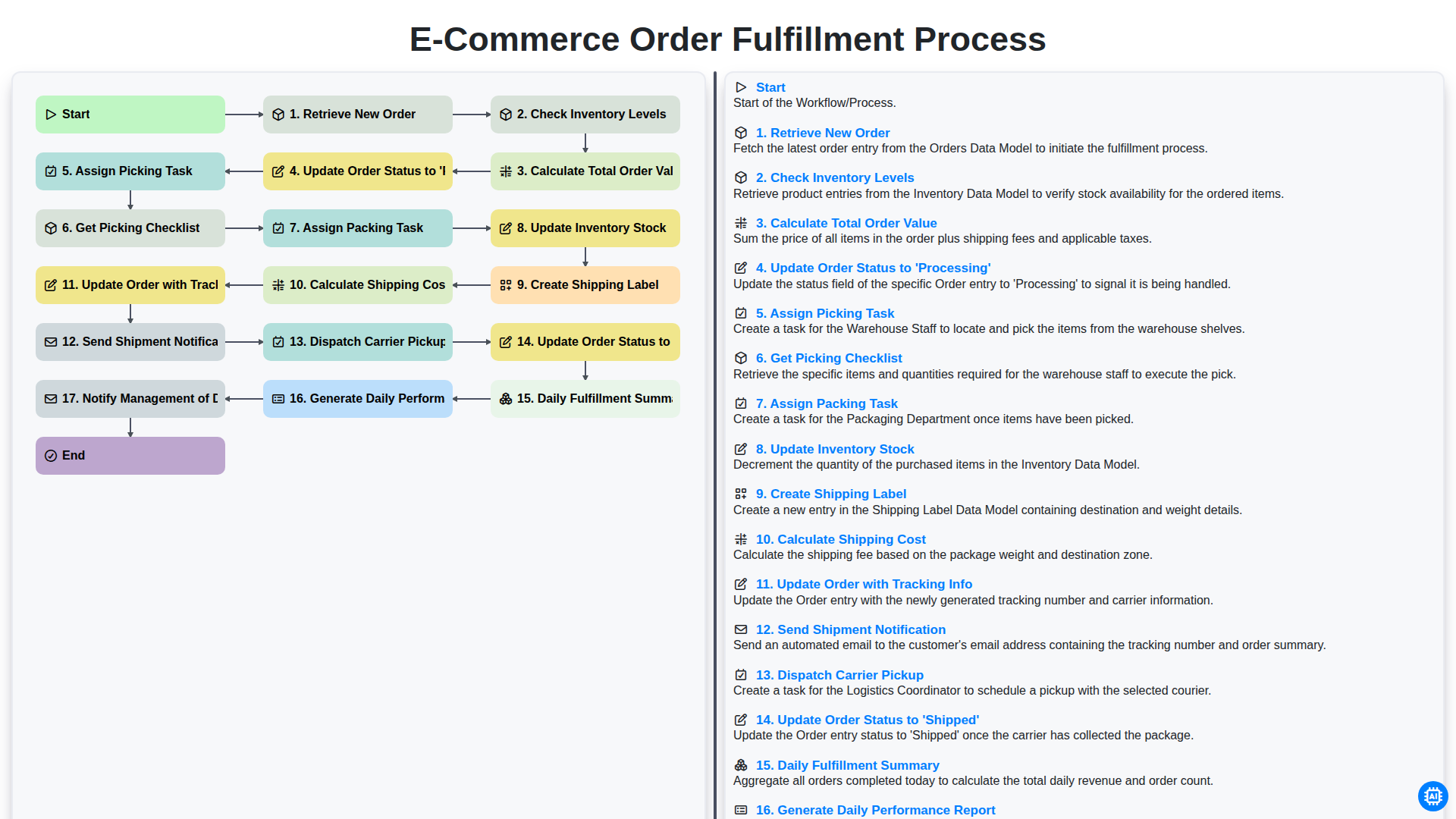
E-commerce Order Fulfillment Process
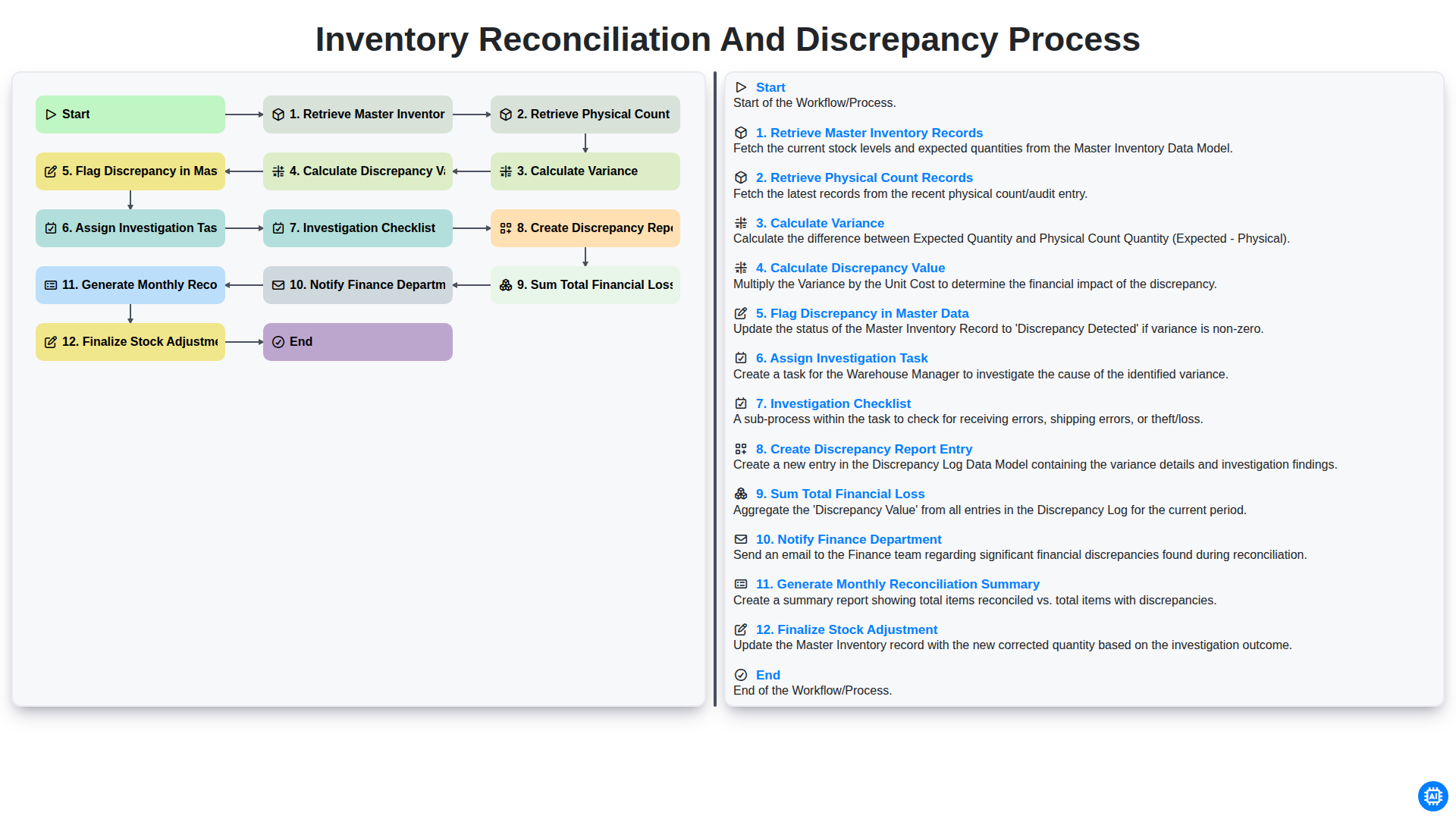
Inventory Reconciliation and Discrepancy Process
Need help with
Inventory Management?
Have a question? We're here to help. Please submit your inquiry, and we'll respond promptly.