 ChecklistGuro
 Purchase Order Management Workflow
Streamline your procurement lifecycle with our automated Purchase Order Management Workflow. Eliminate manual errors, track real-time order statuses, and optimize inventory replenishment from requisition to receiving. Master your supply chain efficiency and ensure seamless stock availability with this end-to-end inventory management solution.
This Template was installed 1 times.
Start
Start of the Workflow/Process.
1. Fetch Purchase Requisition
Retrieve the initial requisition details and requested items from the Requisition Data Model.
2. Calculate Total Order Value
Sum the line item prices from the requisition to determine the total monetary value of the PO.
3. Apply Tax and Shipping
Calculate the final total by adding tax percentage and shipping fees to the aggregated subtotal.
4. Update Requisition Status
Update the status of the original requisition to 'In Approval Process'.
5. Create Purchase Order Entry
Generate a new record in the Purchase Order Data Model using the validated requisition data.
6. Check Approval Thresholds
Retrieve the company's delegation of authority limits from the Settings Data Model.
7. Manager Approval Task
Create a task for the Department Manager if the total value exceeds the local budget threshold.
8. Finance Review Task
Create a task for the Finance Team for all POs above a specific high-value threshold.
9. Notify Vendor
Send an email to the selected vendor with the finalized PO details and attachments.
10. Set PO Status to 'Approved'
Update the Purchase Order entry status to 'Approved' once all required tasks are completed.
11. Warehouse Receiving Task
Create a task for the Warehouse Clerk to notify them to expect a delivery.
12. Update Inventory Pending
Update the Inventory Data Model to reflect 'Incoming' stock quantities.
13. Close Purchase Order
Update the PO status to 'Closed' once the goods have been received and the invoice is matched.
14. Notify Requester
Send an email to the original requester confirming that the order has been fulfilled.
15. Monthly Procurement Report
Generate a monthly summary report of all completed POs, total spend, and vendor performance.
End
End of the Workflow/Process.
Start of the Workflow/Process.
Retrieve the initial requisition details and requested items from the Requisition Data Model.
Sum the line item prices from the requisition to determine the total monetary value of the PO.
Calculate the final total by adding tax percentage and shipping fees to the aggregated subtotal.
Update the status of the original requisition to 'In Approval Process'.
Generate a new record in the Purchase Order Data Model using the validated requisition data.
Retrieve the company's delegation of authority limits from the Settings Data Model.
Create a task for the Department Manager if the total value exceeds the local budget threshold.
Create a task for the Finance Team for all POs above a specific high-value threshold.
Send an email to the selected vendor with the finalized PO details and attachments.
Update the Purchase Order entry status to 'Approved' once all required tasks are completed.
Create a task for the Warehouse Clerk to notify them to expect a delivery.
Update the Inventory Data Model to reflect 'Incoming' stock quantities.
Update the PO status to 'Closed' once the goods have been received and the invoice is matched.
Send an email to the original requester confirming that the order has been fulfilled.
Generate a monthly summary report of all completed POs, total spend, and vendor performance.
End of the Workflow/Process.
Frequently Asked Questions
Comments
There are no comments yet. Be the first to add one!
Inventory Management Solution Demo
Optimize your inventory & boost profitability! ChecklistGuro streamlines tracking, ordering, & fulfillment. Reduce waste, minimize stockouts, & improve efficiency. Manage it all with our Work OS.
Related Workflow Templates
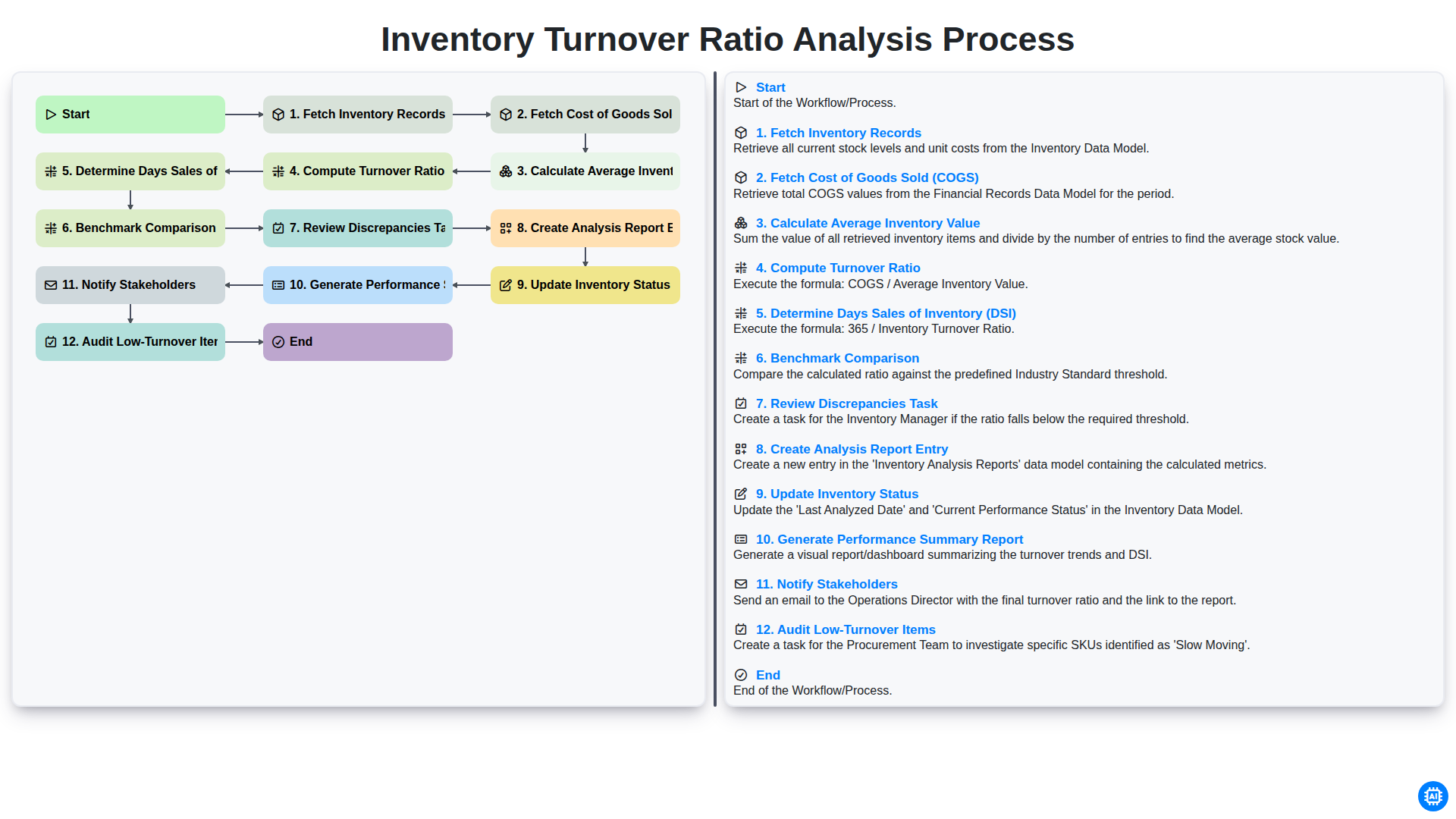
Inventory Turnover Ratio Analysis Process
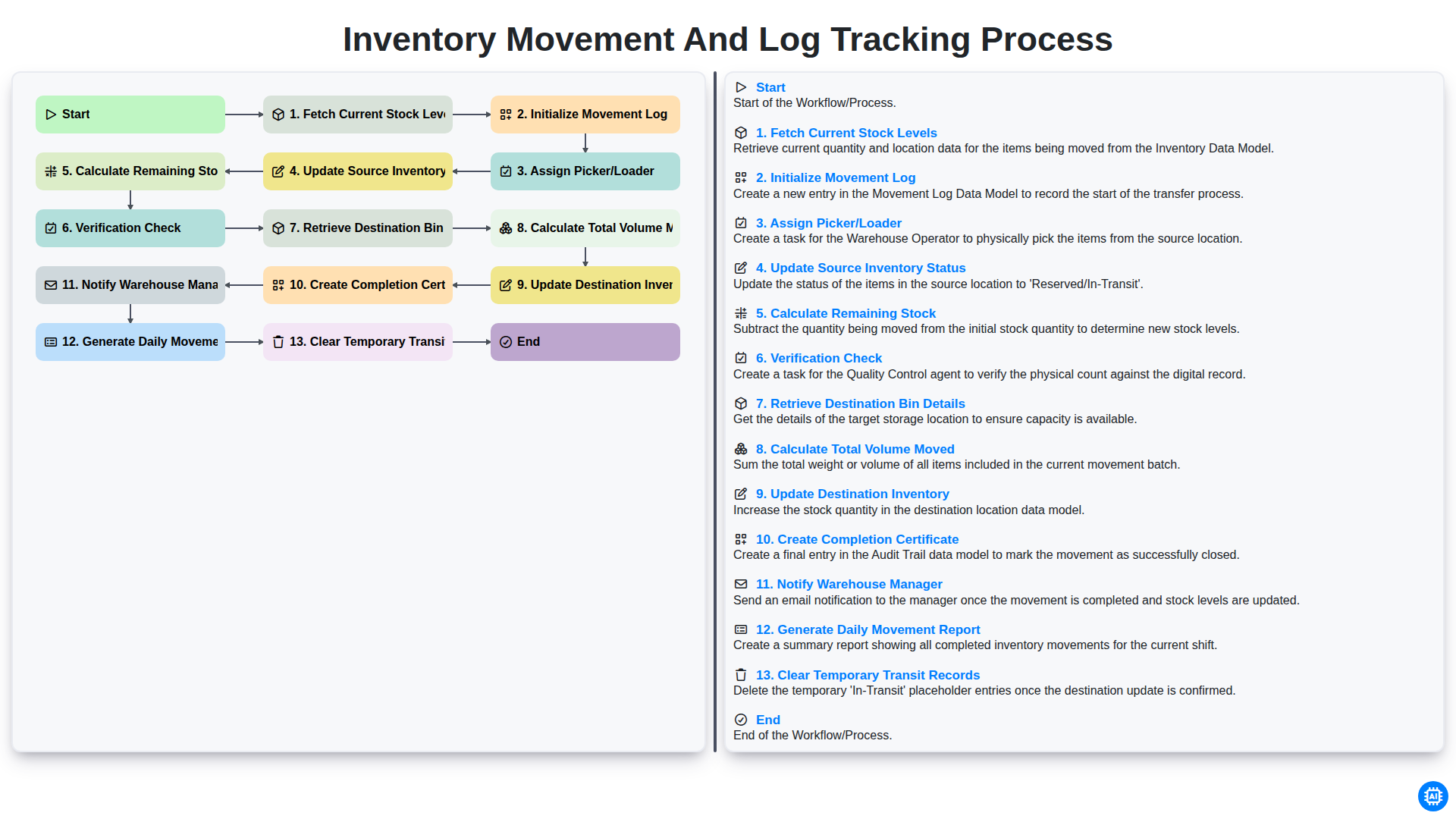
Inventory Movement and Log Tracking Process
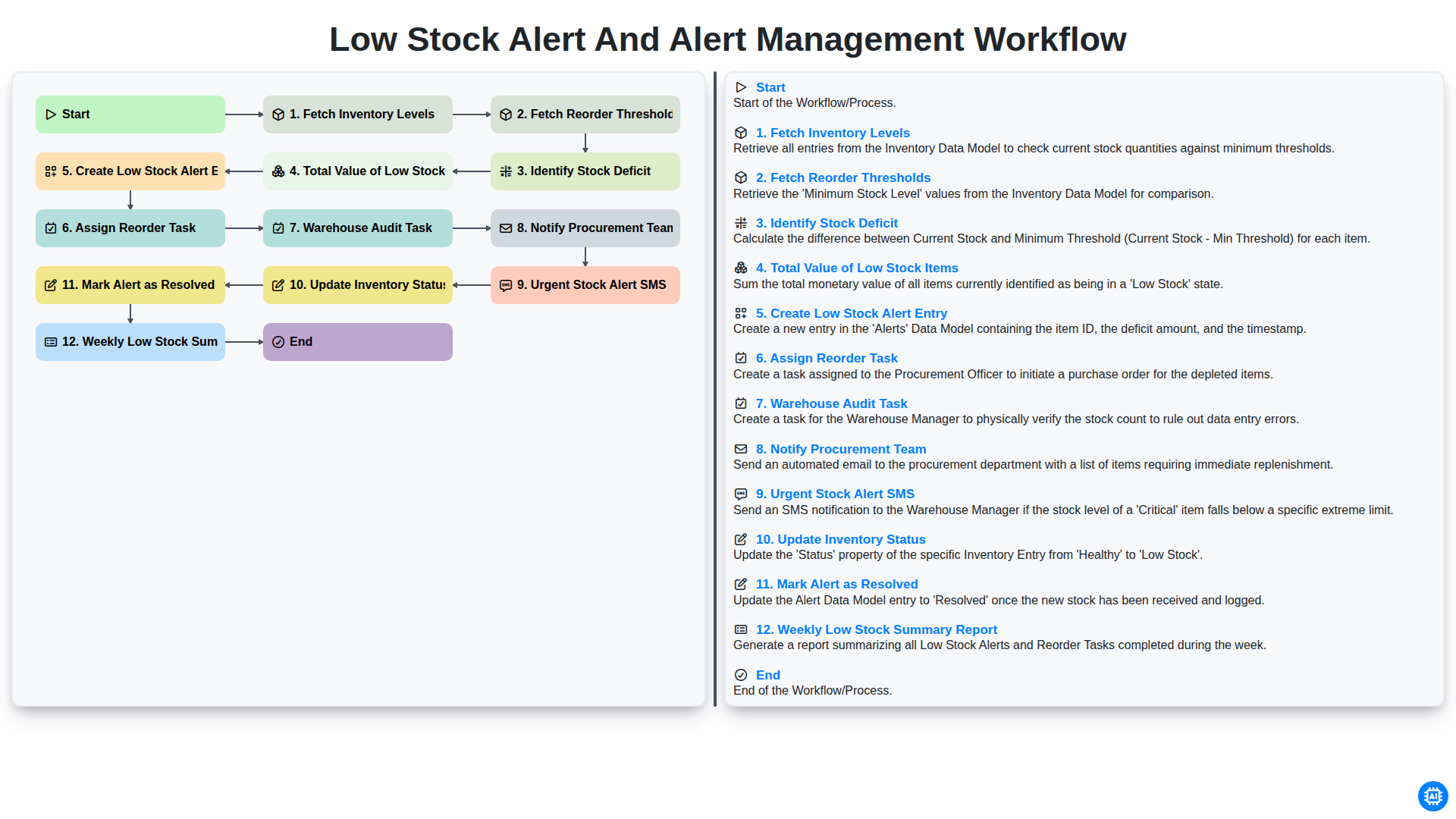
Low Stock Alert and Alert Management Workflow
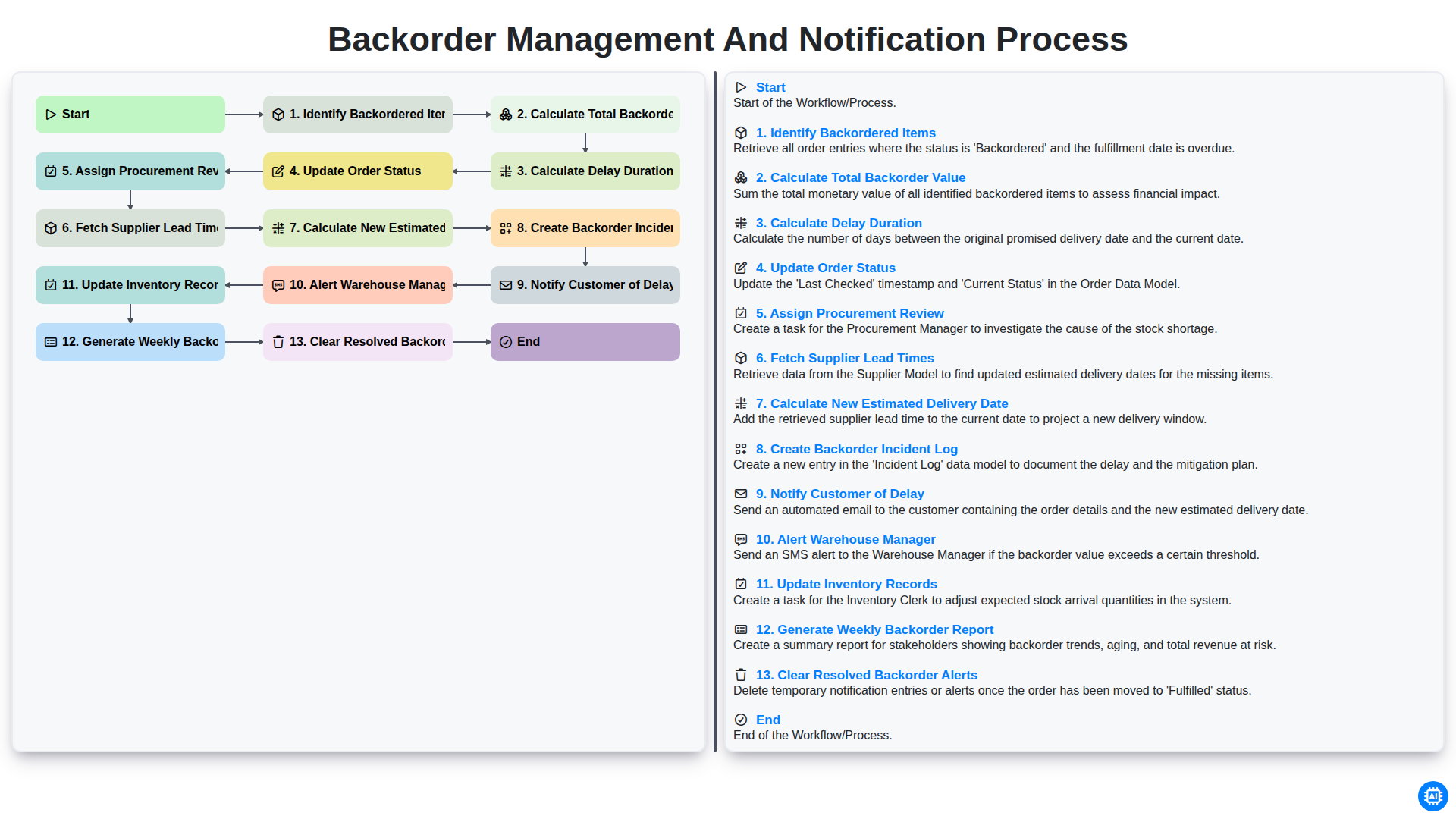
Backorder Management and Notification Process
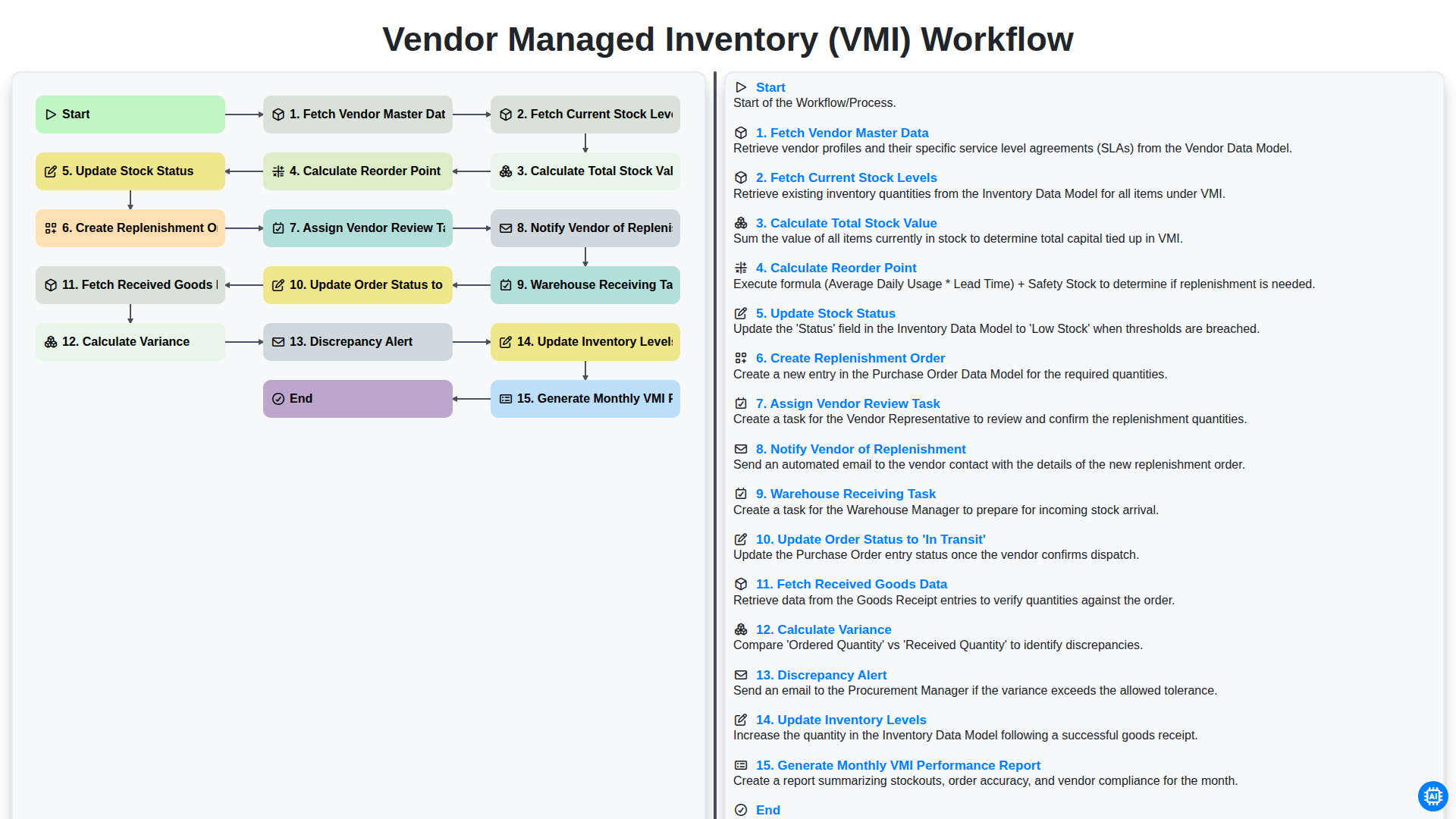
Vendor Managed Inventory (VMI) Workflow
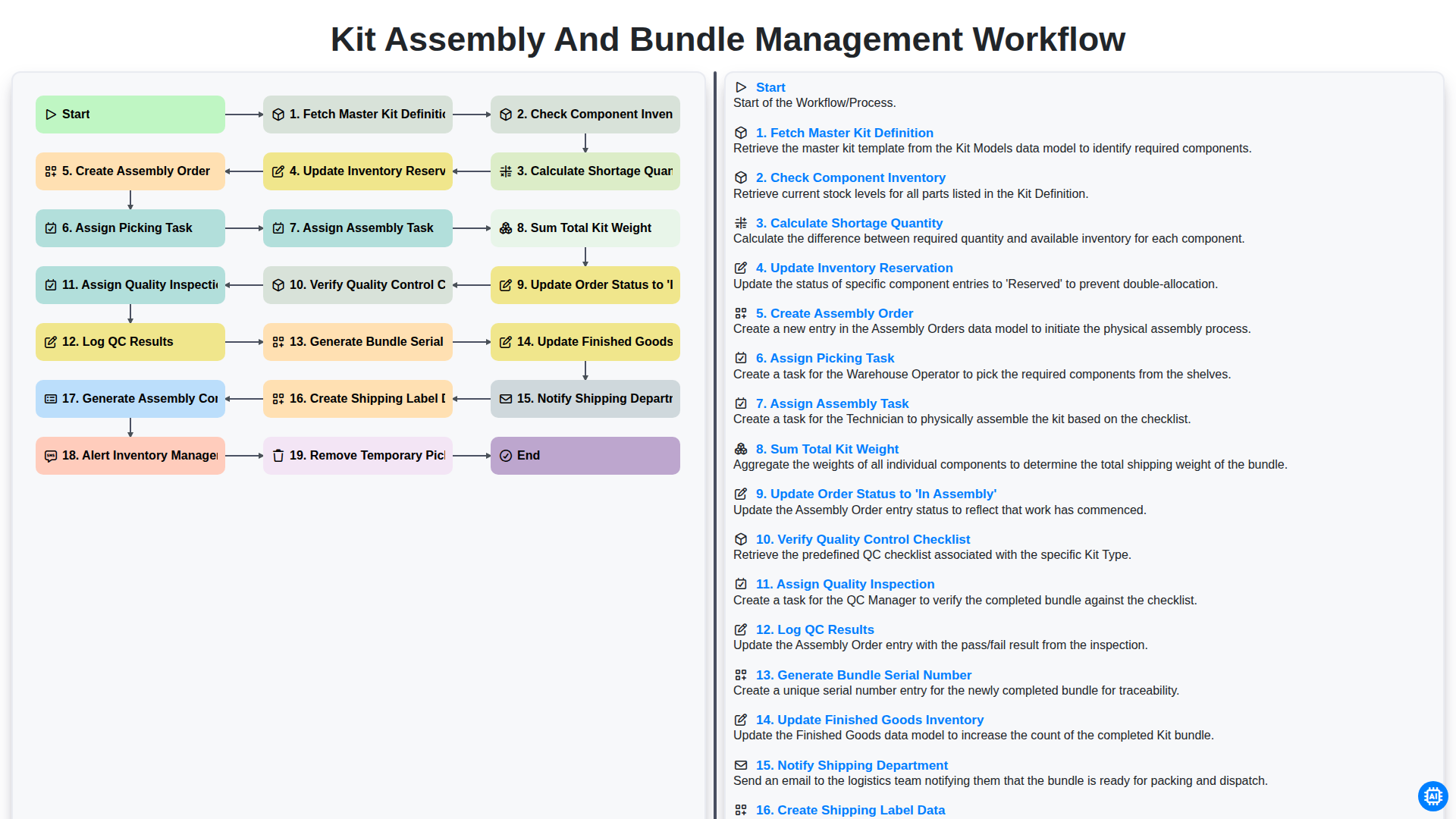
Kit Assembly and Bundle Management Workflow
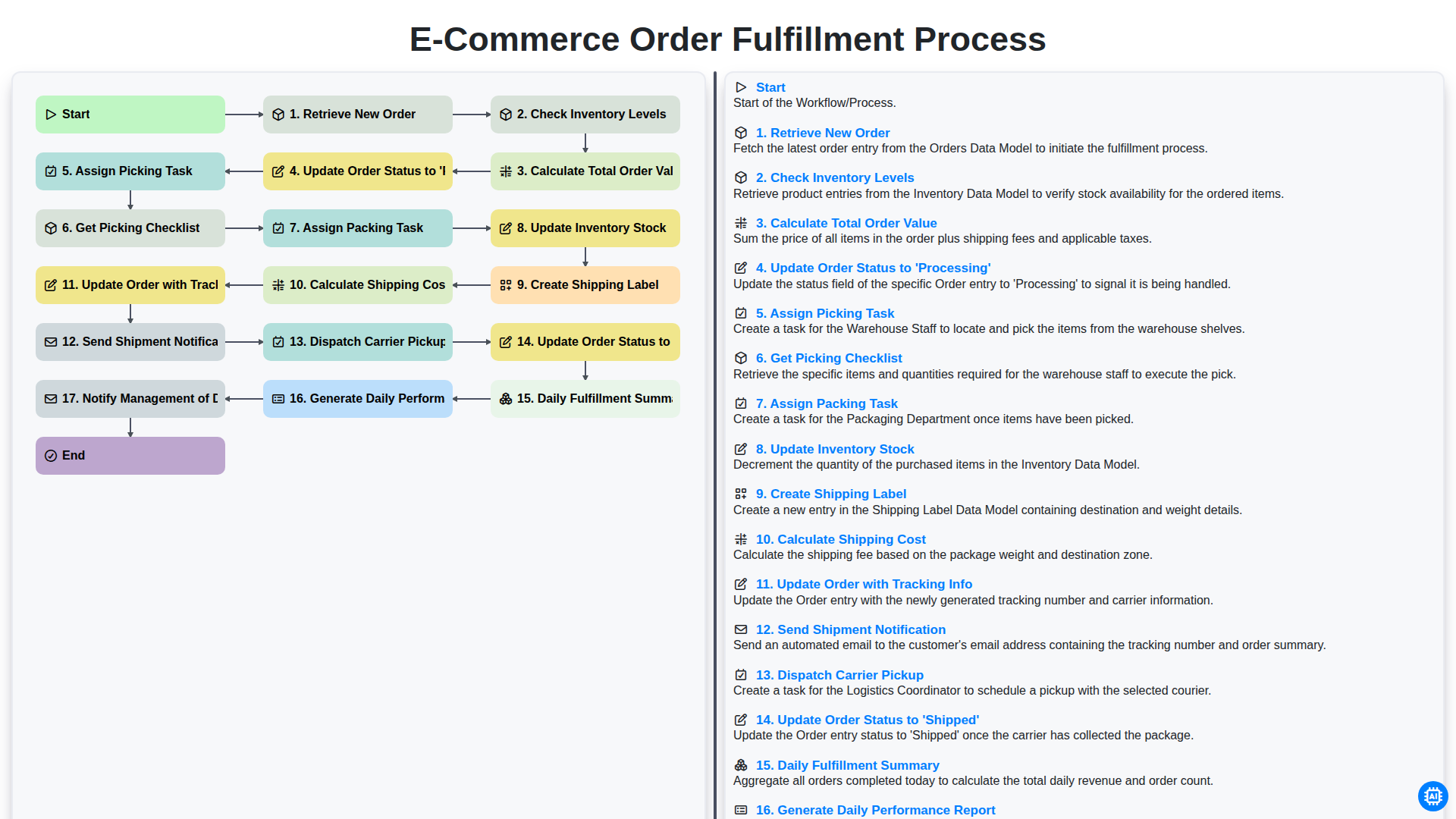
E-commerce Order Fulfillment Process
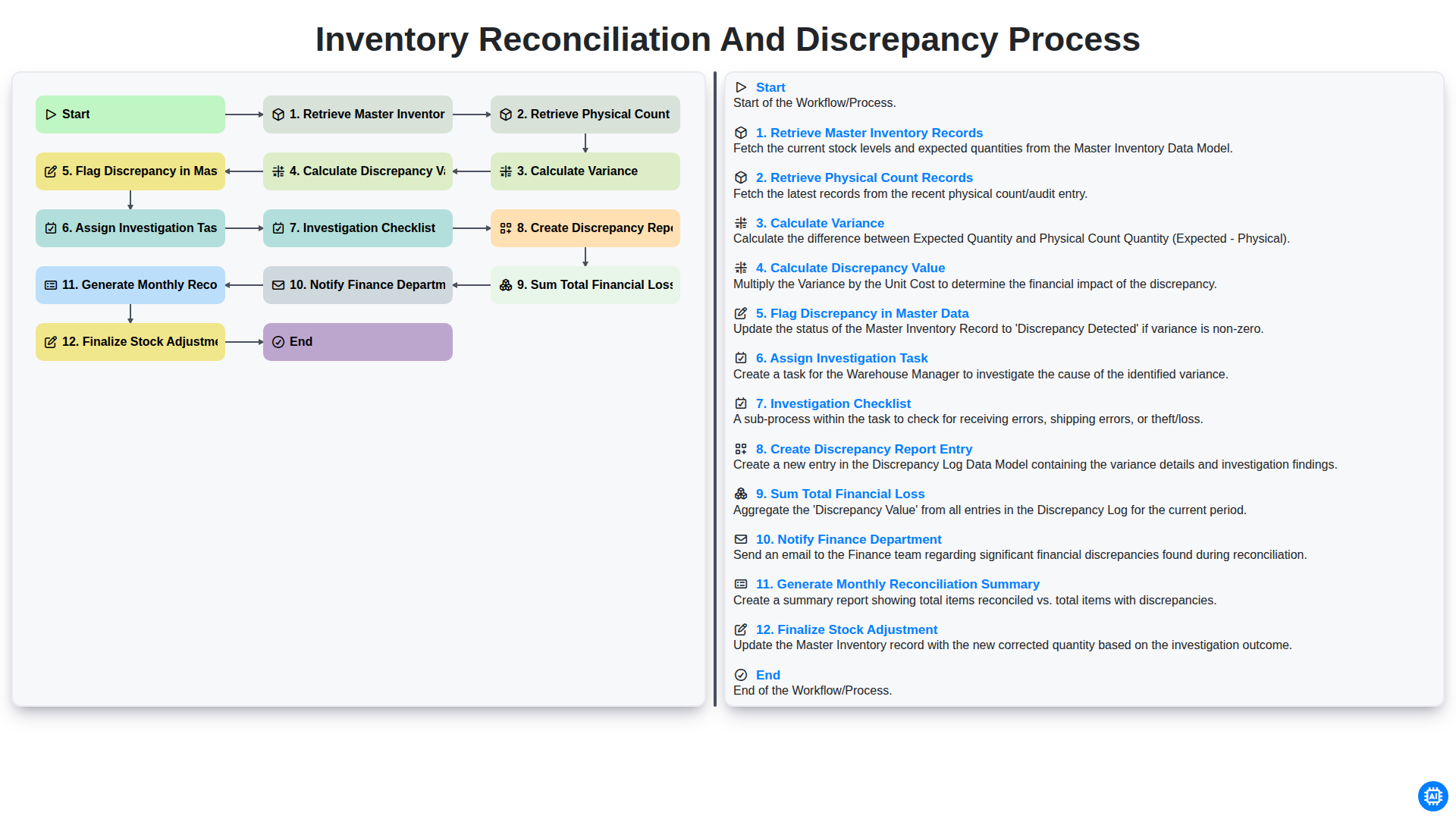
Inventory Reconciliation and Discrepancy Process
Need help with
Inventory Management?
Have a question? We're here to help. Please submit your inquiry, and we'll respond promptly.