 ChecklistGuro
 Digital Waste Management Workflow Automation on Work OS Platform
Automate your waste management from start to finish with our comprehensive workflow! Our platform streamlines collection scheduling, tracking, compliance documentation, and disposal reporting. Boost efficiency, reduce costs, and achieve sustainability goals with end-to-end digital waste process management.
This Template was installed 4 times.
Start
Start of the Workflow/Process.
1. Retrieve Waste Pickup Manifest
Fetch existing waste pickup data records based on job ID or date range.
2. Assign Collection Task to Crew
Automatically assign the collection task to the designated field crew member upon job creation.
3. Log Weight Measurement Update
Update the recorded weight data (e.g., tonnage) for the collected waste item.
4. Generate Daily Waste Manifest Entry
Create a new record documenting the specific waste pickup details (location, volume, type).
5. Calculate Total Disposal Cost
Compute the total cost by summing collected weights multiplied by their respective disposal rates.
6. Check Service Route Status
Retrieve the optimized route status and next required stops for the assigned day.
7. Notify Supervisor of Completion
Send an automated email notification to the supervisor confirming the job completion and attached manifest.
8. Alert Dispatch of Delay
Send an SMS alert to the dispatcher if a pickup job is significantly delayed or blocked.
9. Generate Weekly Diversion Report
Compile a summary report showing total waste diverted from landfills for the current week.
10. Update Site Bin Capacity Status
Adjust the data model entry reflecting the current fill level percentage of the waste bin.
11. Fetch Client Contract Details
Retrieve client-specific contract rates and service level agreements (SLAs) for billing accuracy.
12. Determine Excess Waste Flag
Execute a check to determine if the current waste volume exceeds the pre-set contractual maximum.
13. Schedule Follow-up Inspection
Automatically schedule a follow-up inspection task for complex or problematic waste streams.
14. Record Hazardous Material Incident
Create a detailed, mandatory log entry for any observed hazardous material disposal issue.
15. Archive Completed Manifest
Permanently remove or archive the manifest data after successful billing and auditing.
16. Calculate Monthly Waste Volume Summary
Sum the total aggregated weight/volume metrics across all entries for the preceding month.
17. Send Bi-Weekly Billing Summary
Distribute an email summary of services rendered and associated preliminary costs to the client account manager.
18. Confirm Service Appointment Window
Send an SMS confirmation message to the client specifying the narrowed service time window.
19. Initiate Permitting Renewal Task
Create a reminder task for management to begin the process for necessary waste disposal permits renewal.
20. Generate Compliance Audit Trail Report
Create a comprehensive report summarizing all logged activities for regulatory auditing purposes.
End
End of the Workflow/Process.
Start of the Workflow/Process.
Fetch existing waste pickup data records based on job ID or date range.
Automatically assign the collection task to the designated field crew member upon job creation.
Update the recorded weight data (e.g., tonnage) for the collected waste item.
Create a new record documenting the specific waste pickup details (location, volume, type).
Compute the total cost by summing collected weights multiplied by their respective disposal rates.
Retrieve the optimized route status and next required stops for the assigned day.
Send an automated email notification to the supervisor confirming the job completion and attached manifest.
Send an SMS alert to the dispatcher if a pickup job is significantly delayed or blocked.
Compile a summary report showing total waste diverted from landfills for the current week.
Adjust the data model entry reflecting the current fill level percentage of the waste bin.
Retrieve client-specific contract rates and service level agreements (SLAs) for billing accuracy.
Execute a check to determine if the current waste volume exceeds the pre-set contractual maximum.
Automatically schedule a follow-up inspection task for complex or problematic waste streams.
Create a detailed, mandatory log entry for any observed hazardous material disposal issue.
Permanently remove or archive the manifest data after successful billing and auditing.
Sum the total aggregated weight/volume metrics across all entries for the preceding month.
Distribute an email summary of services rendered and associated preliminary costs to the client account manager.
Send an SMS confirmation message to the client specifying the narrowed service time window.
Create a reminder task for management to begin the process for necessary waste disposal permits renewal.
Create a comprehensive report summarizing all logged activities for regulatory auditing purposes.
End of the Workflow/Process.
Frequently Asked Questions
Comments
There are no comments yet. Be the first to add one!
Waste Management Solution Demo
Optimize your waste management & reduce environmental impact! ChecklistGuro streamlines collection, tracking, and reporting. Minimize waste, lower costs, & promote sustainability. Manage it all with our Work OS.
Related Workflow Templates
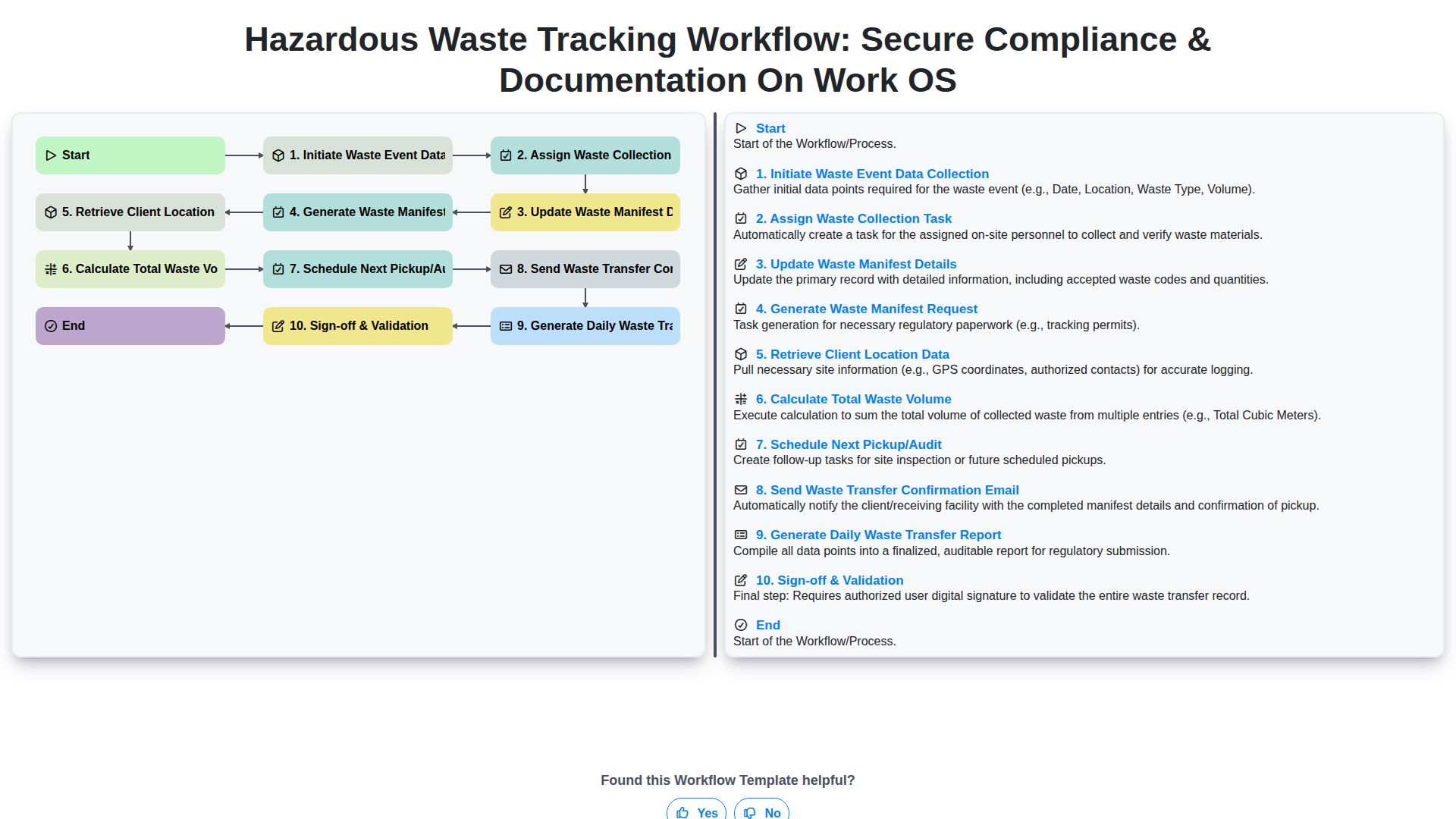
Hazardous Waste Tracking Workflow: Secure Compliance & Documentation on Work OS
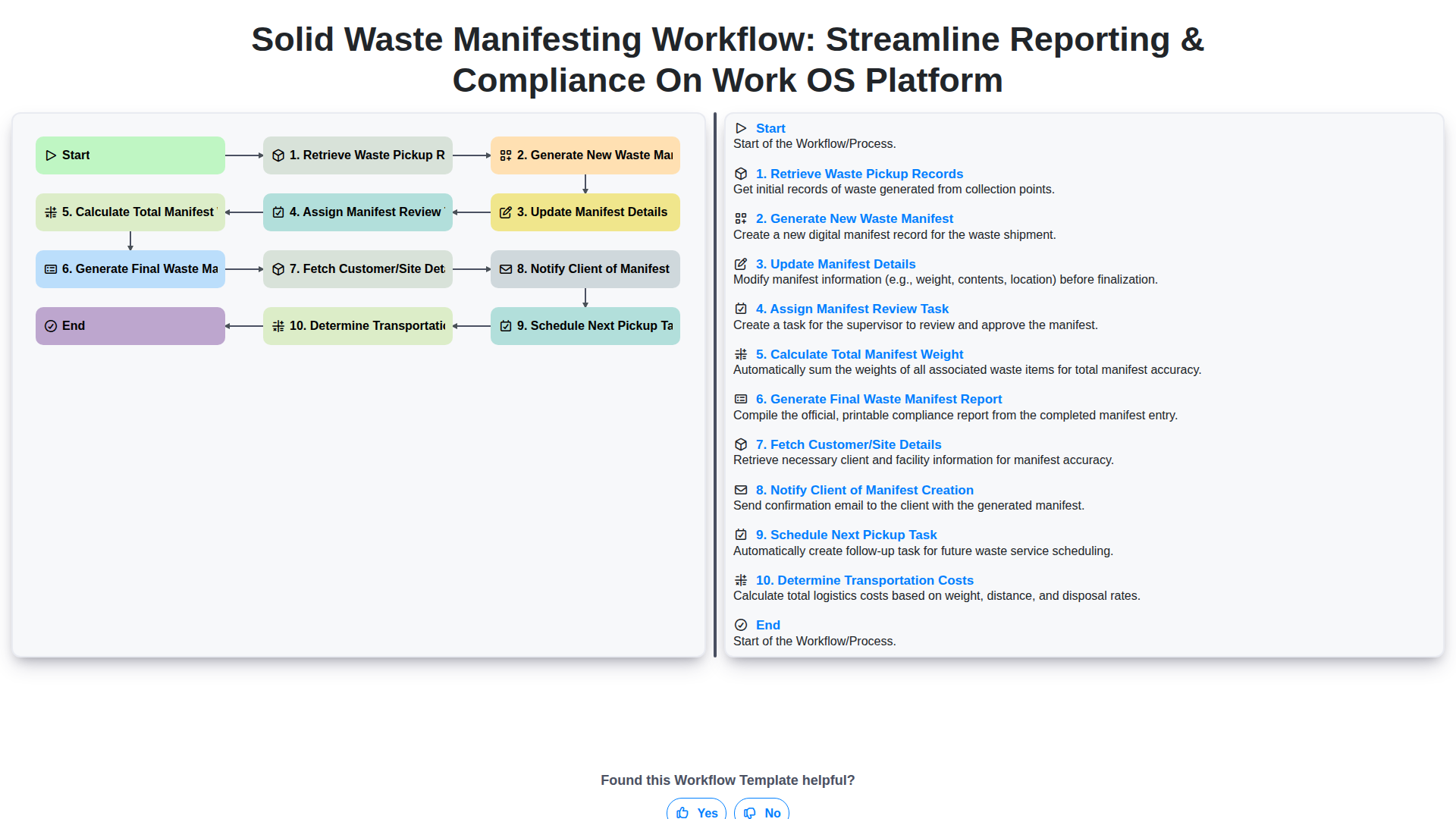
Solid Waste Manifesting Workflow: Streamline Reporting & Compliance on Work OS Platform
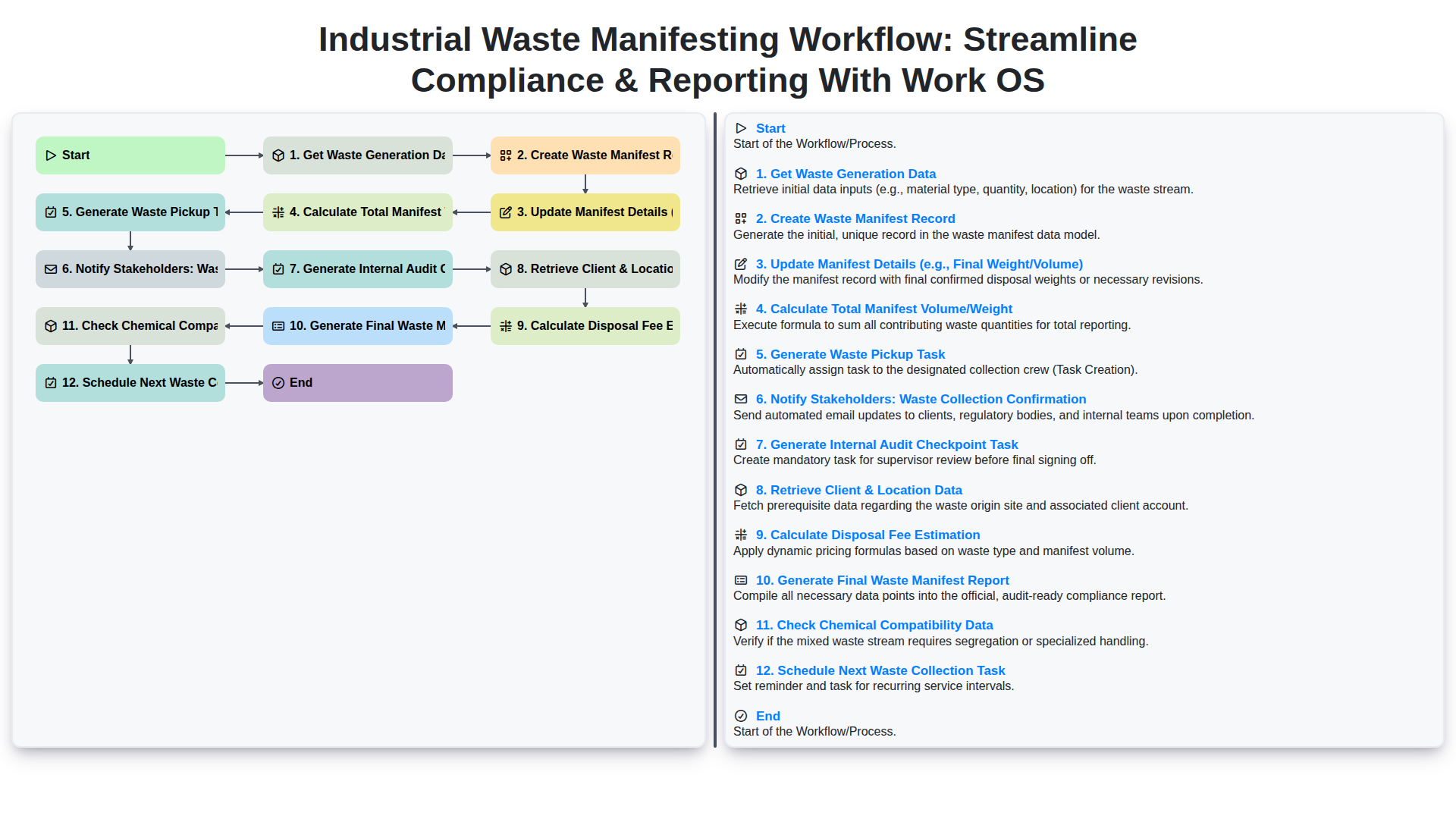
Industrial Waste Manifesting Workflow: Streamline Compliance & Reporting with Work OS
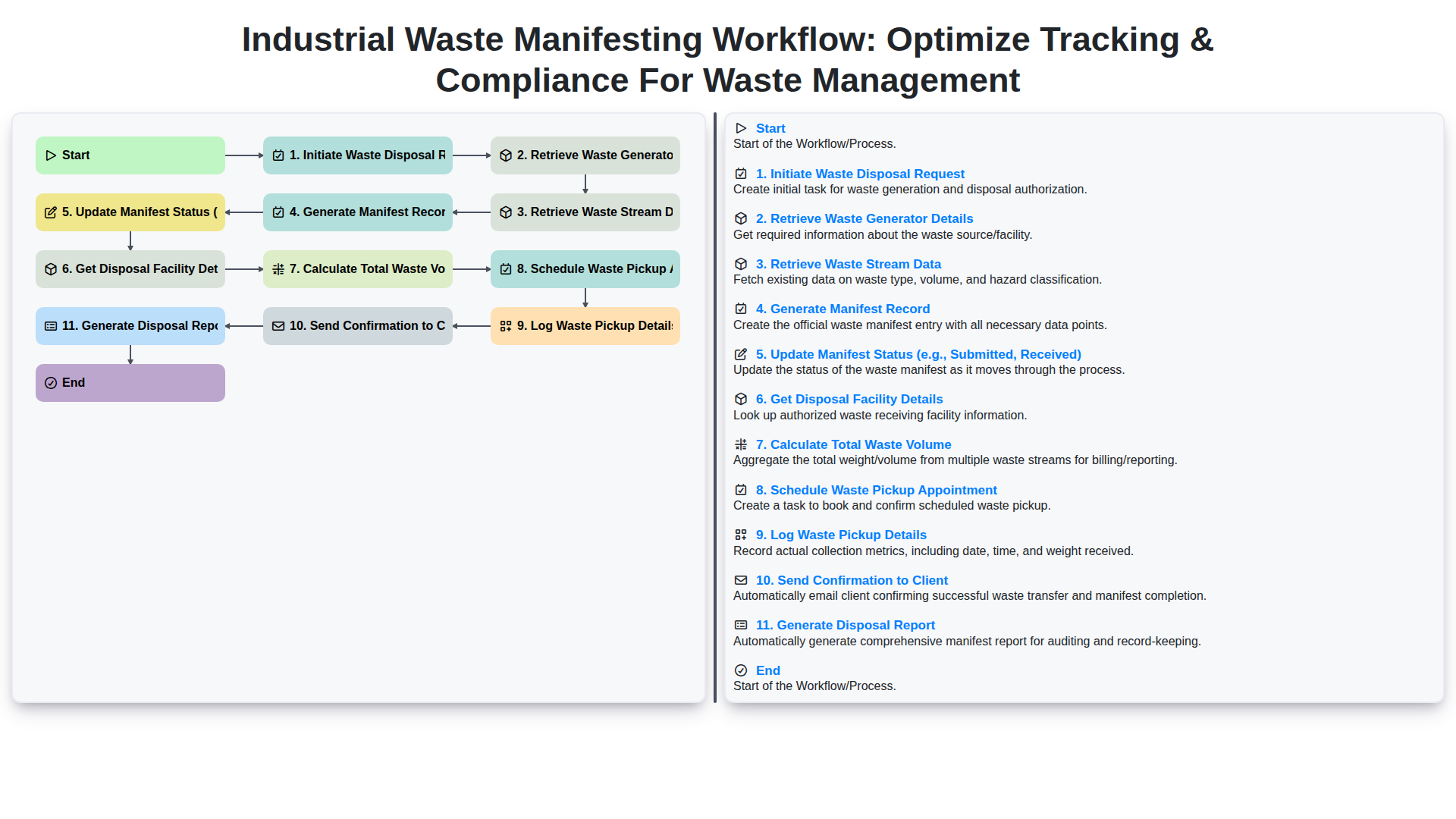
Industrial Waste Manifesting Workflow: Optimize Tracking & Compliance for Waste Management
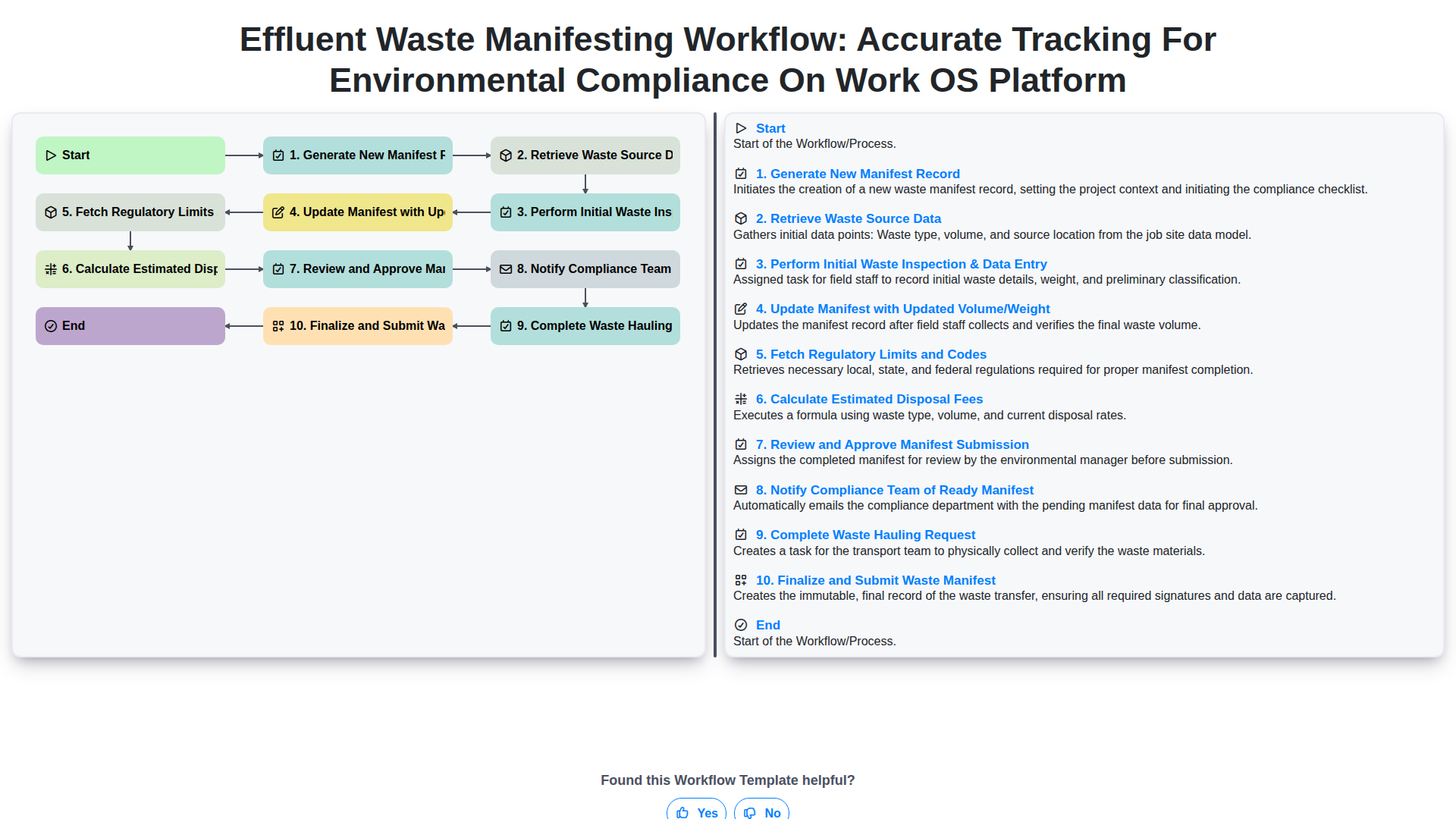
Effluent Waste Manifesting Workflow: Accurate Tracking for Environmental Compliance on Work OS Platform
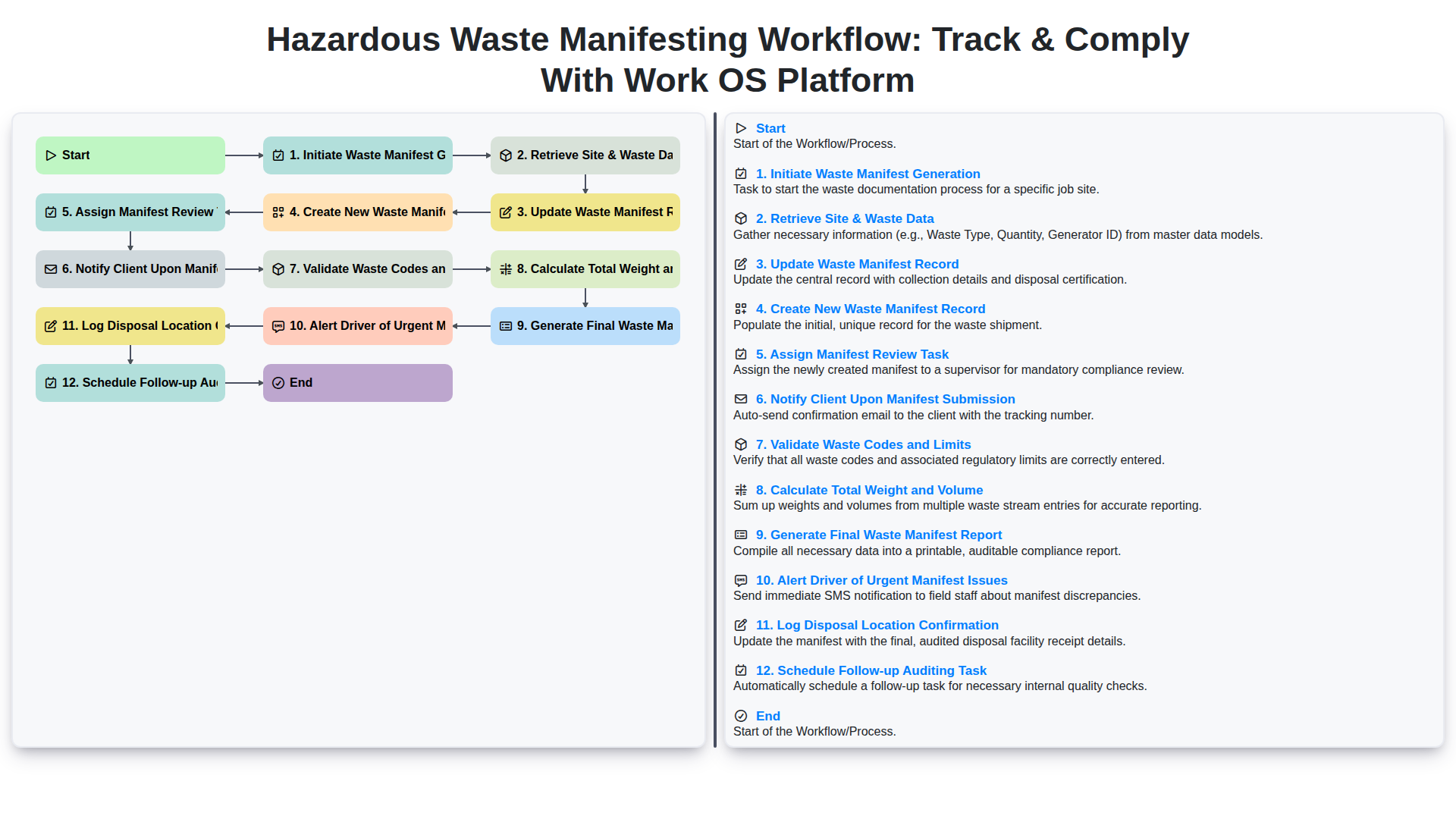
Hazardous Waste Manifesting Workflow: Track & Comply with Work OS Platform
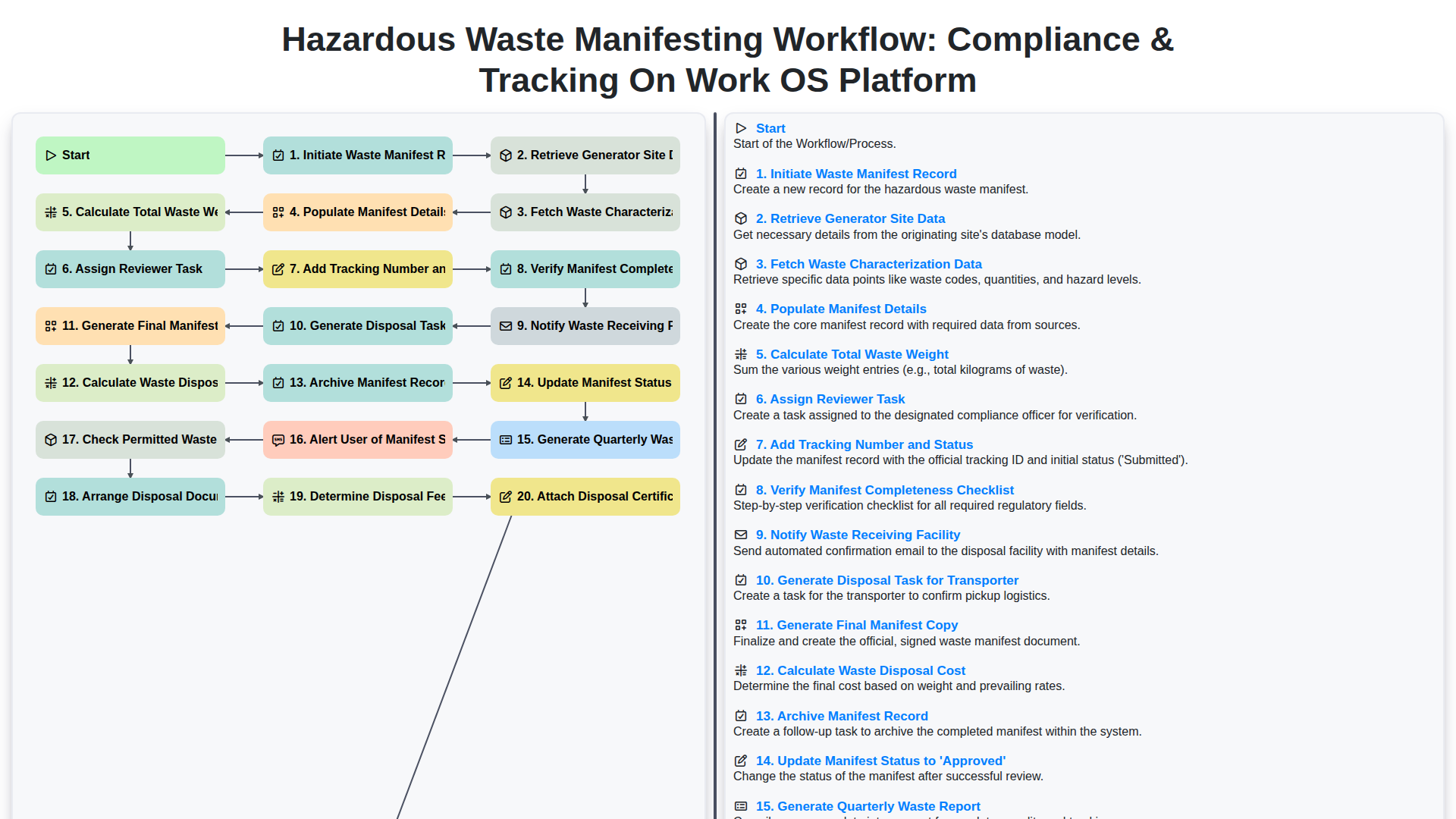
Hazardous Waste Manifesting Workflow: Compliance & Tracking on Work OS Platform
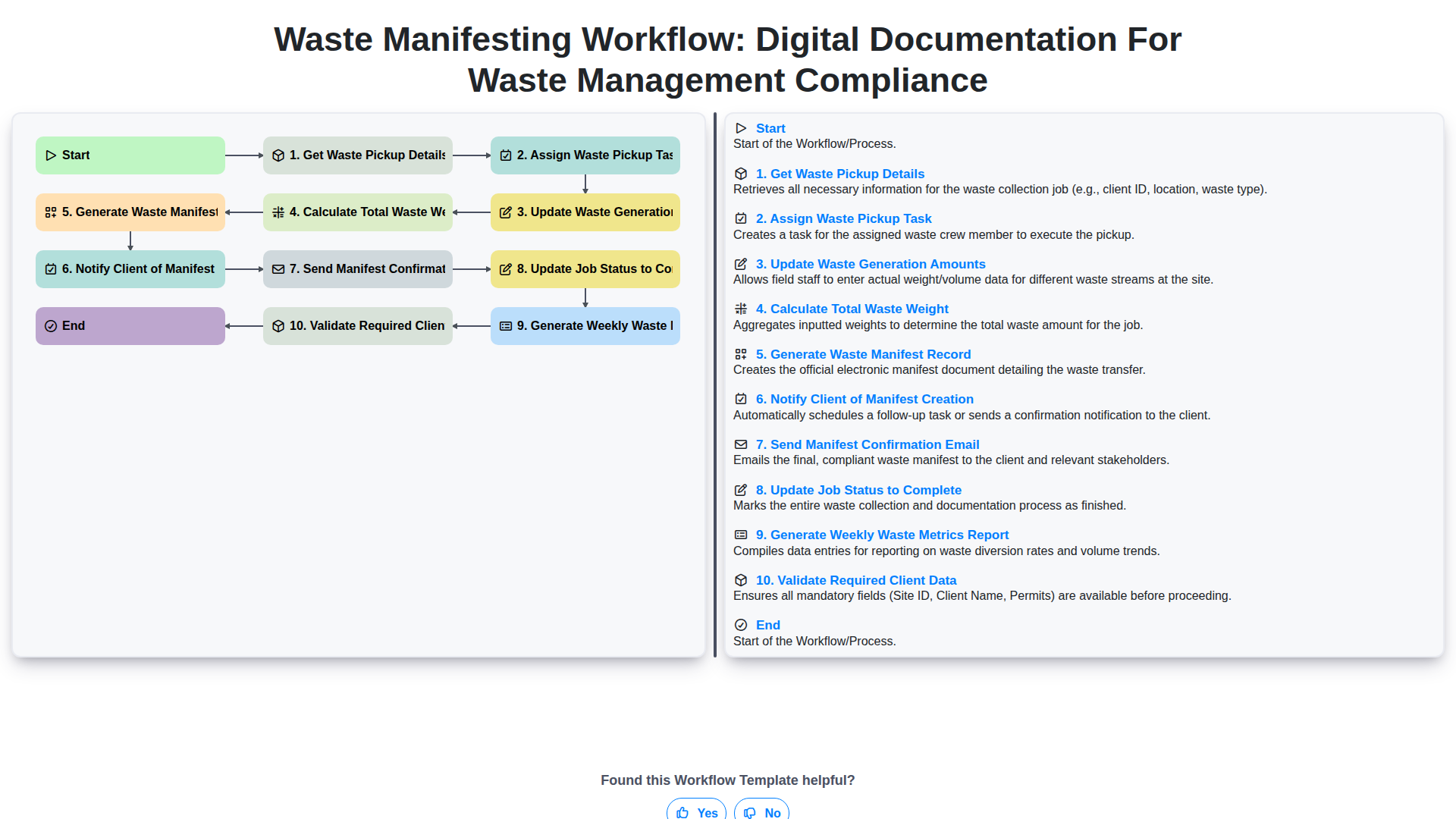
Waste Manifesting Workflow: Digital Documentation for Waste Management Compliance
We can do it Together
Need help with
Waste Management?
Have a question? We're here to help. Please submit your inquiry, and we'll respond promptly.