 ChecklistGuro
 Integrated Waste Collection and Disposal Workflow Management
Streamline your entire waste lifecycle with our Integrated Waste Collection and Disposal Workflow. From scheduled pickups to final disposal reporting, manage every step of your waste stream seamlessly. Boost efficiency, ensure compliance, and achieve optimal recycling rates with this end-to-end waste management solution for smarter, sustainable operations.
This Template was installed 3 times.
Start
Start of the Workflow/Process.
1. Schedule Waste Pickup Task
Creates a task assigned to the collection team based on scheduled pickups.
2. Retrieve Waste Pickup Details
Fetches necessary data (location, waste type, volume) from the designated pickup schedule data model.
3. Check Site Access Credentials
Verifies necessary site access permissions before deployment.
4. Calculate Estimated Waste Volume
Calculates the projected waste volume based on historical data and current site estimates.
5. Aggregate Bin Weight Data
Sums the reported weights from multiple containers at the disposal site.
6. Notify Disposal Site Arrival
Creates a task to alert the disposal facility about the incoming waste load.
7. Log Waste Transfer Manifest
Records the official waste transfer documentation upon leaving the site.
8. Assign Waste Sorting Audit Task
Creates a task for staff to audit the segregation process at the source.
9. Send Daily Collection Confirmation Email
Sends automated confirmation email to the client upon successful completion of collection.
10. Send Urgent Collection Delay SMS
Sends immediate SMS alert to site manager regarding unforeseen delays.
11. Update Waste Pickup Status
Changes the status of the job record from 'Scheduled' to 'Completed'.
12. Generate Daily Collection Report
Compiles data on volume, waste types, and metrics for end-of-day reporting.
13. Record Hazardous Waste Disposal Entry
Creates a specific entry detailing the disposal of regulated or hazardous materials.
14. Schedule Maintenance Check
Schedules proactive maintenance tasks for collection vehicles or bins.
15. Calculate Fuel Consumption Metric
Calculates fuel efficiency metrics based on route distance and weight transported.
16. Fetch Historical Waste Data
Retrieves historical waste metrics for trend analysis and billing purposes.
17. Review and Approve Disposal Logs
Assigns a managerial task to review and sign off on collected manifest data.
18. Archive Completed Job Records
Marks or deletes entries for completed, audited waste jobs to keep the active ledger clean.
19. Calculate Billing Weight Total
Determines the final billable weight by calculating net waste weight.
20. Send Monthly Sustainability Report
Sends a summary email containing resource diversion rates and monthly compliance metrics.
End
End of the Workflow/Process.
Start of the Workflow/Process.
Creates a task assigned to the collection team based on scheduled pickups.
Fetches necessary data (location, waste type, volume) from the designated pickup schedule data model.
Verifies necessary site access permissions before deployment.
Calculates the projected waste volume based on historical data and current site estimates.
Sums the reported weights from multiple containers at the disposal site.
Creates a task to alert the disposal facility about the incoming waste load.
Records the official waste transfer documentation upon leaving the site.
Creates a task for staff to audit the segregation process at the source.
Sends automated confirmation email to the client upon successful completion of collection.
Sends immediate SMS alert to site manager regarding unforeseen delays.
Changes the status of the job record from 'Scheduled' to 'Completed'.
Compiles data on volume, waste types, and metrics for end-of-day reporting.
Creates a specific entry detailing the disposal of regulated or hazardous materials.
Schedules proactive maintenance tasks for collection vehicles or bins.
Calculates fuel efficiency metrics based on route distance and weight transported.
Retrieves historical waste metrics for trend analysis and billing purposes.
Assigns a managerial task to review and sign off on collected manifest data.
Marks or deletes entries for completed, audited waste jobs to keep the active ledger clean.
Determines the final billable weight by calculating net waste weight.
Sends a summary email containing resource diversion rates and monthly compliance metrics.
End of the Workflow/Process.
Frequently Asked Questions
Comments
There are no comments yet. Be the first to add one!
Waste Management Solution Demo
Optimize your waste management & reduce environmental impact! ChecklistGuro streamlines collection, tracking, and reporting. Minimize waste, lower costs, & promote sustainability. Manage it all with our Work OS.
Related Workflow Templates
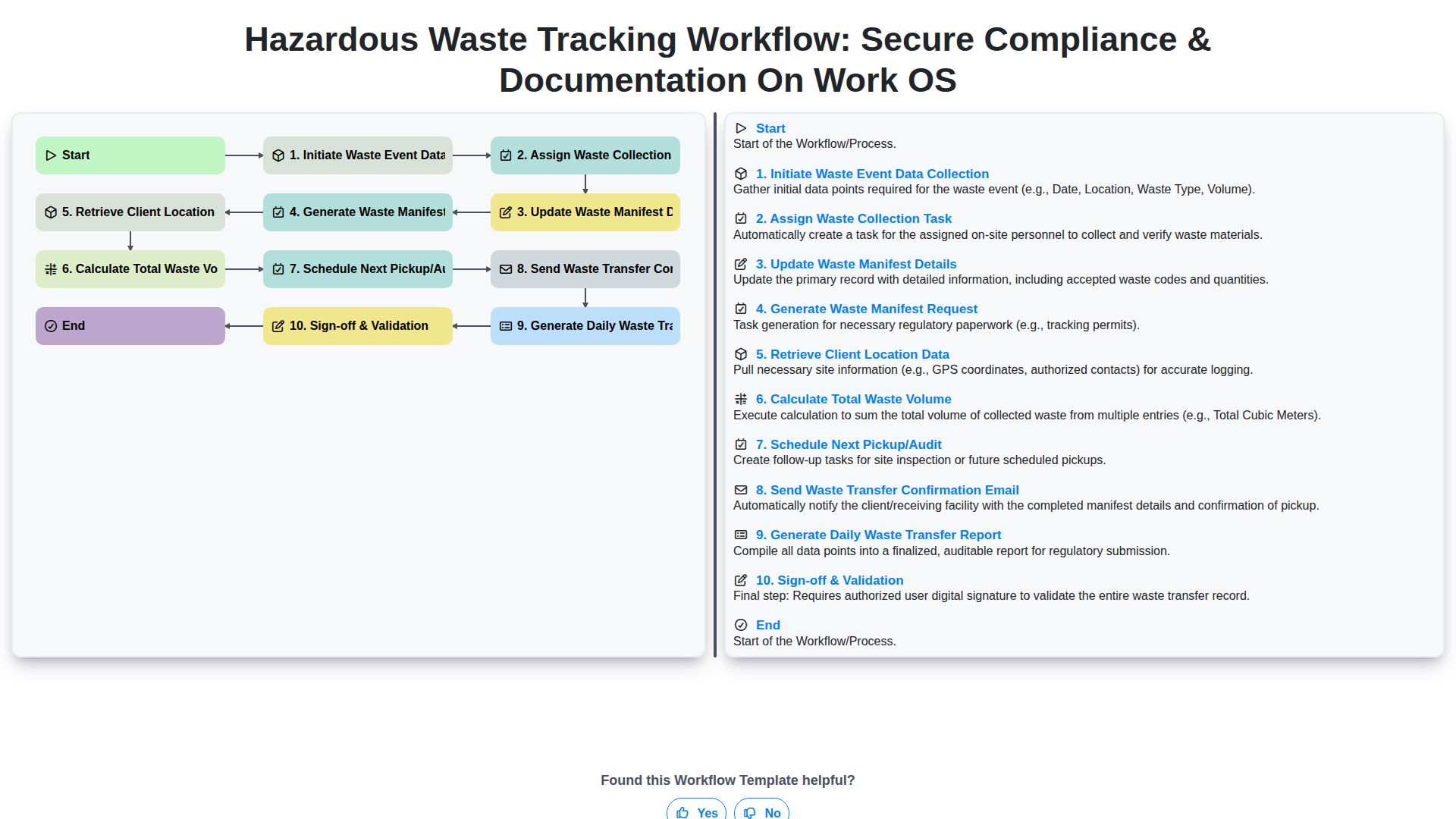
Hazardous Waste Tracking Workflow: Secure Compliance & Documentation on Work OS
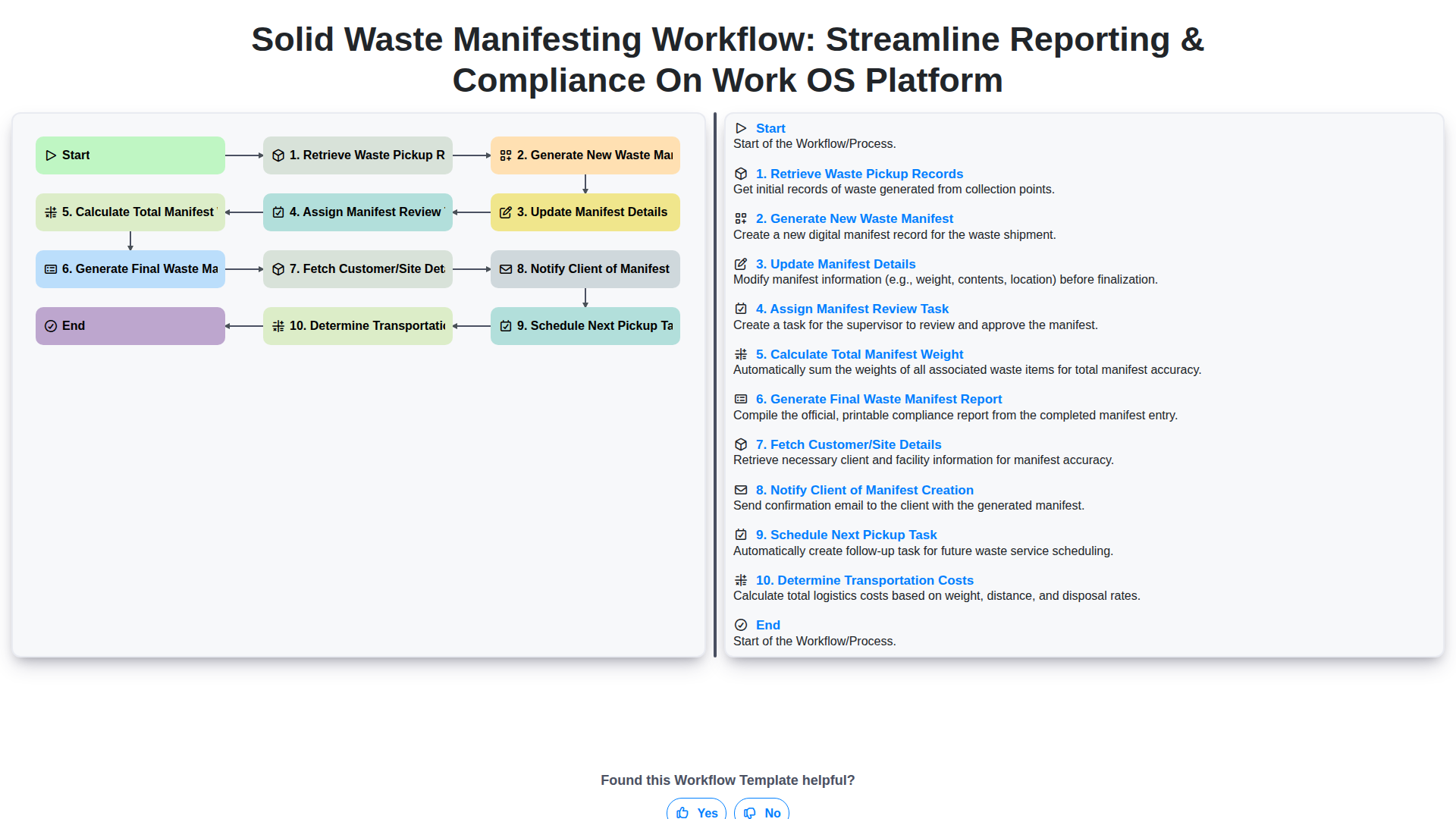
Solid Waste Manifesting Workflow: Streamline Reporting & Compliance on Work OS Platform
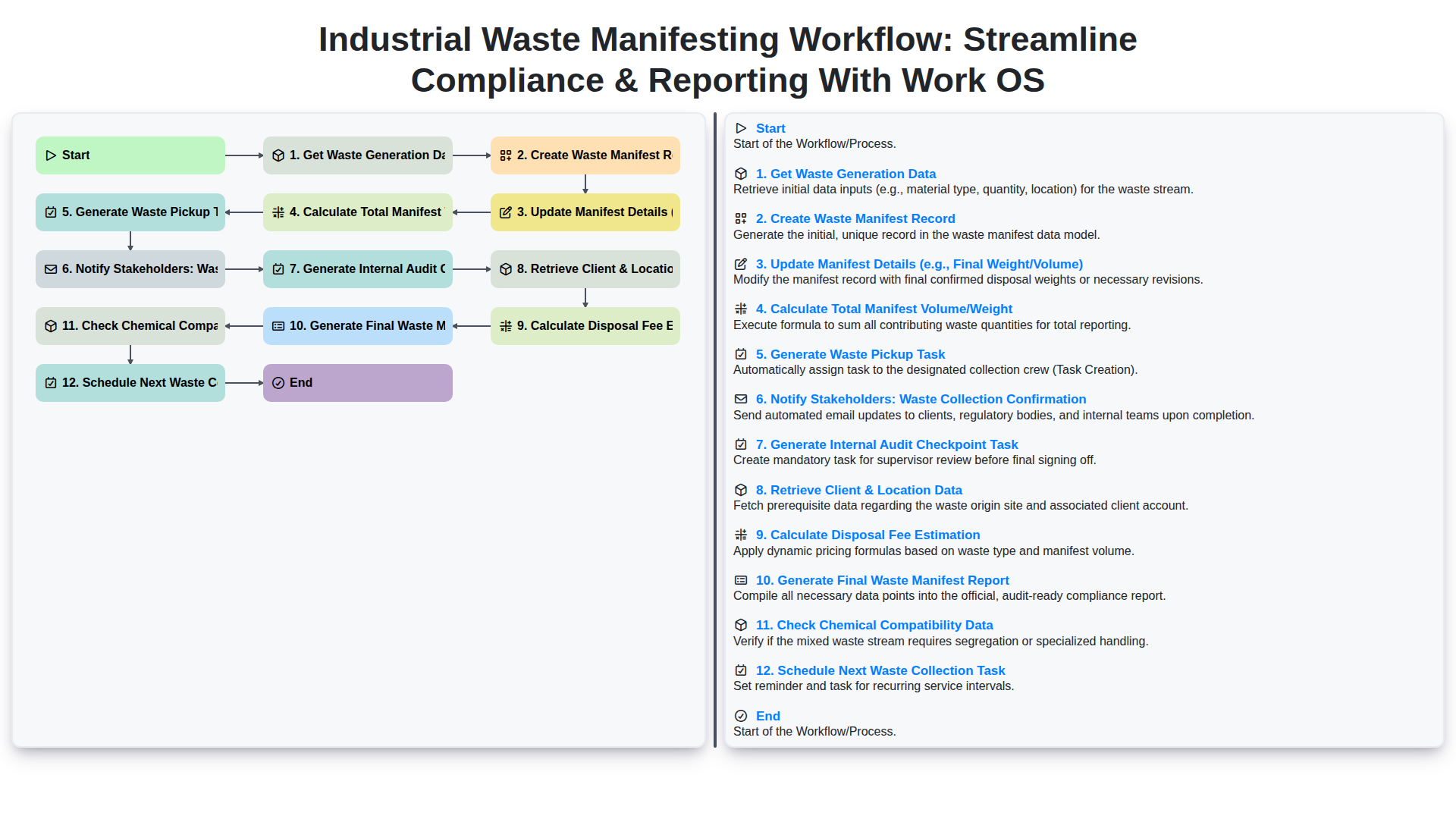
Industrial Waste Manifesting Workflow: Streamline Compliance & Reporting with Work OS
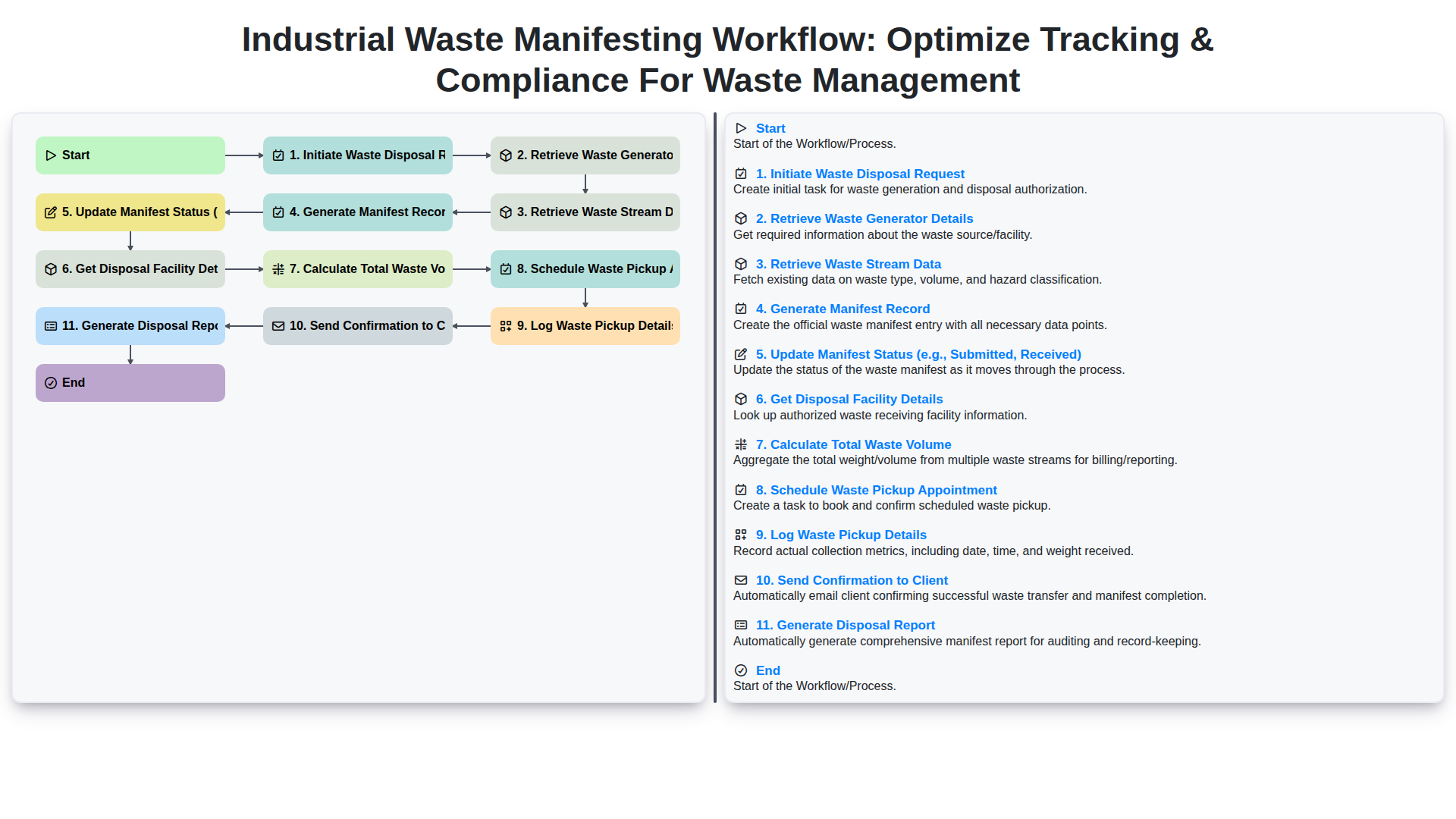
Industrial Waste Manifesting Workflow: Optimize Tracking & Compliance for Waste Management
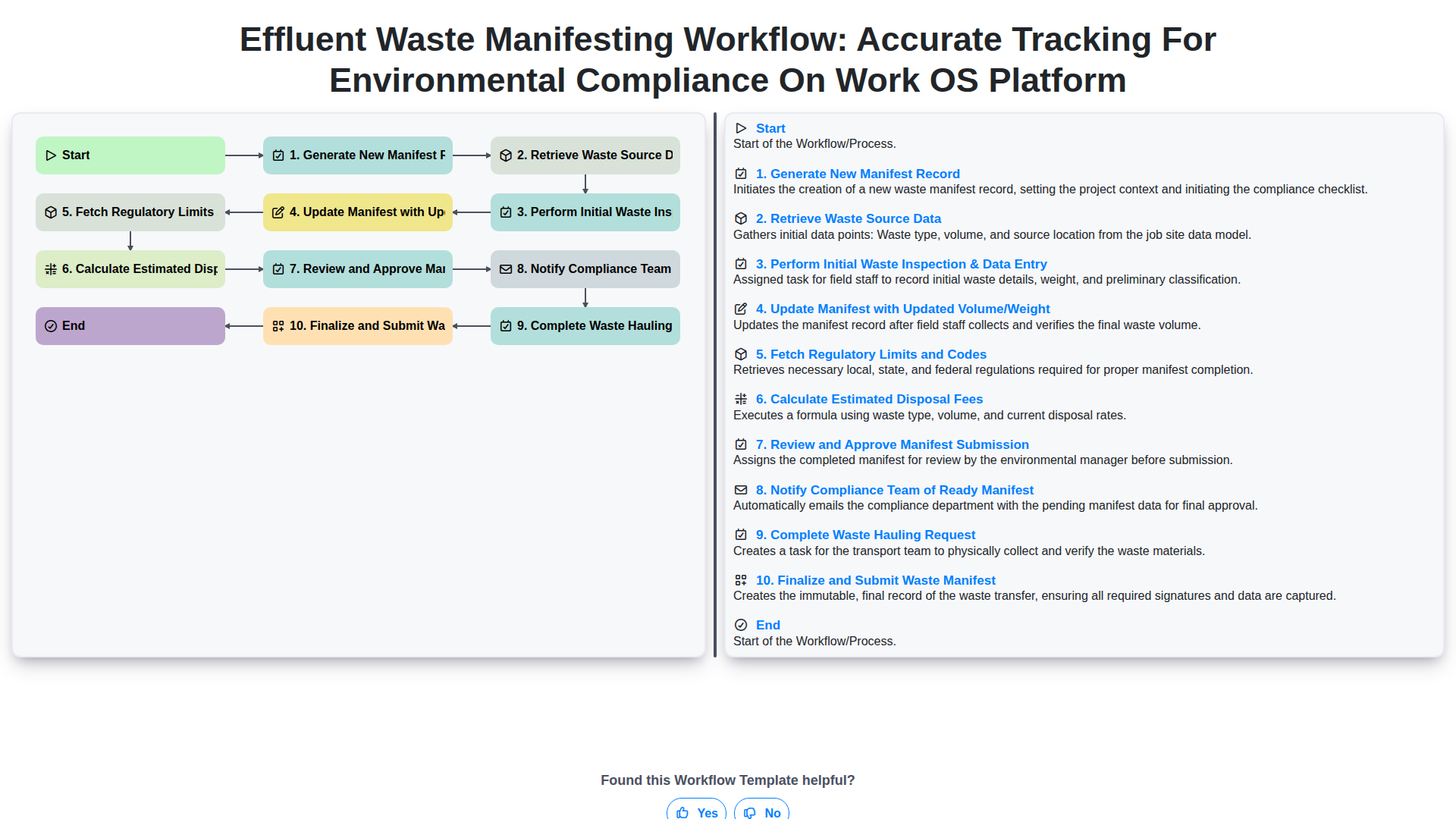
Effluent Waste Manifesting Workflow: Accurate Tracking for Environmental Compliance on Work OS Platform
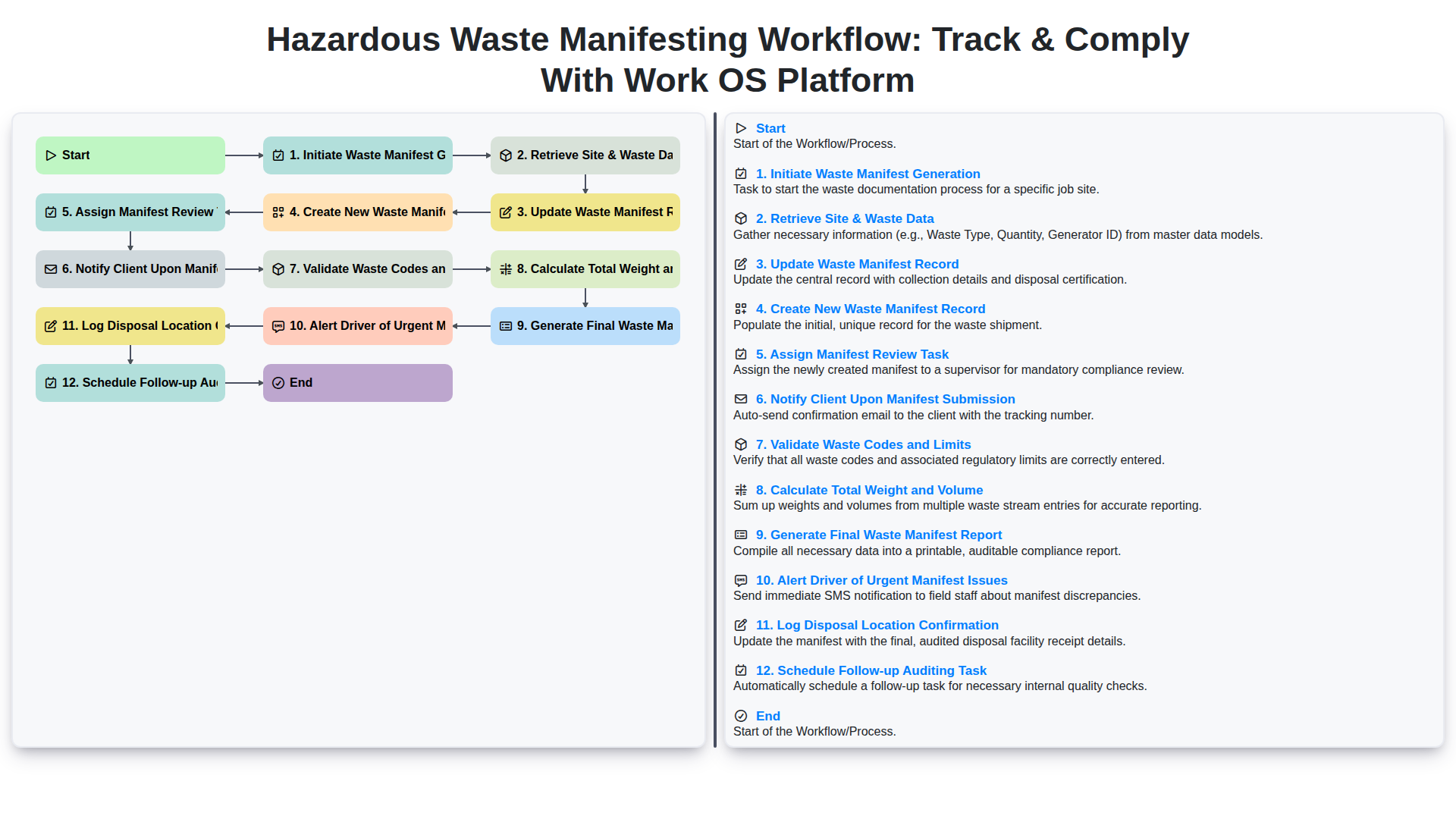
Hazardous Waste Manifesting Workflow: Track & Comply with Work OS Platform
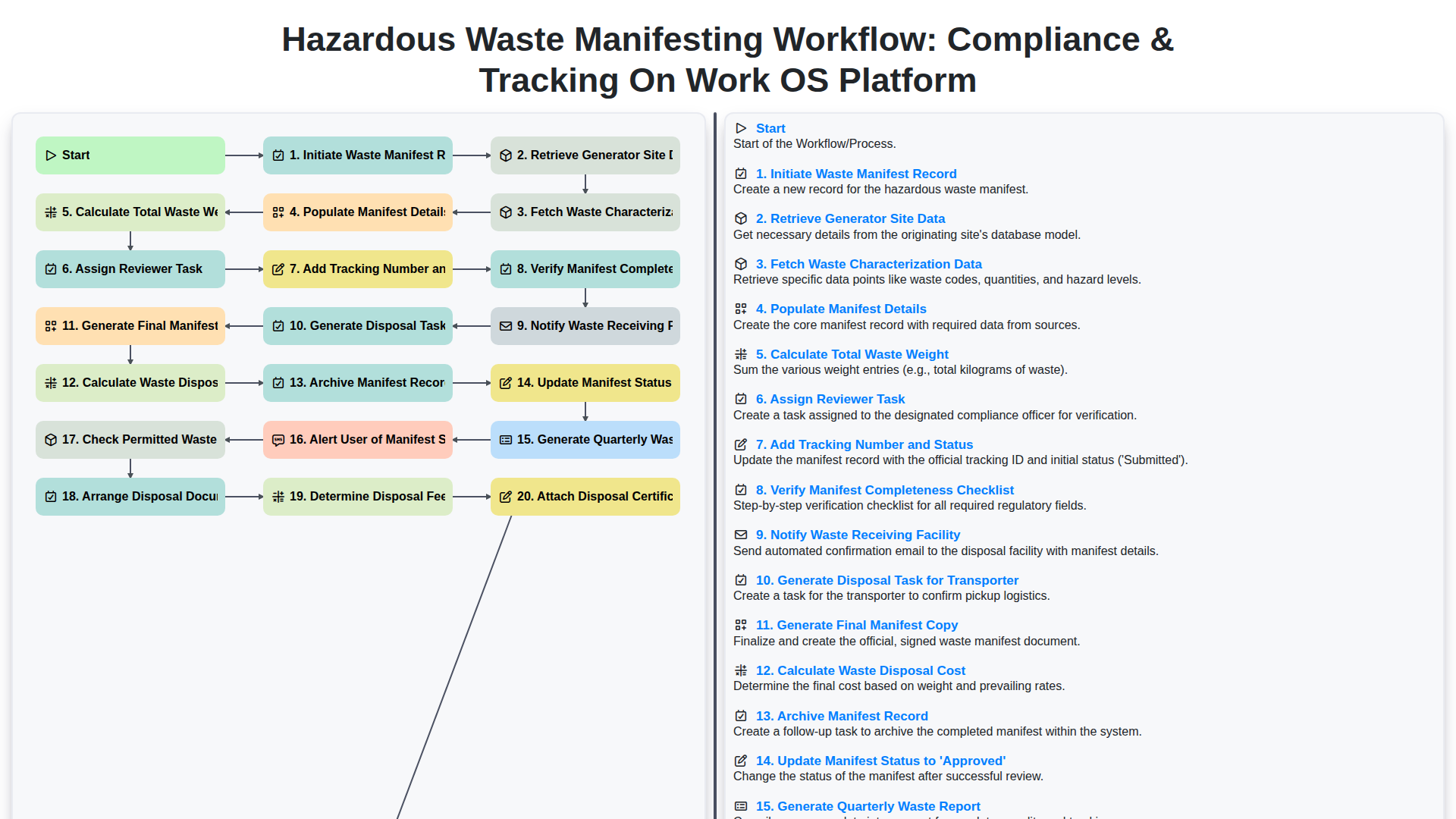
Hazardous Waste Manifesting Workflow: Compliance & Tracking on Work OS Platform
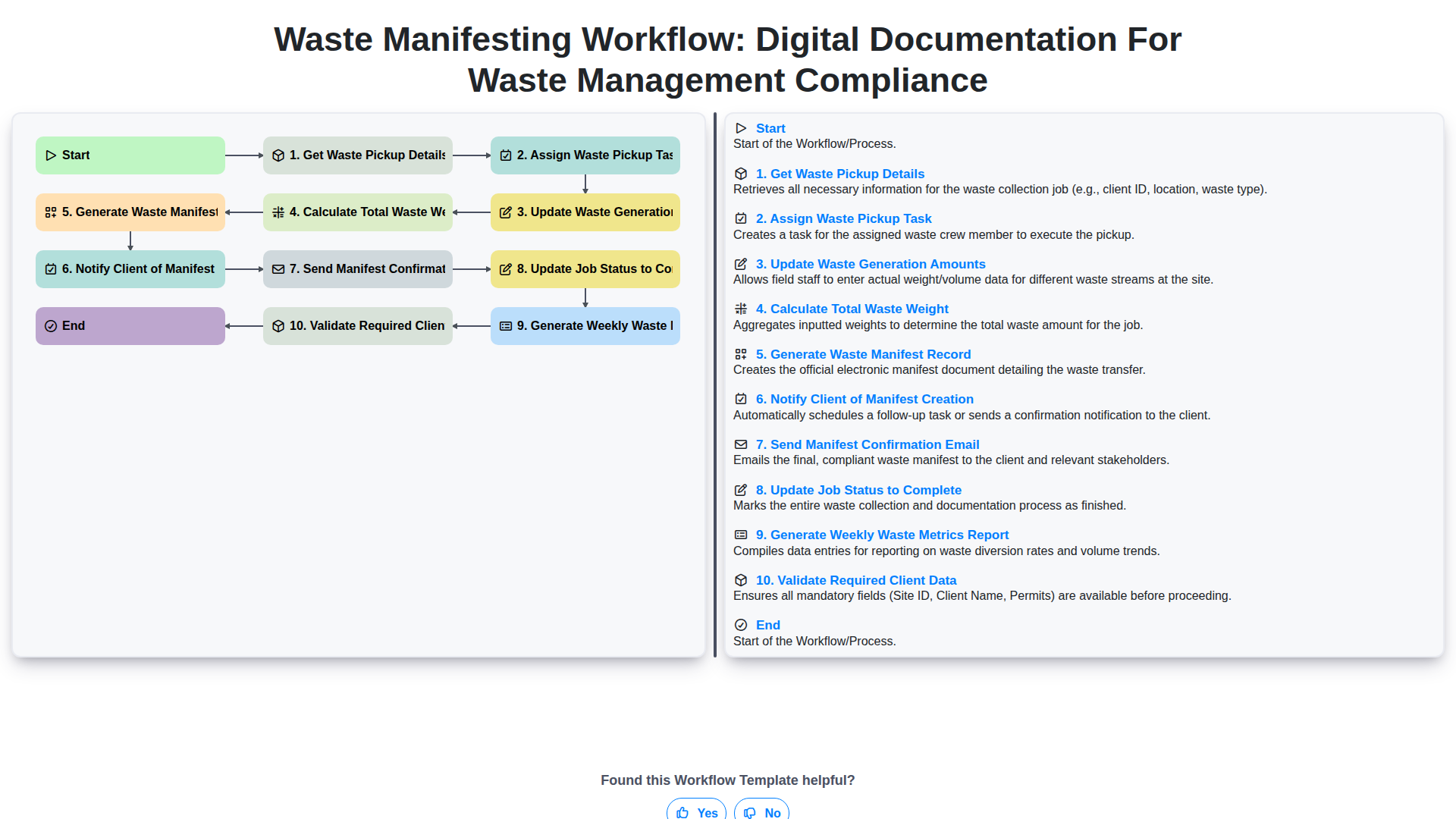
Waste Manifesting Workflow: Digital Documentation for Waste Management Compliance
Need help with
Waste Management?
Have a question? We're here to help. Please submit your inquiry, and we'll respond promptly.