How to improve your Case Management
Published: 12/20/2025 Updated: 07/02/2026
Table of Contents
- What is Case Management?
- Why is Effective Case Management Important?
- The Challenges of Traditional Case Management
- Introducing Checklist-Driven Case Management
- How ChecklistGuro Supports Case Management
- Key Features of Case Management Checklists
- Structuring Your Case Management Checklists
- Designing Effective Checklist Steps
- Automating Case Management Workflows
- Integrating Checklists with Other Systems
- Measuring the Success of Your Case Management
- Real-World Examples of Checklist-Driven Case Management
- Best Practices for Case Management with Checklists
- Taking the Next Steps with ChecklistGuro
- Resources & Links
TLDR: Feeling overwhelmed by scattered case information and inefficient processes? This post explains how checklists, specifically designed for case management, can bring order to chaos. Learn how these templates streamline workflows, ensure compliance, and empower your team - ultimately saving you time and boosting productivity. Discover a simple way to digitally organize your case management, even if you're just starting!
What is Case Management?
Case management isn't just about organizing files; it's a holistic approach to handling complex processes that involve people, information, and resources. Think of it as the conductor of an orchestra, ensuring all the different parts work together harmoniously to achieve a desired outcome.
Traditionally, case management involved a lot of paperwork, manual tracking, and siloed information. But in today's dynamic business environment, that's simply not sustainable. Modern case management utilizes technology - like specialized software and, crucially, checklists - to centralize data, automate tasks, and provide a clear, auditable trail of progress.
At its core, case management involves:
- Defining a Case: Identifying and classifying the specific type of situation needing attention (e.g., customer complaint, insurance claim, legal matter).
- Gathering Information: Collecting all relevant details, documents, and interactions related to the case.
- Assigning Responsibility: Designating individuals or teams to handle specific tasks within the case.
- Tracking Progress: Monitoring the status of the case and ensuring all steps are completed efficiently.
- Documenting Everything: Maintaining a detailed record of all actions taken and decisions made.
- Resolving the Case: Reaching a final resolution and closing the case file.
Effective case management leads to improved efficiency, reduced errors, better compliance, and ultimately, happier clients or customers.
Why is Effective Case Management Important?
Effective case management isn't just about keeping track of documents; it's the backbone of a well-functioning business, particularly in industries like legal, healthcare, insurance, and finance. Poor case management can lead to a cascade of negative consequences, impacting everything from customer satisfaction to your bottom line.
Think about it: lost documents, missed deadlines, inconsistent processes, and lack of visibility into case progress can all stem from inadequate case management. These issues translate into frustrated clients, increased operational costs (due to rework and delays), compliance risks (potential fines and legal action), and ultimately, a damaged reputation.
Conversely, a robust case management system-and the checklists that support it-offers significant advantages. It fosters accountability by clearly defining roles and responsibilities, improves efficiency by automating repetitive tasks and standardizing workflows, and enhances collaboration among team members, even those working remotely. It allows for data-driven decision-making through comprehensive reporting and analysis, revealing bottlenecks and areas for continuous improvement. Ultimately, effective case management empowers your business to operate more predictably, profitably, and with greater confidence.
The Challenges of Traditional Case Management
Traditional case management often involves a frustrating mix of emails, spreadsheets, and paper documents. This decentralized approach leads to several key challenges for businesses. Information silos are common, making it difficult to get a complete picture of a case's status and history. Version control becomes a nightmare - who has the latest information? Collaboration suffers as team members struggle to stay on the same page, leading to delays and potential errors. Furthermore, tracking compliance requirements and ensuring consistent processes across all cases is incredibly difficult, increasing the risk of audits and penalties. The reliance on manual processes is time-consuming, expensive, and frankly, prone to human error. Ultimately, this lack of centralization and automation hinders efficiency and prevents businesses from truly optimizing their case management efforts.
Introducing Checklist-Driven Case Management
Traditional case management often relies on manual processes, spreadsheets, and fragmented communication. This can lead to missed steps, inconsistent data, and a frustrating experience for both your team and your clients. Checklist-driven case management flips that on its head.
Instead of reacting to tasks as they arise, you proactively define the necessary steps for each case type. These steps are organized into a digital checklist, acting as a roadmap for your team to follow. Think of it as a standardized operating procedure for every case, ensuring consistency and reducing the risk of errors.
This approach isn't just about ticking boxes; it's about building a system that guarantees every essential task is completed, documentation is properly collected, and deadlines are met. It allows for clear accountability, easy tracking of progress, and a centralized repository for all case-related information. By shifting from reactive to proactive, you're empowering your team and improving overall case outcomes.
How ChecklistGuro Supports Case Management
ChecklistGuro isn't just about creating generic checklists; it's built to handle the complexities of case management. Here's how we specifically support your needs:
- Dynamic Checklists: Our platform allows for dynamic checklists that adapt based on case specifics. Conditions and branching logic ensure the right steps are taken at the right time, avoiding unnecessary tasks and potential errors.
- Customizable Fields: Define custom fields to capture all the essential information for each case, going beyond standard checklist items. This creates a centralized repository of data.
- Role-Based Access Control: Assign roles and permissions to team members, ensuring that sensitive case information is only accessible to authorized personnel. This is crucial for compliance and data security.
- Workflow Automation: Automate repetitive tasks and trigger actions based on checklist completion. For example, automatically notify a supervisor when a case reaches a specific stage.
- Real-time Collaboration: Enable seamless collaboration among team members with features like commenting, file sharing, and instant notifications. Everyone stays informed and aligned.
- Reporting & Analytics: Gain valuable insights into case resolution times, team performance, and potential bottlenecks with built-in reporting and analytics dashboards. Identify areas for improvement and optimize your processes.
- Integration Capabilities: ChecklistGuro integrates with popular business tools like Slack, Google Workspace, and more, streamlining your workflow and eliminating data silos.
Key Features of Case Management Checklists
Effective case management checklists aren't just about ticking boxes; they're about building a robust and adaptable system. Here's a breakdown of the key features you should look for:
- Step-by-Step Workflow Guidance: A good checklist breaks down complex case processes into manageable, sequential steps. This ensures every team member understands their role and responsibilities.
- Customization & Flexibility: Your business is unique. The best checklists allow for modifications to reflect your specific workflows, including adding, removing, or rearranging steps.
- Data Capture & Tracking: Integrated data fields within each checklist step allow you to record vital information directly within the process. This creates a central repository for all case-related data, eliminating the need for disparate spreadsheets or documents.
- Automated Notifications & Reminders: Automated notifications ensure critical tasks aren't missed. Set reminders for deadlines, approvals, or follow-up actions, keeping your case moving forward.
- Collaboration & Assignment: Clearly assign checklist steps to specific team members, facilitating accountability and promoting seamless collaboration. Real-time updates and comments allow for quick communication and issue resolution.
- Version Control & Audit Trails: Maintain a clear history of changes made to the checklist and all actions taken within a case. This is crucial for compliance and auditing purposes.
- Reporting & Analytics: Track key metrics like completion times, bottlenecks, and compliance rates to identify areas for improvement in your case management processes.
- Integration Capabilities: The ability to integrate with other essential tools like CRM, document management systems, and communication platforms enhances efficiency and prevents data silos.
Structuring Your Case Management Checklists
Okay, let's dive into the structure itself. A well-structured case management checklist isn't just a list of tasks; it's a roadmap for successful case resolution. Here's a breakdown of key elements and how to organize them effectively:
1. Define Case Stages: Break down your case lifecycle into distinct phases. Common stages might include: Intake/Assessment, Investigation, Planning, Action/Implementation, Review, and Closure. Each stage becomes a section within your checklist.
2. Task Grouping: Within each stage, group related tasks logically. For example, in the "Investigation" stage, you might have sub-sections for "Evidence Gathering," "Witness Interviews," and "Document Review."
3. Task Details: Each task needs clear, actionable descriptions. Avoid ambiguity! Include specifics like:
- Task Name: Concise and descriptive.
- Responsible Party: Who is accountable for completing the task?
- Due Date: When should the task be finished?
- Dependencies: Does this task rely on the completion of another?
- Attachments/Resources: Links to relevant documents, templates, or websites.
- Status: (Not Started, In Progress, Completed, Blocked) - Crucial for tracking.
4. Conditional Logic (Advanced): As you become more comfortable, consider implementing conditional logic. This means certain tasks only appear if specific criteria are met. For instance, if a case involves a particular type of claim, a specialized sub-section of tasks could automatically be added to the checklist.
5. Templates & Standardization: Create reusable templates for common case types. This ensures consistency and reduces the time needed to create new checklists from scratch. While standardization is important, allow for flexibility to accommodate unique case requirements.
Example Structure (Illustrative):
- Case Type: [Select from Dropdown: Legal, HR, Insurance, etc.]
- Stage 1: Intake/Assessment
- Task 1: Initial Client Interview (Responsible: Case Manager, Due Date: [Date])
- Task 2: Gather Preliminary Information (Responsible: Assistant, Due Date: [Date])
- Stage 2: Investigation
- Sub-section: Evidence Gathering * Task 1: Request Records (Responsible: Legal Team, Due Date: [Date])
- Sub-section: Witness Interviews * Task 1: Schedule Witness 1 Interview (Responsible: Investigator, Due Date: [Date])
- Stage 3: Planning
- Task 1: Develop Case Strategy (Responsible: Senior Manager, Due Date: [Date])
A well-structured checklist isn't just about ticking boxes; it's about ensuring a methodical, auditable, and ultimately successful case management process.
Designing Effective Checklist Steps
Crafting clear, actionable checklist steps is paramount to successful case management. Vague or ambiguous instructions lead to errors, inconsistencies, and frustrated teams. Here's how to design steps that truly drive efficiency:
- Start with a Verb: Each step should begin with a strong action verb (e.g., Review, Contact, Document, Verify, Escalate). This immediately clarifies the task to be performed.
- Be Specific and Concise: Avoid jargon and overly complex language. Break down large tasks into smaller, manageable steps. The goal is clarity, not eloquence.
- Include Necessary Details: Add specific information needed to complete the step. This might include names, dates, locations, or relevant document numbers. Don't assume the user already knows - err on the side of providing too much information.
- Consider Dependencies: Think about the logical order of steps. Does one step need to be completed before another can begin? Use conditional logic or sequencing within your checklist software to reflect these dependencies.
- Define Expected Outcomes: What constitutes successful completion of each step? Explicitly state the desired outcome. This provides a clear benchmark for quality control.
- Assign Responsibility: Clearly identify who is responsible for completing each step. This promotes accountability and prevents tasks from falling through the cracks.
- Incorporate Checkboxes or Status Fields: Visual cues, such as checkboxes or status fields (e.g., Not Started, In Progress, Completed), allow for easy tracking of progress and provide a clear picture of the case's overall status.
- Review and Iterate: Regularly review your checklists with your team. Gather feedback and make adjustments as needed. Checklists should be living documents that evolve alongside your processes.
Automating Case Management Workflows
Manual case management is a breeding ground for errors, bottlenecks, and lost productivity. Think about it: chasing down documents, manually updating statuses, and constantly reminding team members about their tasks. It's time-consuming and frankly, avoidable. Automation is the key to unlocking significant improvements in your case management.
Here's how automation, often facilitated through checklist-driven workflows, can transform your processes:
- Trigger-Based Actions: Automate tasks based on specific triggers. For instance, when a case reaches a particular stage, automatically assign it to the appropriate specialist, generate a notification, or trigger a follow-up email.
- Dynamic Task Assignment: Instead of manually assigning tasks, define rules based on case type, priority, or specialist expertise. The system automatically assigns tasks, ensuring the right person handles the right work at the right time.
- Automated Reminders & Escalations: Never let a deadline slip through the cracks. Automated reminders ensure timely completion of tasks, while escalation rules flag overdue items to the attention of managers.
- Data Synchronization: Eliminate data silos by automating the flow of information between different systems and departments. This provides a single, unified view of each case.
- Reduced Human Error: Automating repetitive tasks minimizes the opportunity for manual errors, improving accuracy and consistency.
- Improved Compliance: Automate compliance checks and reporting, ensuring adherence to regulations and internal policies.
Platforms like ChecklistGuro empower you to design and automate these workflows visually, even without extensive technical expertise. By embracing automation, you're not just streamlining your case management; you're freeing up your team to focus on higher-value activities that drive better outcomes.
Integrating Checklists with Other Systems
While checklists offer significant standalone benefits, their true power is unlocked when integrated with your existing systems. Think about your CRM, project management software, or even email platforms. Siloed data hinders efficiency.
Here's how you can bridge that gap:
- API Integration: Many modern checklist platforms, like ChecklistGuro, offer robust APIs. This allows you to connect your checklists to other business tools, automating data transfer and triggering actions based on checklist completion. For example, a completed intake checklist could automatically create a new record in your CRM.
- Webhooks: Similar to APIs, webhooks enable real-time data synchronization. When a checklist item is marked complete, a webhook can trigger an automated action in another system, like sending an email notification or updating a task status.
- Embeddable Checklists: Embed checklists directly within your existing applications. This allows users to access and complete tasks within the context of their usual workflows, minimizing context switching.
- Data Export/Import: If direct integration isn't feasible, regularly exporting data from your checklists and importing it into other systems can still provide valuable insights and improve data consistency.
Consider your existing tech stack and identify areas where checklist integration can deliver the most impact. It's an investment that pays off in streamlined workflows and improved overall business performance.
Measuring the Success of Your Case Management
So, you've implemented checklists and are actively using them for case management. Fantastic! But how do you know it's actually working? Simply using checklists isn't enough; you need to measure their impact. Here's a breakdown of key metrics to track:
- Case Resolution Time: This is arguably the most important. Are cases being resolved faster now than before implementing checklists? Track the average time from case initiation to closure.
- Error Rate: Checklists reduce human error. Monitor the number of errors occurring during case handling - things like incorrect data entry, missed steps, or compliance failures.
- Compliance Rate: For heavily regulated industries, consistent compliance is vital. Measure the percentage of cases that adhere to all relevant procedures and regulations.
- Customer/Client Satisfaction: Ultimately, case management impacts the people you serve. Gather feedback through surveys or reviews to gauge their satisfaction with the case handling process.
- Team Productivity: Are your team members handling more cases per day/week? Are they feeling less stressed and more efficient? Observe their performance and gather their input.
- Cost Savings: Quantify the financial benefits. Reduced errors, faster resolution times, and increased efficiency all contribute to cost savings.
Don't just collect data; analyze it! Look for trends and identify areas where your checklists can be further optimized. Regular review and adjustment are key to continuous improvement. Consider establishing baseline measurements before implementing checklists, so you have a clear point of comparison for later analysis.
Real-World Examples of Checklist-Driven Case Management
Let's move beyond theory and look at how checklist-driven case management is making a real difference across various industries. Consider these scenarios:
Legal Firms: Imagine a personal injury case. A checklist can guide paralegals through steps like gathering medical records, drafting initial pleadings, conducting discovery, and preparing for depositions. Each task has assigned owners, deadlines, and dependencies, ensuring nothing falls through the cracks and the case progresses efficiently. Similarly, for corporate law, a checklist can manage due diligence processes, ensuring all necessary reviews and approvals are completed before finalizing a deal.
Insurance Claims Processing: Handling claims can be a complex dance of paperwork and communication. A checklist can standardize the process, from initial claim intake and investigation to assessment and payout. It ensures all required information is gathered, compliance regulations are followed, and potential fraud indicators are flagged. This leads to faster resolution times and increased customer satisfaction.
Healthcare - Patient Onboarding & Discharge: Patient onboarding is more than just registration. A checklist can manage everything from verifying insurance and obtaining consent forms to scheduling initial consultations and explaining treatment plans. Discharge checklists ensure patients receive necessary prescriptions, follow-up appointments are scheduled, and they understand their aftercare instructions, minimizing readmission rates.
Human Resources - Employee Offboarding: Offboarding isn't just about collecting company assets. A checklist can guide the HR team through steps like revoking access, transferring responsibilities, conducting exit interviews, and processing final paychecks. This protects sensitive data and ensures a smooth transition for both the departing employee and the company.
Debt Collection: A structured checklist can ensure compliance with legal requirements and ethical considerations during the debt collection process. It can guide agents through steps like initial contact, negotiation, and legal action, ensuring fair and transparent practices.
These are just a few examples. The beauty of checklist-driven case management is its adaptability. Almost any process that involves multiple steps, responsibilities, and deadlines can benefit from being structured with checklists.
Best Practices for Case Management with Checklists
To truly maximize the benefits of case management checklists, consider these best practices:
- Standardize Your Processes: Identify your most common case types and meticulously outline the steps involved in each. This forms the foundation for your checklist templates. Don't be afraid to iterate - processes evolve, and your checklists should too.
- Assign Clear Ownership: Each checklist item should have a designated owner. This ensures accountability and prevents tasks from falling through the cracks. Utilize the assignment features within your case management software to easily track responsibility.
- Automate Where Possible: Look for opportunities to automate checklist triggers and notifications. For example, automatically assign a task when a case reaches a certain stage, or send reminders for upcoming deadlines. Automation reduces manual effort and minimizes errors.
- Integrate with Other Systems: Seamlessly connect your checklists to other business applications like CRM, accounting software, or communication platforms. This creates a holistic view of your case management processes and eliminates data silos.
- Regularly Review and Update: Schedule periodic reviews of your checklists - ideally quarterly or annually - to ensure they remain relevant and effective. Solicit feedback from your team to identify areas for improvement.
- Training and Onboarding: Provide adequate training to your team on how to use the checklists effectively. New team members should be onboarded with a clear understanding of the process and their responsibilities.
- Data-Driven Optimization: Use data collected through your checklists (completion times, bottlenecks, error rates) to continuously refine your processes and improve efficiency. Track key performance indicators (KPIs) and make adjustments as needed.
Taking the Next Steps with ChecklistGuro
Ready to move beyond spreadsheets and disorganized notes? ChecklistGuro offers a powerful and intuitive platform to implement and manage these case management checklists. Here's how you can take the next steps:
- Start with a Template: We offer a variety of pre-built case management checklist templates covering diverse industries and common processes. Explore our template library and find one that aligns with your immediate needs. Don's be afraid to customize it to fit your specific requirements.
- Free Trial: Take advantage of our free trial to experience the full functionality of the platform firsthand. Test out the checklists, collaborate with your team, and see the improvements in your case management processes.
- Customization is Key: While templates provide a great starting point, tailoring them to your unique workflows is crucial. ChecklistGuro's drag-and-drop interface makes customization easy, even for non-technical users. Add steps, assign responsibilities, and set deadlines to create a truly bespoke solution.
- Integrate with Existing Tools: ChecklistGuro seamlessly integrates with popular business tools like Slack, Google Workspace, and Microsoft Teams. This helps centralize your information and prevents data silos.
- Scale Your Operations: As your business grows, your case management needs will evolve. ChecklistGuro is designed to scale with you, allowing you to add more users, checklists, and integrations as needed.
- Dedicated Support: Our team is here to help you every step of the way. We offer comprehensive documentation, tutorials, and responsive customer support to ensure your success.
Resources & Links
- ChecklistGuro Home: Explore the full suite of features and benefits of ChecklistGuro for streamlining your business processes, including case management.
- Atlassian - What is Case Management?: Provides a comprehensive overview of case management and its various applications, offering a foundational understanding for readers.
- BMC - Case Management Blogs: Provides insights and trends related to case management, useful for understanding the broader context and challenges.
- Gartner - Case Management Definition: Provides a formal definition and explanation of case management from a leading technology research firm.
- Process Expert - Case Management Overview: Offers a detailed explanation of case management, covering the processes, technology, and benefits.
- LinkedIn Article - Case Management in Modern Business: Provides a business perspective on why case management is crucial for success in today's environment.
- YouTube - Understanding Case Management (Example): A visual explanation of case management concepts and their application (example video; find others relevant to specific industries)
- ChecklistGuro - Workflow Automation: Learn how ChecklistGuro's workflow automation features can significantly improve your case management processes.
- ChecklistGuro Blog: Explore other related blog posts on ChecklistGuro for more insights into process improvement and checklist utilization.
Frequently Asked Questions
What is Case Management and why is it important?
Case Management is a process that helps individuals, families, or groups overcome challenges and achieve their goals. It involves assessing needs, developing a plan, coordinating services, and monitoring progress. It's important because it ensures clients receive the right support at the right time, leading to better outcomes and increased efficiency for service providers.
This article mentions 'improving' Case Management. What does that really mean in this context?
'Improving' Case Management means making adjustments to current practices to make them more effective, efficient, and client-centered. This could involve streamlining workflows, better utilizing technology, enhancing communication, or focusing on client empowerment and engagement.
What are some of the most common challenges in Case Management?
Common challenges include heavy caseloads, limited resources, complex client needs, lack of communication and collaboration between agencies, burnout among case managers, and difficulty tracking client progress effectively.
The article suggests better communication. What specific communication improvements can be made?
Specific improvements include implementing secure messaging platforms, scheduling regular team meetings, using standardized documentation, establishing clear channels for escalation, proactively informing clients about their case status, and fostering collaboration with other relevant stakeholders (e.g., doctors, social workers, family members).
How can technology help improve Case Management?
Technology can significantly improve Case Management. Examples include Case Management Information Systems (CMIS) for centralized data storage and tracking, secure communication platforms, automated reporting tools, client portals for increased transparency, and task management software for efficient workload distribution.
What role does client involvement play in successful Case Management?
Client involvement is crucial. Case Management should be client-centered, meaning clients are actively involved in the planning, implementation, and evaluation of their care. This fosters a sense of ownership, improves engagement, and leads to better outcomes.
How can I measure the effectiveness of my Case Management efforts?
Measuring effectiveness involves tracking key performance indicators (KPIs). These might include client satisfaction scores, goal achievement rates, program completion rates, reduction in crisis situations, and client reported improvements in well-being. Regularly reviewing these metrics helps identify areas for improvement.
The article mentions the importance of ongoing assessment. What does that entail?
Ongoing assessment means continuously evaluating a client's needs and progress throughout the Case Management process. It involves regular check-ins, adjustments to the care plan as necessary, and proactively addressing any emerging challenges or changes in circumstances.
What are some strategies to prevent case manager burnout?
Strategies to prevent burnout include providing adequate staffing levels, offering regular supervision and mentorship, promoting self-care practices, providing opportunities for professional development, encouraging teamwork and peer support, and ensuring manageable caseloads.
Where can I find additional resources and training on Case Management best practices?
Several resources are available, including professional organizations like the Case Management Society of America (CMSA), government agencies (e.g., the Administration for Community Living), online courses and webinars, and university programs offering degrees and certifications in Case Management.
Comments
There are no comments yet. Be the first to add one!
Case Management Solution Demo
Streamline your casework & improve outcomes! ChecklistGuro centralizes case details, tasks, & communication. Enhance efficiency, ensure compliance, & deliver exceptional service. Manage it all with our Work OS.
Related Articles
Streamline Your Deals: The Ultimate Real Estate Case Management Checklist Template
Streamline Your Debt Collection: A Case Management Checklist Template
Cybersecurity Incident Response: Your Checklist Template for Success
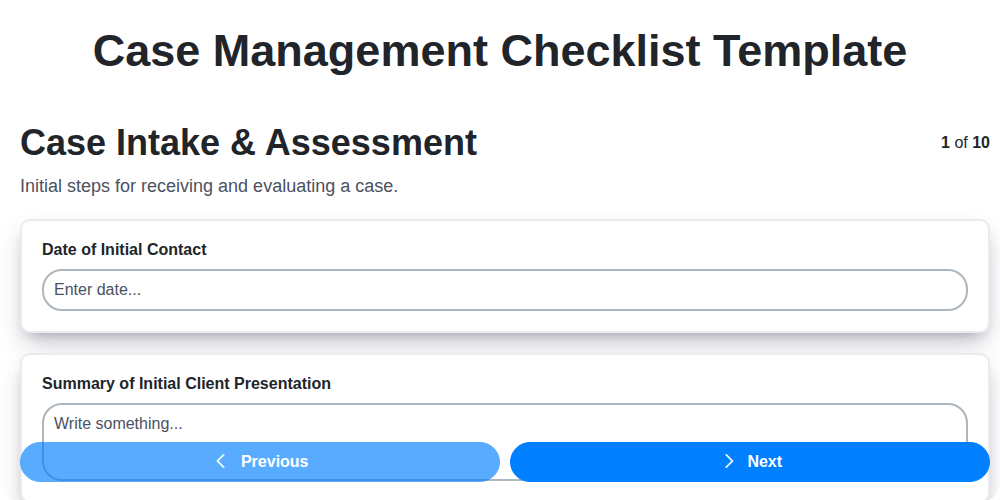
Streamline Your Case Management: The Ultimate Checklist Template
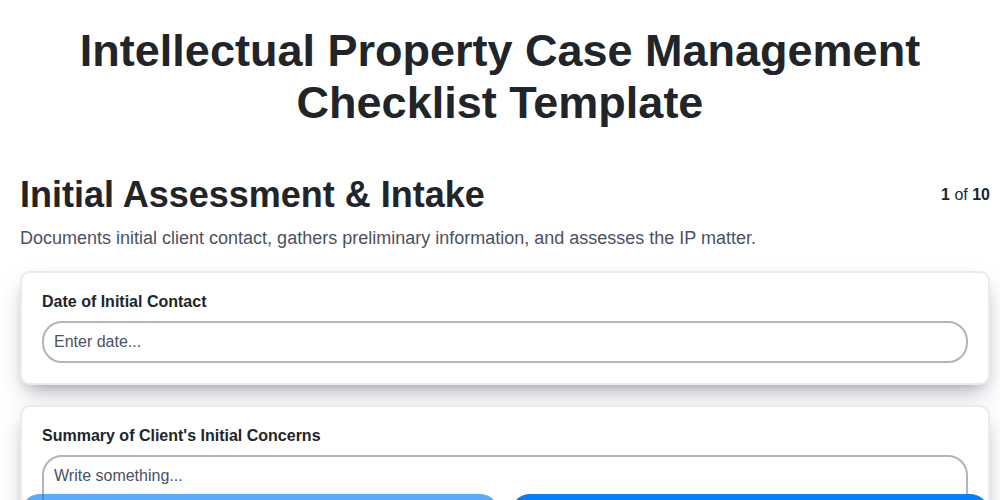
Mastering IP: Your Intellectual Property Case Management Checklist Template
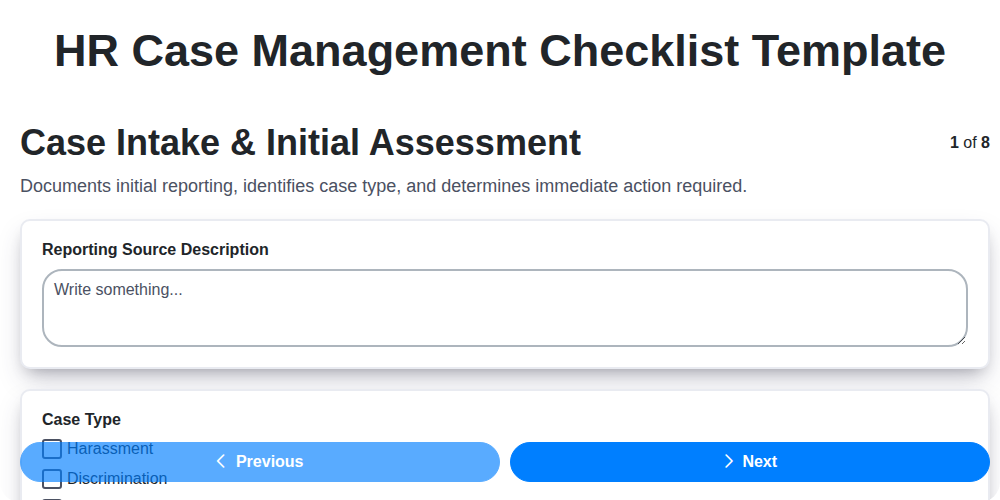
HR Case Management Checklist Template: Your Guide to Fair & Compliant Investigations
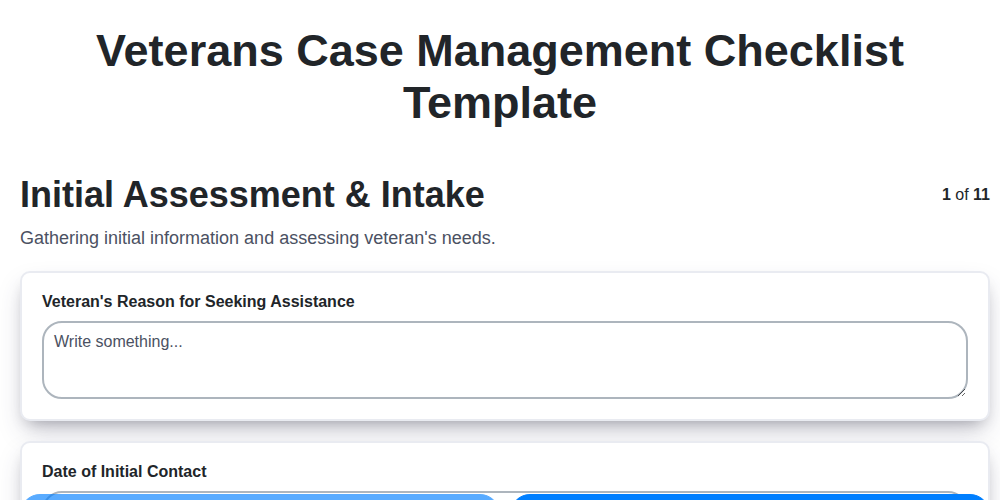
Streamlining Veteran Care: Your Comprehensive Case Management Checklist Template
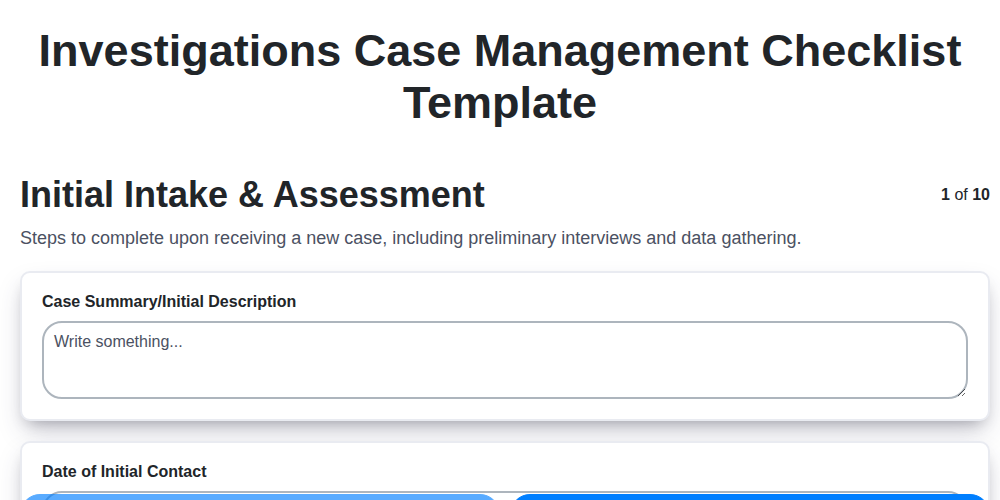
Mastering Investigations: Your Case Management Checklist Template Guide
Need help with
Checklists?
Have a question? We're here to help. Please submit your inquiry, and we'll respond promptly.