 ChecklistGuro
 Real-Time Waste Diversion Workflow: Optimized Recycling & Waste Tracking on Work OS
Automate Recycling & Waste Tracking: Implement our Real-Time Waste Diversion Workflow on Work OS for peak sustainability and compliance. Track materials, optimize collection routes, and maximize recycling rates instantly.
This Template was installed 5 times.
Start
Start of the Workflow/Process.
1. Initiate Waste Pickup Request
Create initial task upon identification of waste requiring removal.
2. Retrieve Site Waste Manifest Data
Fetch current waste type, volume, and location data from the site's inventory model.
3. Calculate Estimated Waste Volume
Calculate projected tonnage or volume based on received material entries (e.g., weight readings).
4. Assign Waste Collection Task
Automatically create a pickup task assigned to the nearest available collection crew.
5. Update Pickup Confirmation Status
Update the waste manifest record once collection is successfully completed by the team.
6. Log Disposal Destination Details
Create a record detailing the final landfill/recycling facility and associated weights.
7. Fetch Client Location Details
Retrieve necessary geographical coordinates and client contact info for service dispatch.
8. Notify Client of Pickup Completion
Send automated confirmation email to the client detailing service completion and weight logged.
9. Alert Supervisor of New High-Priority Waste Alert
Send immediate SMS alert to site supervisor if hazardous waste threshold is exceeded.
10. Aggregate Daily Waste Metrics
Sum up all logged waste weights (recyclable, landfill) for daily reporting.
11. Generate Weekly Waste Diversion Report
Compile a performance report showing total diverted vs. total waste generated.
12. Calculate Diversion Rate Percentage
Calculate (Recycled Weight / Total Weight) * 100 for reporting.
13. Schedule Quarterly Compliance Audit Task
Automatically set a recurring task for facility compliance checks.
14. Generate Disposal Manifest Task
Create task for documenting final weighbridge tickets and waste streams.
15. Update Waste Haul Truck Readings
Update weight entries with actual data captured from the vehicle scales.
16. Check Available Recycling Capacity
Get real-time capacity data for specific recycling streams (e.g., e-waste).
17. Distribute Daily Service Summary
Email summary of all pickups and weights to the account manager.
18. Confirm Next Scheduled Service Date
Send automated SMS confirmation to the client regarding the next pickup appointment.
19. Archive Completed Manifests
Clean up the system by archiving records after successful report generation.
End
End of the Workflow/Process.
Start of the Workflow/Process.
Create initial task upon identification of waste requiring removal.
Fetch current waste type, volume, and location data from the site's inventory model.
Calculate projected tonnage or volume based on received material entries (e.g., weight readings).
Automatically create a pickup task assigned to the nearest available collection crew.
Update the waste manifest record once collection is successfully completed by the team.
Create a record detailing the final landfill/recycling facility and associated weights.
Retrieve necessary geographical coordinates and client contact info for service dispatch.
Send automated confirmation email to the client detailing service completion and weight logged.
Send immediate SMS alert to site supervisor if hazardous waste threshold is exceeded.
Sum up all logged waste weights (recyclable, landfill) for daily reporting.
Compile a performance report showing total diverted vs. total waste generated.
Calculate (Recycled Weight / Total Weight) * 100 for reporting.
Automatically set a recurring task for facility compliance checks.
Create task for documenting final weighbridge tickets and waste streams.
Update weight entries with actual data captured from the vehicle scales.
Get real-time capacity data for specific recycling streams (e.g., e-waste).
Email summary of all pickups and weights to the account manager.
Send automated SMS confirmation to the client regarding the next pickup appointment.
Clean up the system by archiving records after successful report generation.
End of the Workflow/Process.
Frequently Asked Questions
Comments
There are no comments yet. Be the first to add one!
Waste Management Solution Demo
Optimize your waste management & reduce environmental impact! ChecklistGuro streamlines collection, tracking, and reporting. Minimize waste, lower costs, & promote sustainability. Manage it all with our Work OS.
Related Workflow Templates
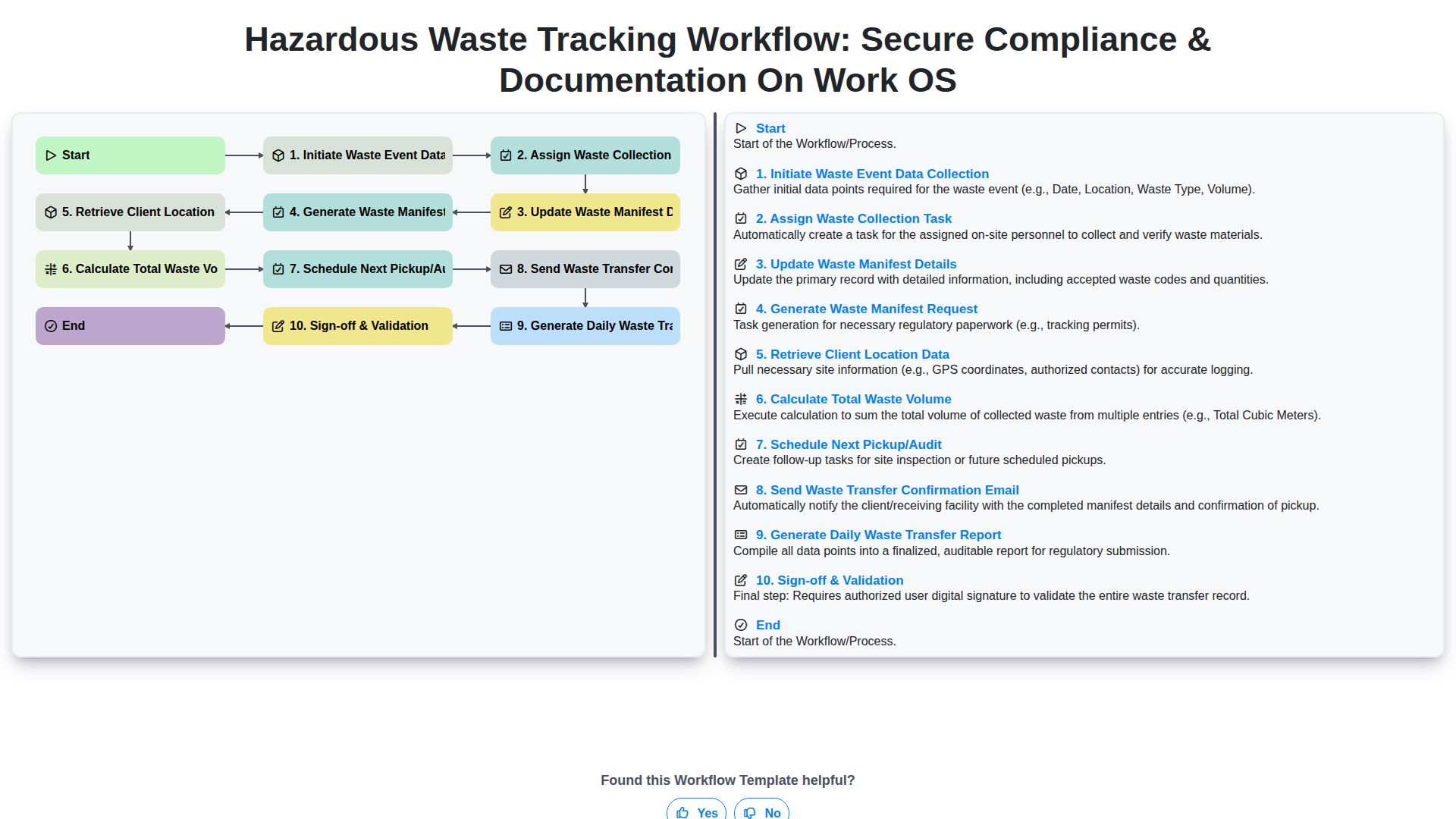
Hazardous Waste Tracking Workflow: Secure Compliance & Documentation on Work OS
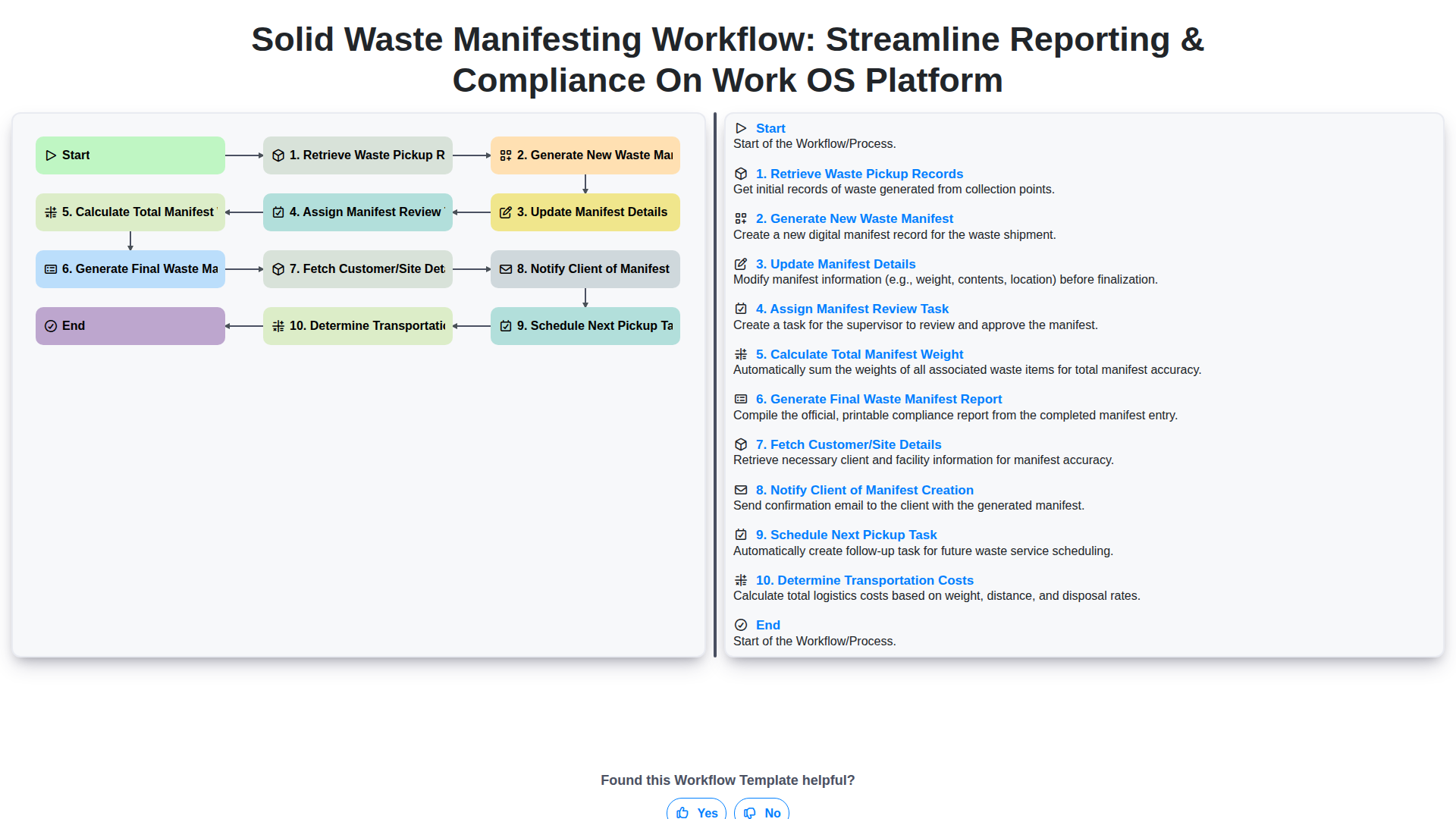
Solid Waste Manifesting Workflow: Streamline Reporting & Compliance on Work OS Platform
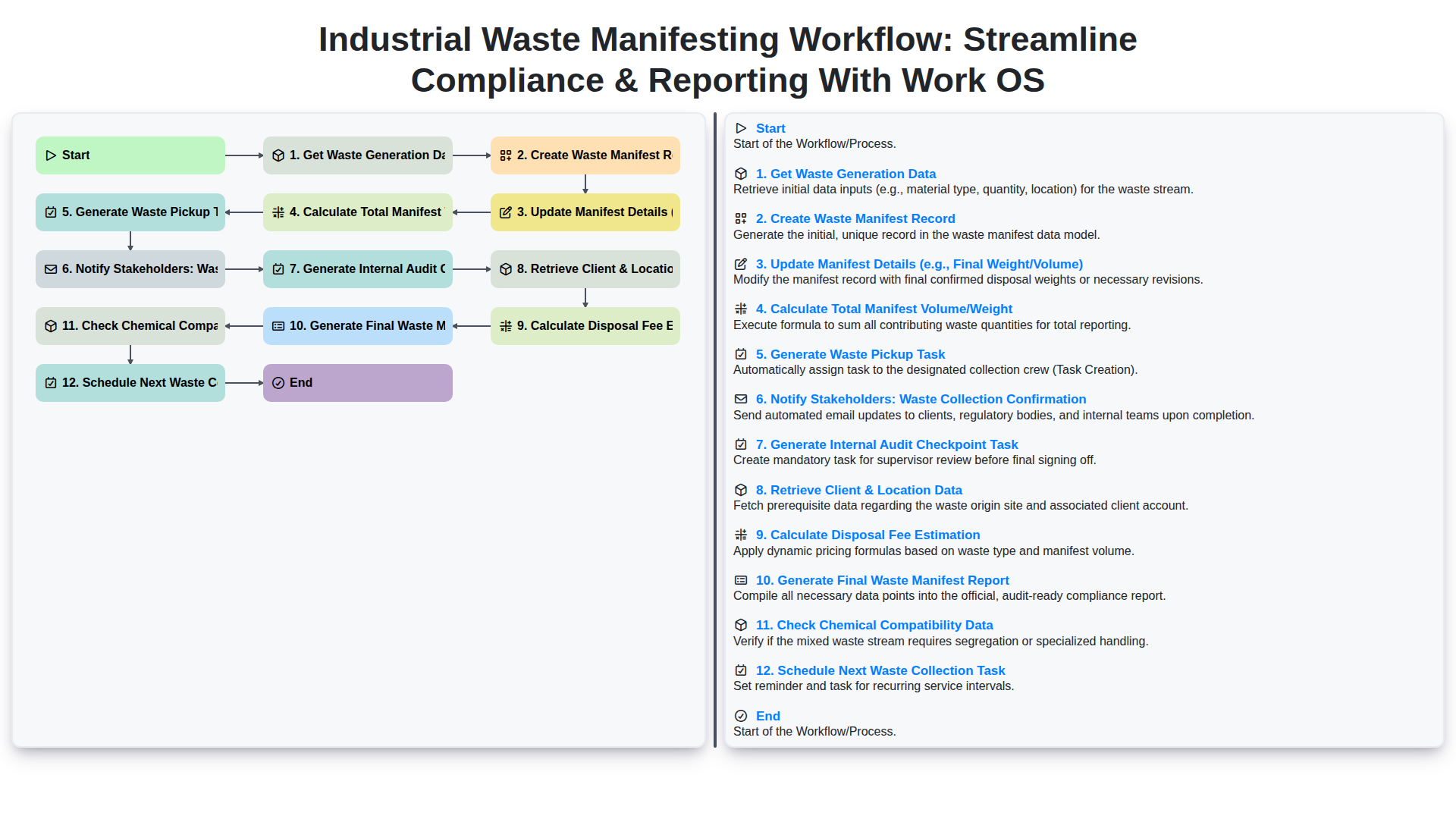
Industrial Waste Manifesting Workflow: Streamline Compliance & Reporting with Work OS
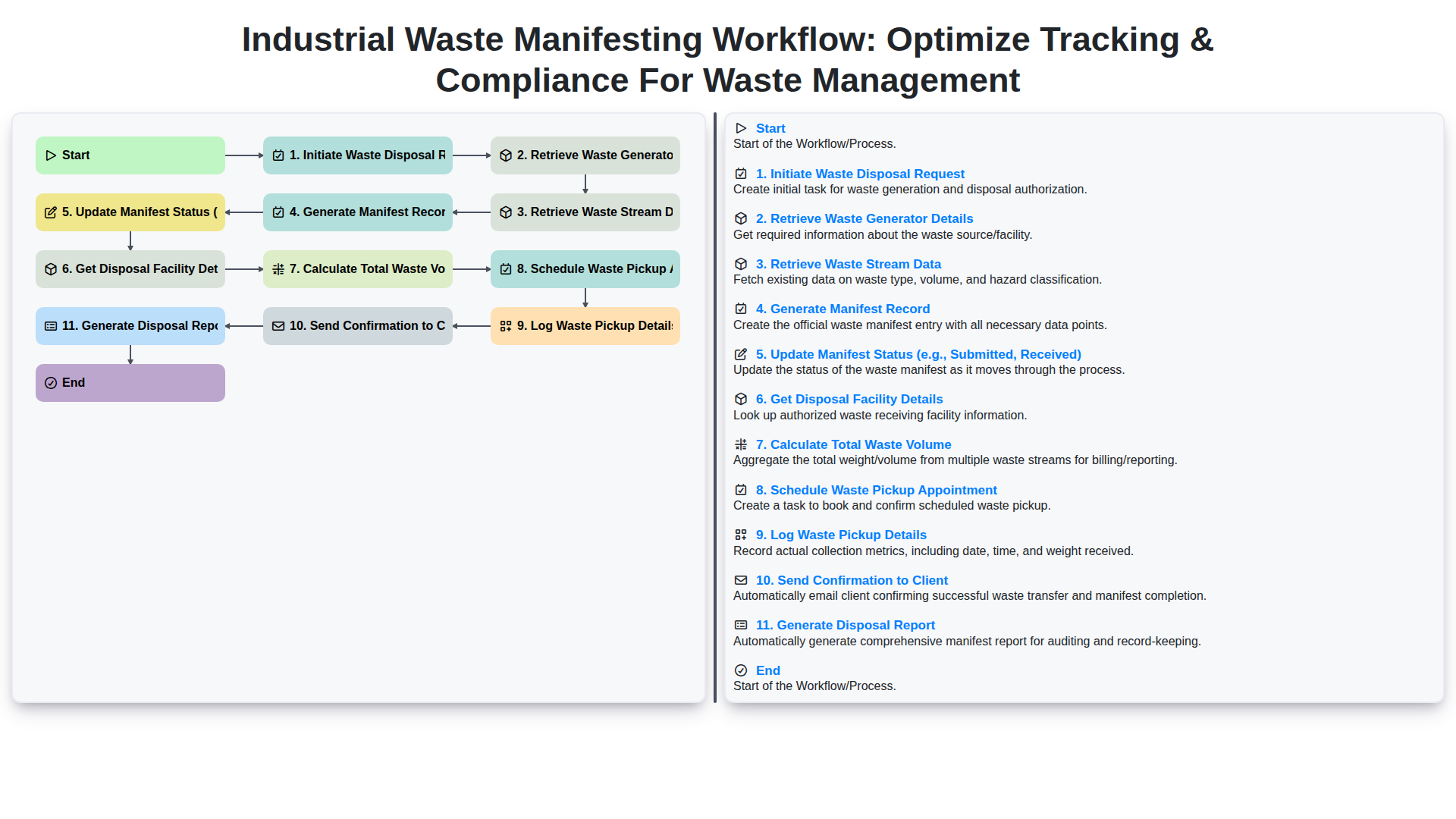
Industrial Waste Manifesting Workflow: Optimize Tracking & Compliance for Waste Management
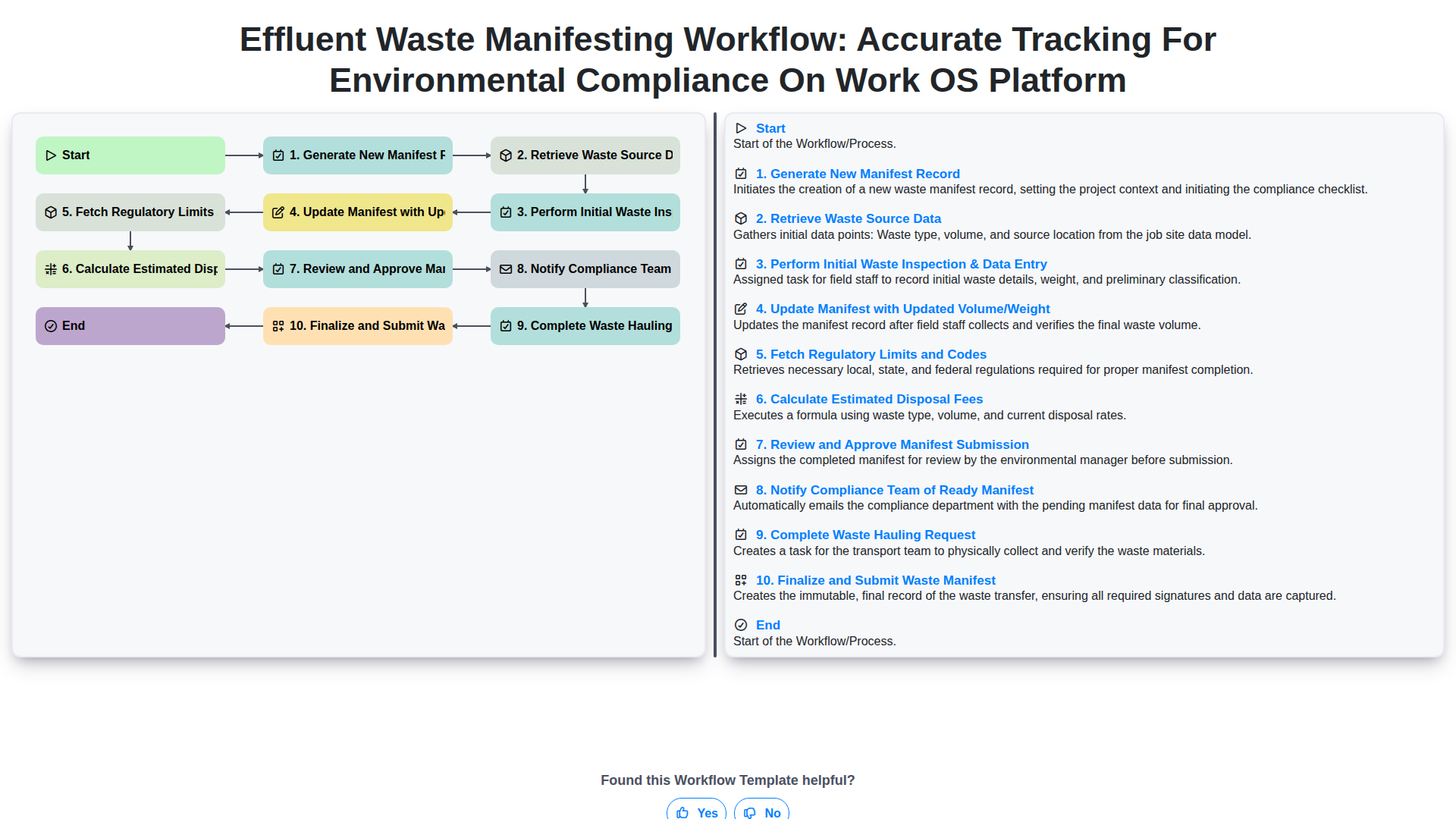
Effluent Waste Manifesting Workflow: Accurate Tracking for Environmental Compliance on Work OS Platform
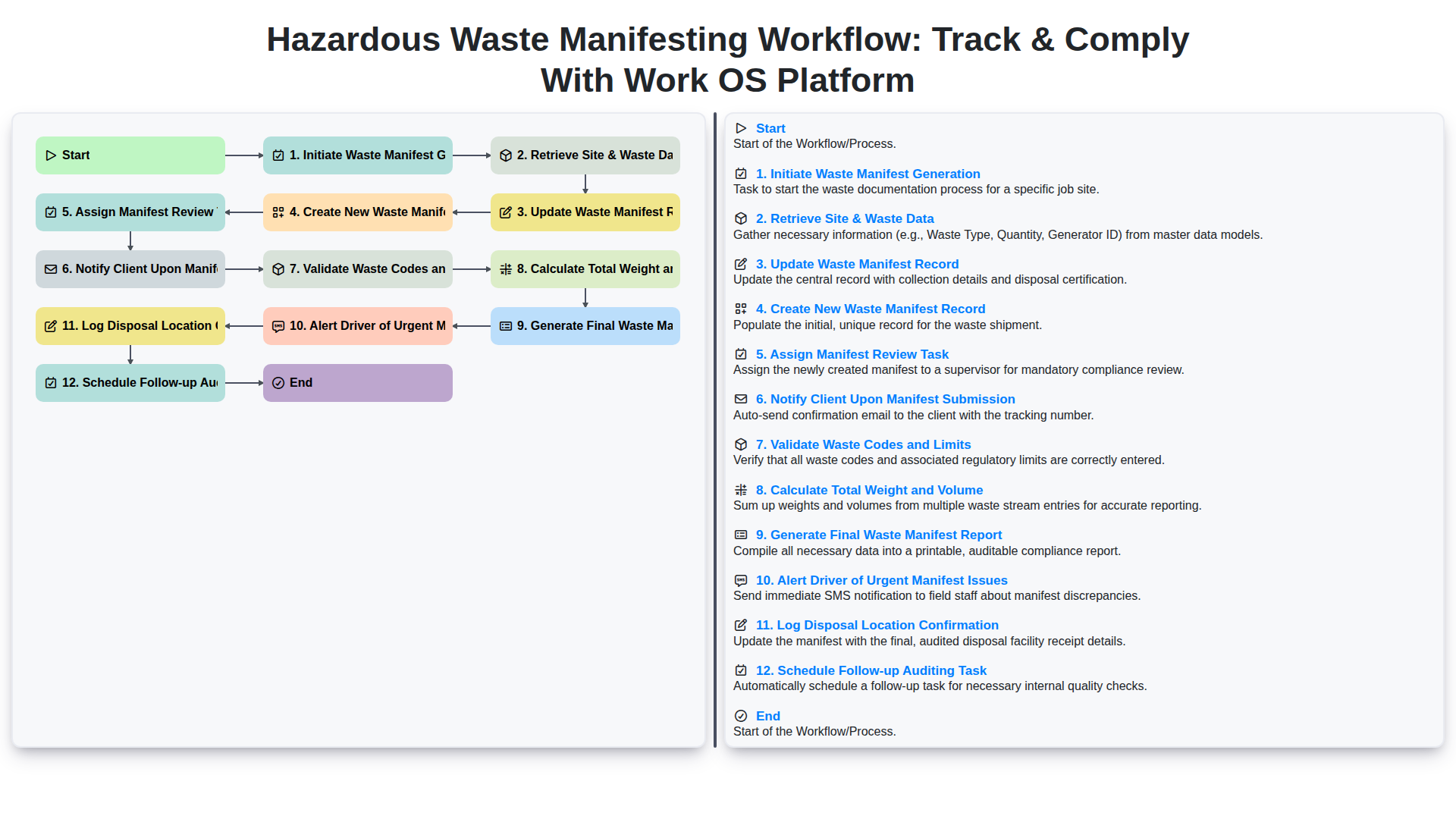
Hazardous Waste Manifesting Workflow: Track & Comply with Work OS Platform
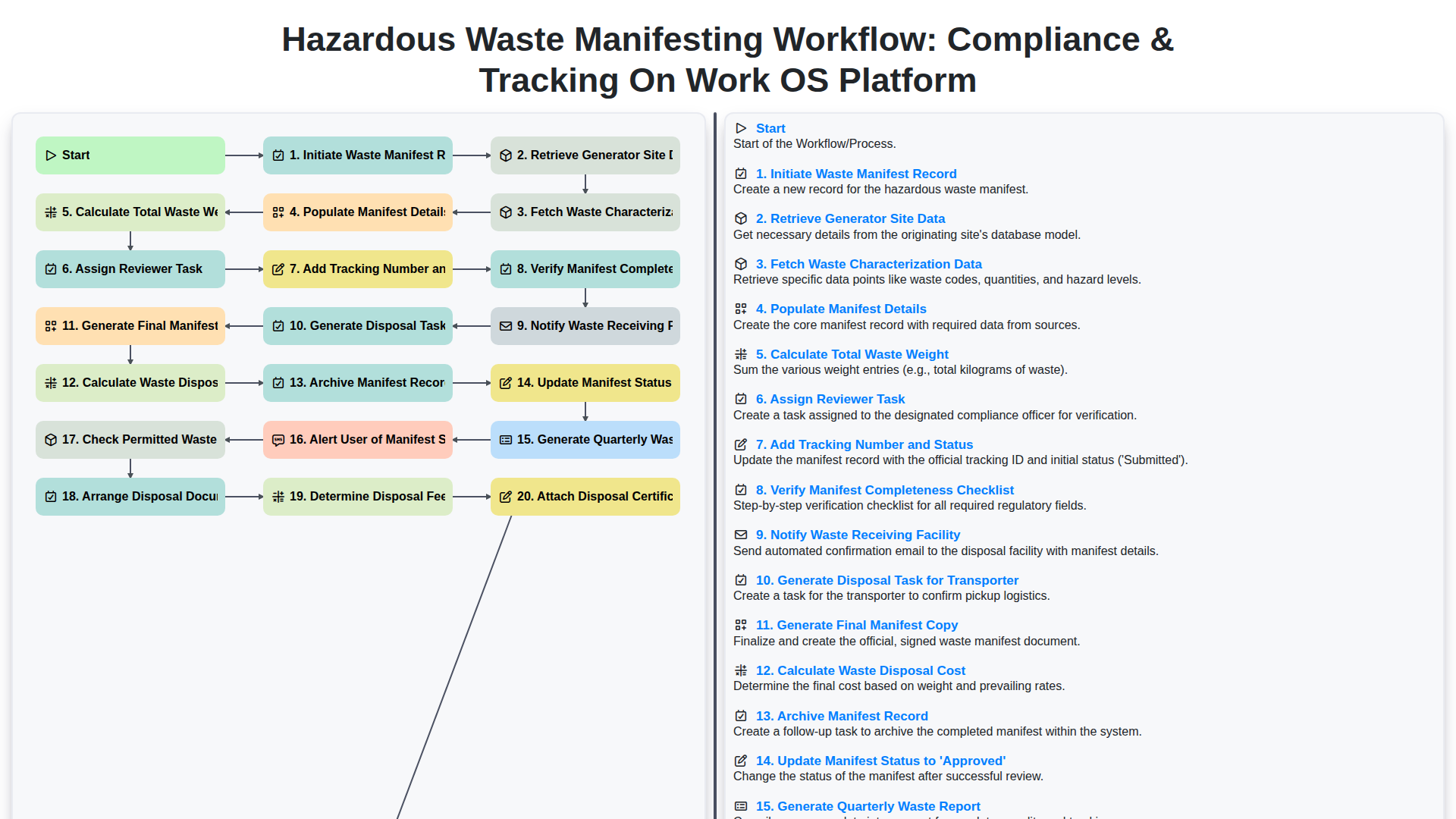
Hazardous Waste Manifesting Workflow: Compliance & Tracking on Work OS Platform
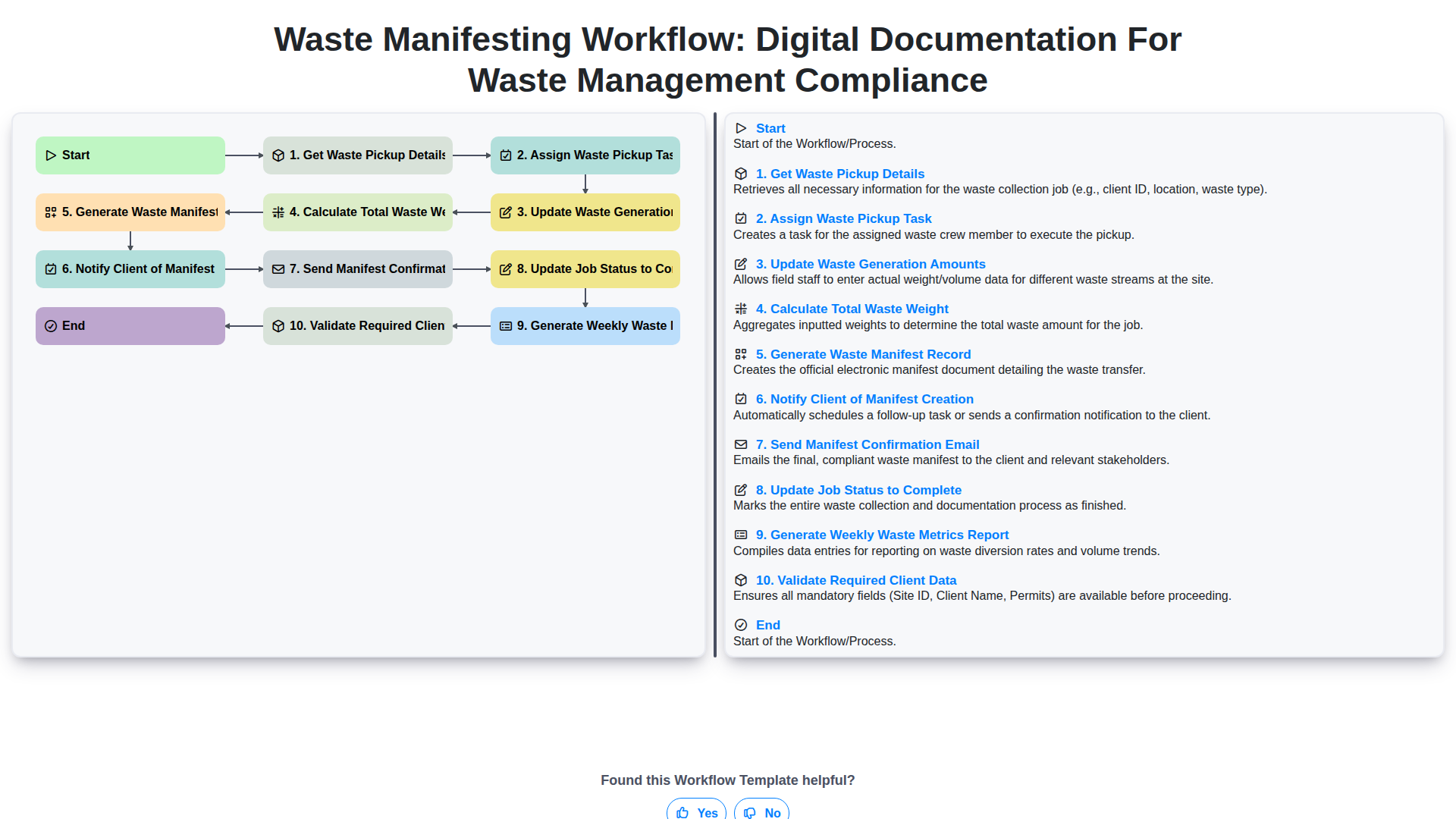
Waste Manifesting Workflow: Digital Documentation for Waste Management Compliance
Need help with
Waste Management?
Have a question? We're here to help. Please submit your inquiry, and we'll respond promptly.